Standing order documentation..
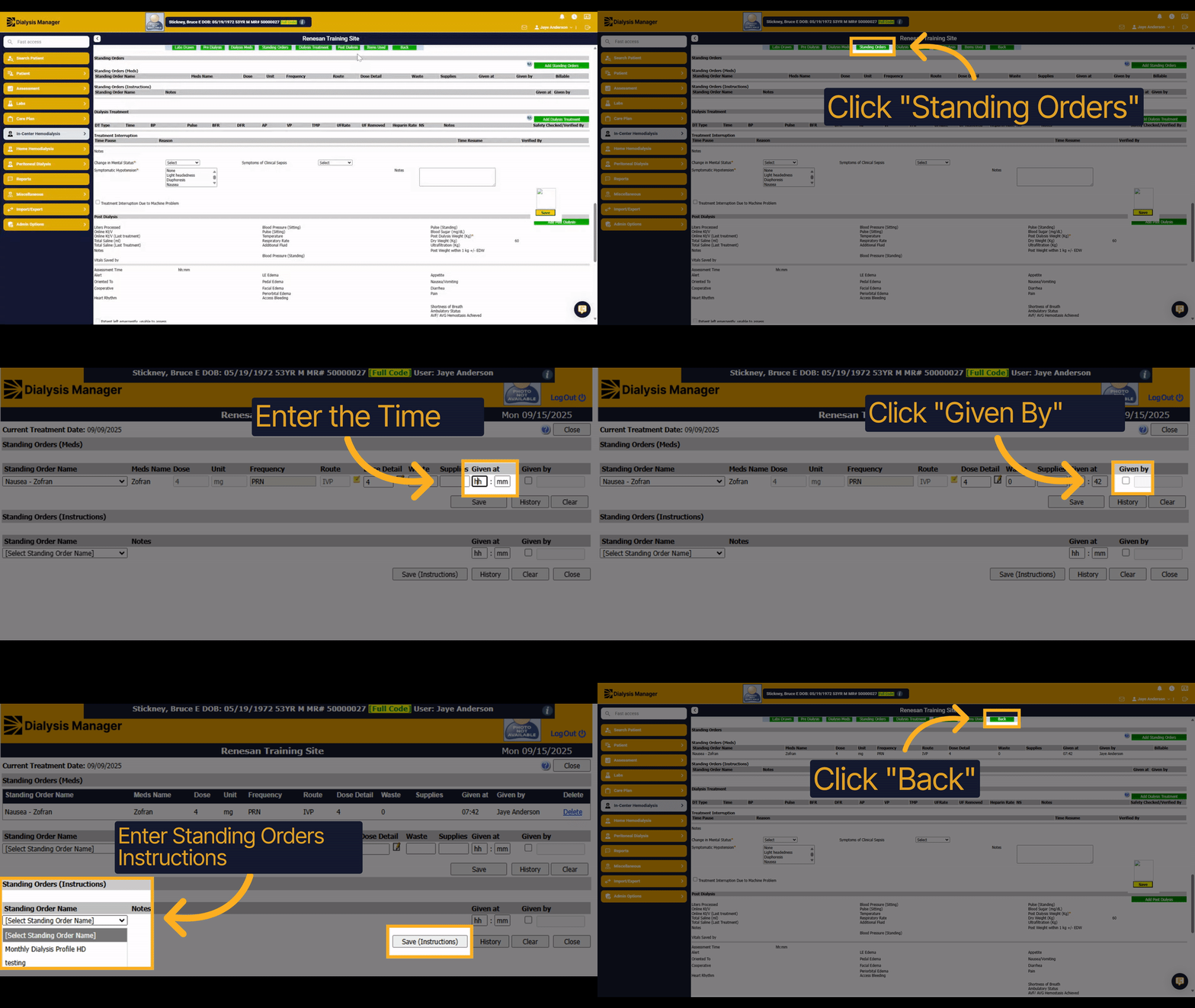
1. Introduction
We'll review how to document standing orders within the treatment flowsheet.
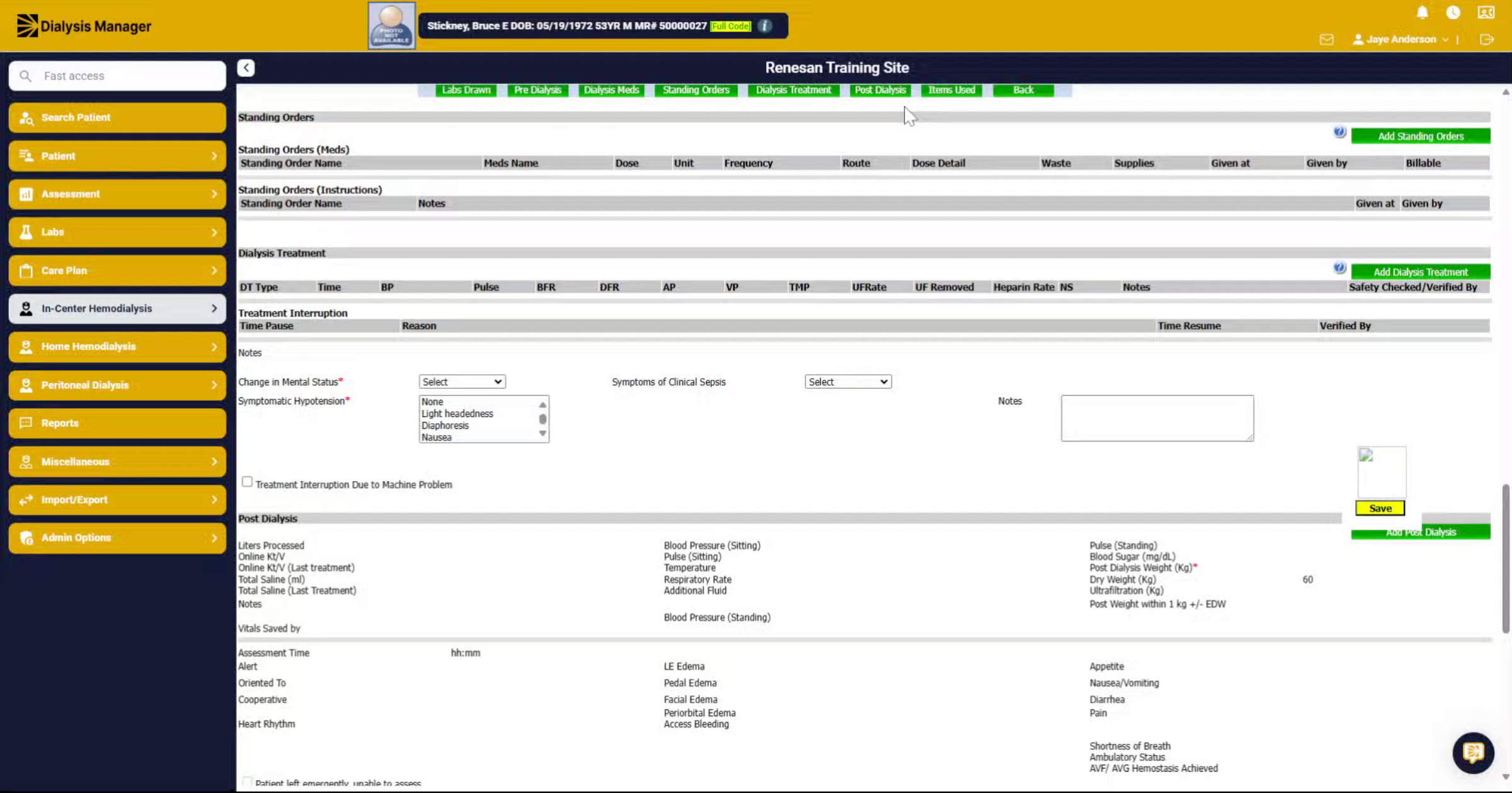
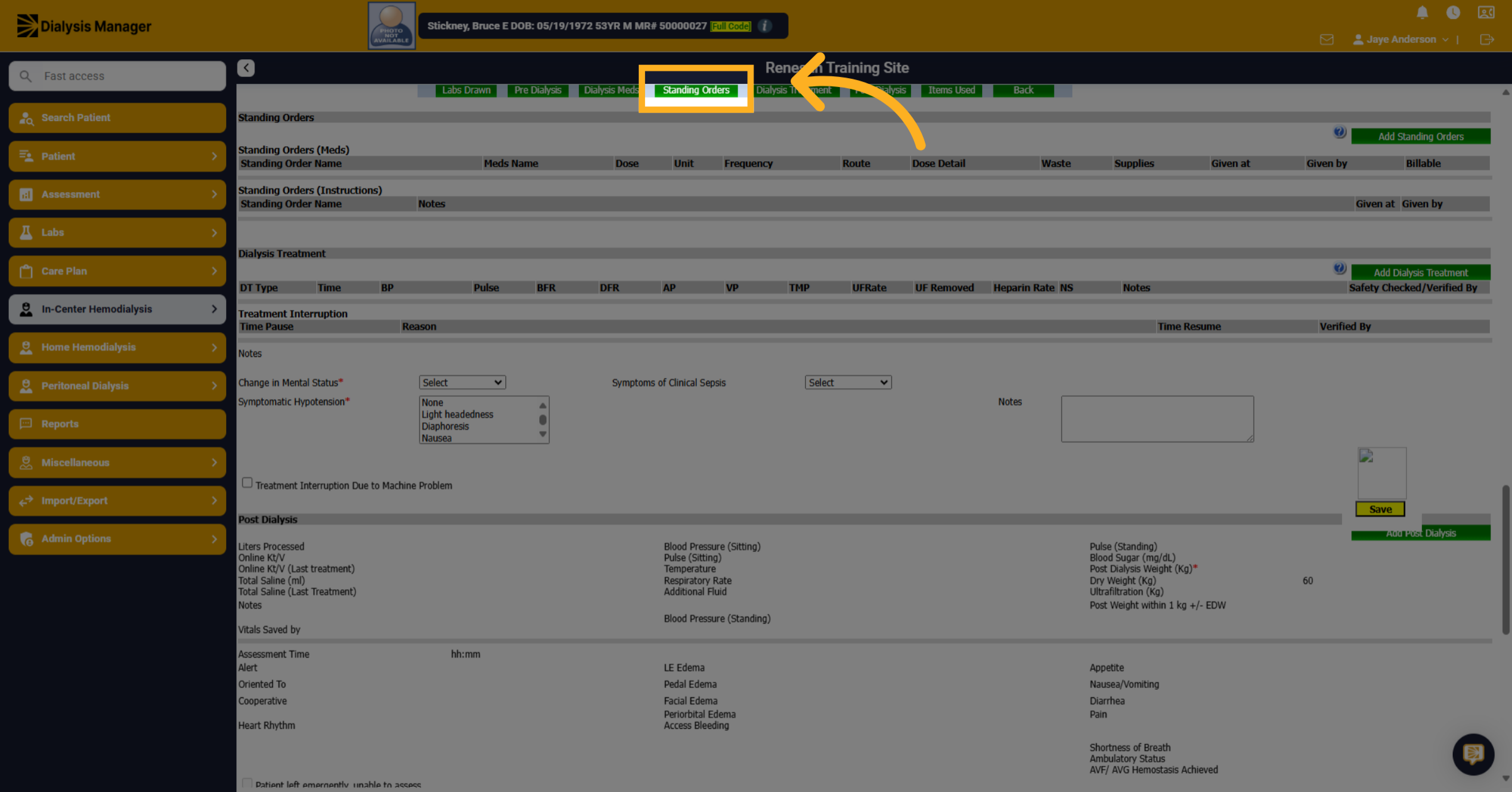
2. Click "Standing Orders"
Click "Standing Orders" option along the top. You'll see there are standing order meds and standing order instructions.
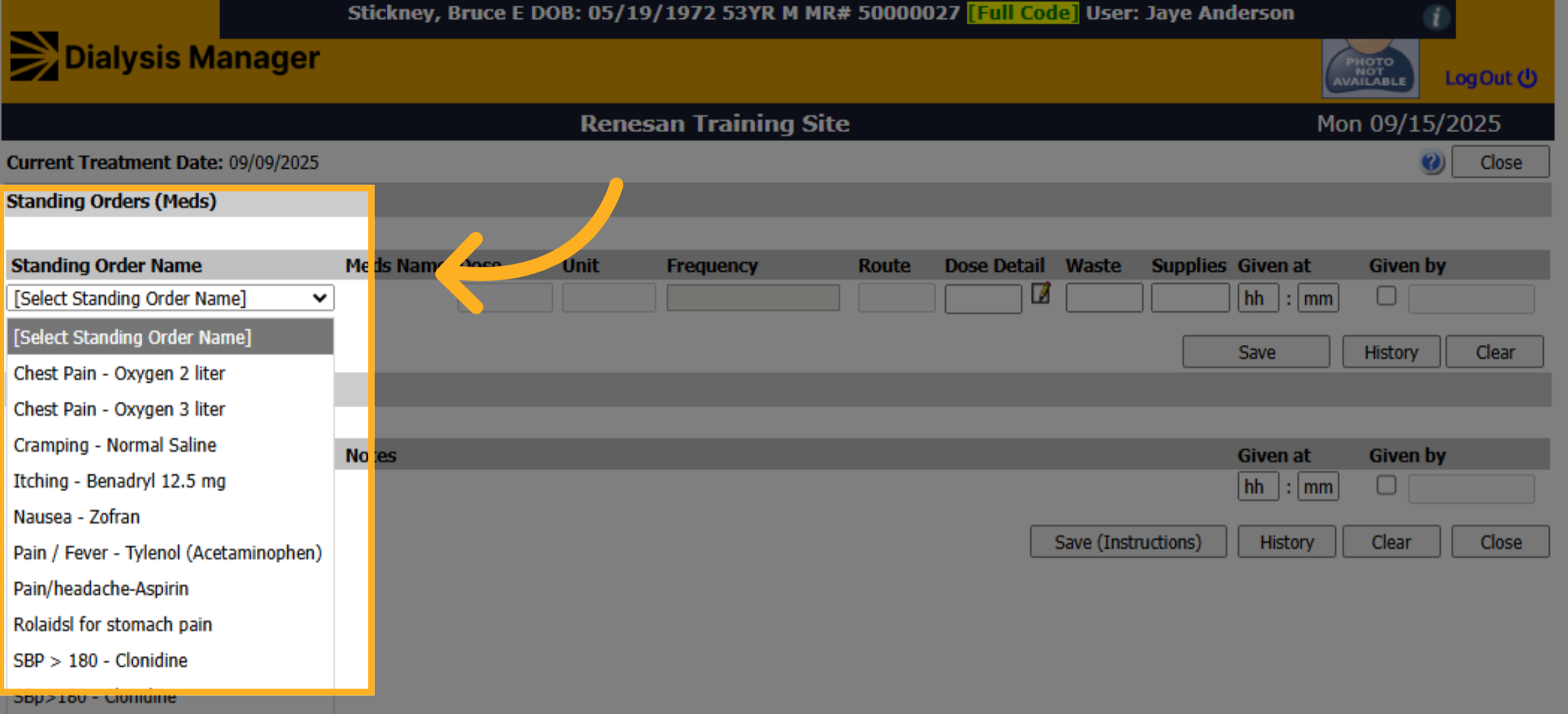
3. Select Standing Order Name
Click the desired standing order name, such as "Chest Pain - Oxygen 2 liter" or "Pain / Fever - Tylenol."
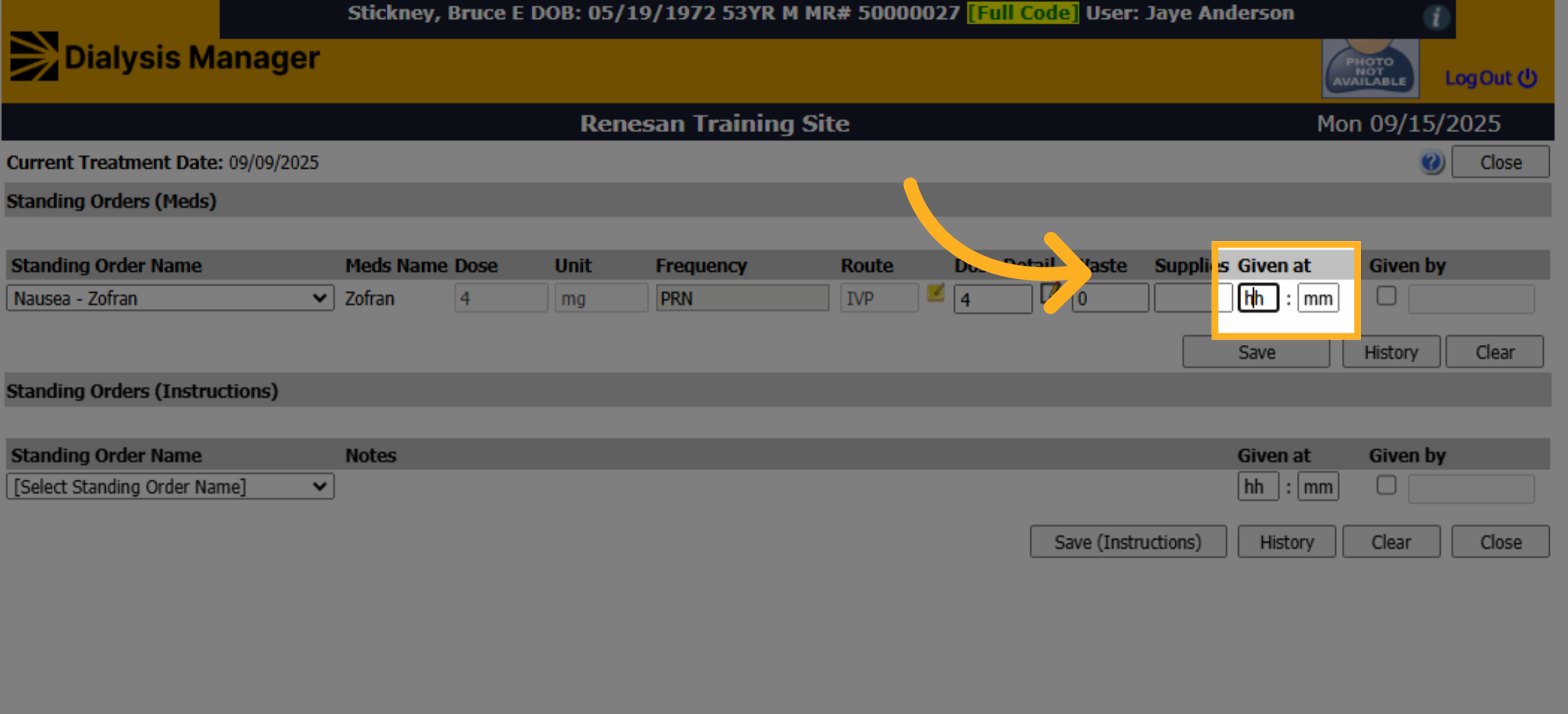
4. Enter the Time
Click "h.h." To Document the time given. Reminder you can use the F2 button on your keyboard to input the current time.
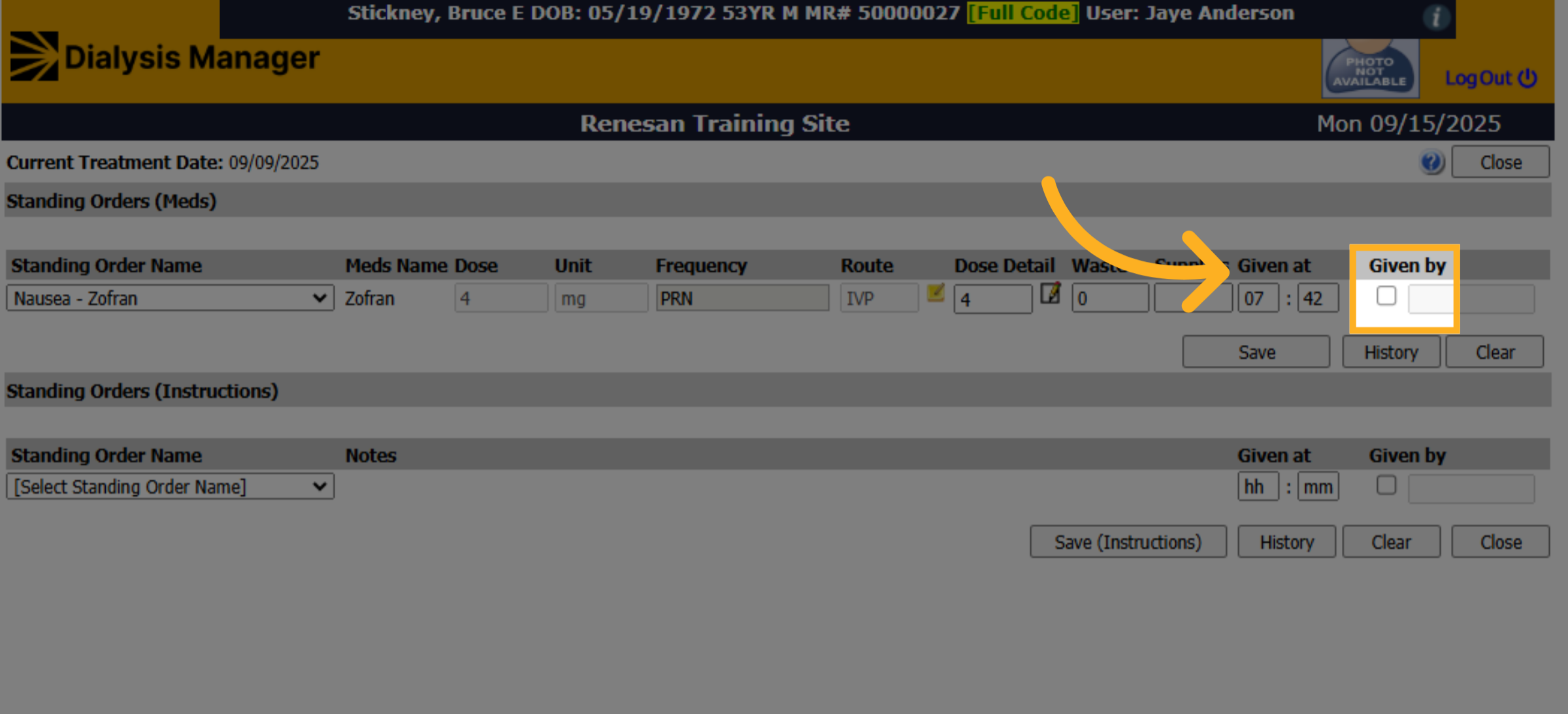
5. Click Given By
Click "Given By" to enter your username and password or PIN.
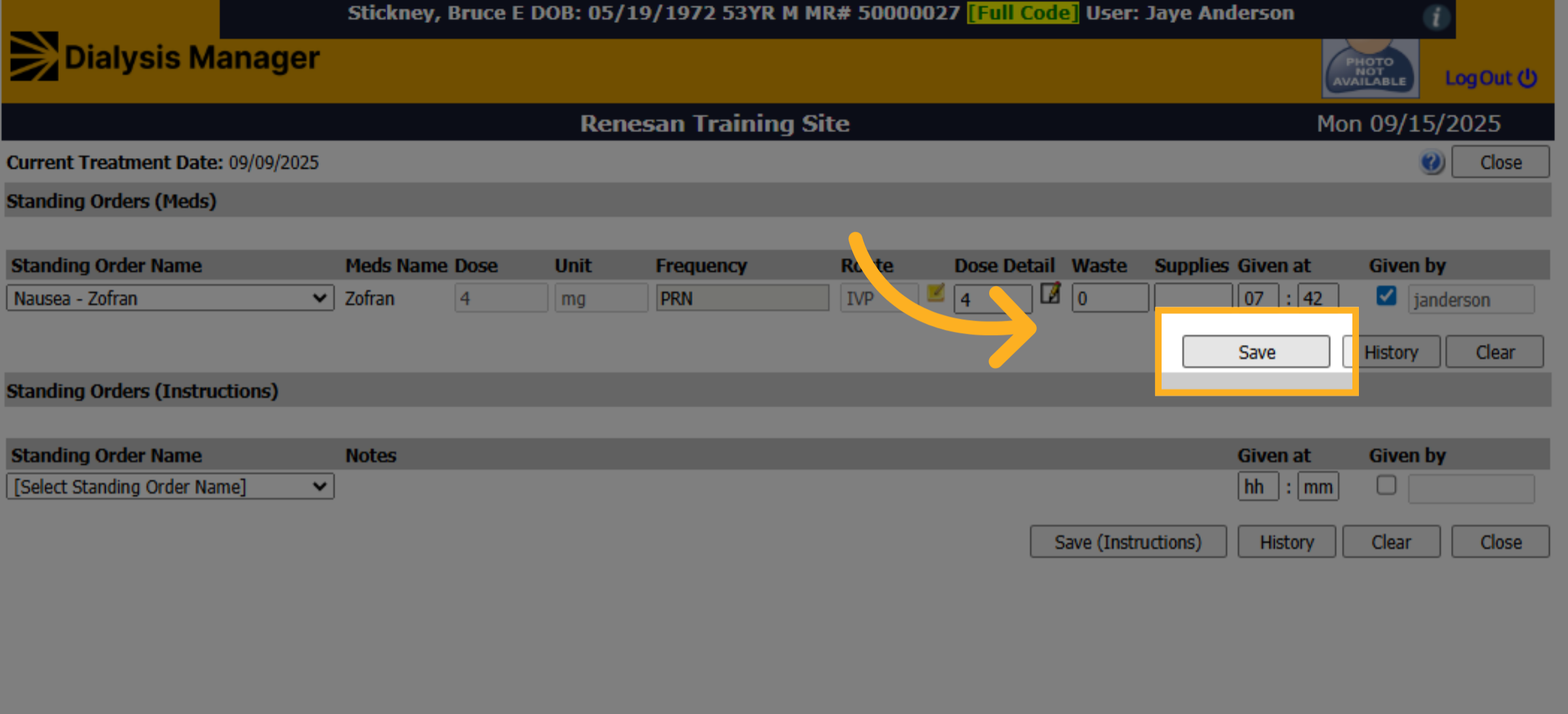
6. Click "Save"
Click "Save." to save the information.
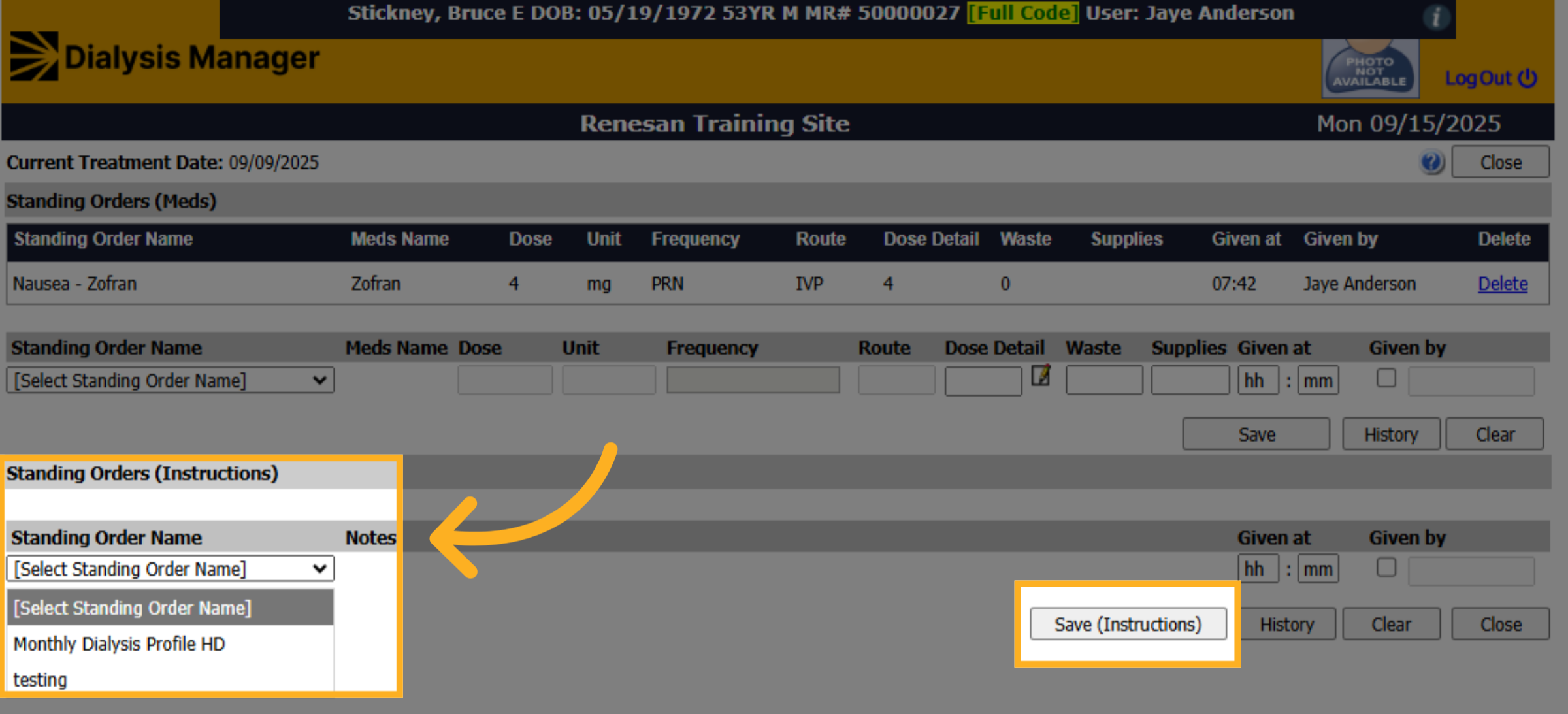
7. Standing Order Instructions
You can do the same thing for the Standing Order instructions. Select the Standing Order Instruction Name, then complete the "Given At" and "Given By" information. Don't forget to click Save (Instructions)!
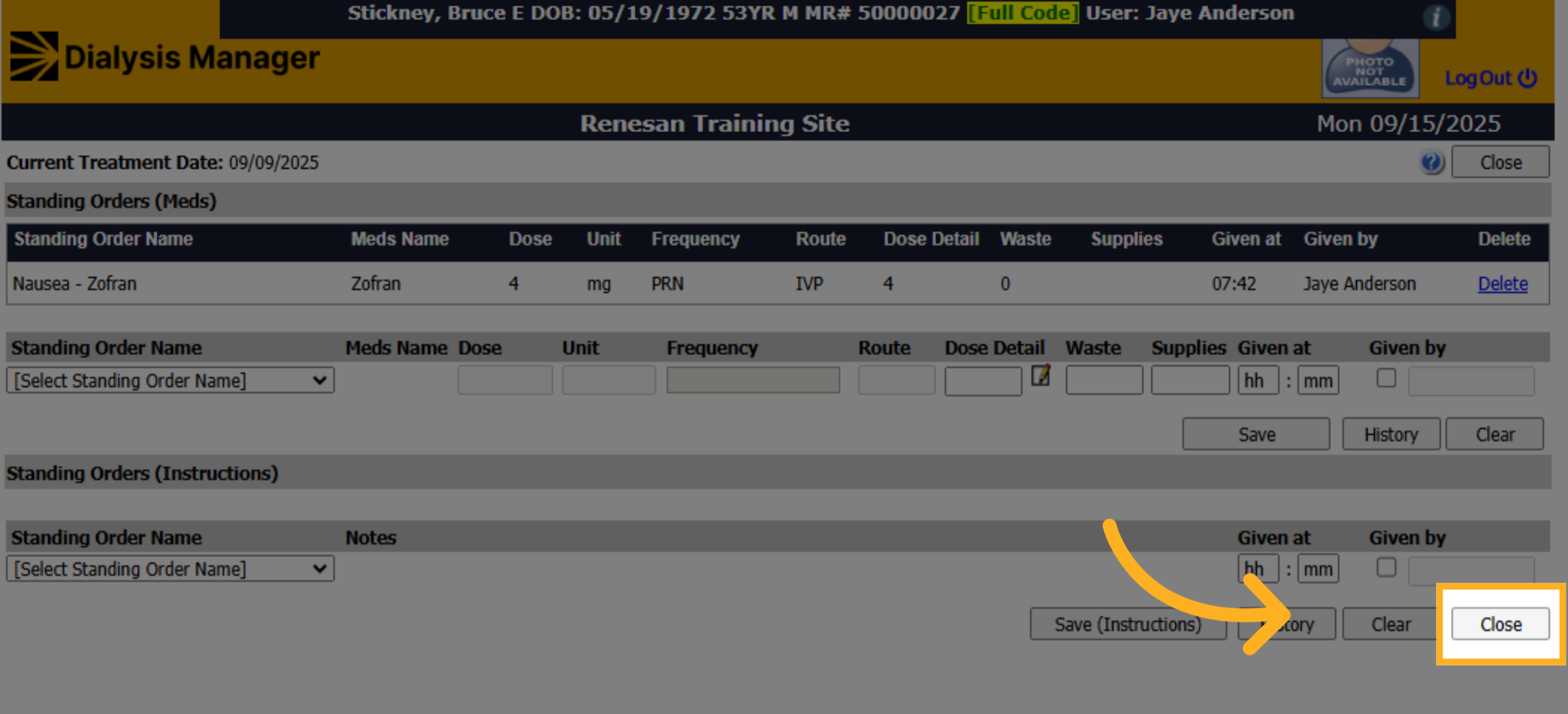
8. Click "Close"
Click "Close" when you're done.
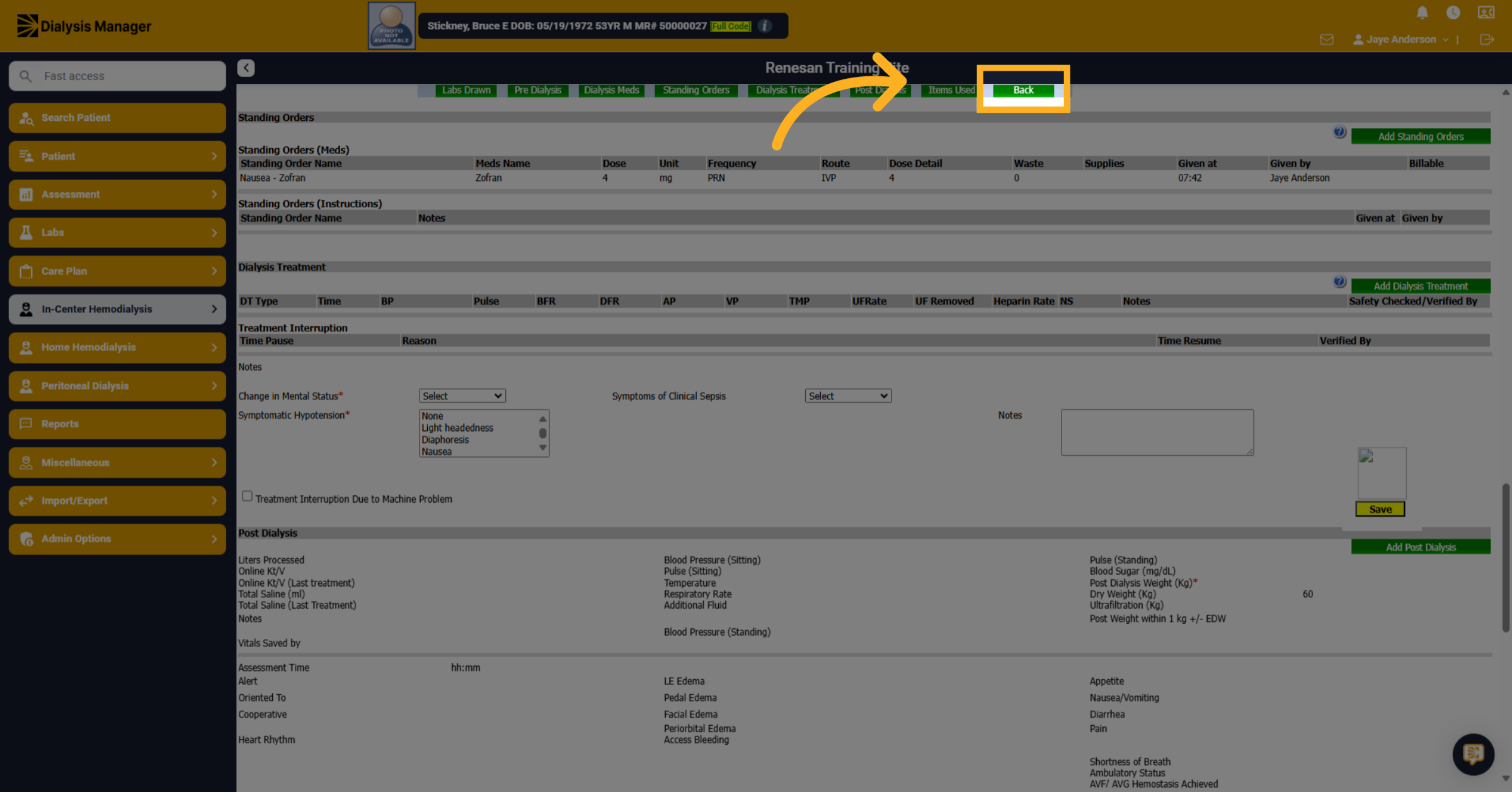
9. Click "Back"
Click "Back" to return to the Treatment by Date screen