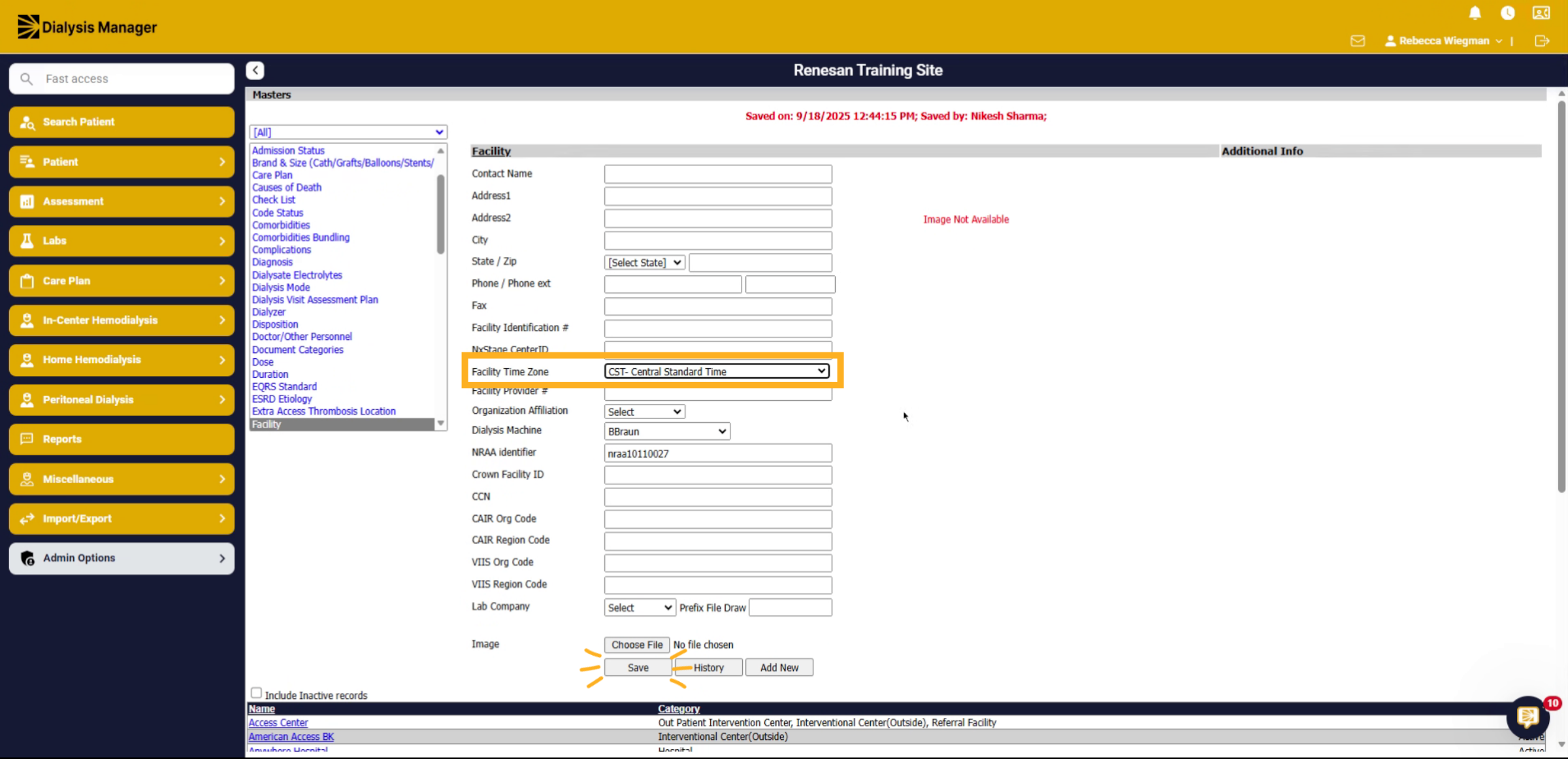
Setting your facility Time Zone.
1. Introduce Time Zone Setup Objective
In this tutorial, we are going to walk through the steps at setting your Clinic's time zone.
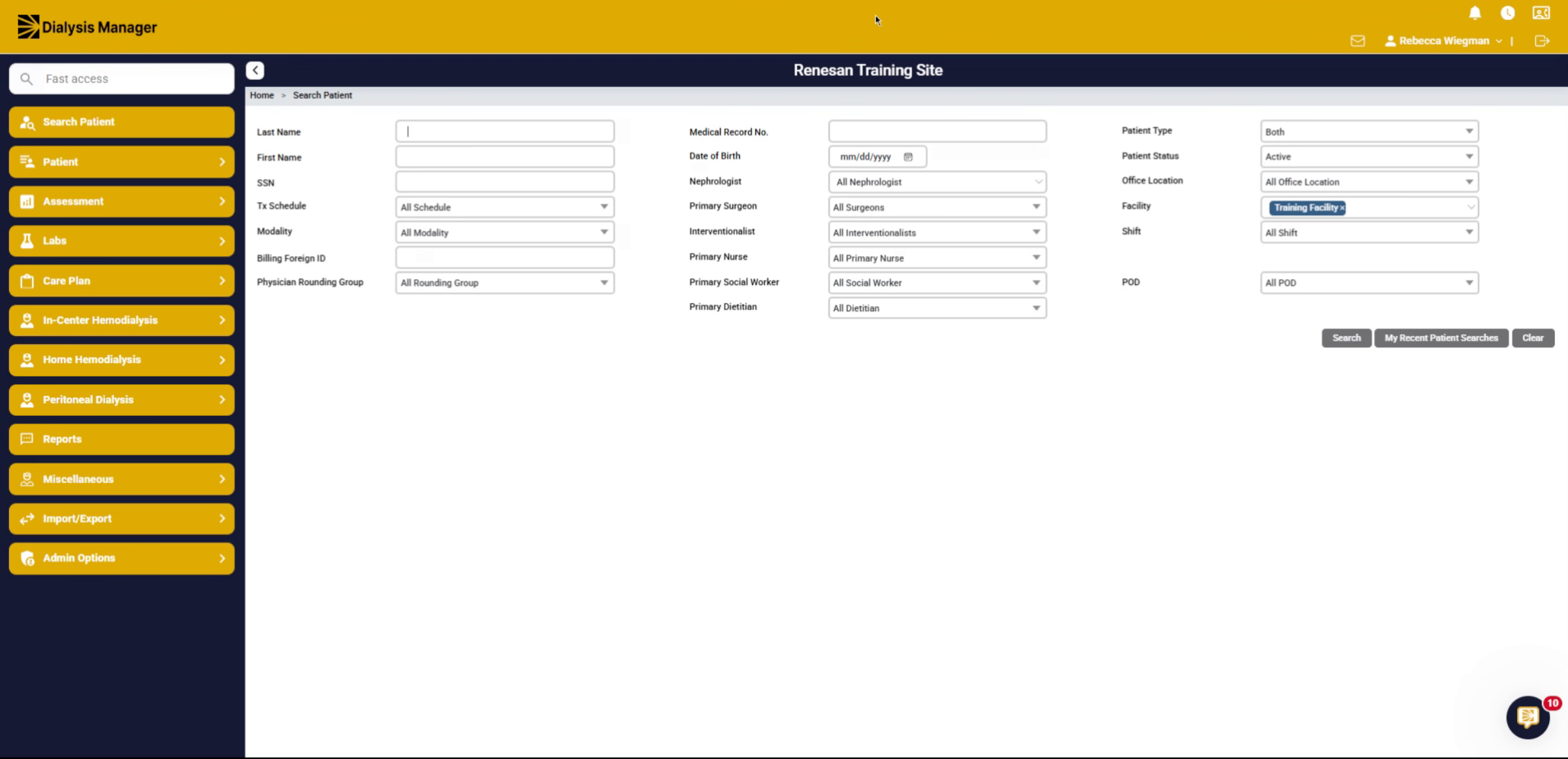
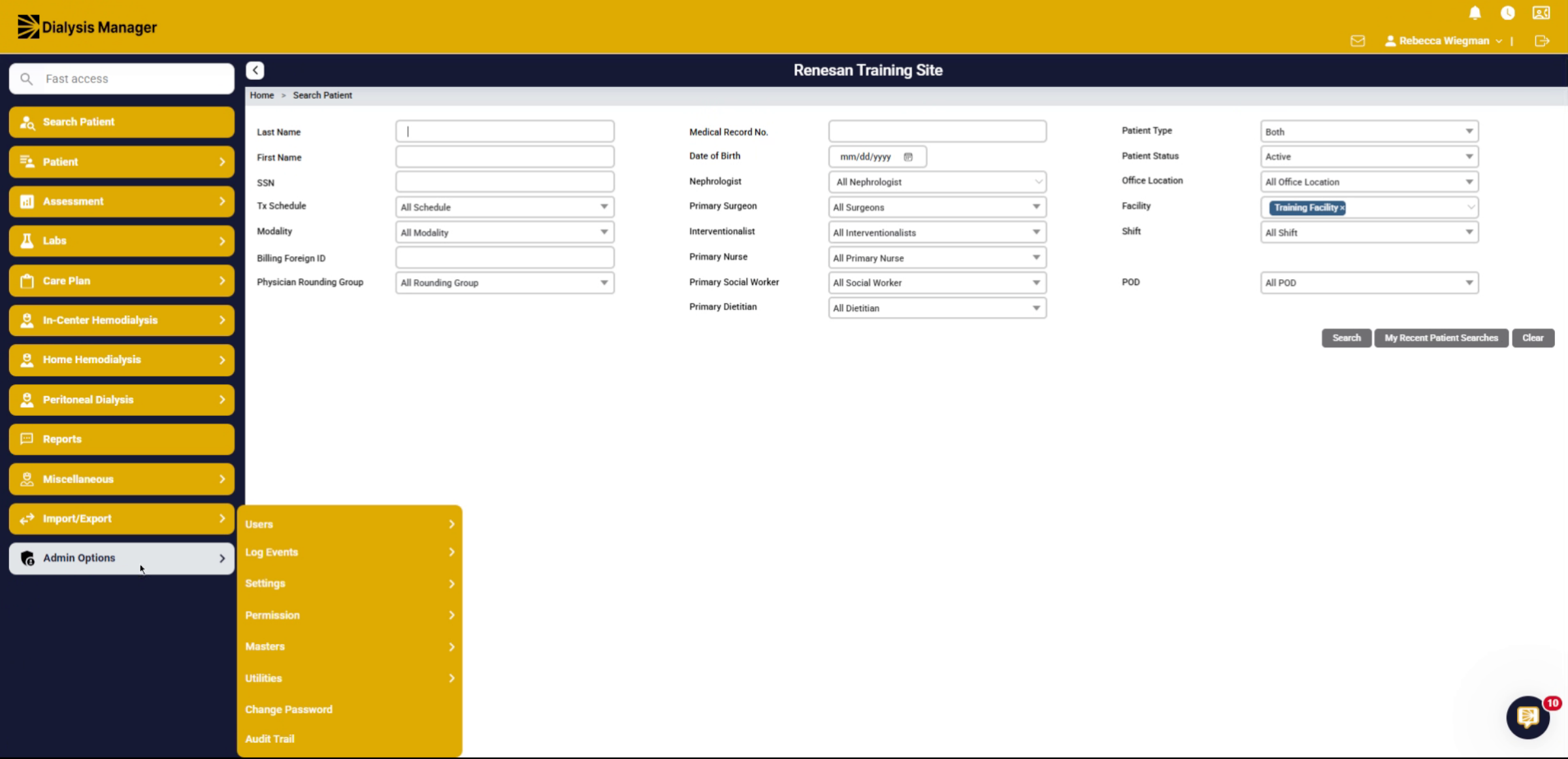
2. Access Admin Options
Go into Admin Options, Masters, and Master lists.
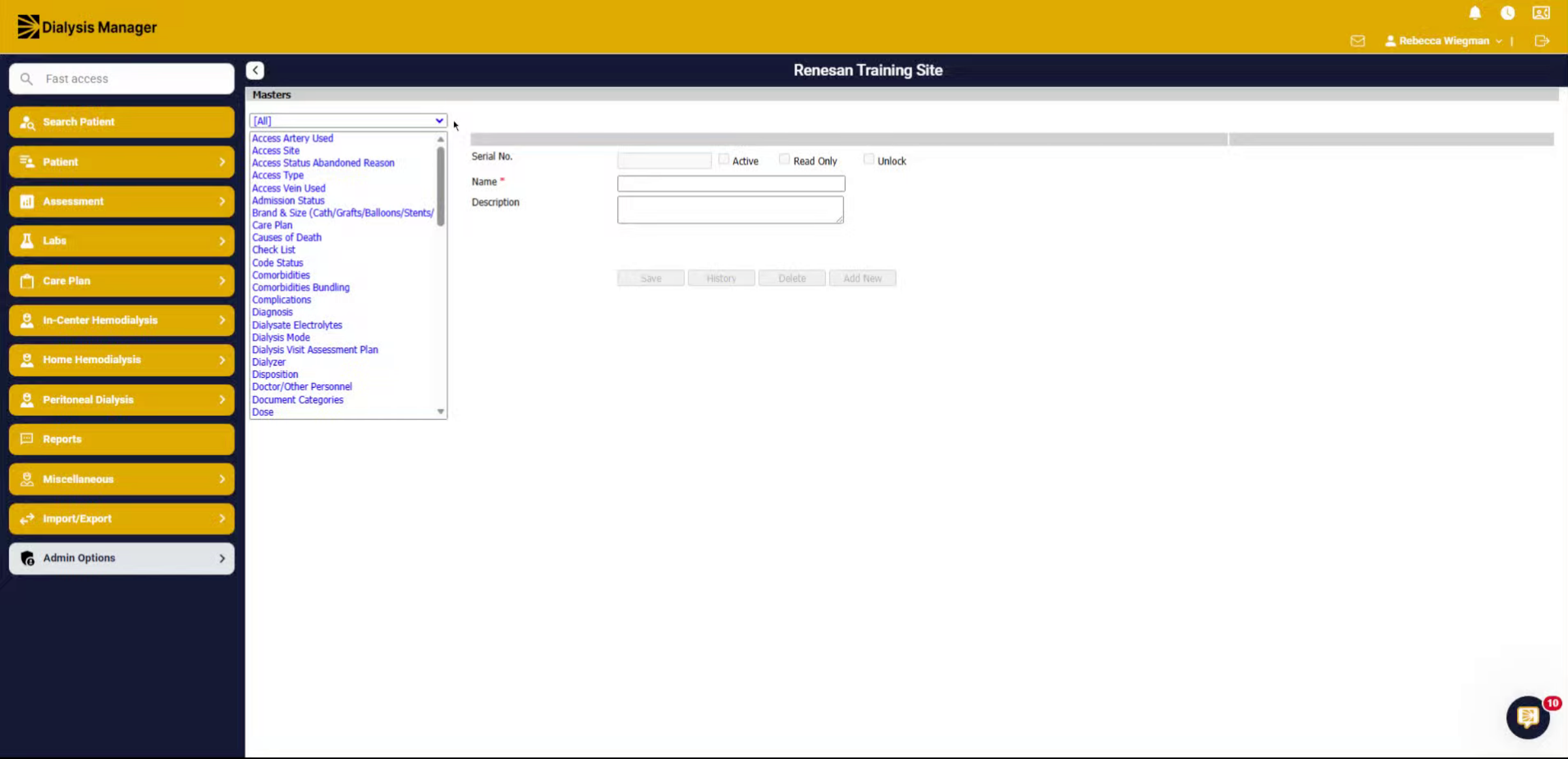
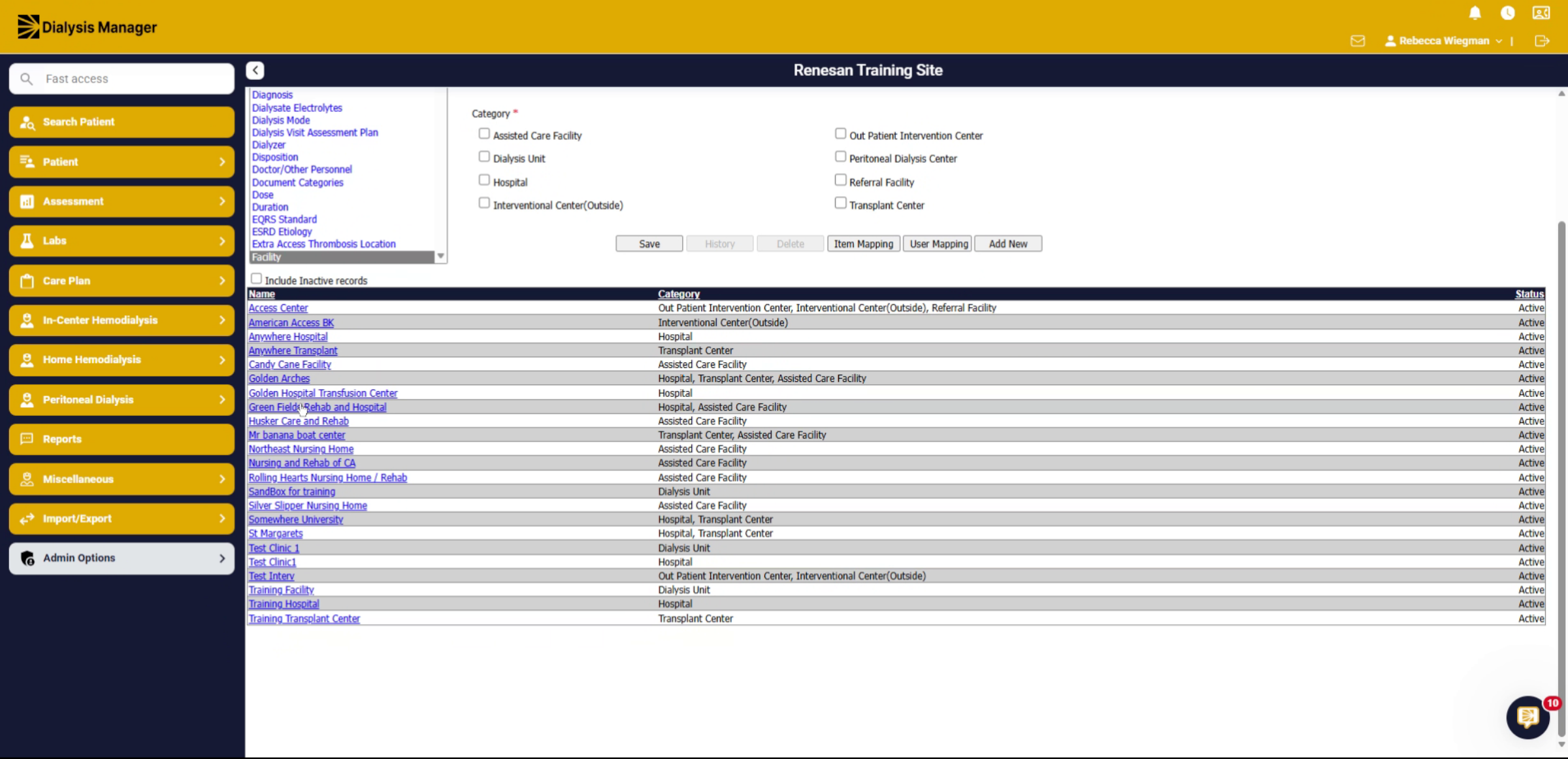
3. Search for Facility
Inside the drop-down, we are going to search for facility.
4. Select Desired Facility
Select the facility, you are looking to set.
5. Additional Info
Click on Additional Info!
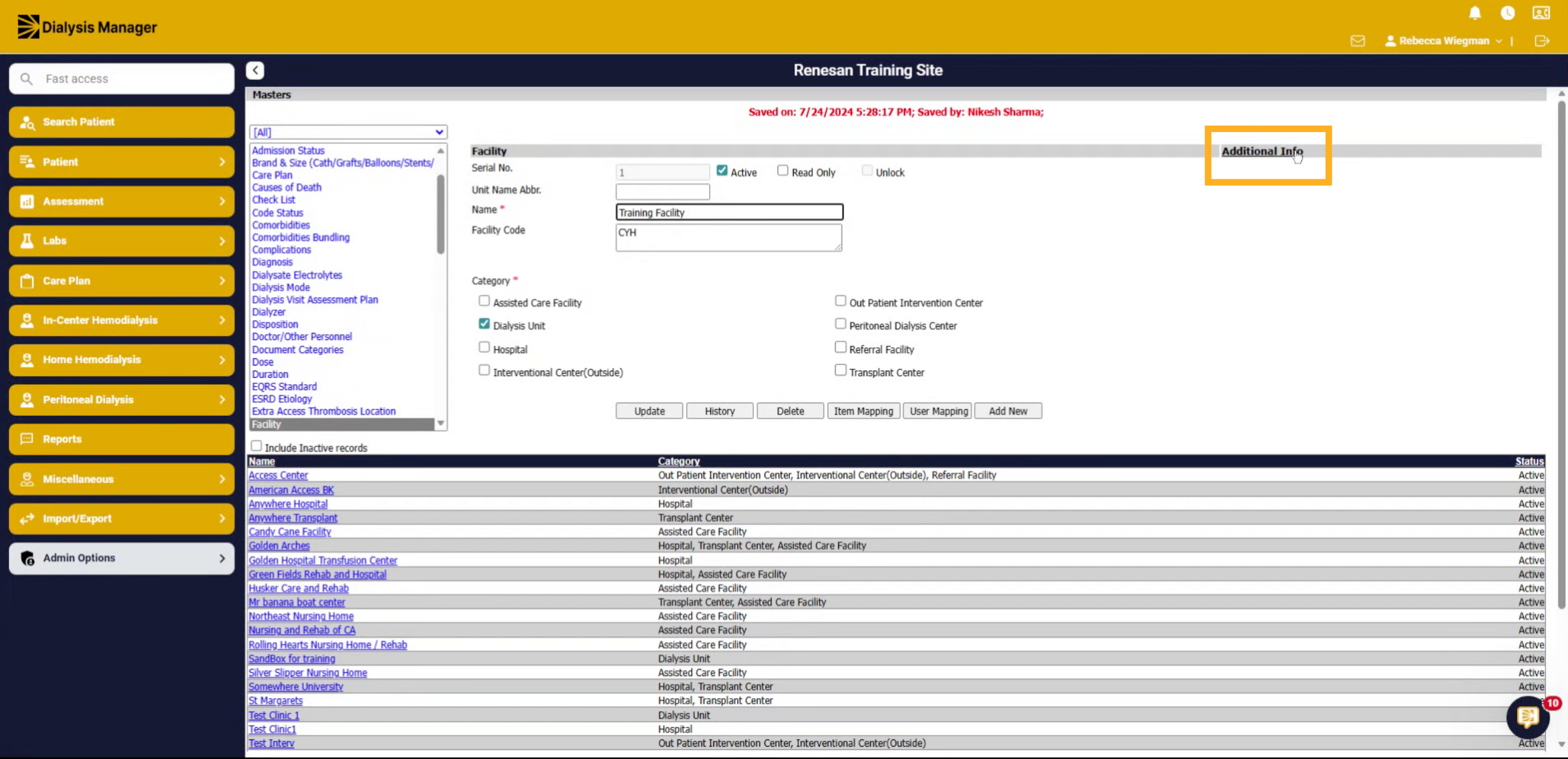
6. Select Your Time Zone and Save
Inside Facility Time Zone dropdown select your Time Zone and click Save!