Master Lab Goals
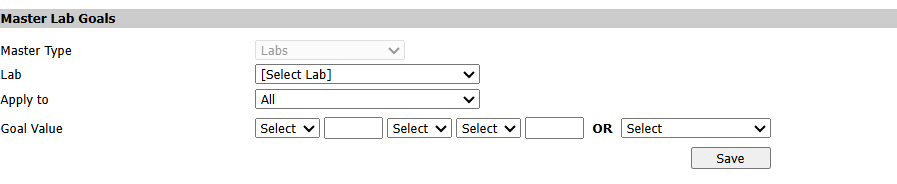
1. Go to Admin Options > Settings > Set Lab Goals
2. Select drop down menu Lab
3. Select Apply To
4. Enter Goal Value or Select (*Best Practice: Use lab company goal values)
5. Select Save
1. Go to Admin Options > Settings > Set Lab Goals
2. Select drop down menu Lab
3. Select Apply To
4. Enter Goal Value or Select (*Best Practice: Use lab company goal values)
5. Select Save