How to search and select a patient in Dialysis Manager.
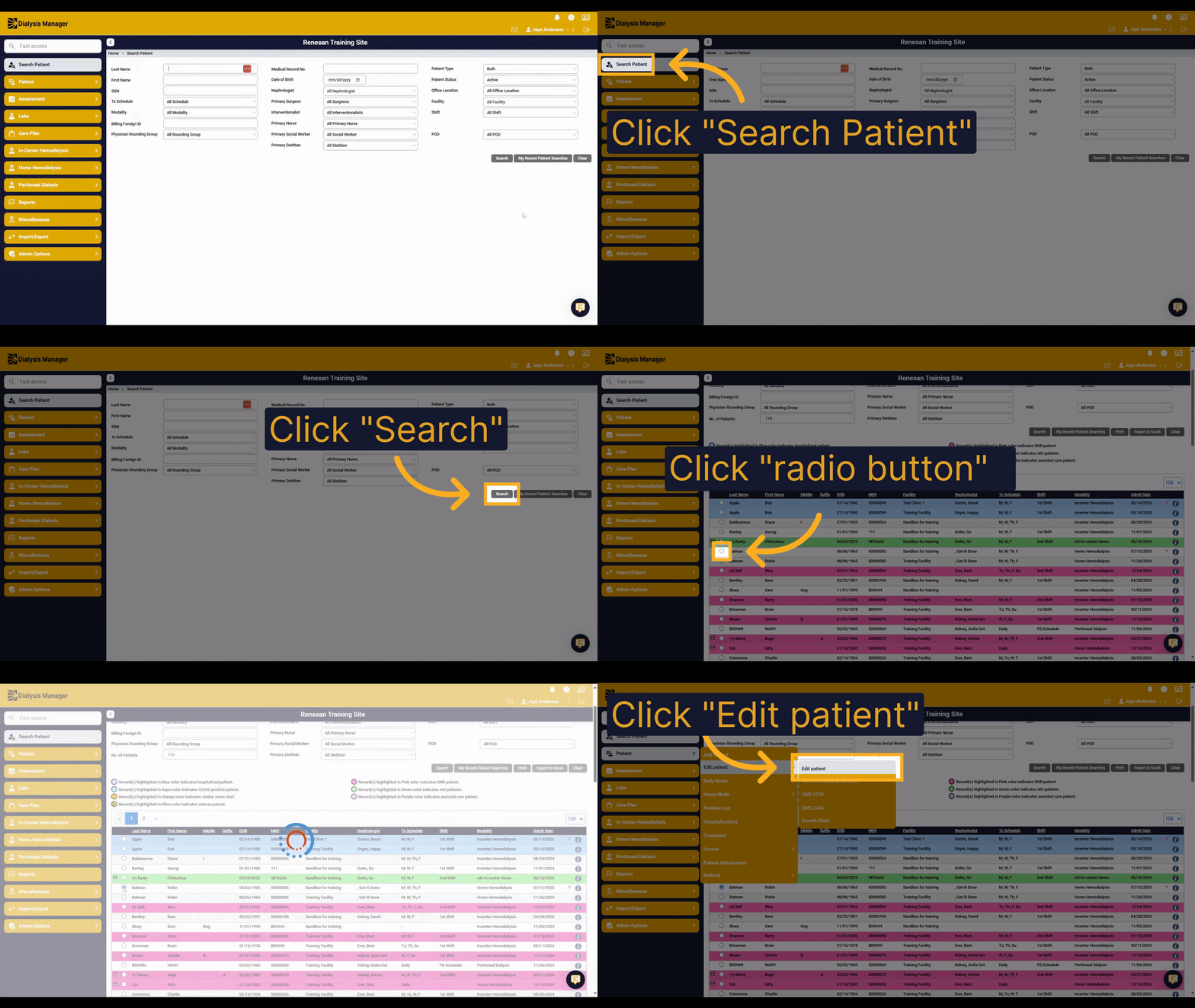
1. Introduction
In Dialysis Manager, you can efficiently search and select a patient using the Search Patient screen. This guide will show you how to find a patient and update their demographic information.
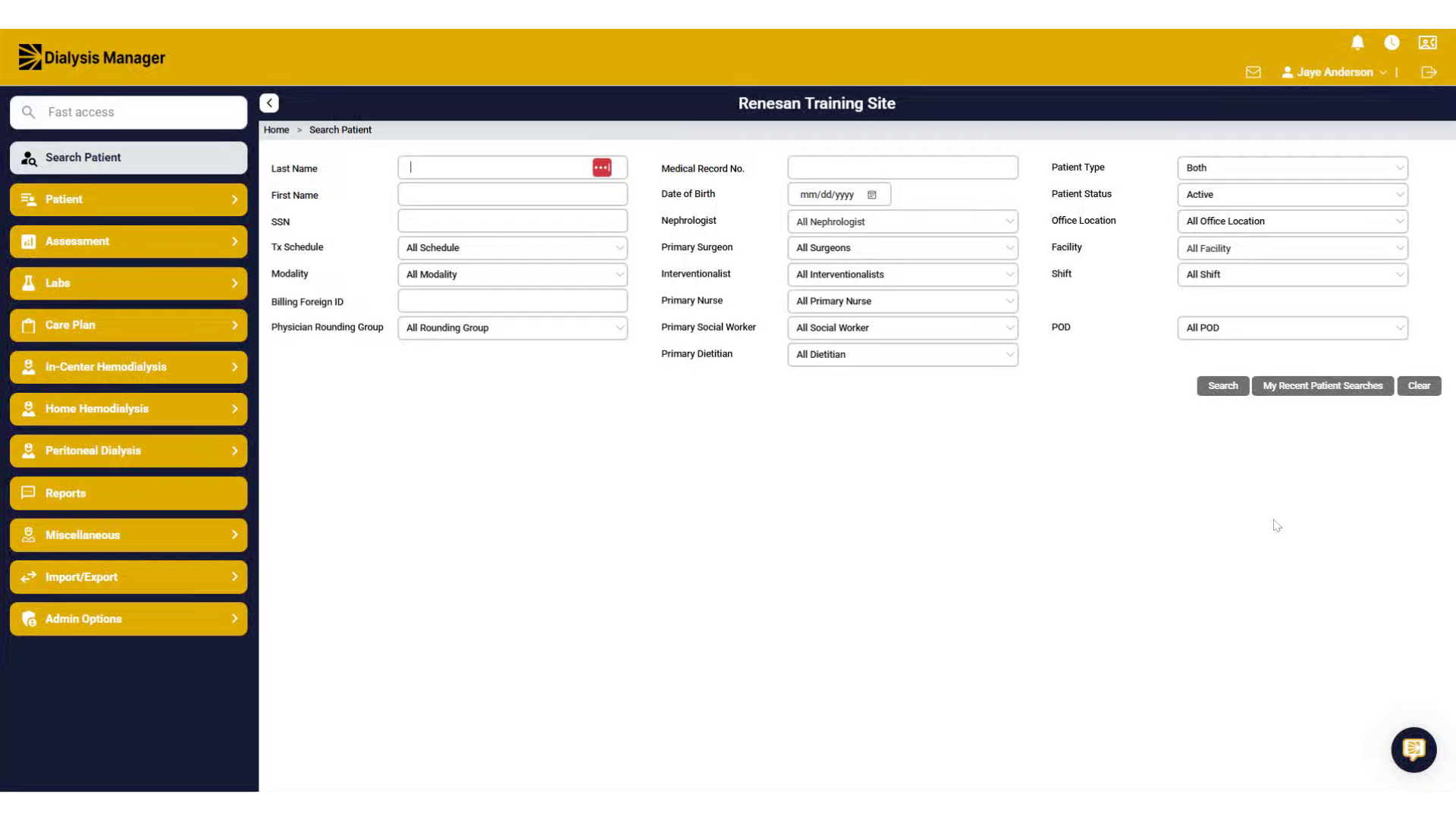
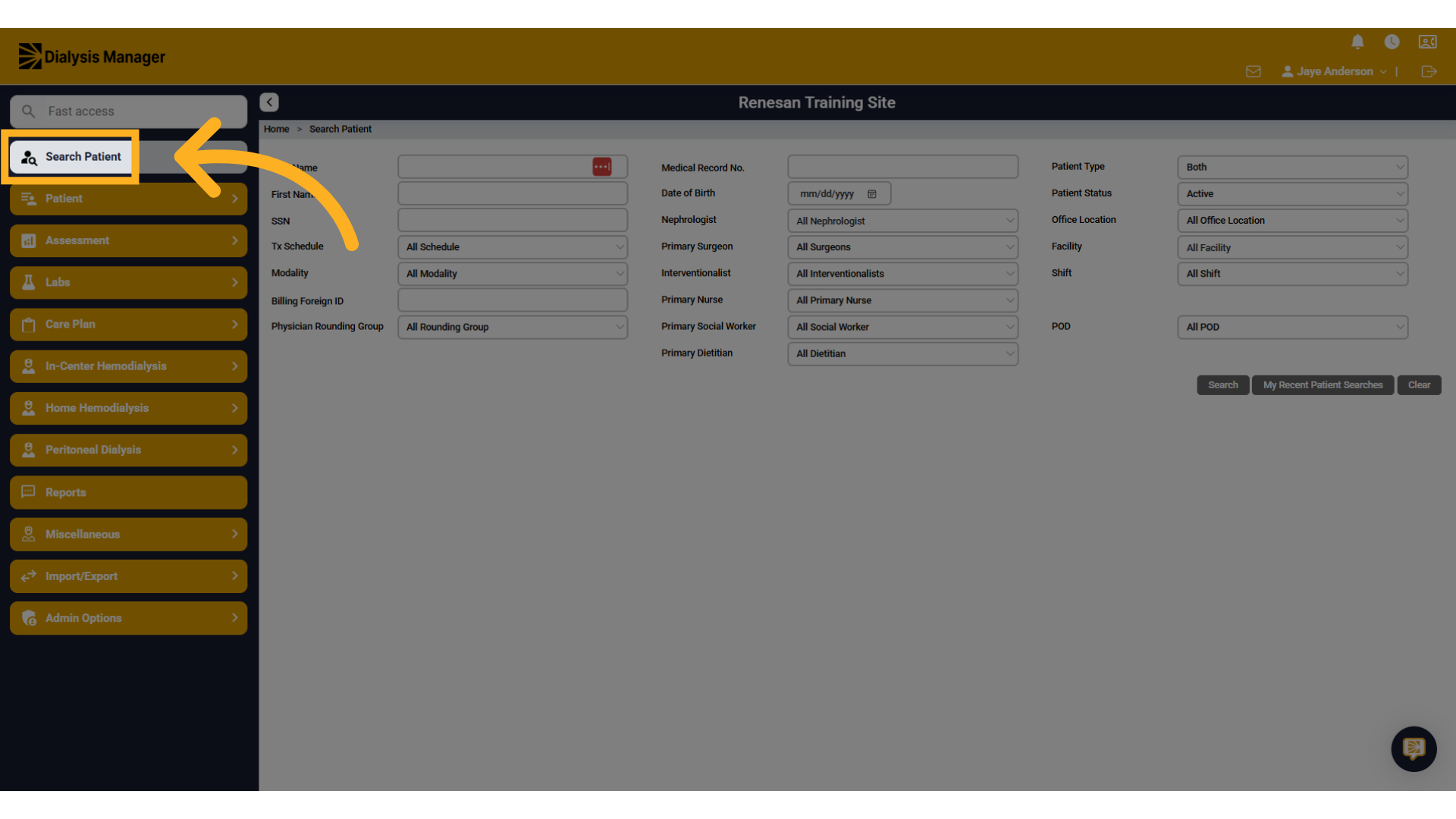
2. Click "Search Patient"
In Dialysis Manager, click on the Search Patient screen to begin searching for a patient.
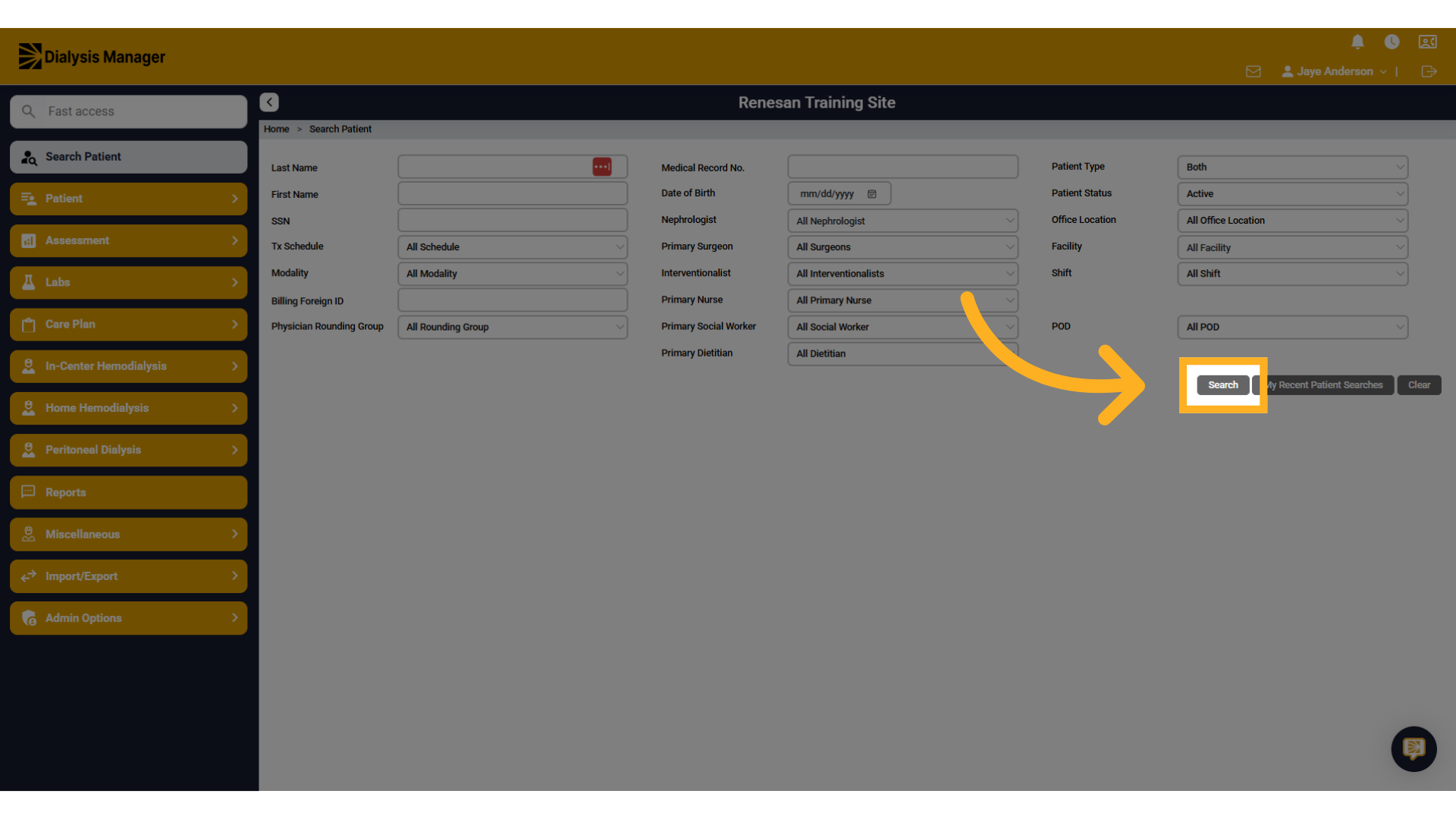
3. Click "Search"
Add the patient's last or first name and your office facility in the search fields, then click on the Search button.
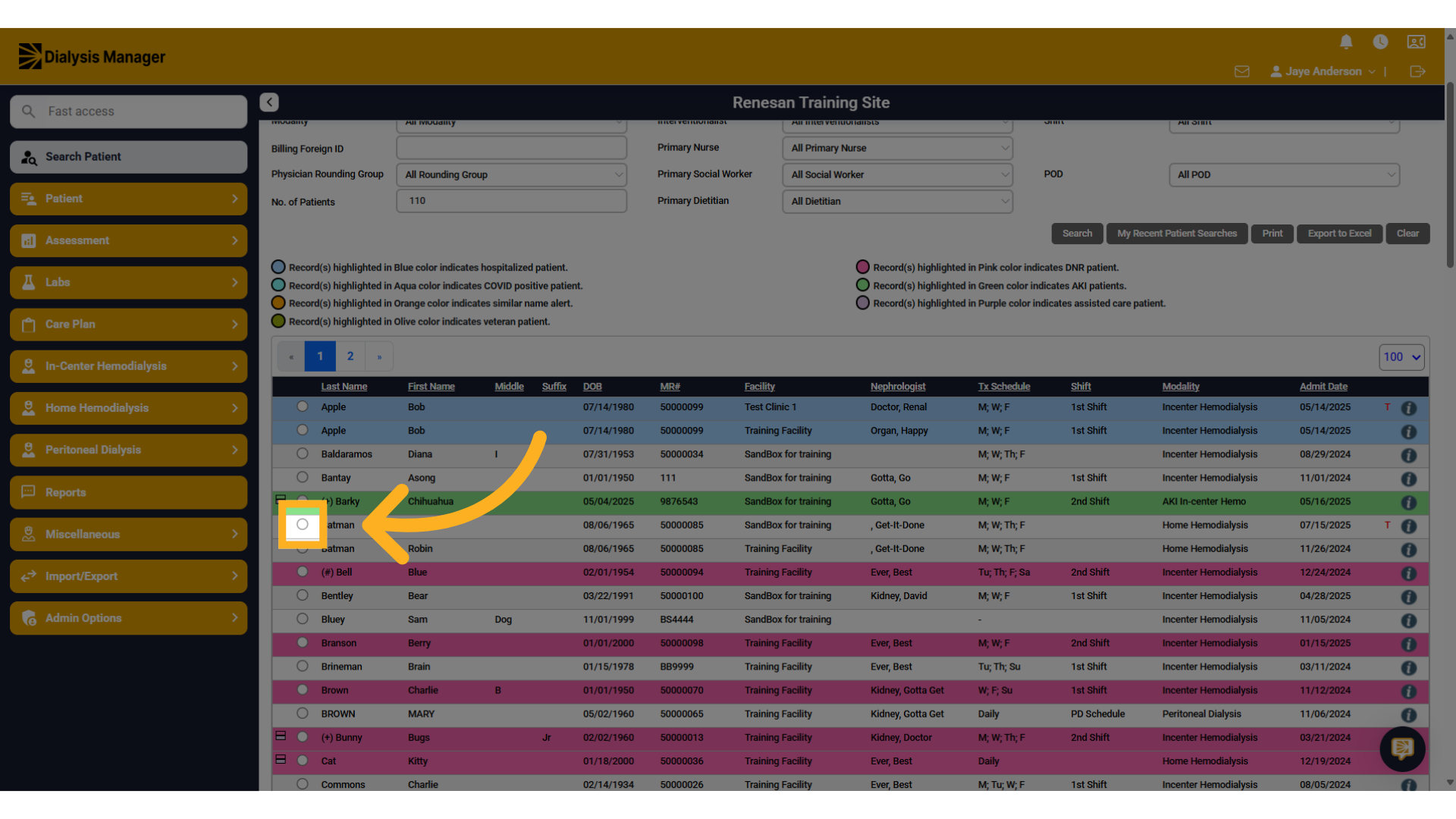
4. Click radio button
Find your patient in the list of search results.
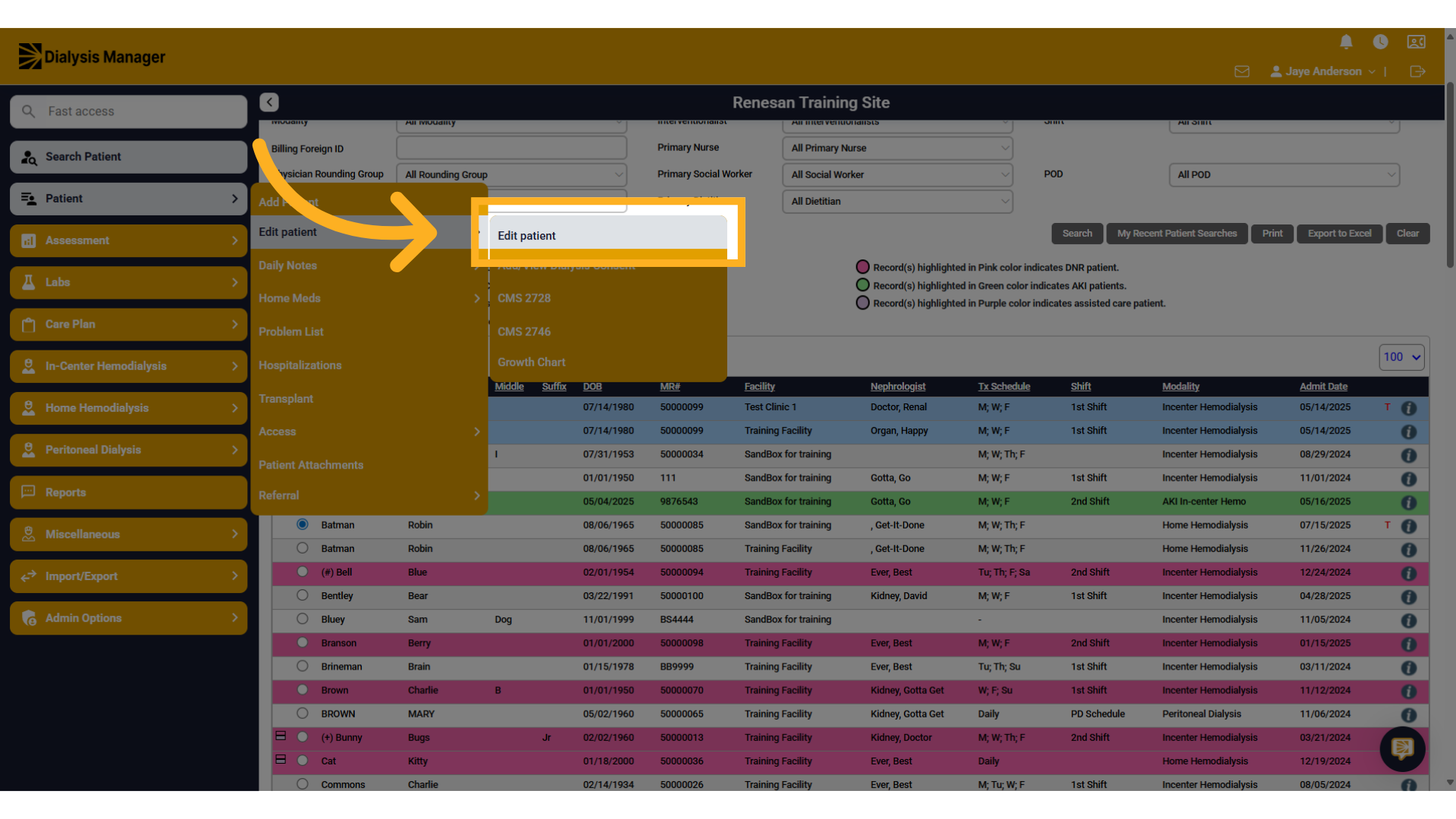
5. Click "Edit patient"
Go to the patient menu, then click Edit Patient to view or update any demographic information.