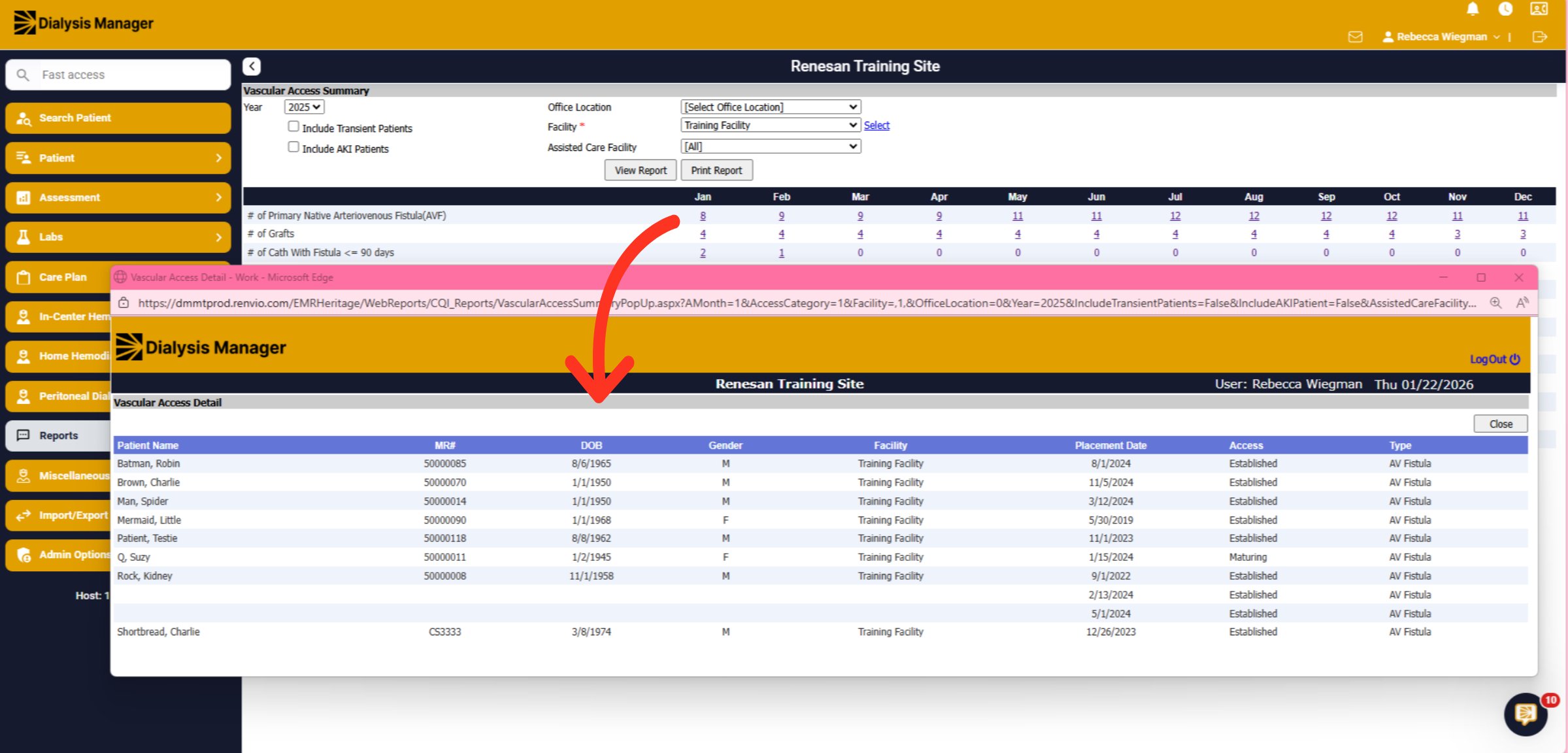
Report: Vascular Access Summary.
1. Introduction
This video we will walk through the Vascular Access Summary Report in Dialysis Manager.
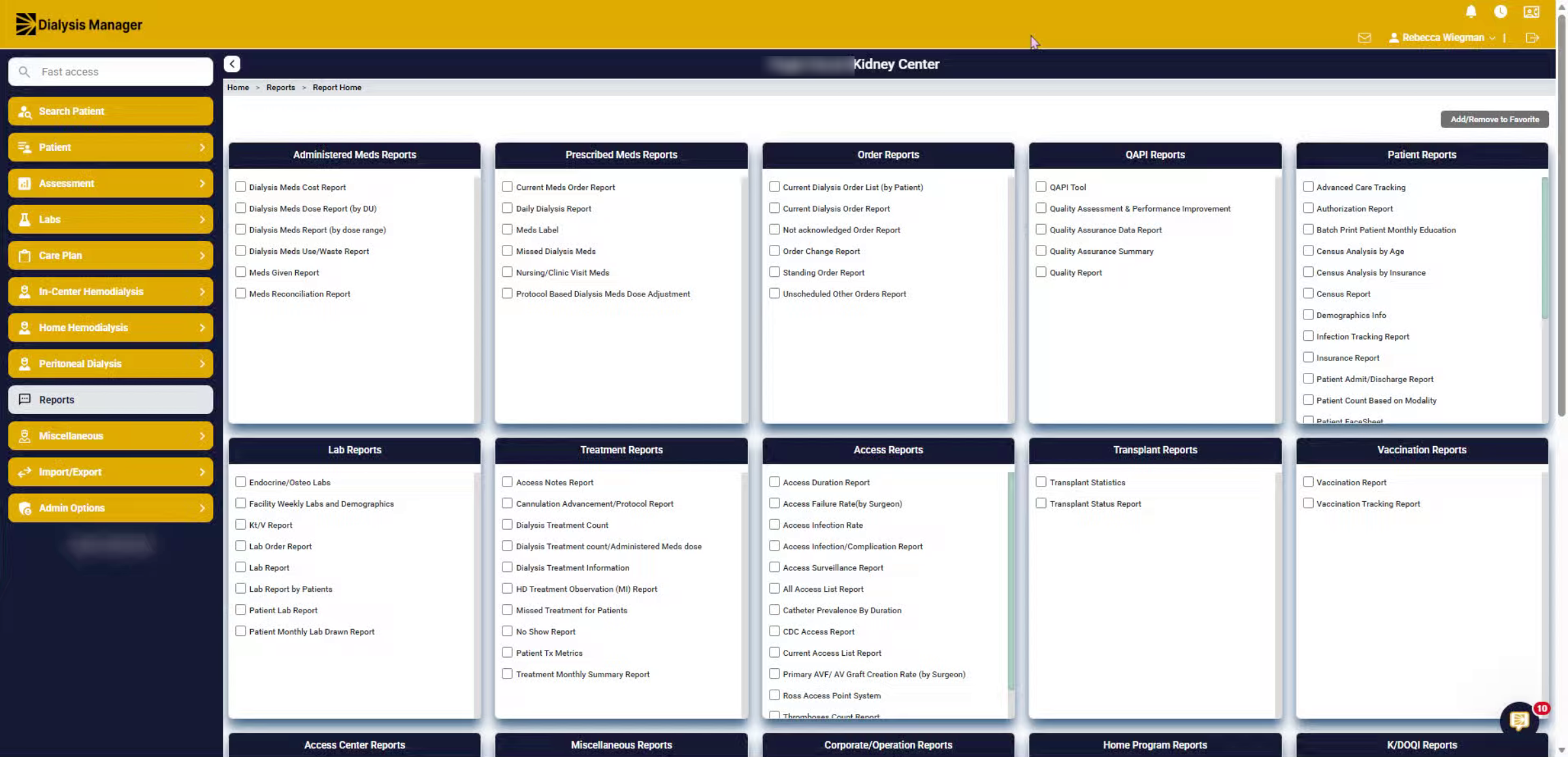
2. Vascular Access Summary
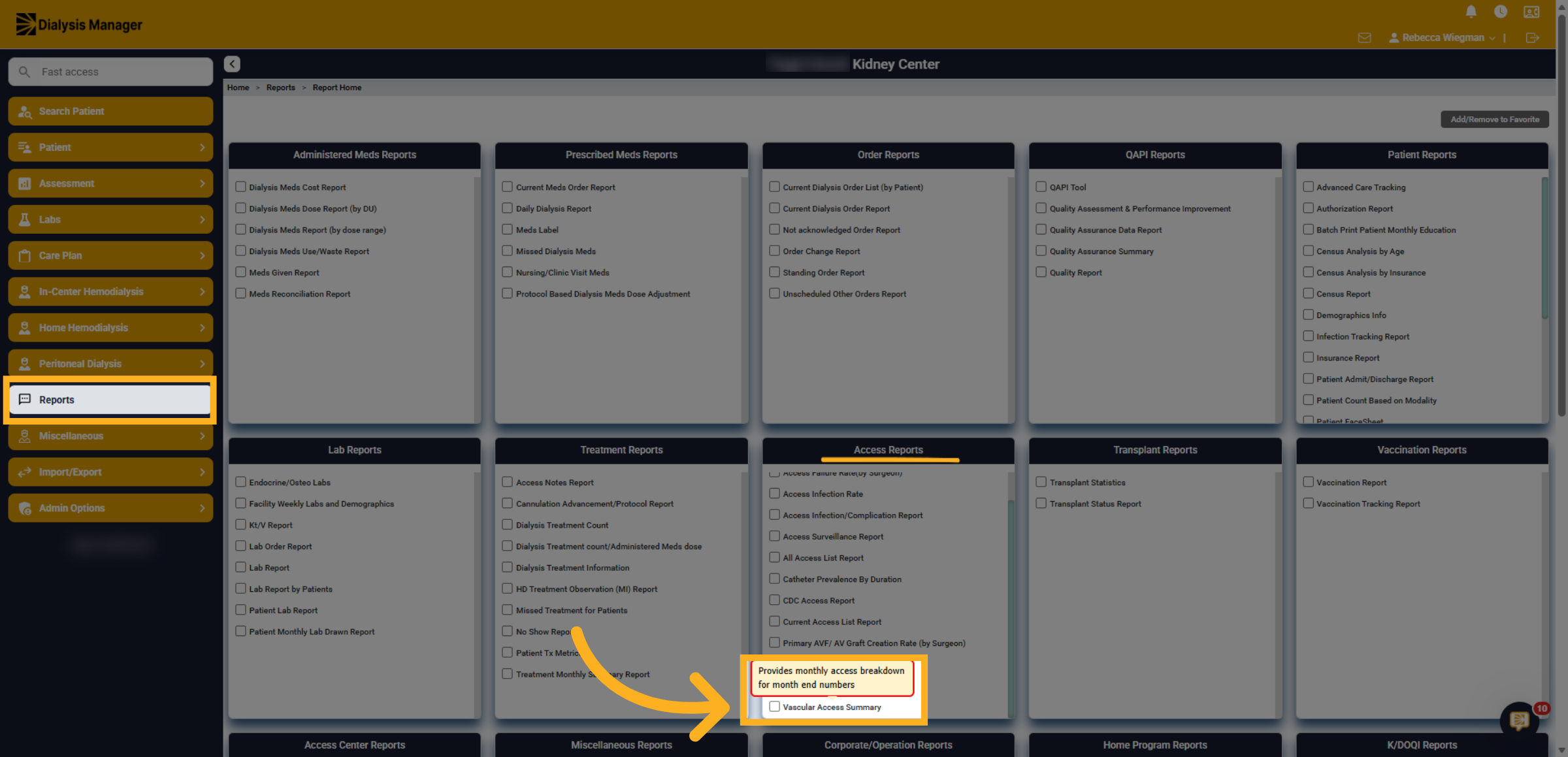
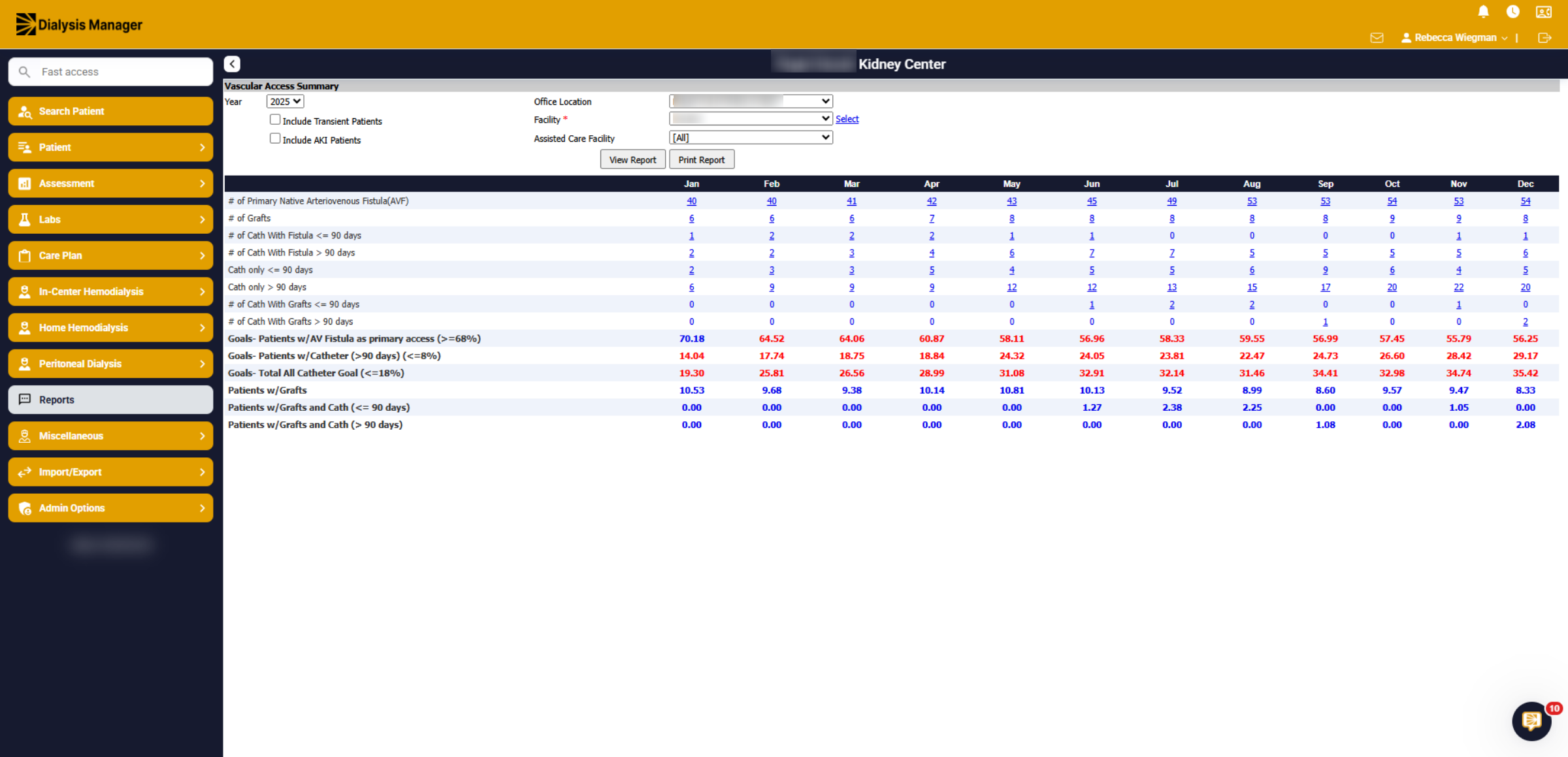
Inside the Report Menu, under Access Report click the Vascular Access Summary report to begin generating a detailed overview of vascular access data.
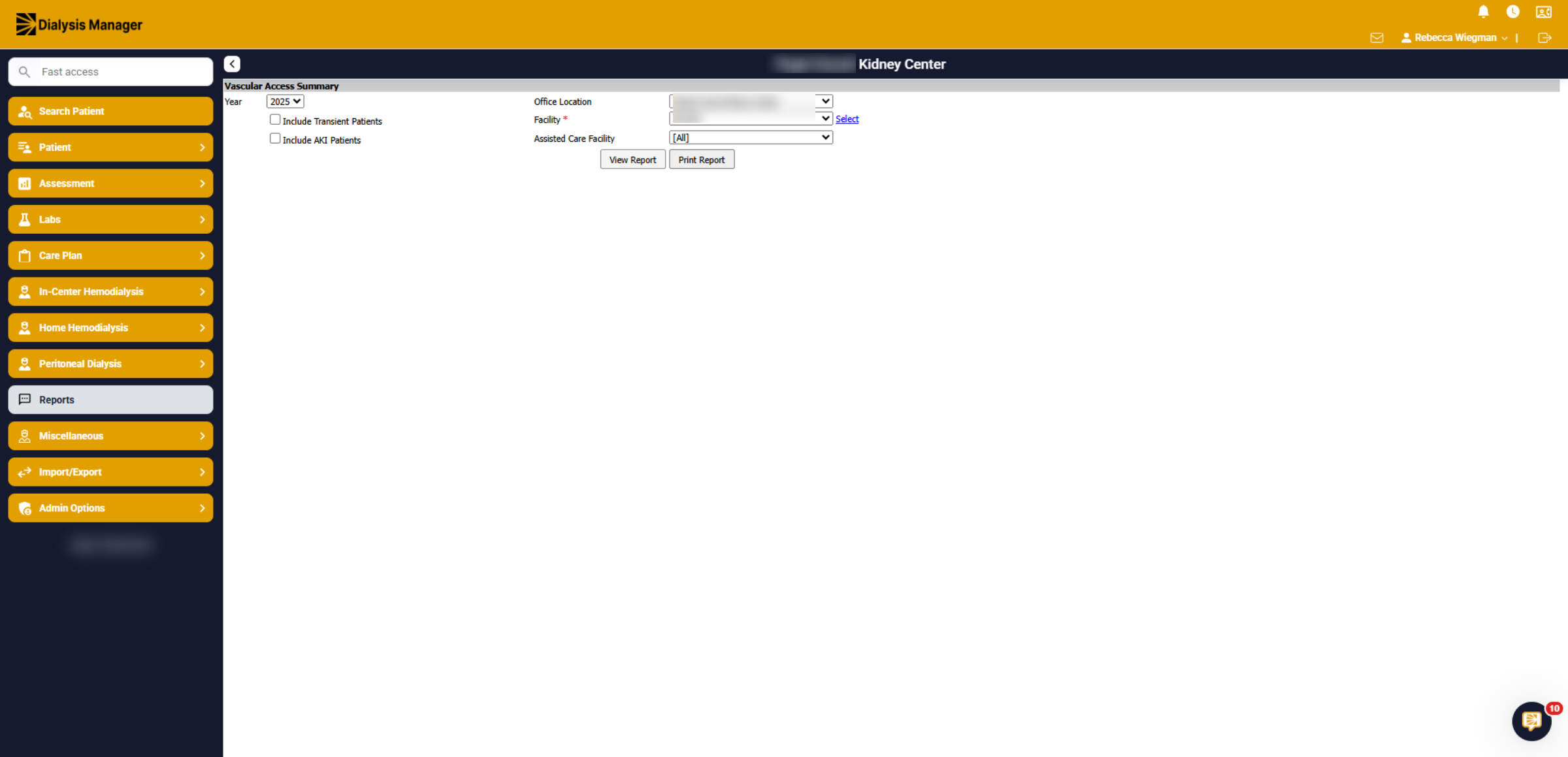
3. Filters
You'll be able to select a specific year you would like to generate information for. Select a specific facility if your associated with multiple locations and have the ability to include transient or AKI patients. Your also able to filter per assisted care facilities if needed. Now click View Report.
4. Access information
Upon viewing the report, you will see the number of fistulas, grafts, catheters, and patient goals. Please note that the goals highlighted in red are outside the acceptable range.
5. Drill through
Selecting the blue hyperlink will populate the patients associated within that count. Displaying the placement date, access and type!