Report: Open Flowsheets.
1. Introduction
This tutorial guides you through opening a report that will show if any Flowsheets are still open for the day.
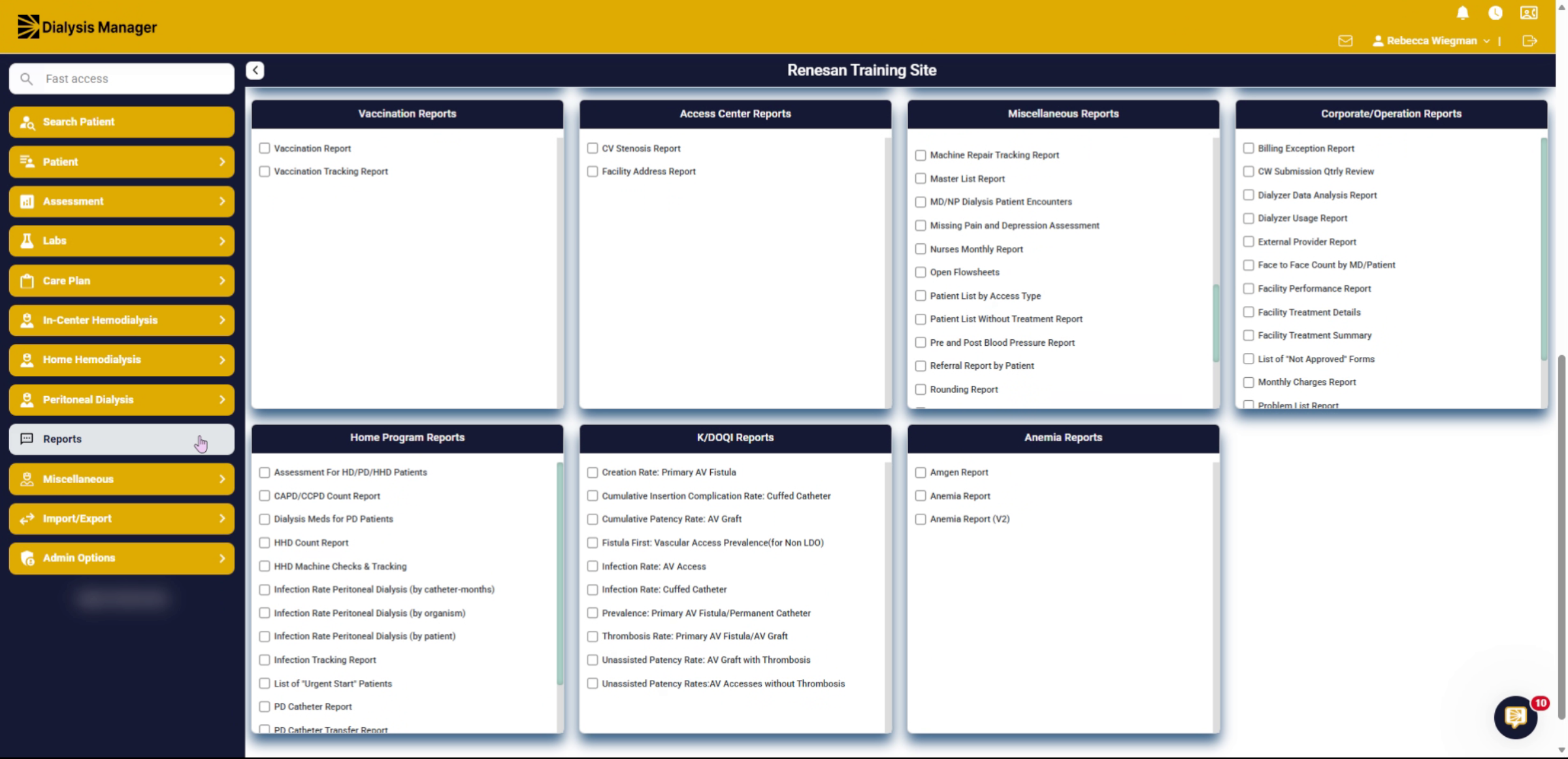
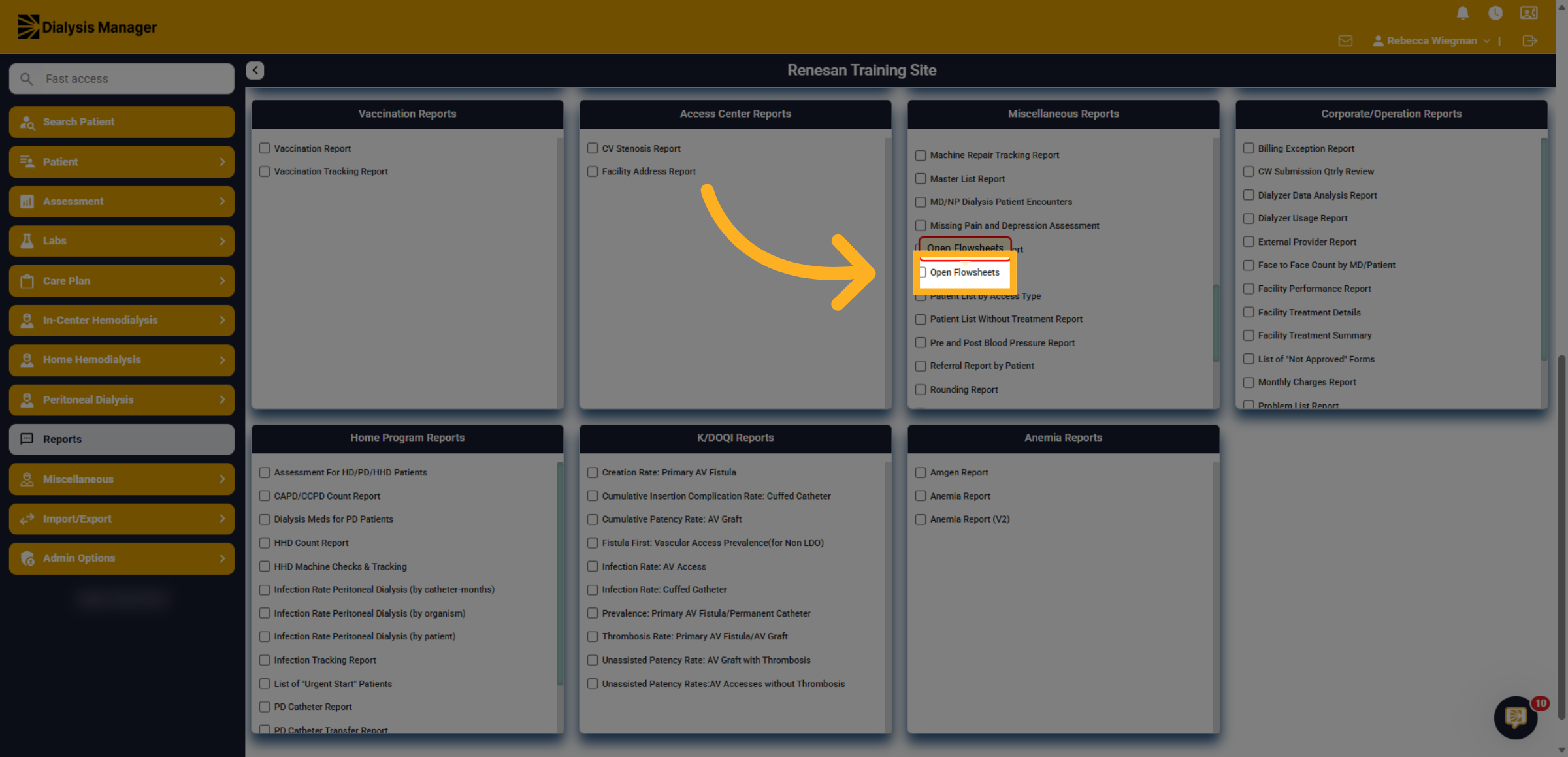
2. Click Open Flowsheets
Inside the Report menu, click "Open Flowsheets" to begin accessing the flowsheet report.
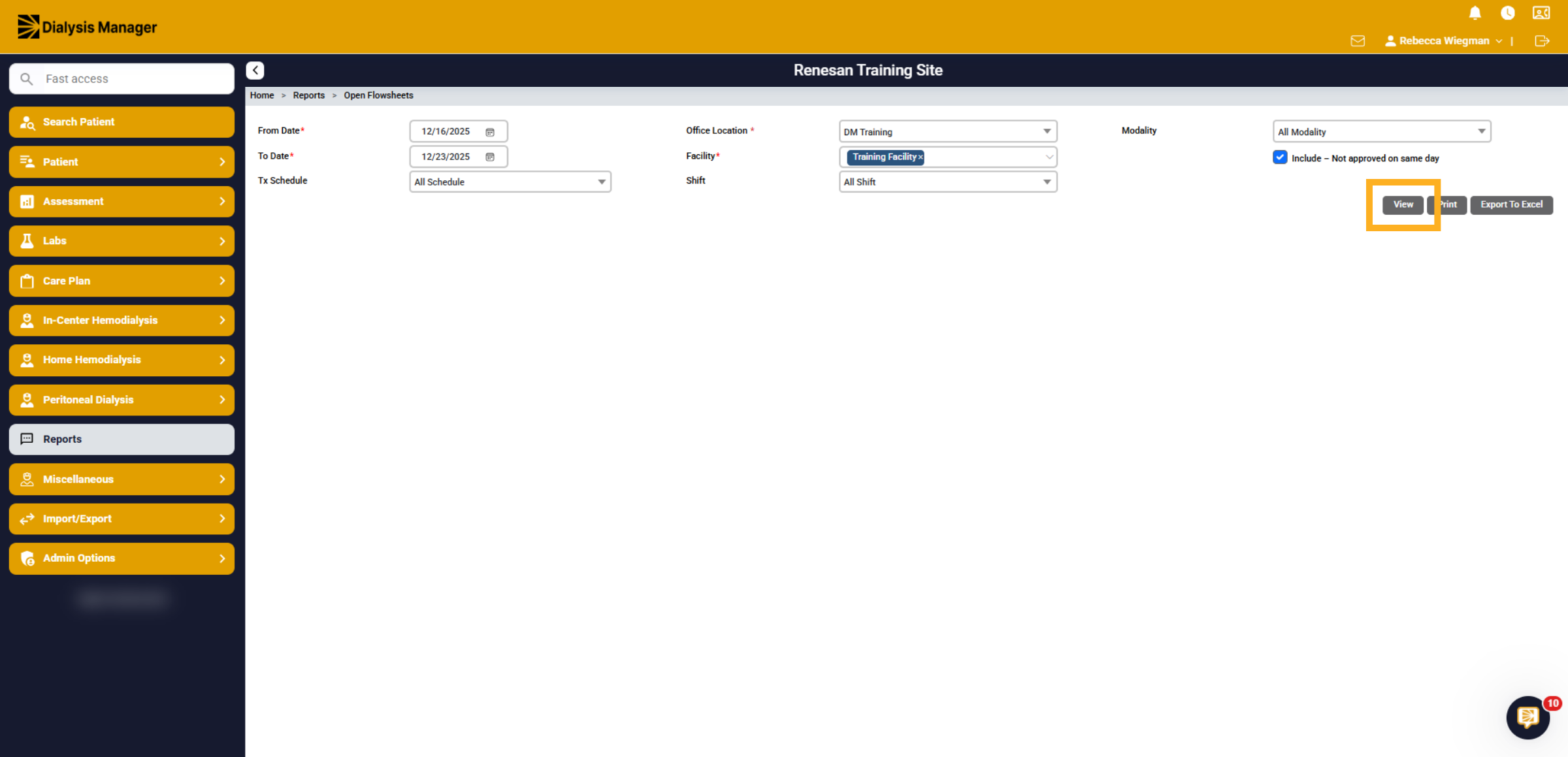
3. Filter
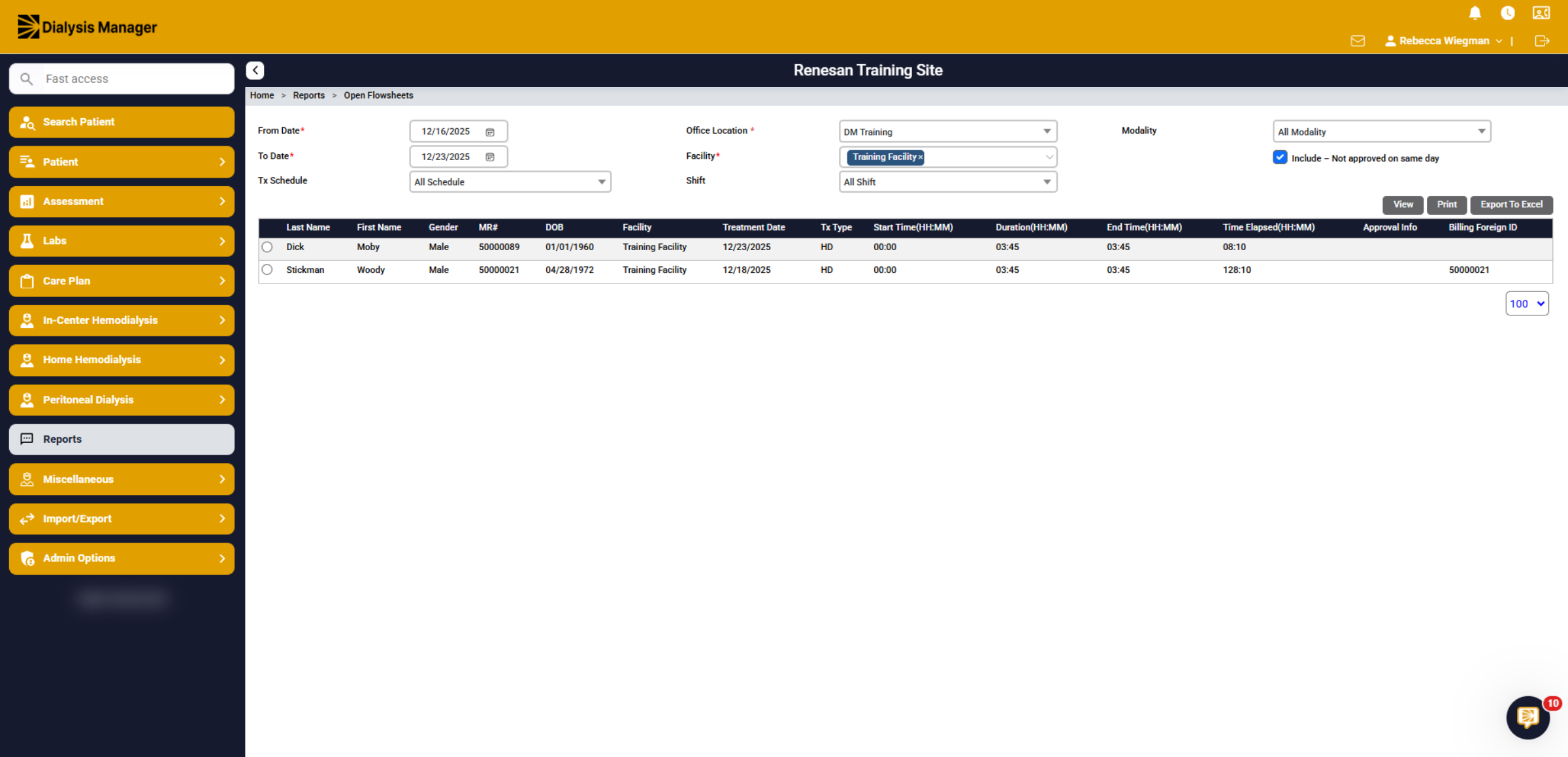
You'll have the ability to filter by date range, treatment schedule, shift and modality. Please note that you will need to select a location and facility if your associated with multiple clinics. Click View
4. Open Flowsheets
A list of patients will populate if there is an open flowsheet. The patient's demographics, treatment date and times will display. You'll want to refer to the Treatment Date and go into that patient's HD Flowsheet to either approve and lock or chart a No Show.