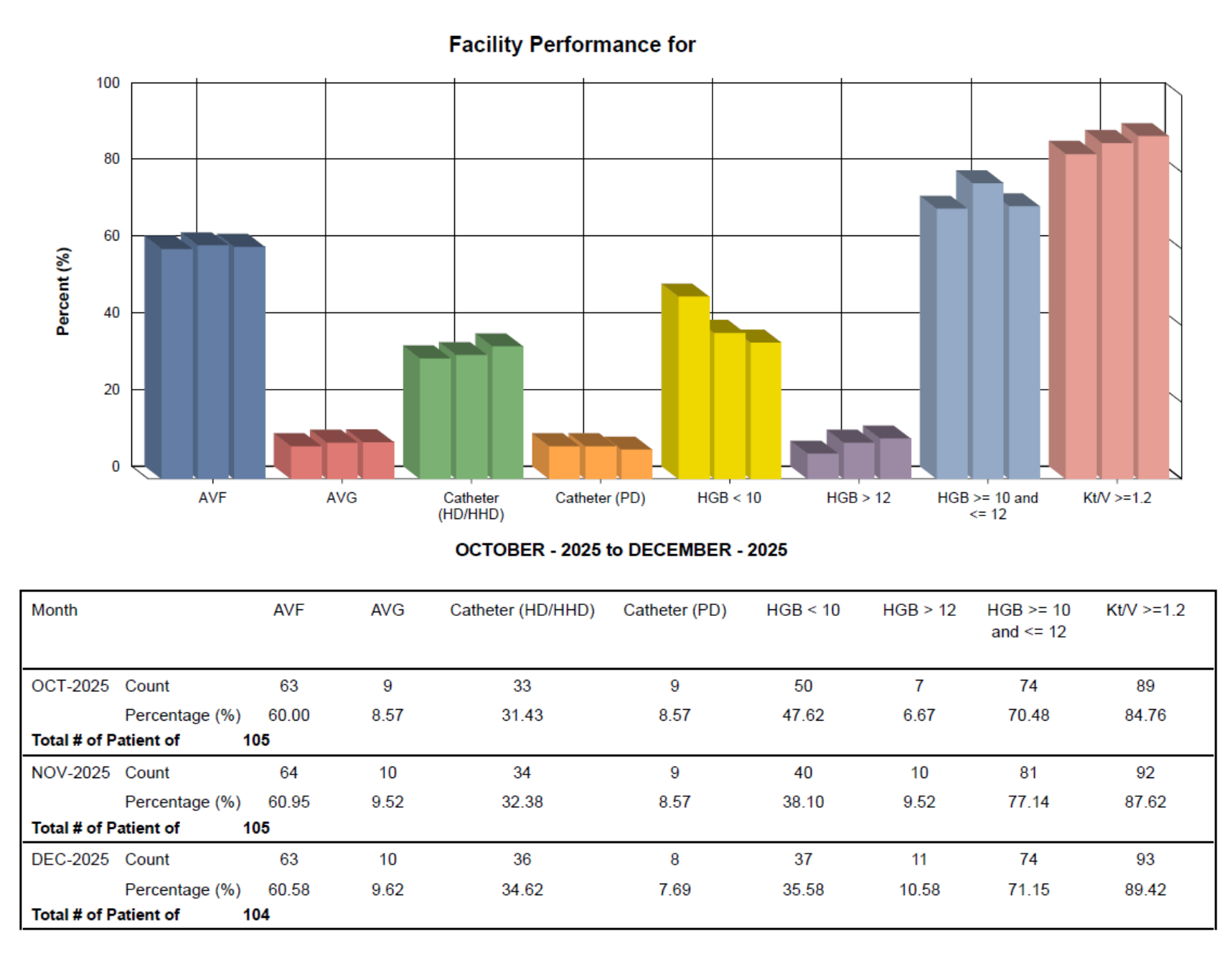
Report: Facility Performance.
1. Introduction
This tutorial guides you through generating a Facility Performance Report in Renvio.
2. Navigate to Reports Section
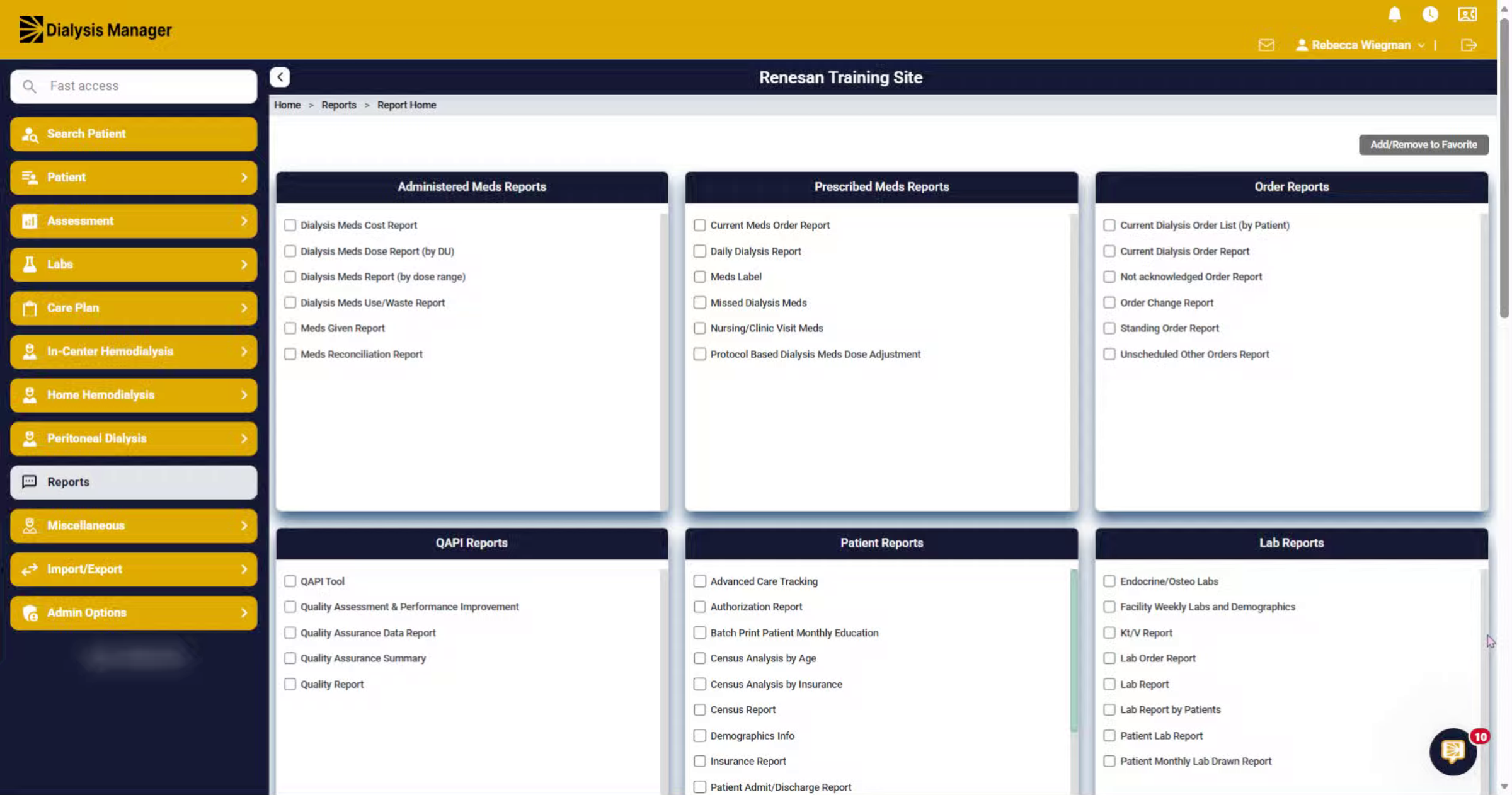
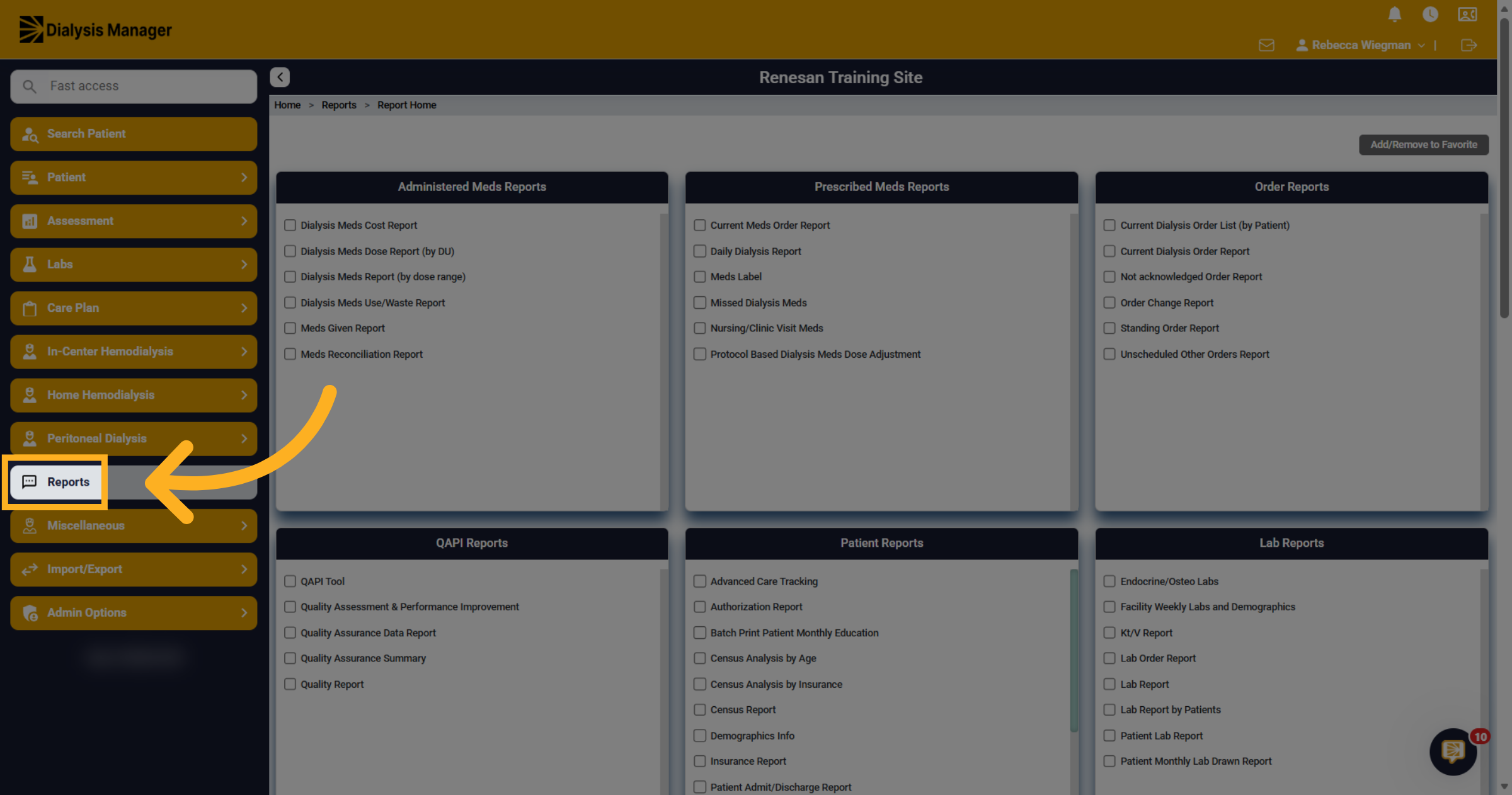
Click the Reports menu to access available report options.
3. Open Facility Performance Report
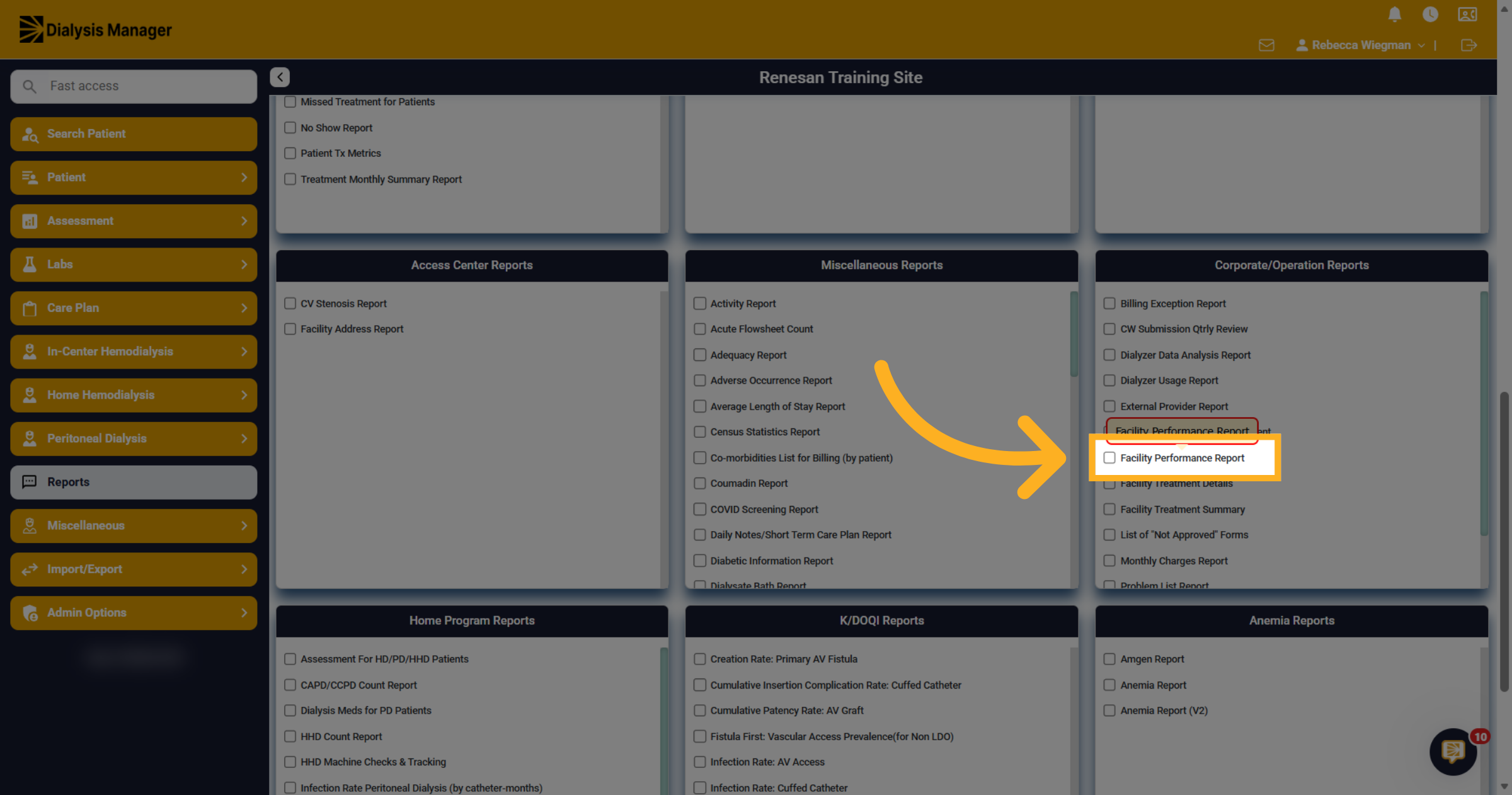
Under the Corporate/Operations Report section, select Facility Performance Report.
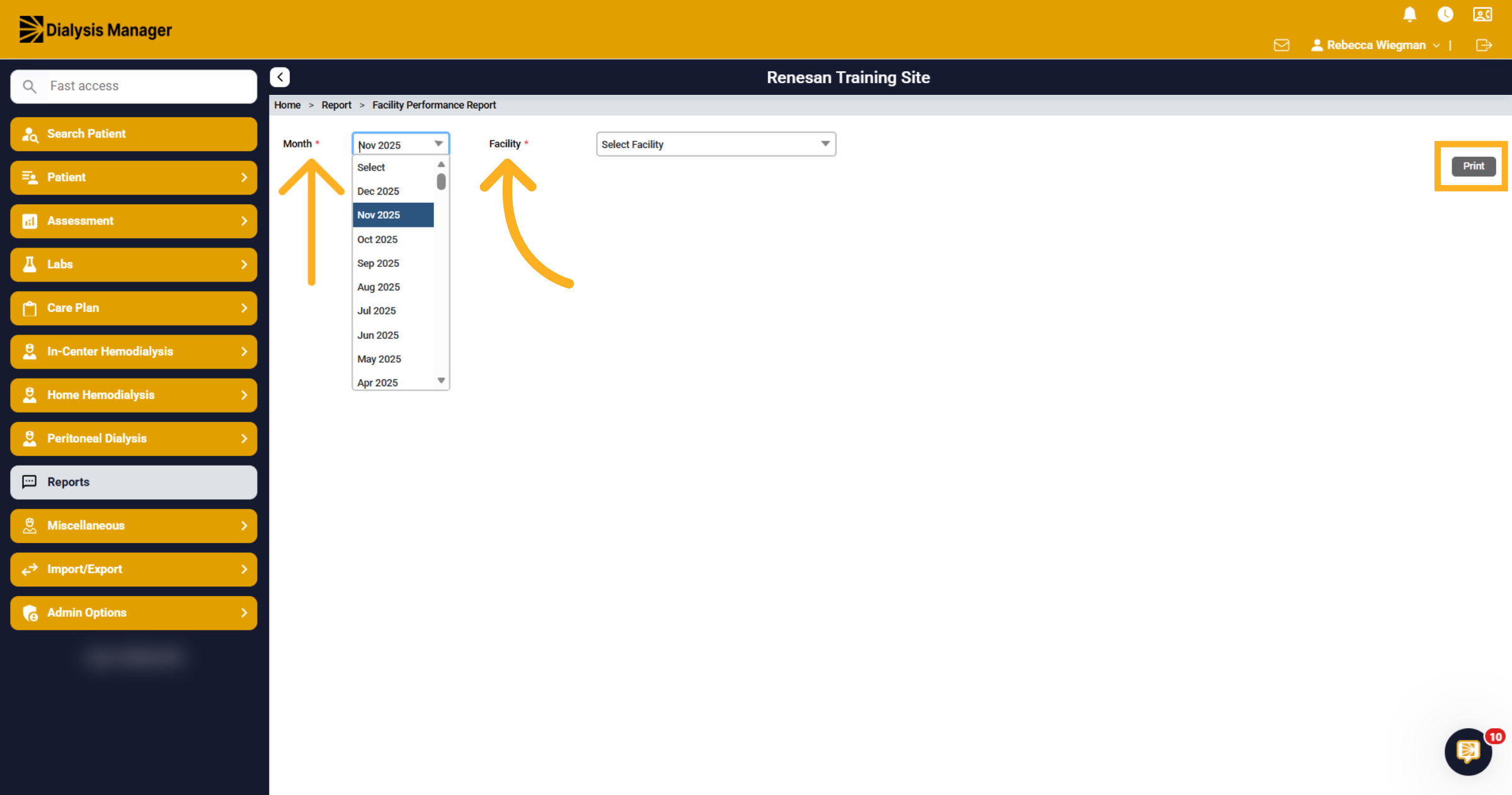
4. Month and Facility
The report will span three months. Based on the selected month, it will also calculate data for the two prior months. You'll also need to select a facility.
5. Report
You'll see 3 months' worth of information to include AV Fistula, AV Graft, Catheters, Hemoglobins, and KT/V.