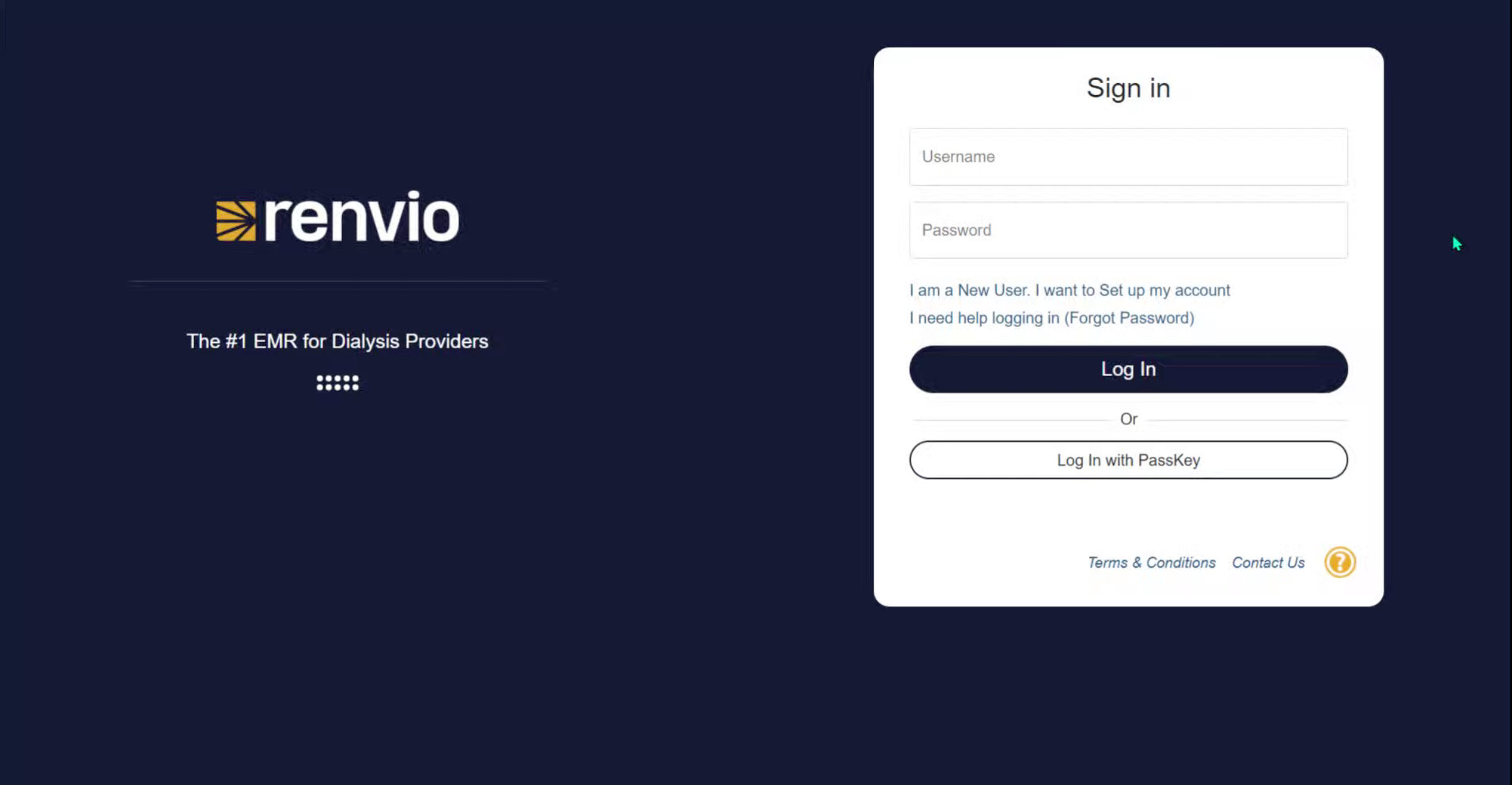
Register Your Patient Portal Account in Renvio

1. Start Patient Portal Registration
Use this guide to register your Patient Portal account.
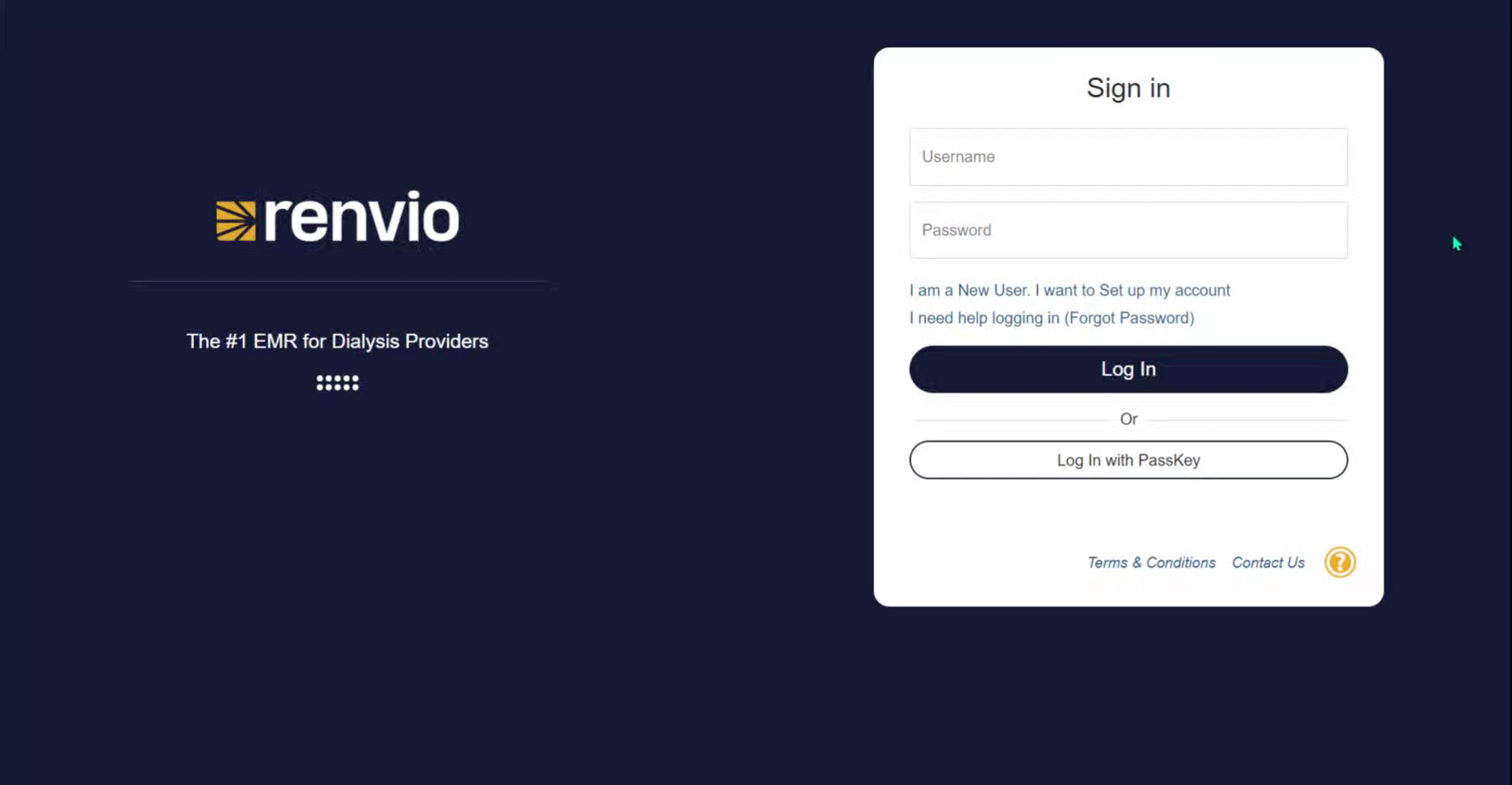
2. Select New User Setup
Click I am a new user. I want to set up my account.
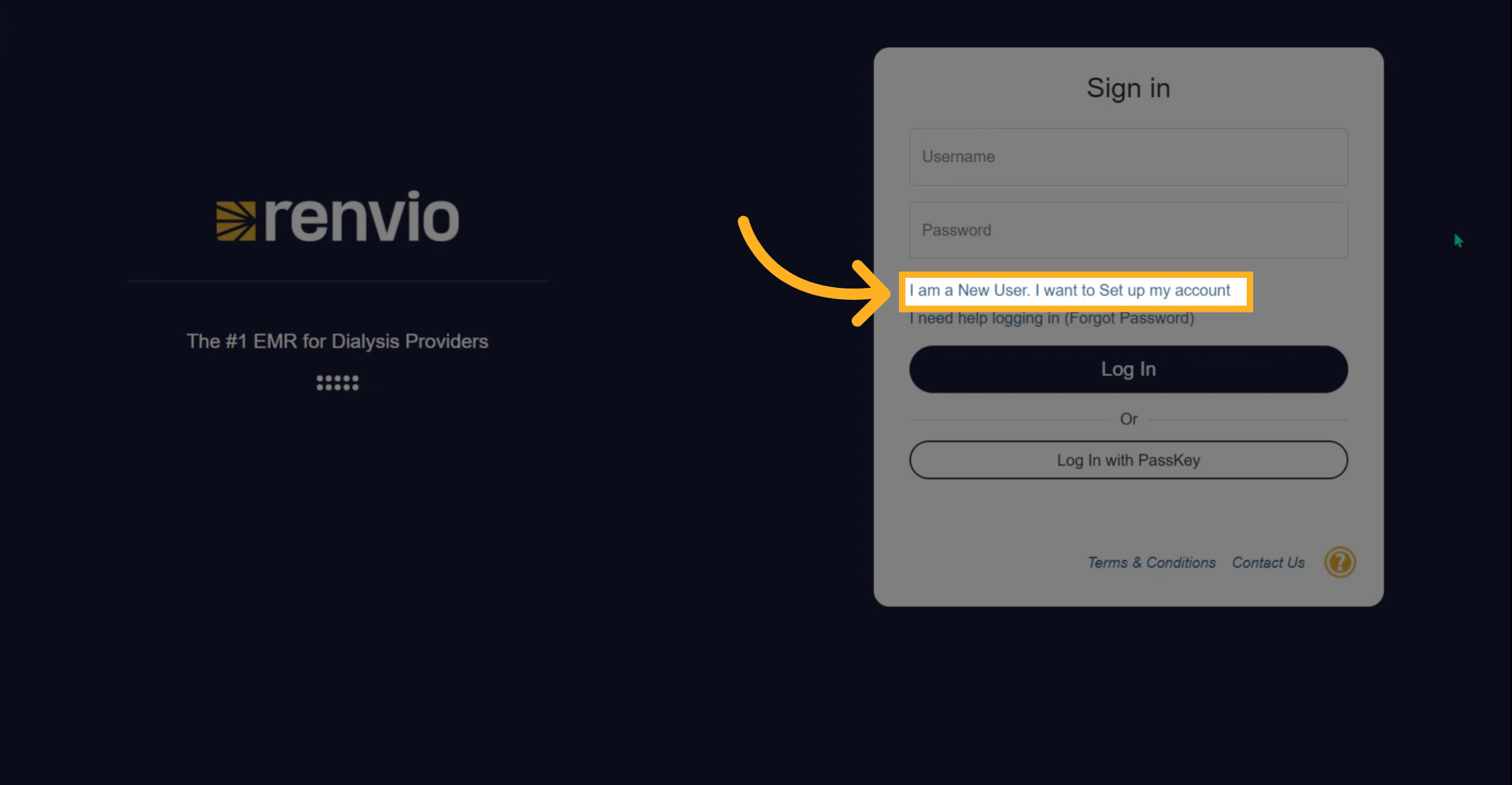
3. Enter Username And Registration Code
Enter your username and your registration code.
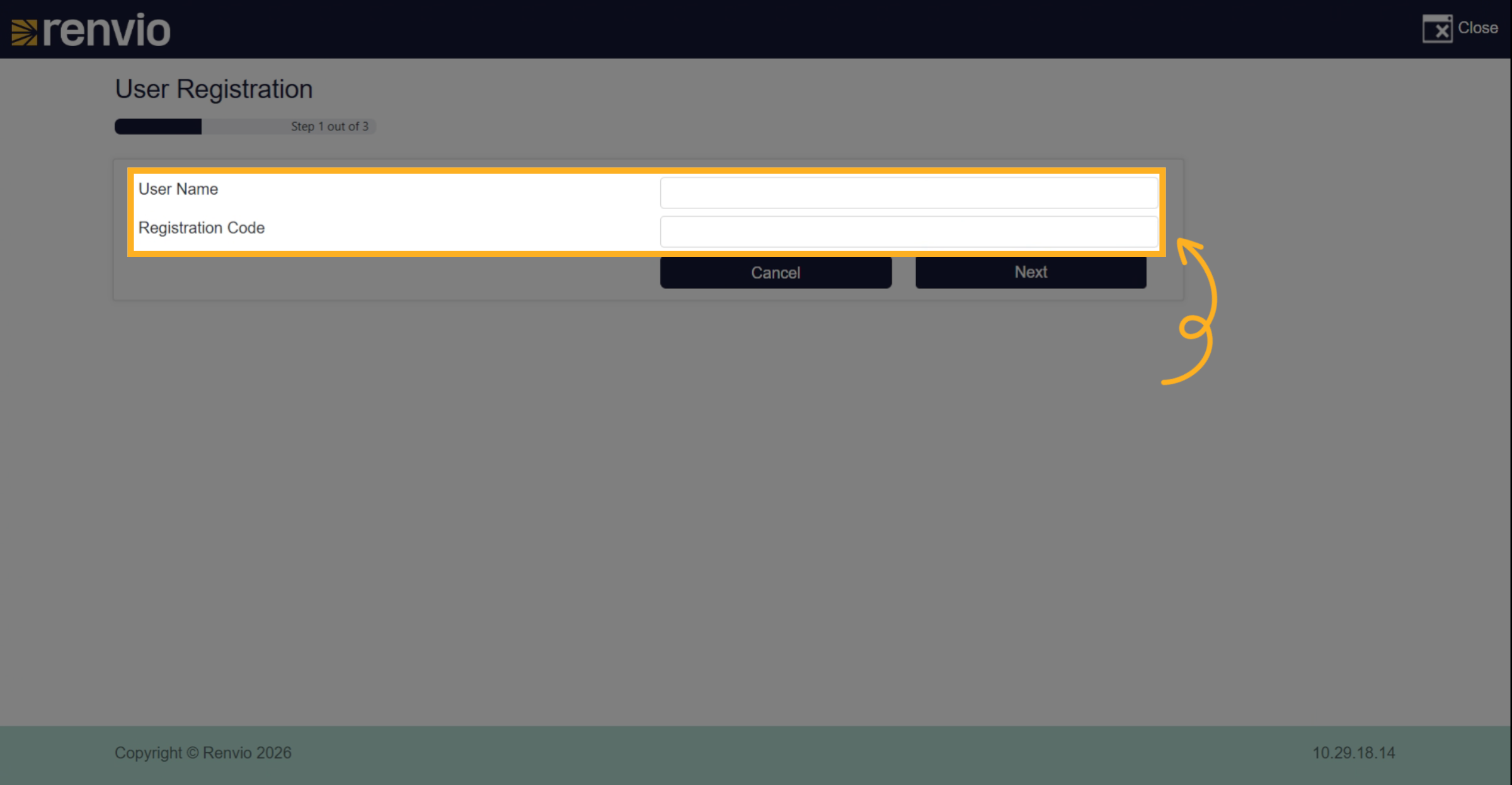
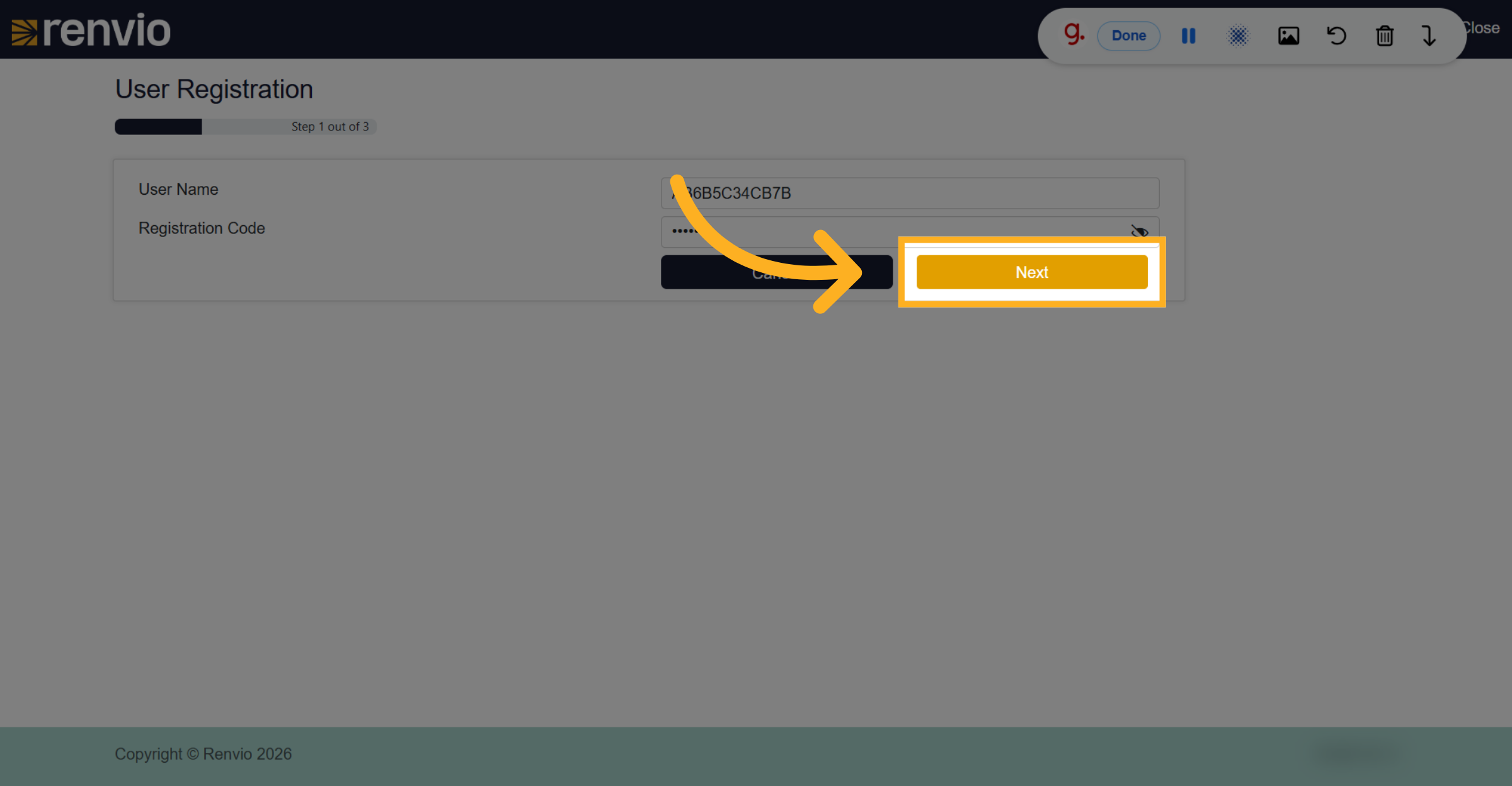
4. Proceed To Next Step
Click the Next button to continue with your registration.
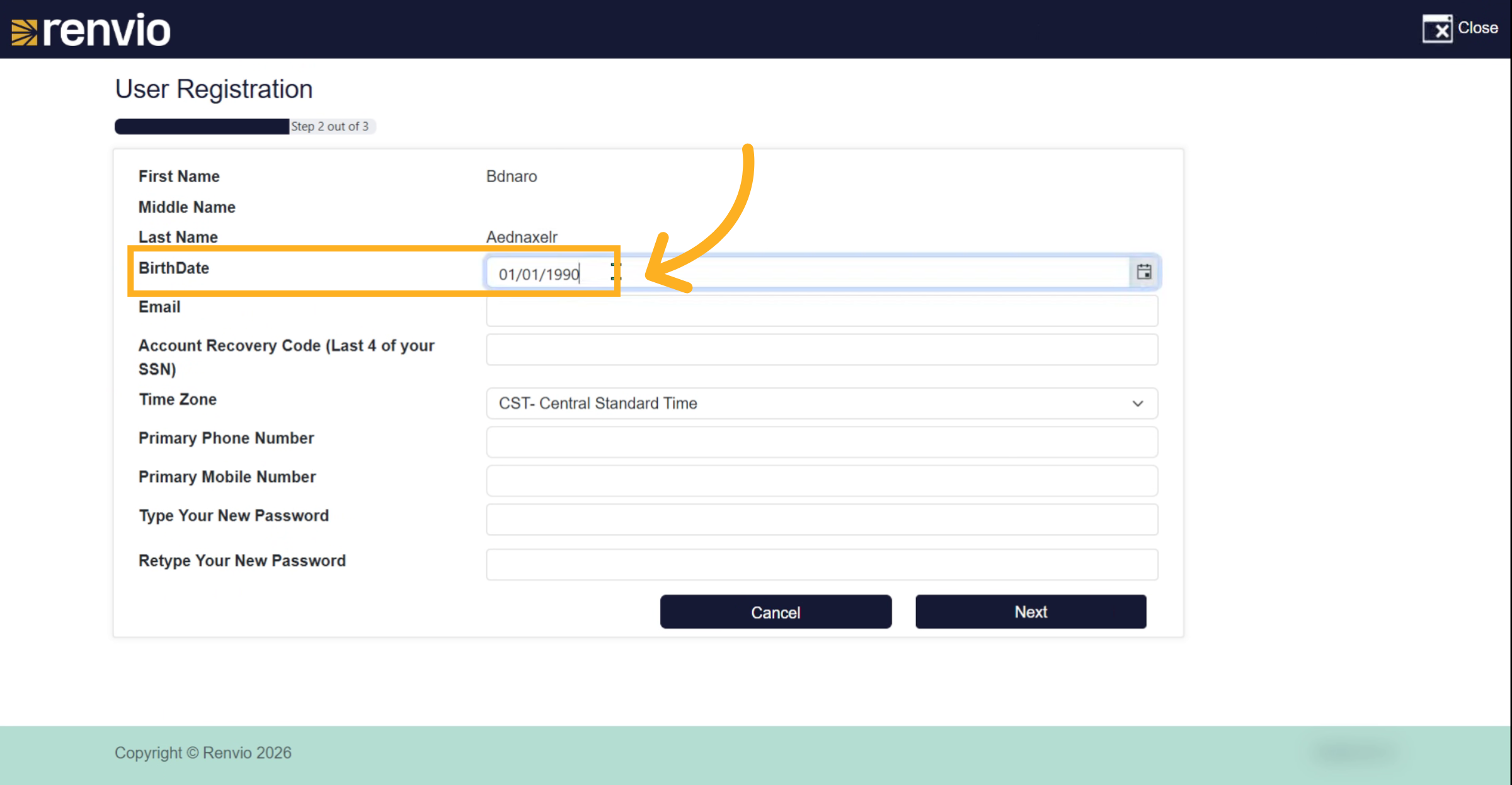
5. Verify Your Birthday
Verify your birthday to confirm your identity.
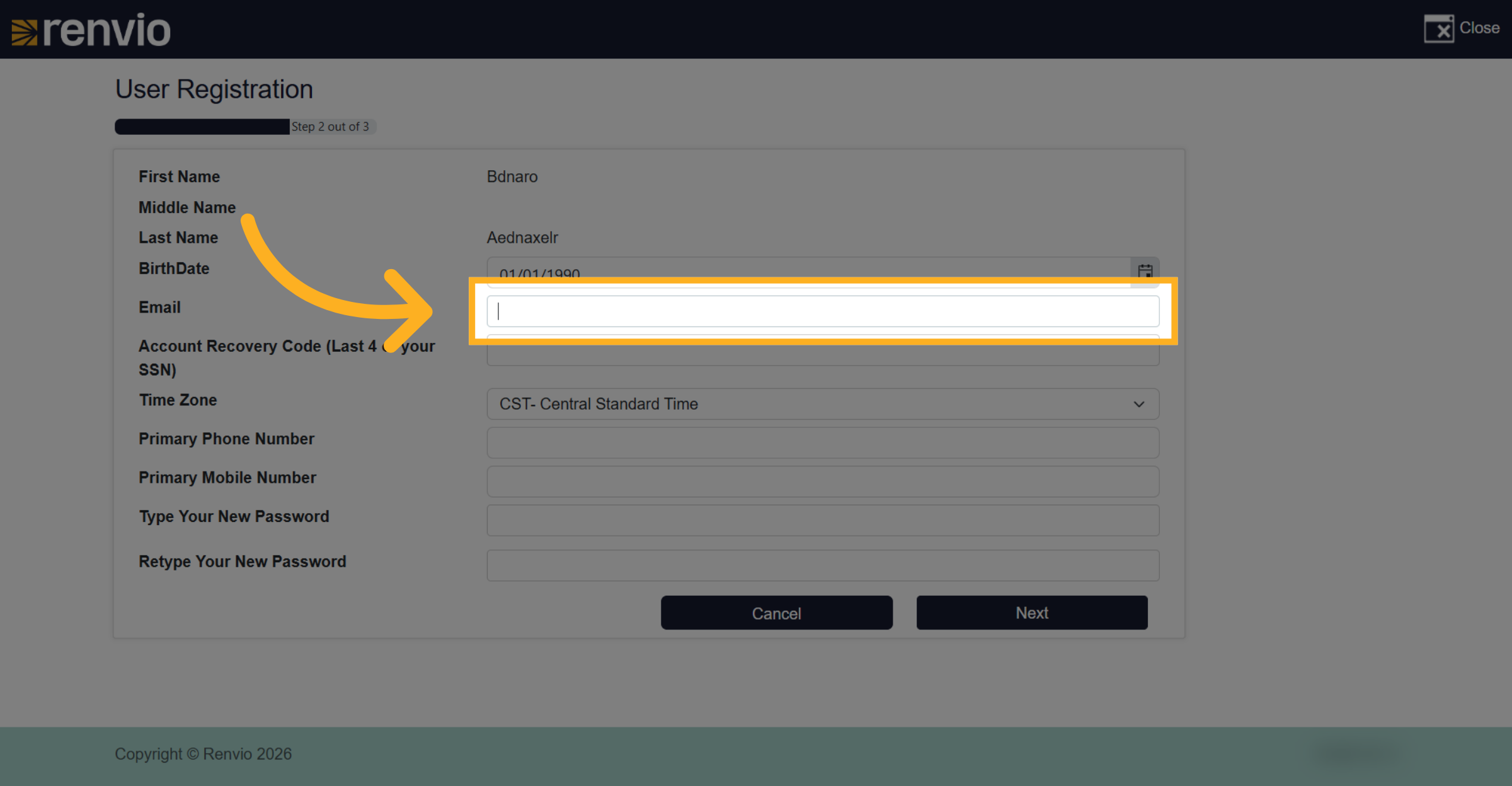
6. Select Email Field
Click the Email field to enter your email address.
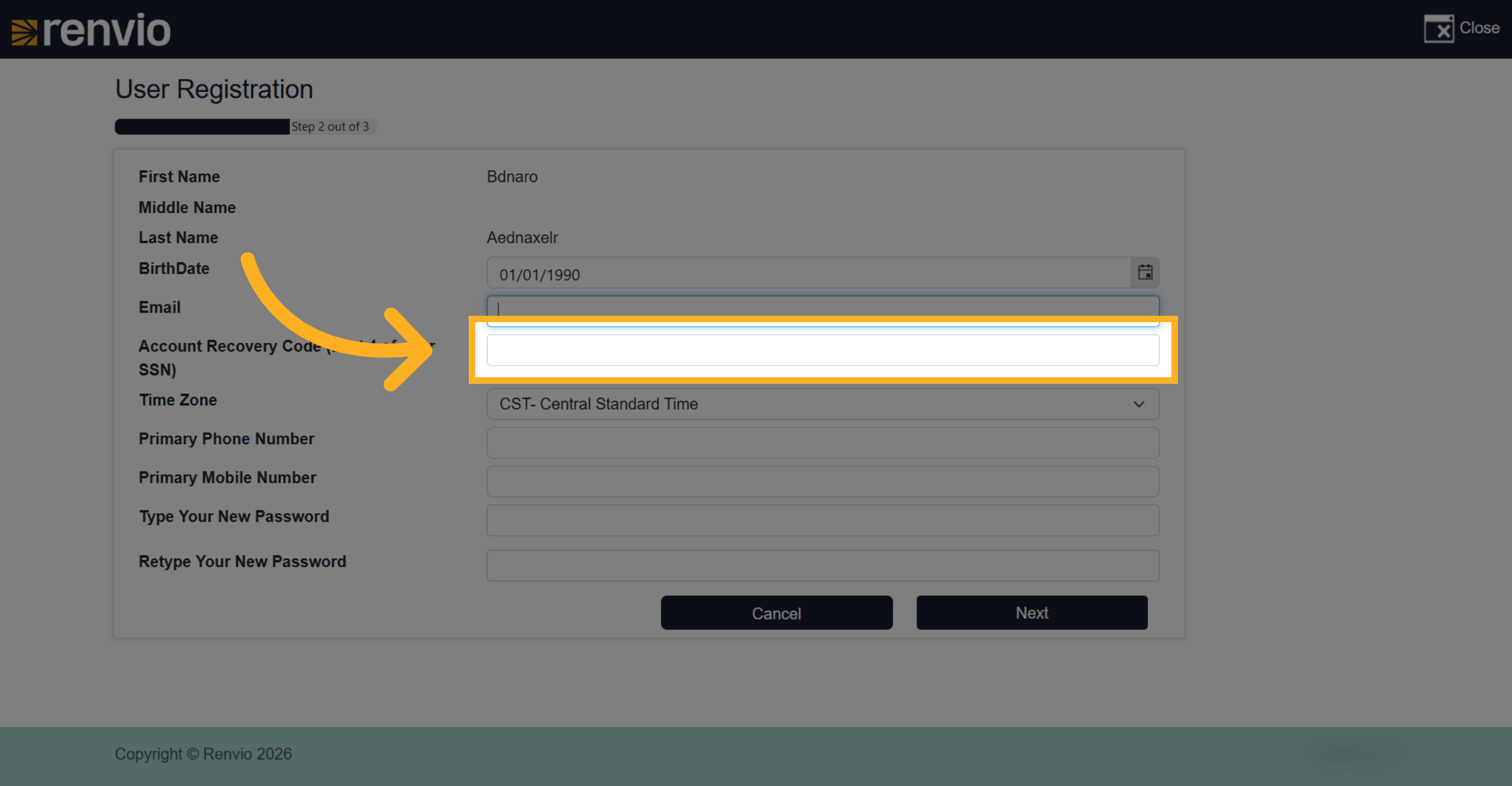
7. Select Account Recovery Code Field
Click the account recovery code field to provide the last four digits of your Social Security Number.
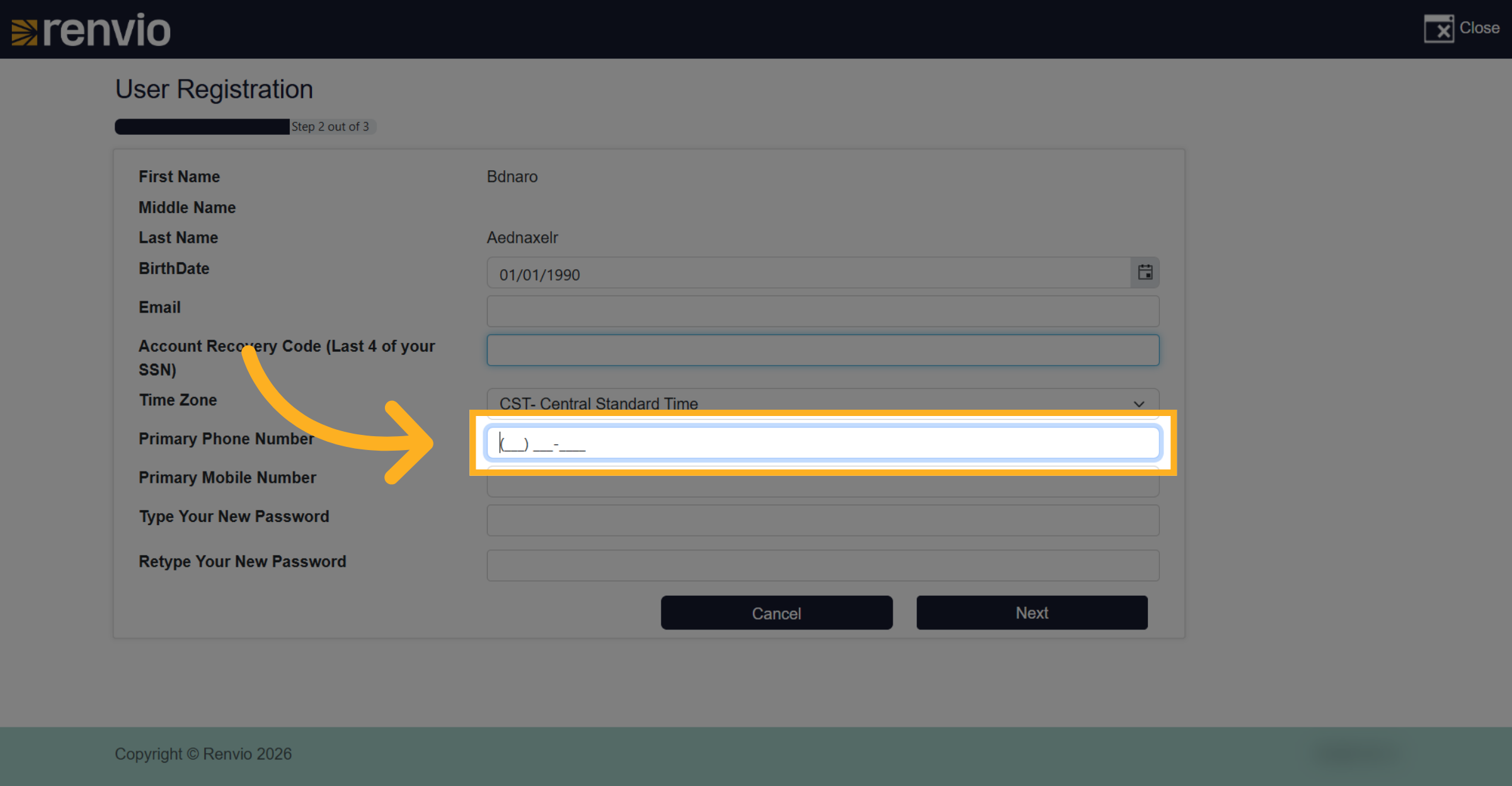
8. Select Primary Phone Number Field
Click the primary phone number field to enter your contact number.
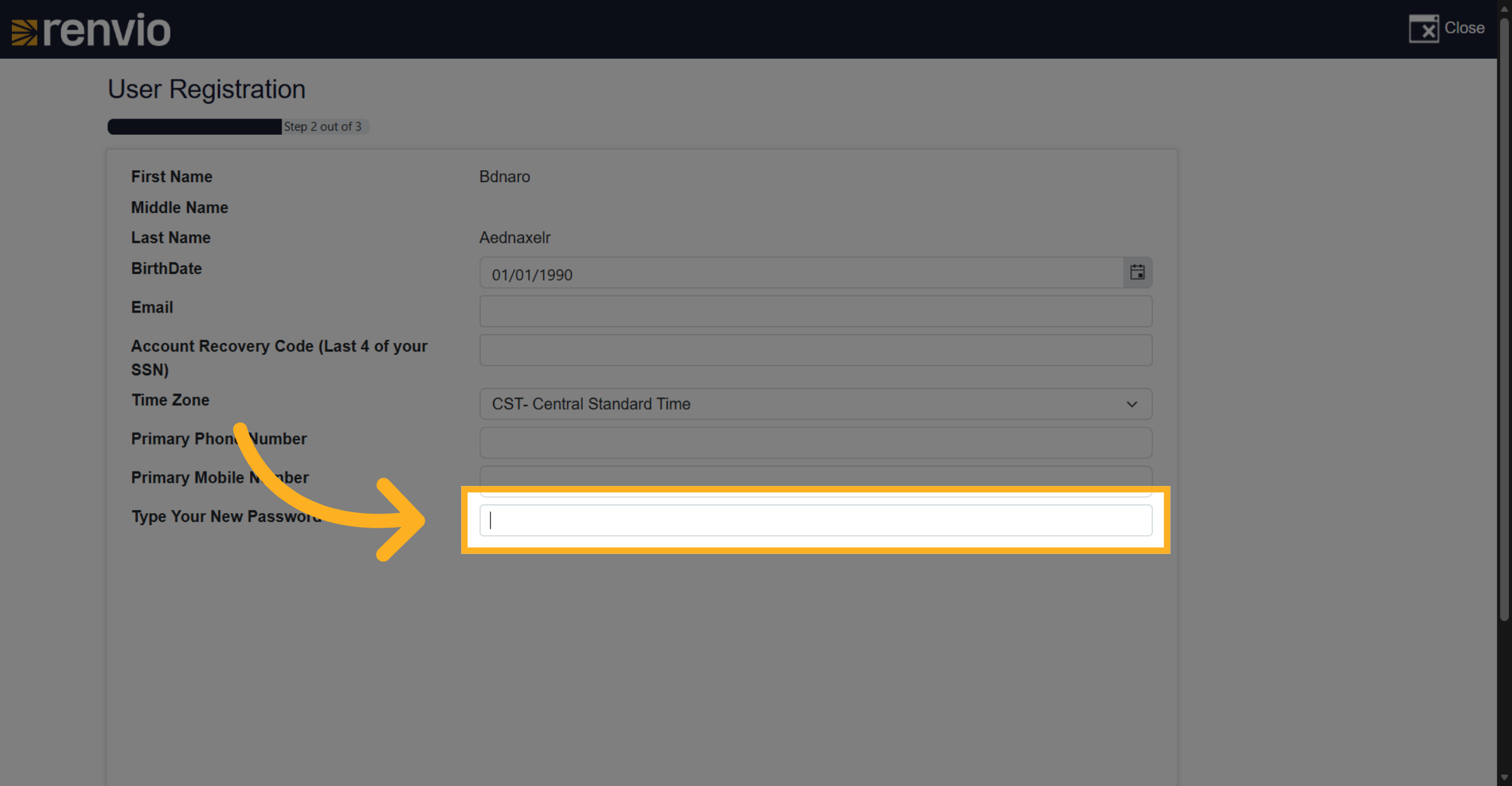
9. Select New Password Field
Click the field to type your new password.
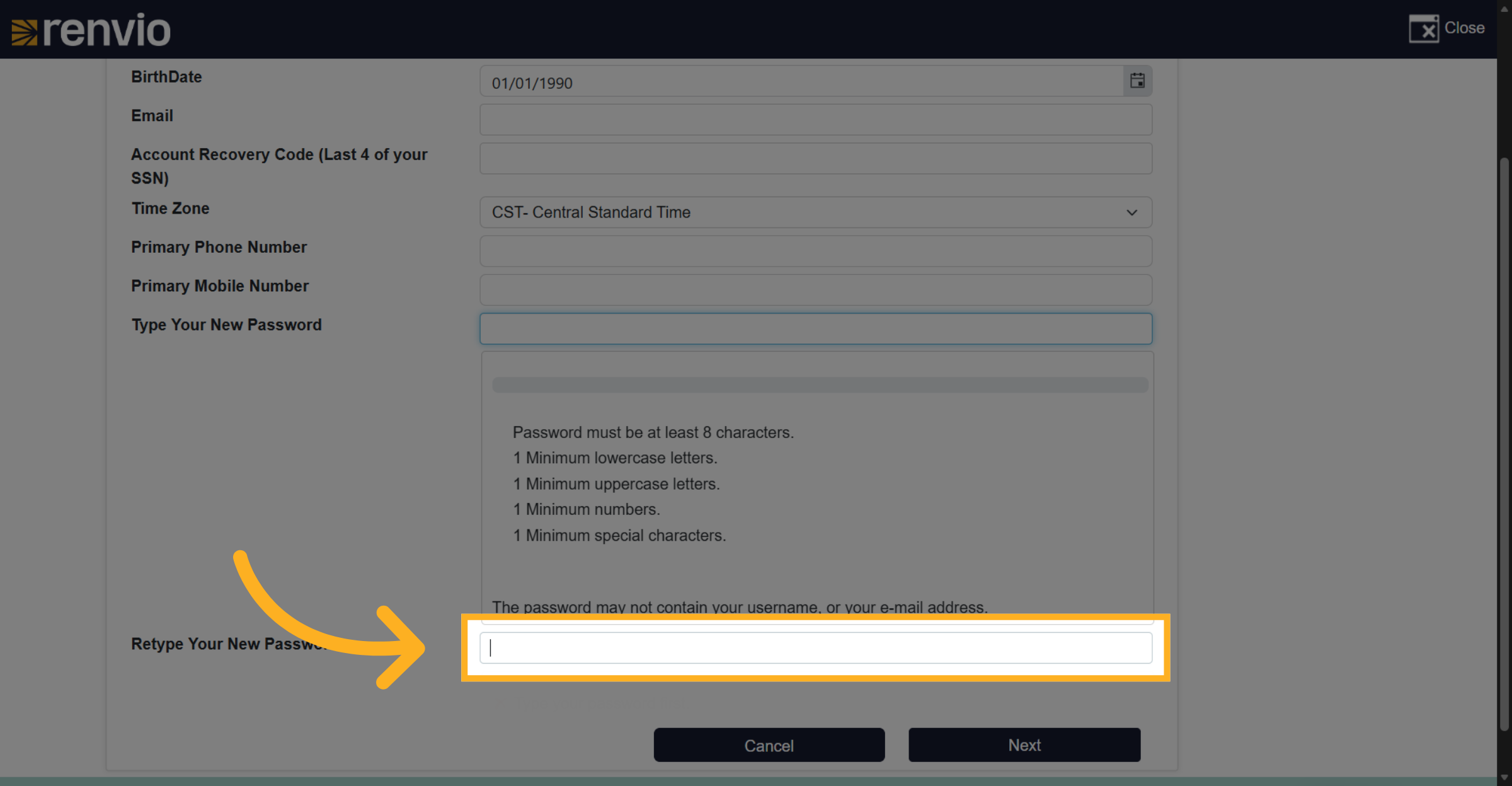
10. Select Retype Password Field
Click the field to retype your new password for confirmation.
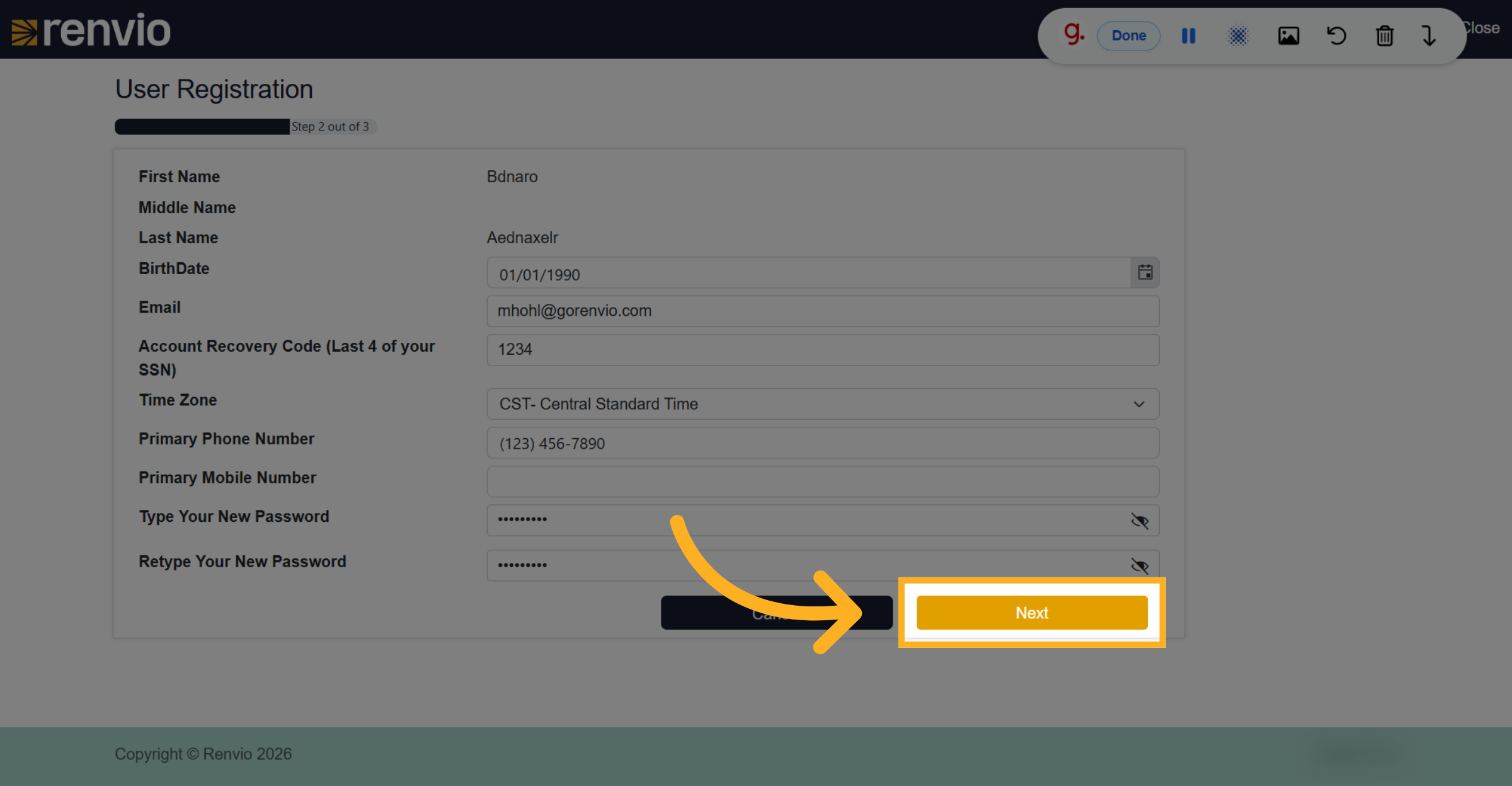
11. Proceed To Next User Information Step
Click the Next button to continue to the next step of user information.
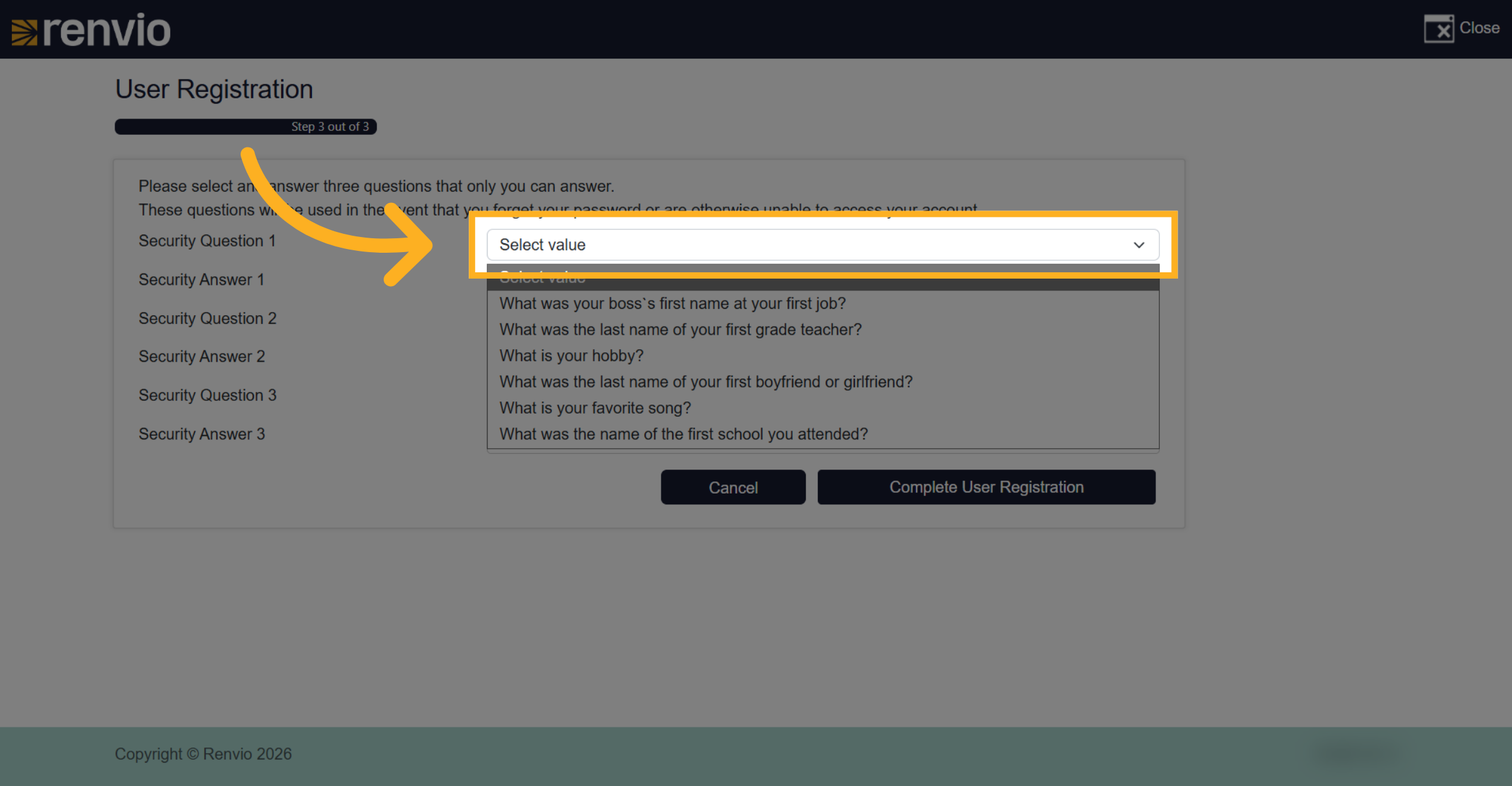
12. Choose First Security Question
Select your first security question from the available options.
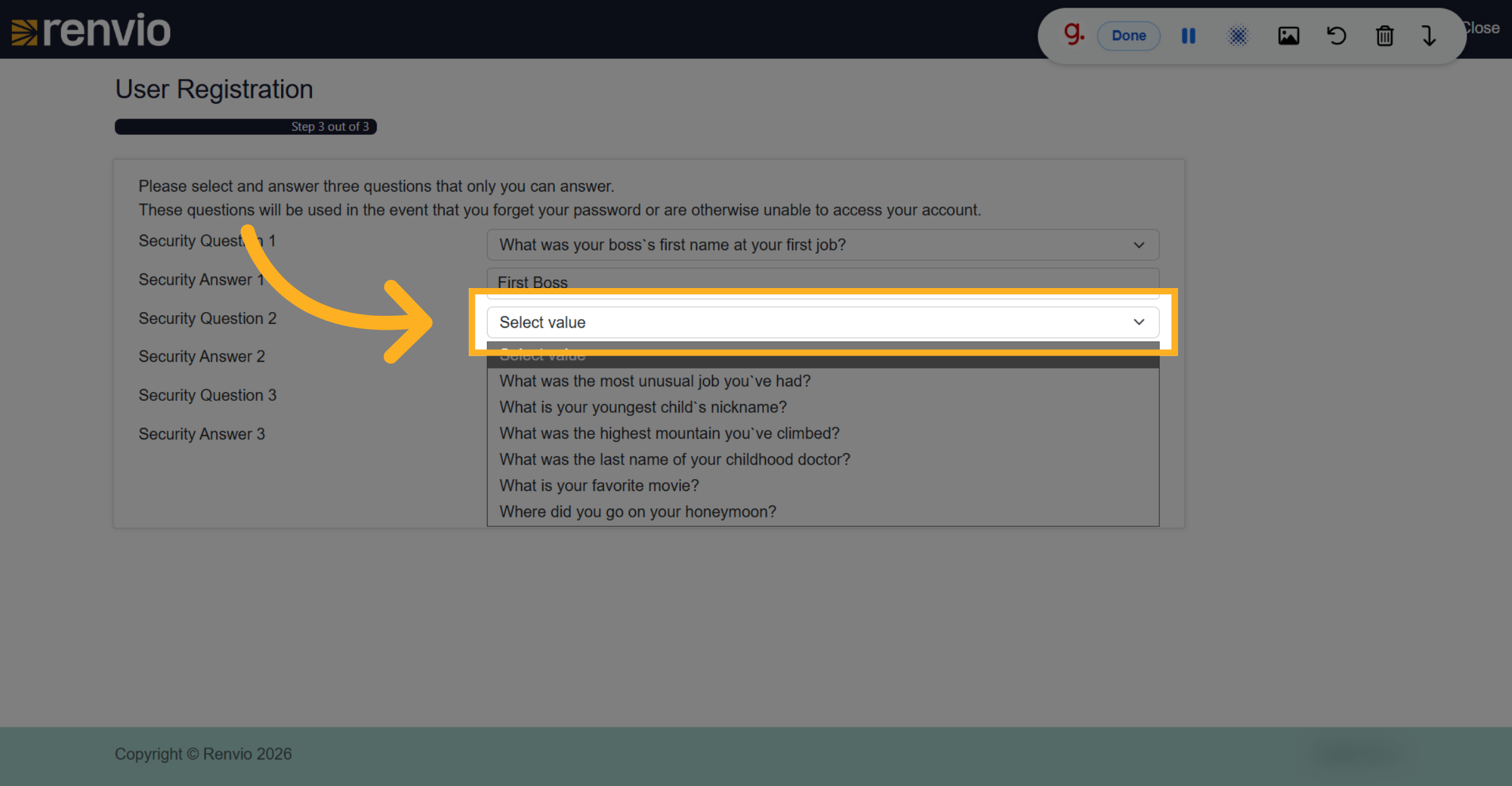
13. Choose Second Security Question
Select your second security question from the available options.
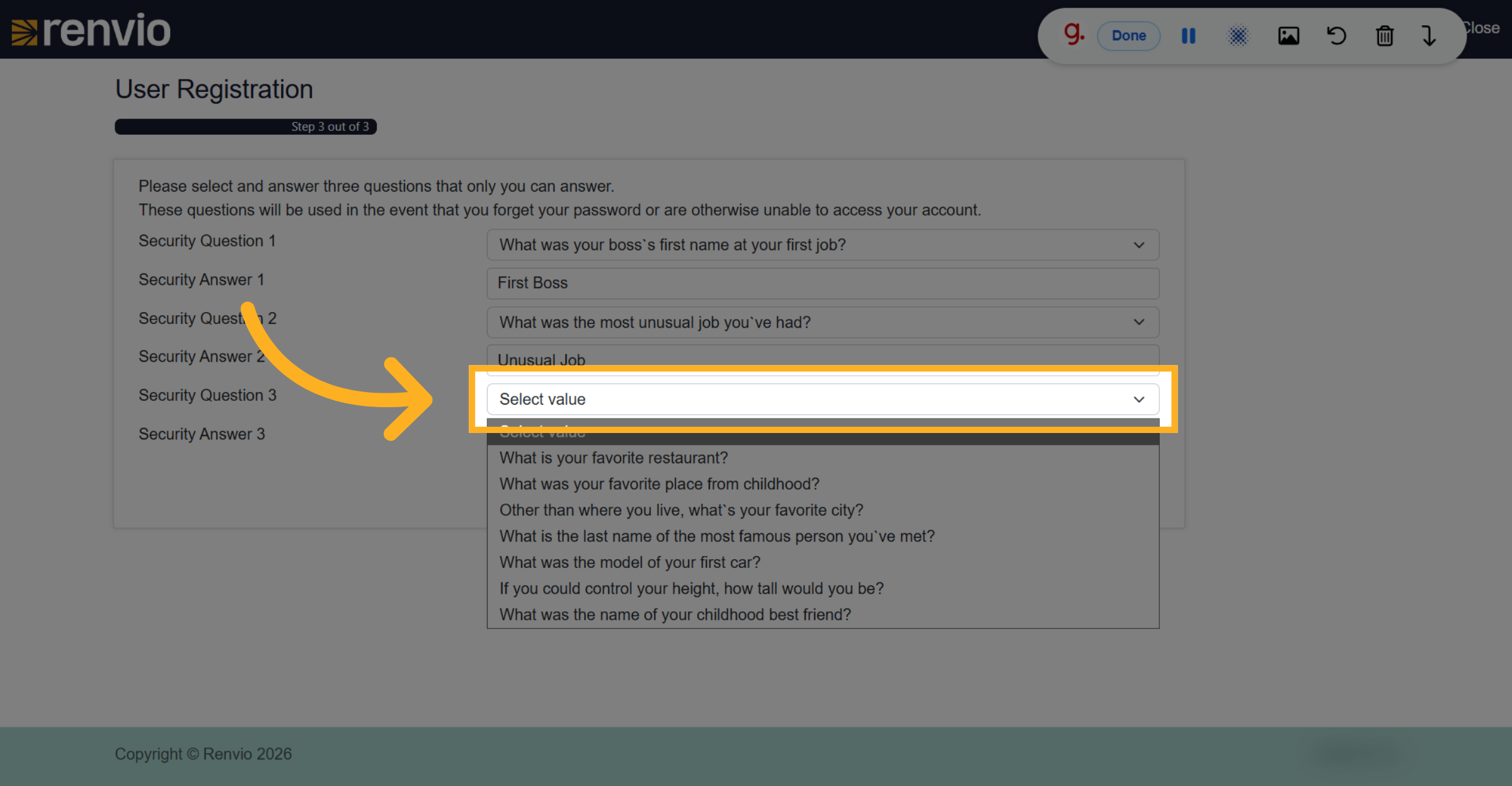
14. Choose Third Security Question
Select your thir security question from the available options.
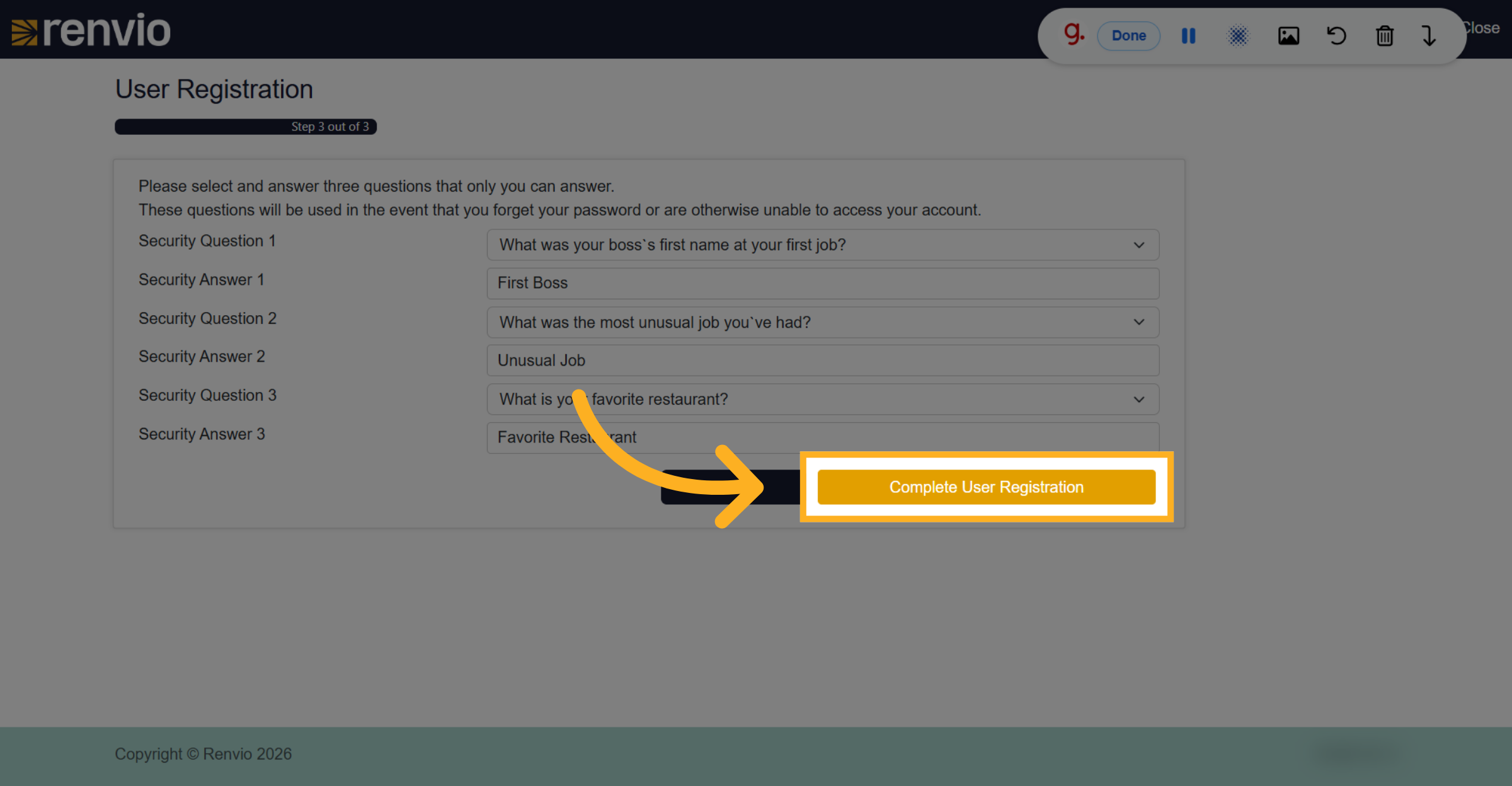
15. Complete User Registration
Click the Complete User Registration button to finalize your account setup.
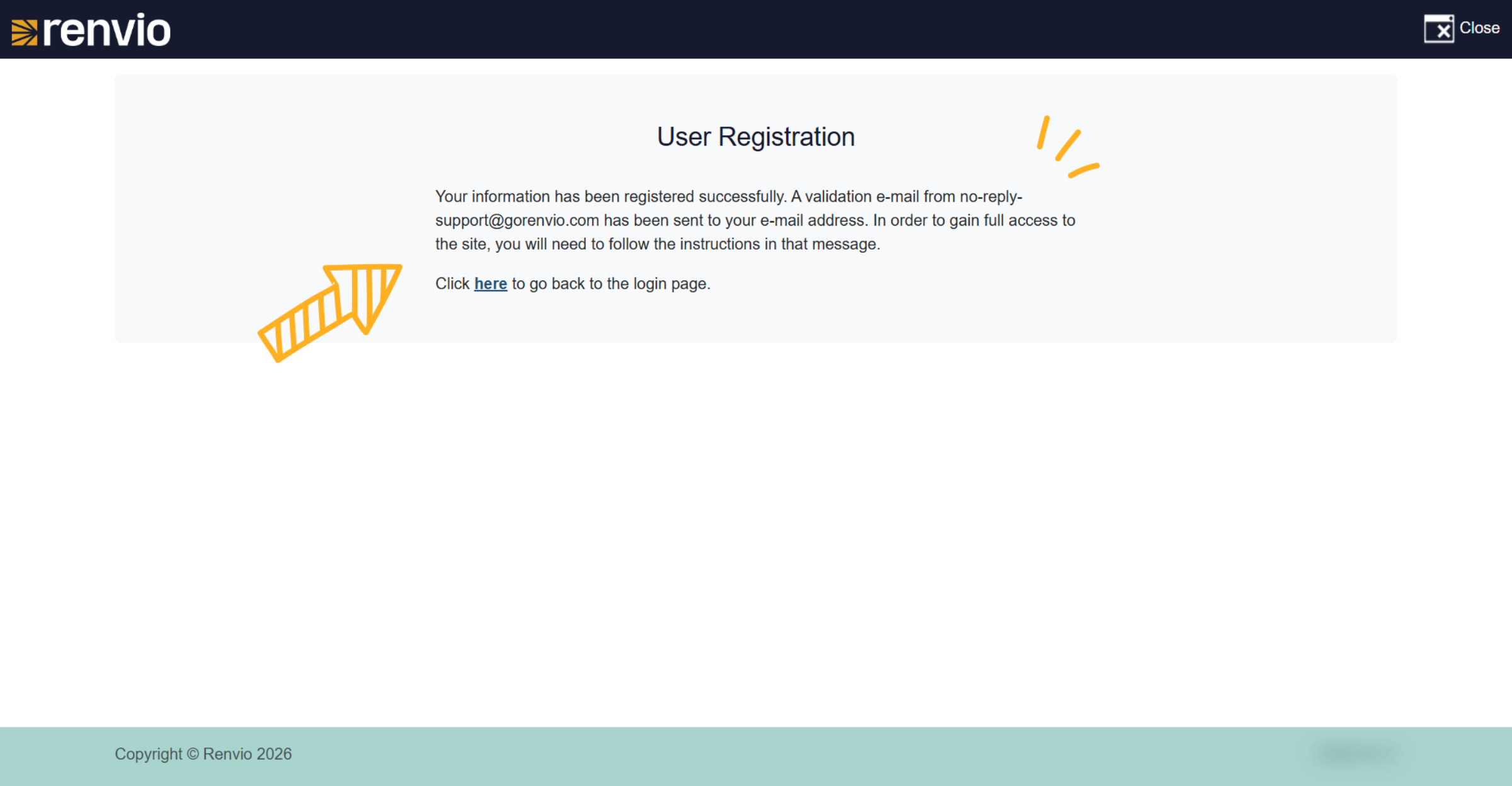
16. Confirm Registration Success
Read the message on the screen.
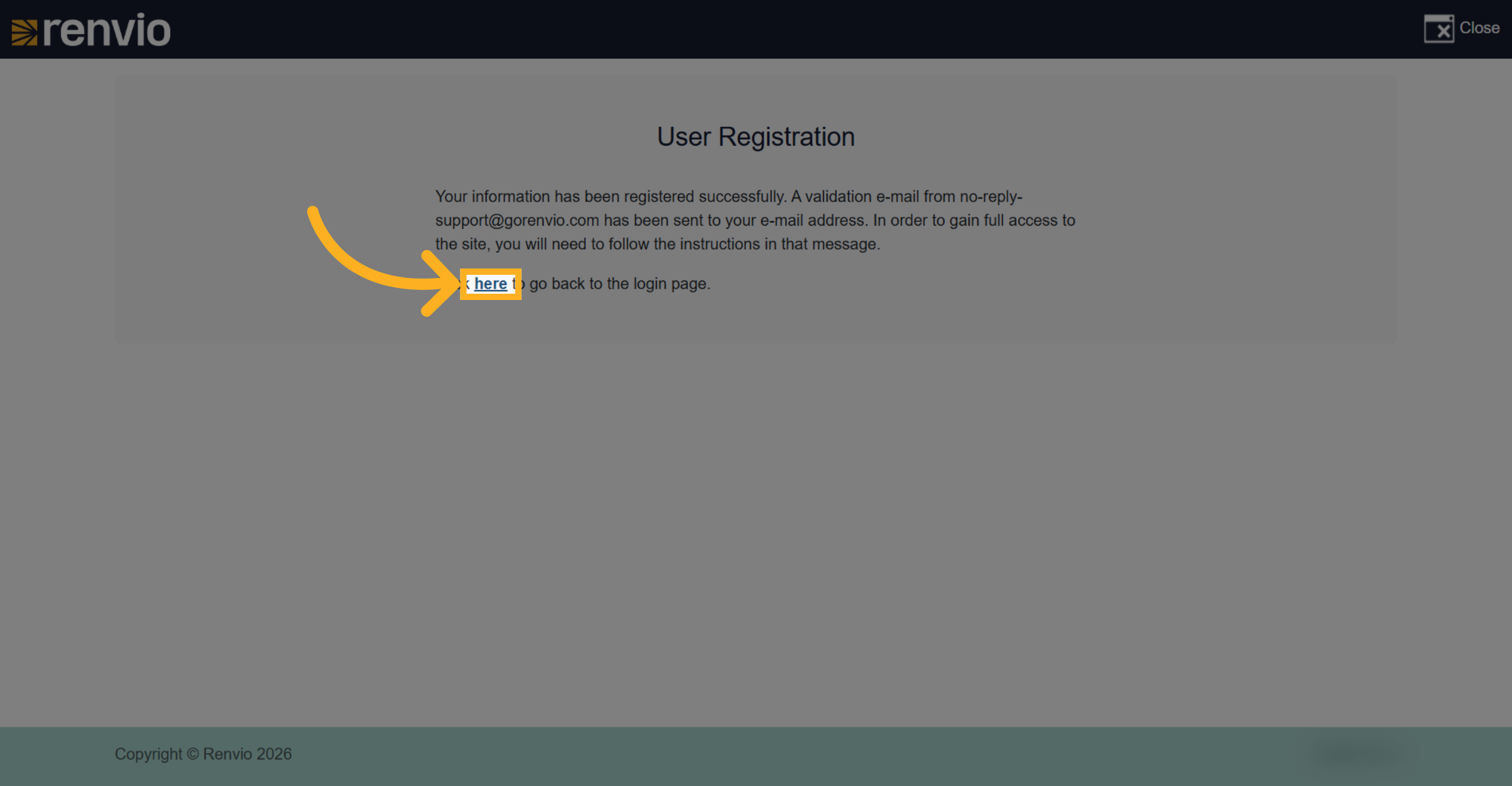
17. Confirm Registration Success
Click here to go back to the login page.
18. Log In
After verifying your email address, enter your username and password then click Log In.