Readmit an inactive or returning (transient) patient.
1. Introduction
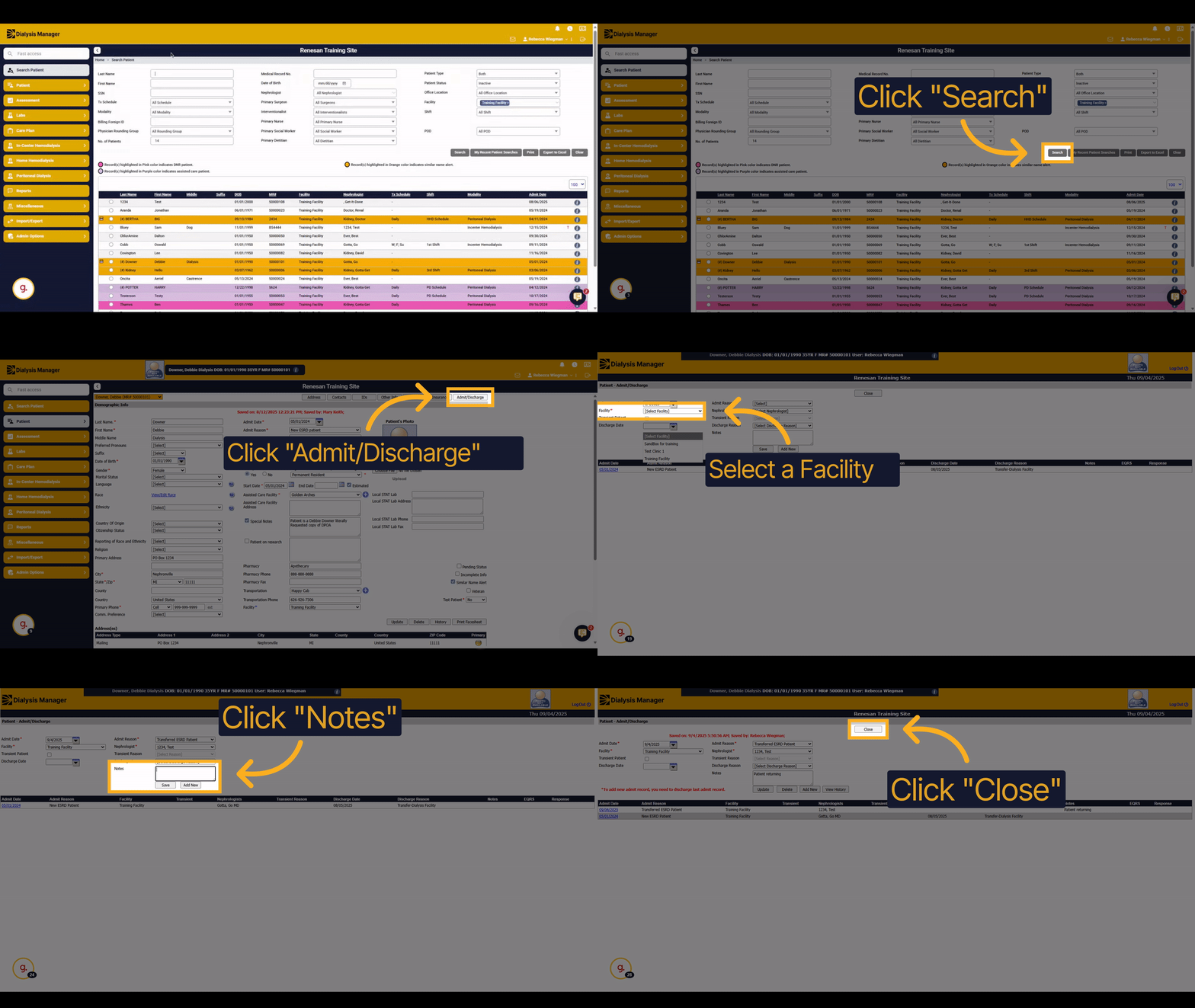
This guide explains how to readmit an inactive or returning patient in the system. You will learn how to search for inactive patients, and then admit them again with all necessary details. Additionally, this process can be utilized for diverse scenarios such as reactivating patient records for billing purposes or transferring the patient to a new facility. These actions ensure administrative accuracy.
2. Click here
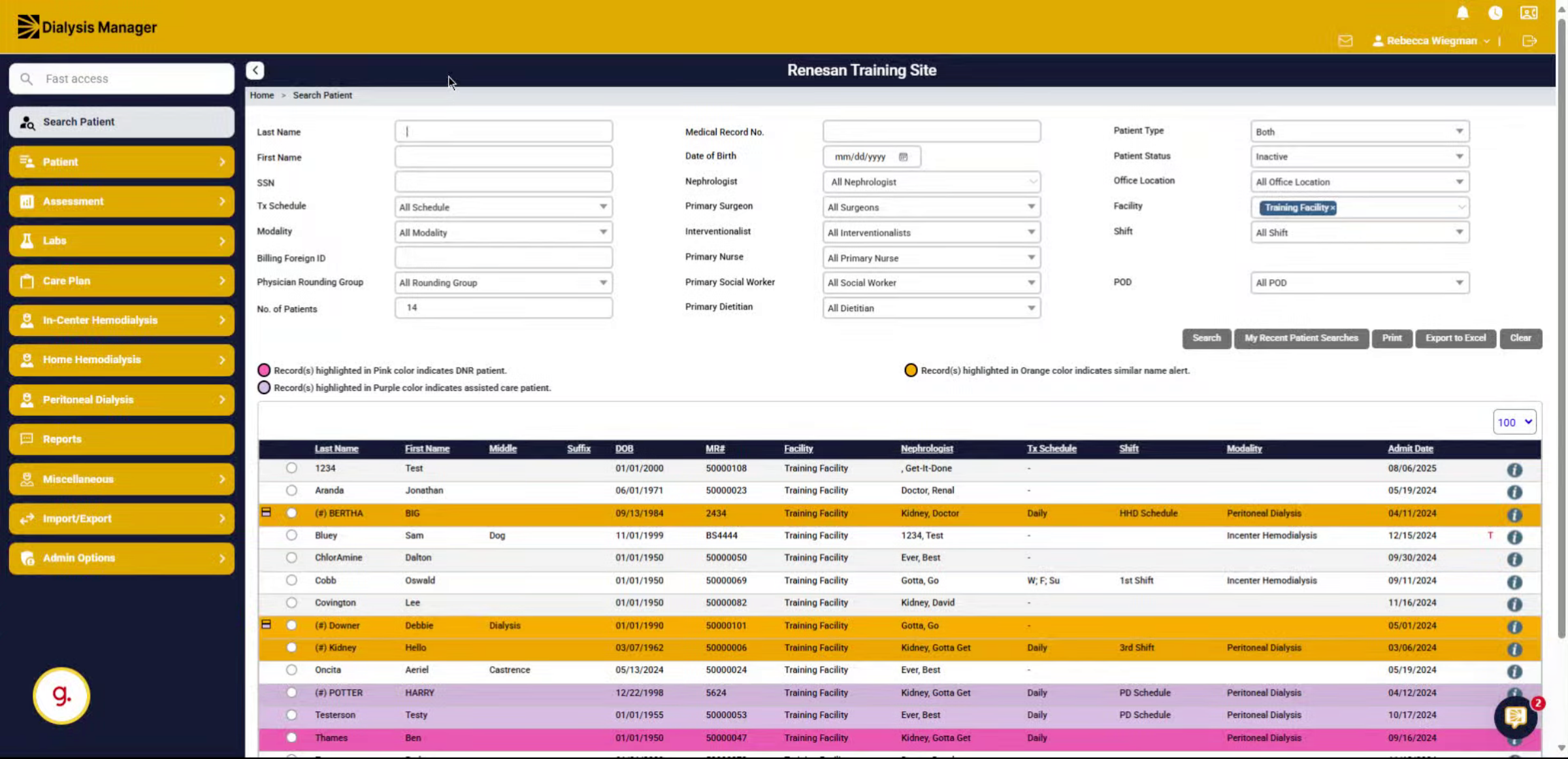
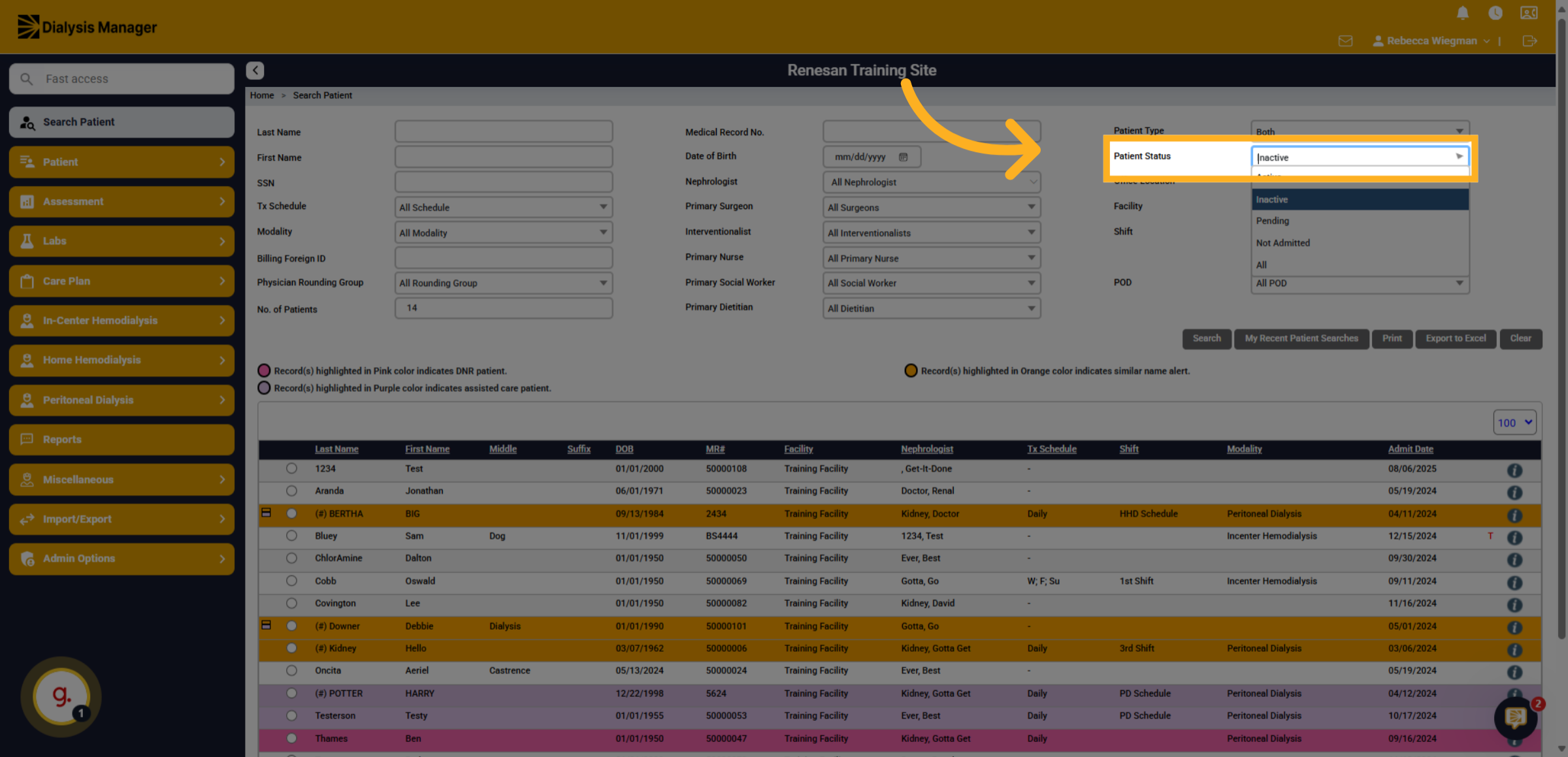
Click on the "Patient Status" dropdown menu to select a status of either "Inactive" or "All" to expand the search and locate the patient record.
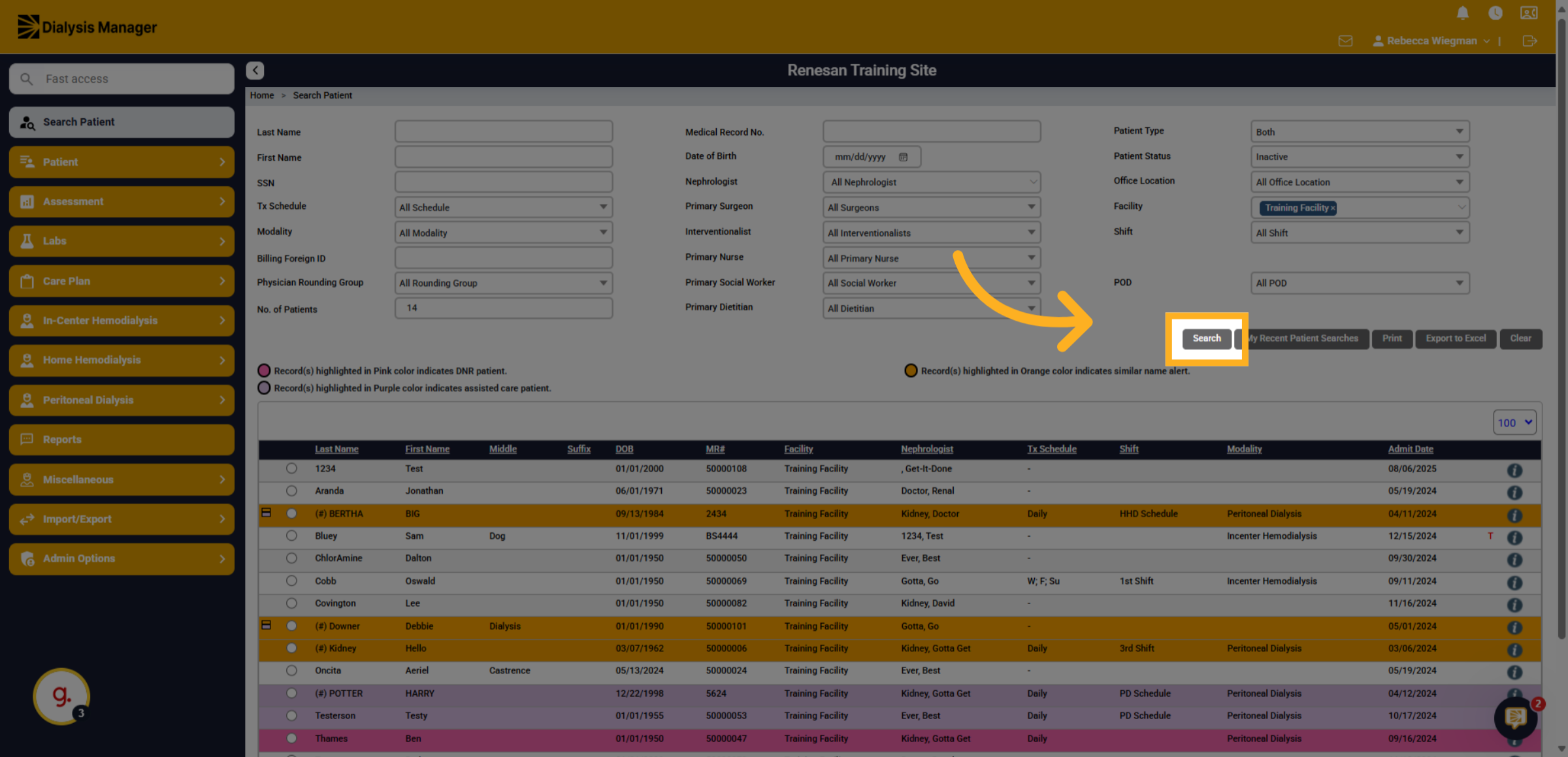
3. Click "Search"
Click the "Search" button to find patients with the selected status.
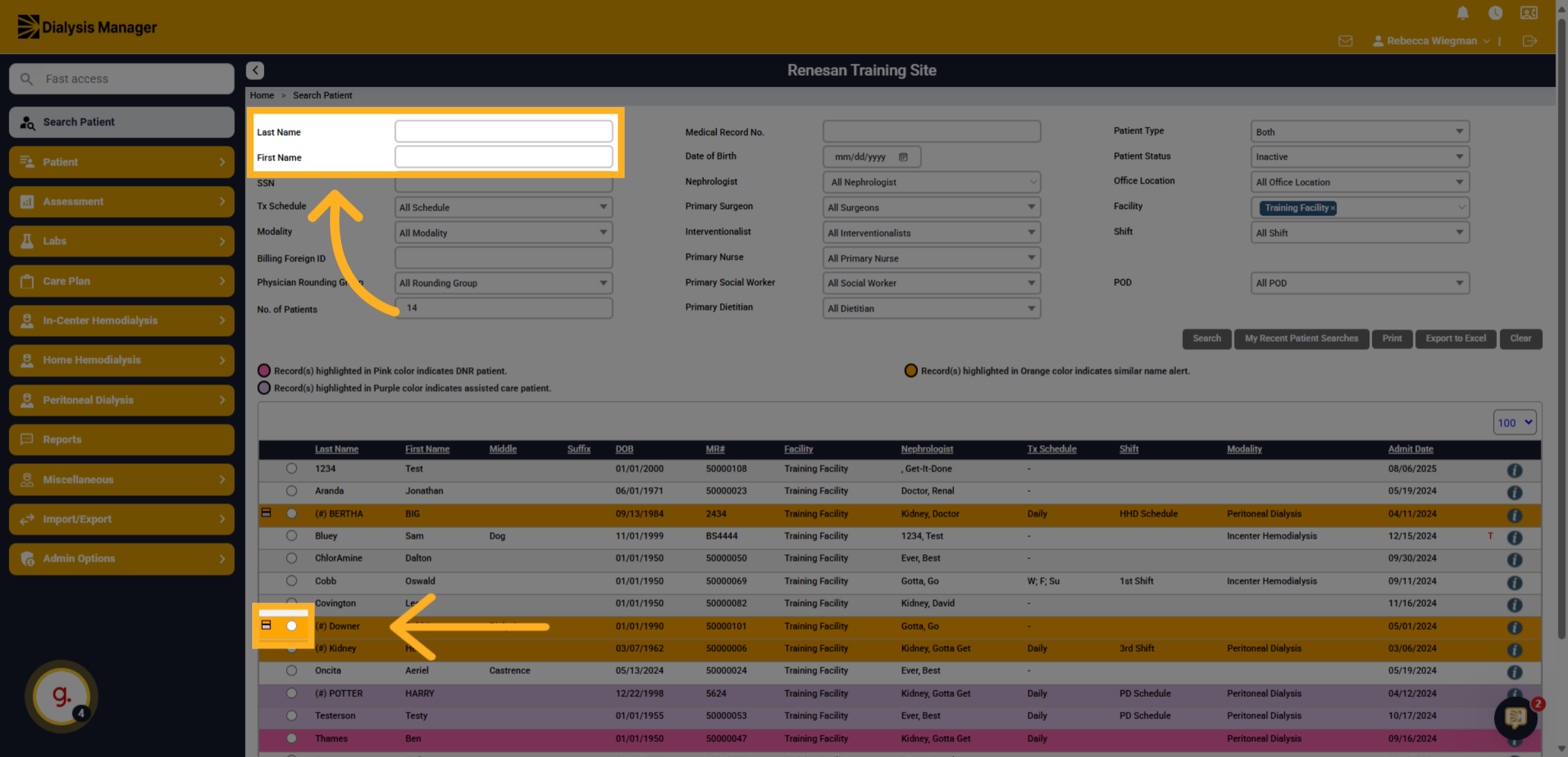
4. Click "on"
Click on the patient you want to readmit from the search results. Or manually type the patients name.
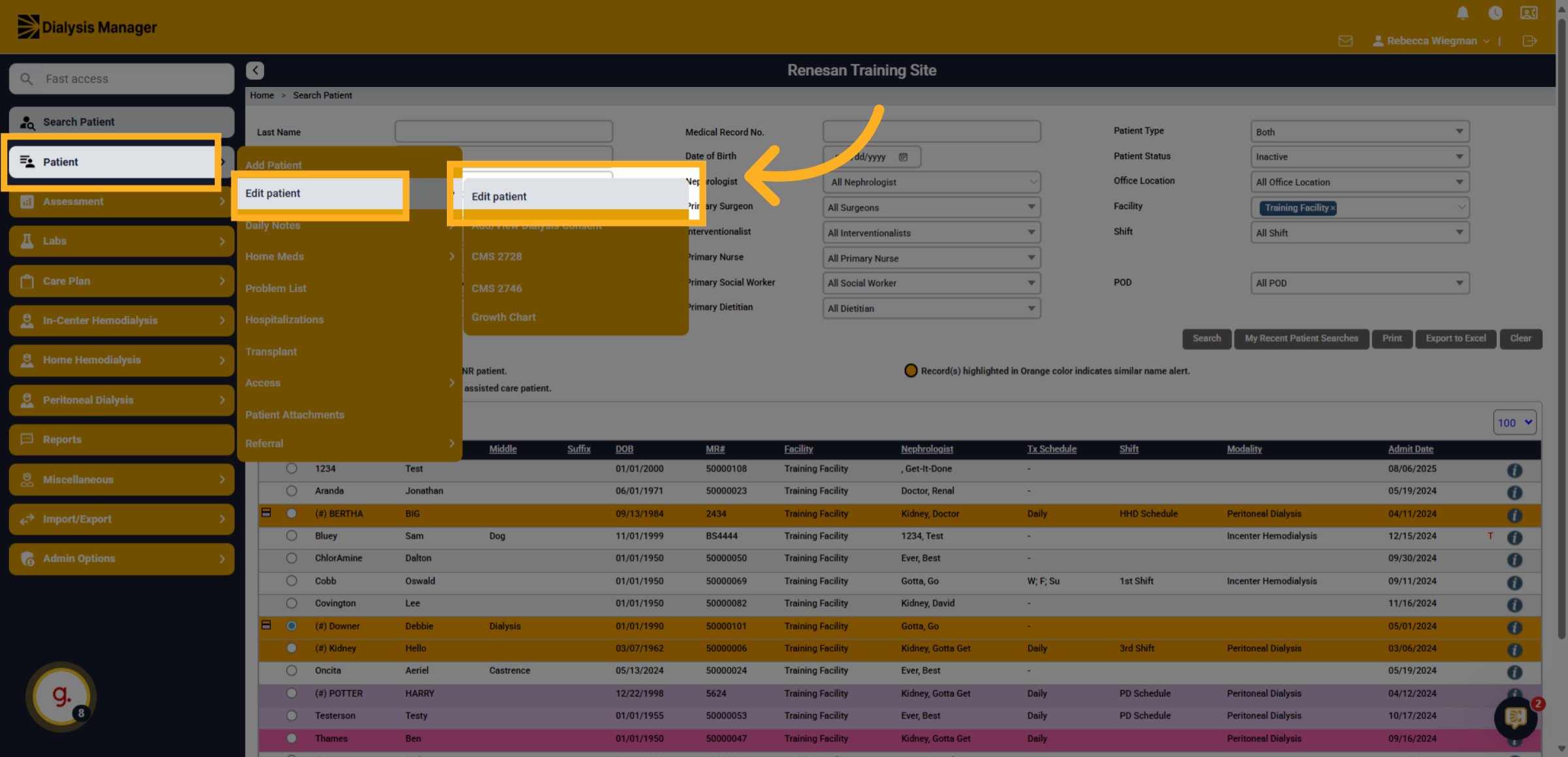
5. Click "Edit patient"
Click on Patient > Edit Patient > Edit Patient to open patient details.
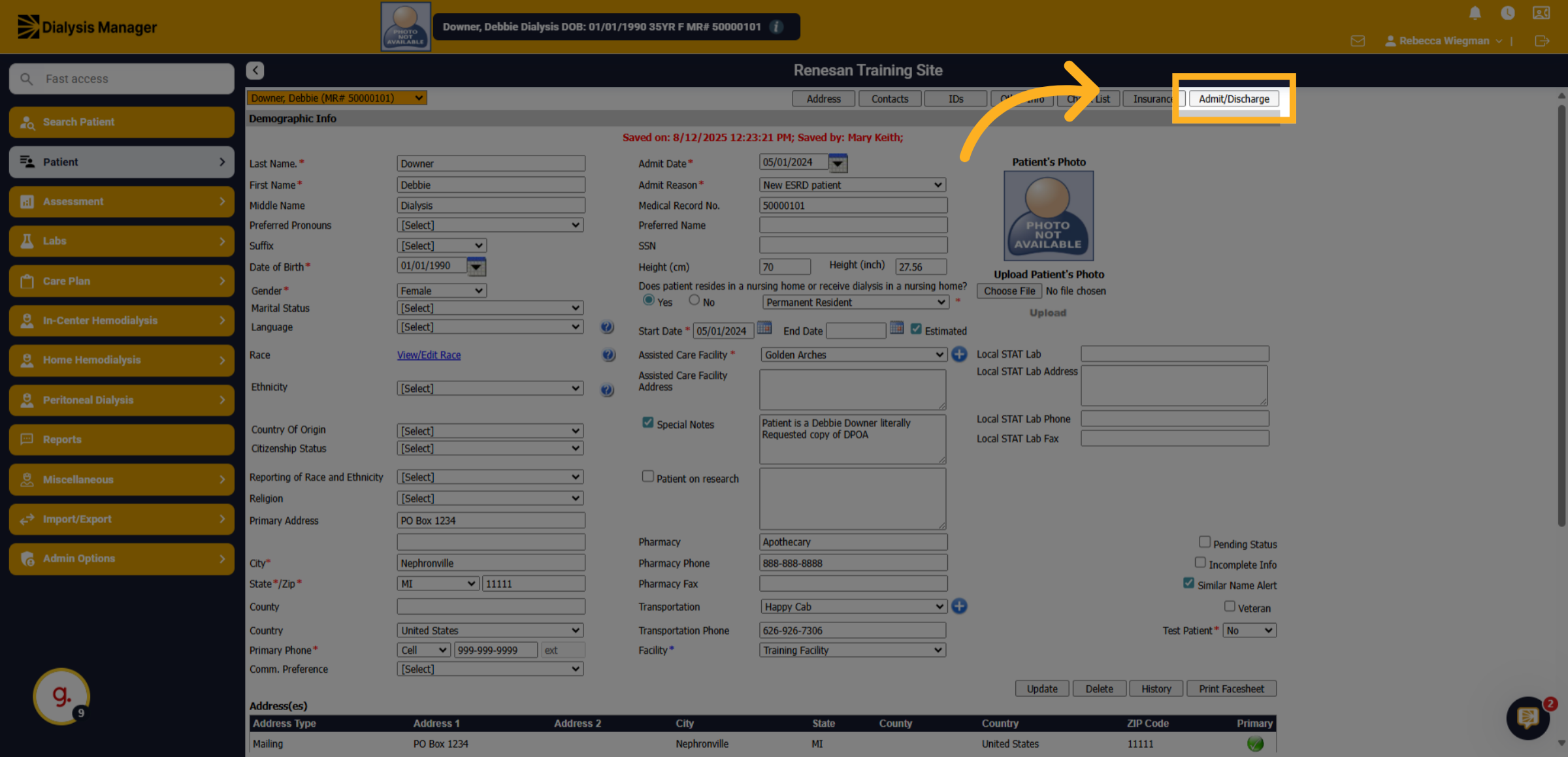
6. Click "Admit/Discharge"
Navigate to the "Admit/Discharge" section to manage admission details.
7. Click "Add New"
Click the "Add New" button to add a new admission record.
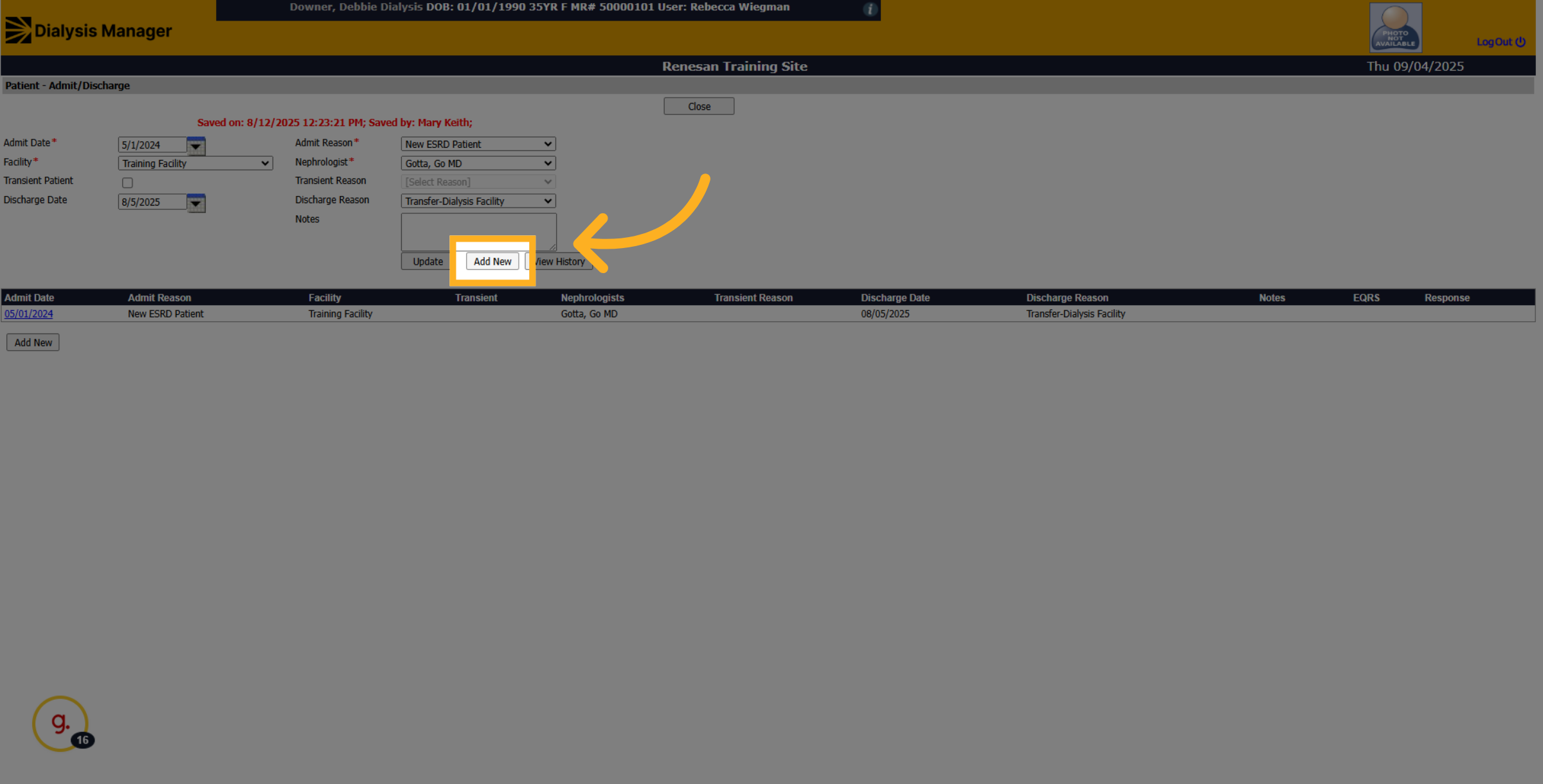
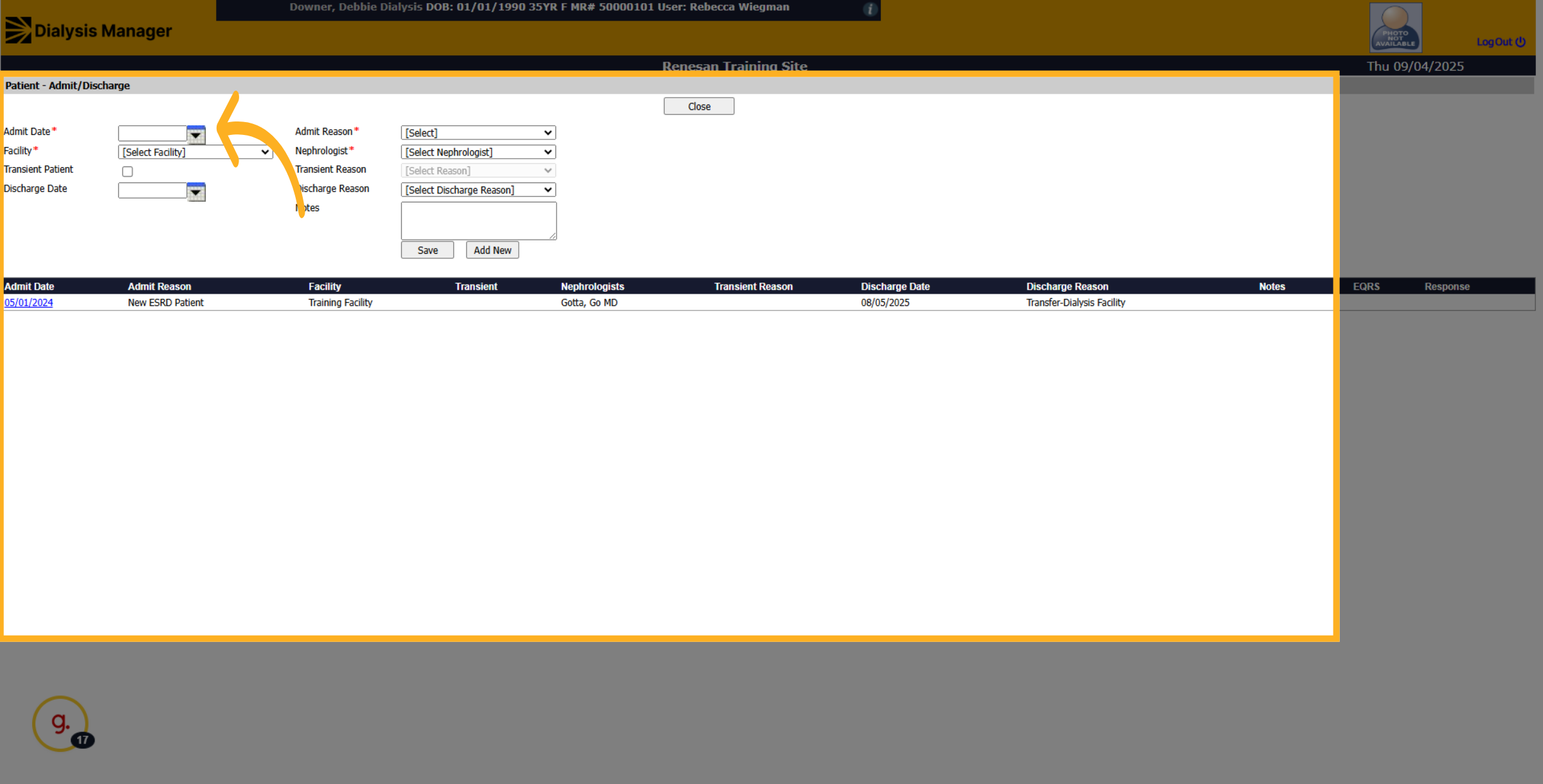
8. Click here
Enter the date the patient was admitted into your facility.
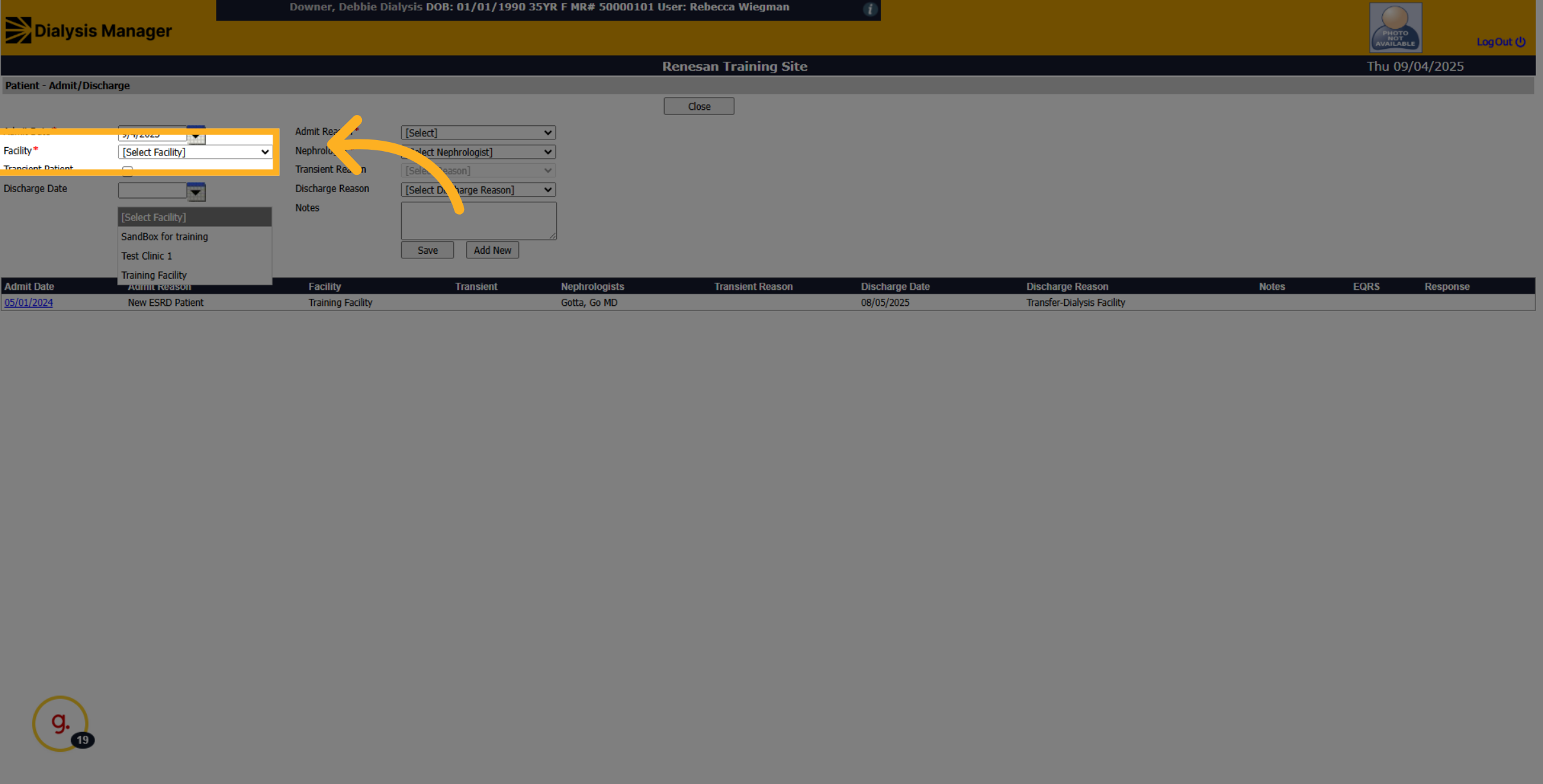
9. Click "[Facility
Click the facility dropdown to choose the admitting facility.
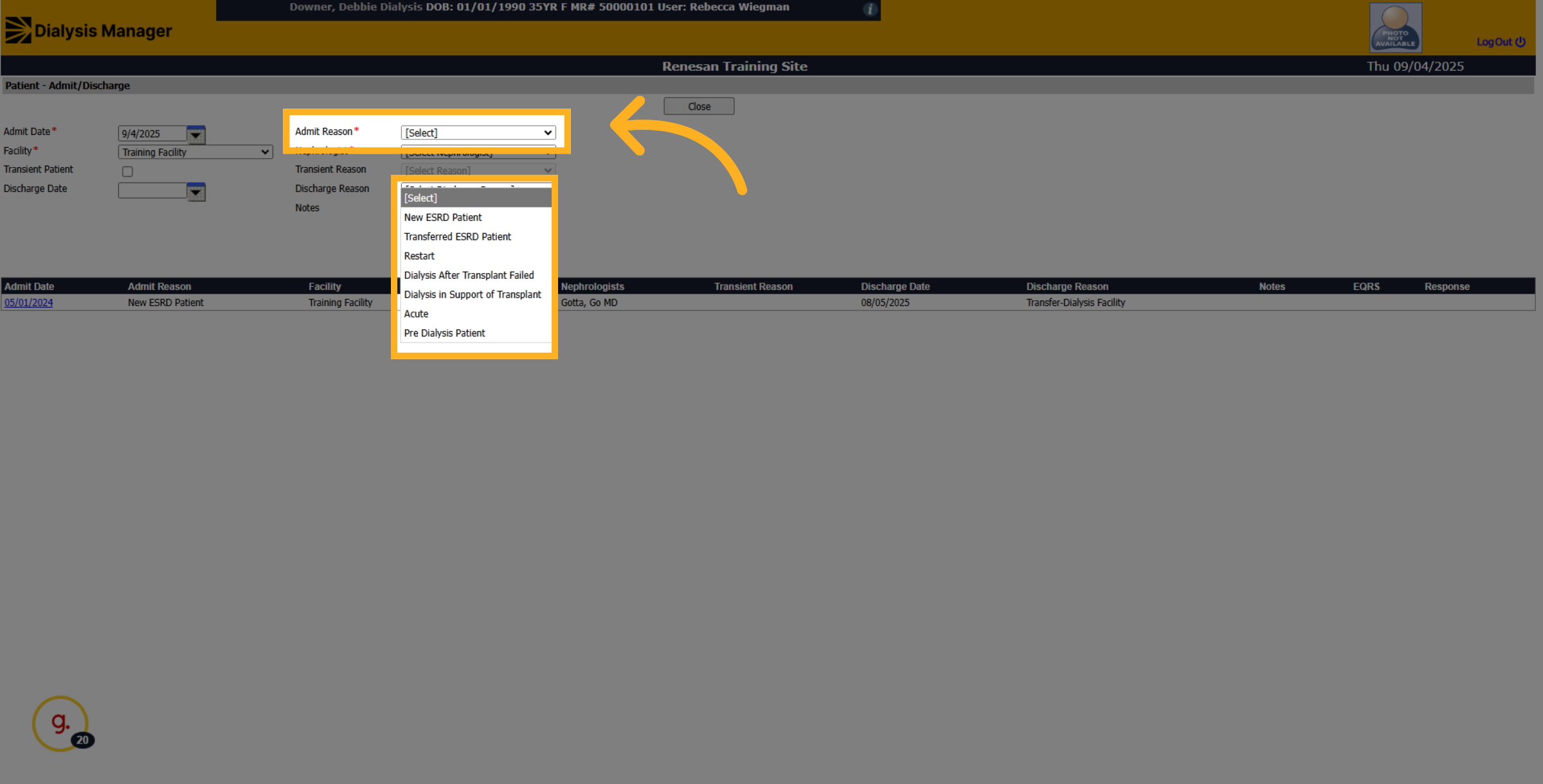
10. Click Admit Reason
Click the admission type dropdown to specify the type of admission.
11. Click "[Select Nephrologist]
Click the nephrologist dropdown to assign a physician.
![Click '[Select Nephrologist]](https://knowledgetest.renvio.com/hubfs/Intercom%20knowledge%20base/qg-2Fu0GlpTxg3KQGmZcWU2NCVw7aI4i1-2FhGXUwfShq2ncgY2Px7RtFG-2Fn1fJ8JoSYWdKUnMJJn64Yw_doc.png)
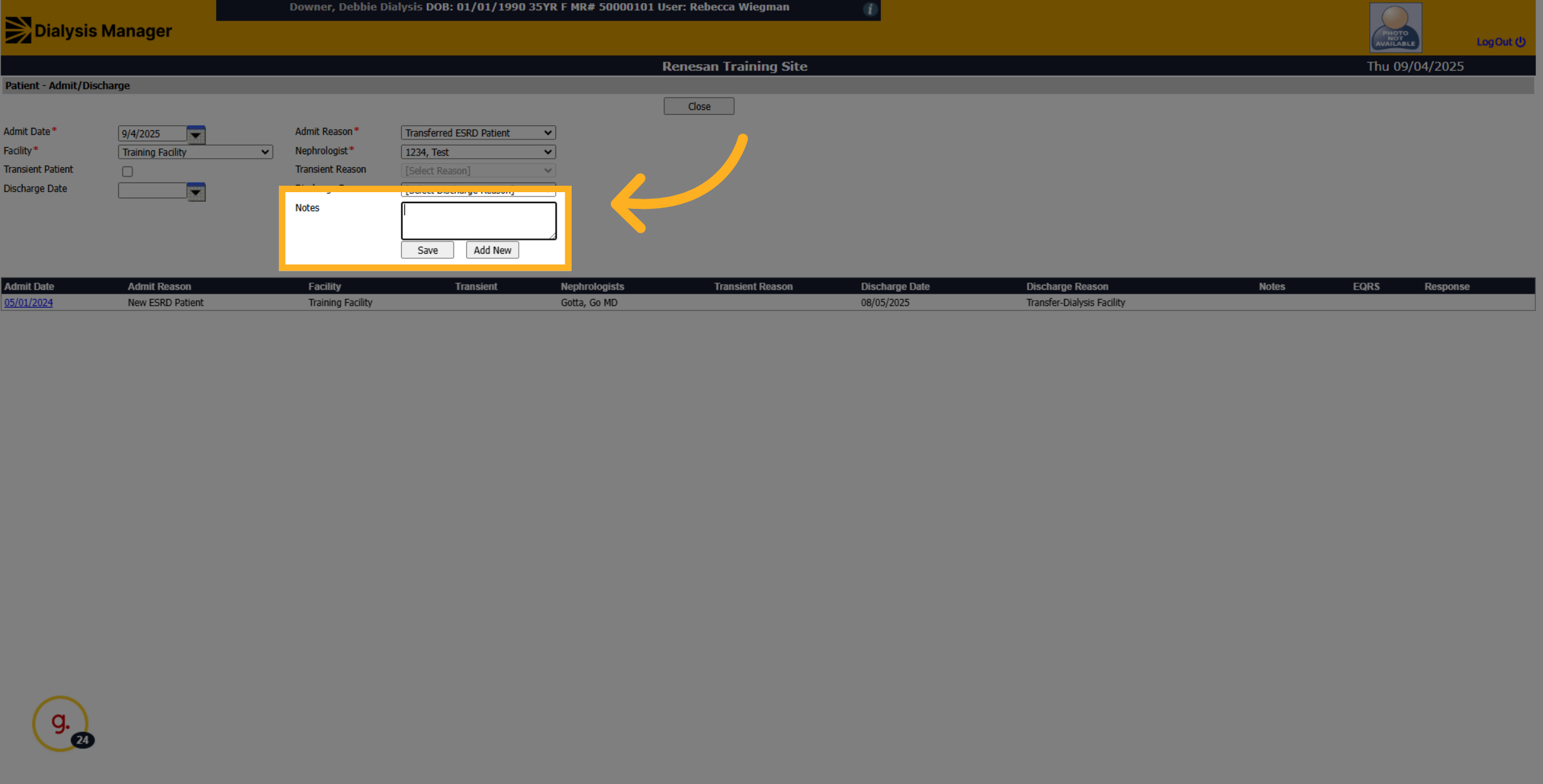
12. Click "Notes"
Click on the "Notes" section to add additional information.
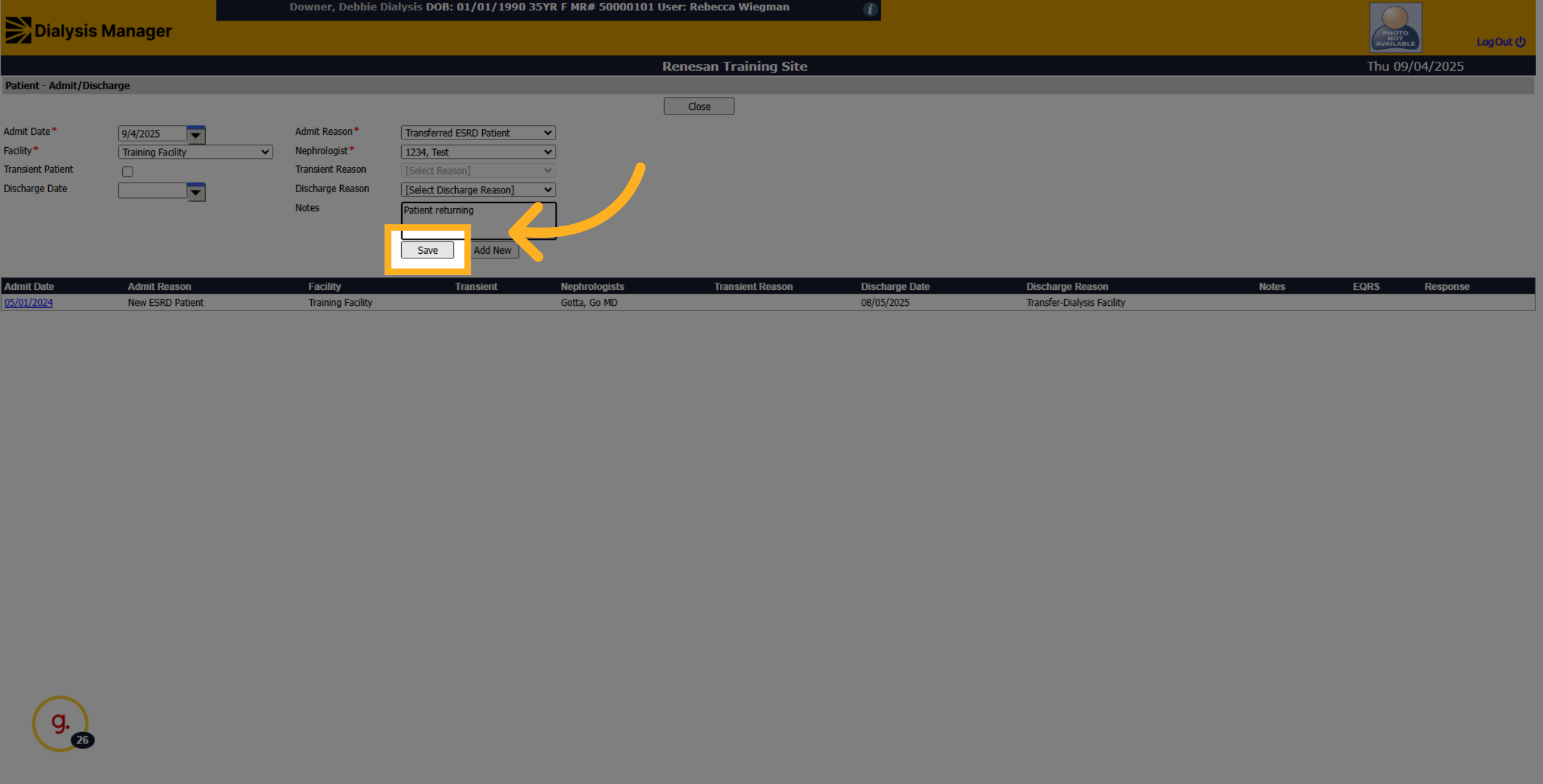
13. Click "Save"
Click the "Save" button to save all changes made to the patient record.
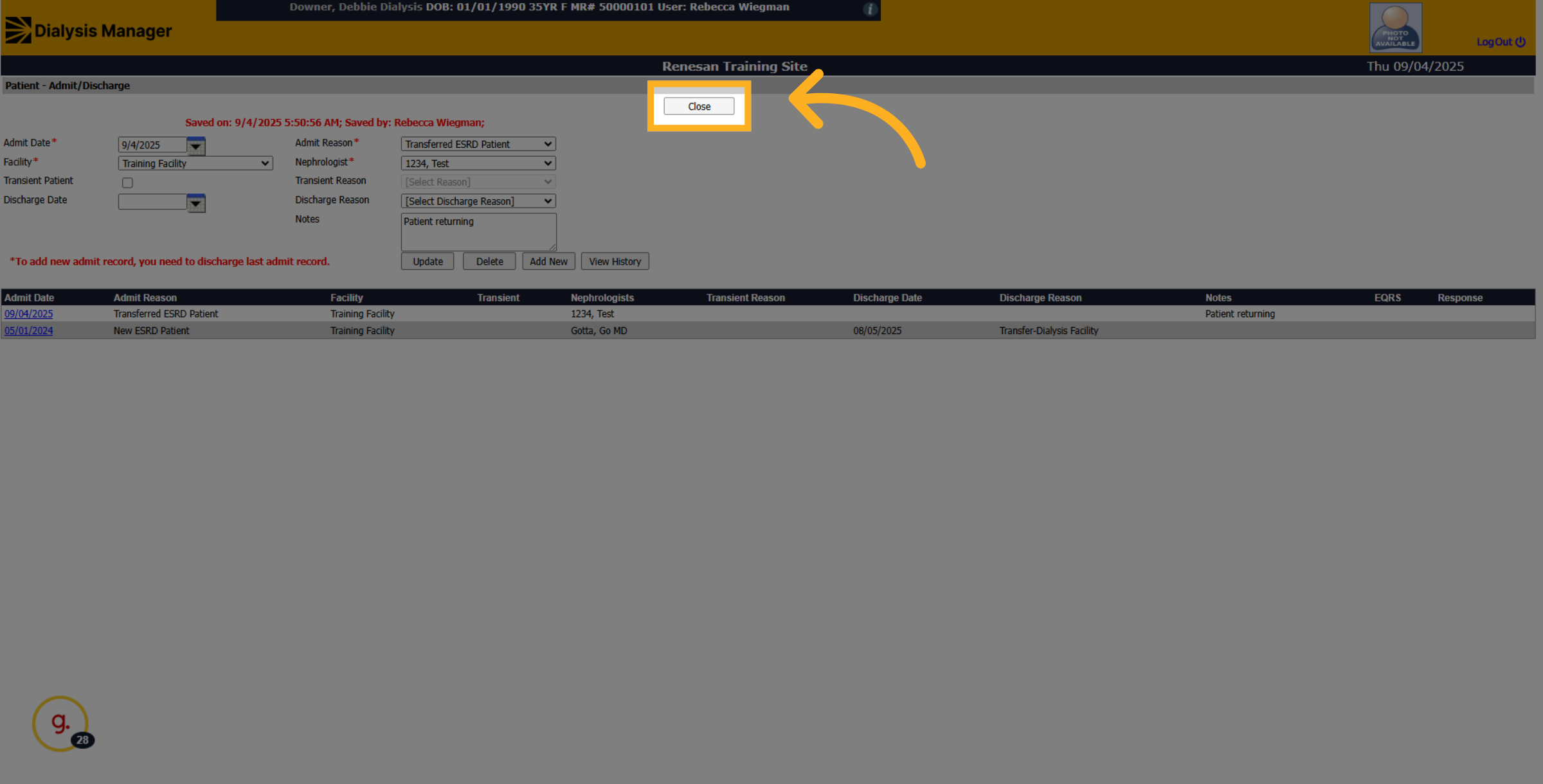
14. Click "Close"
Click the "Close" button to exit the editing mode and return to the main screen.
Additional Tips
Always verify the patient’s record status post-update to prevent administrative errors.
If handling inactive records frequently, become familiar with Renvio's filters and search functionalities for streamlined management.