1. Reports > Miscellaneous Reports > Daily Notes/Short Term Care Plan Report.

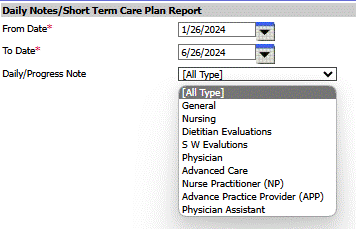
2. Enter From Date and To Date
3. Select Daily/Progress Note type (can leave on pre-selected [All Type] if desired)
4. Select View Report displays results in line listing.
5. Select Print Report opening another tab to print report.