Other Info Tab
Go to Patient > Edit Patient > Edit Patient
Click Other Info
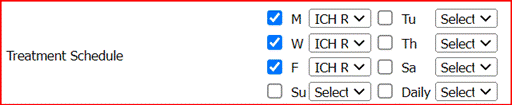
Select the correct checkboxes to indicate the patients' Treatment Schedule
Click the dropdown next to the checkboxes to choose the treatment type
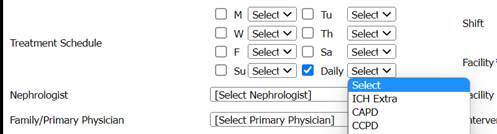
For Peritoneal Dialysis mark the DAILY checkbox and from the dropdown list select either CAPD or CCPD
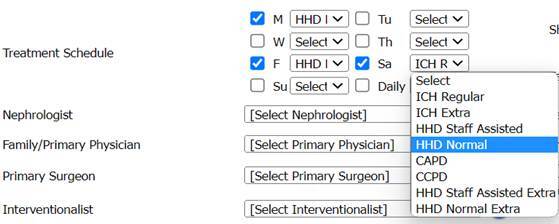
For HHD (Home Hemodialysis) mark the 3 days of the week that the patient will be scheduled to do their treatments (MWF or TTS).
Using the dropdown list with the marked days, select one of the following:
HHD Normal (doing the treatment with a care partner)
HHD Staff Assisted (staff from the facility is present to assist with the patient's treatment)
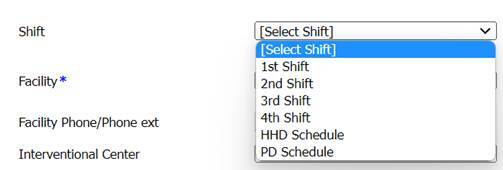
Enter Shift, Facility, and Appointment Time
Click Update
Click Close