Access Patient Portal Features in Renvio

1. Introduction
After the patient has registered their Patient Portal account, they can log in and access the portal's features. This tutorial guides you through managing patient information and treatment flowsheets within the portal.
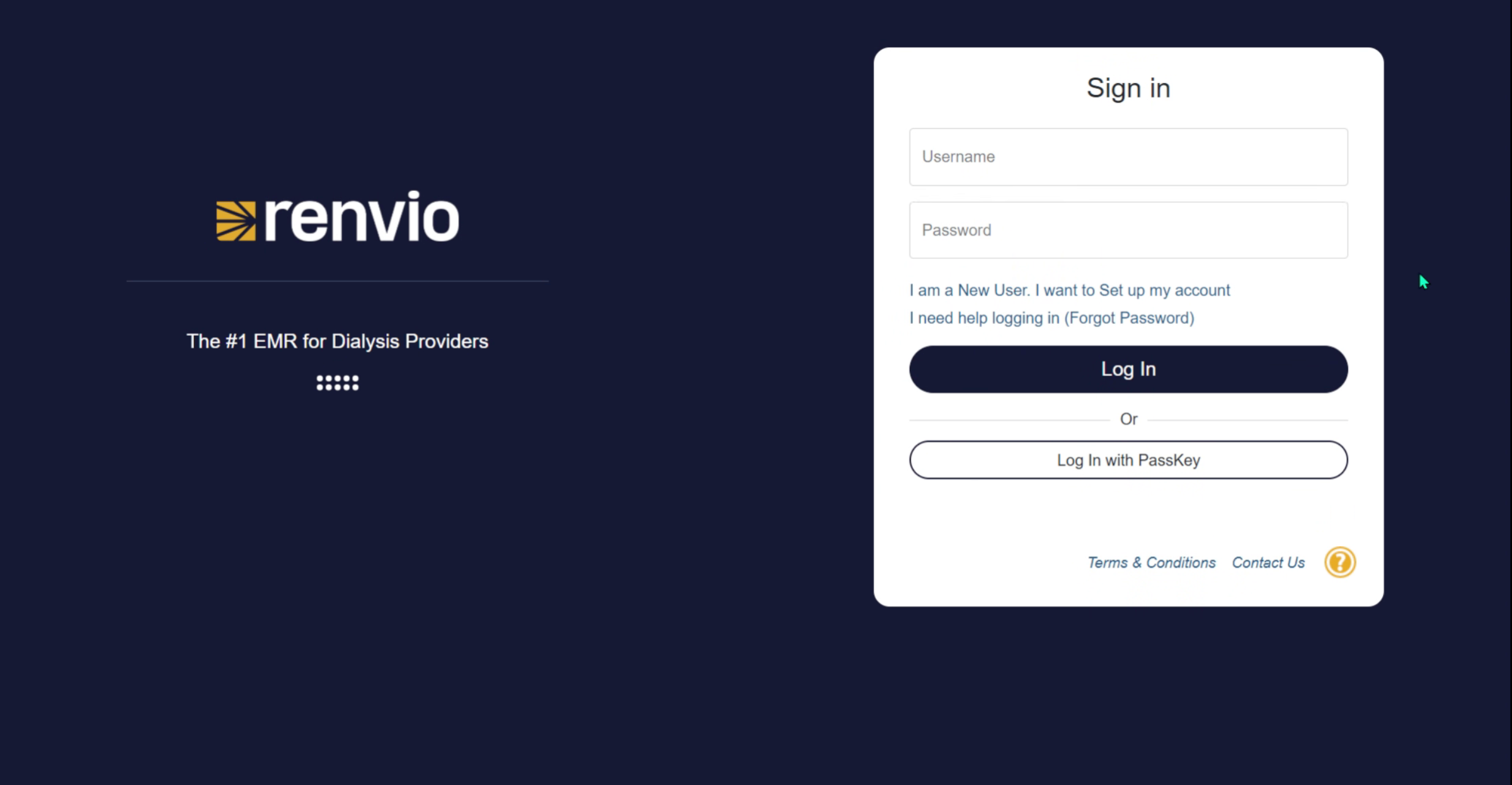
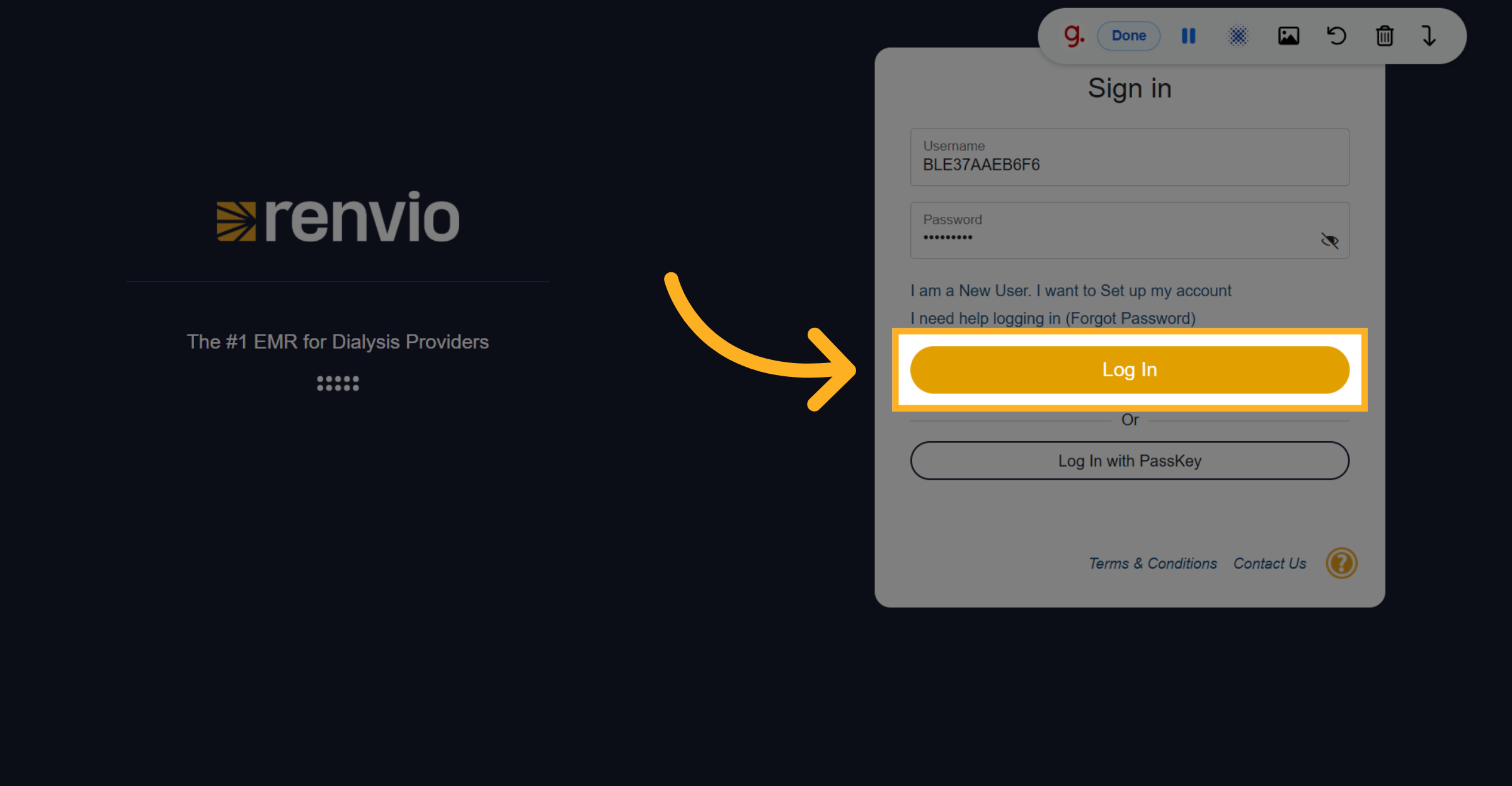
2. Enter Username
Have them enter their username.
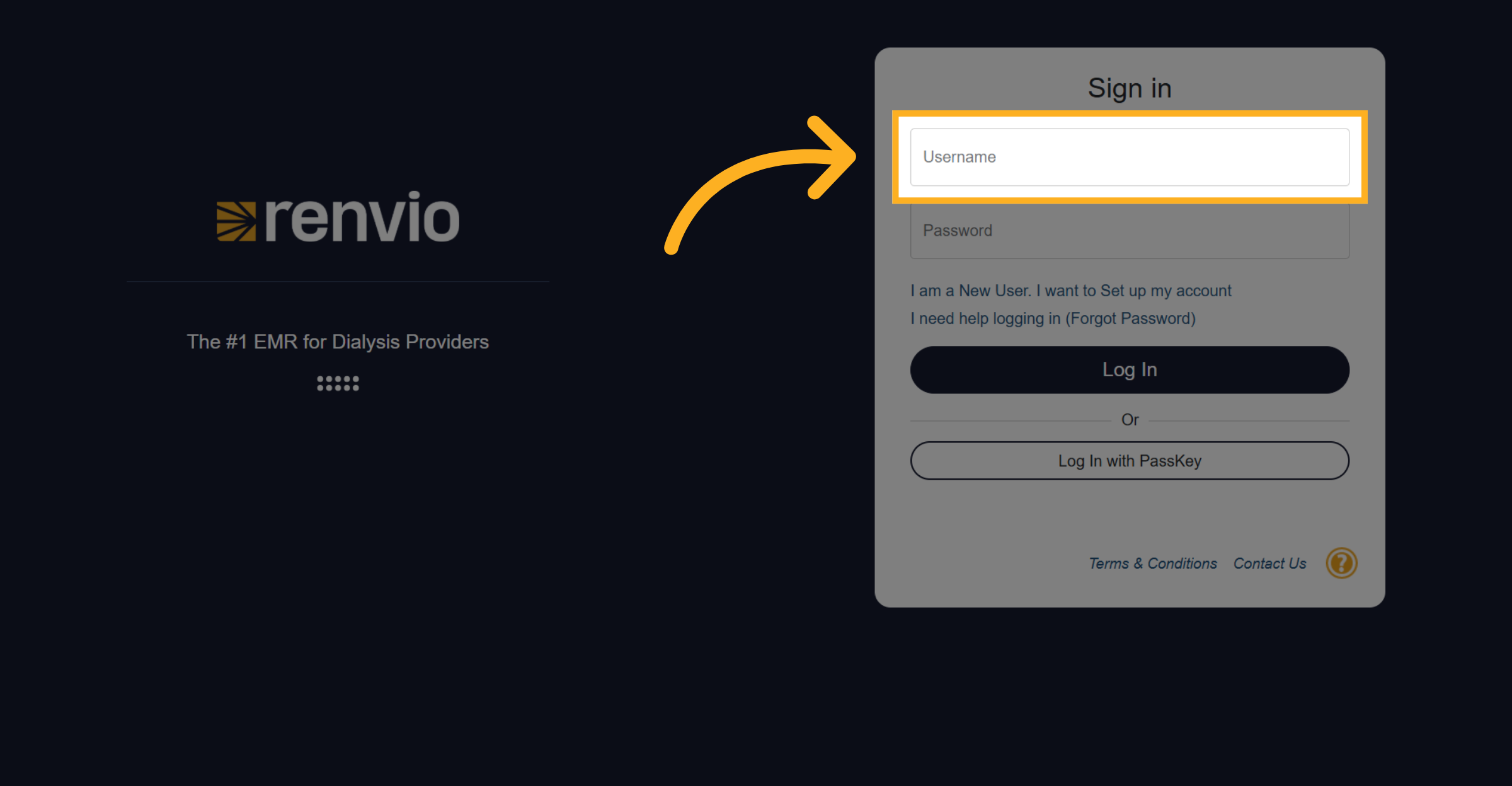
3. Enter Password
Have them enter their password.
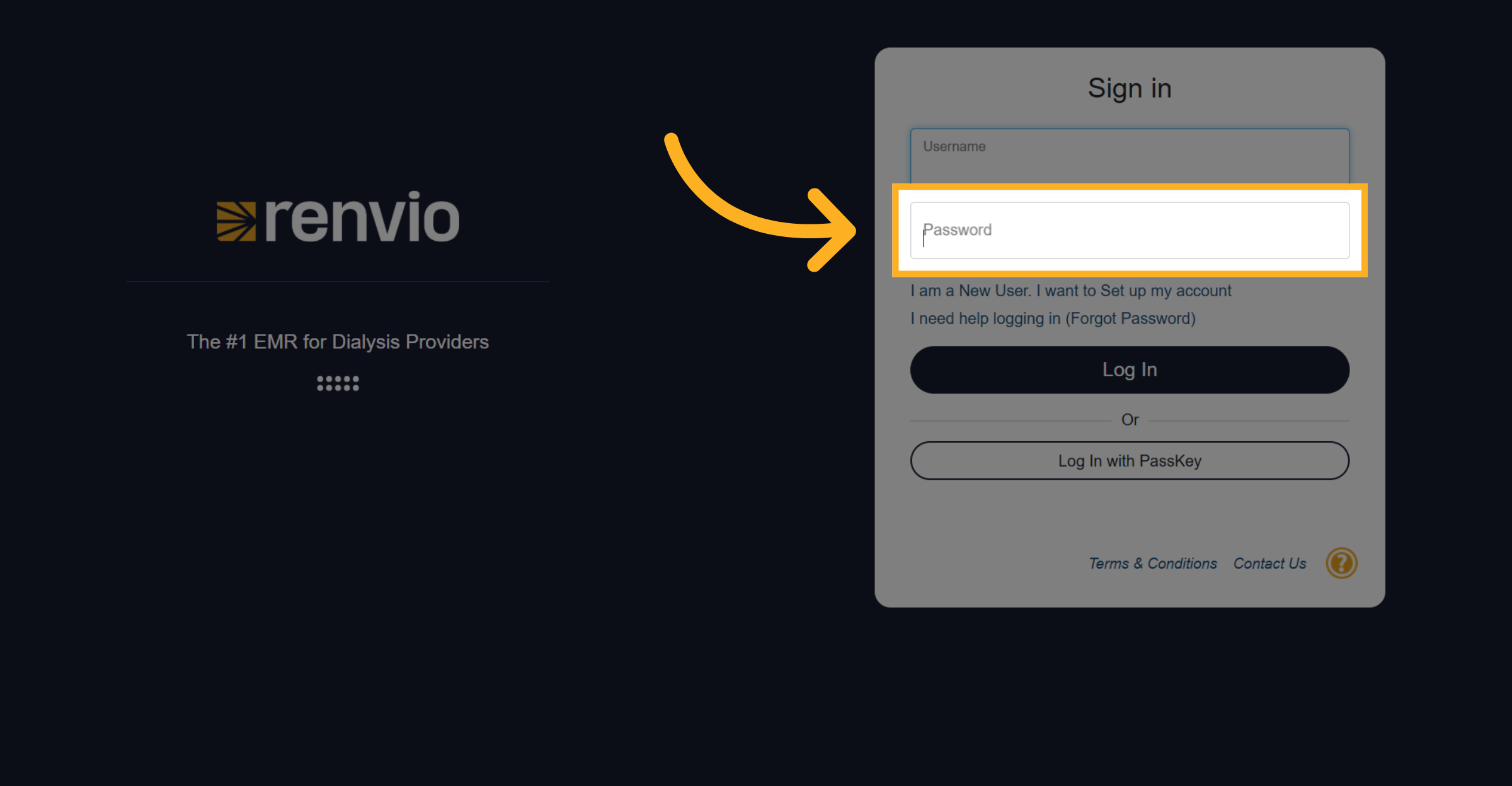
4. Log Into Patient Portal
Click the Log In button to access the Patient Portal.
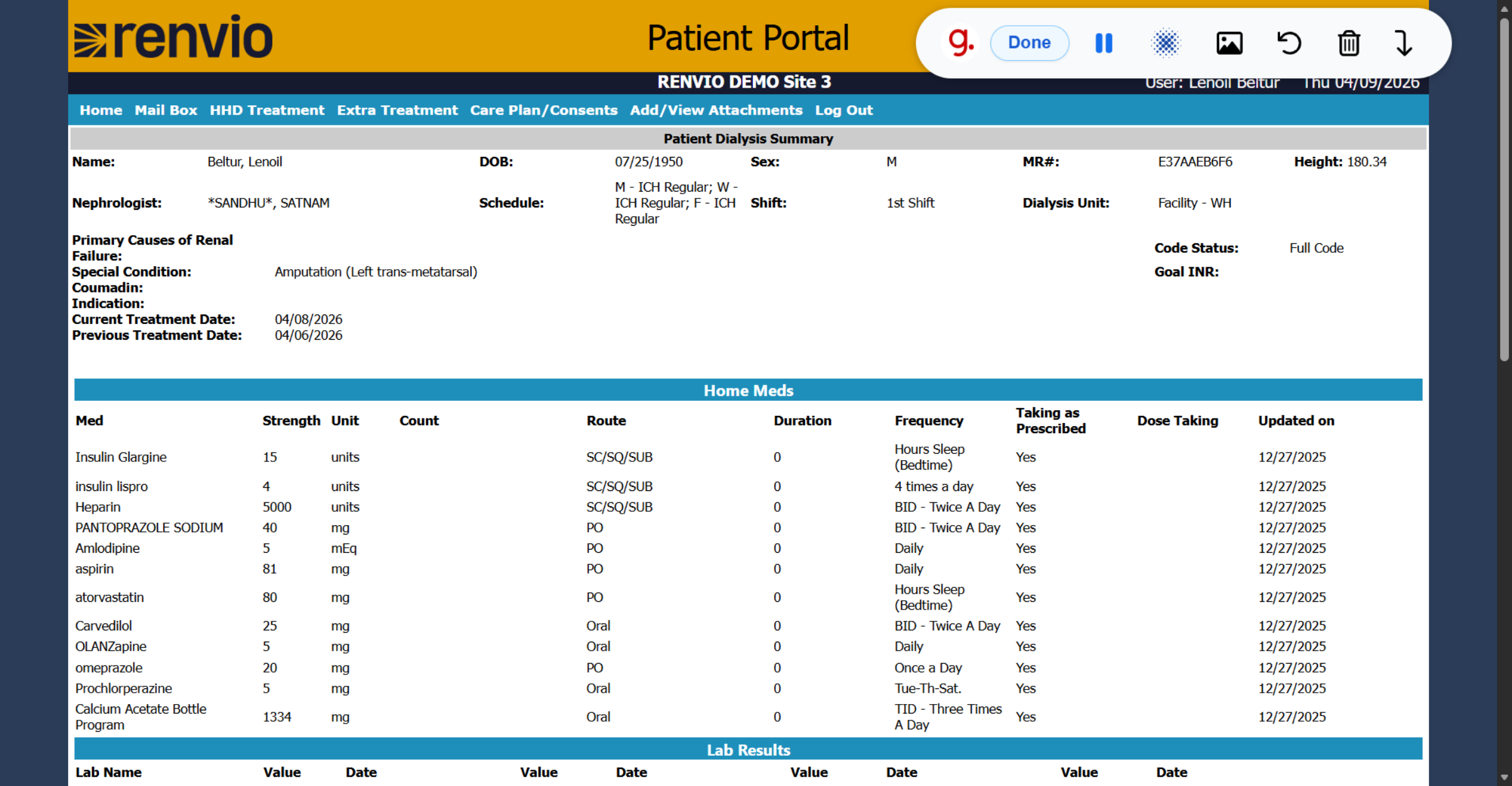
5. Patient Portal Site
From here they will be on tthe home page of Patient Portal.
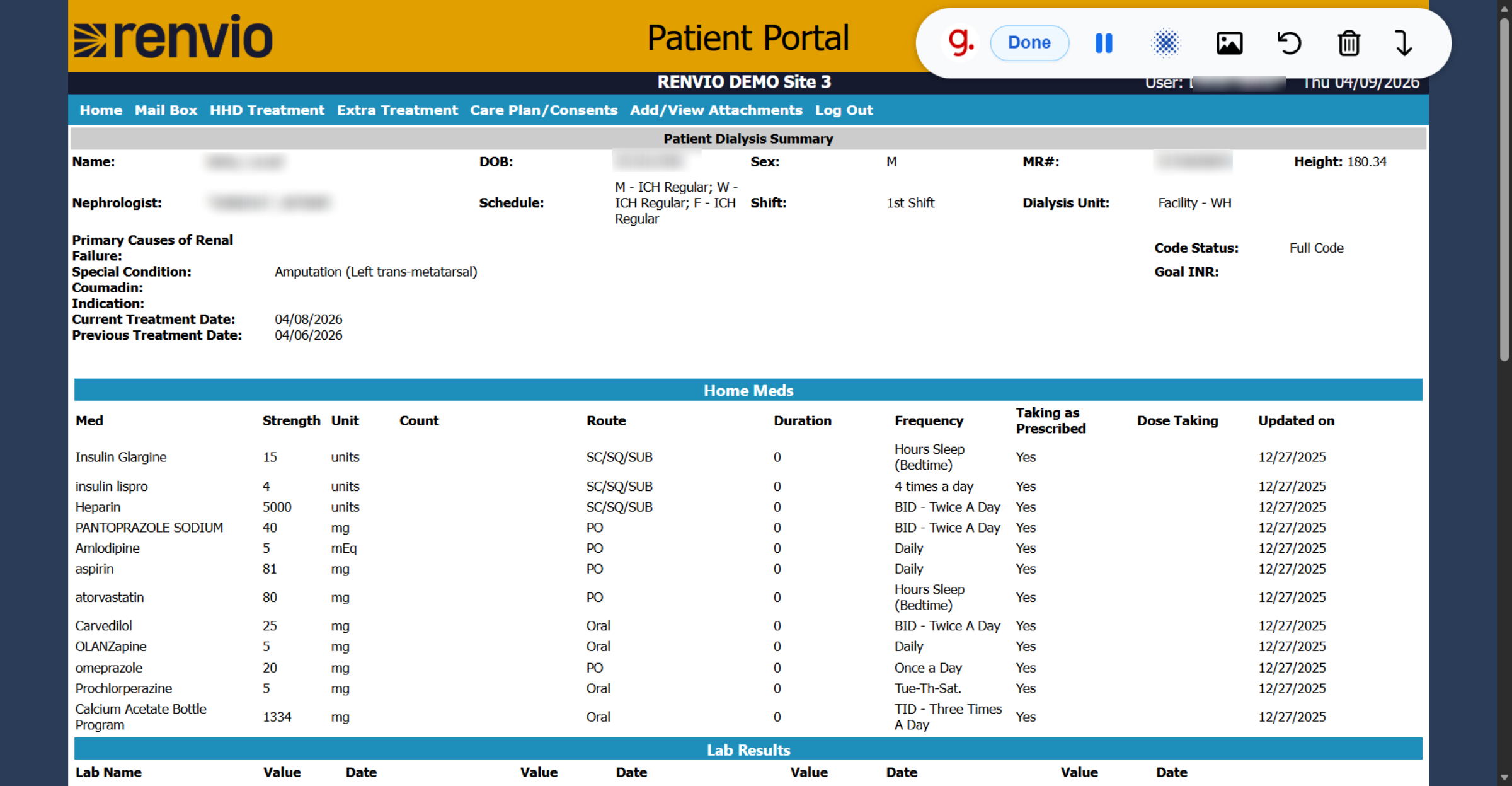
6. Access Patient Portal Home
They will see a summary of their patient demographics, all of their home medications, their lab results, dialysis prescription, dialysis access, and medications they received in the last treatment.
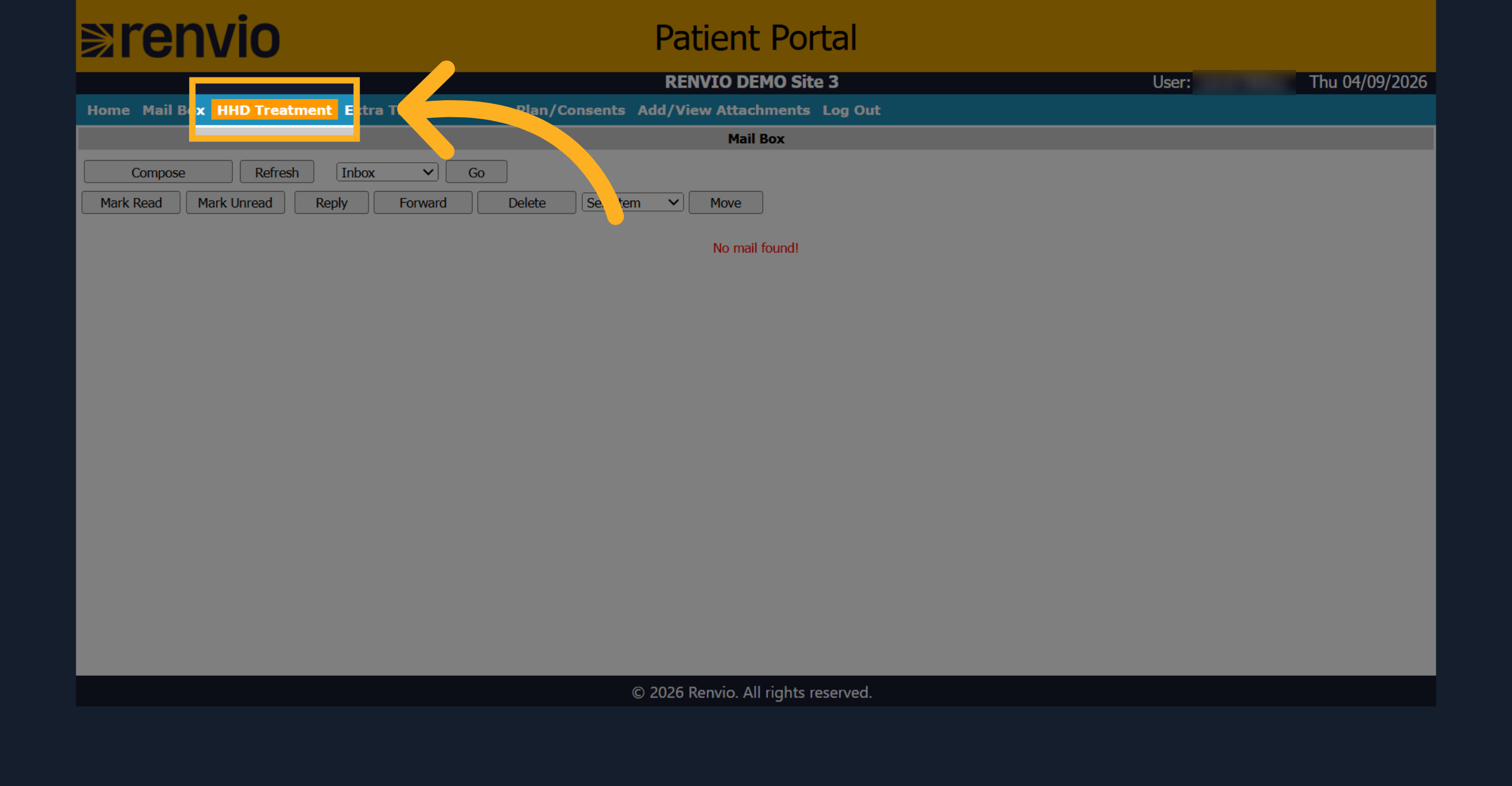
7. Access HHD Treatment
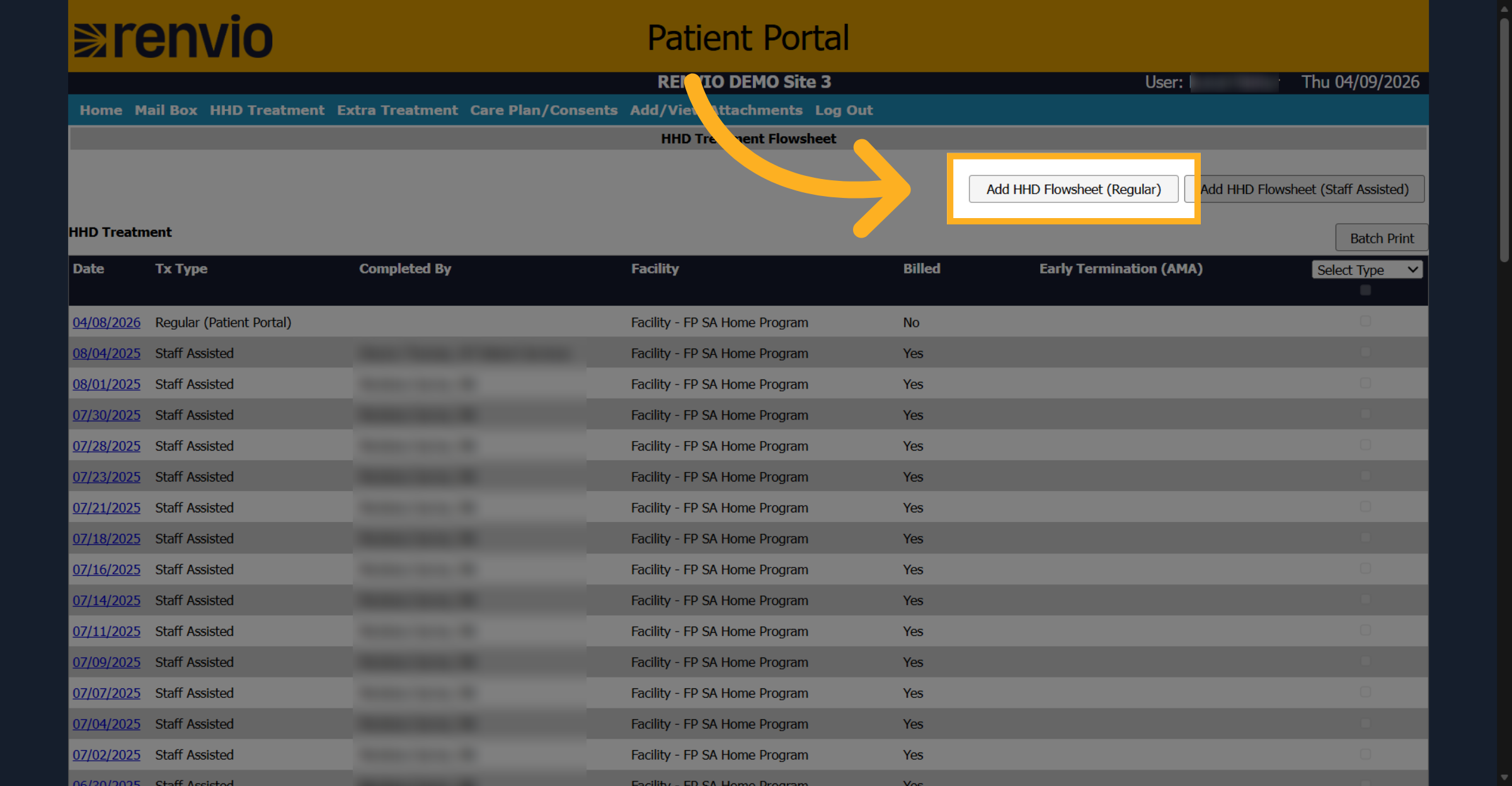
Next, they have their HHD treatment and from here they can add a flow sheet.
8. Add HHD Flowsheet
From here they can add a normal flow sheet.
9. Open Extra Treatment Tab
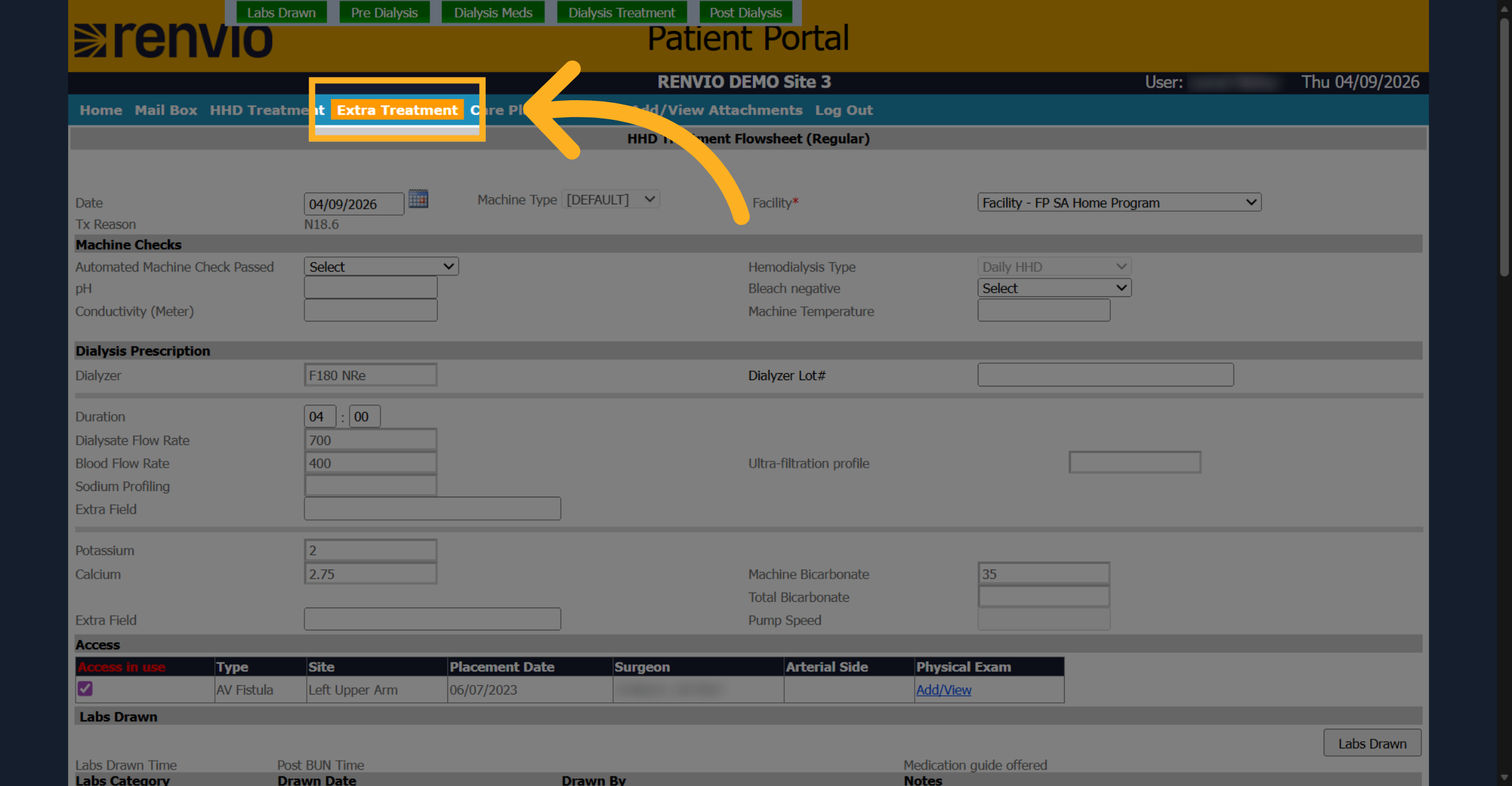
If they need an extra treatment, they can click the extra treatment tab and they can fill out a form.
10. View Care Plans And Consents
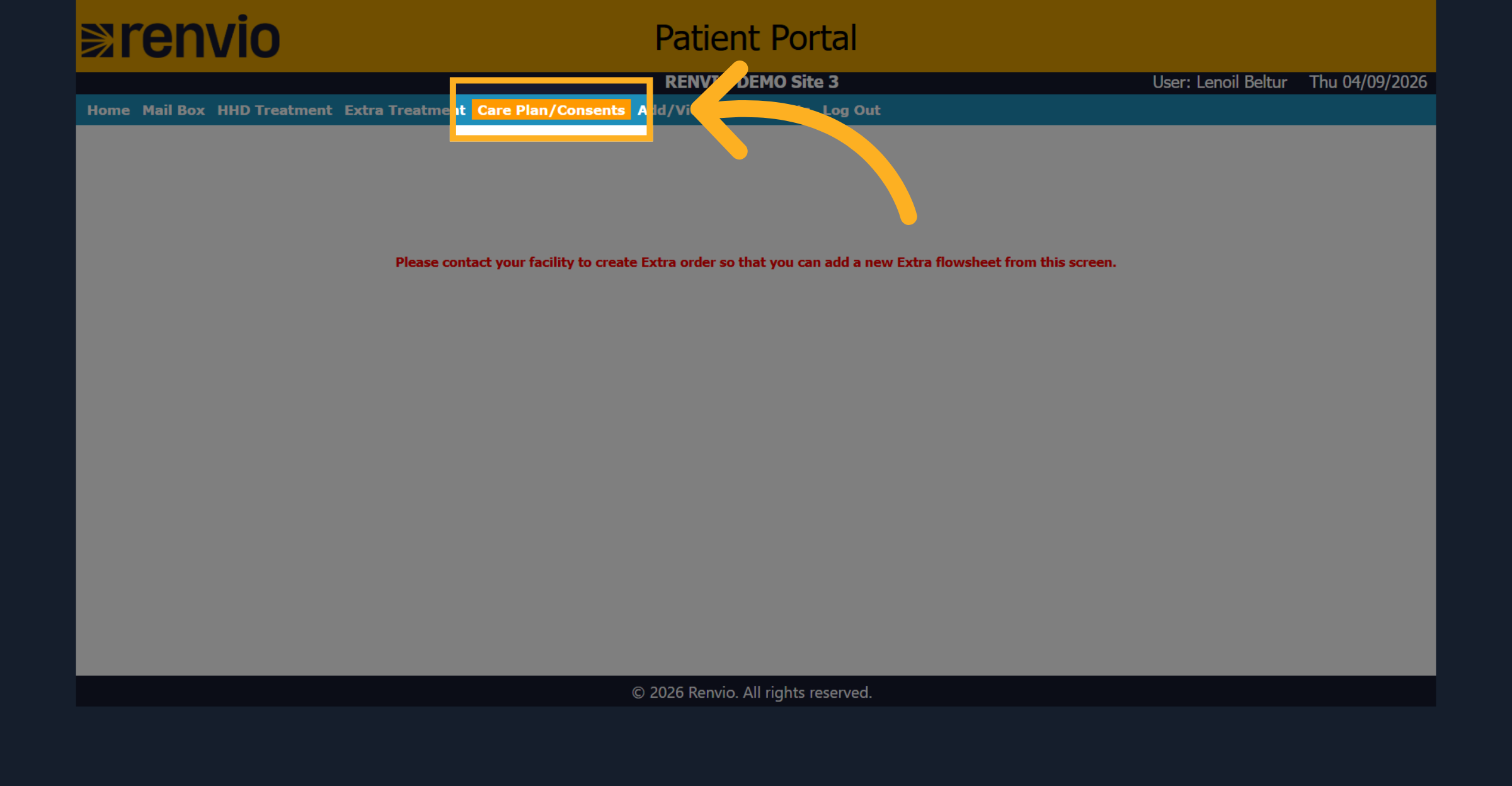
Here we have all their care plans and consents.
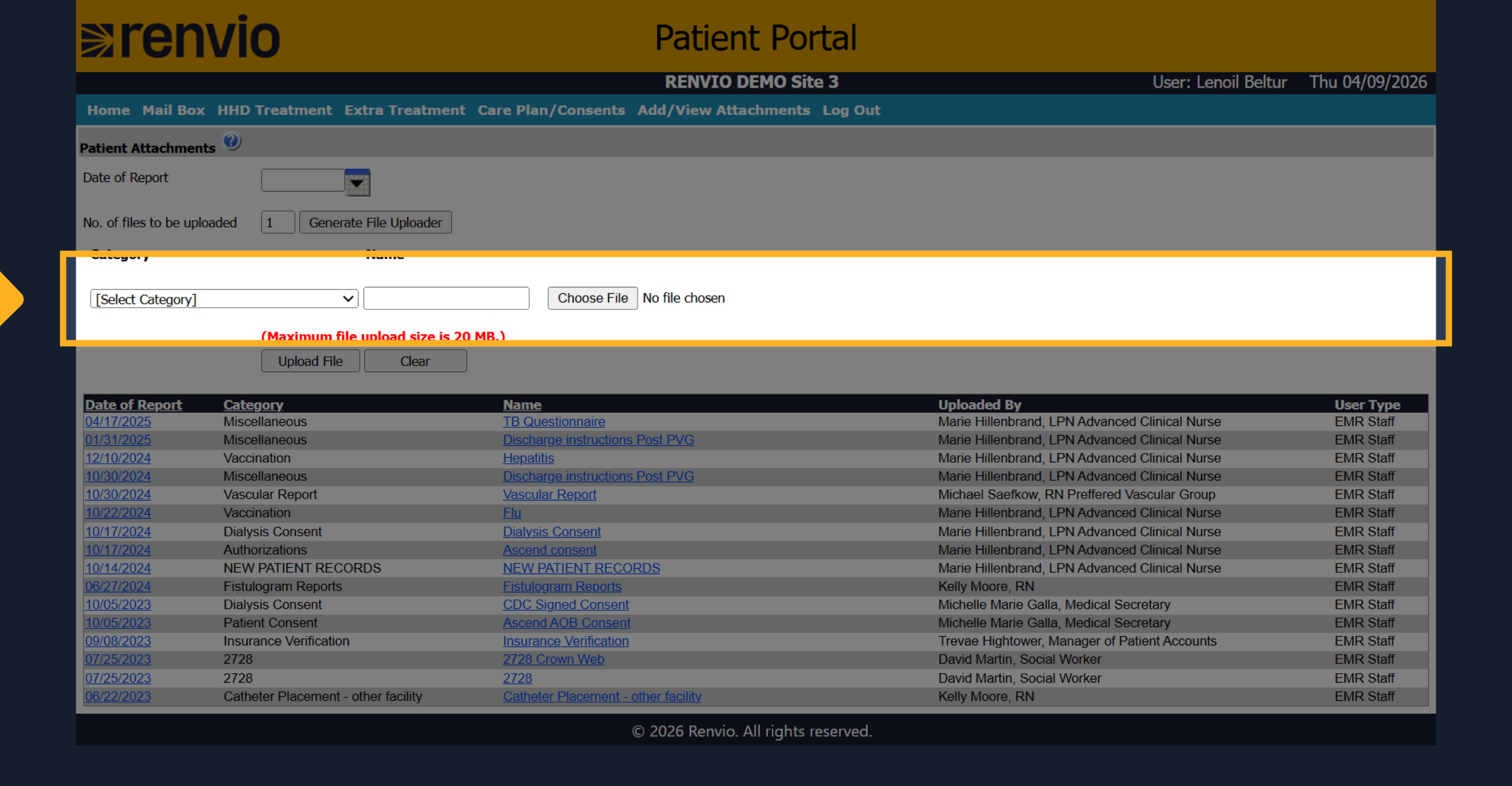
11. Manage Attachments
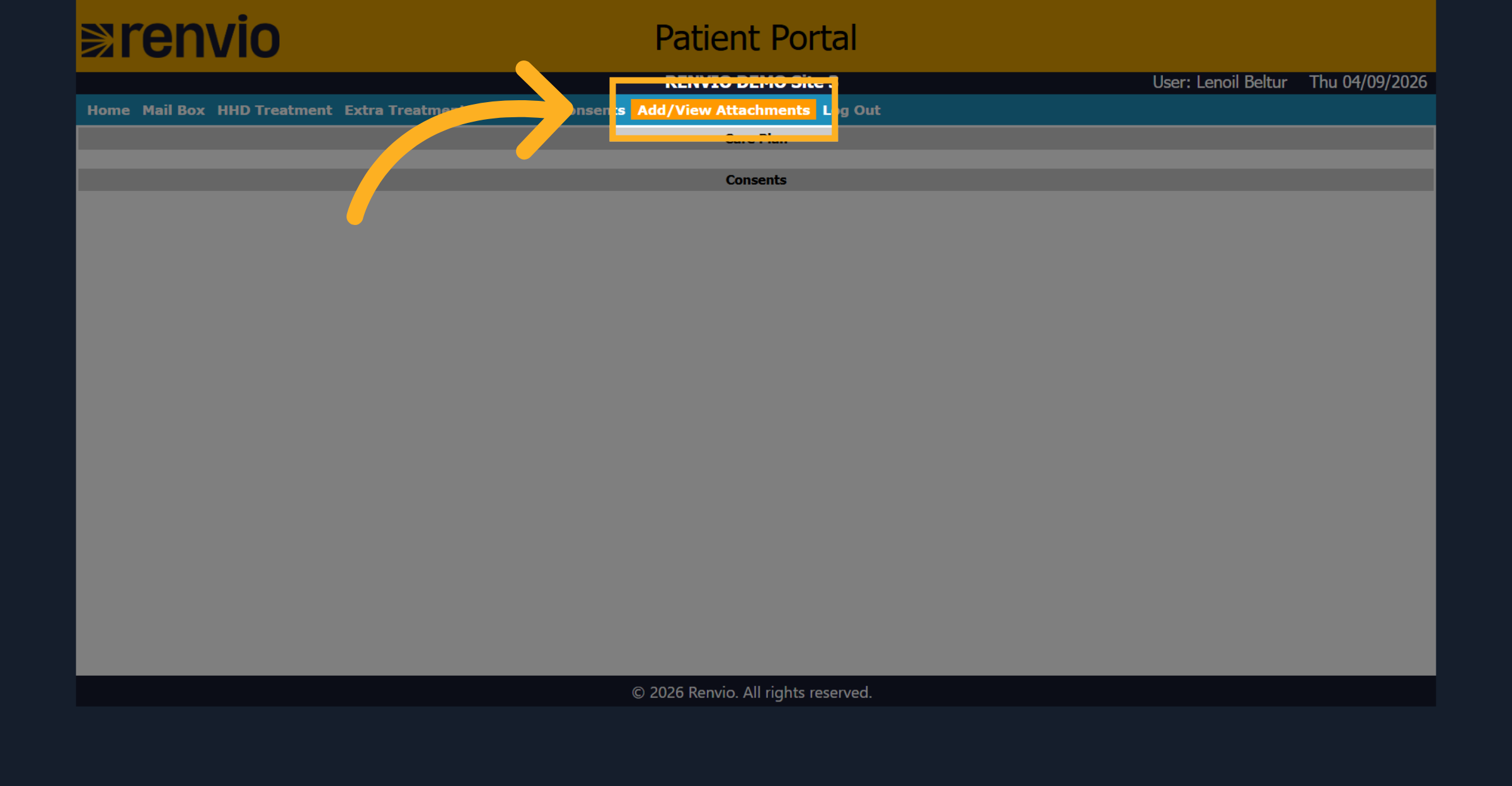
Here we can upload any attachments that are needed or we can review any currently updated attachments.
12. Select Attachment Category
Select the appropriate category for the attachment, such as Admission Packet, Advance Directives, AMA Form, Annual Standing Orders, Authorizations, Care Plan, Catheter Placement, CATX Consent Form, or CIPA.