Login Screen, Registering Your Account, & Forgot Password.
1. Begin Login Process
Welcome to Dialysis Manager. In this video we will walk through the login screen and the multiple options you have for registering your account or to resetting your password.
2. Access Sign-In Page
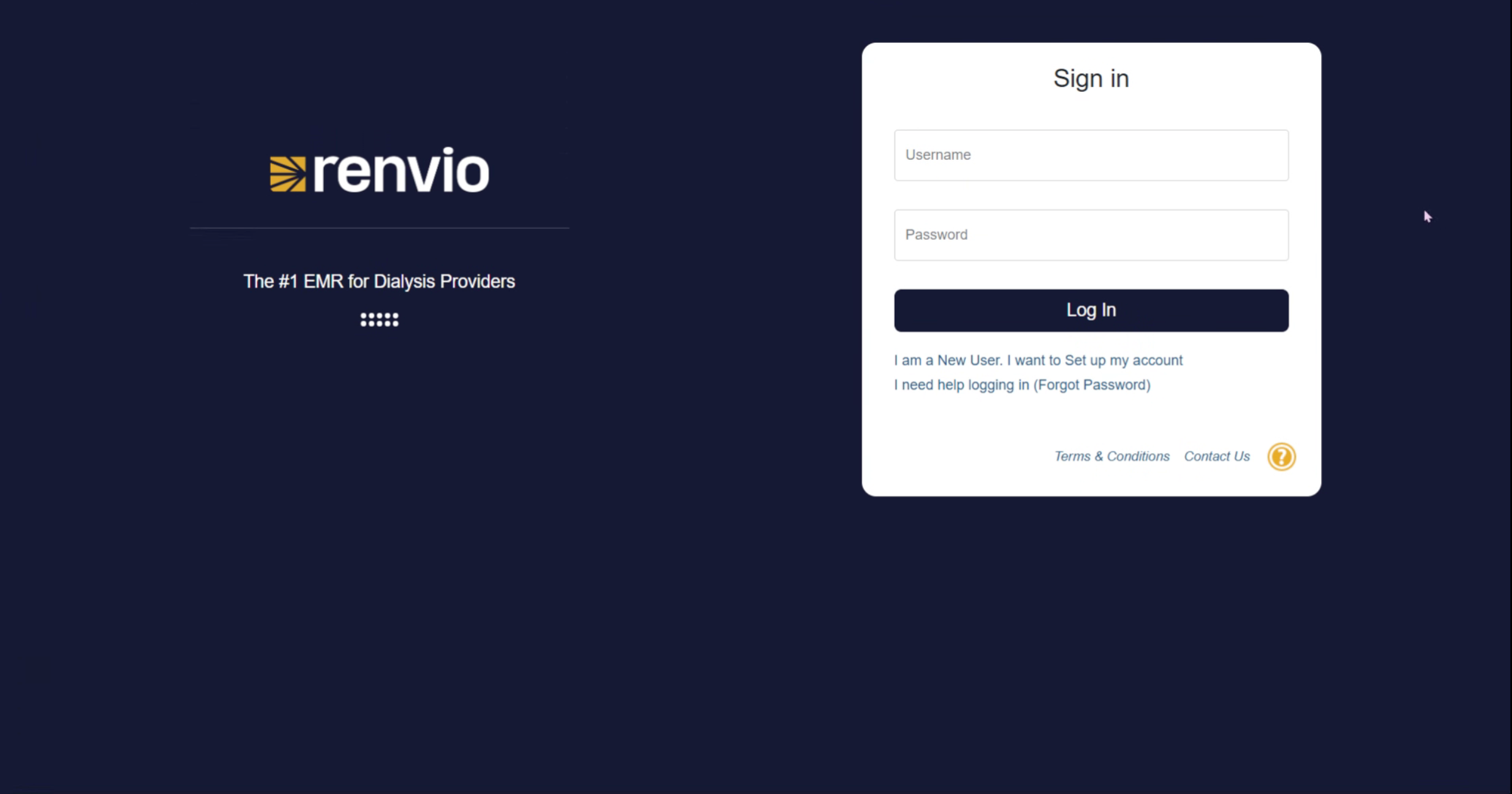
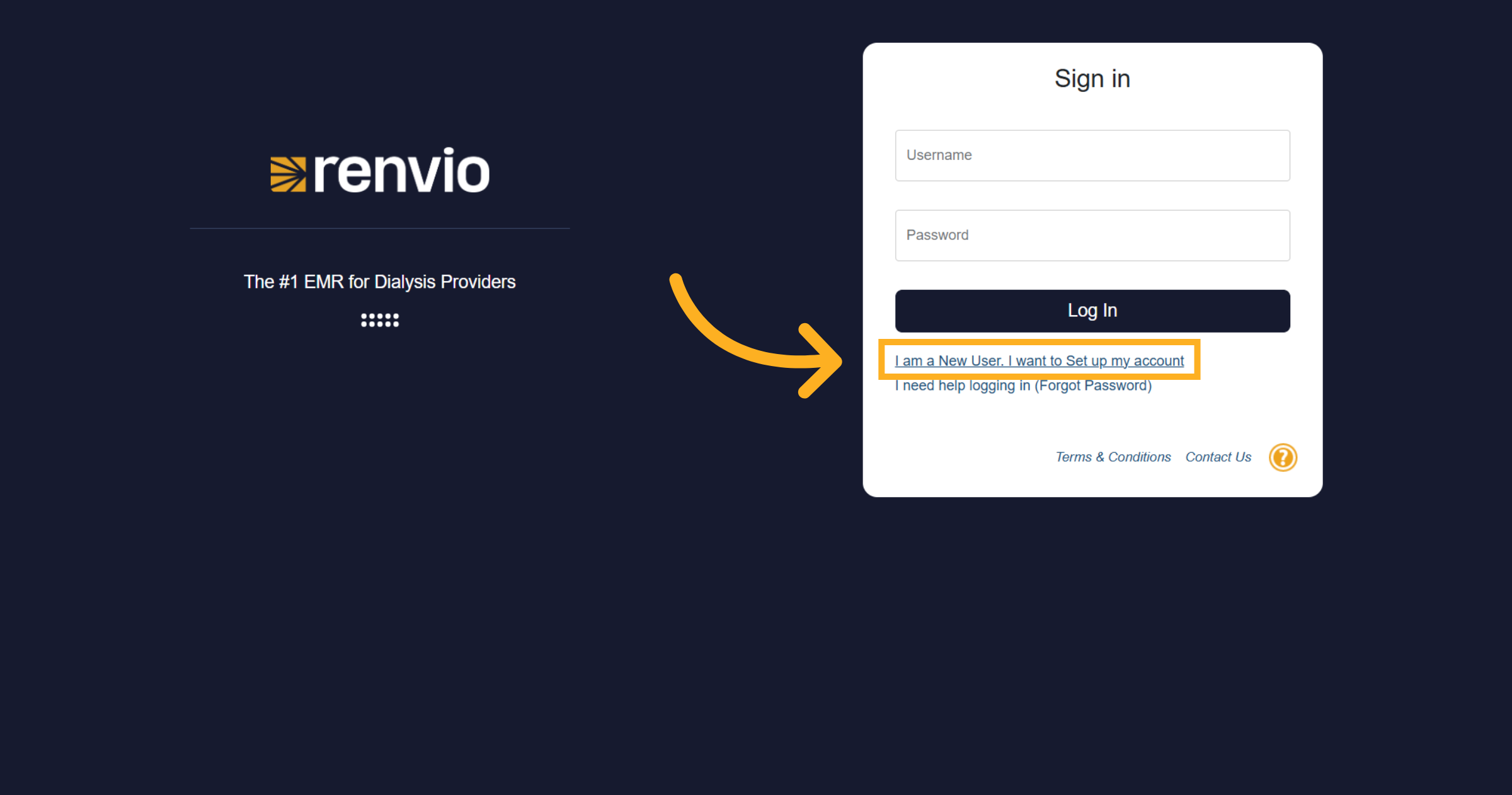
At https://emr.renvio.com you have the ability to enter your username and password and click "Log In"
3. Identify New User Option
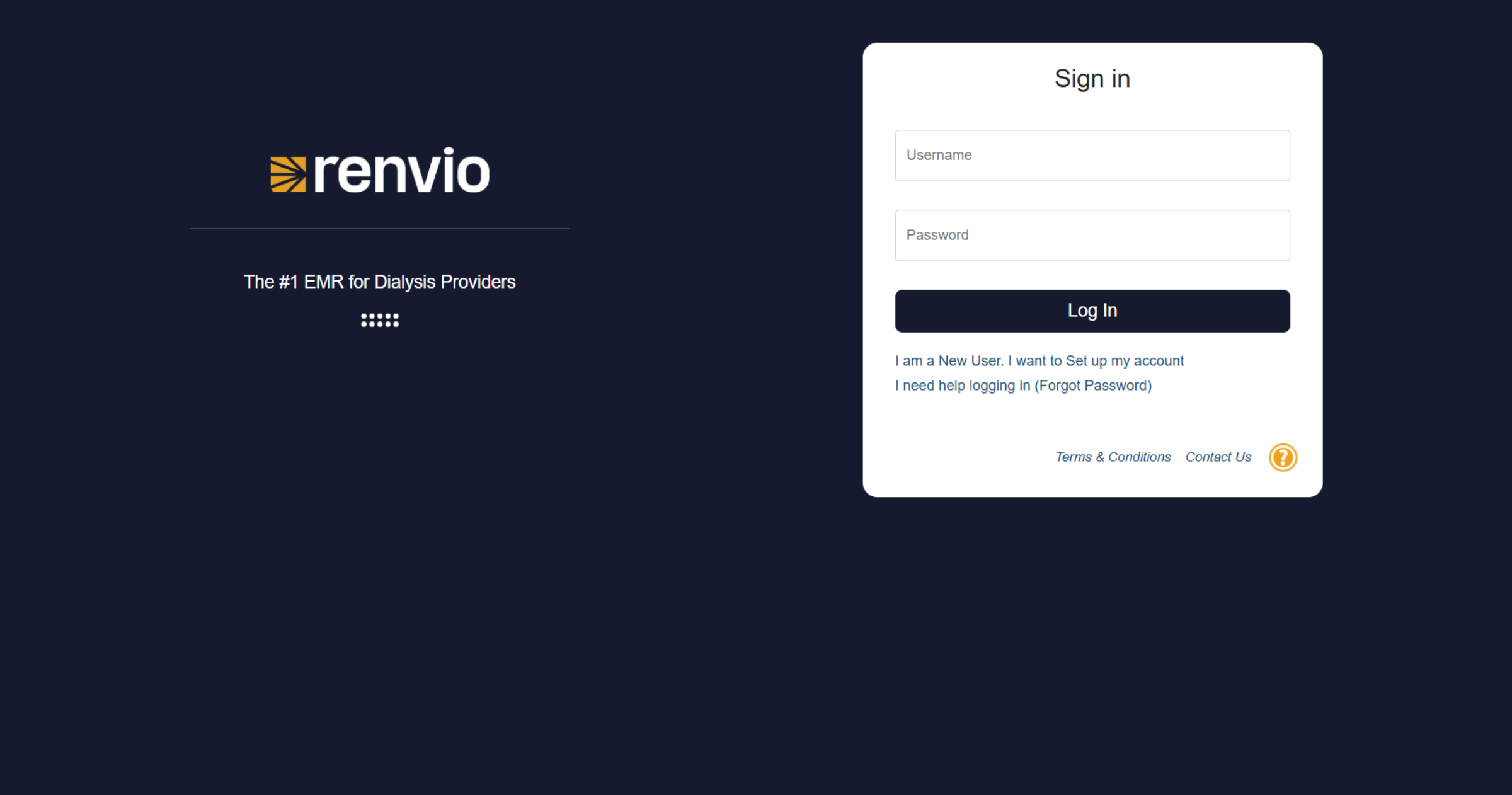
If you are a new user and want to set up your account,
4. Select New User Setup
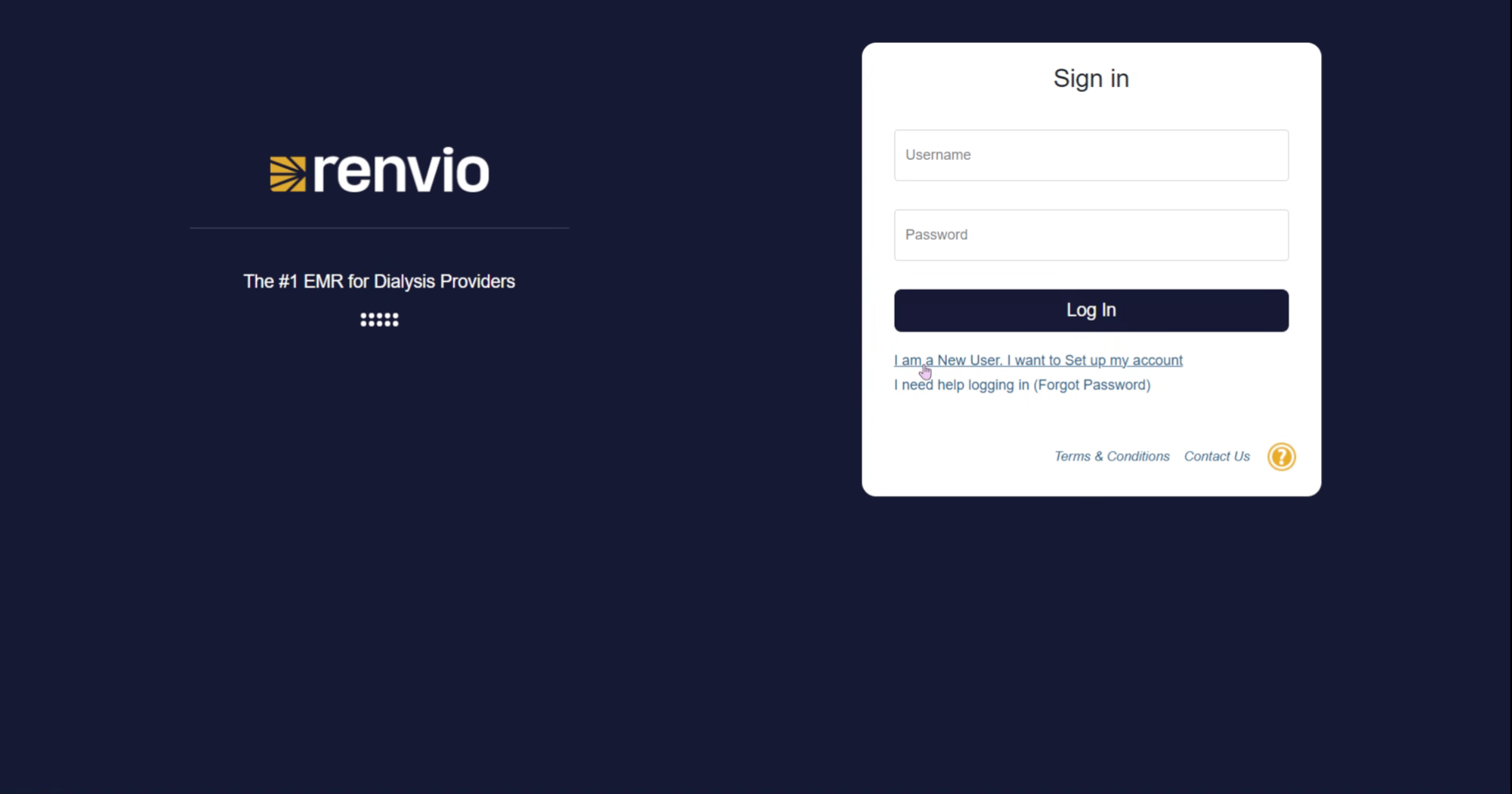
Click the option labeled I am a New User. I want to Set up my account to begin registration.
5. Open User Registration
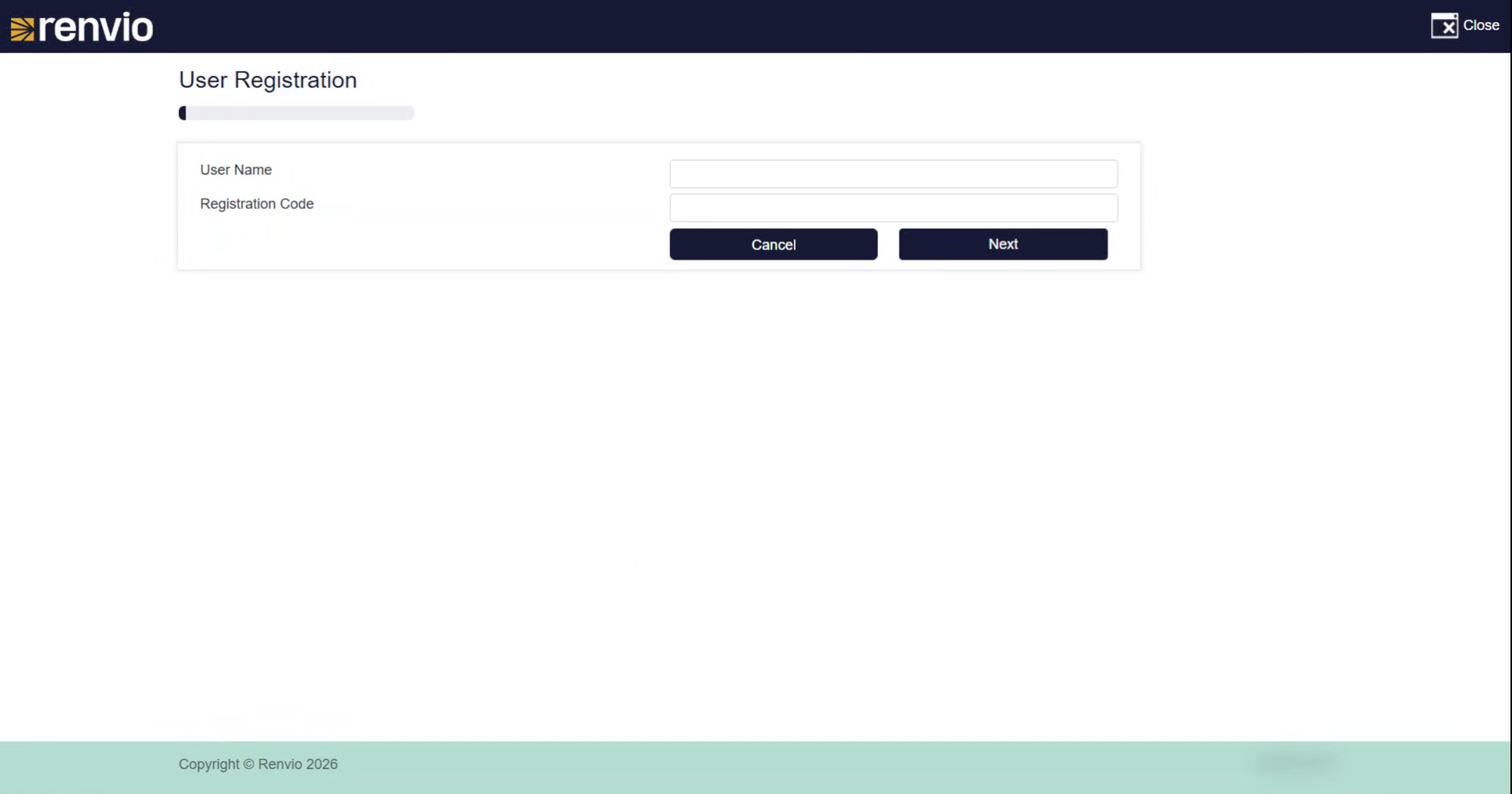
Selecting this link will open the user registration form where you can begin the process of creating your account.
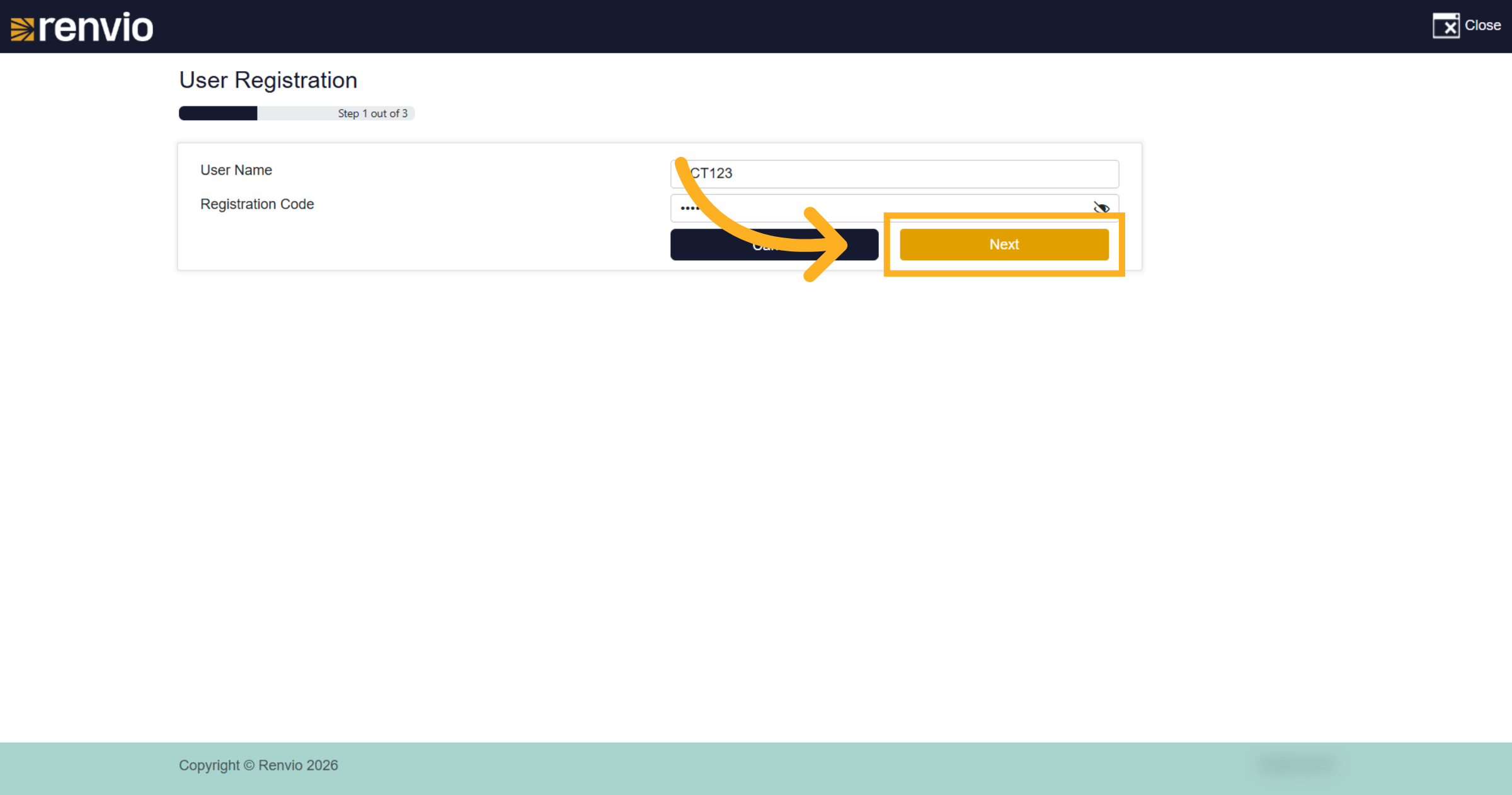
6. Enter Your Username
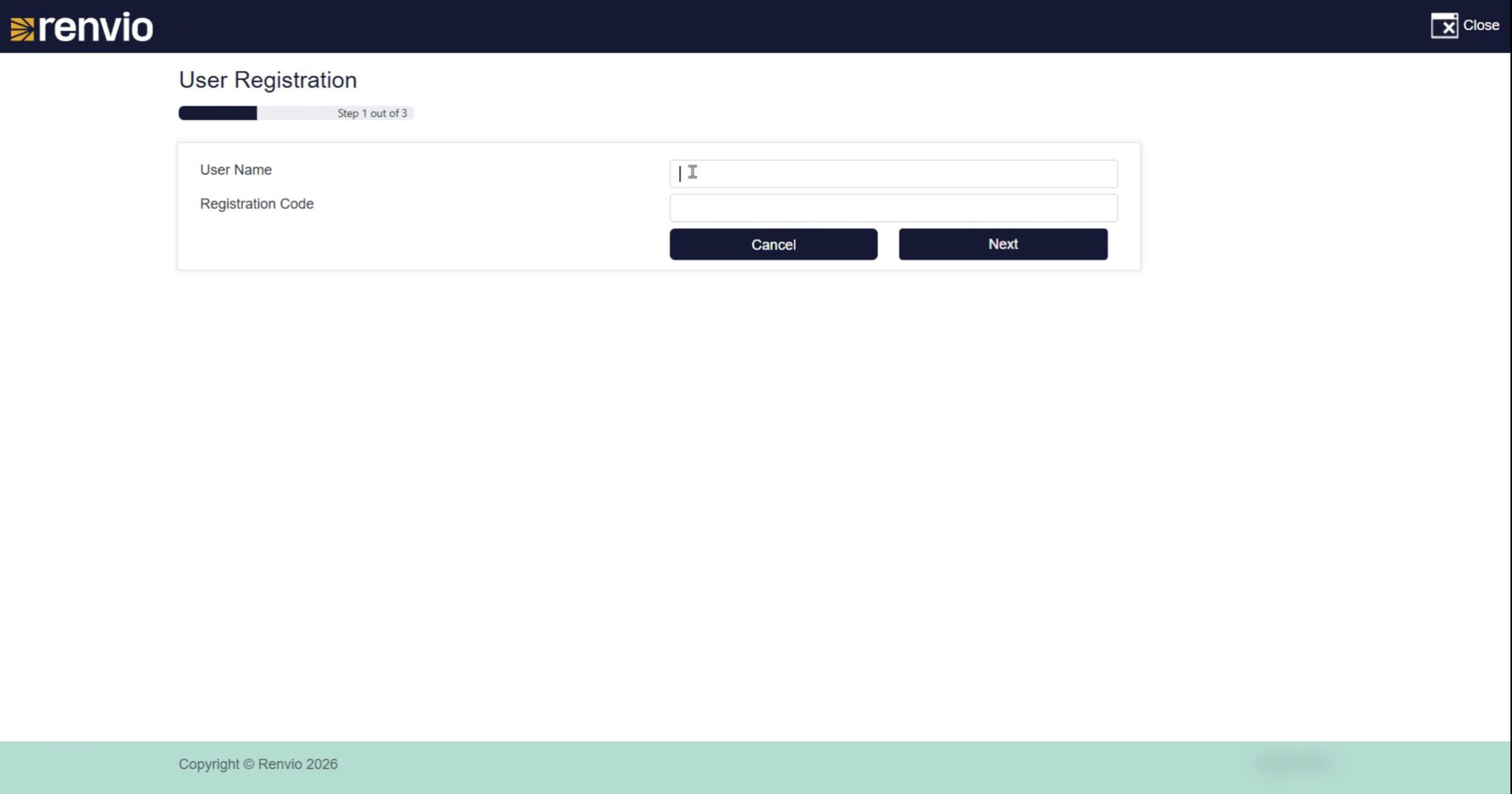
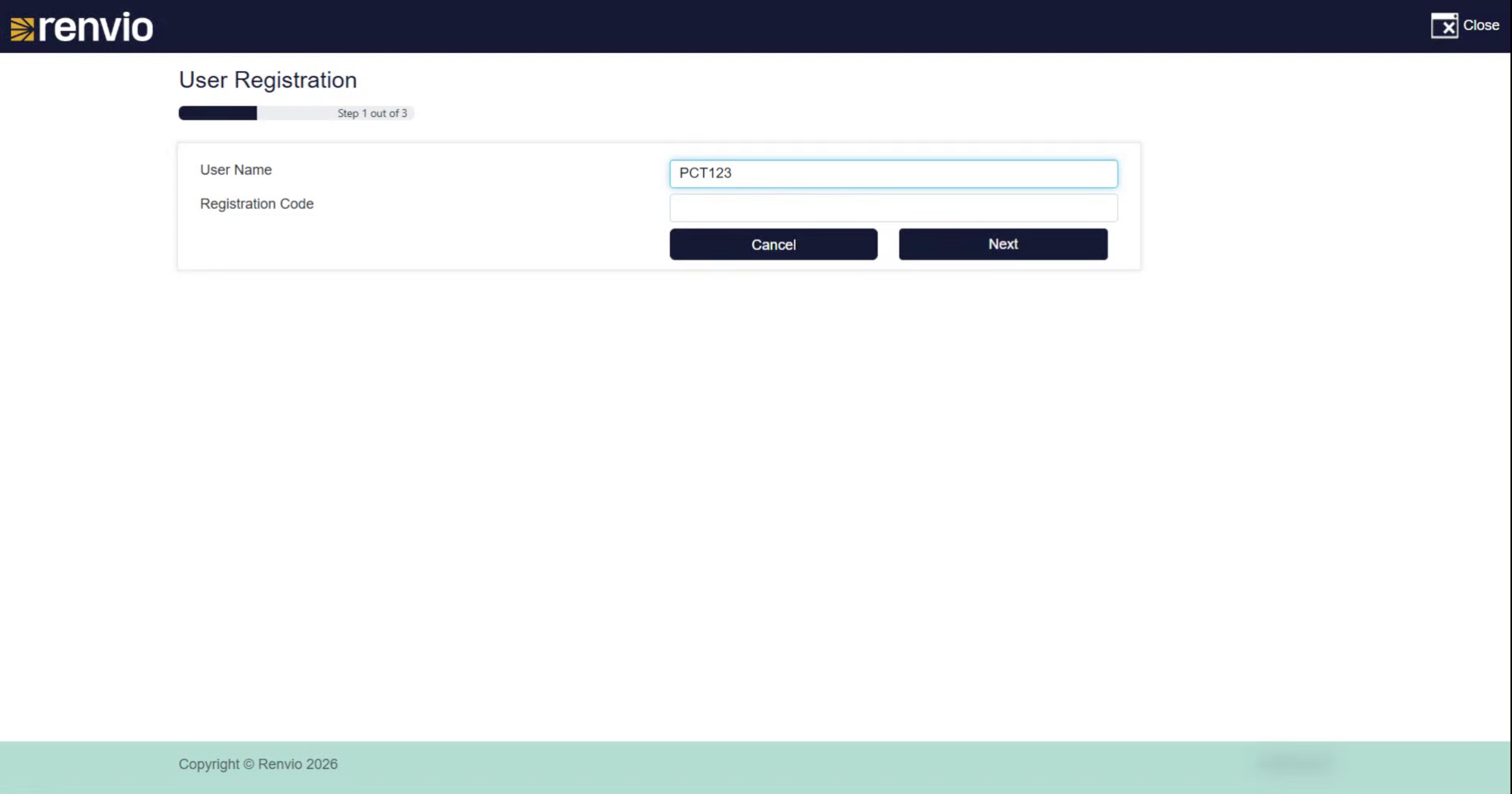
Enter your username provided by your administrator to identify your account.
7. Registration Code
Enter your registration code also provided by your administrator.
8. Proceed to Next Step
Click the Next button to continue with the registration process.
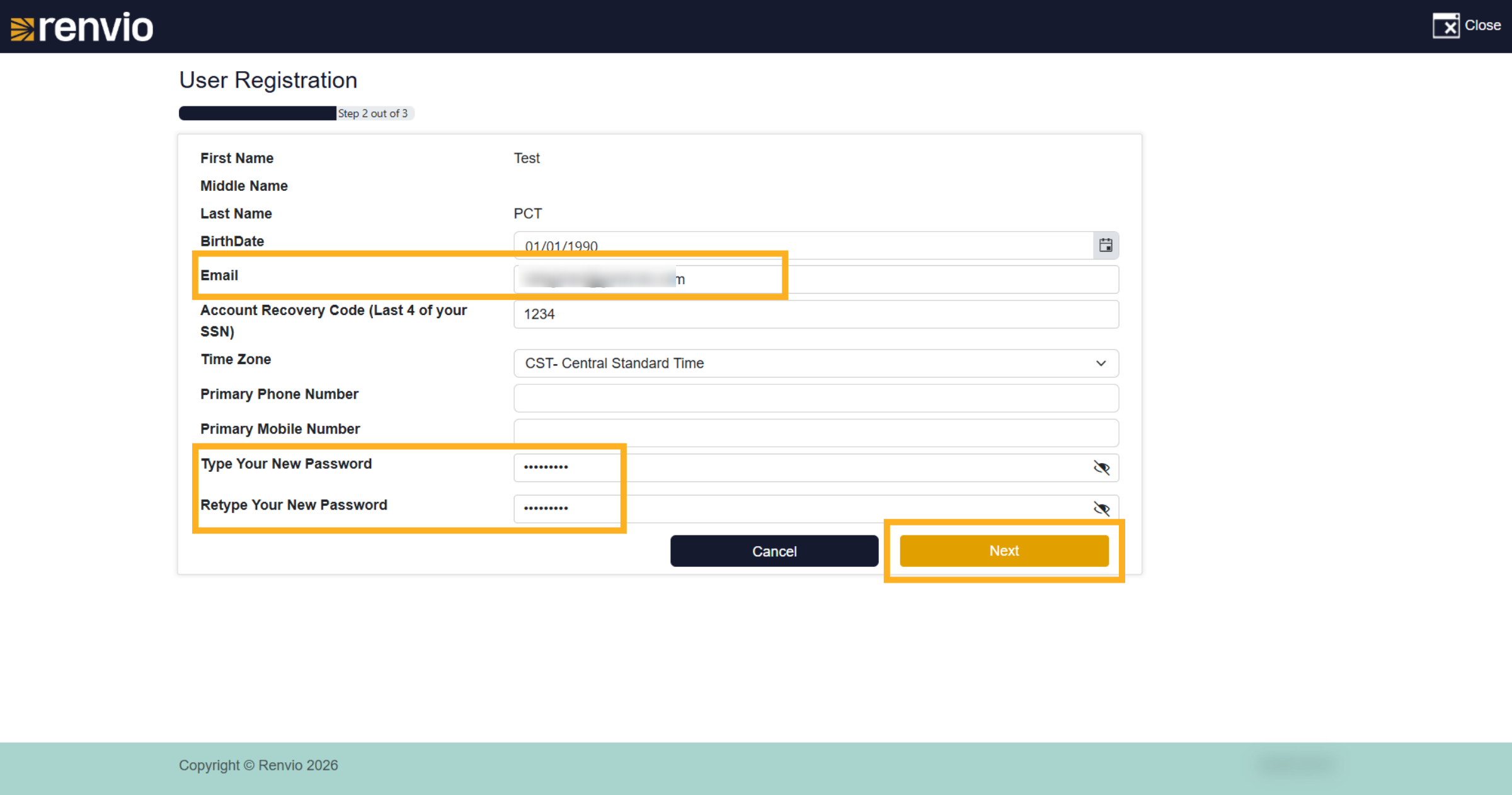
9. User Registration
Review the information and update if necessary. Please enter an email that is accessible to you. An email will be sent that will need to be verified within 24 hours. Type your new password and again retyping to verify before clicking Next.
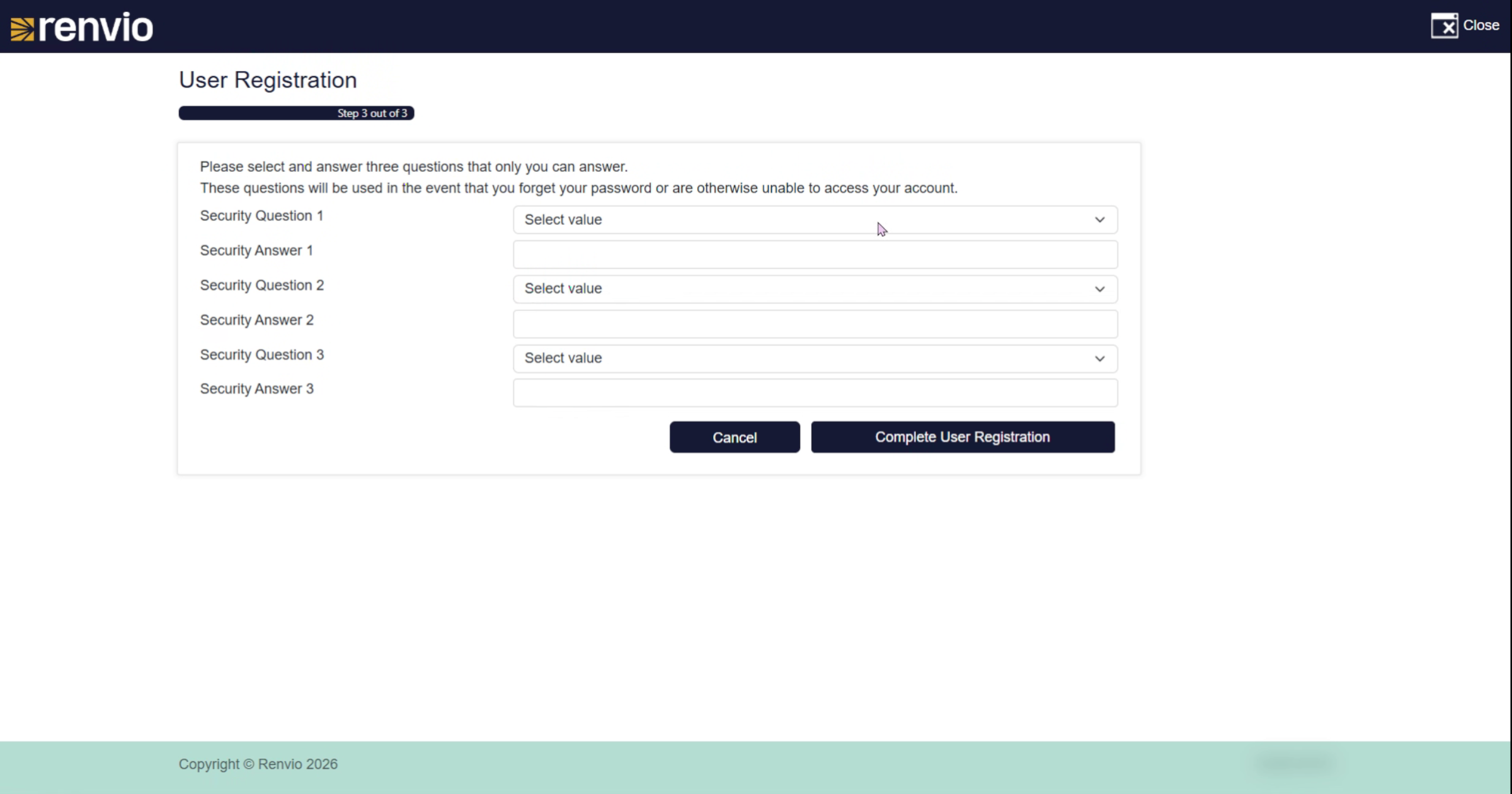
10. Select Security Question
Choose a security question from the list to help secure your account. If using the Forgot My Password link or calling Support Team, these questions will be used to verify your identity.
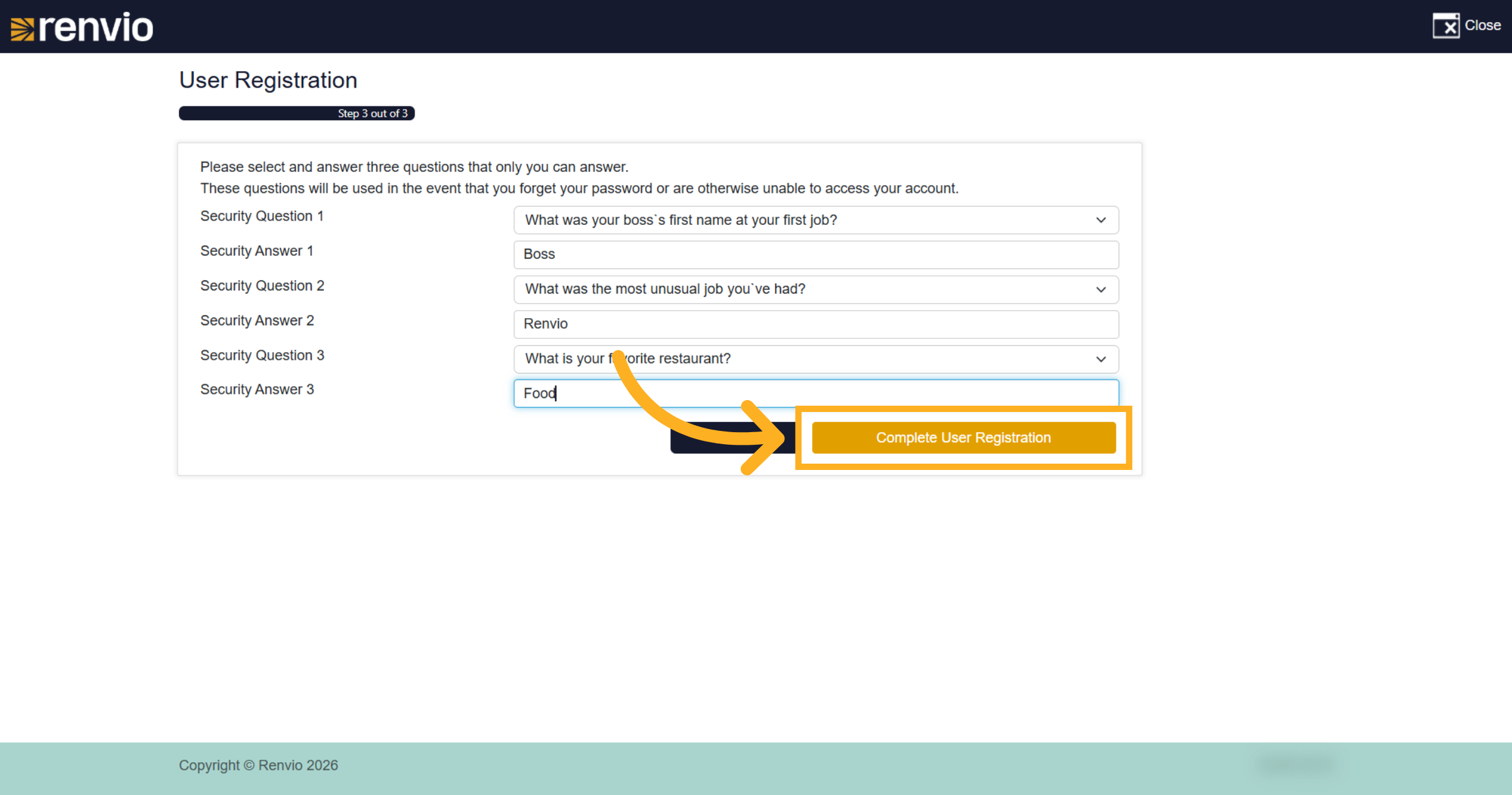
11. Complete User Registration
Click the Complete User Registration button to submit your information.
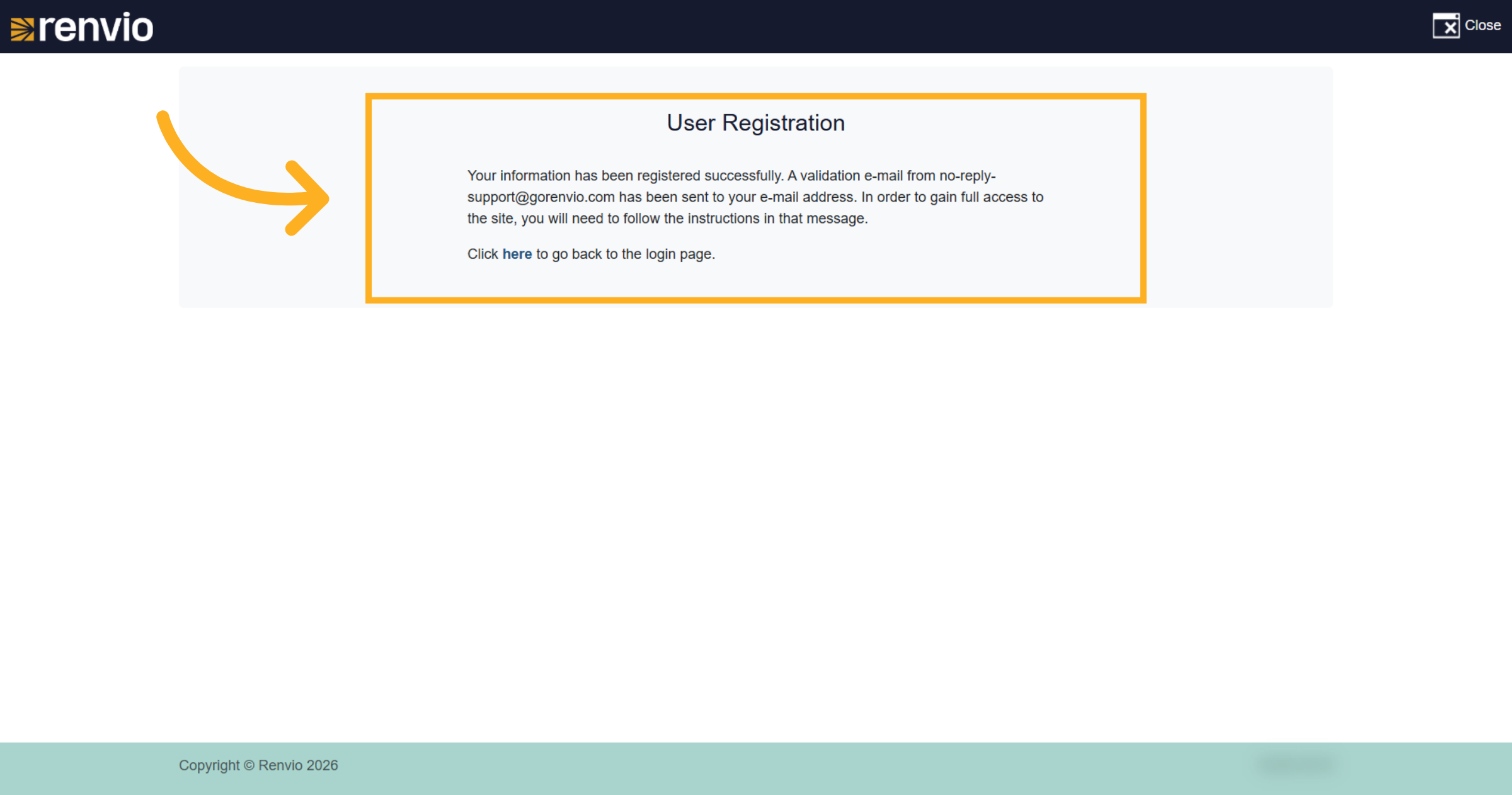
12. Confirm Registration Success
You'll receive a message stating; your information has been registered successfully. A validation email has been sent to your email address. Follow the instructions in that message to gain full access.
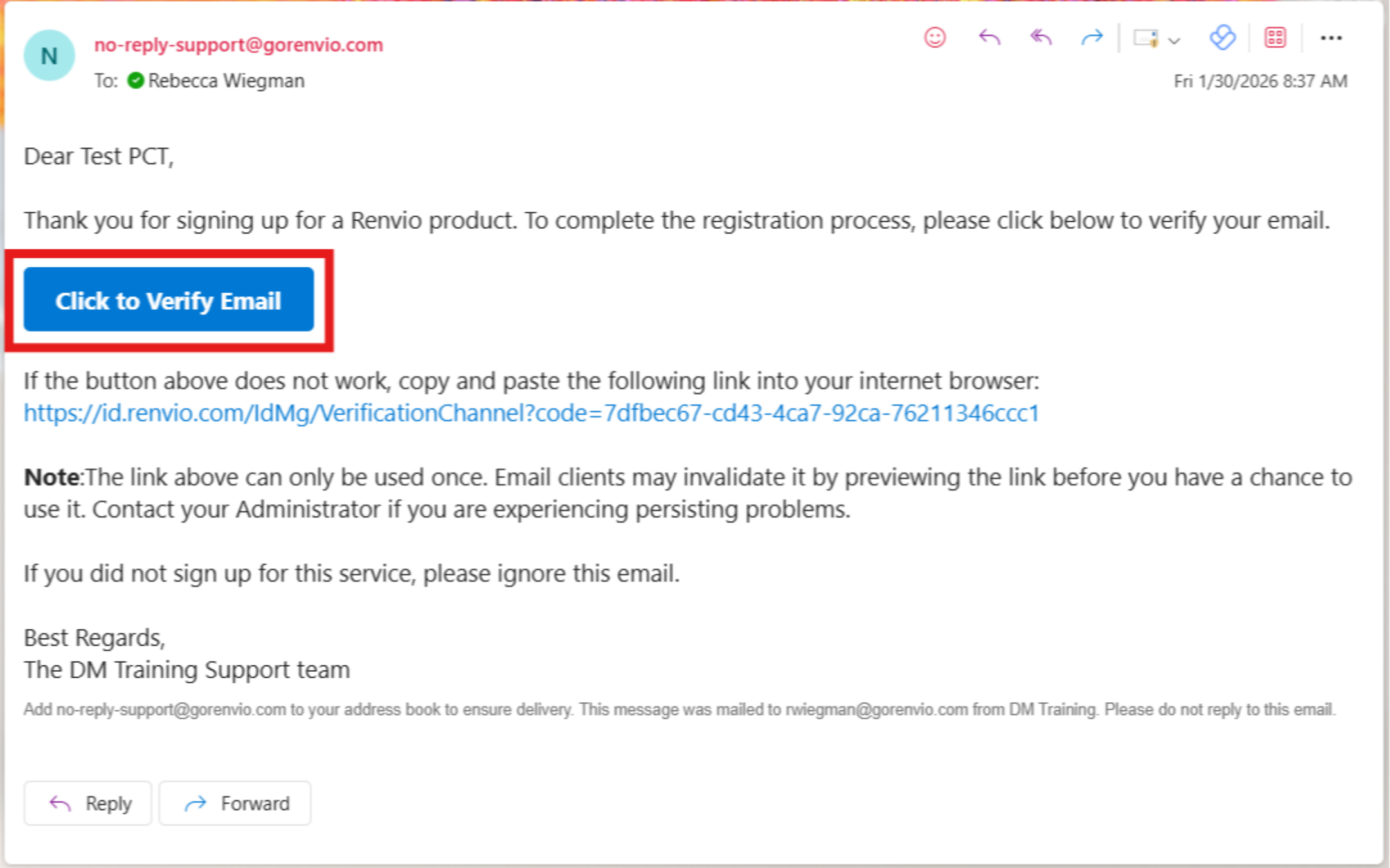
13. Email
Navigate to the email associated with your account registration. Clicking the Verify Email button should direct you to the Dialysis Manager login screen. Again, that URL is emr.renvio.com
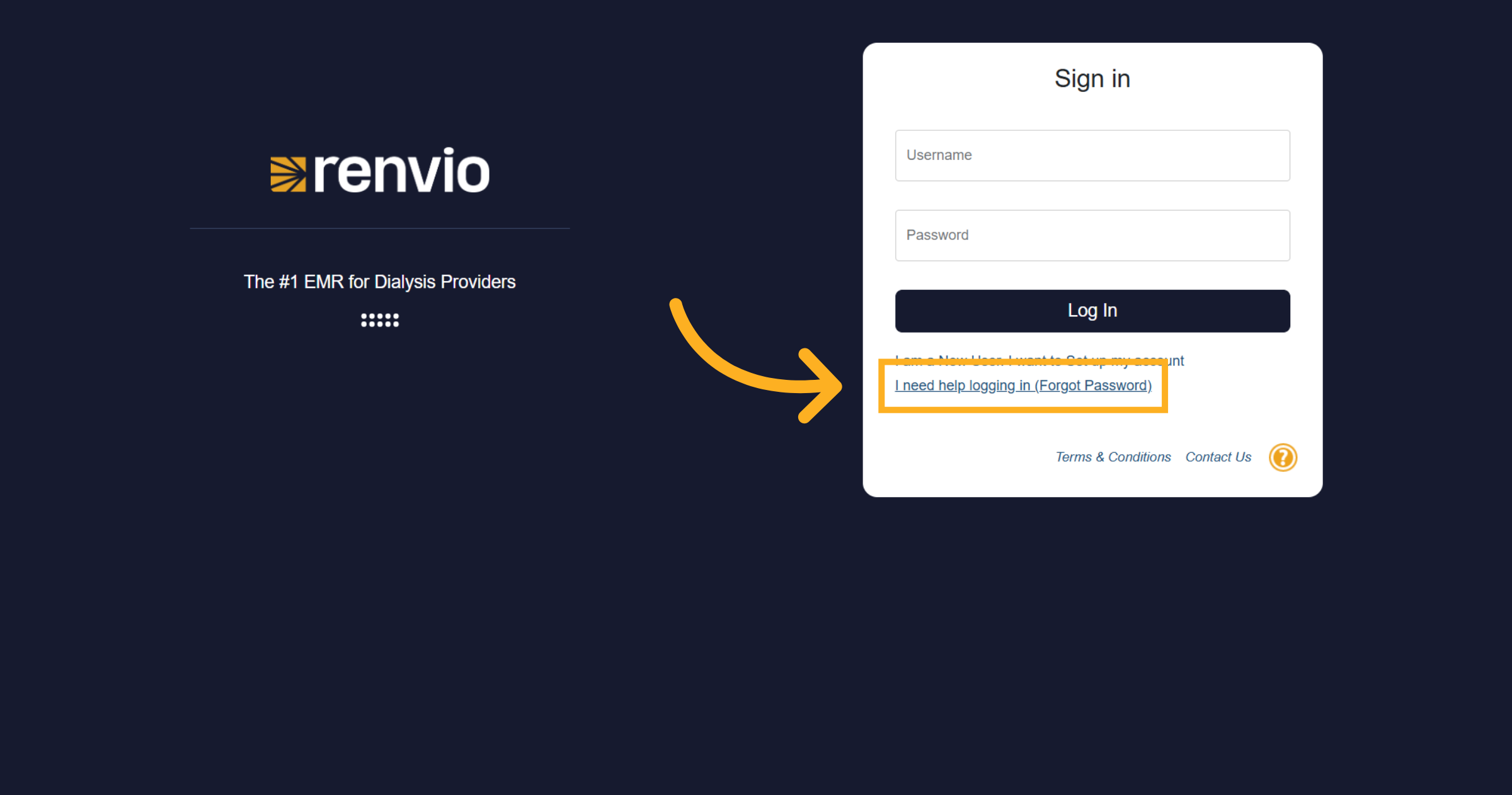
14. Forgot my Password
If you can't remember your password, click the I need help logging in (Forgot Password) link to start password recovery.
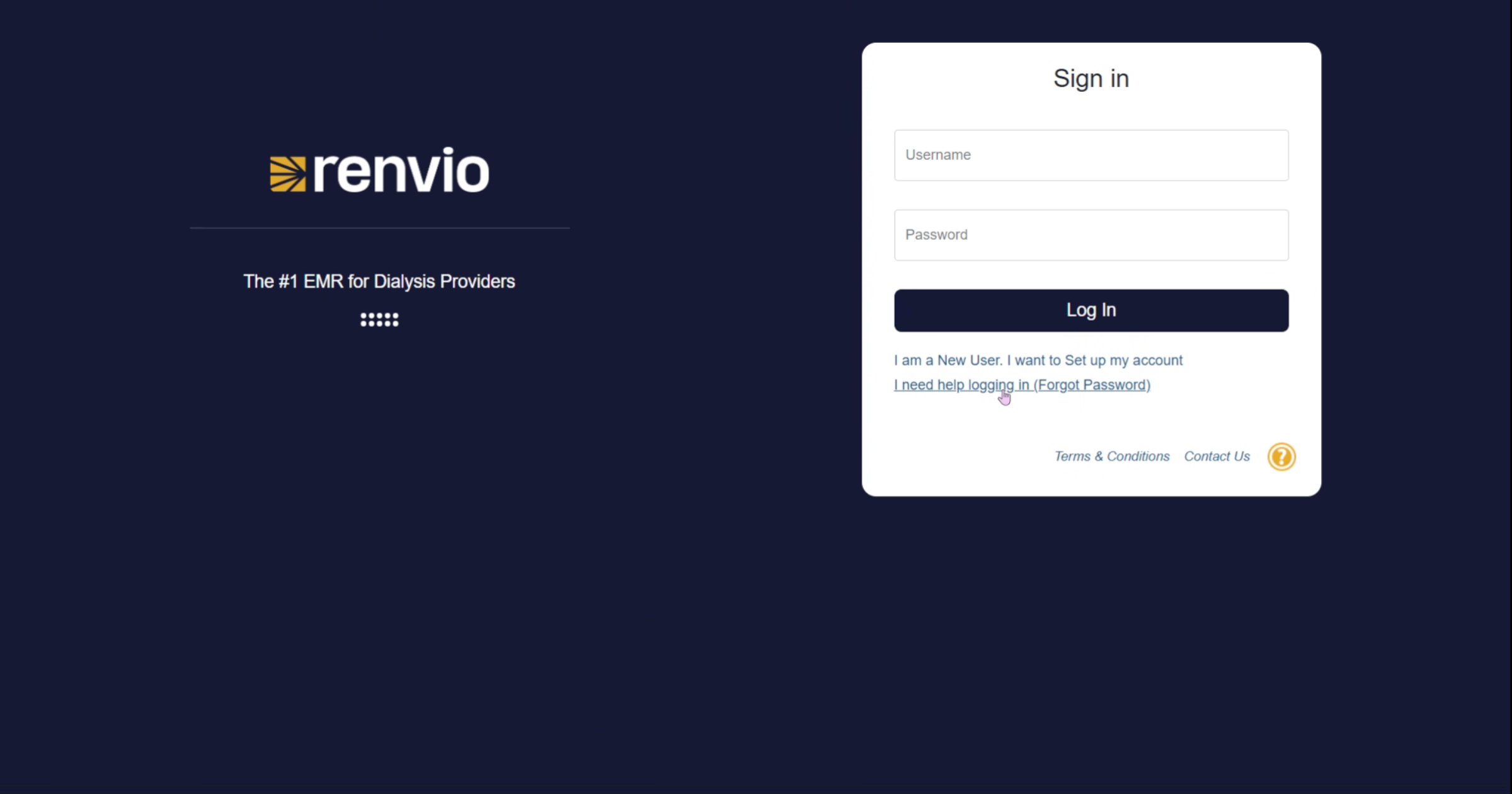
15. Choose Password Help Method
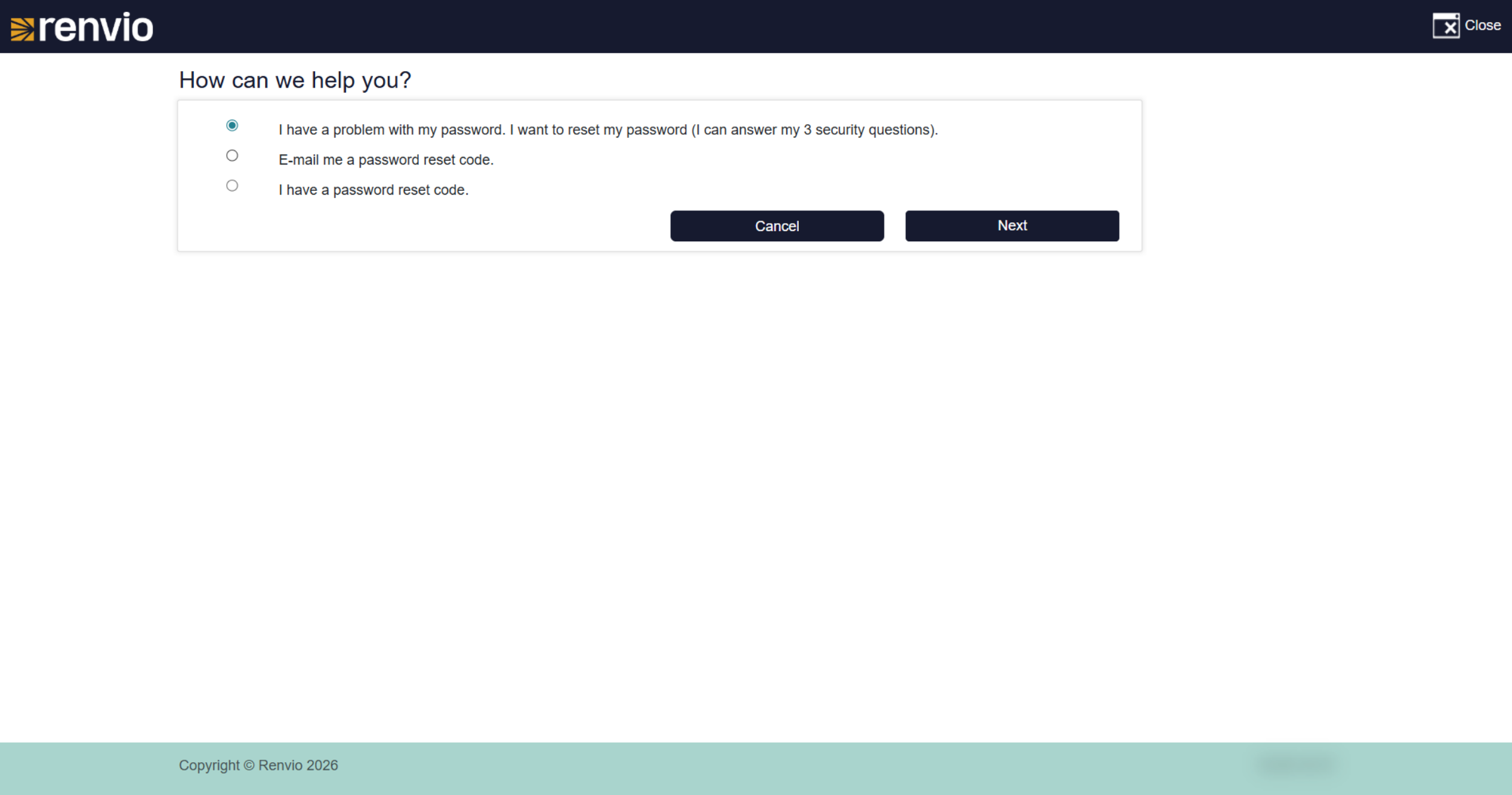
Selecting I need help with a password allows you to choose from available recovery options.
16. Request Password Reset Code
You will have 3 options to choose from; I want to reset my password by answering my 3 security questions. Send me an email with a password reset code or I have a password reset code that you will need to retrieve from your administrator. Once an option has been selected click next and follow the prompts.
17. Return to Login Screen
We hope you enjoyed the video tutorial!