How to complete treatment flowsheet..
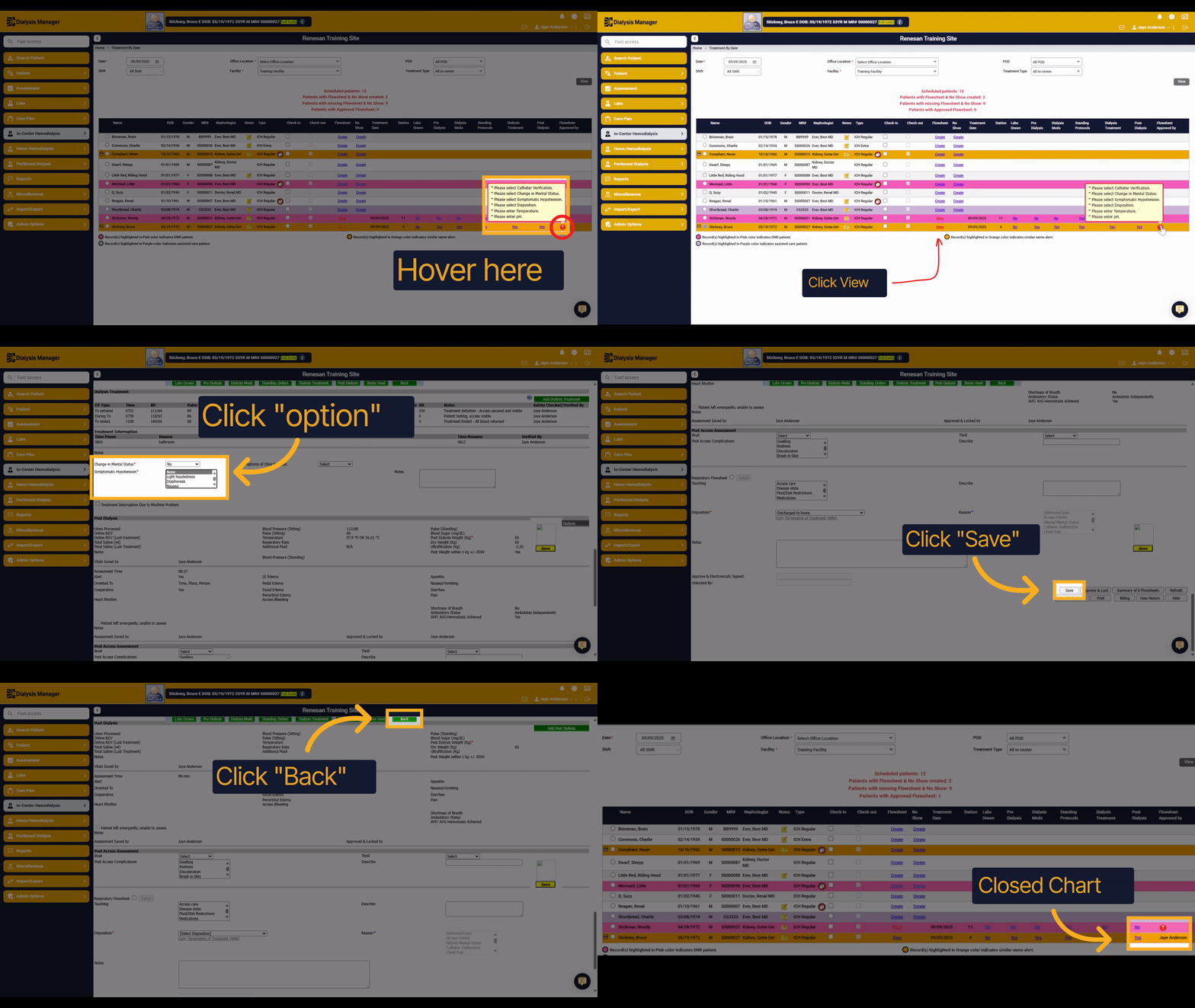
Please add a description
2. Open Treatment Flow Sheet
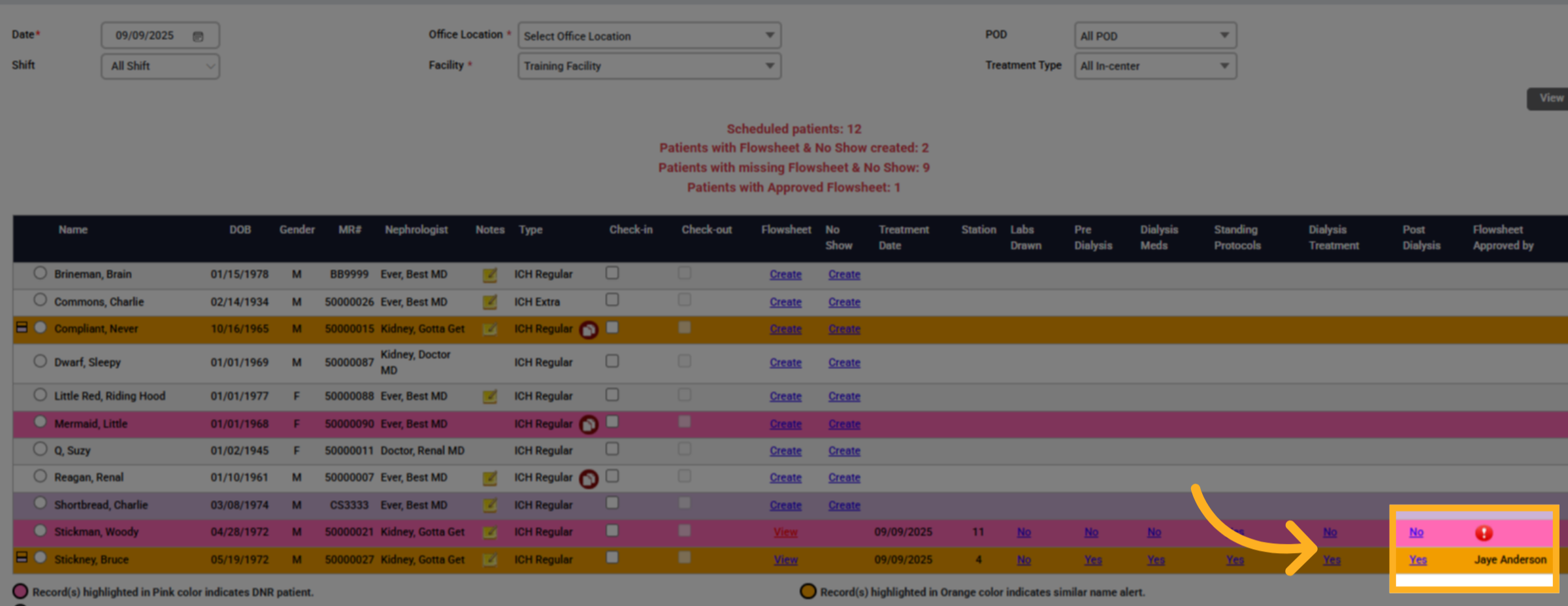
Hover over the red exclamation mark to review information that still needs charting.
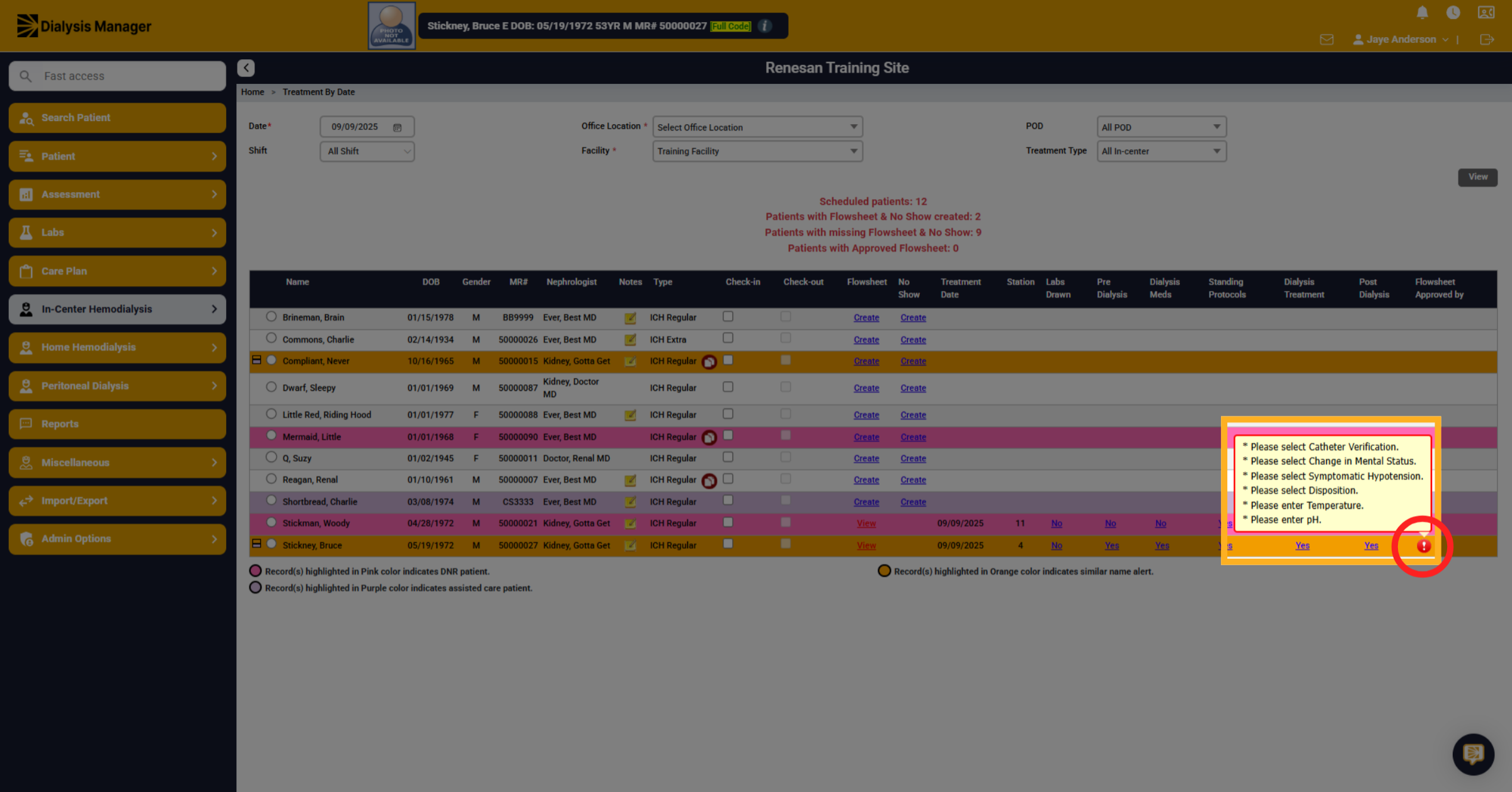
3. View Remaining Flow Sheet Tasks
As you can see, we've got a little bit left in order to complete the flow sheet. Click on View under the Flow sheet column.
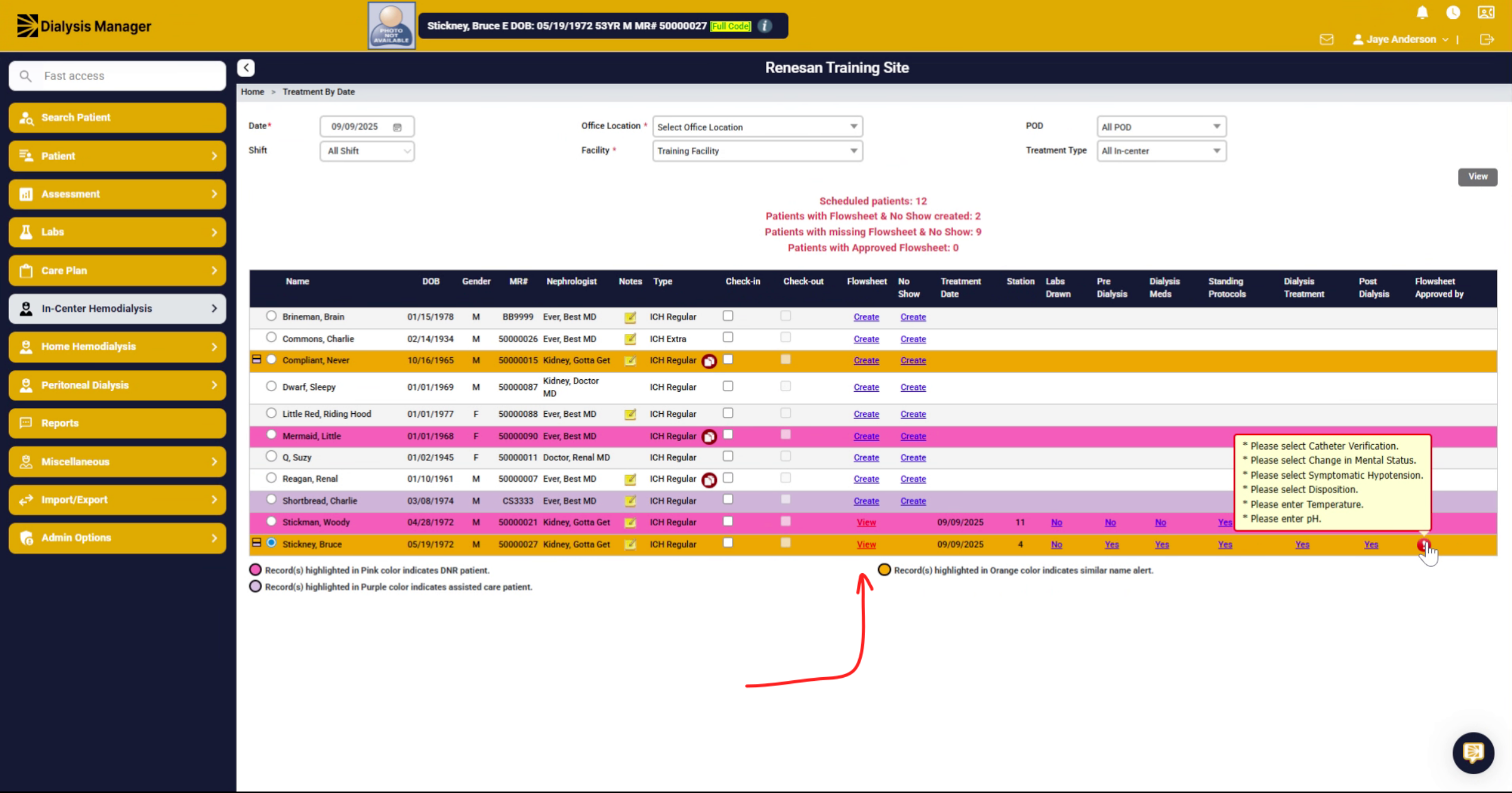
4. Select Mental Status
Scroll down to the post dialysis section. Within here. Choose if there are any changes in mental status? or if there's any Hypotension.
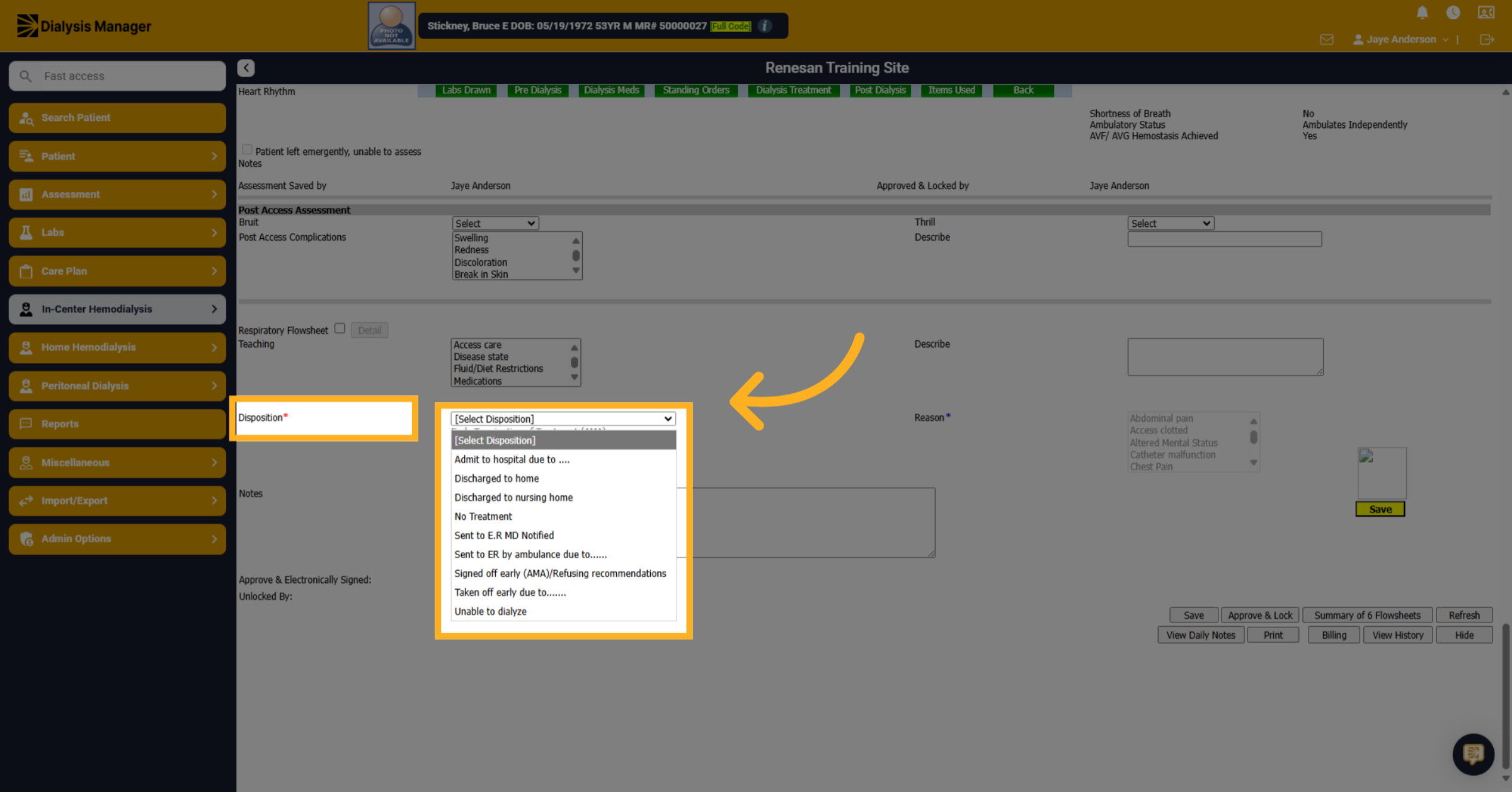
5. Choose Patient Disposition
Choose the patients Disposition. If they signed off early you will be required to complete the reason. You will also have the ability to create an A M A.
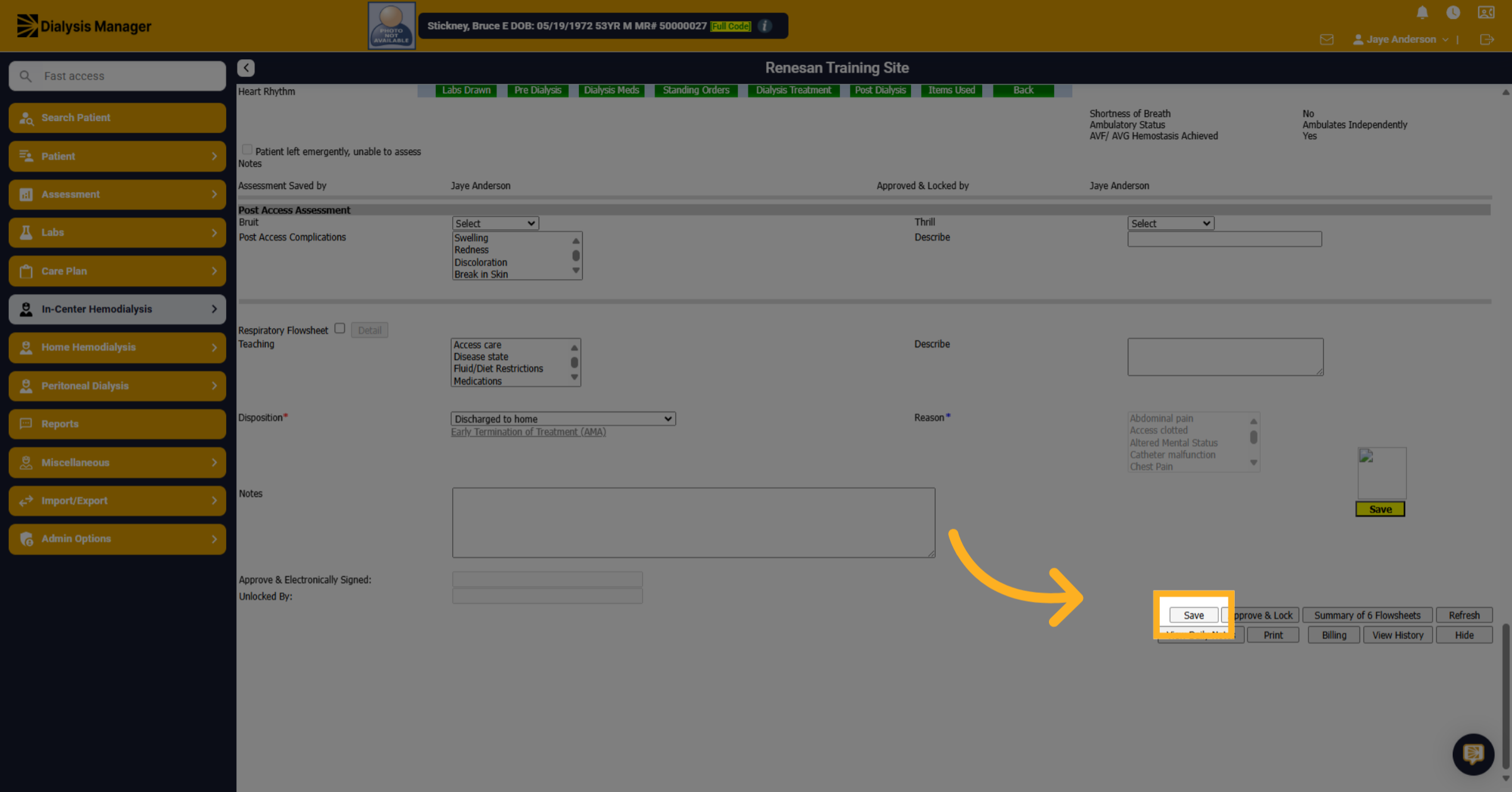
6. Save Flow Sheet Data
Click "Save"
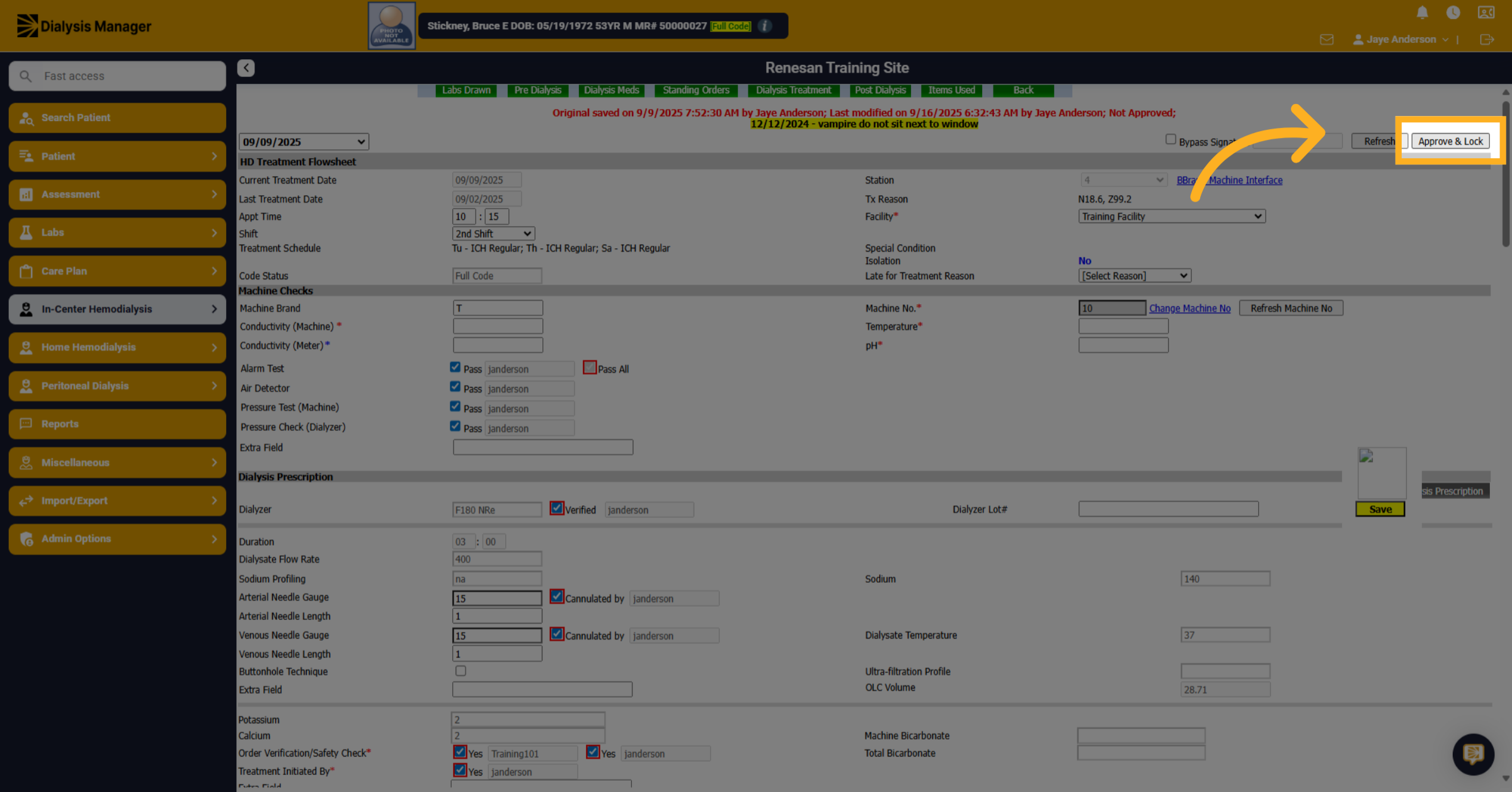
7. Approve and Lock Flow Sheet
Click "Approve & Lock"
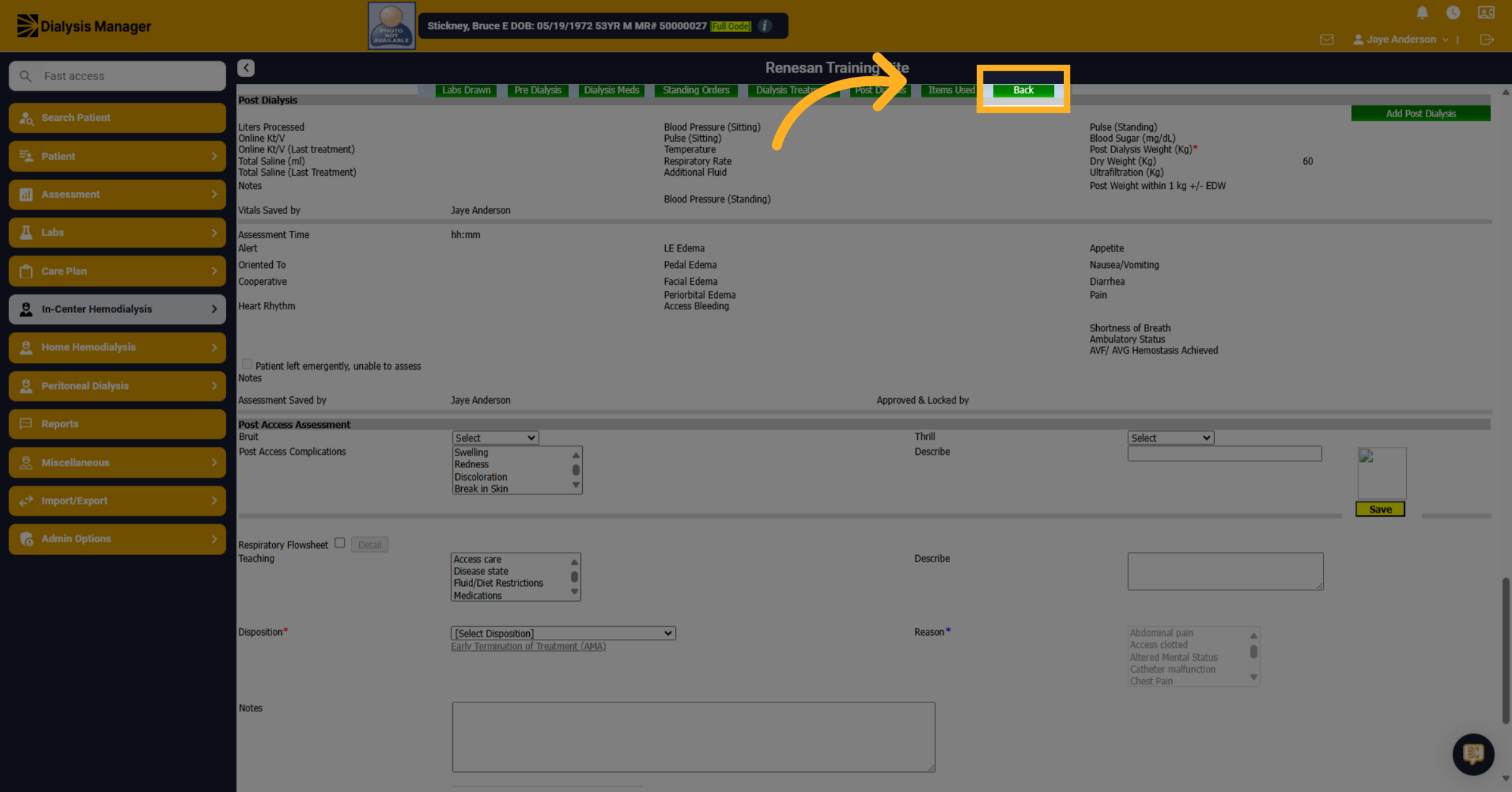
8. Click "Back"
Click "Back" to return to the treatment by date screen.
9. Closed Chart
Approved or completed charts will appear at the bottom, showing the name of the user who completed them.
Please add a description