z Hemodialysis Flowsheet Labs Drawn
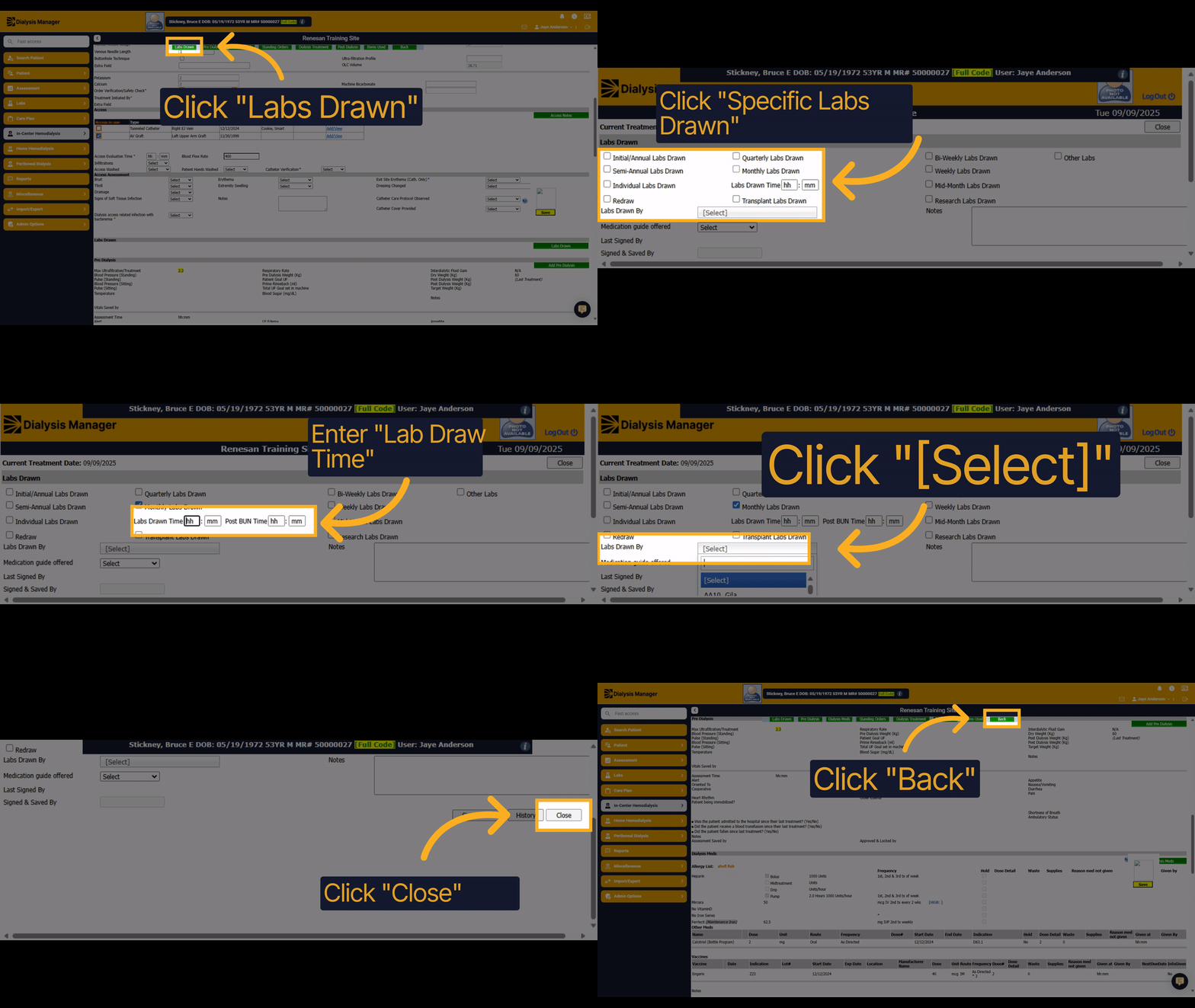
1. Click "Labs Drawn"
Click "Labs Drawn" within the treatment flowsheet to continue to document any Labs drawn.
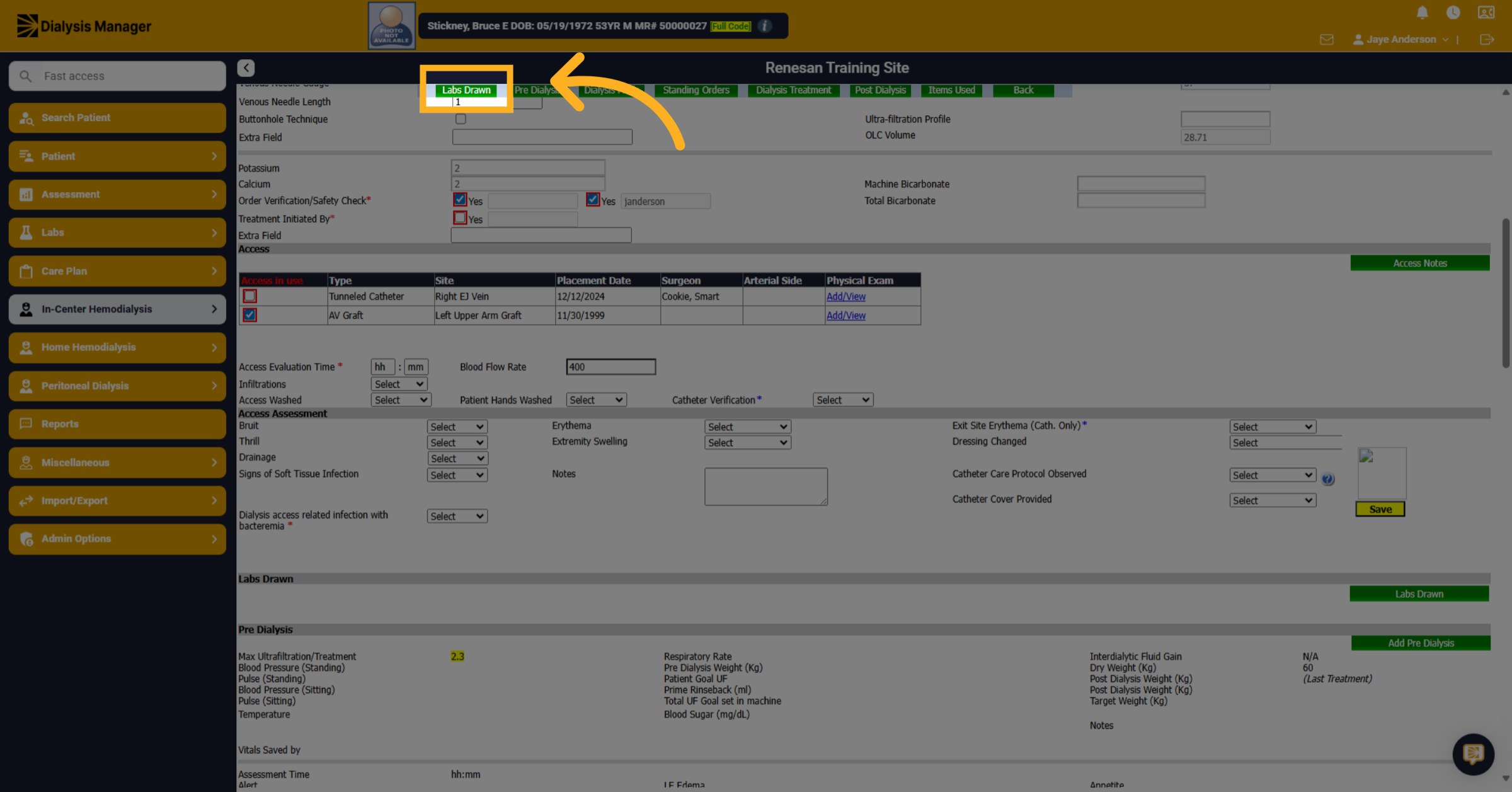
2. Click "Monthly Labs Drawn"
Click "Monthly Labs Drawn" to specify monthly lab draws or another appropriate lab drawn option.
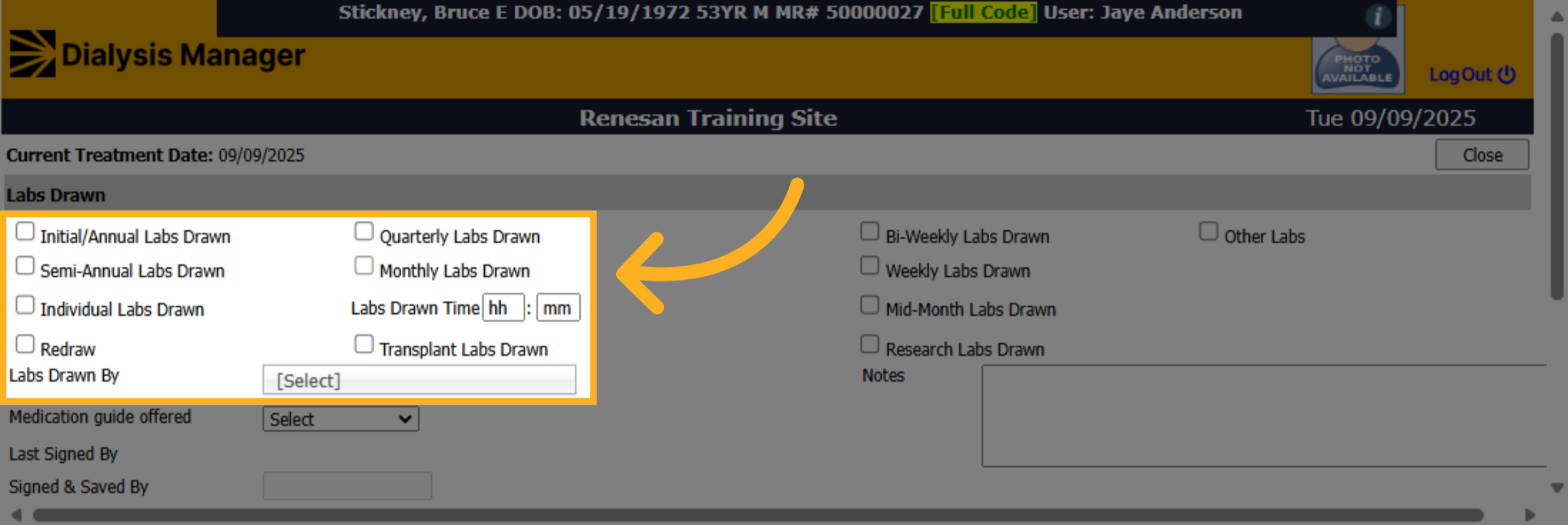
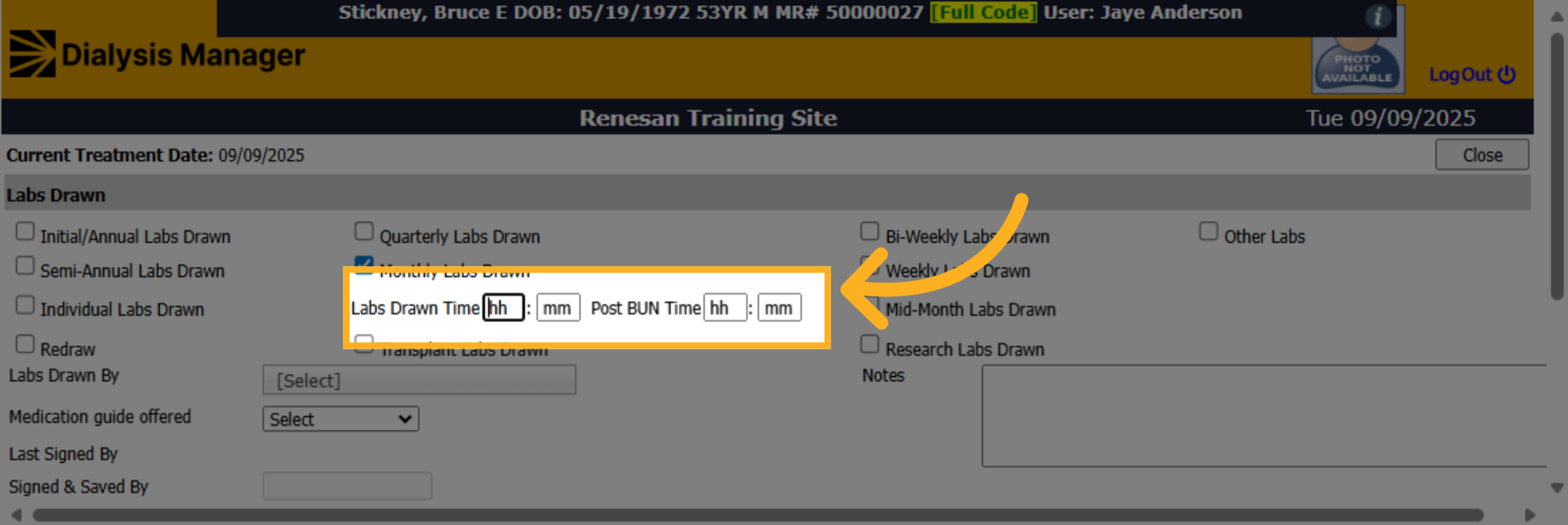
3. Click "hh"
Click "hh" to select the hour for the Pre and Post lab draw times. Reminder the F 2 keyboard option will enter current time.
4. Click "[Select]"
Click "[Select]" dropdown option to choose who the 'lab drawn by' person was.
![Click '[Select]'](https://knowledgetest.renvio.com/hubfs/Intercom%20knowledge%20base/qg-2FIroXeNJHrNYcFwtsPJSFDGN82g23-2F79McDysKtfenkRcpoeJeNU-2FmyBq9hbzpCPw8oBudiNjTz_doc.png)
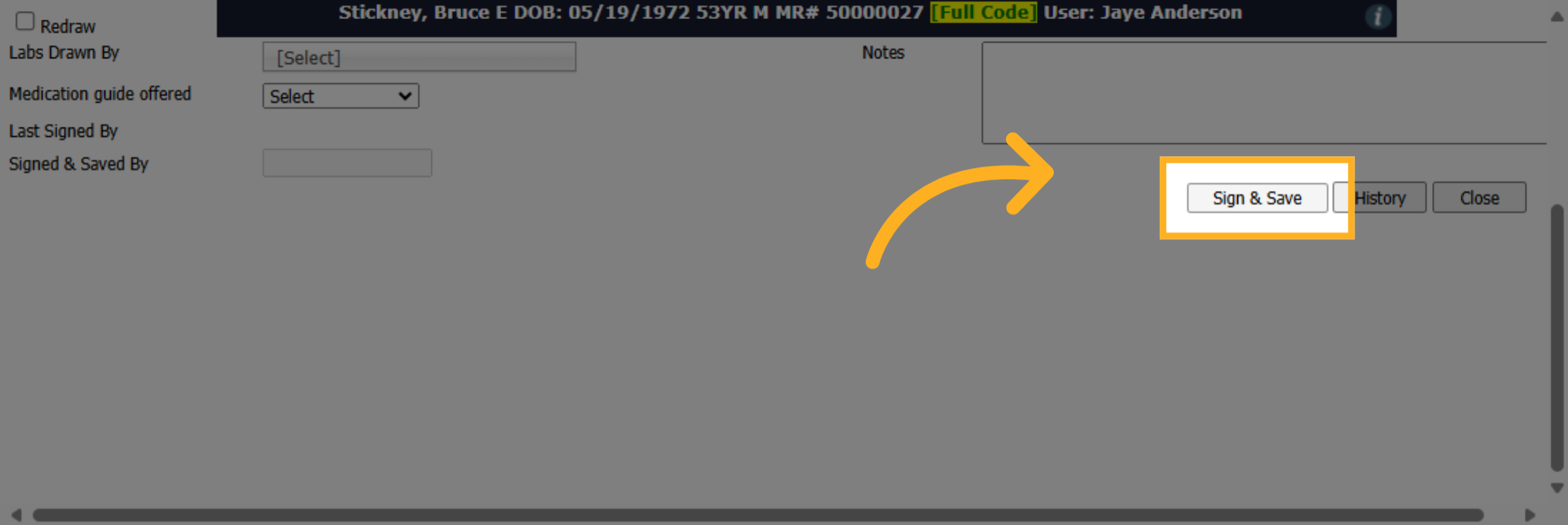
5. Click "Sign & Save"
Click "Sign & Save" to sign and save the lab draw information.
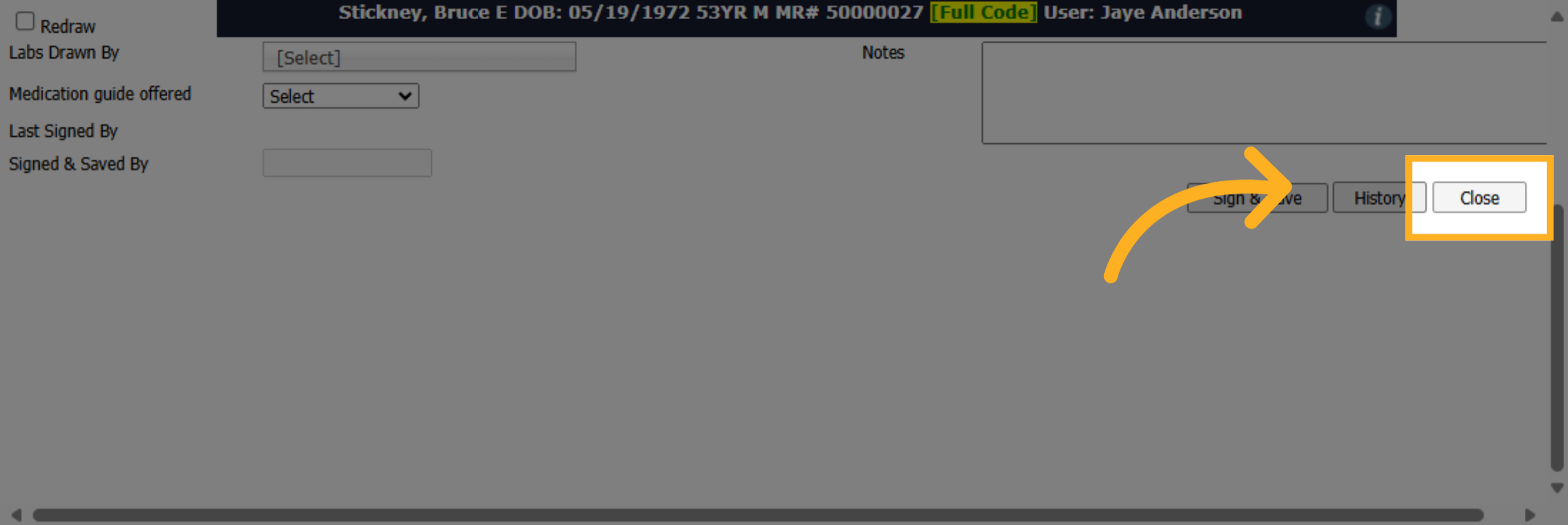
6. Click "Close"
Click "Close" to exit the Labs Drawn section.
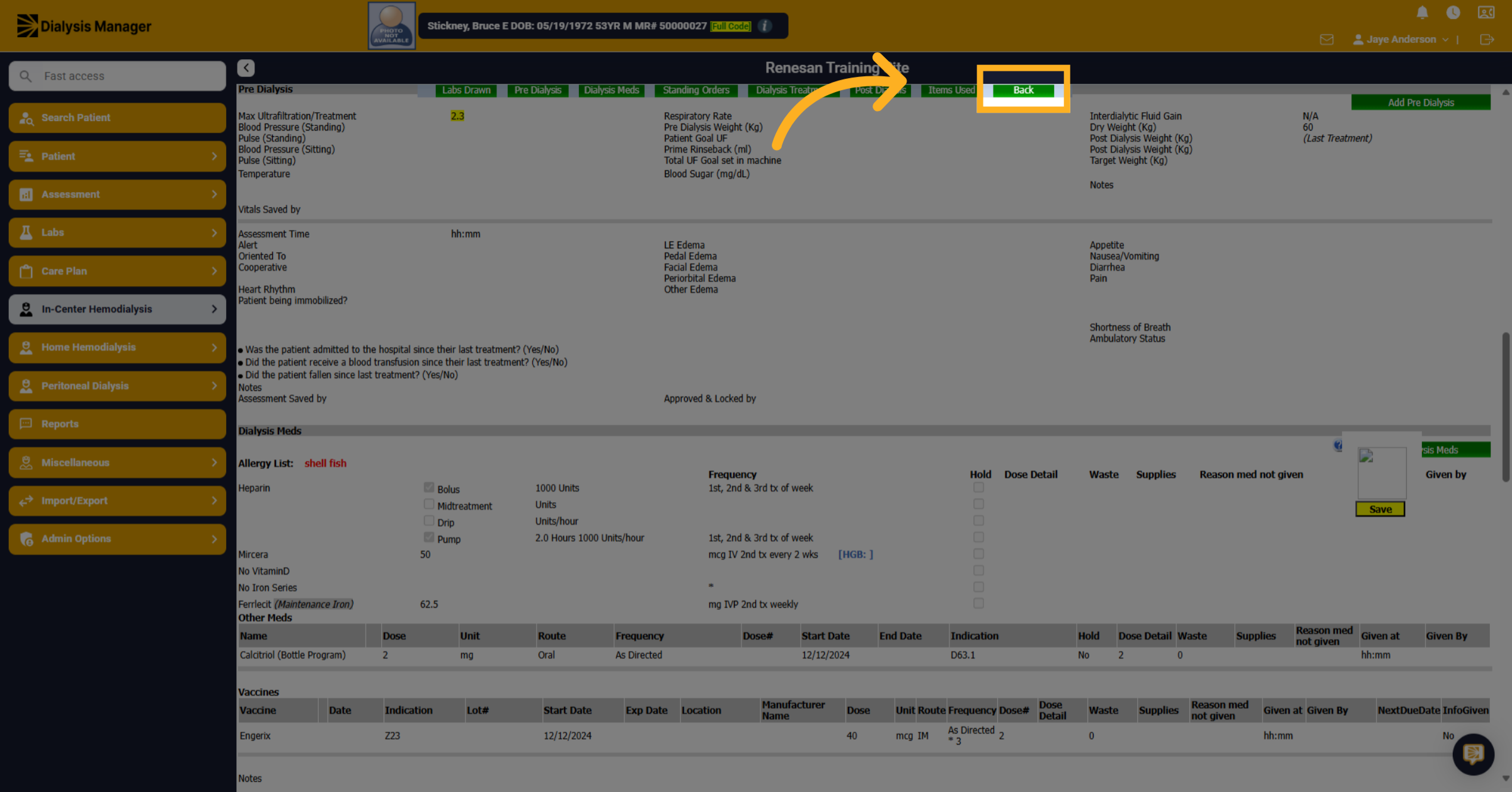
7. Click "Back"
Click Back to go back to the treatment by date screen.