HD Billing Without Flowsheet
1. Introduction
You will learn how to enter billing information without using a flowsheet in Renvio. This tutorial guides you through each step to accurately record hemodialysis billing details.
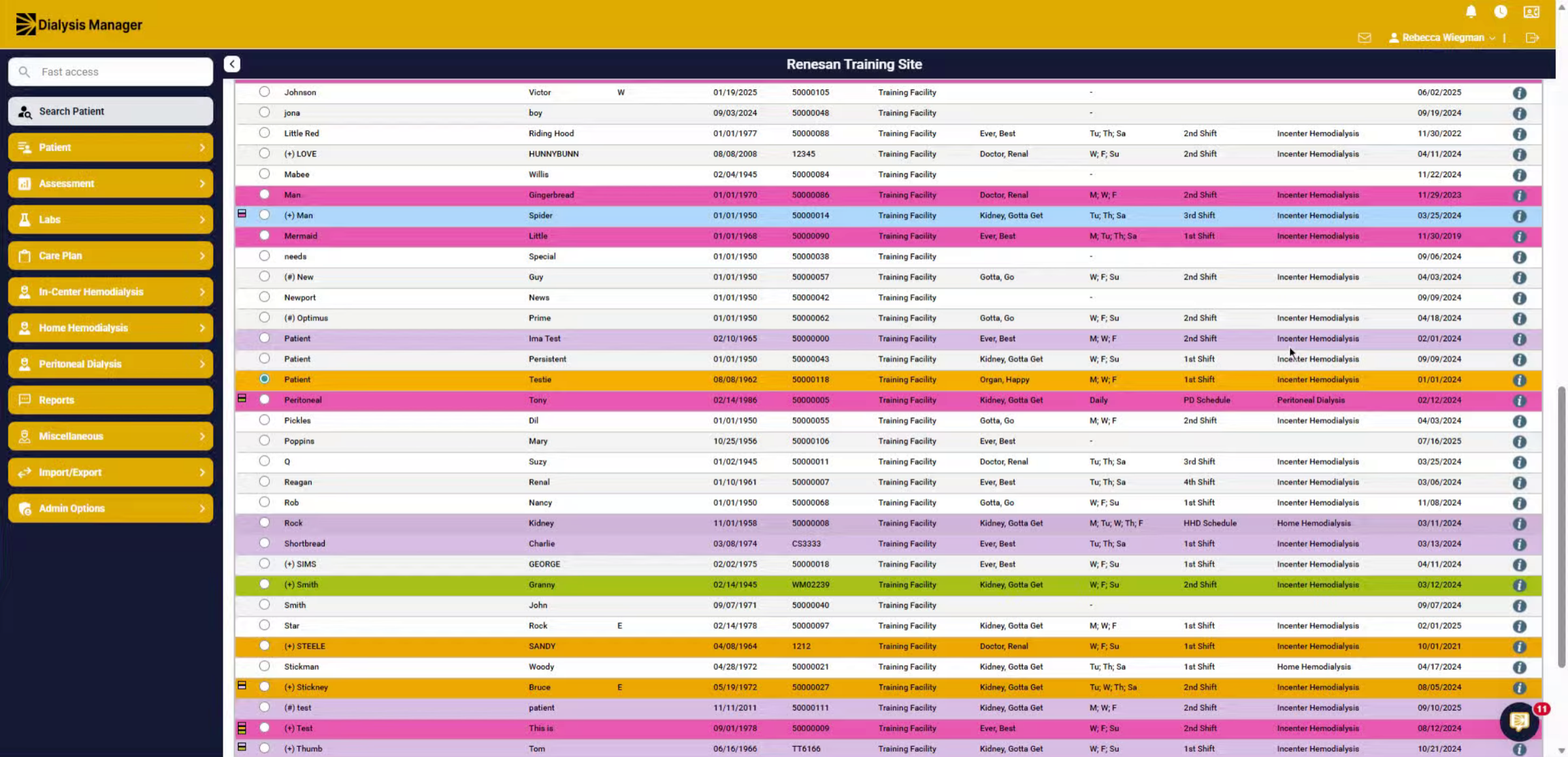
2. Select Patient
First, you're going to select your patient.
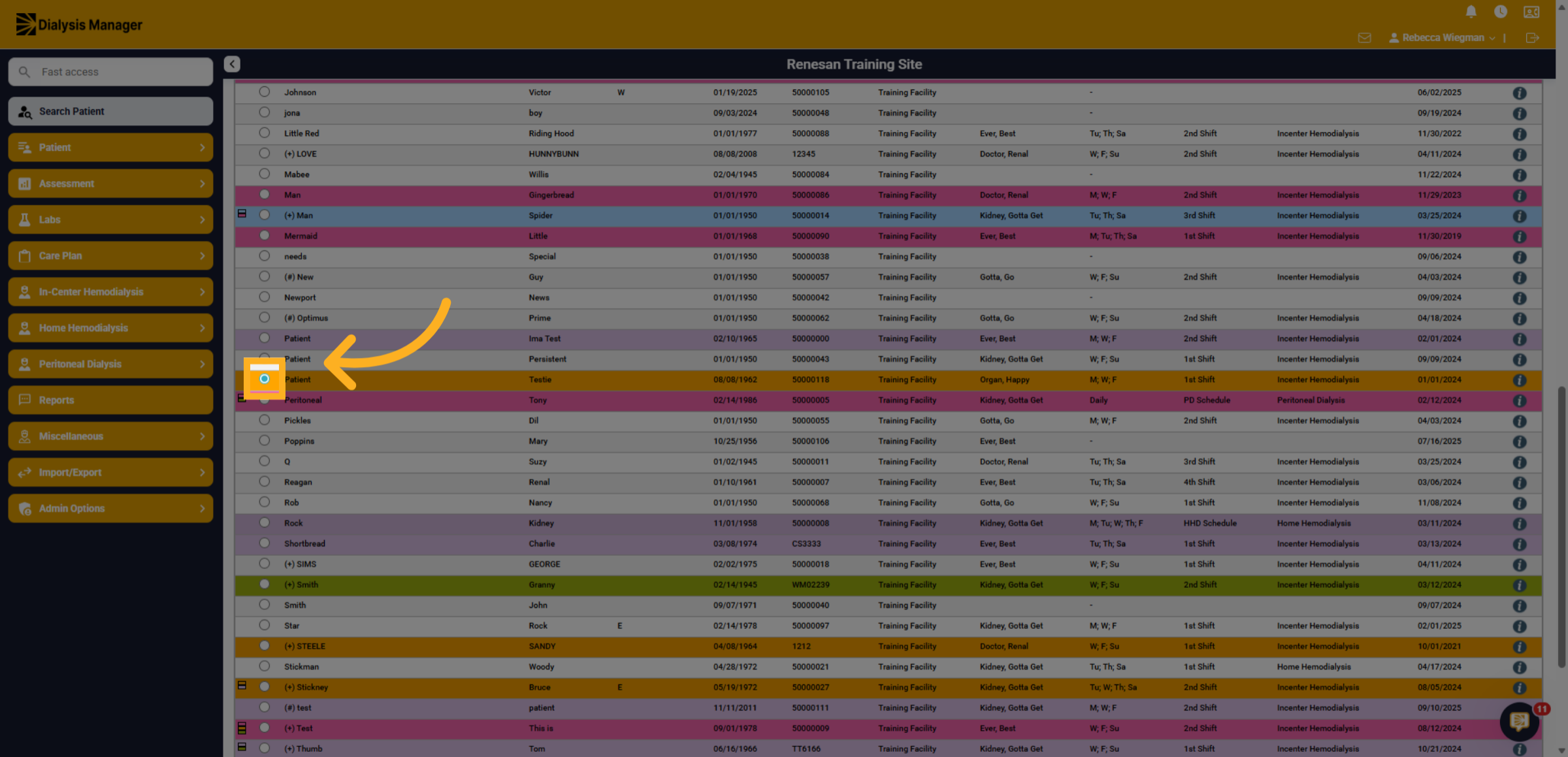
3. Navigate In-Center Hemodialysis
Click into In-Center Hemodialysis.
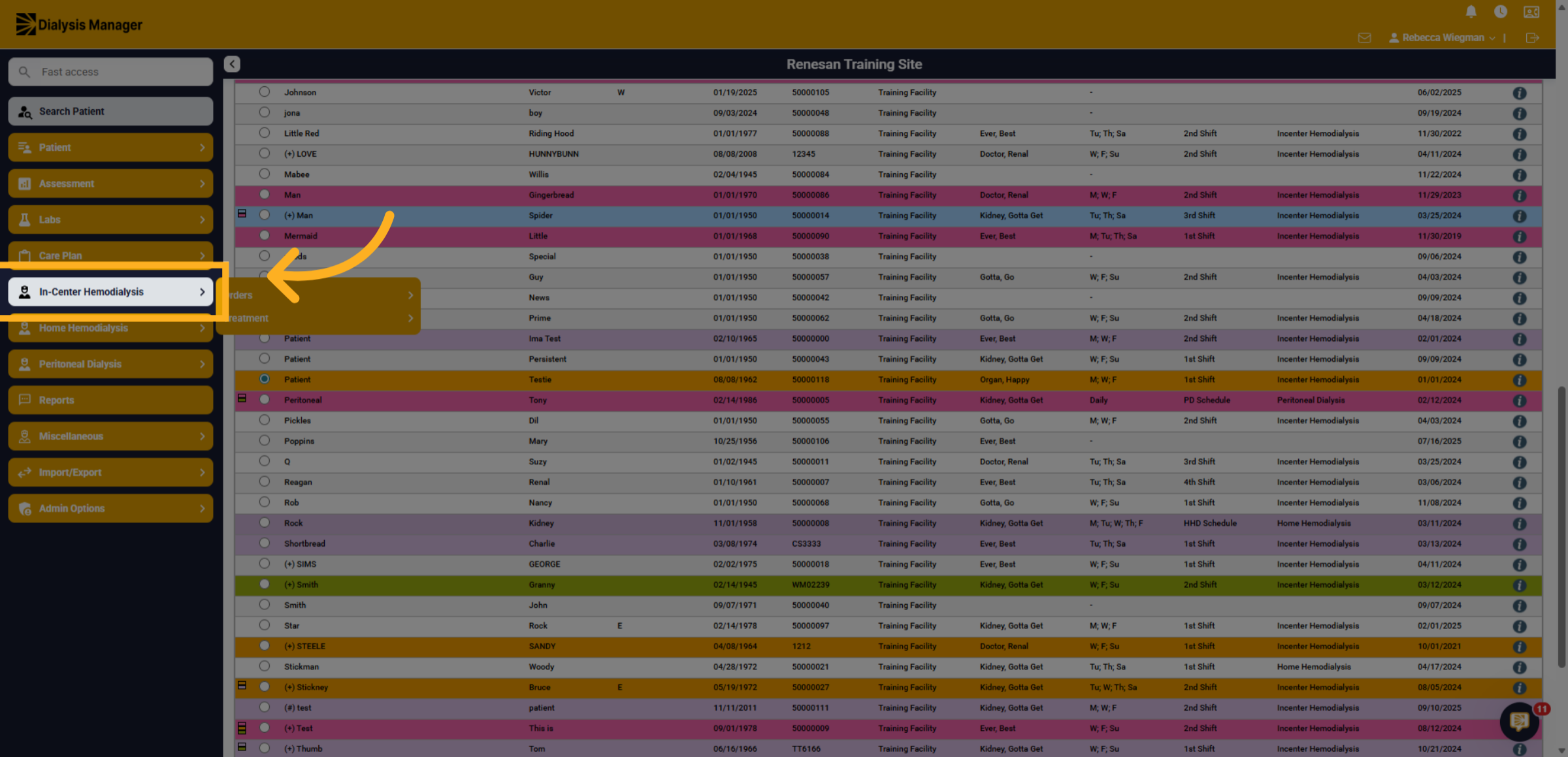
4. Treatment
Then into Treatment
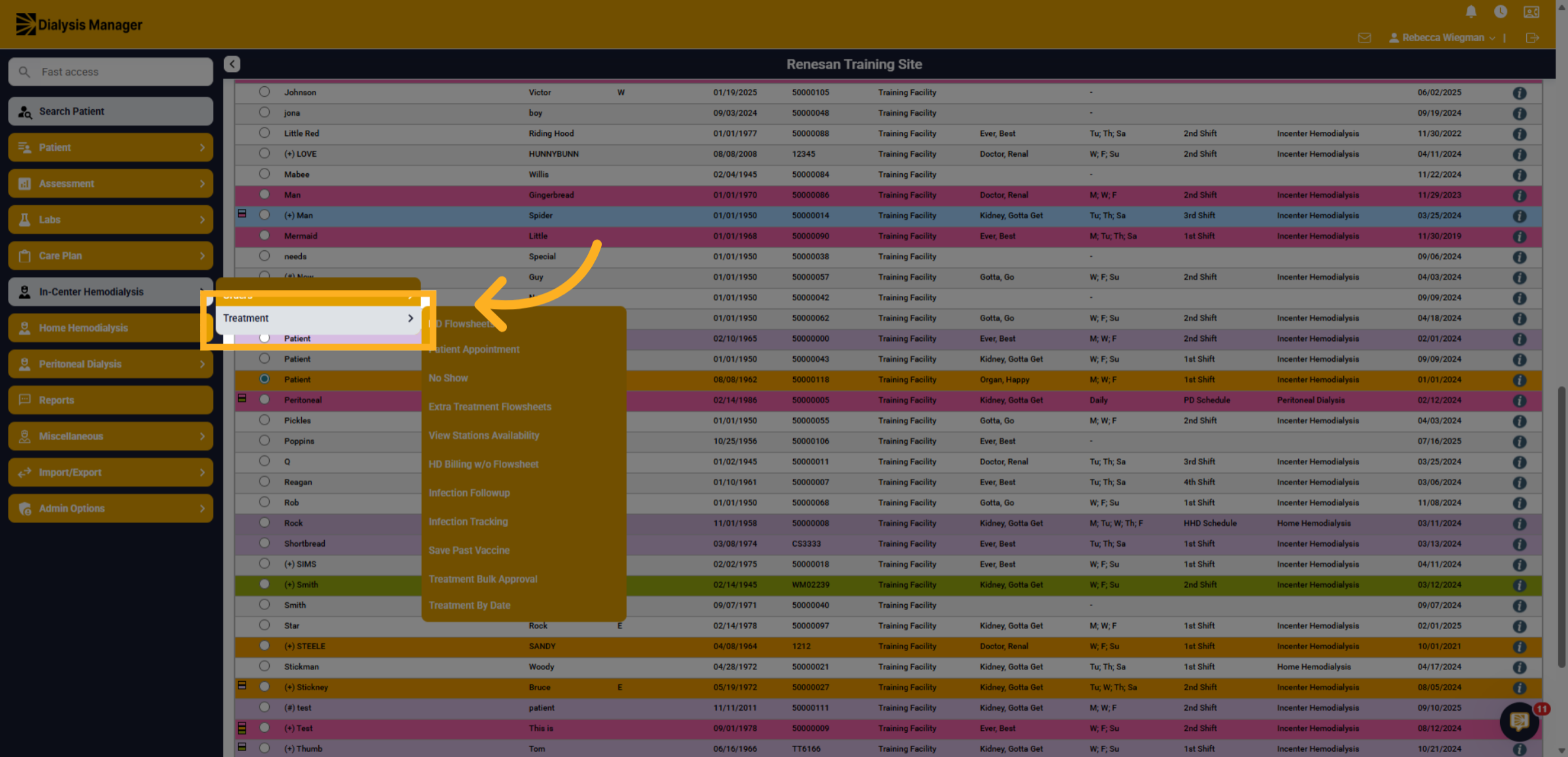
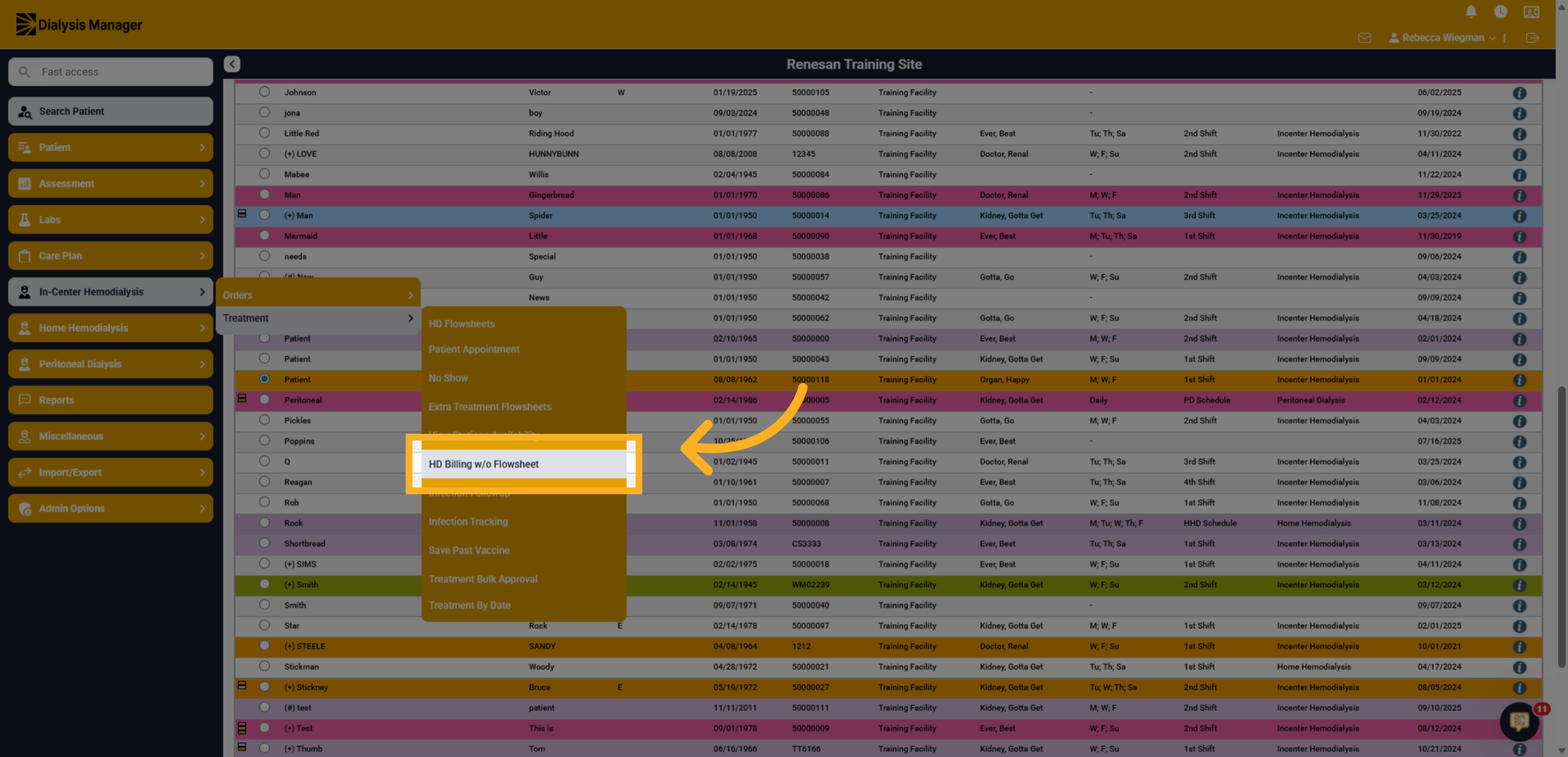
5. HD Billing Without Flowsheet
Finally, HD Billing without Flowsheet
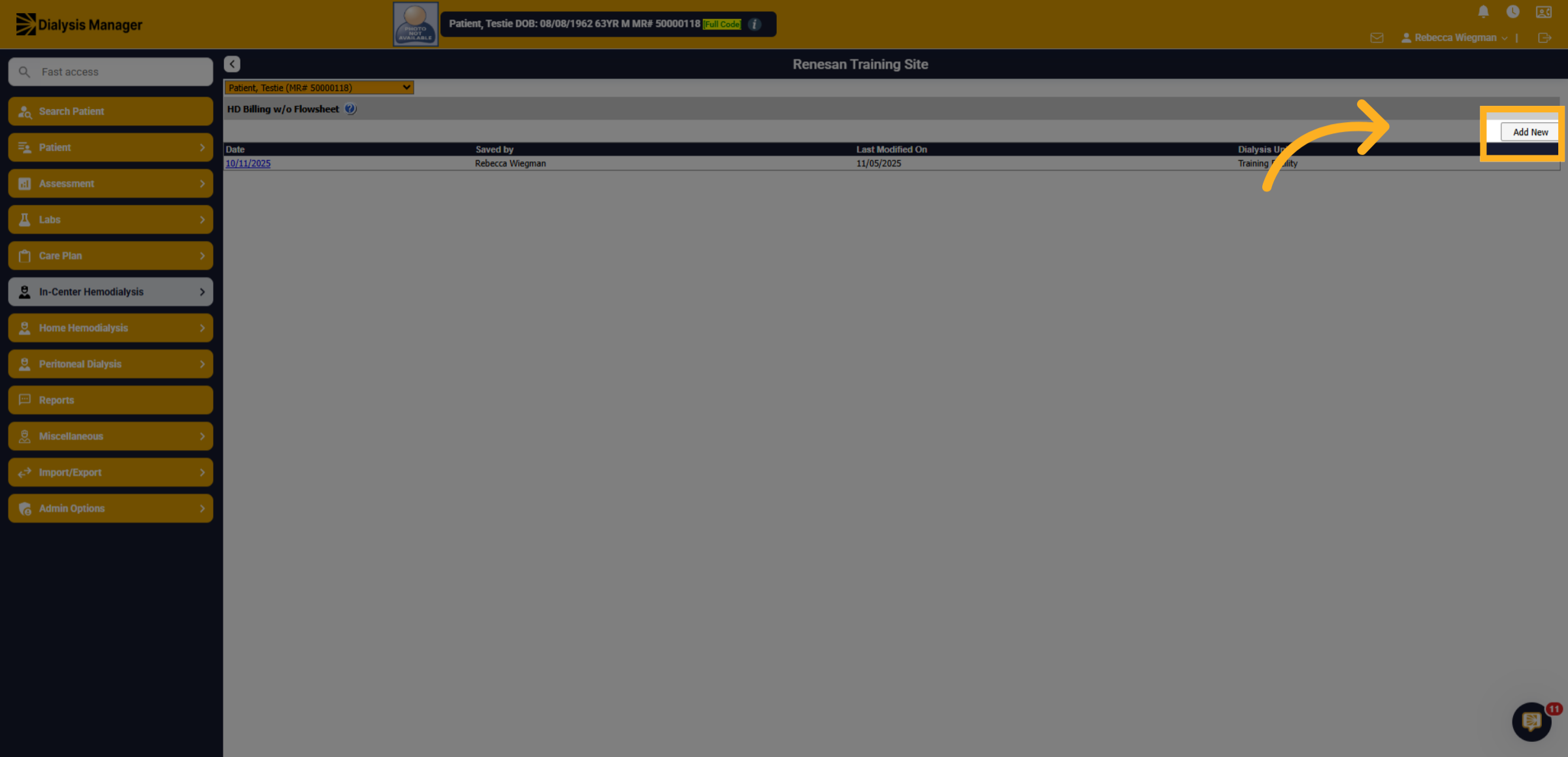
6. Add New Billing Entry
You'll select add new.
7. Dialysis Date
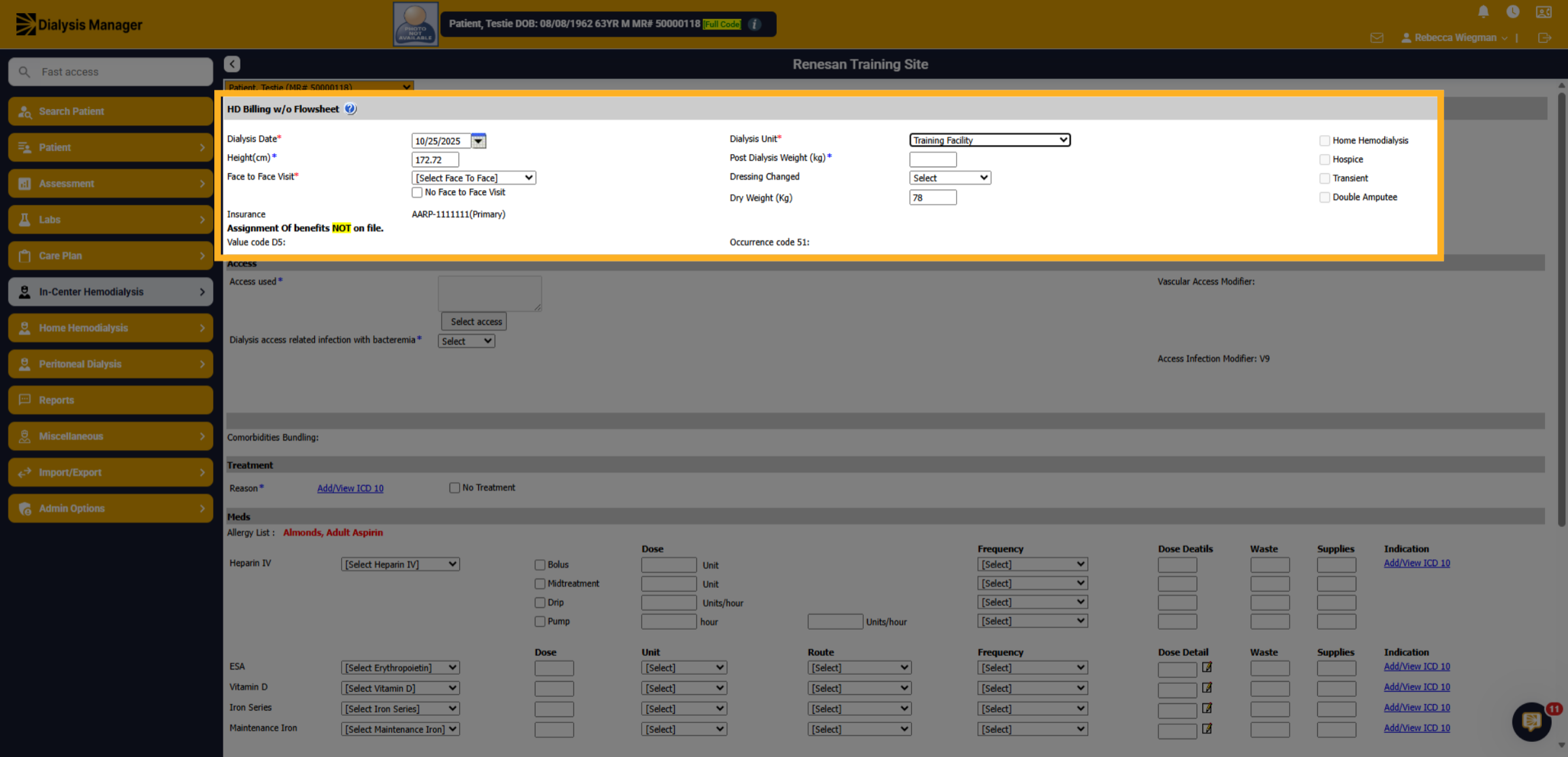
Enter the date the patient dialyzed.
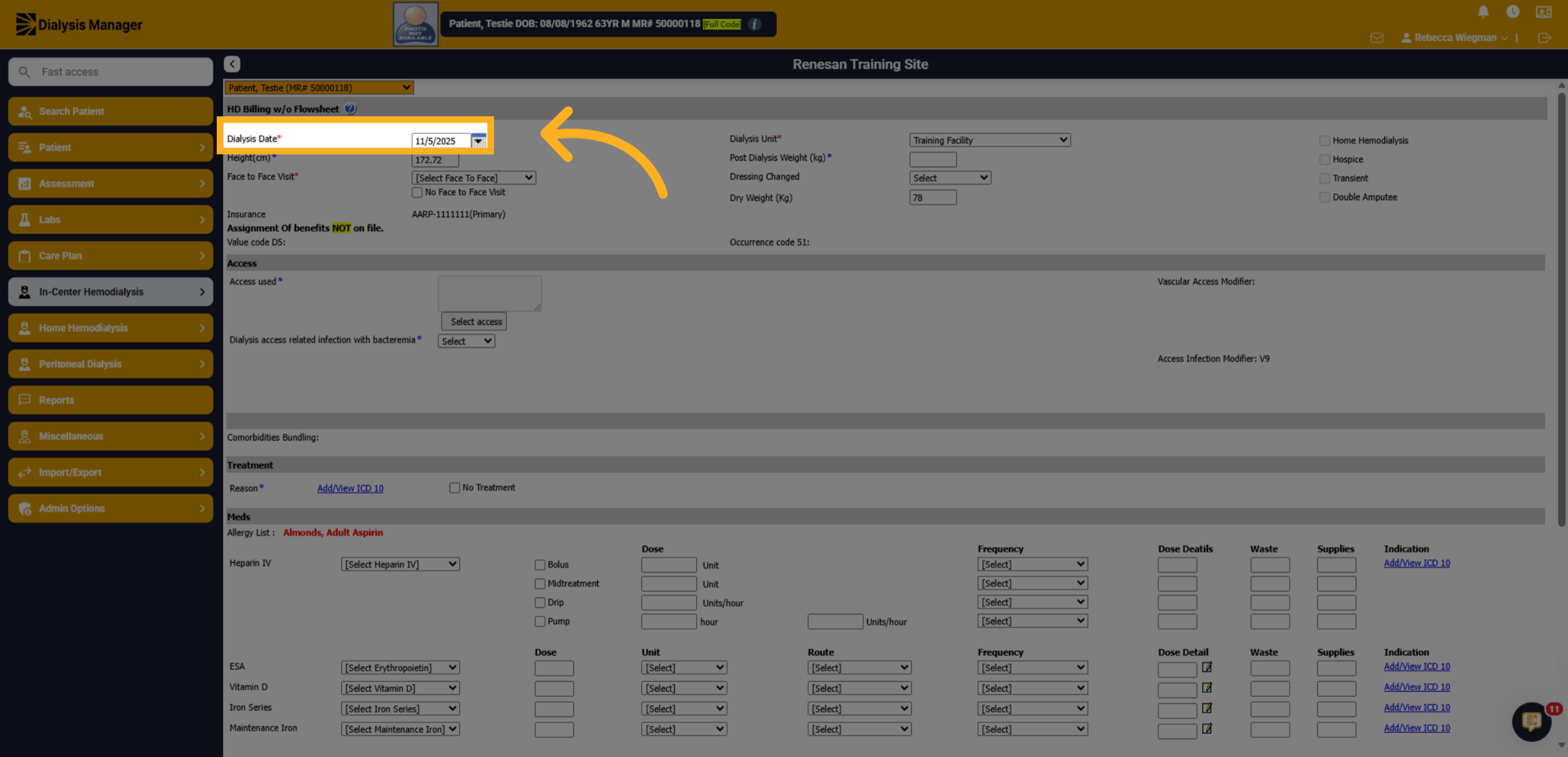
8. Verify information
Verify the patients Height, Dialysis Unit and Dry weight.
9. Post Dialysis Weight
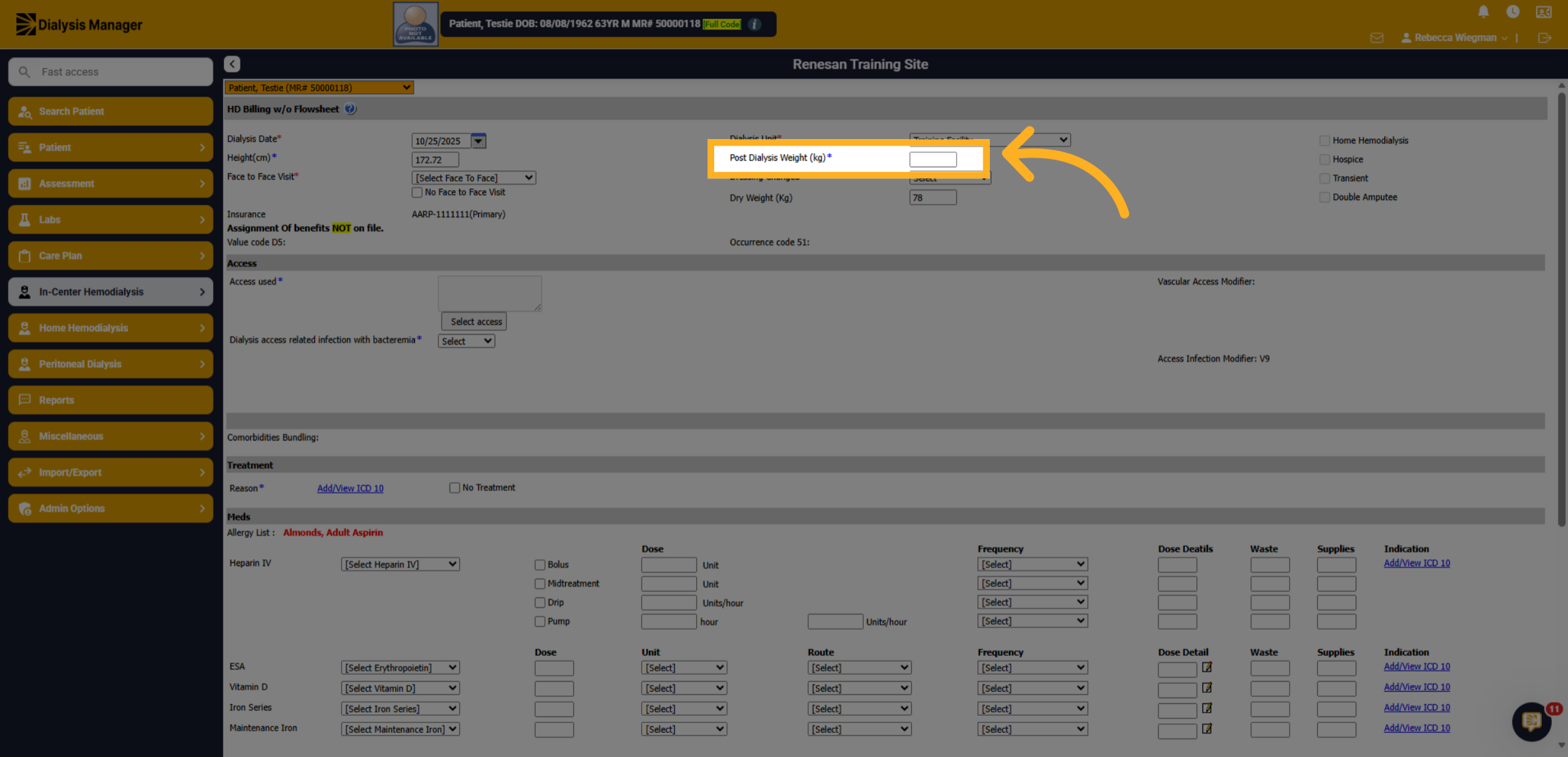
Enter the patients Post Dialysis Weight.
10. Face to Face Visit
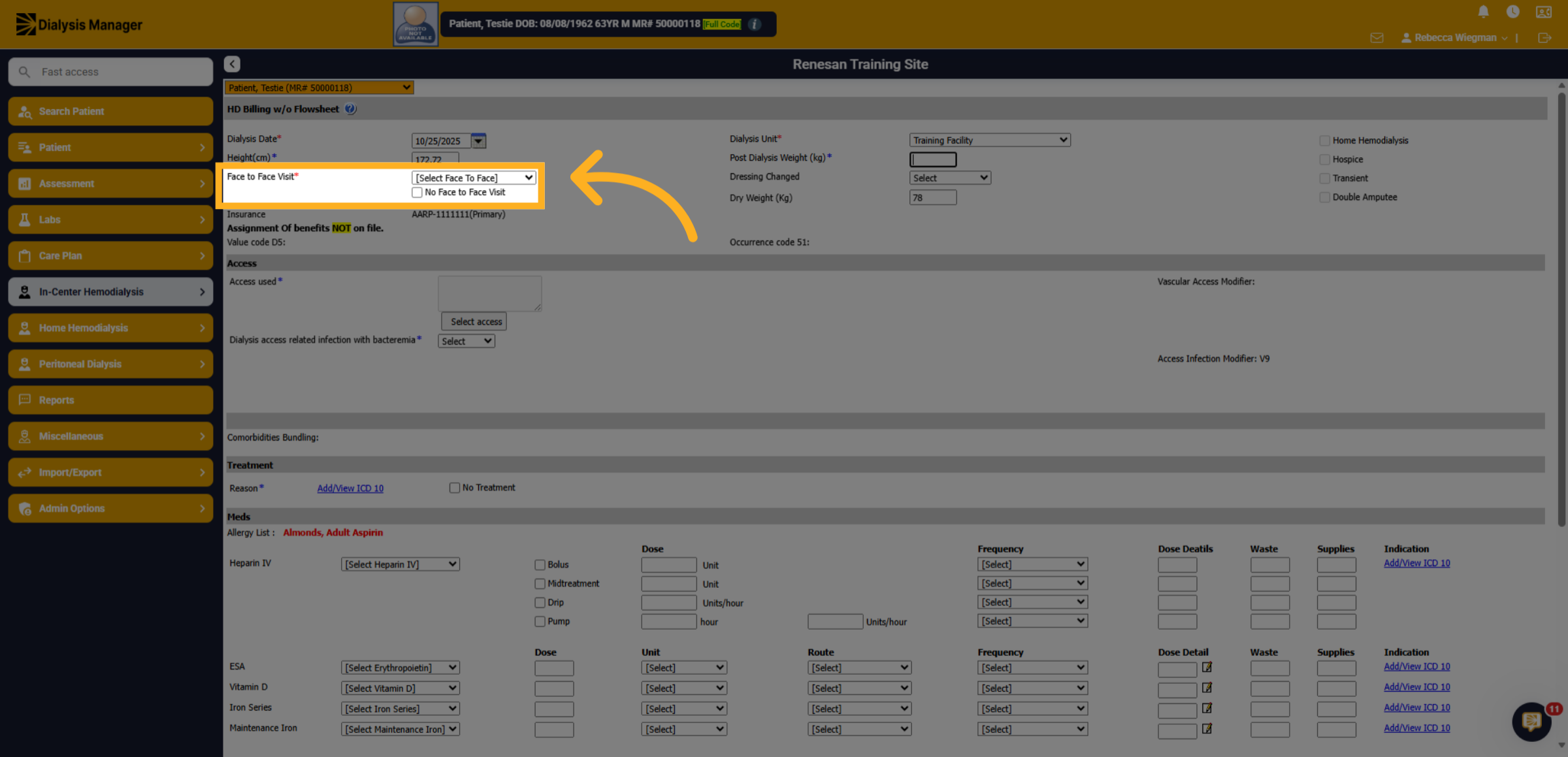
Document if the physician had a face-to-face visit with the patient during the treatment.
11. Access Information
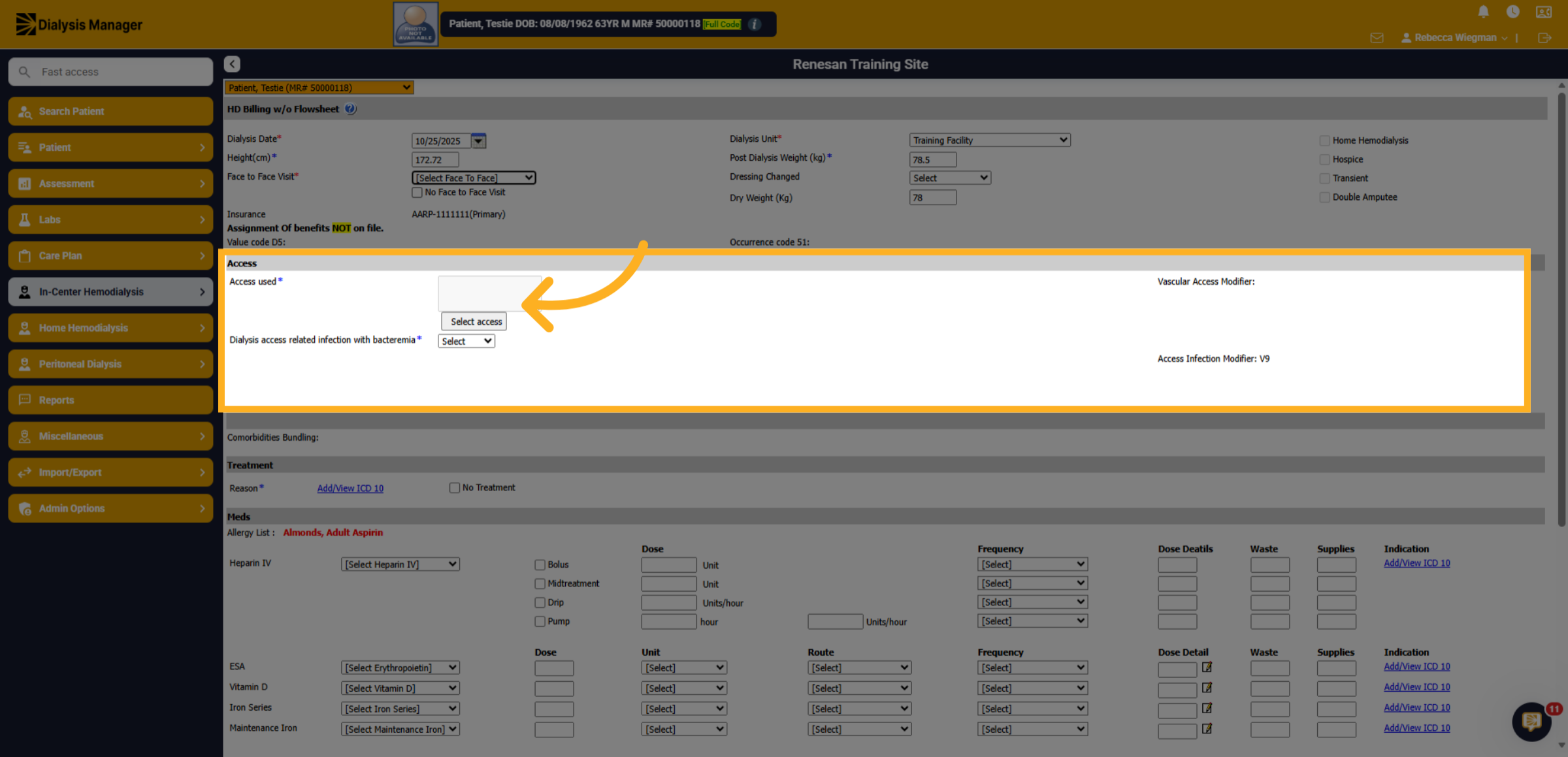
Inside the Access area, you'll need to click "Select Access"
12. Access Tab
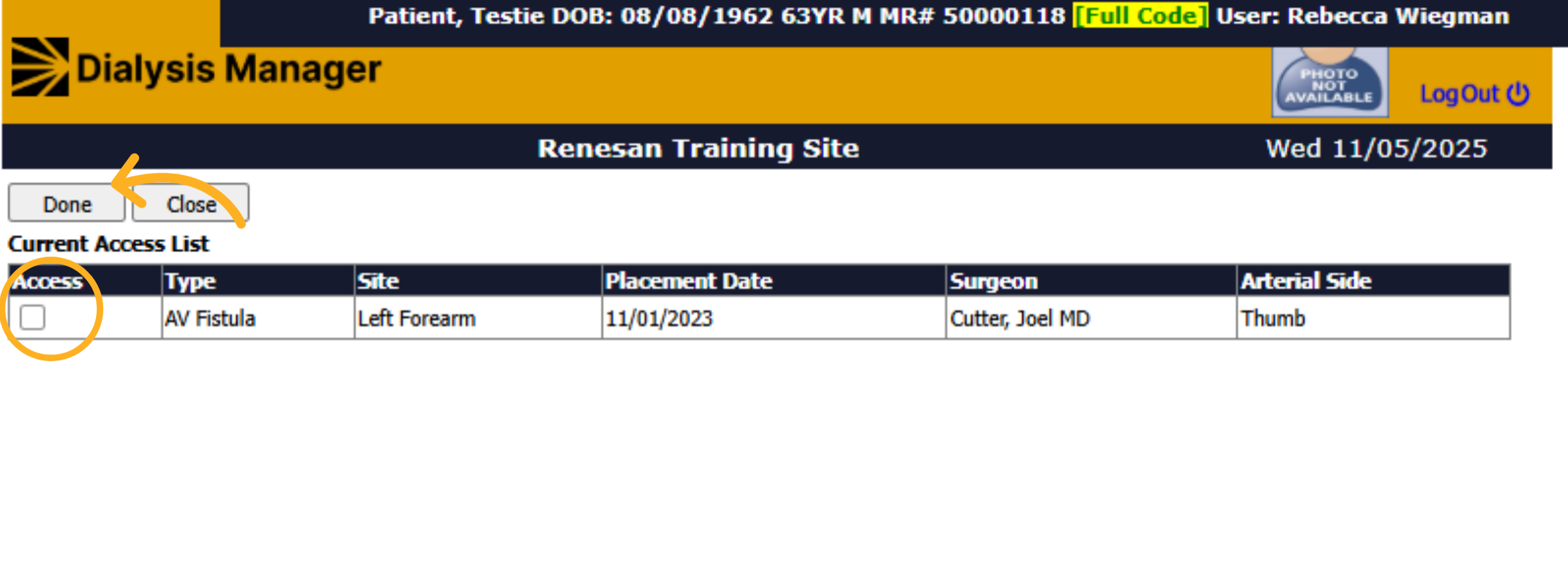
A tab will open where you'll see the patients access information. Select the access used during the treatment and click Done.
13. Infection Present
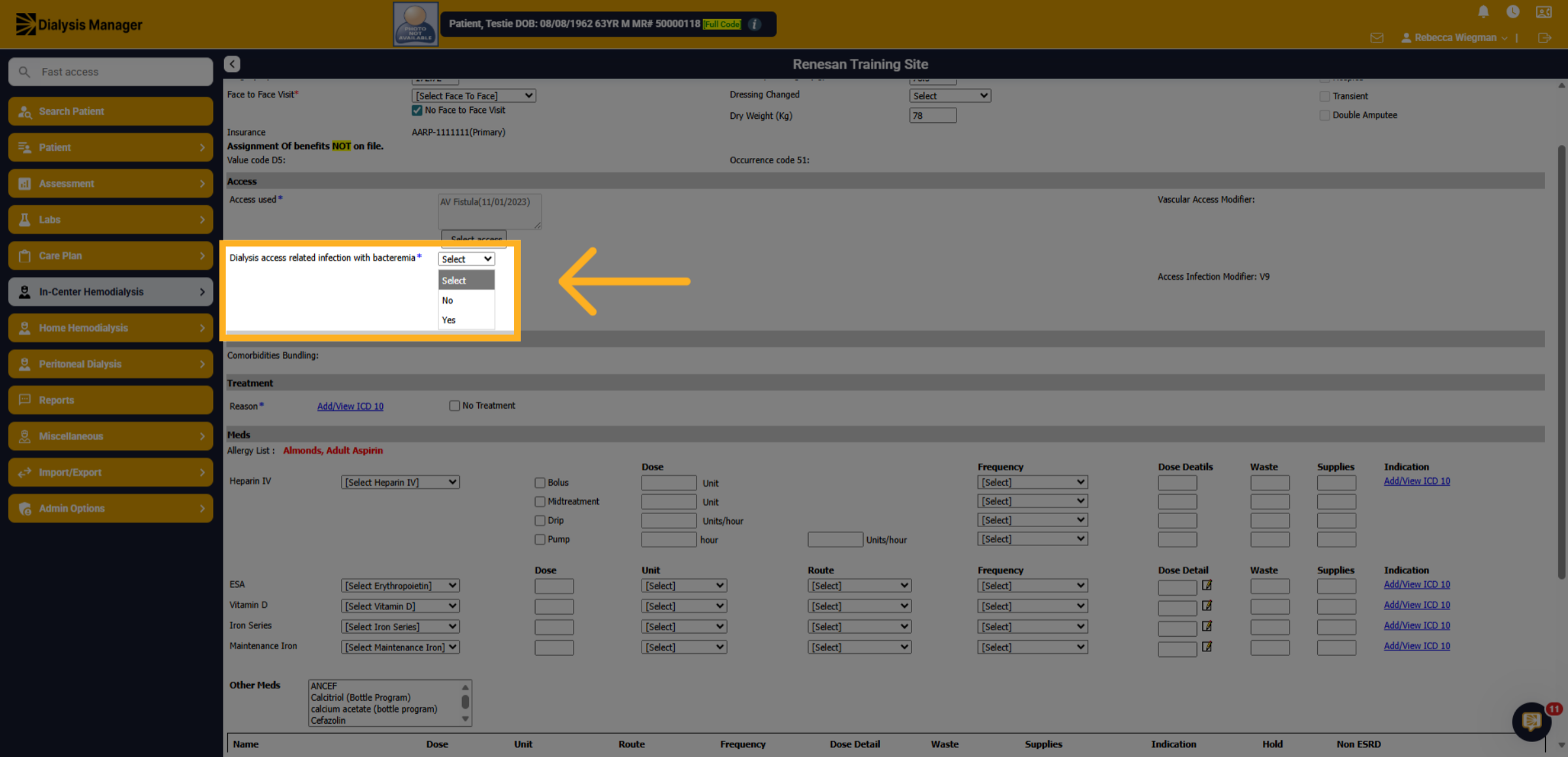
Select if an infection was present.
14. ICD-10 Code
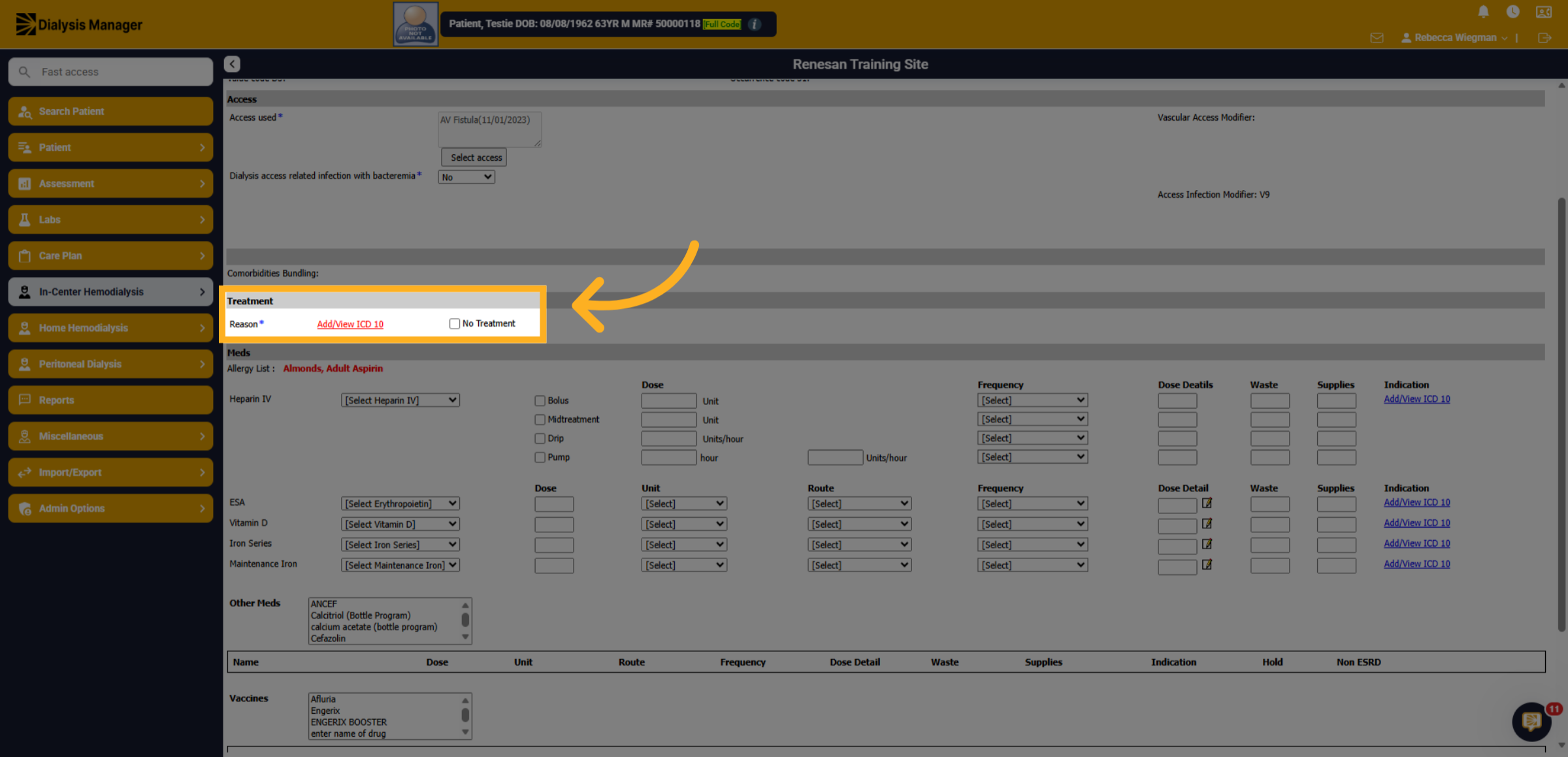
Under Treatment, click "Add/View ICD-10 to document the reason for the treatment.
15. ICD-10
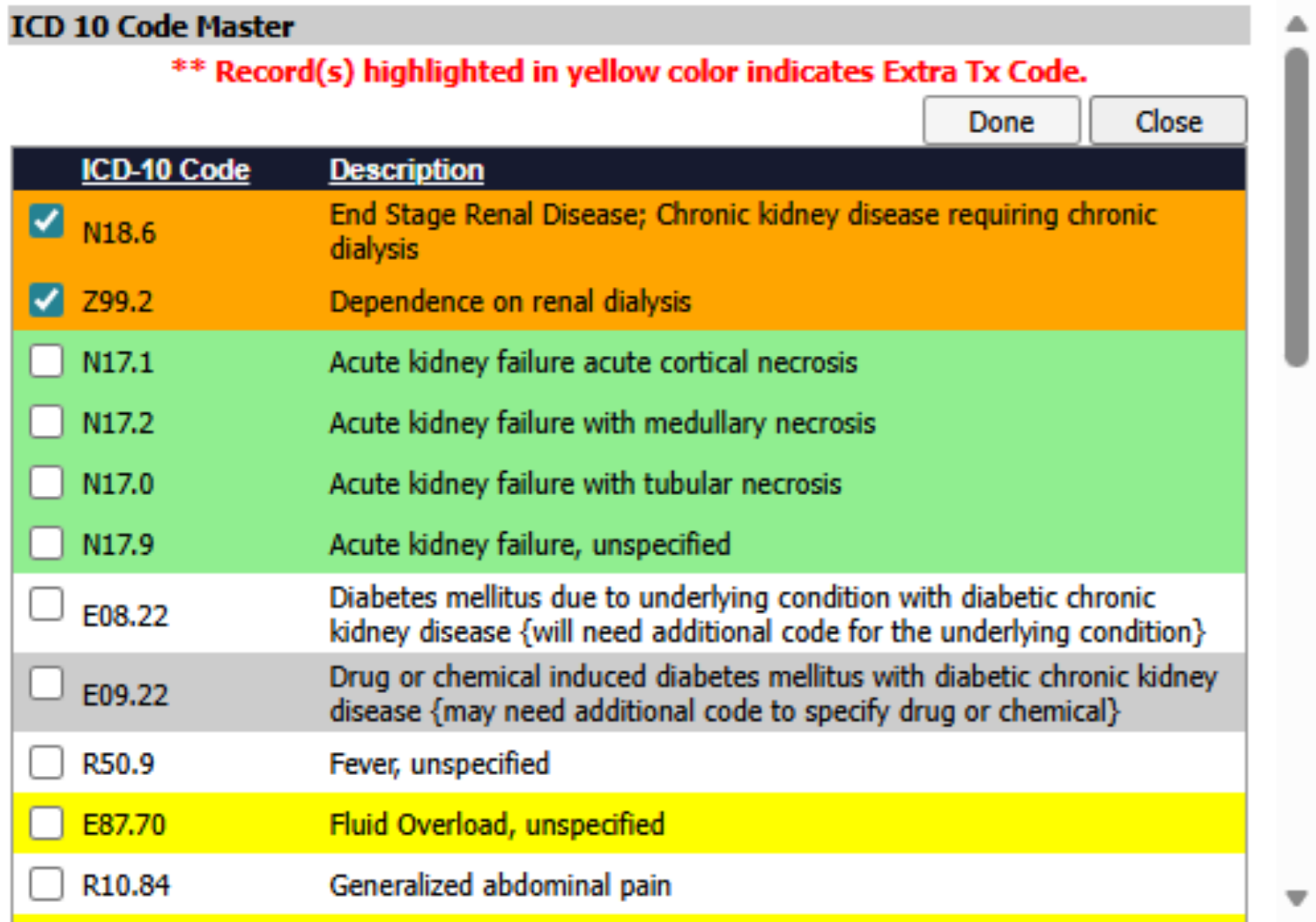
Select the appropriate ICD-10 codes for the treatment. Once all are selected, click done.
16. Medications
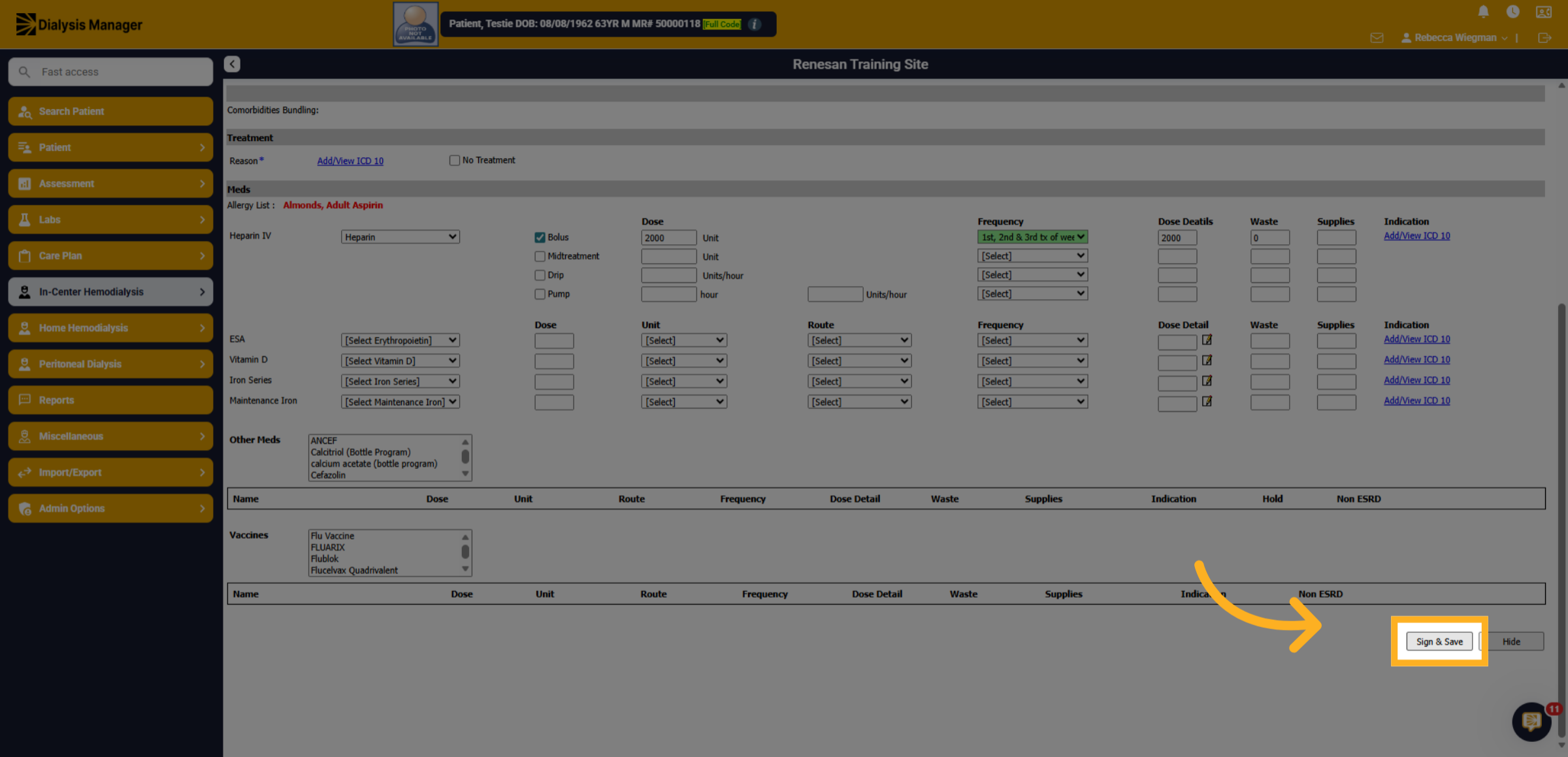
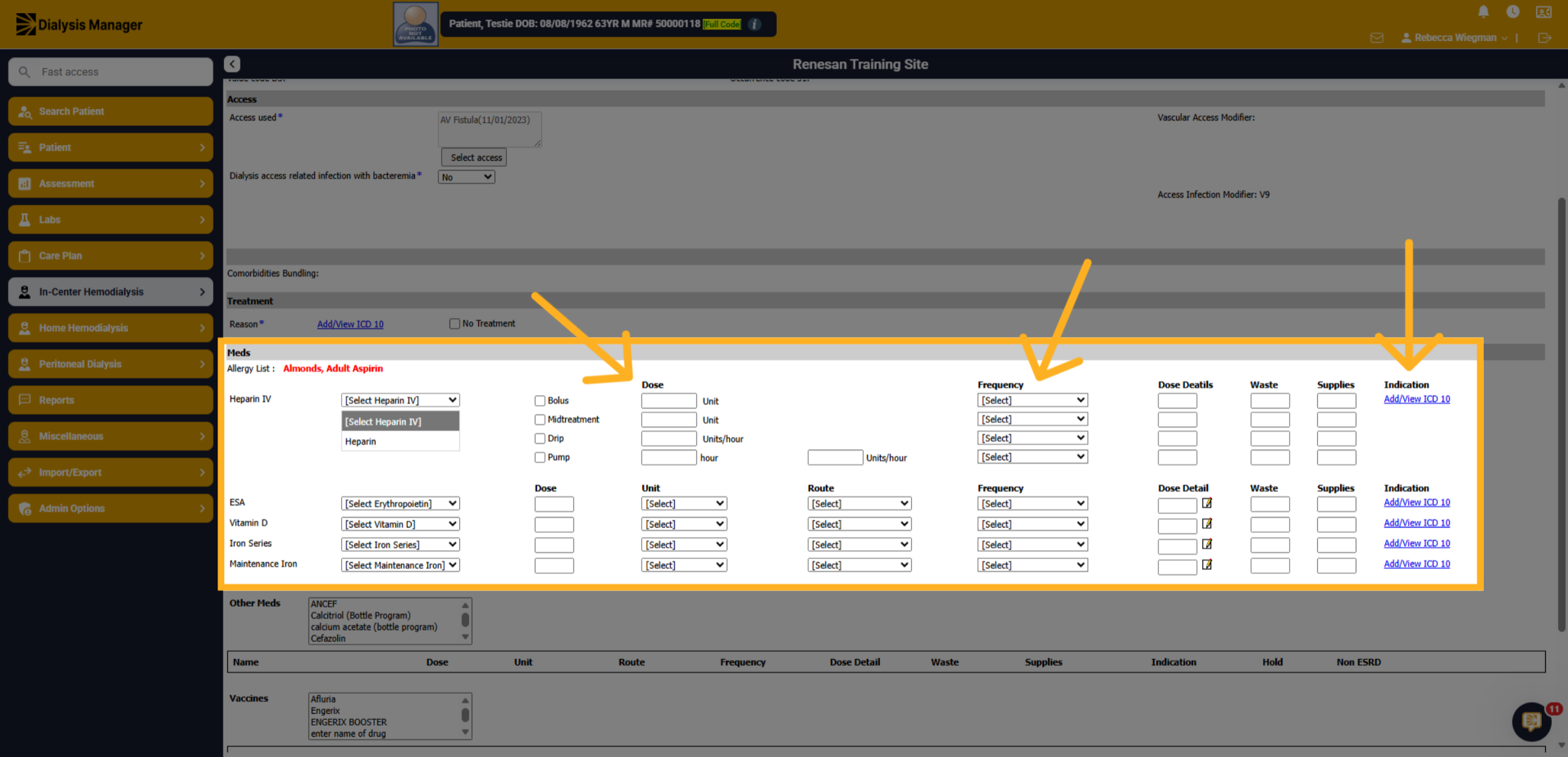
Medications will need to be manually entered. Select the patients Heparin, the dose received, the frequency and the ICD-10 code associated with the medication. This will need to be completed for all ESA, Vitamin D, Iron Series and Maintenance Iron as well.
17. Other Meds and Vaccines
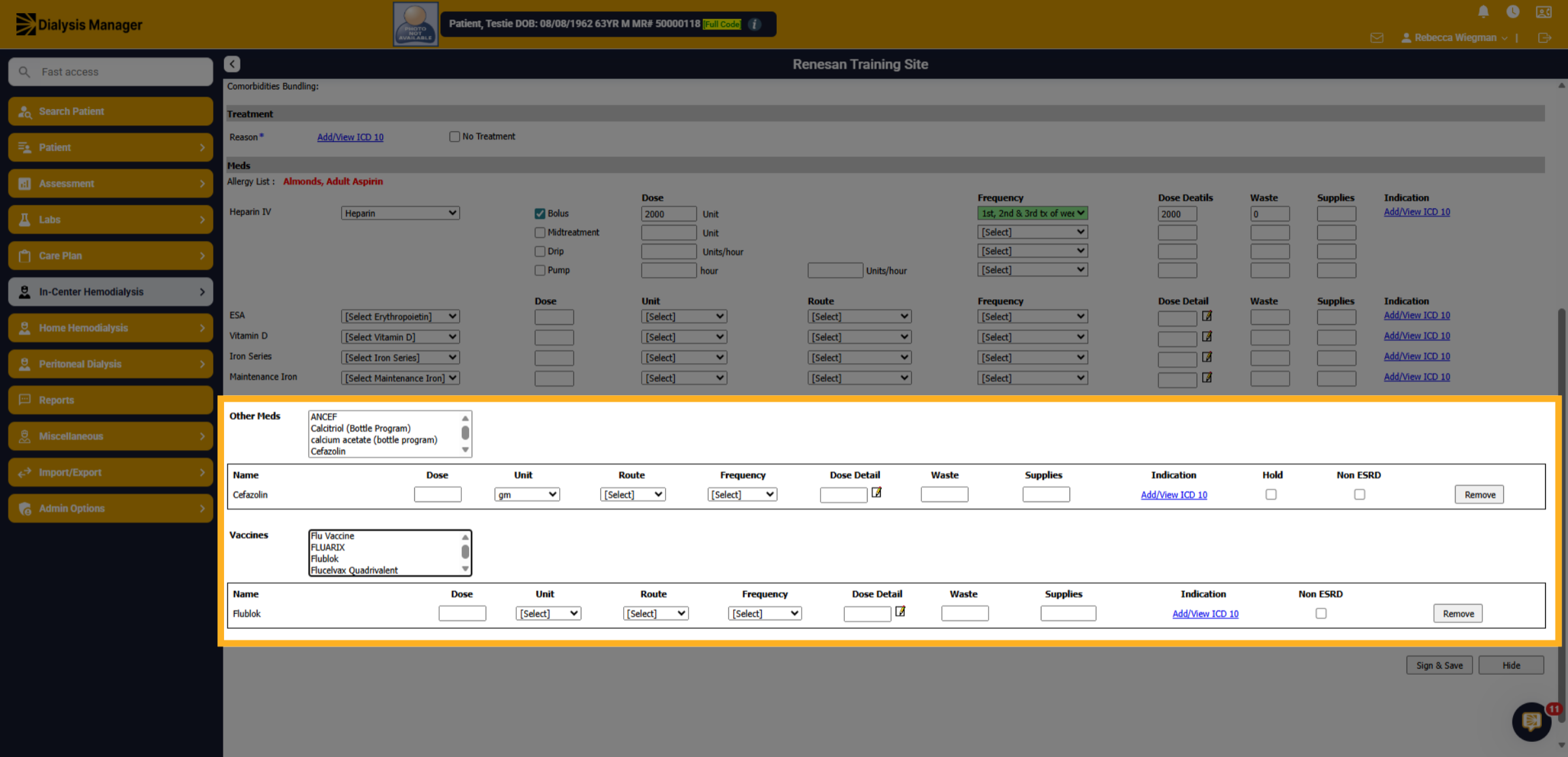
Your also able to document other medications the patient received along with vaccines. Once those are selected, they will drop below for further documentation.
18. Sign and Save
Once all information has been entered click Sign and Save! Enter your username with your PIN or Password. This process ensures billing can continue seamlessly when flowsheets are unavailable or bypassed.