Discontinuing Home Medications
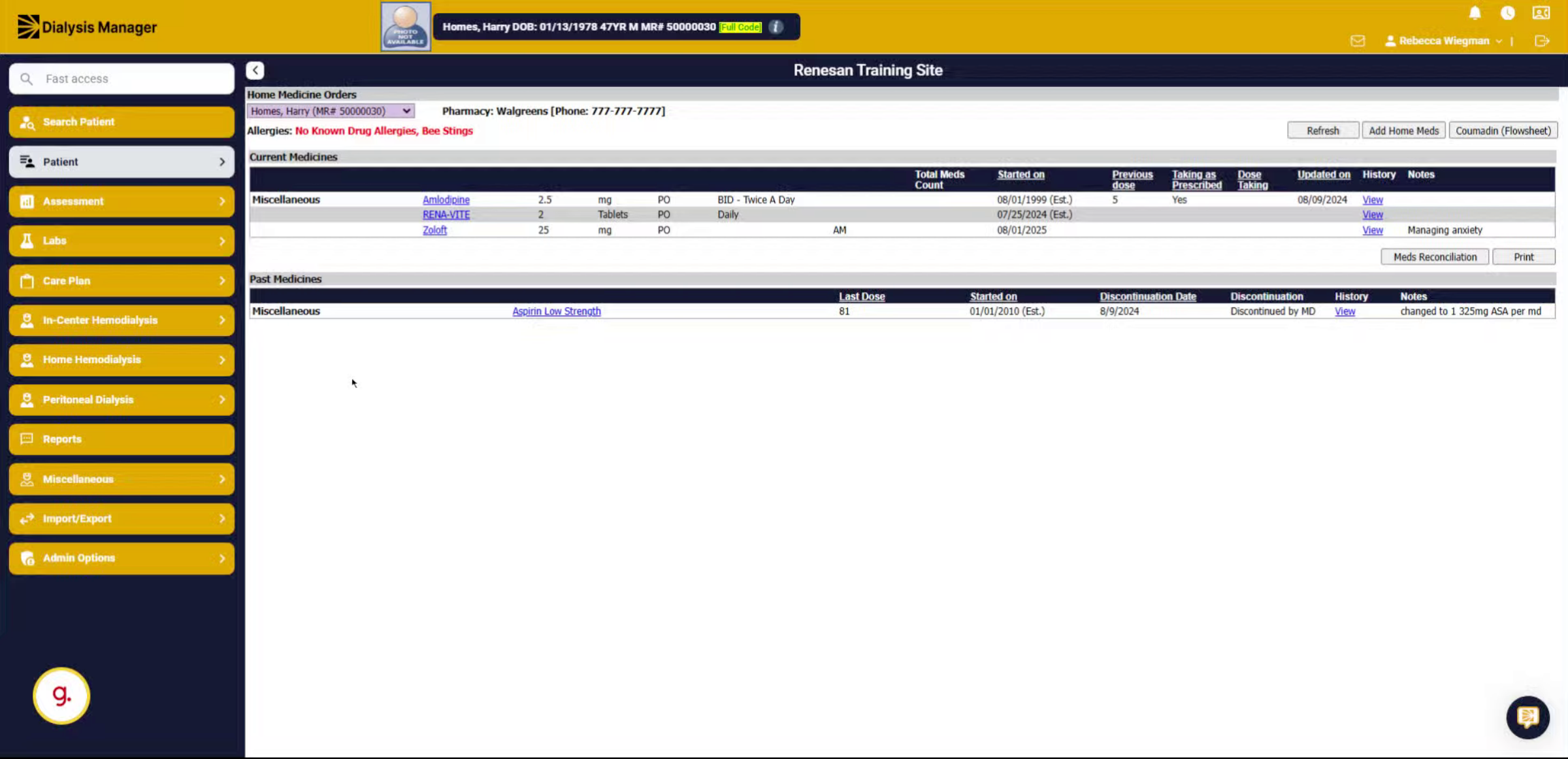
1. Introduction
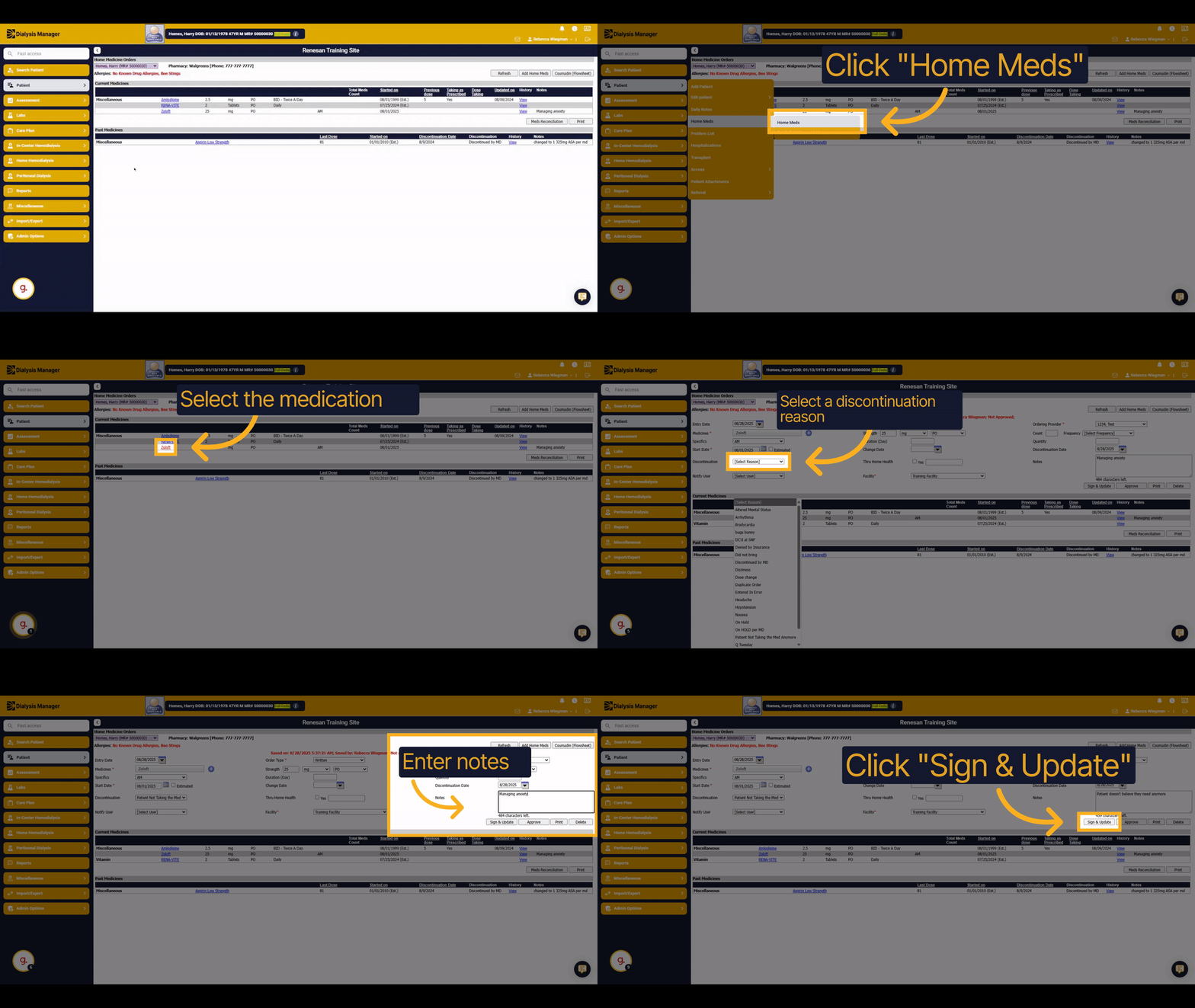
In this guide, you will learn how to discontinue a home medication in the system.
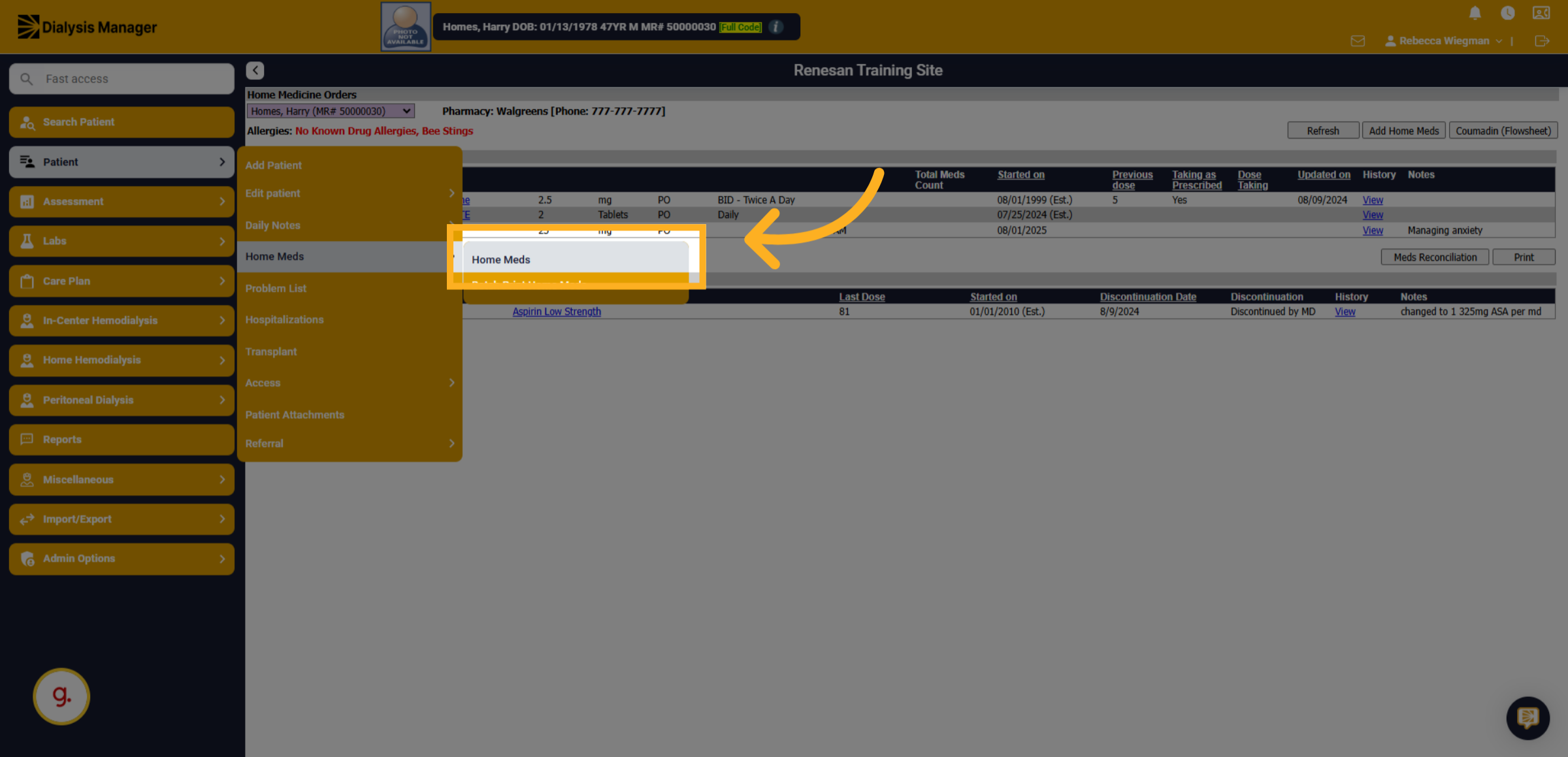
2. Click "Home Meds"
Click on the "Home Meds" section to view the list of home medications.
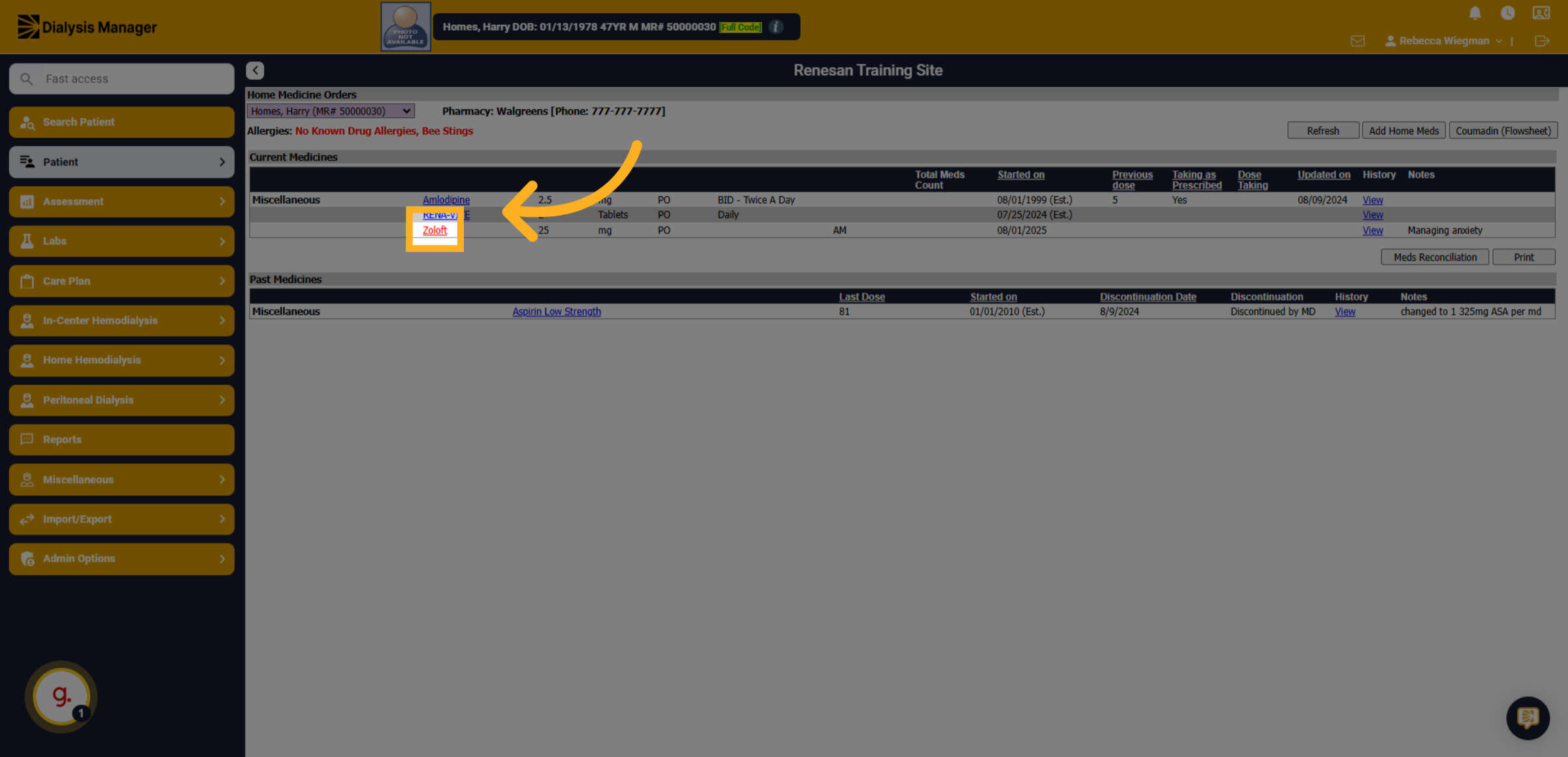
3. Click "Zoloft"
Select the medication you want to discontinue by clicking on the blue link.
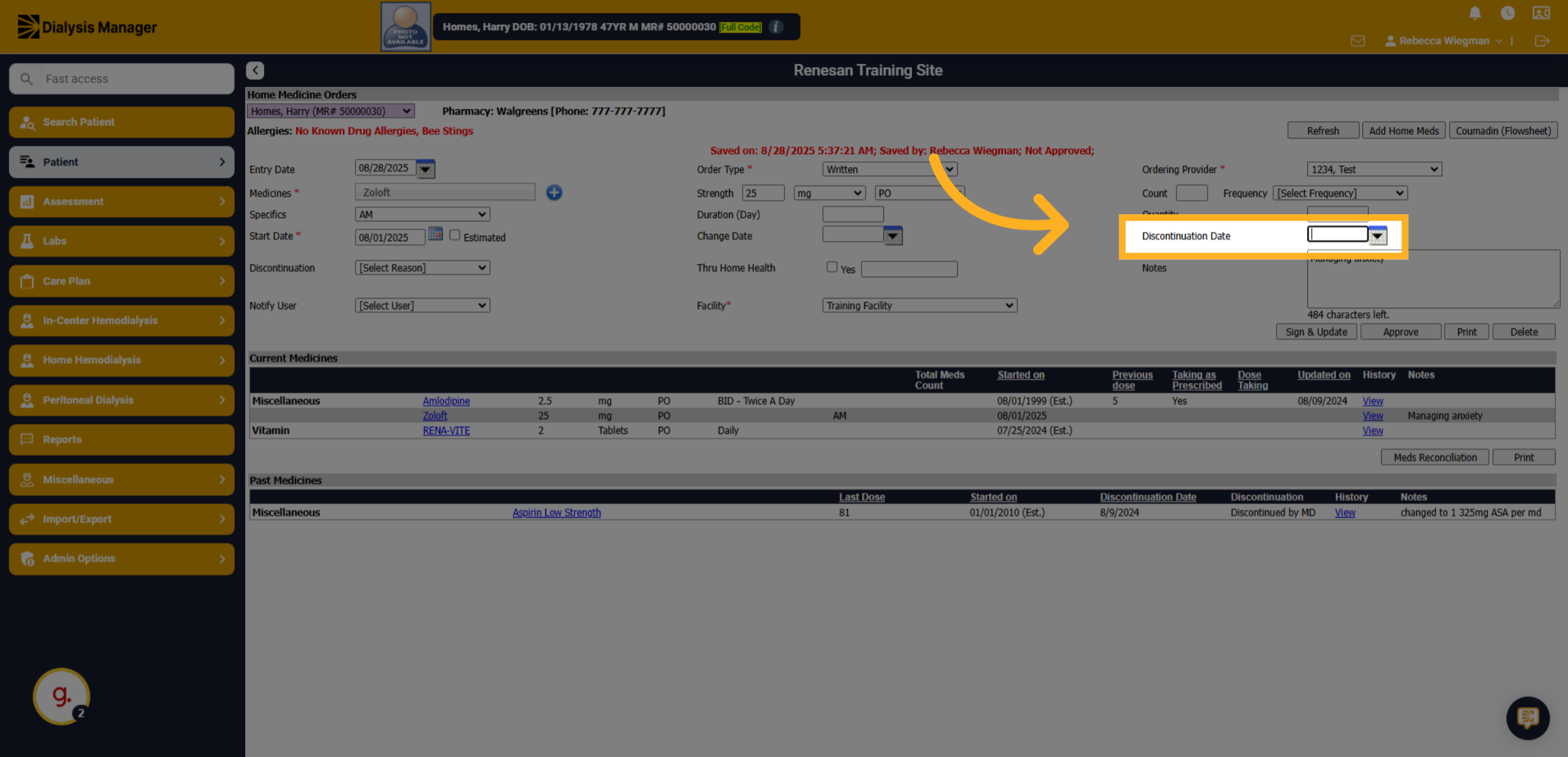
4. Click discontinuation date
Click on the designated area to begin the discontinuation process by manually entering the date or selecting the calendar icon.
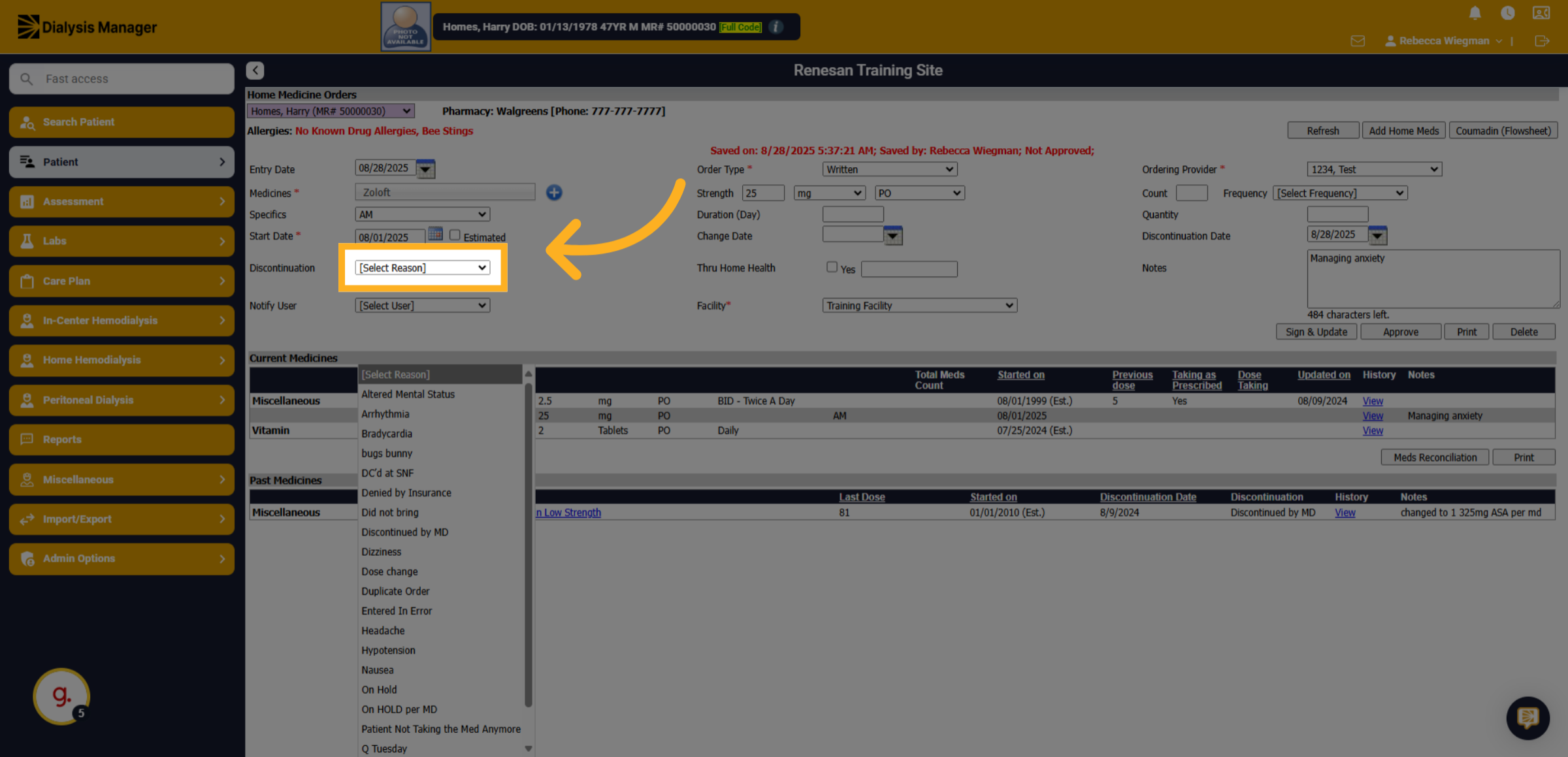
5. Click Discontinuation Reason
Click on the reason dropdown menu to choose why the medication is being discontinued.
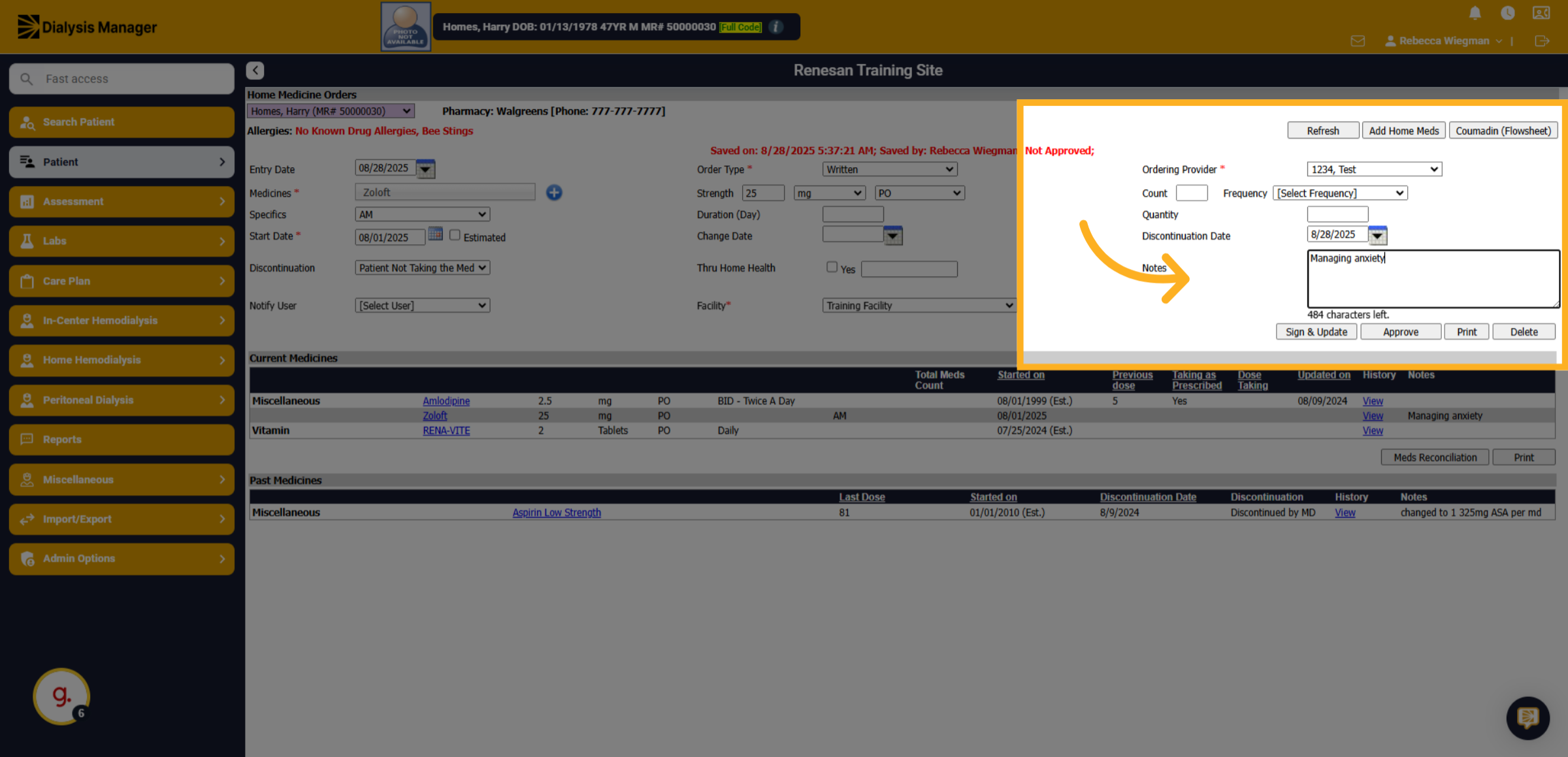
6. Notes
Enter additional notes to describe why the medication is being discontinued.
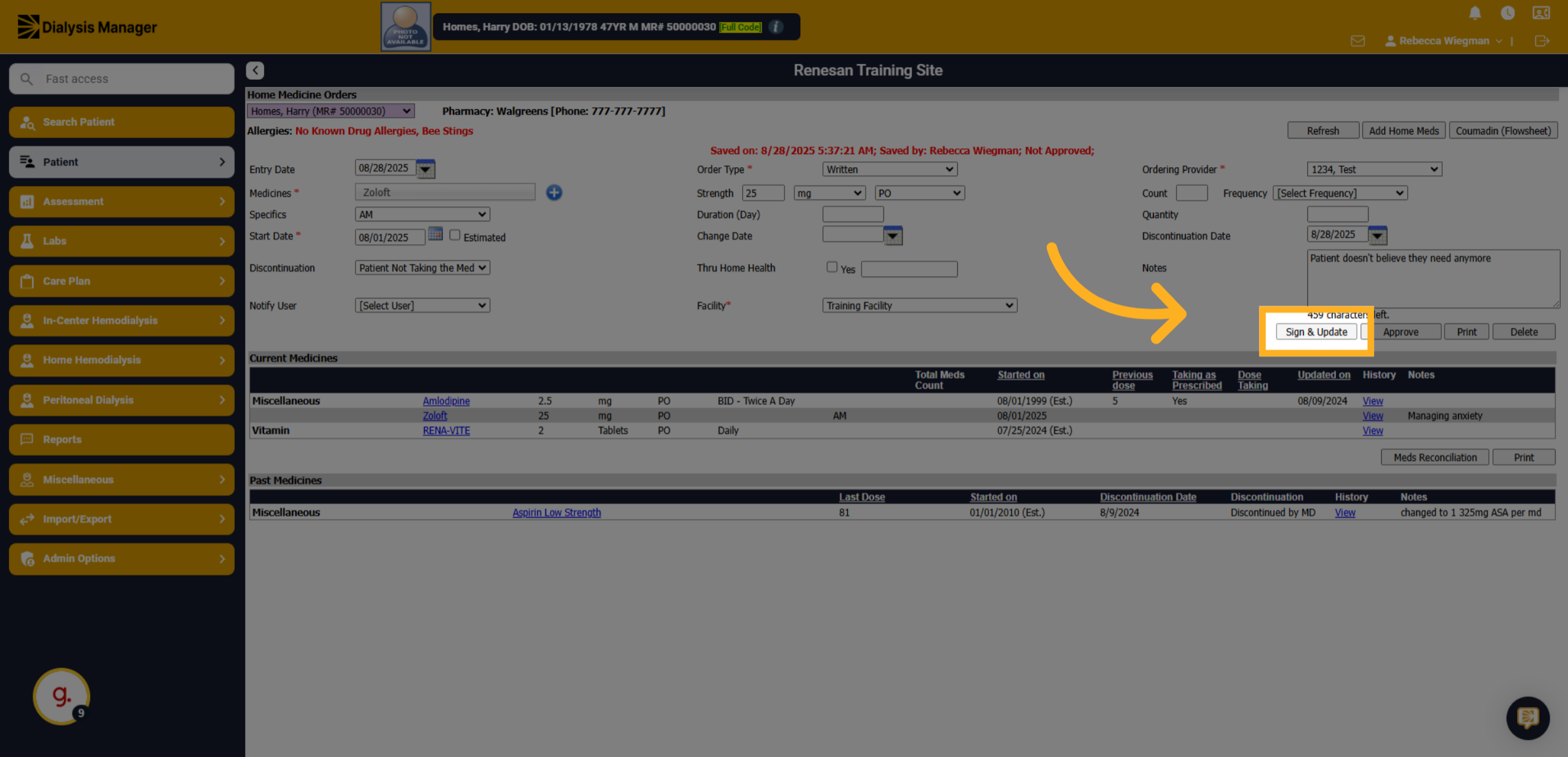
7. Click "Sign & Update"
Click the "Sign & Update" button to finalize and save the discontinuation of the medication.