Discontinue a Co-morbidity within the Problem List in Dialysis Manager
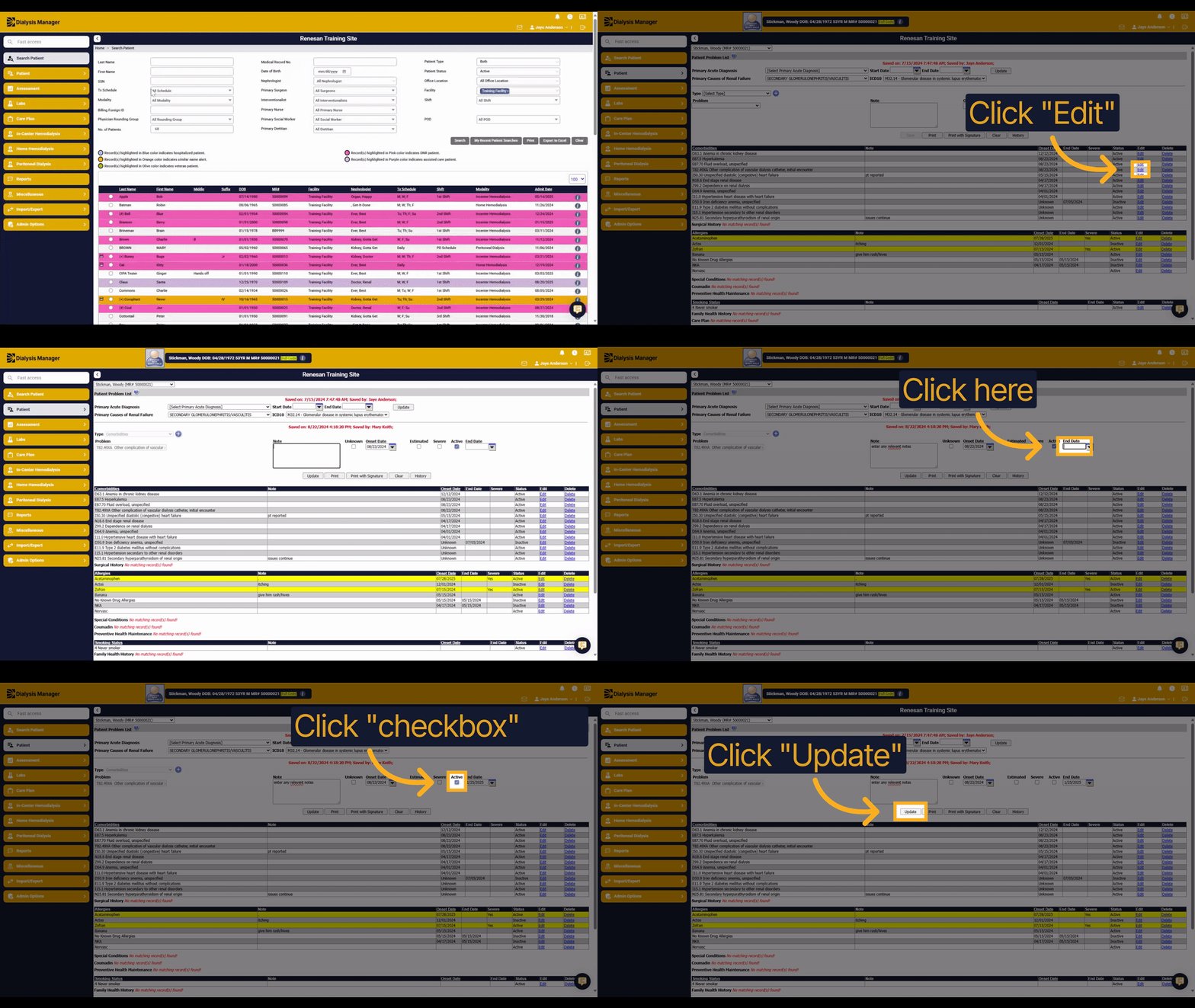
1. Introduction
Learn how to end a co-morbidity within the Problem List in Dialysis Manager with this clear, step-by-step guide.
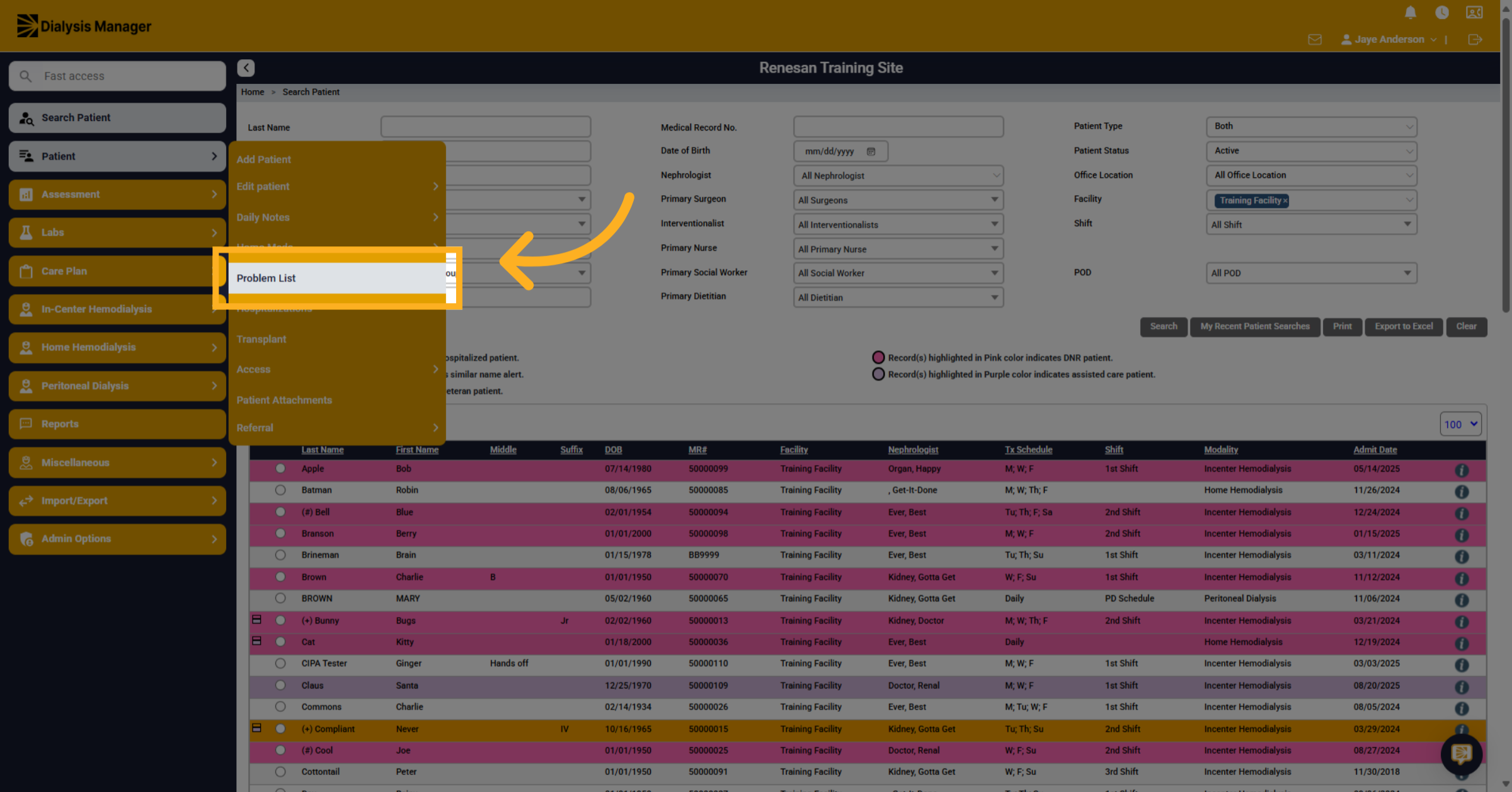
2. Click "Problem List"
Navigate to the Problem List section within Dialysis Manager to access existing co-morbidities.
3. Click "Edit"
Select the Edit option to modify the details of a specific co-morbidity.
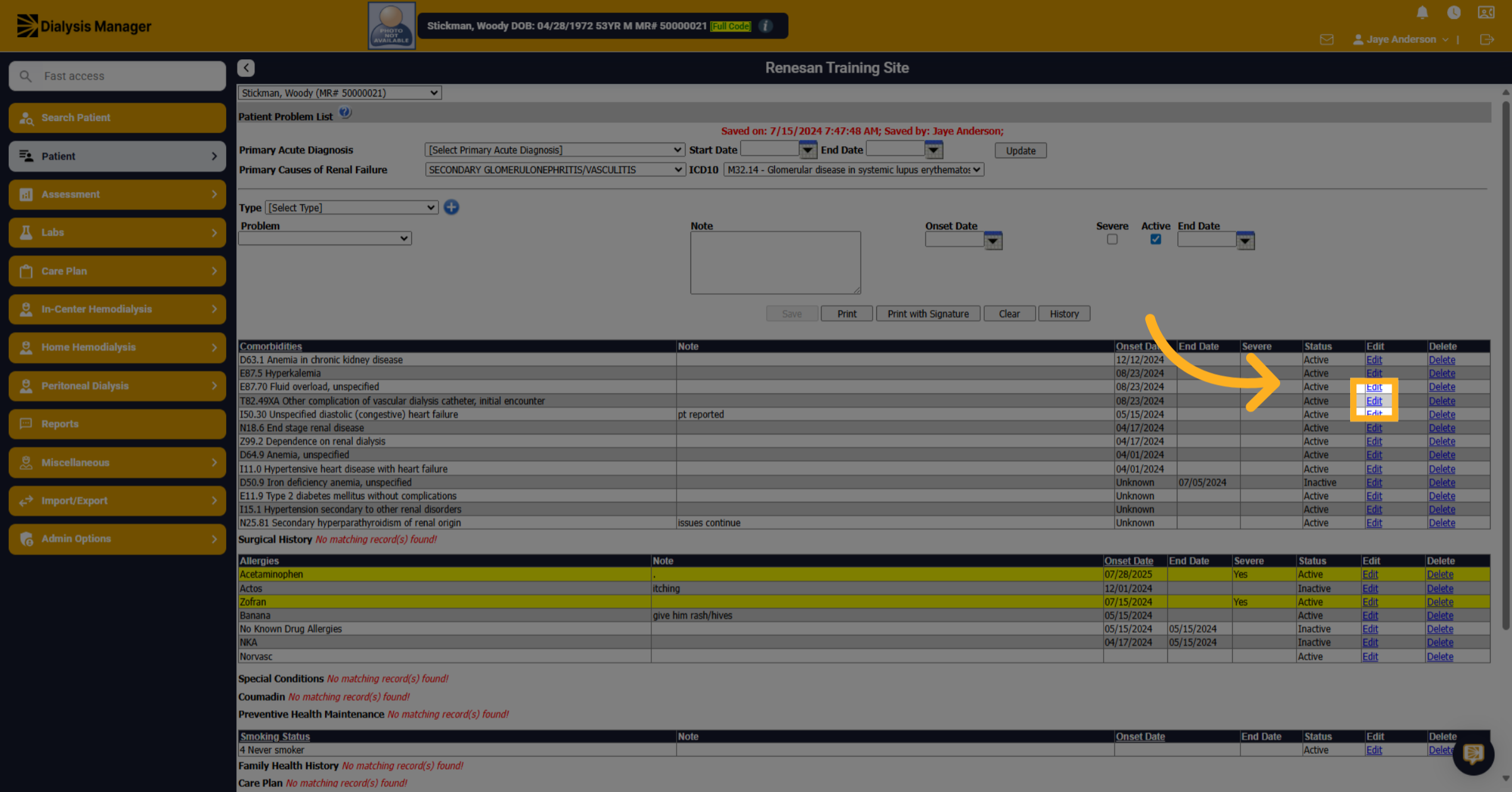
4. Click here
Click on the notes area to add or update relevant information about the co-morbidity.
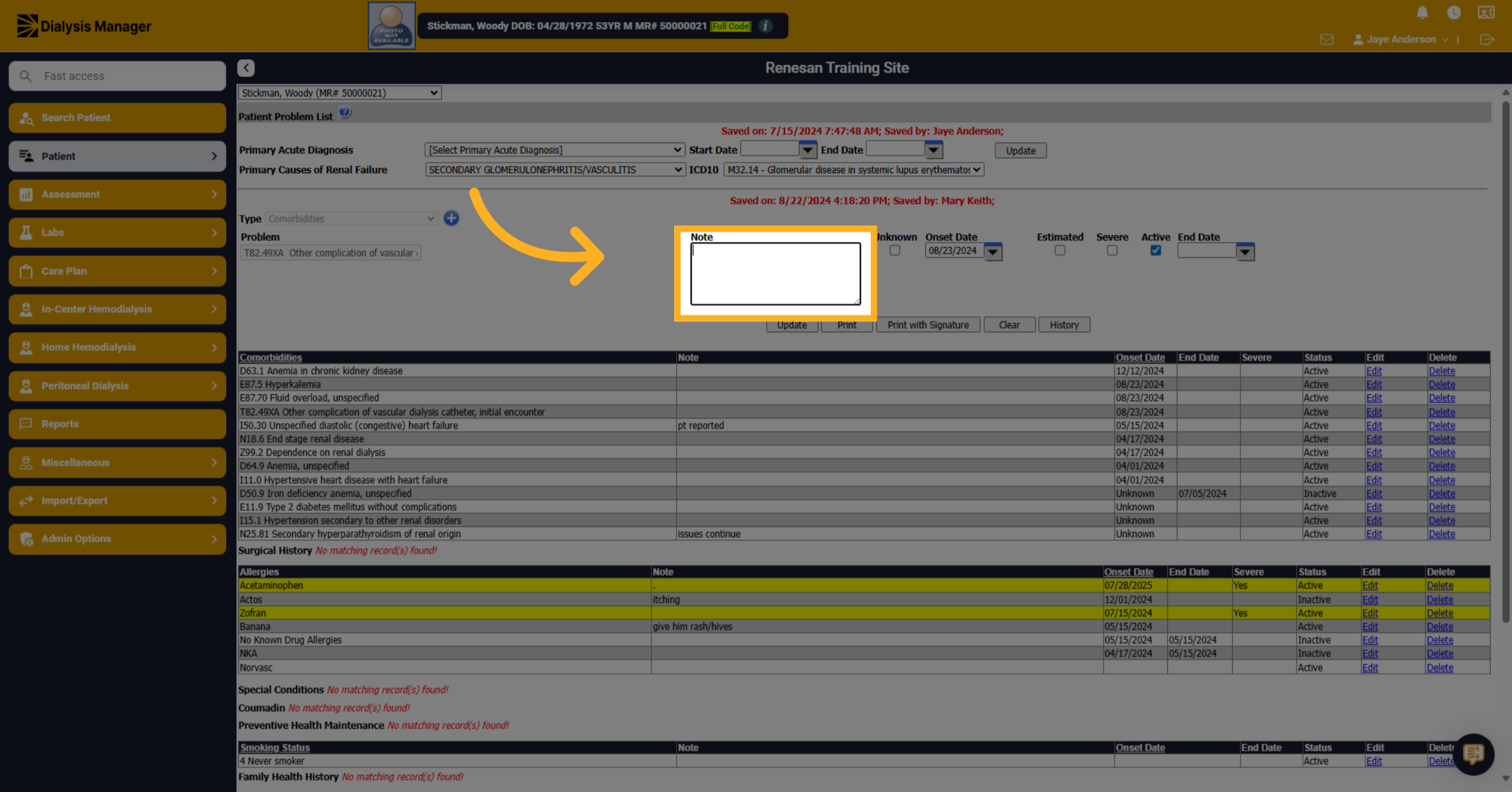
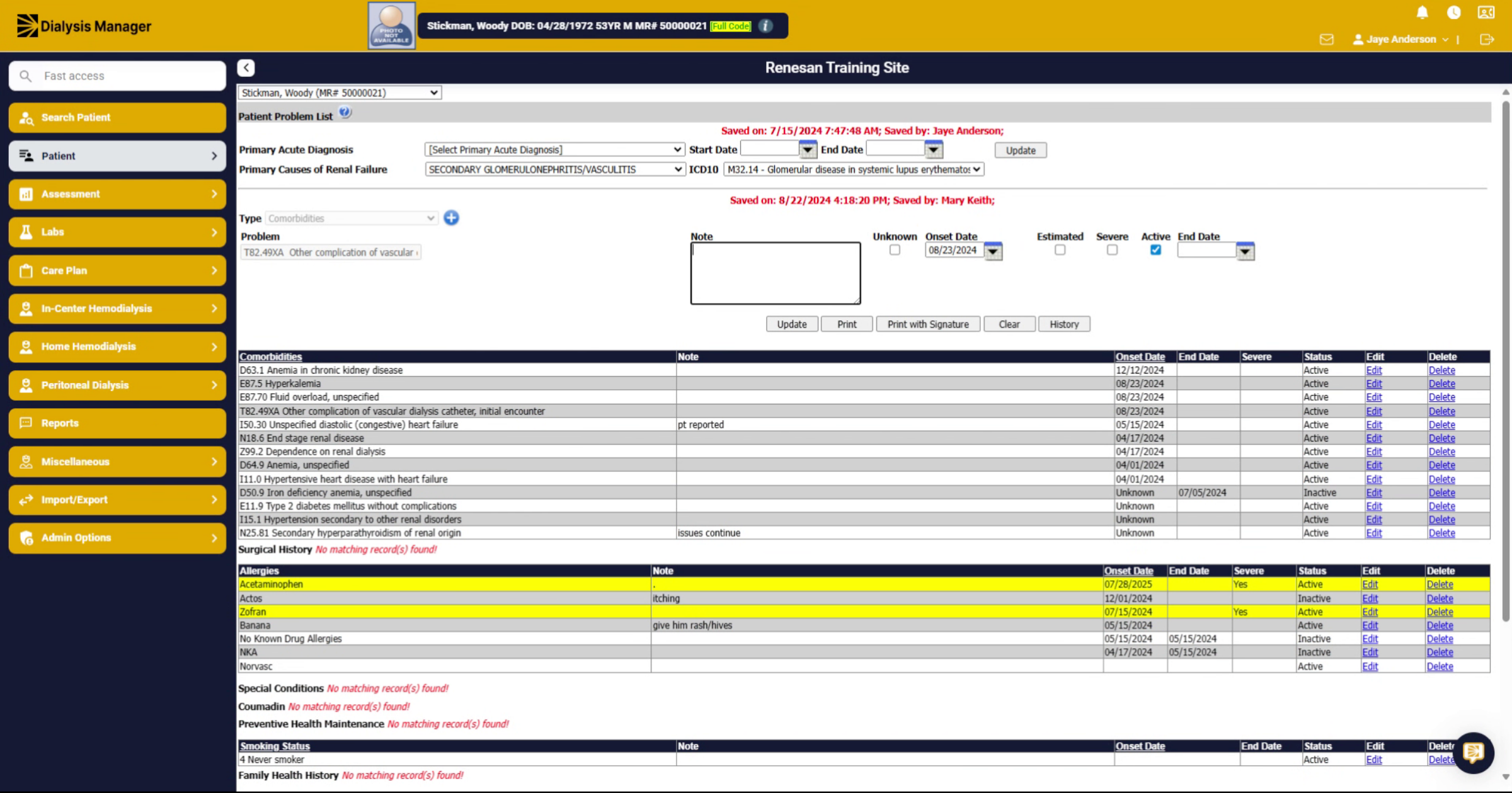
5. Fill "enter any relevant notes"
Enter any pertinent notes that provide context or details for the co-morbidity.
6. Click here
Access the date field to specify when the co-morbidity ended.
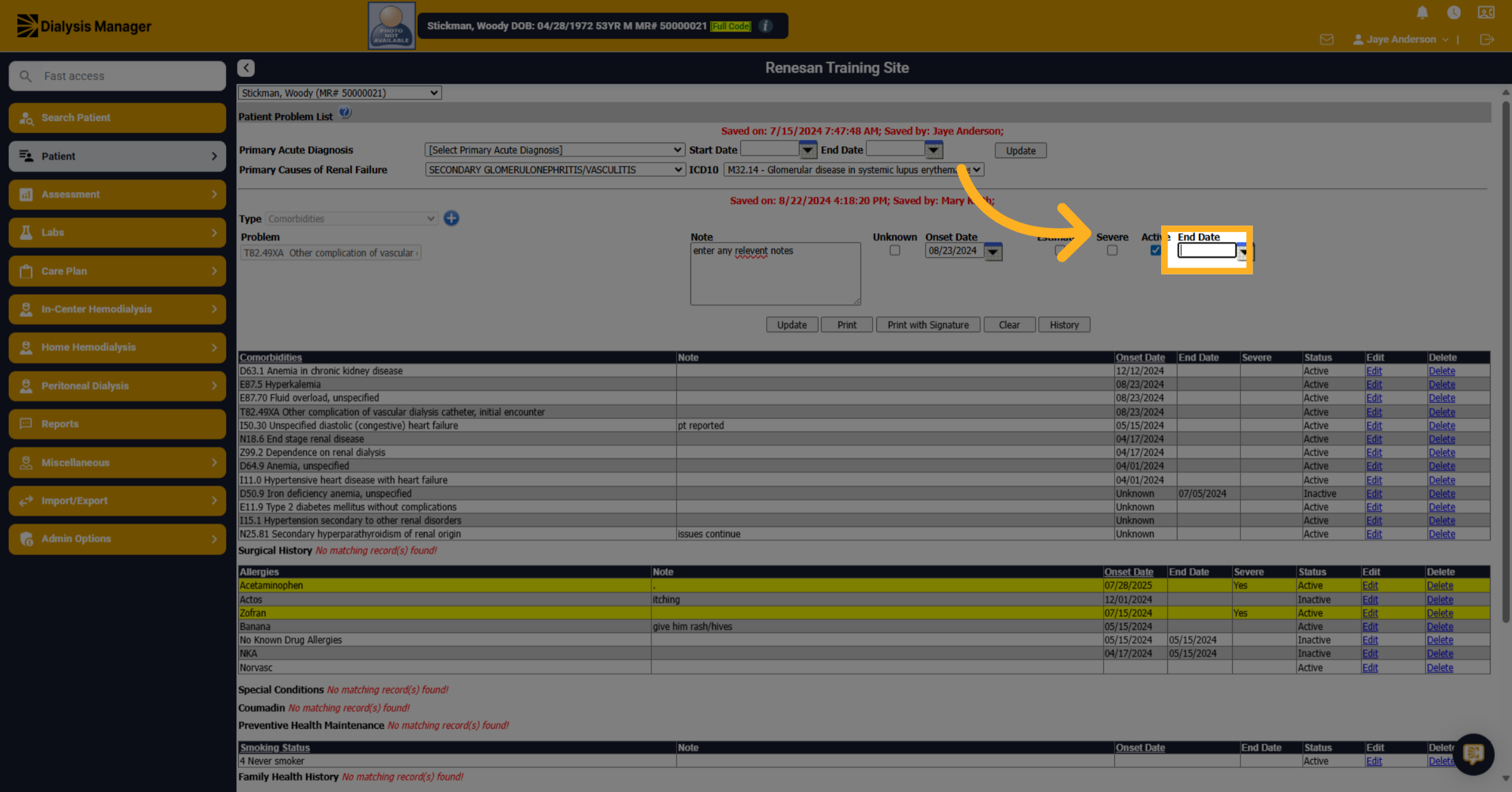
7. Fill "01/25/2025"
Input the exact end date for the co-morbidity to accurately reflect its resolution.
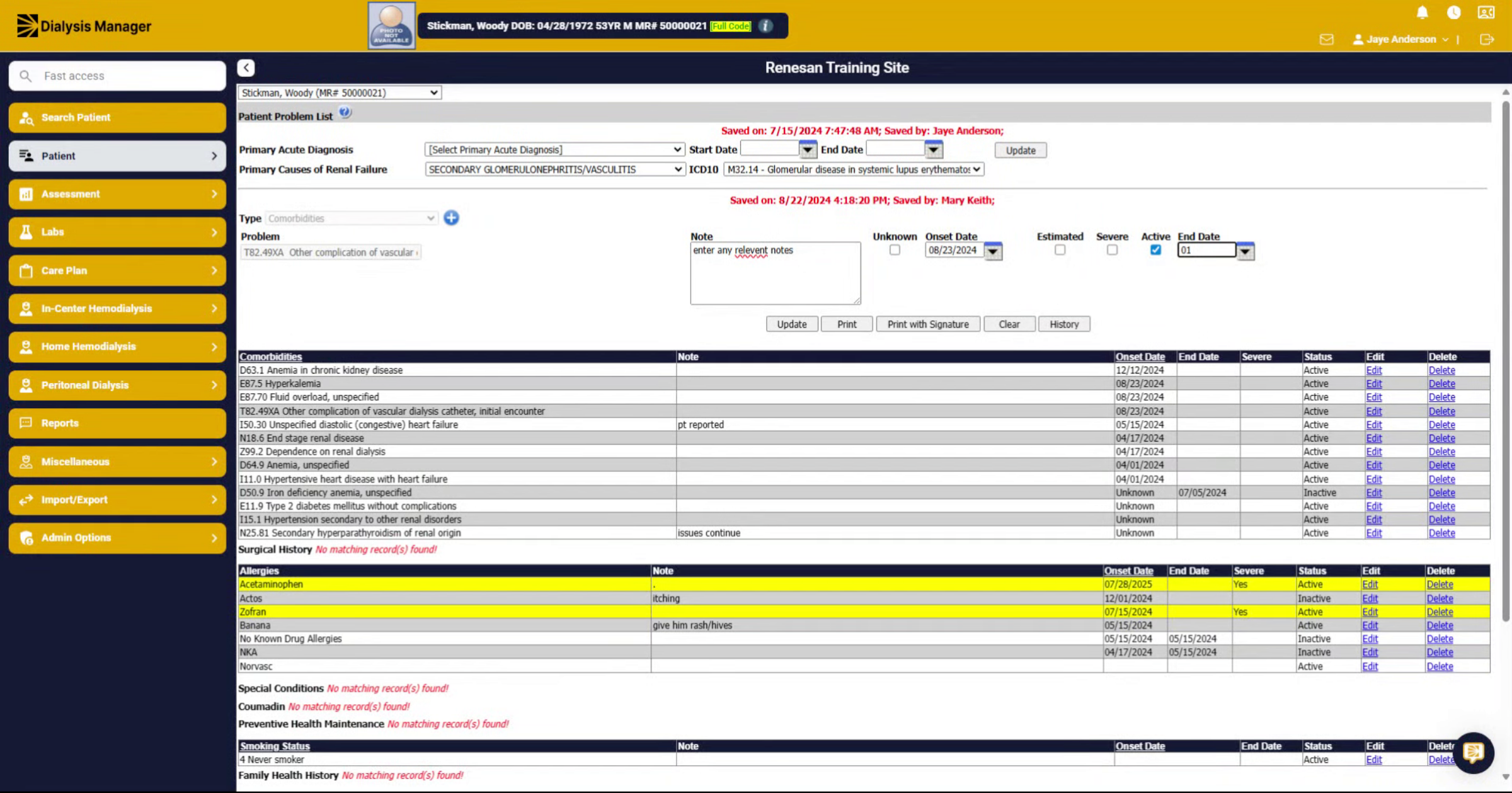
8. Click "on"
Toggle the status option to indicate the co-morbidity is no longer active.
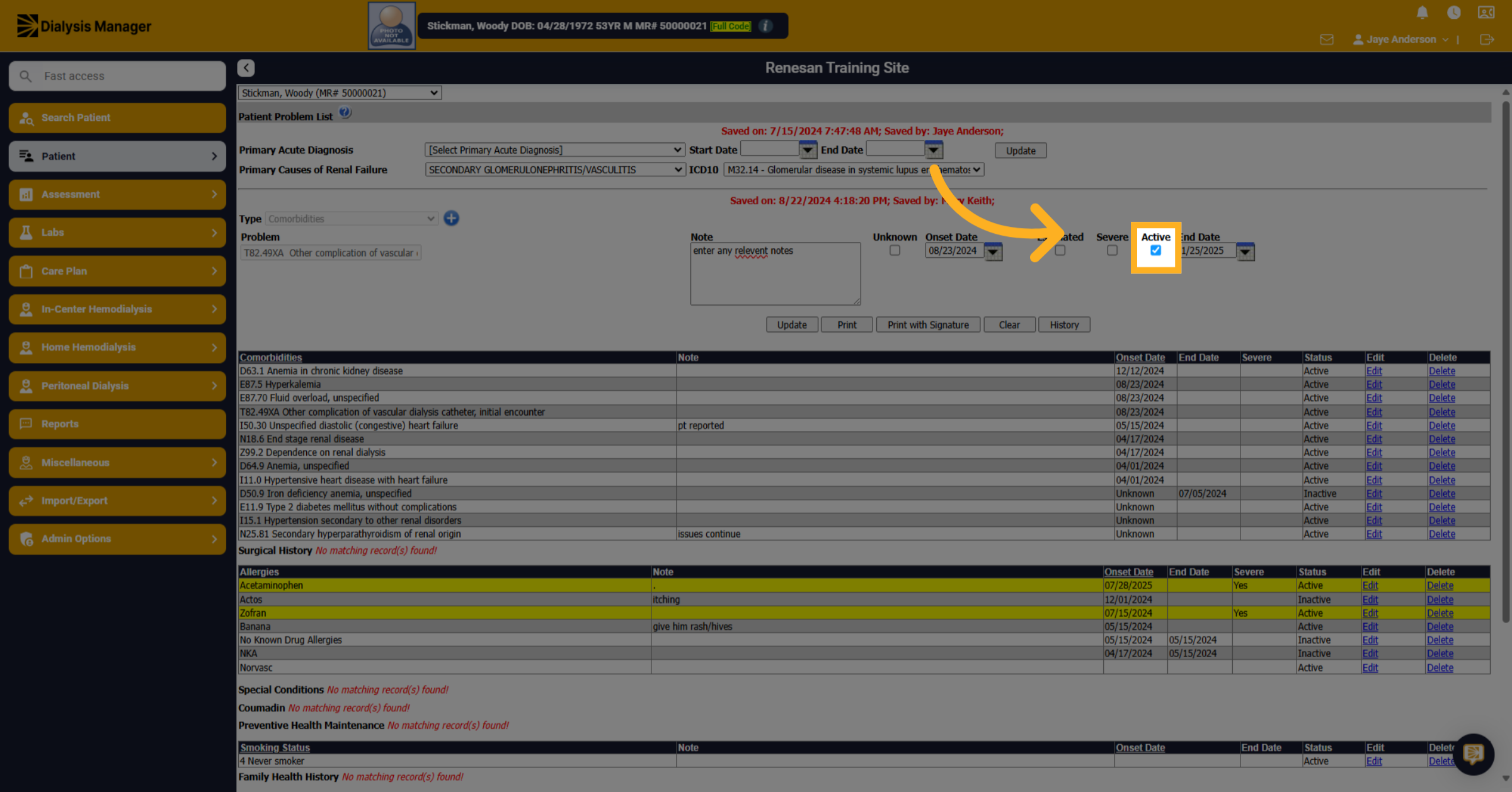
9. Fill "on"
Confirm the status change by selecting the appropriate option to mark the co-morbidity as ended.
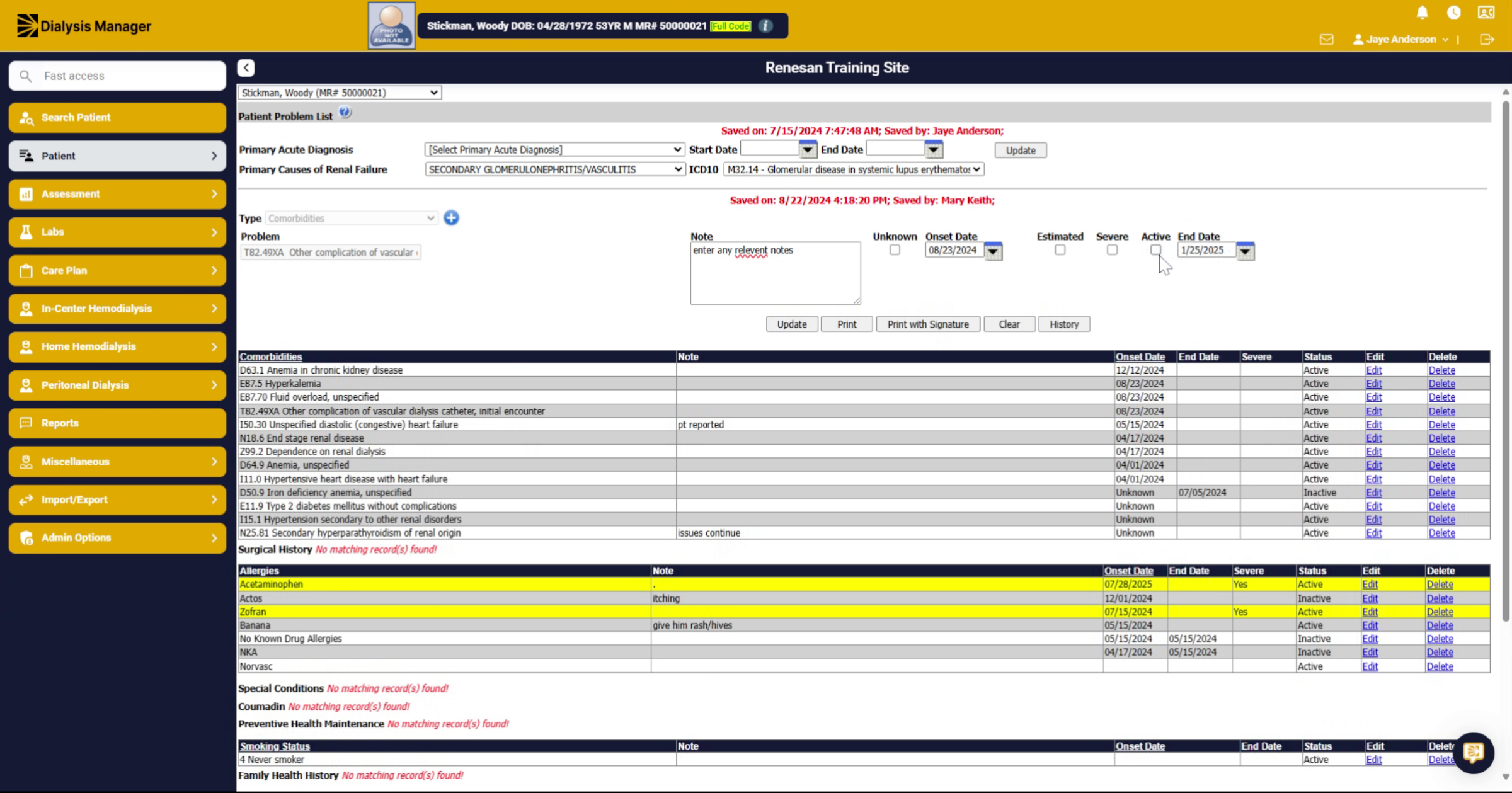
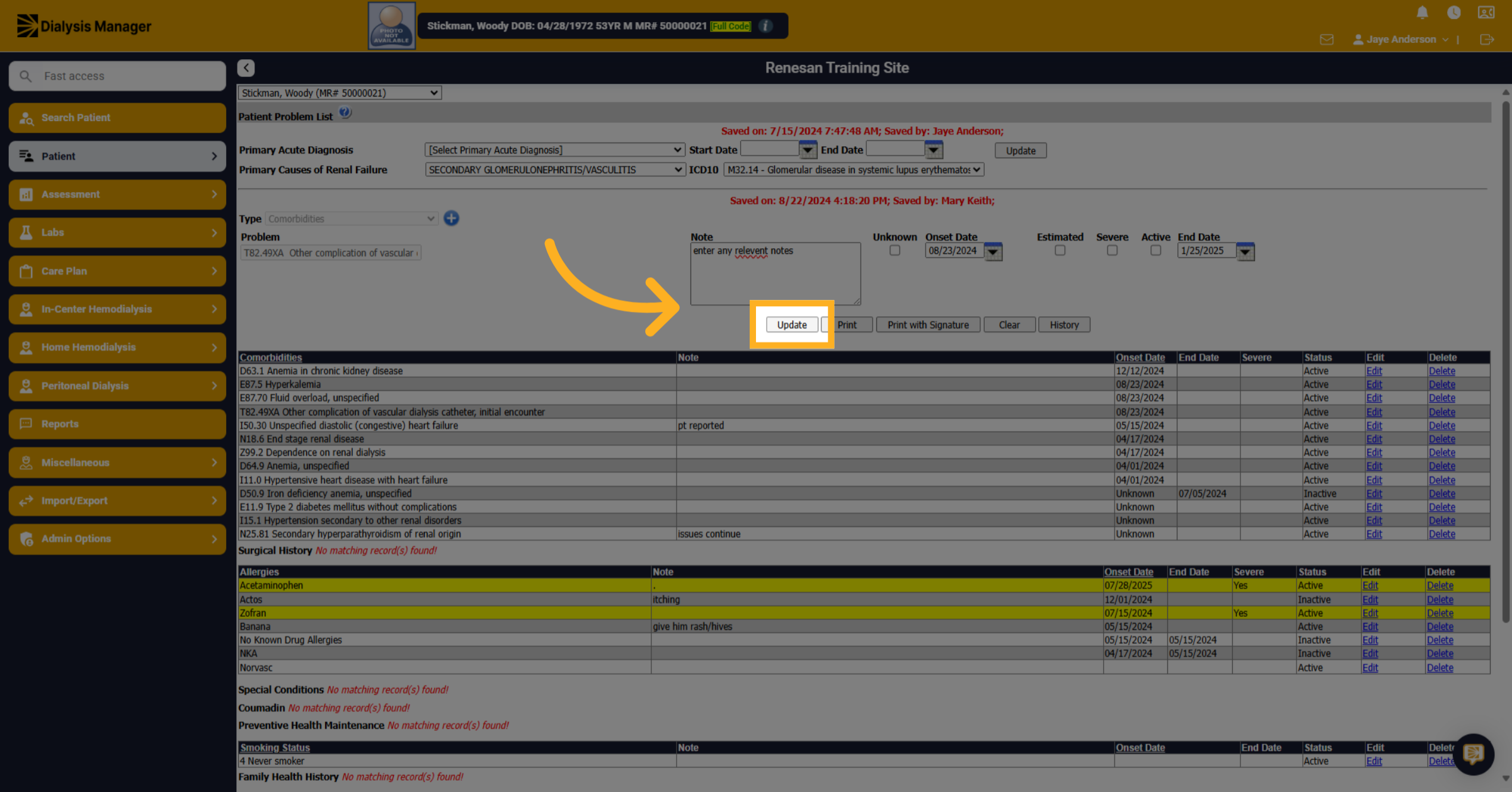
10. Click "Update"
Save your changes by clicking the Update button to finalize the end of the co-morbidity in the system.