Allow Pop-ups
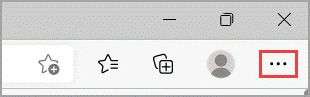
1. In Edge, go to Settings and more at the top of your browser.
2. Select Settings > Cookies and site permissions.
3. Under All permissions, select Pop-ups and redirects.
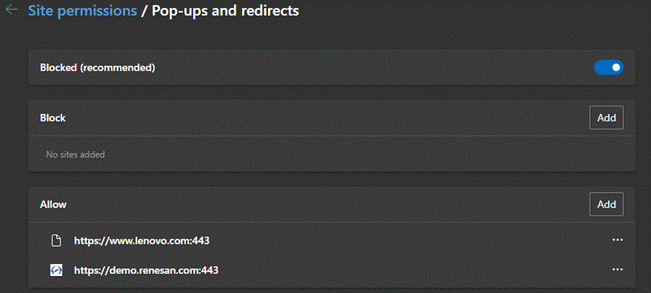
4. Go the Allow section, and then select Add.
1. In Edge, go to Settings and more at the top of your browser.
2. Select Settings > Cookies and site permissions.
3. Under All permissions, select Pop-ups and redirects.
4. Go the Allow section, and then select Add.