Dietitian Monthly/Quarterly Review
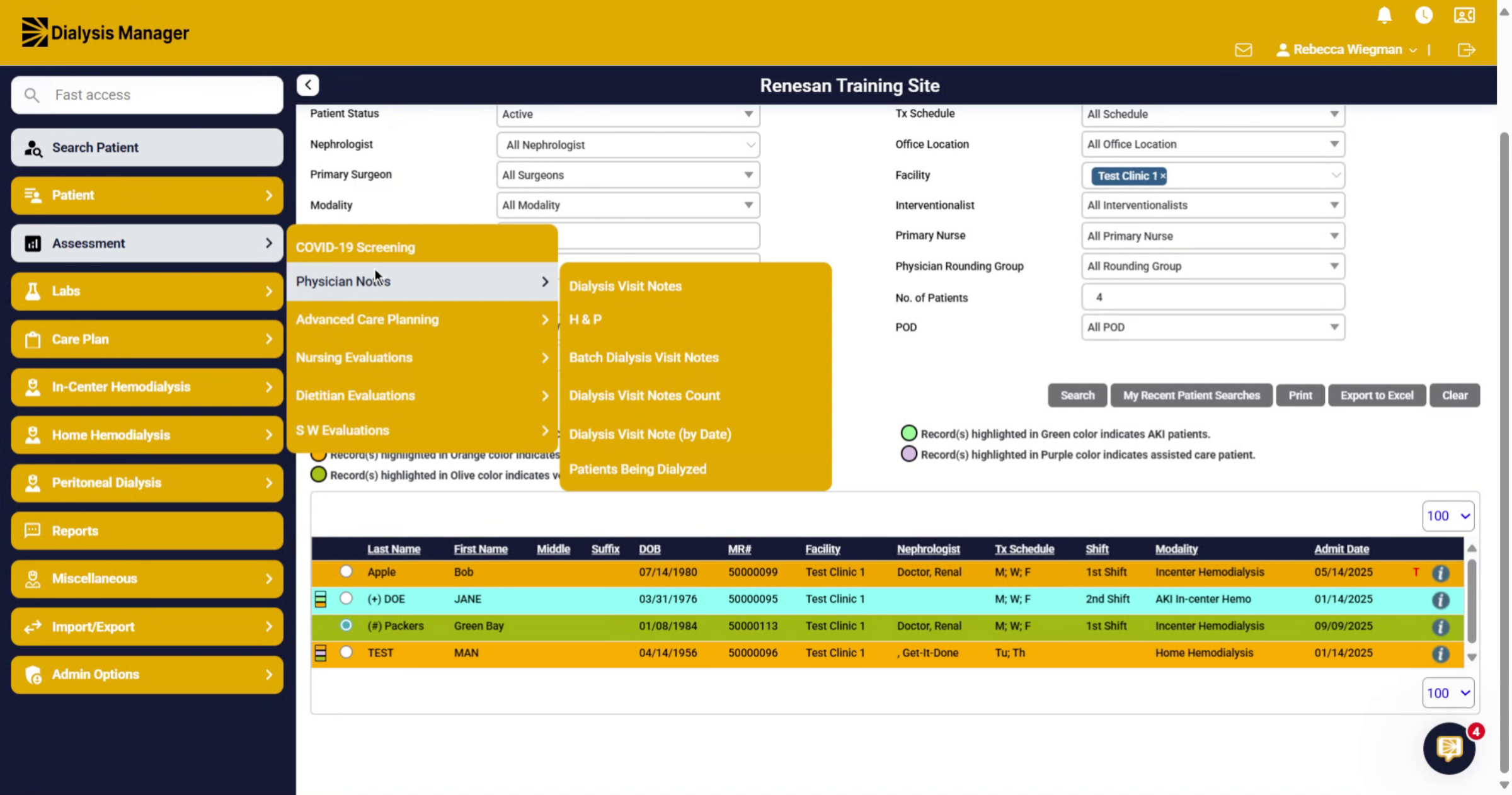
1. Introduction
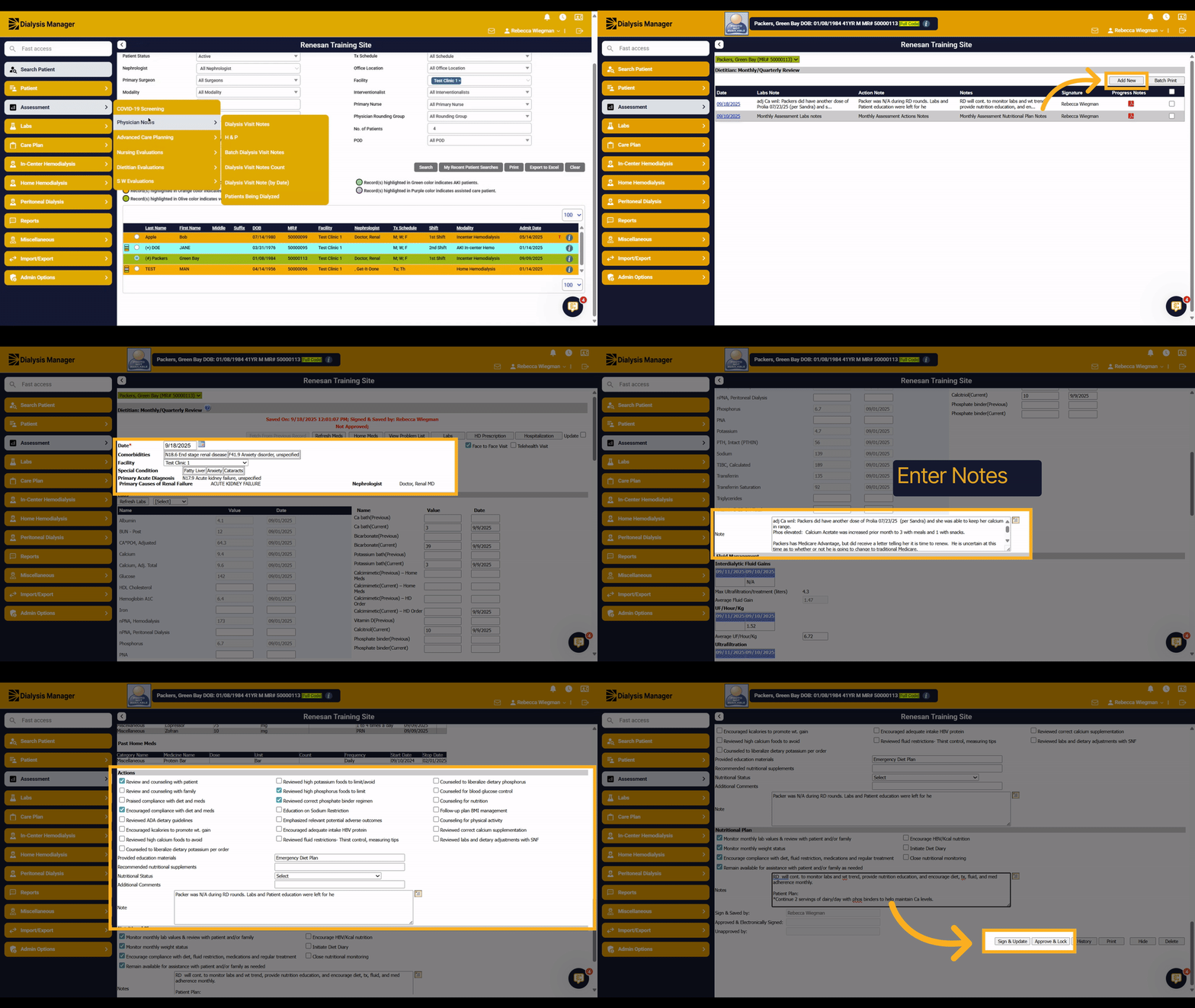
Lets walk through the Dietitian Monthly/Quarterly Review.
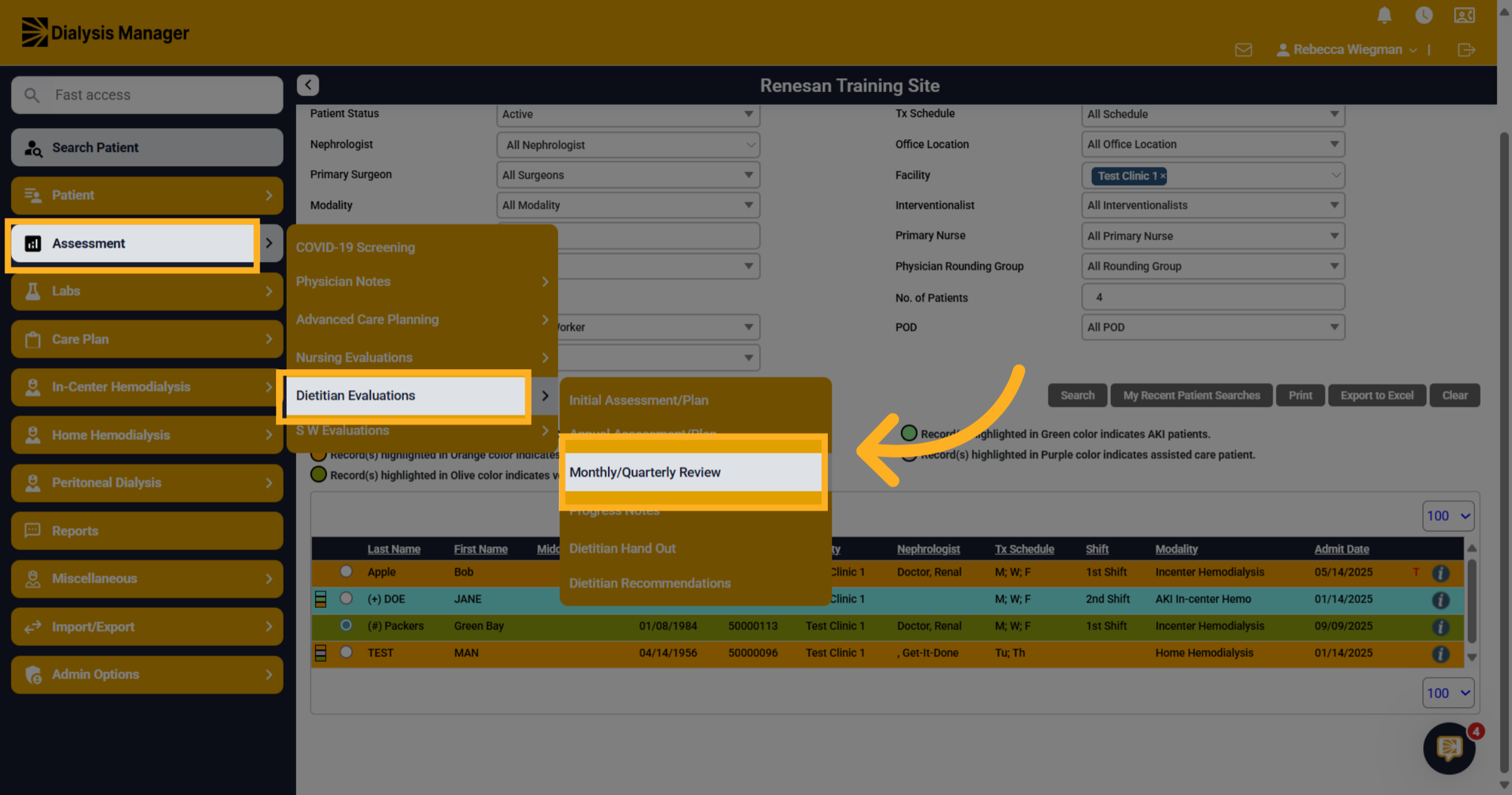
2. Click "Monthly/Quarterly Review"
Click into Assessment, Dietitian Evaluations and Monthly or Quarterly Review.
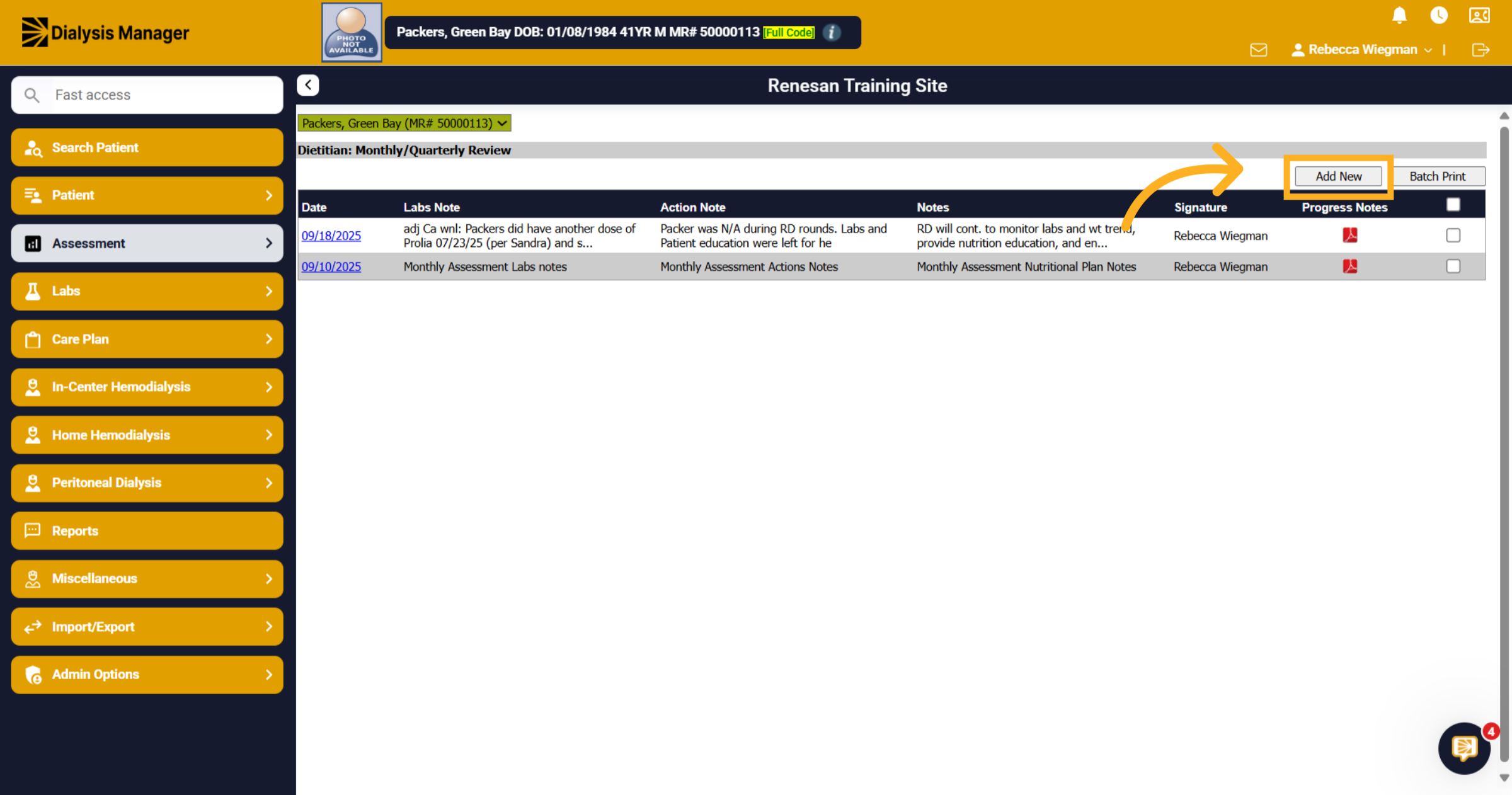
3. Click here
You'll be able to see all prior assessments here and run batch reports! But for this video we are going to select Add New.
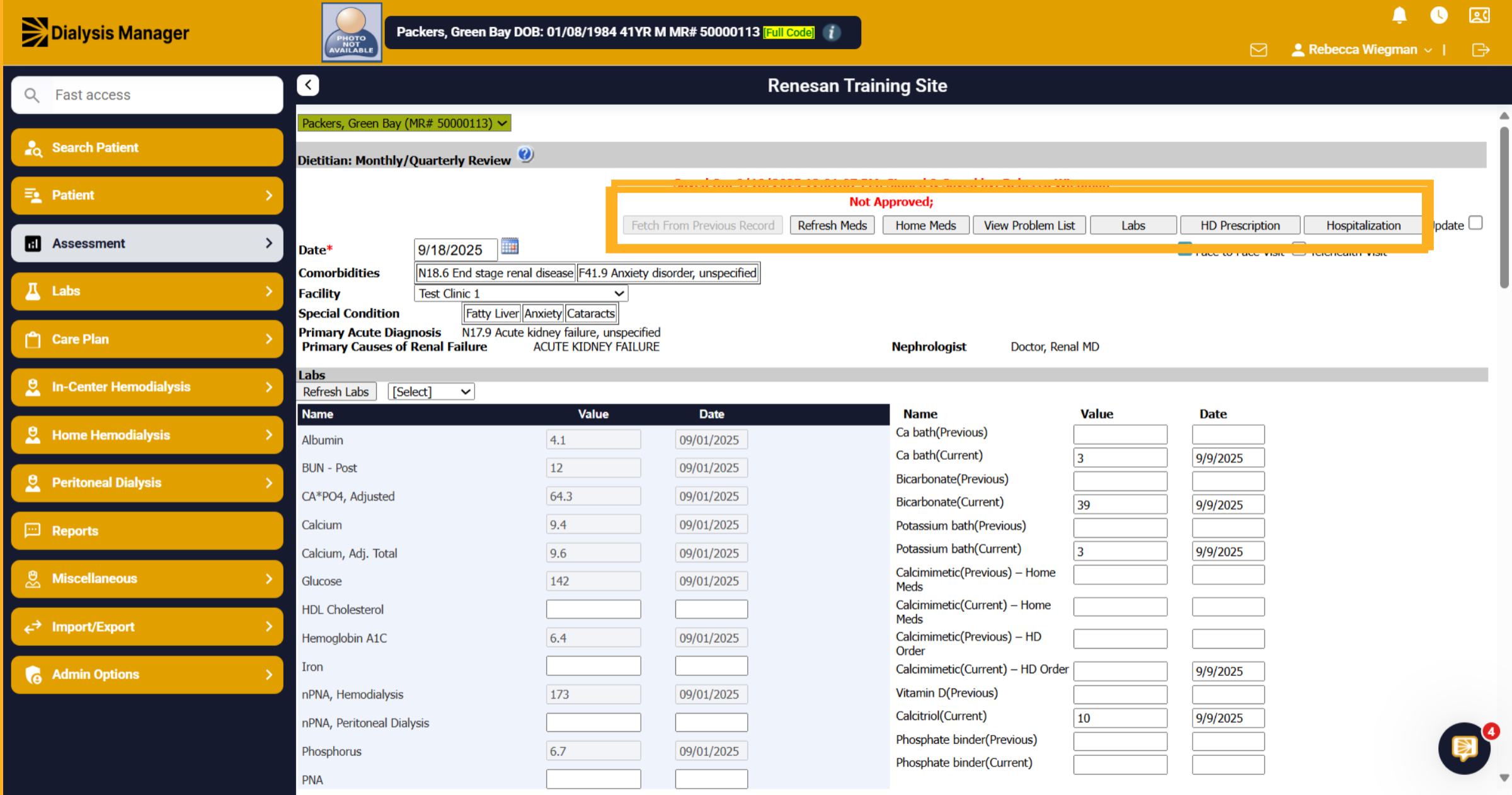
4. Across the top
Across the top of the form you'll see Fetch from Previous Record which will pull the information from the prior record. Refresh meds if the assessment was opened prior to today and medications have been updated You are also able to hover over Home Medications, Problem List, Labs, Prescription and Hospitalization to see recent entries.
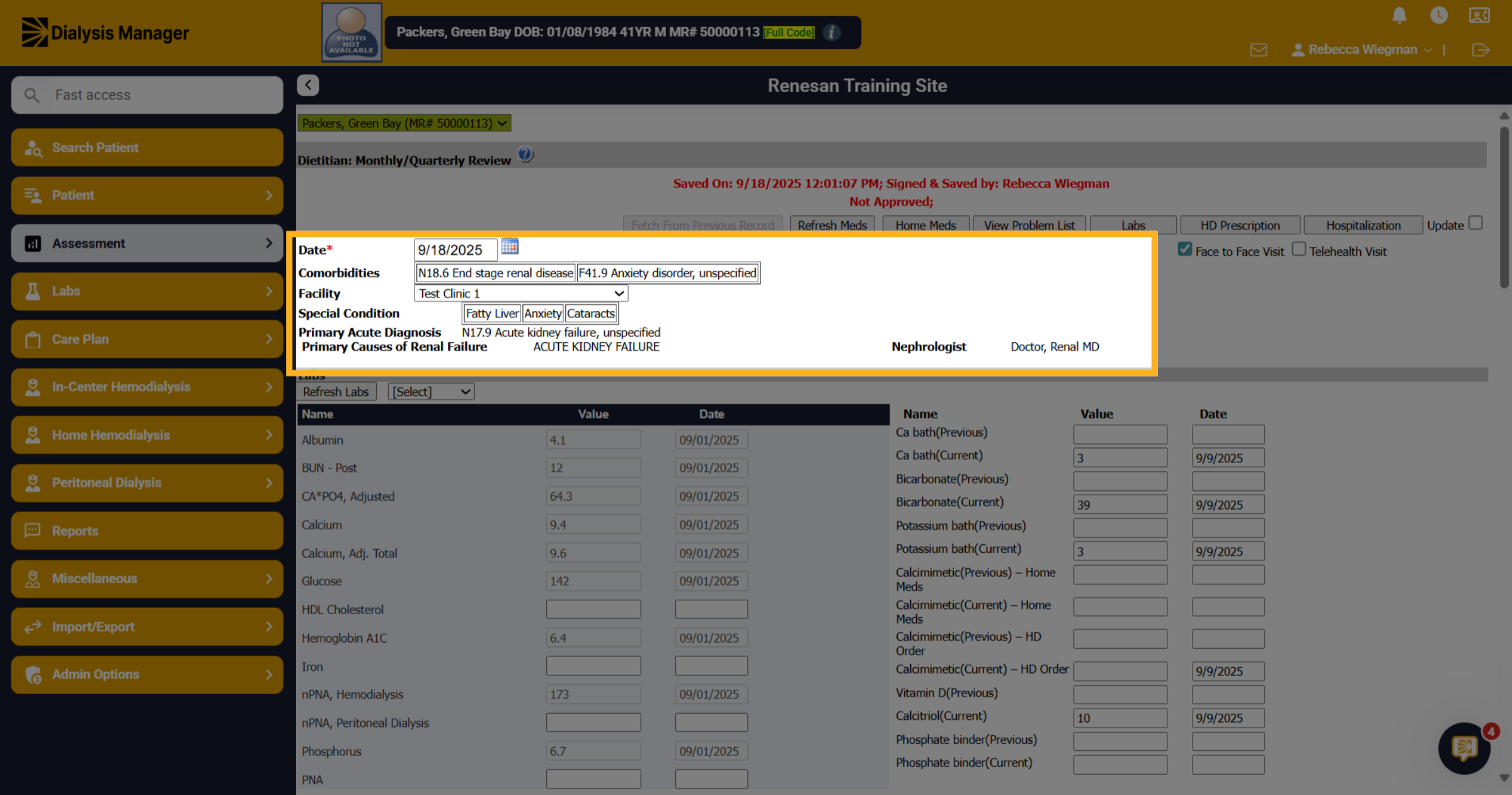
5. Pulled from
The date will auto populate to todays date but your able to change that if needed. The comorbidities, facility, special conditions Primary acute diagnosis, primary cause and nephrologist all pull from different areas of Dialysis Manager.
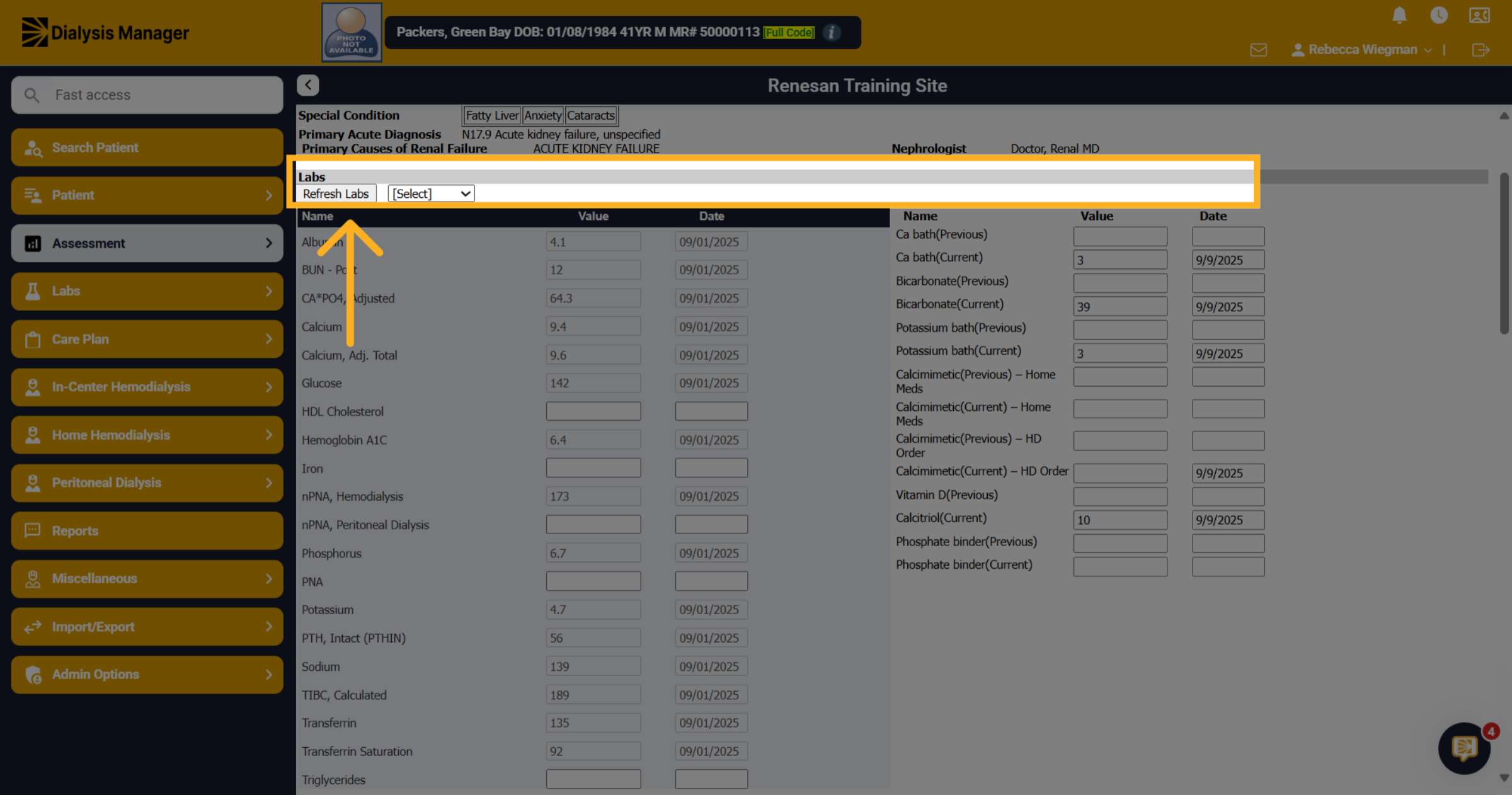
6. Each section divided
Each section is divided by a gray bar. Labs, Fluid Management, Bone Disease Management, Actions and Nutritional Plan. If you do not see the patients labs try clicking the "Refresh Labs" If the labs still aren't showing review your lab system to be sure that the patients labs were drawn.
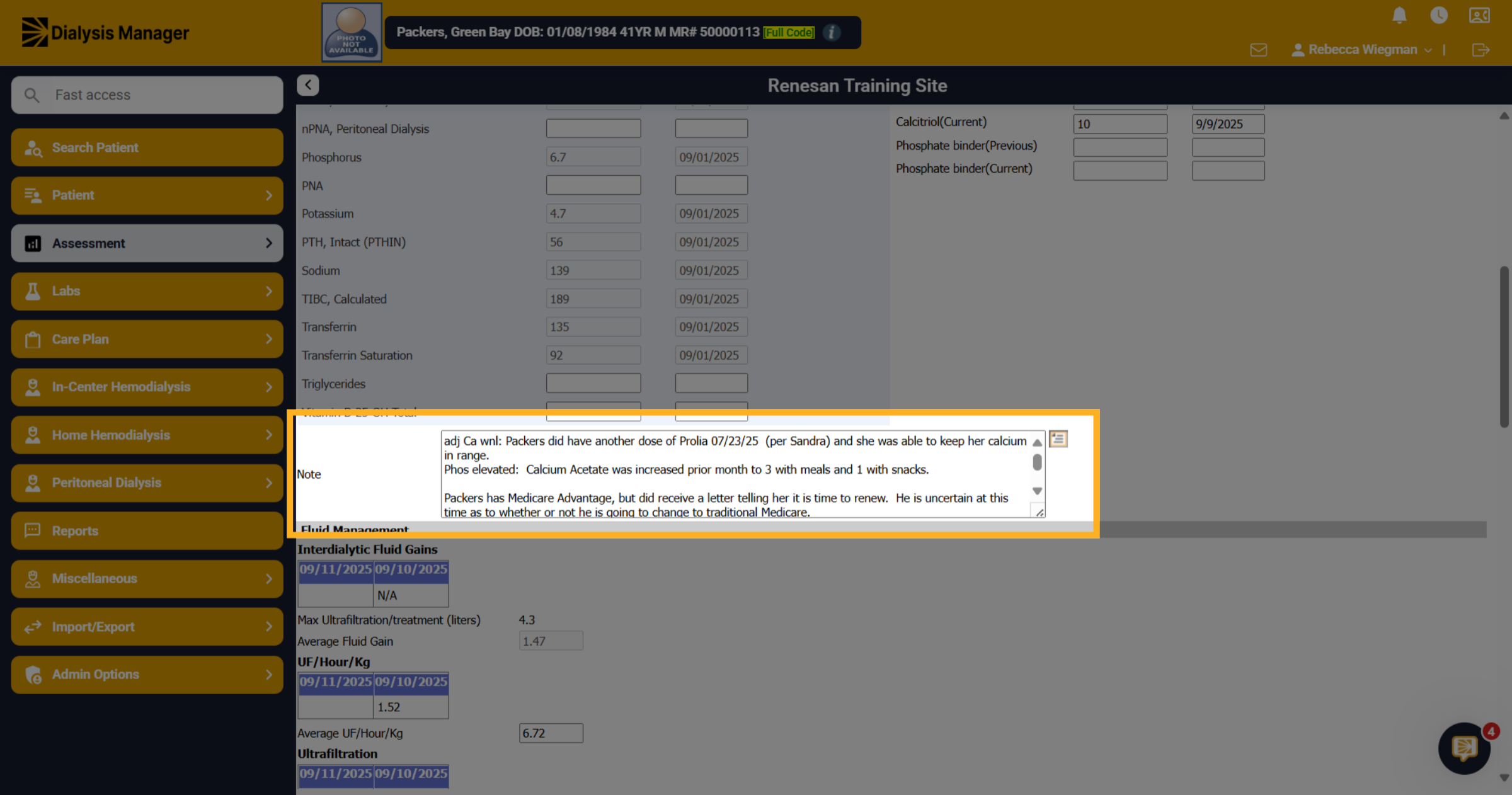
7. Click "Note"
At the end of each section, you'll have a notes area.
8. Medications
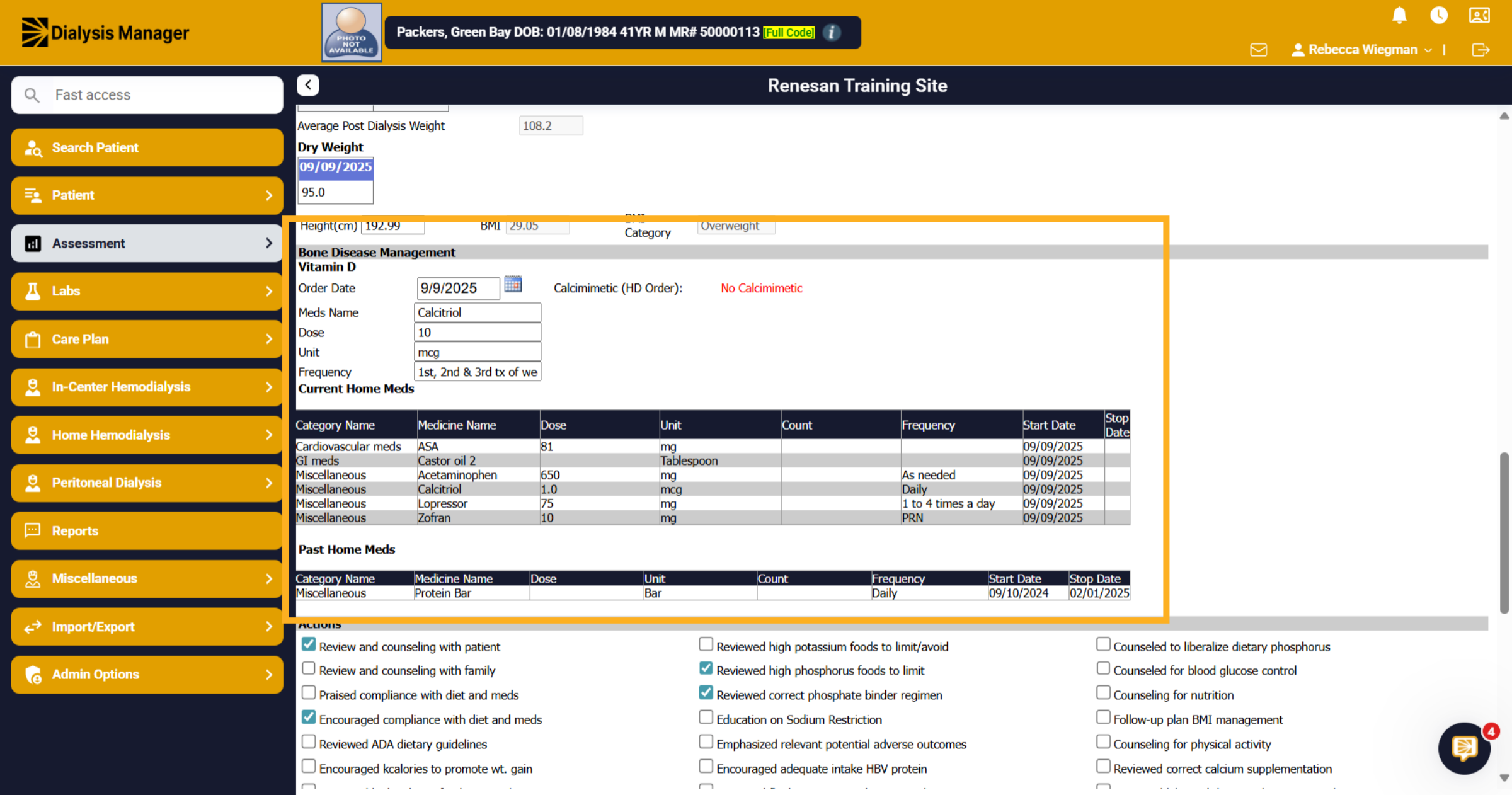
The patients Vitamin D medications along with Home Meds will also show
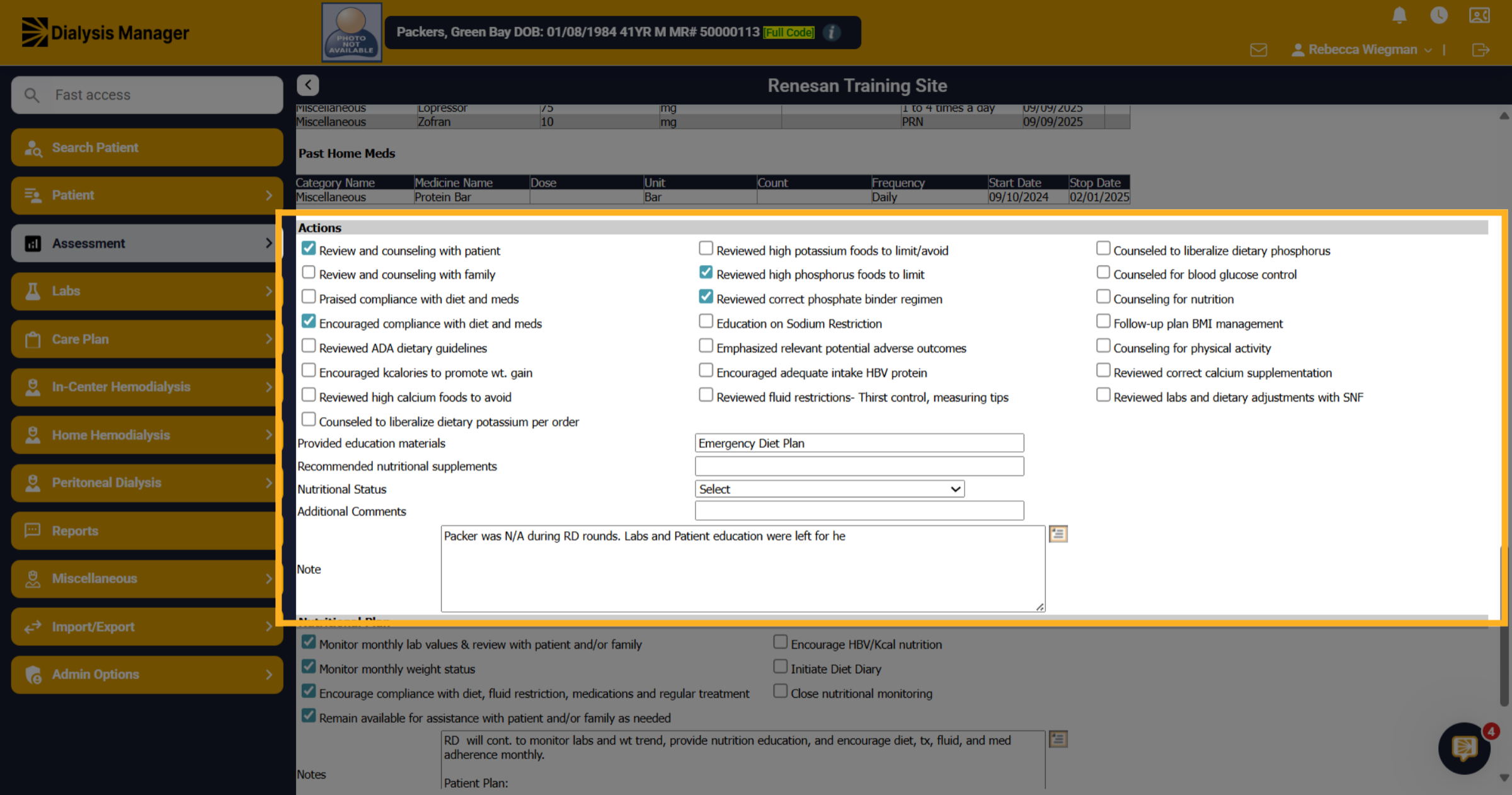
9. Click "Actions"
Select as many actions required and type if any educational materials were provided. Recommended Supplements. Or any additional notes.
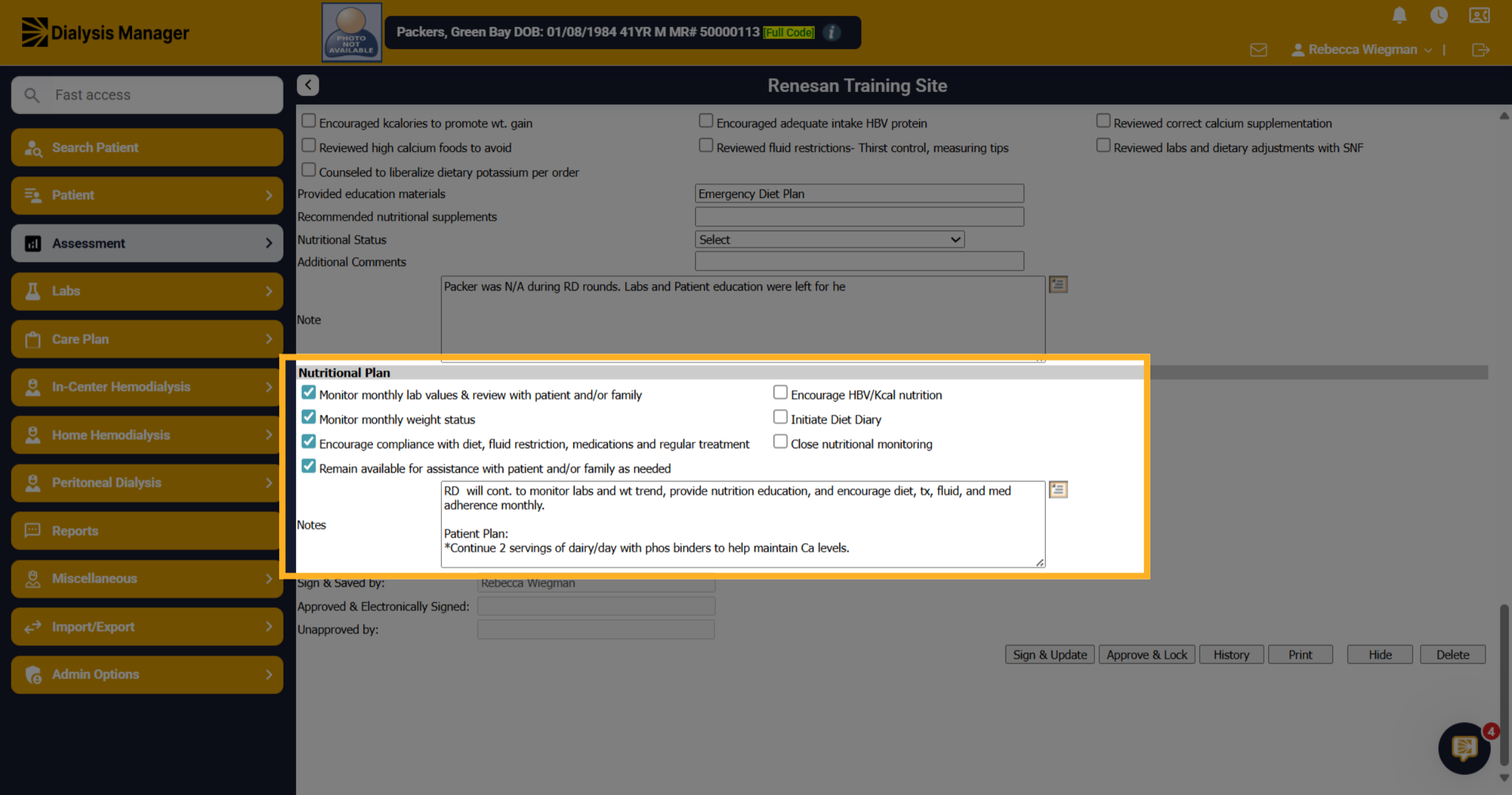
10. Nutritional Plan
Same for the Nutritional Plan.
11. Click here
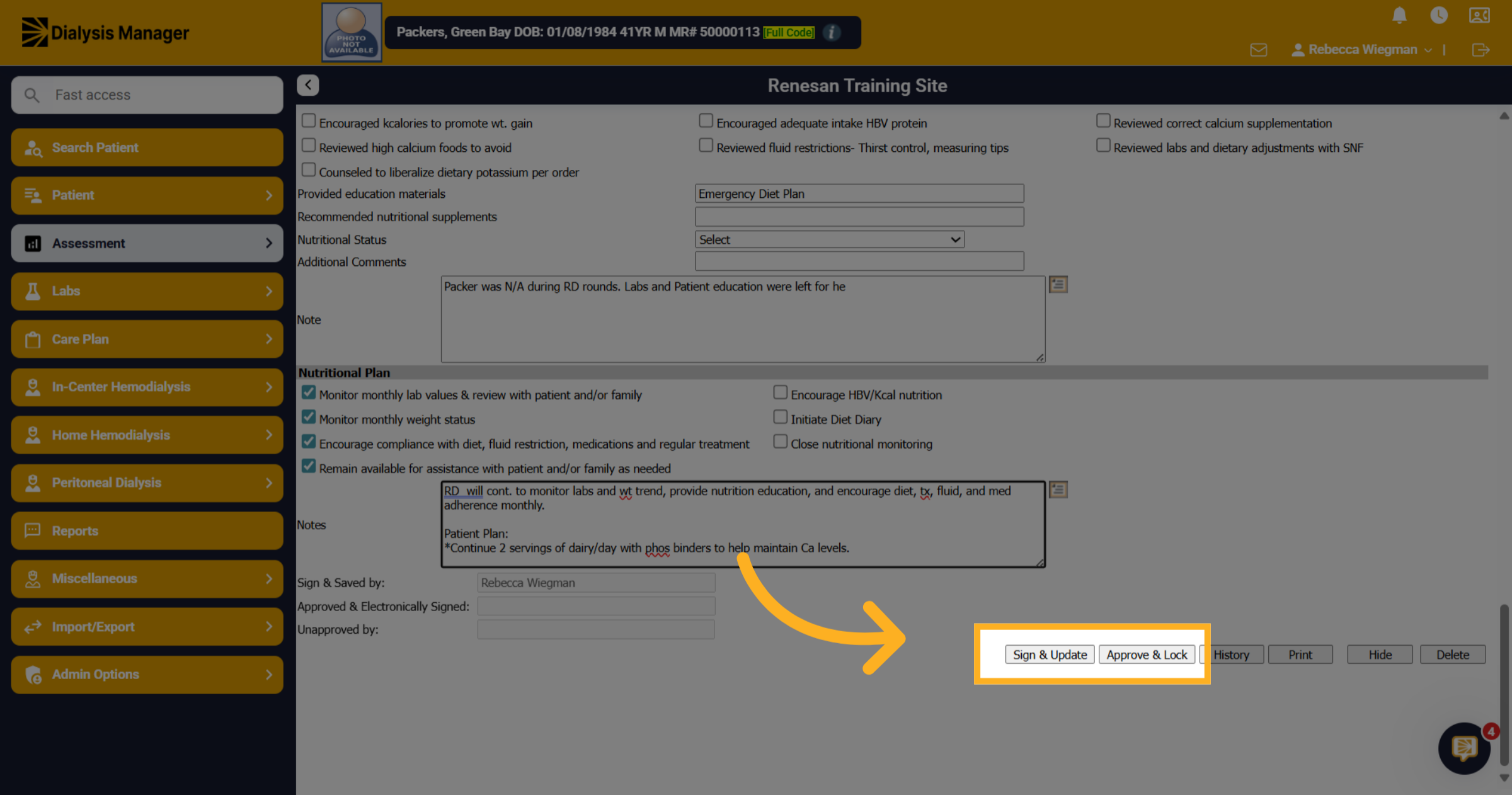
Sign & Update your review and Approve and Lock if you will not need to come back into this assessment to update.