Diet Order
1. Introduction
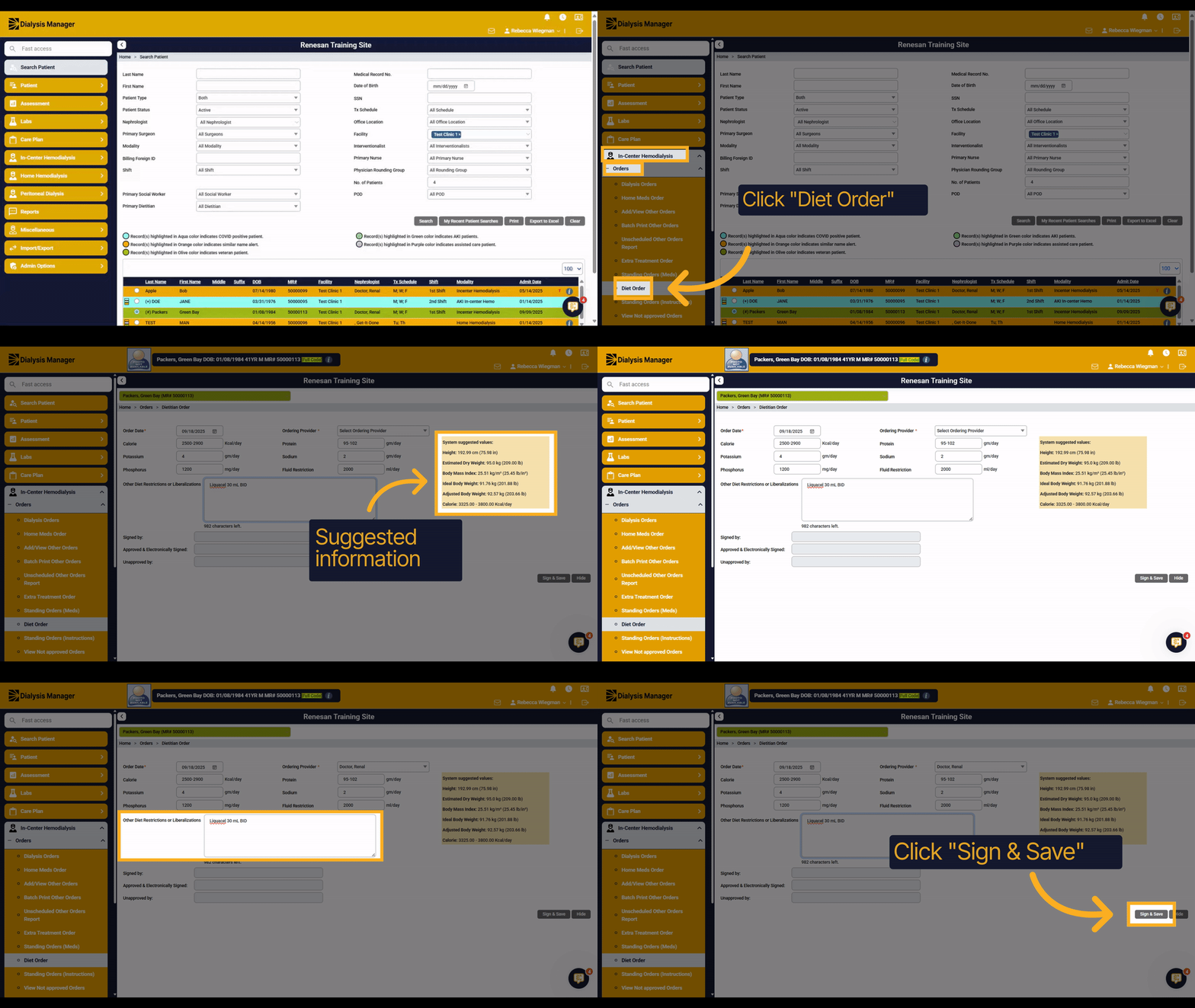
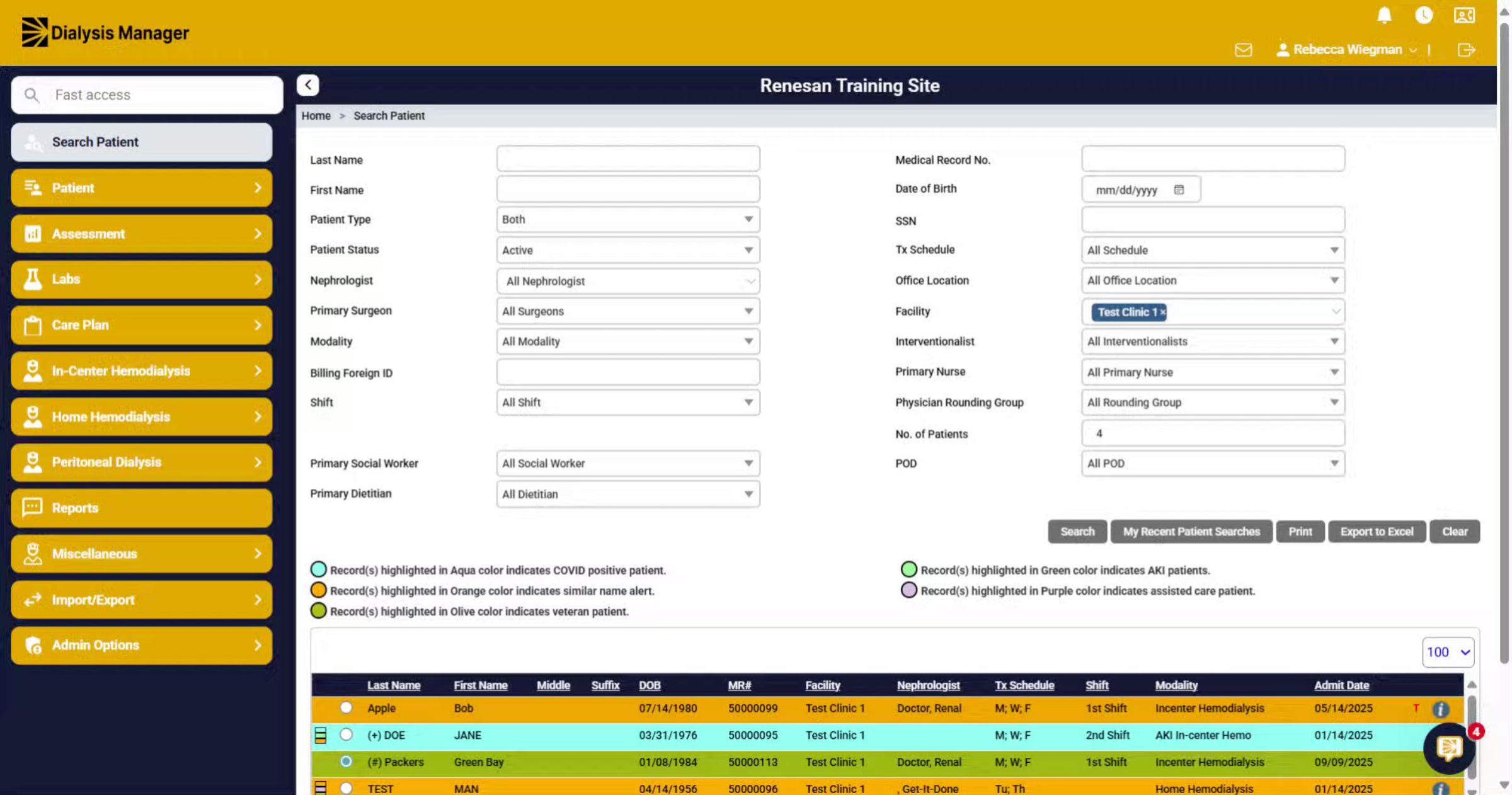
Lets walk through the process of completing a Diet Order.
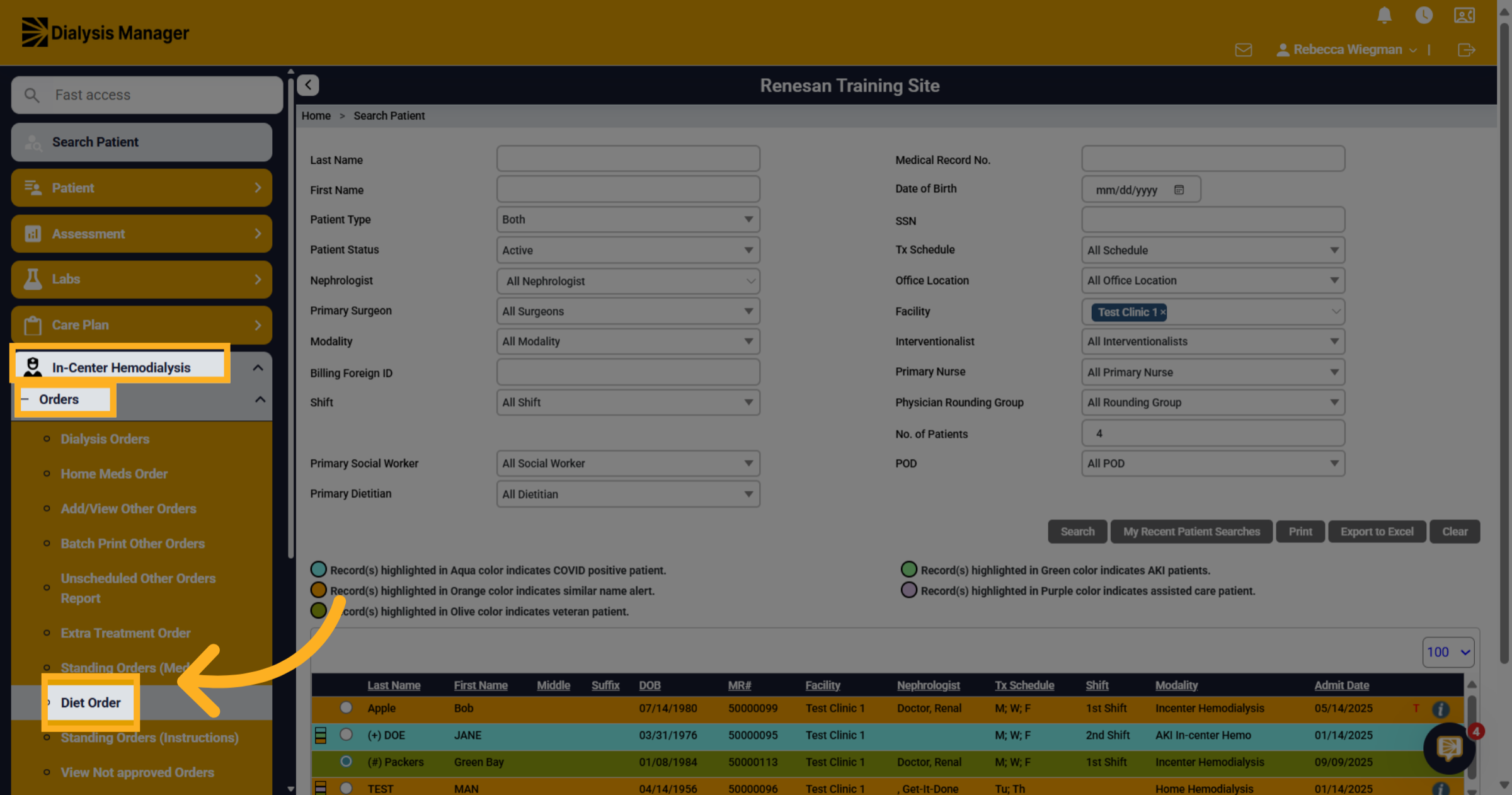
2. Click "Diet Order"
With your patient already selected Go to In-Center Hemodialysis, Orders and Diet Order.
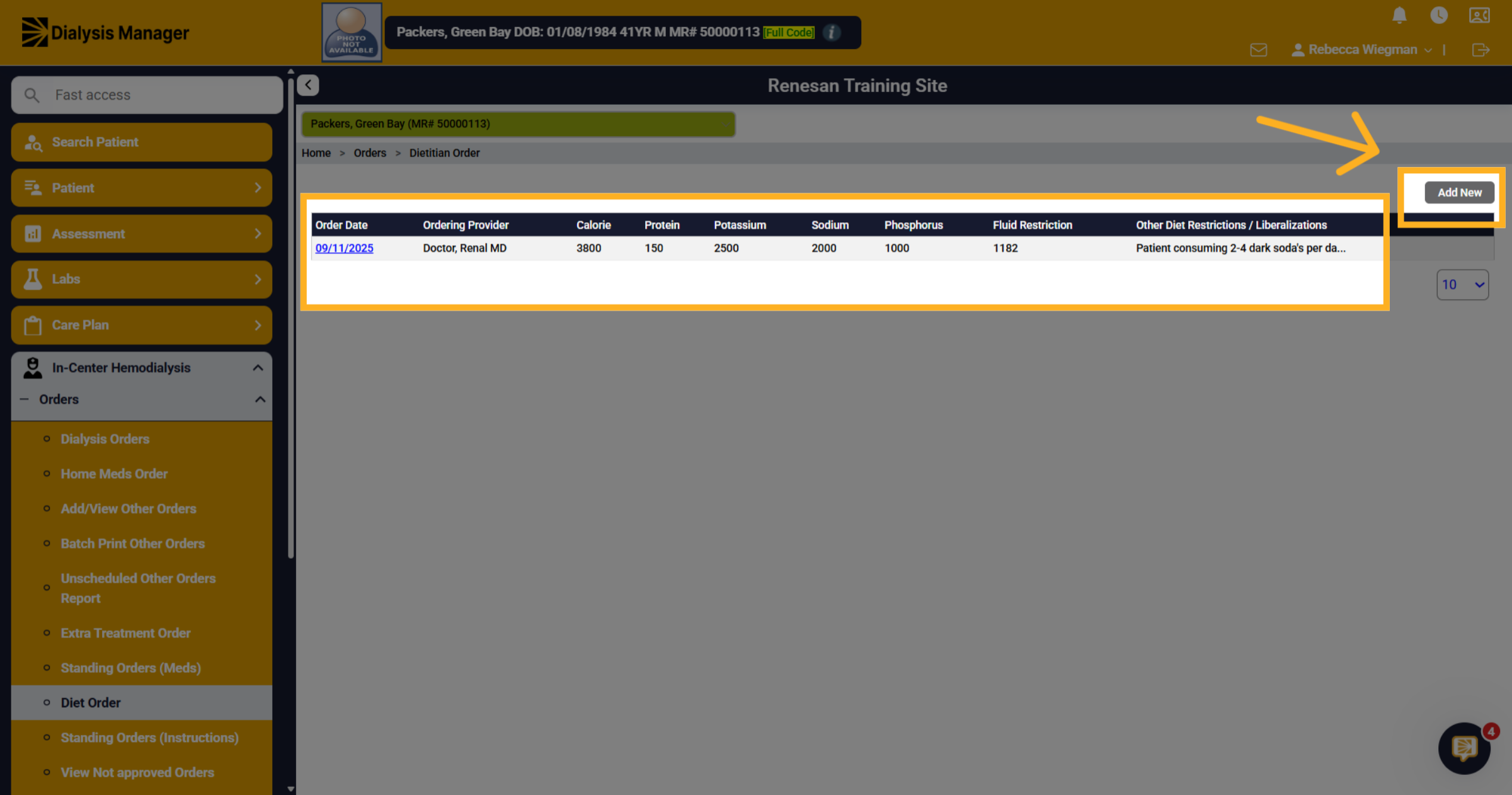
3. Other Orders will appear here
When opening you'll be able to see previous diet orders entered on the patient. Select Add New
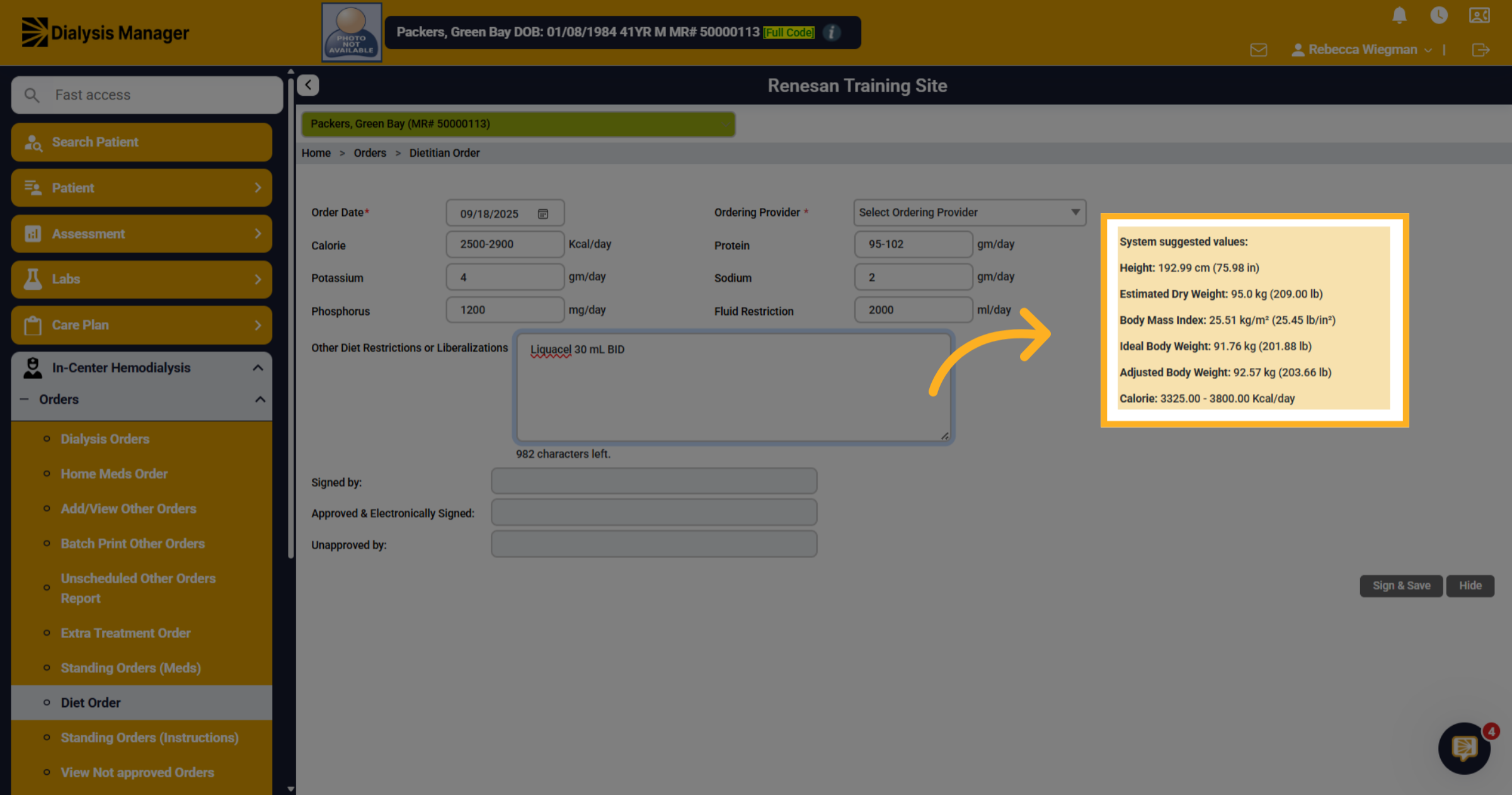
4. System Suggested Values
The box on the right will have suggested information. It pulls the height and the estimate dry weight from the last dialysis order. Then it calculates the BMI for you, ideal body weight and adjusted if needed. Also a suggested calorie range which is based on the patients BMI and age. Again these are suggestions!
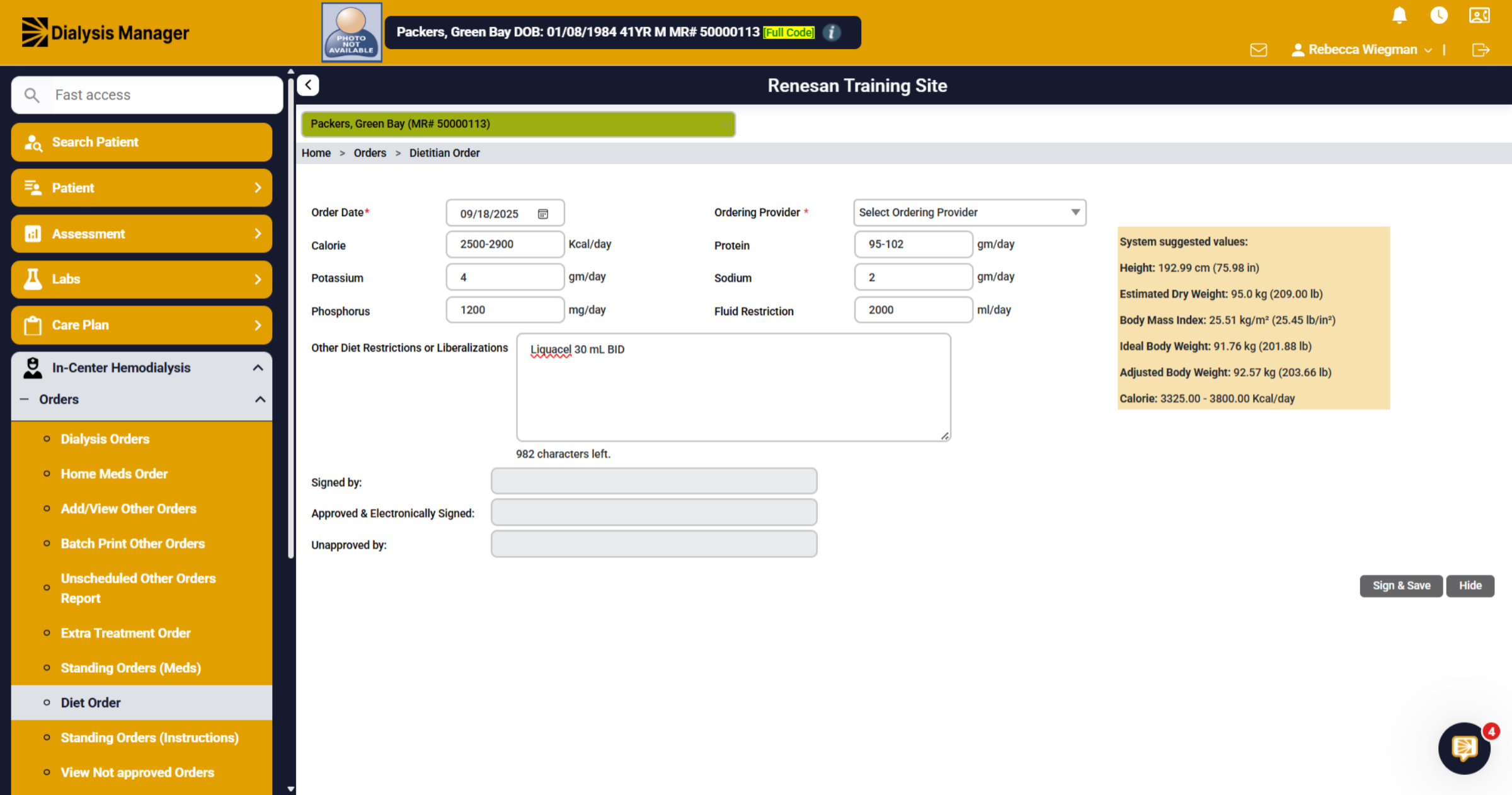
5. Fields
Your able to fill in these fields to your liking.
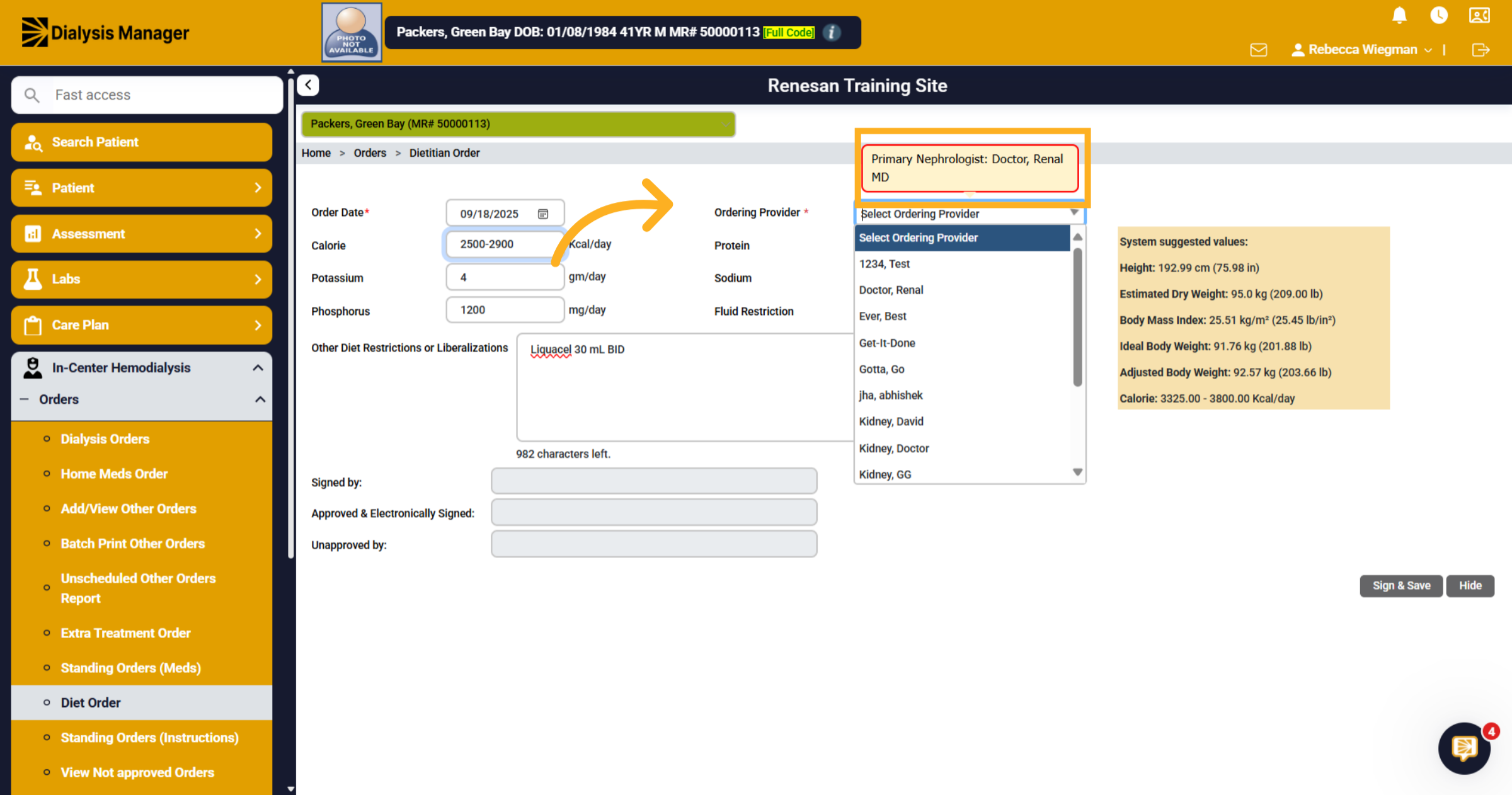
6. Ordering provider
When hovering over the Ordering Provider it will display the patients primary doctor.
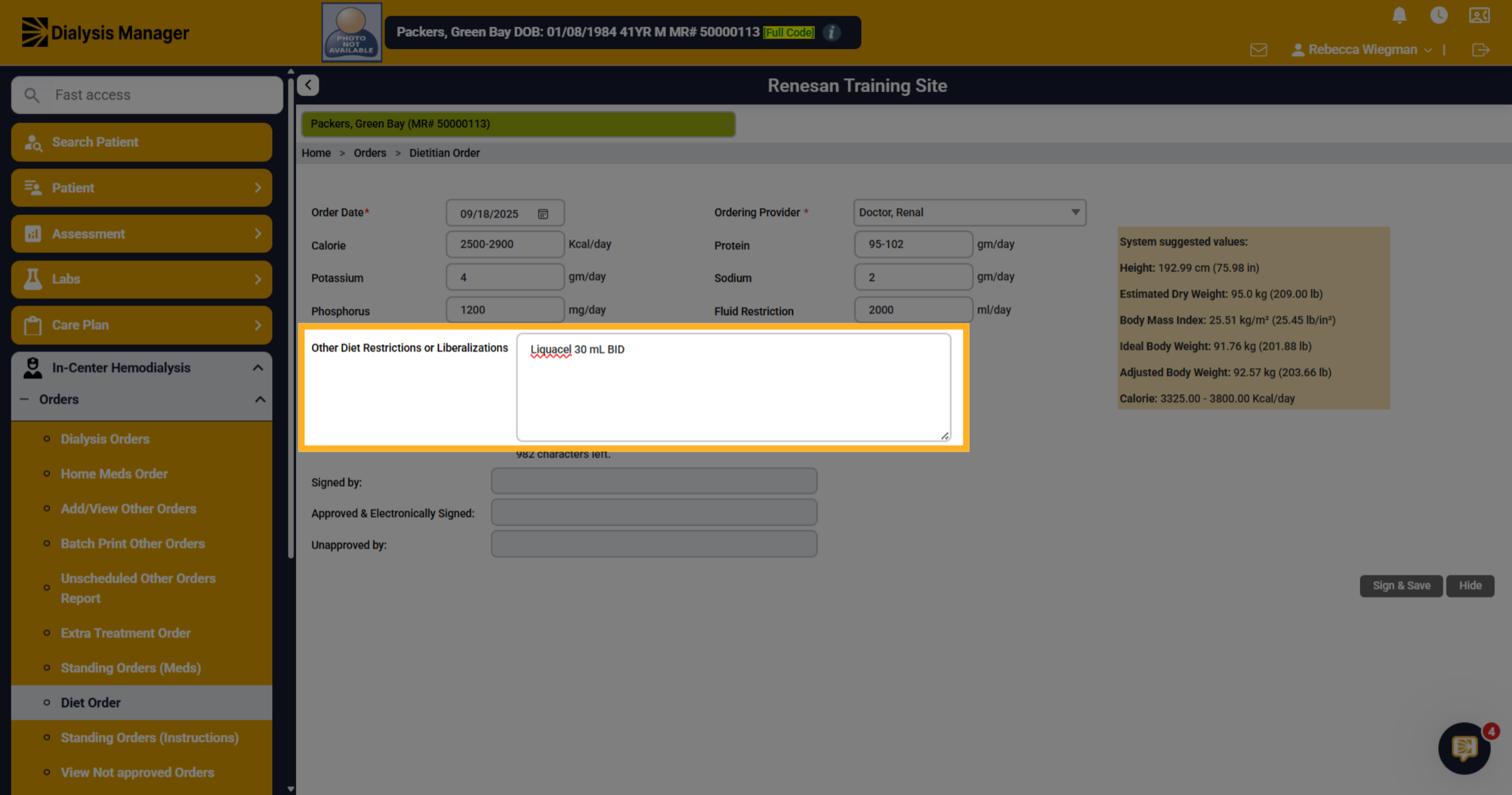
7. Other Diet Restricitions or Liberalizations
Enter any other diet restrictions or liberalizations and additional notes or even supplements.
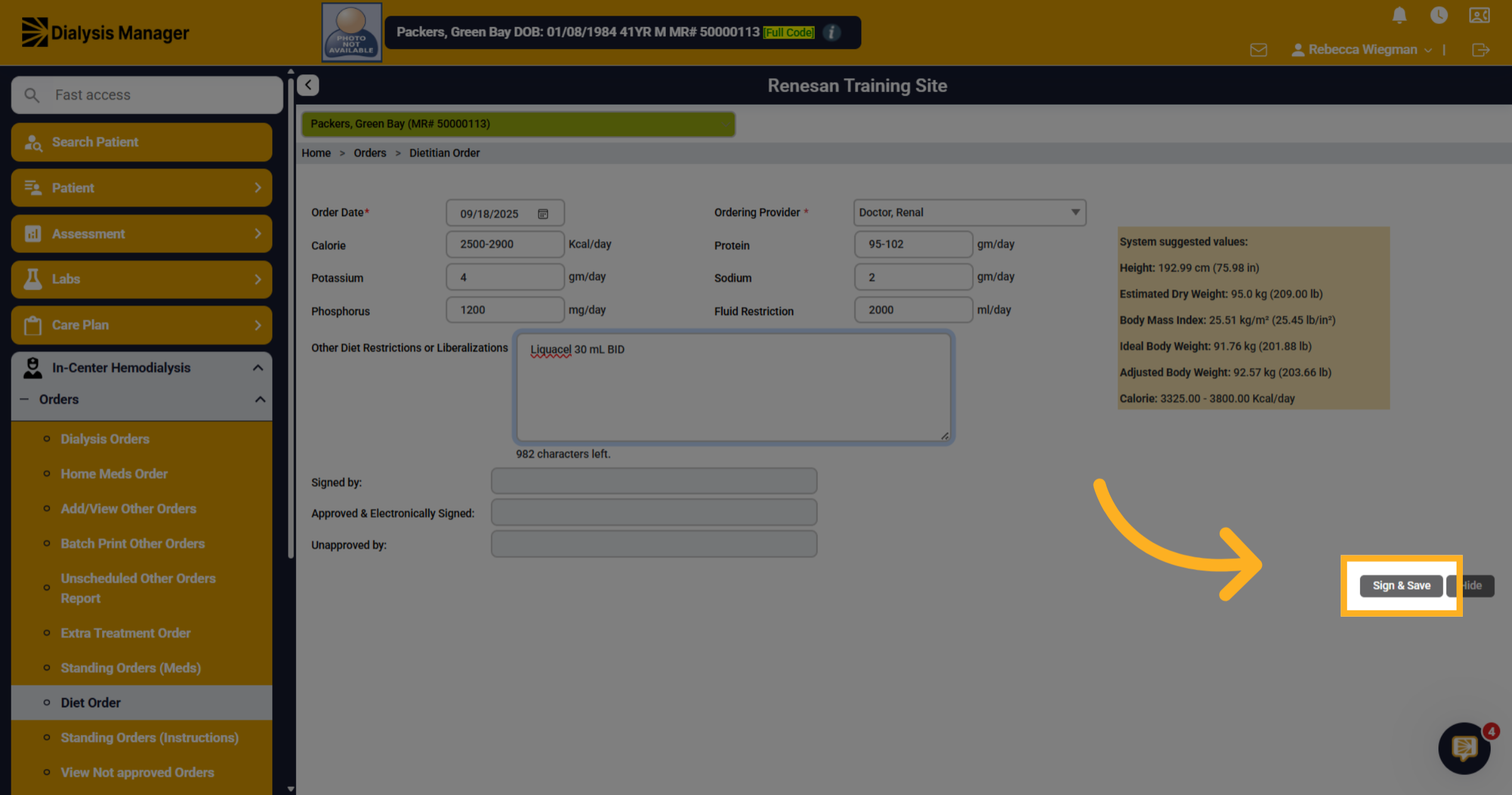
8. Click "Sign & Save"
Click "Sign & Save" to save the current changes to the diet order. When your physician logs in, they will see this order in their list of notifications of orders that need to be approved!