How to delete a "No Show" treatment through Menu
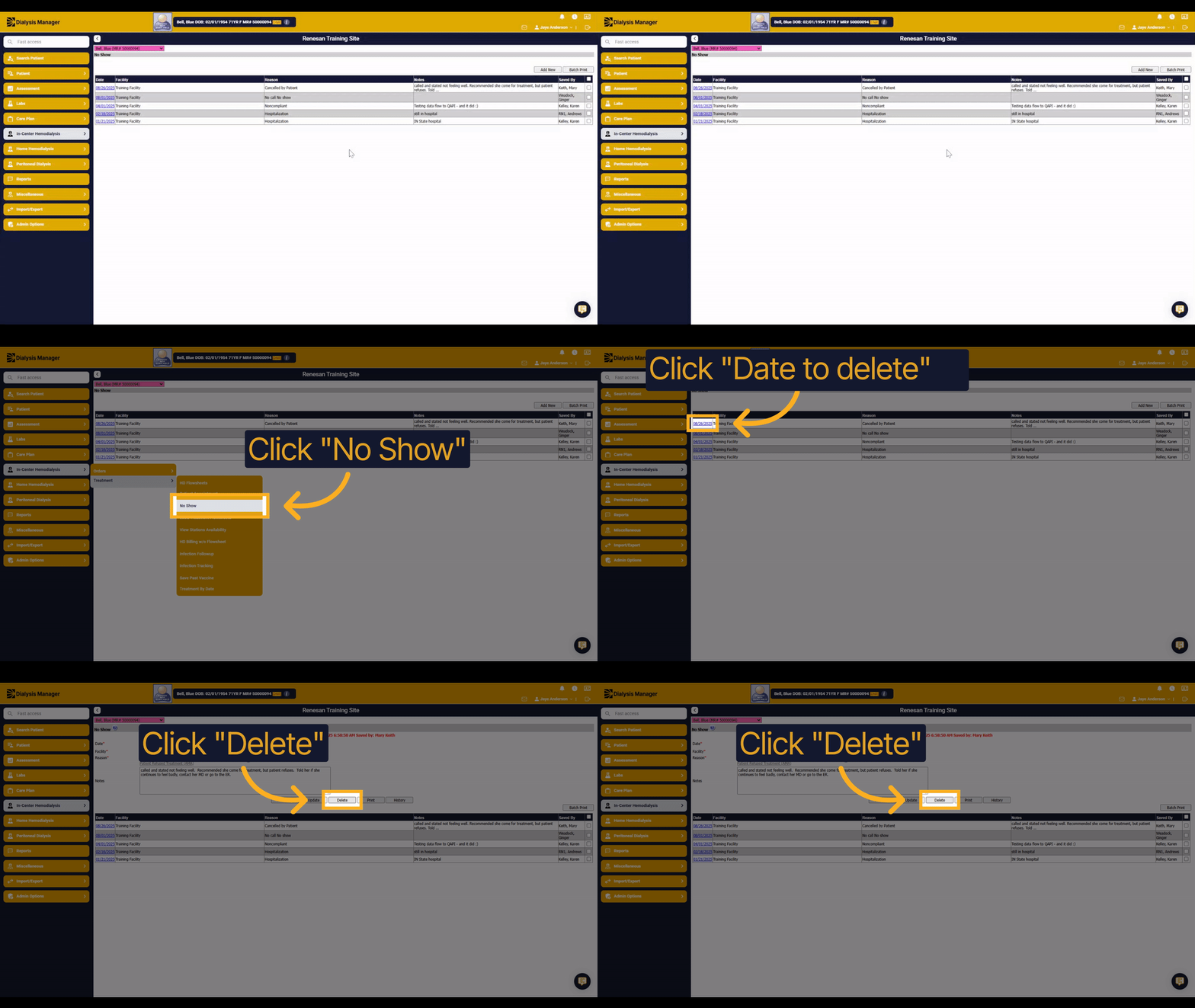
1. Introduction
Learn how to delete a no show record through the In-Center Hemodialysis menu. This step-by-step guide will help you confidently manage missed treatment appointments by navigating the Treatment and No Show options.
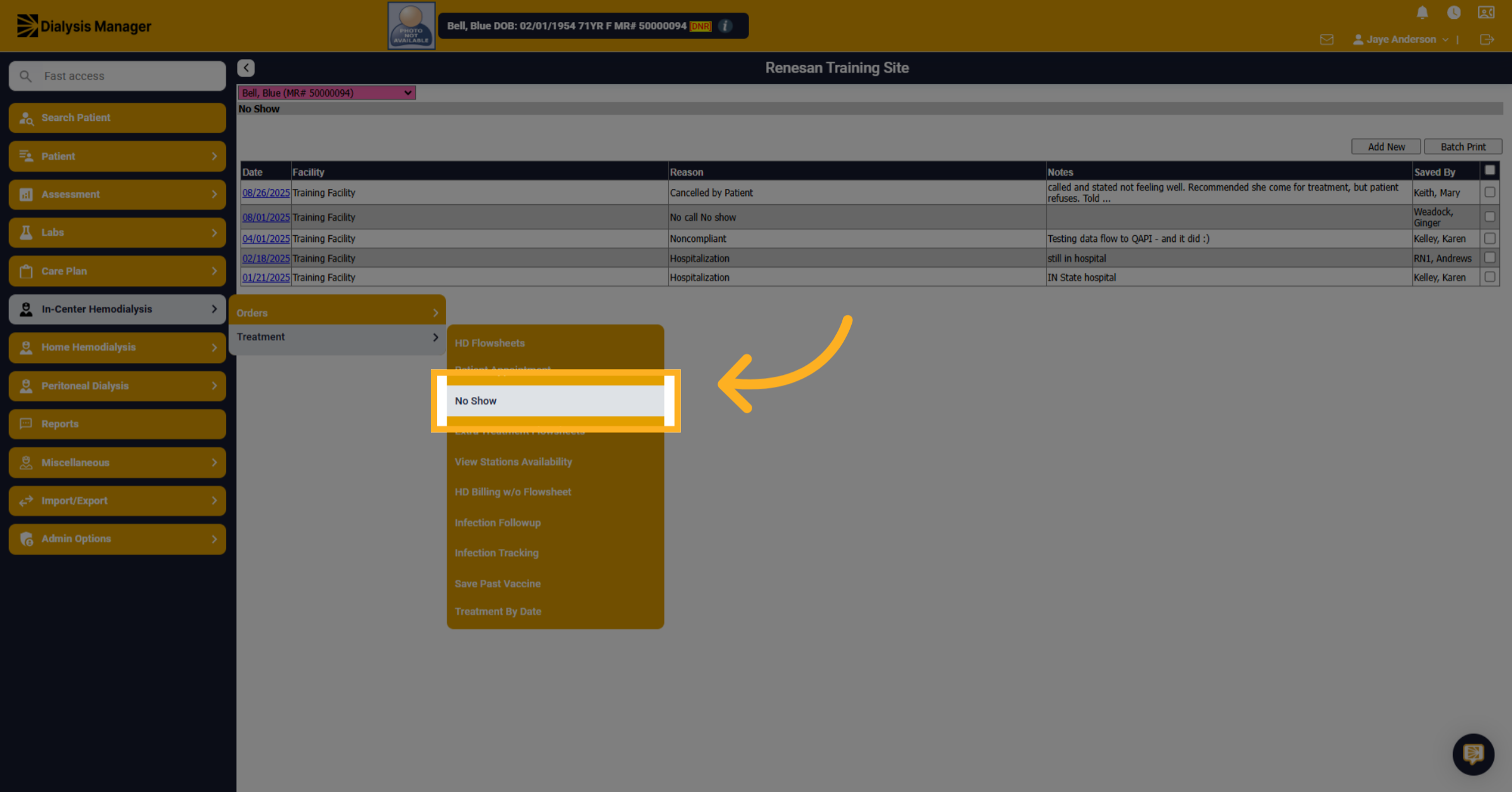
2. Click "No Show"
Navigate to the In-Center Hemodialysis section to access patient treatment options. Select the Treatment menu. Locate and choose the No Show category to manage missed appointments.
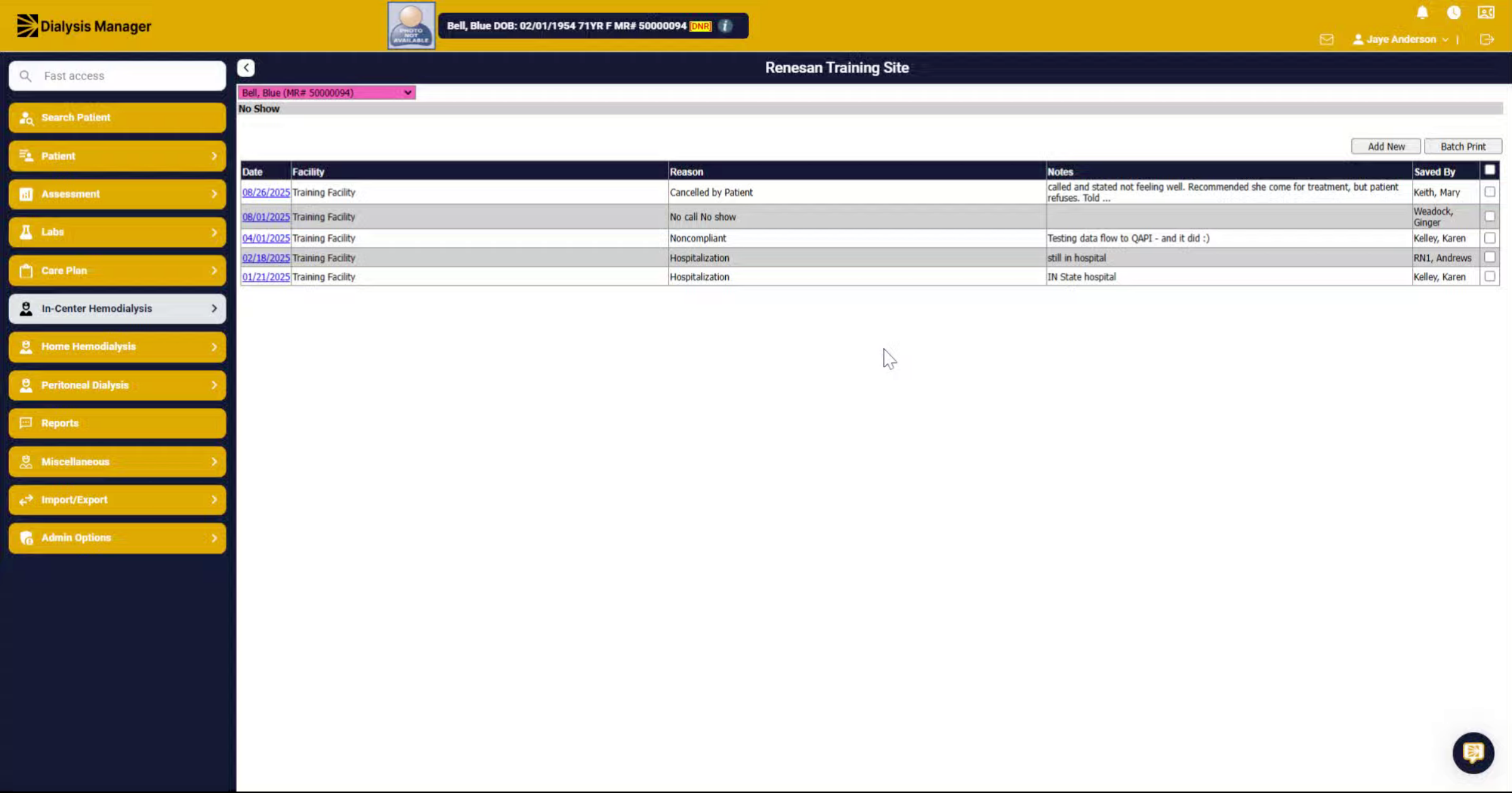
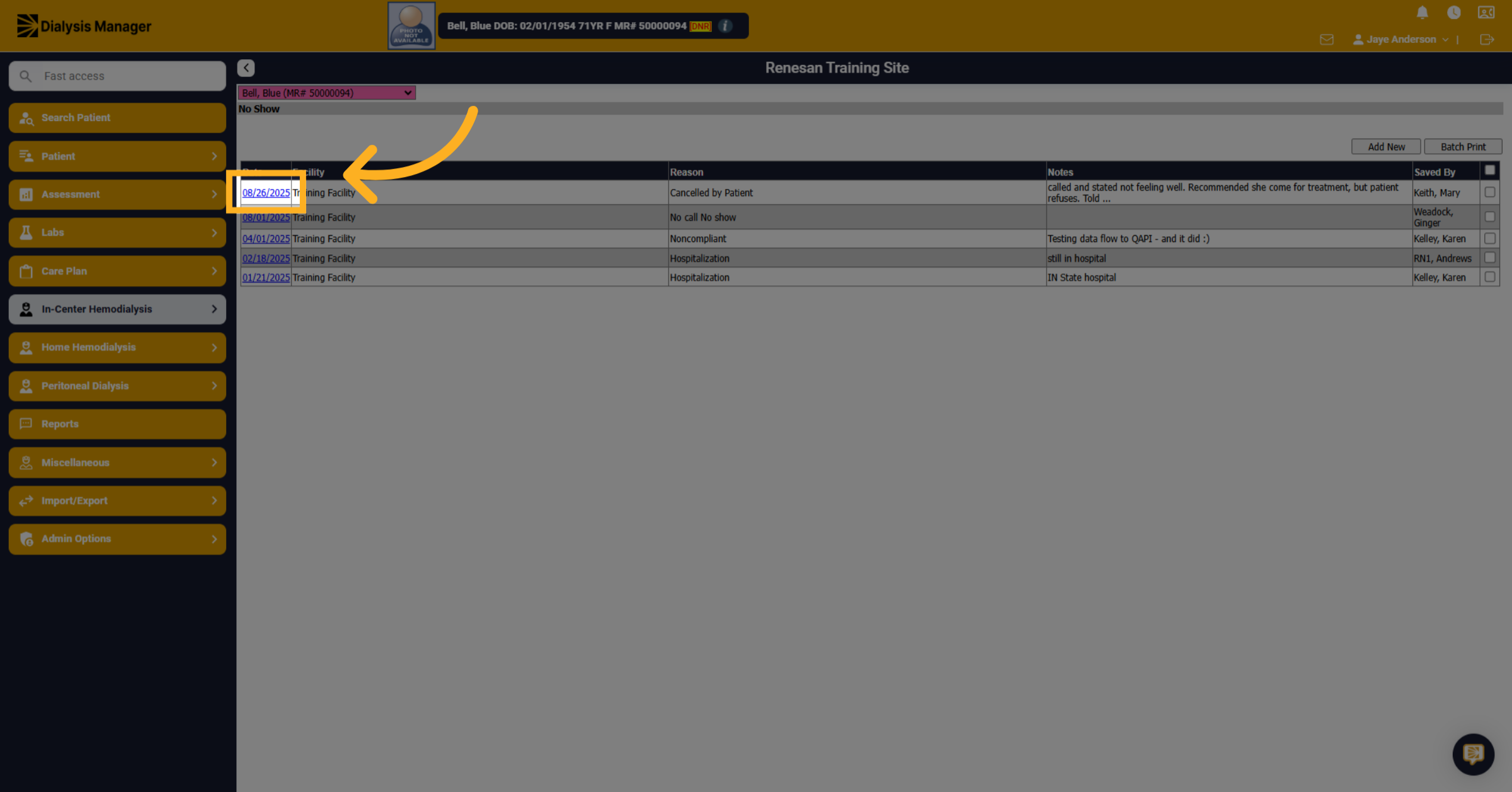
3. Click "08/26/2025"
Identify the specific date of the no show you wish to remove and select it.
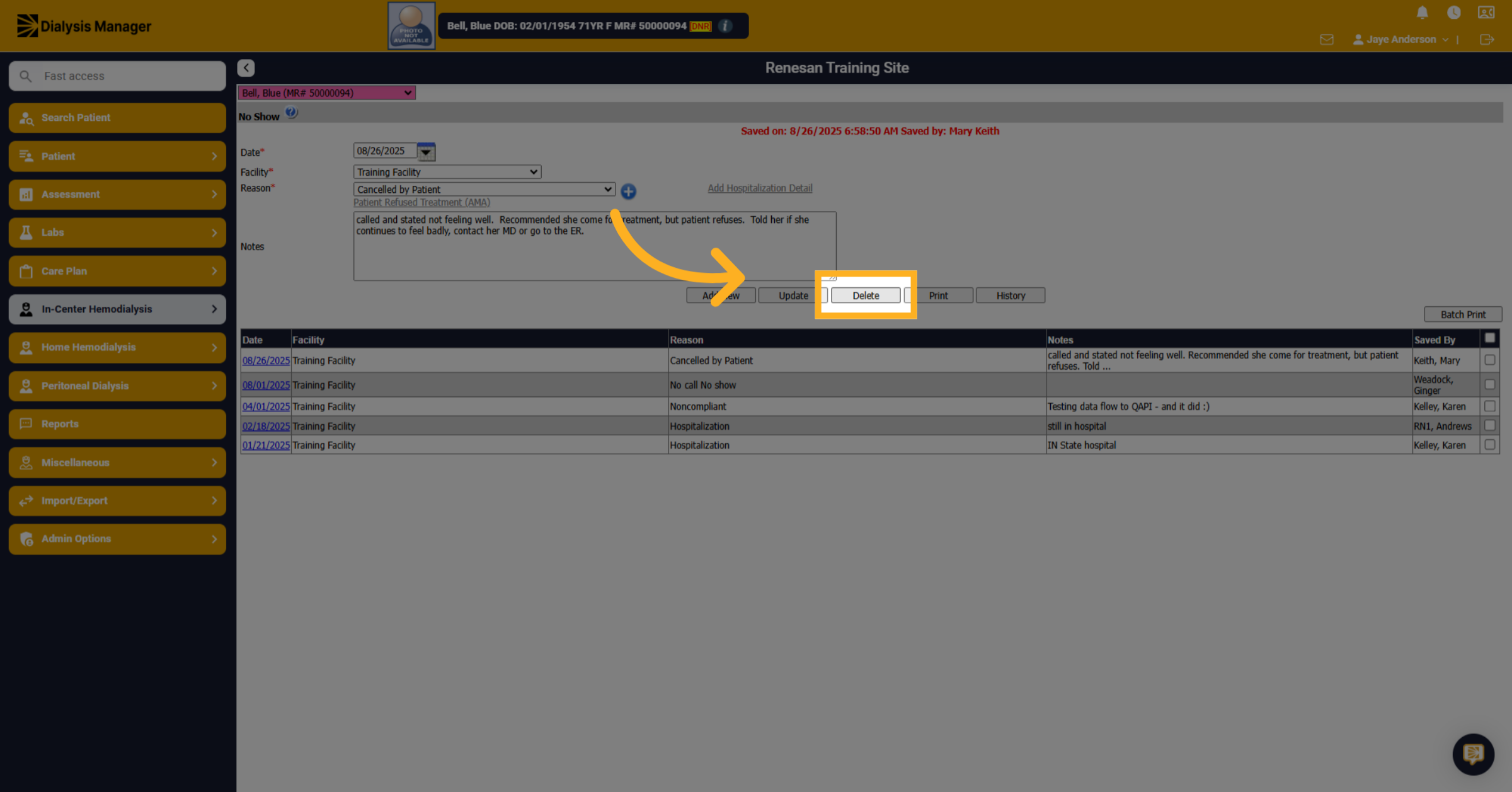
4. Click "Delete"
Confirm the deletion by clicking the Delete option to remove the no show record.