Creating specific distribution Groups in the Mail Box provides efficiency of sending essential messages to more than one user with a single selection (e.g., Admission Team, RNs, Facility wide).

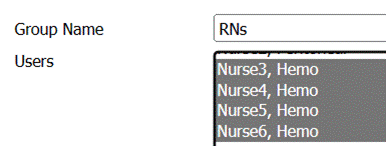
Mail Box > Create Group > Enter Group Name in text box > Select multiple Users holding the control key and selecting individuals > Save Group

Mail Box > Create Group > Currently existing groups display under Group Name
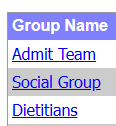
Select Hyperlink of Group Name requiring change. This brings the Group to the top of the form. Make the necessary changes > Update Group (or Delete if desired).