Creating Standing Orders (Meds) In Dialysis Manager.
1. Introduction To Standing Medication Orders
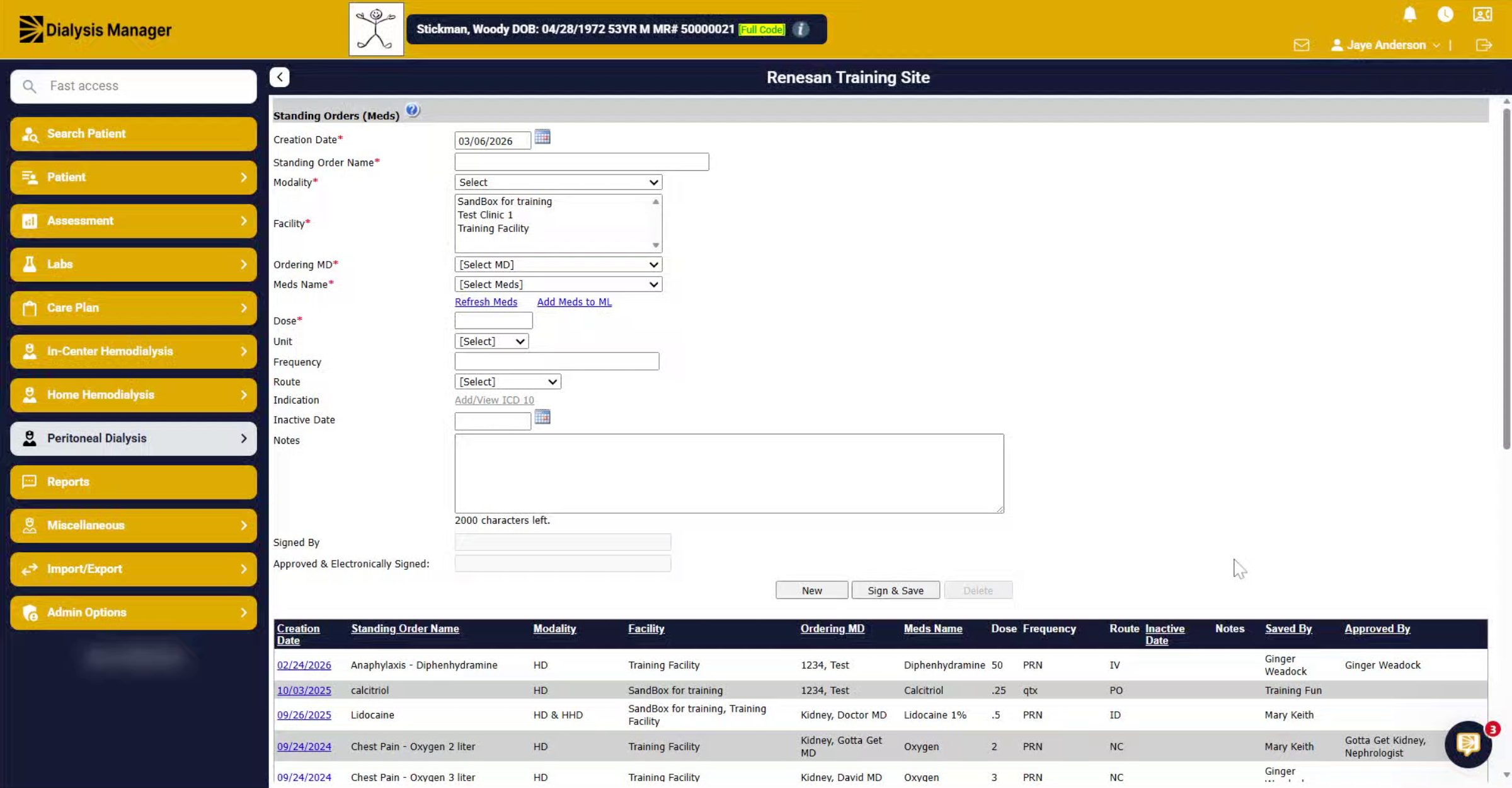
Here we're going to walk you through how to enter any standing medication orders.
2. Access Orders Menus
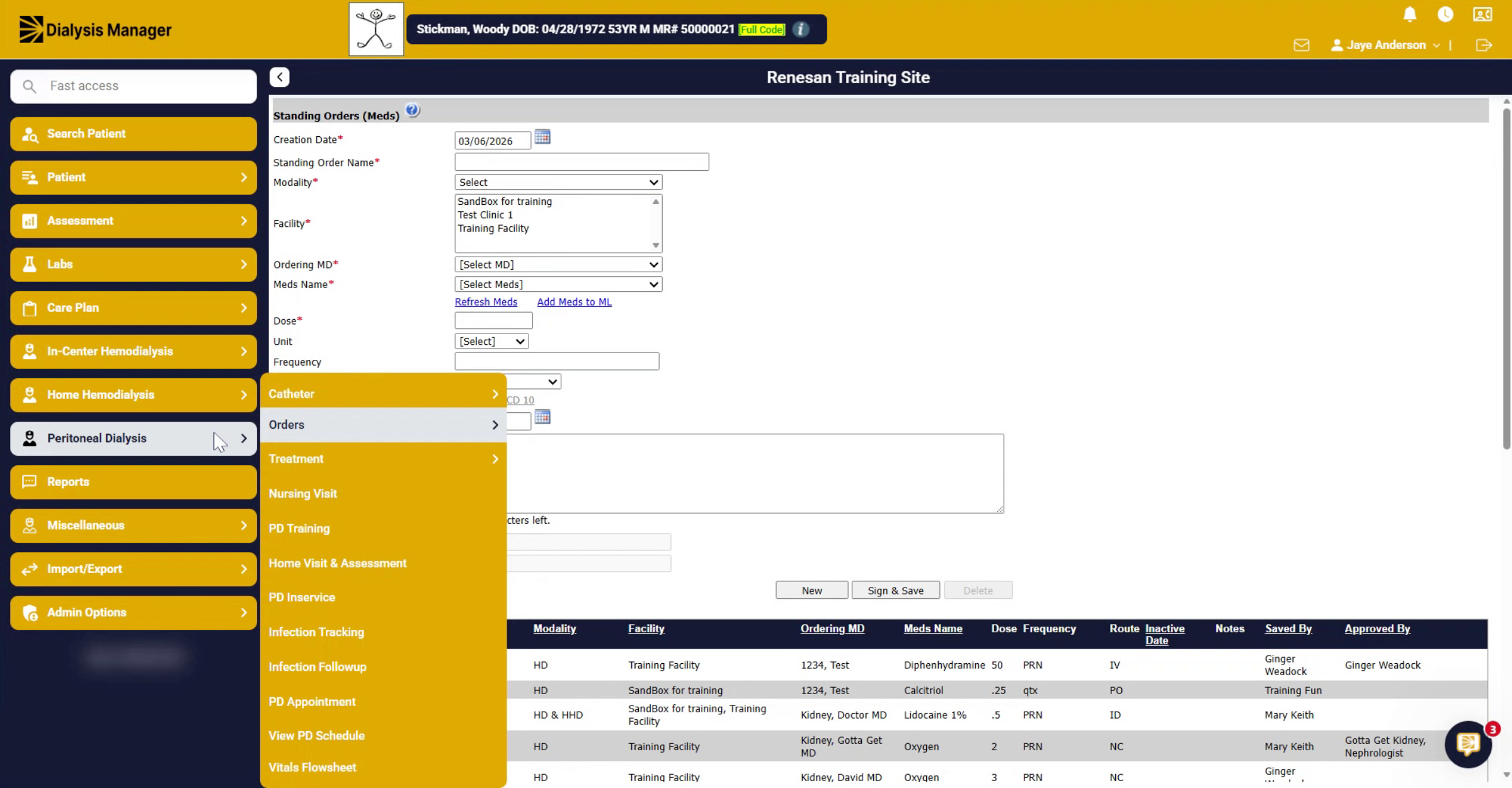
You can do this through any of the orders menus. The PD order menu, the home hemodialysis order menu, or the in-center order menu. They all have the same mapping, so they go to the same area.
3. Set Creation Date And Name
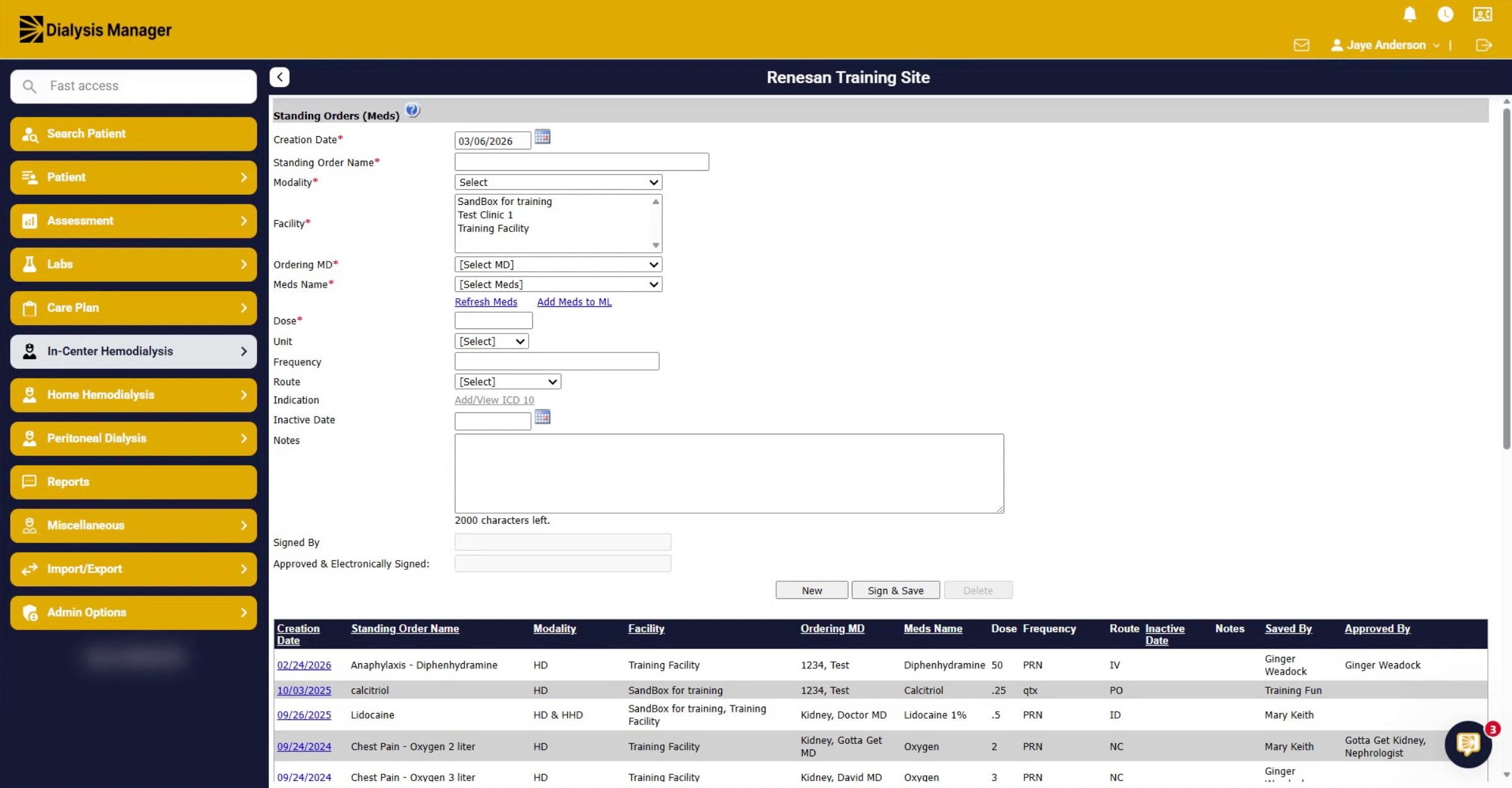
First, you want to give it a creation date. It will default to today's date. And you want to give it a standing order name.
4. Open Dialysis Modalities Selection
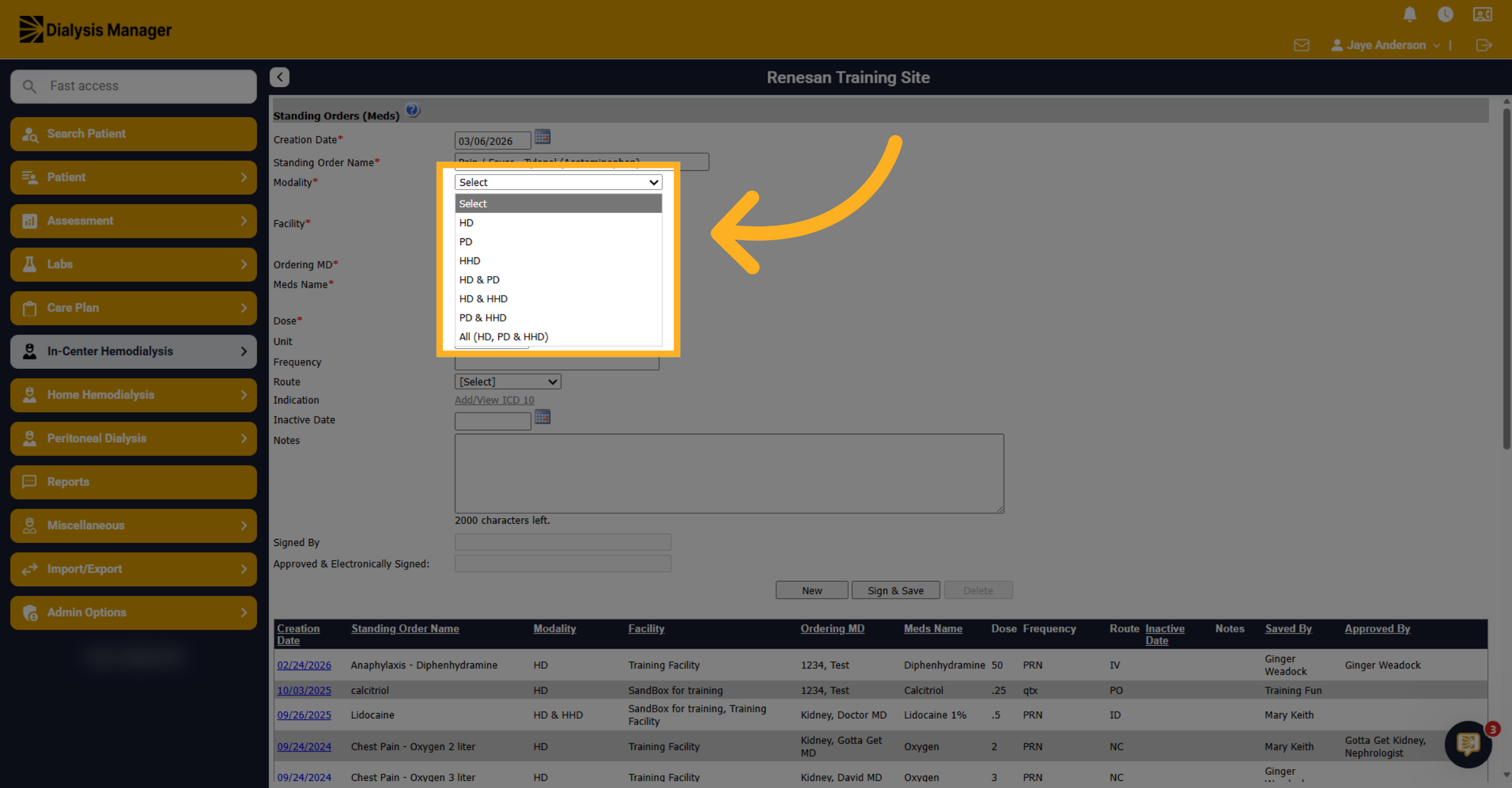
Click to open the dialysis modalities selection menu to specify applicable treatment types.
5. Open Dialysis Modalities Selection
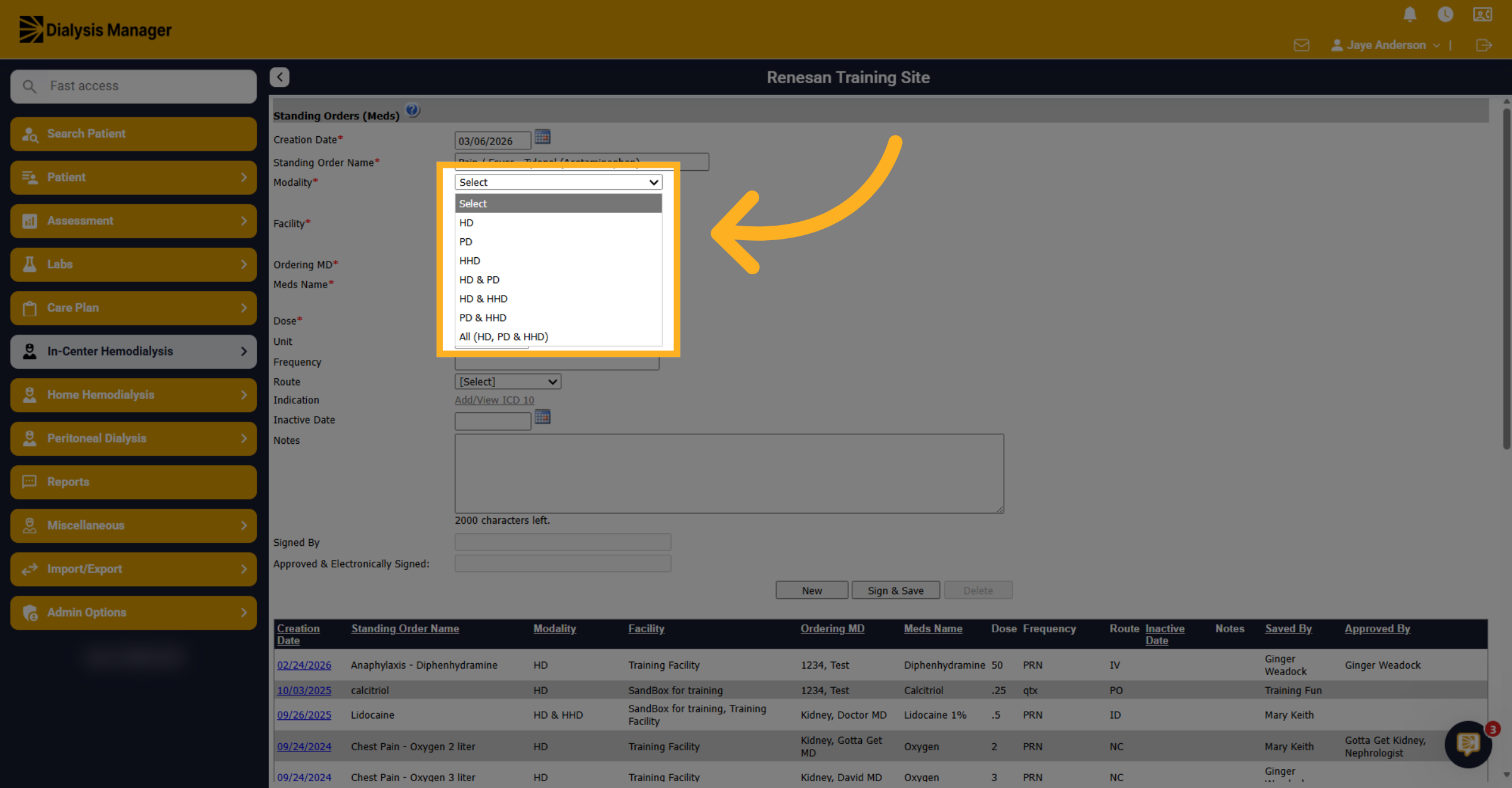
This is why you can reach these through any of the modalities order menus. We have HD, PD, HHD, or you can do a combination of HD and PD, PD and HHD, etc. or you can simply choose all.
6. Choose Facility
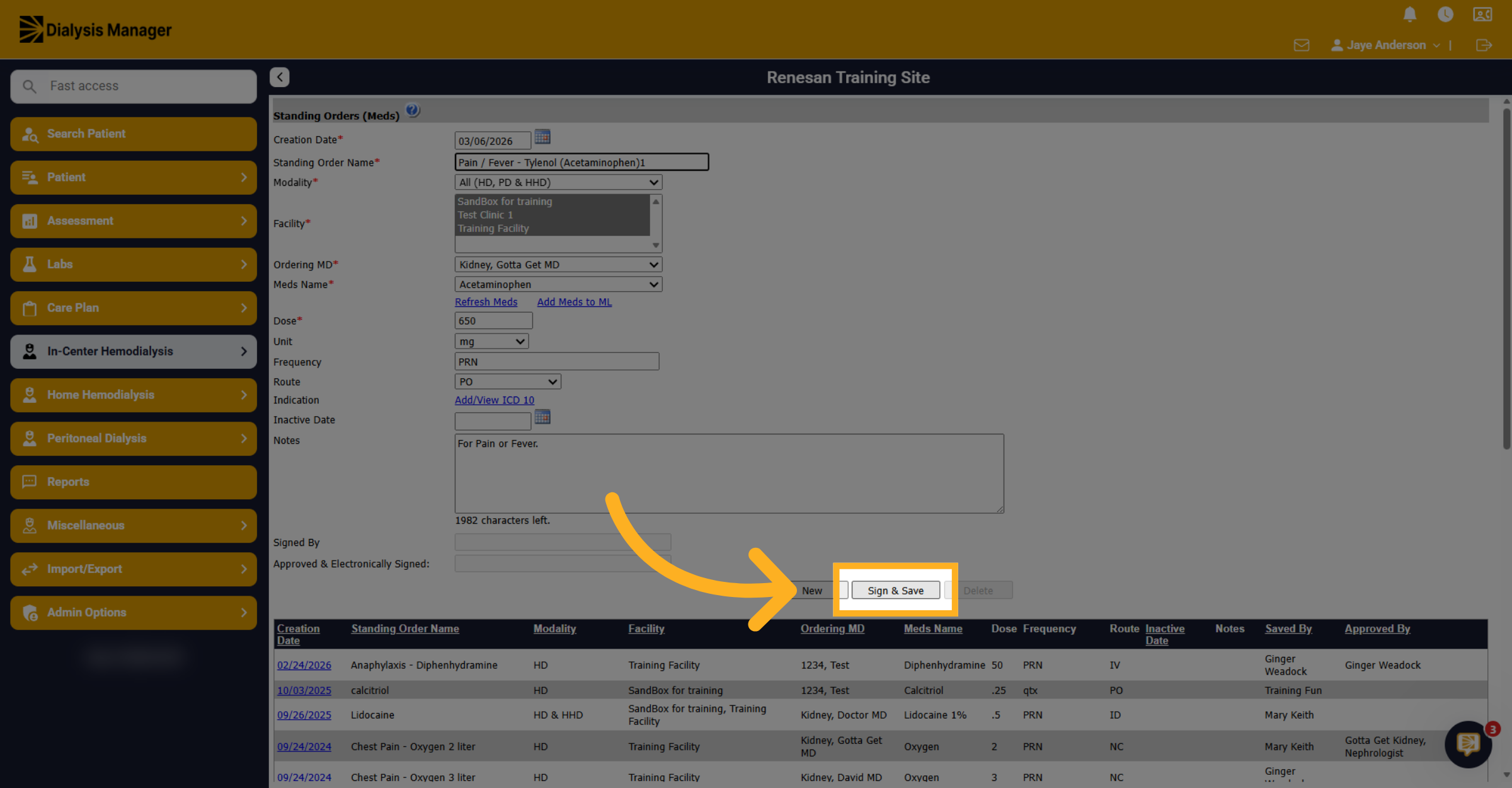
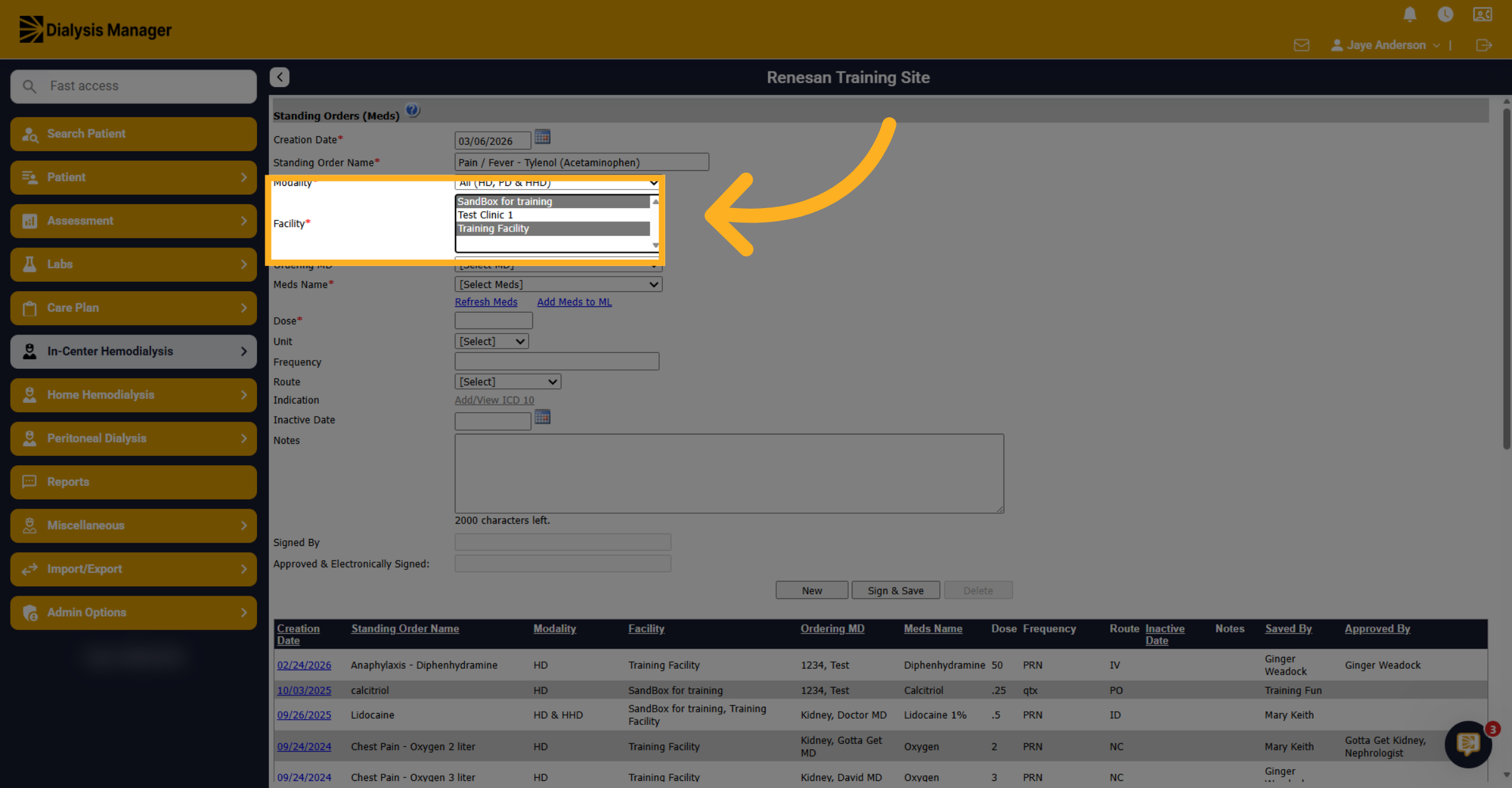
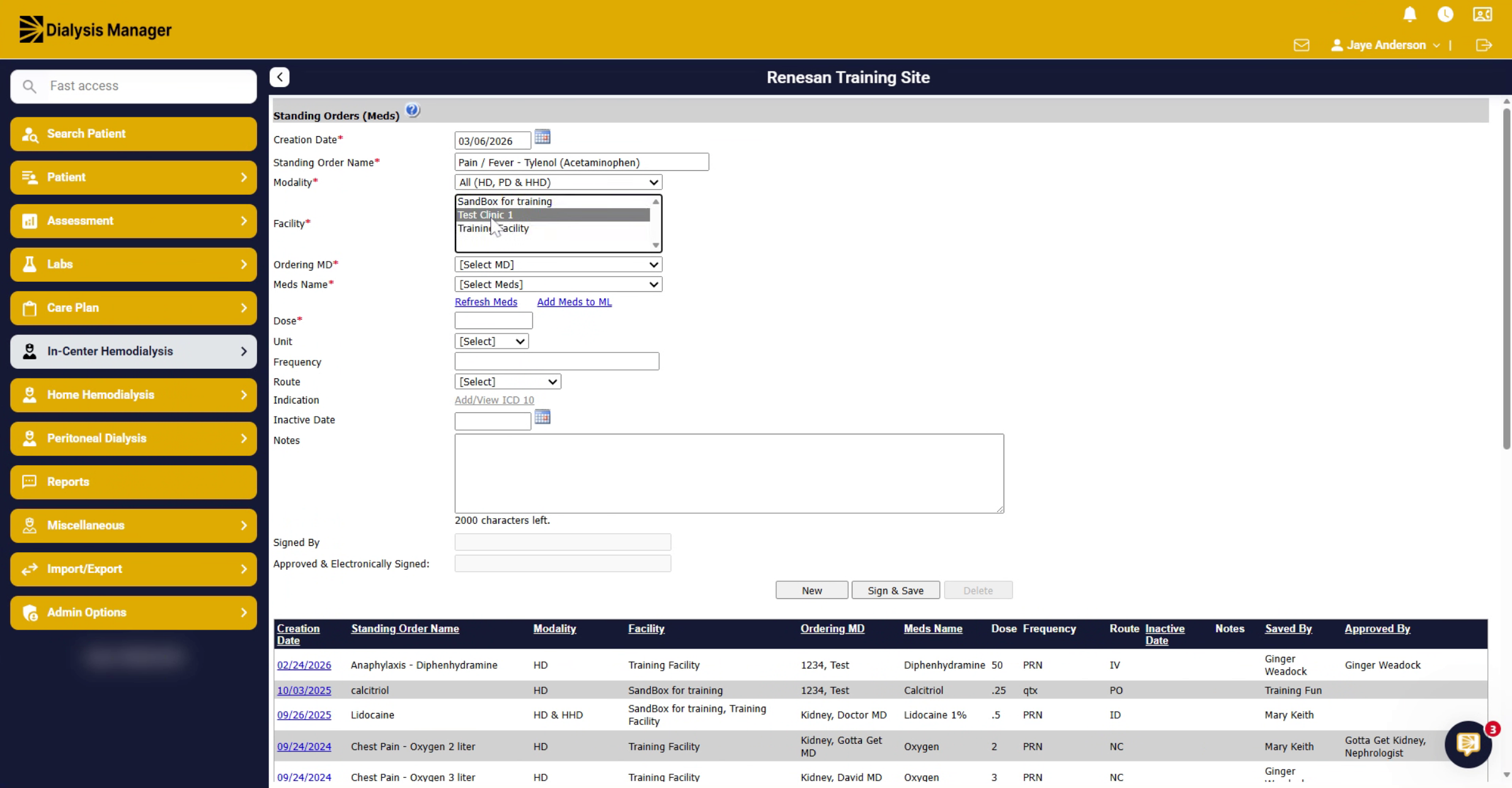
Use the control key to select multiple facilities. Select the facility from the list where you want to apply the standing order accordingly.
7. Select Multiple Facilities
You can also drag to select them all as well.
8. Select Physician For Sign-Off
Choose the physician, from the provided list, who will sign off on the standing order.
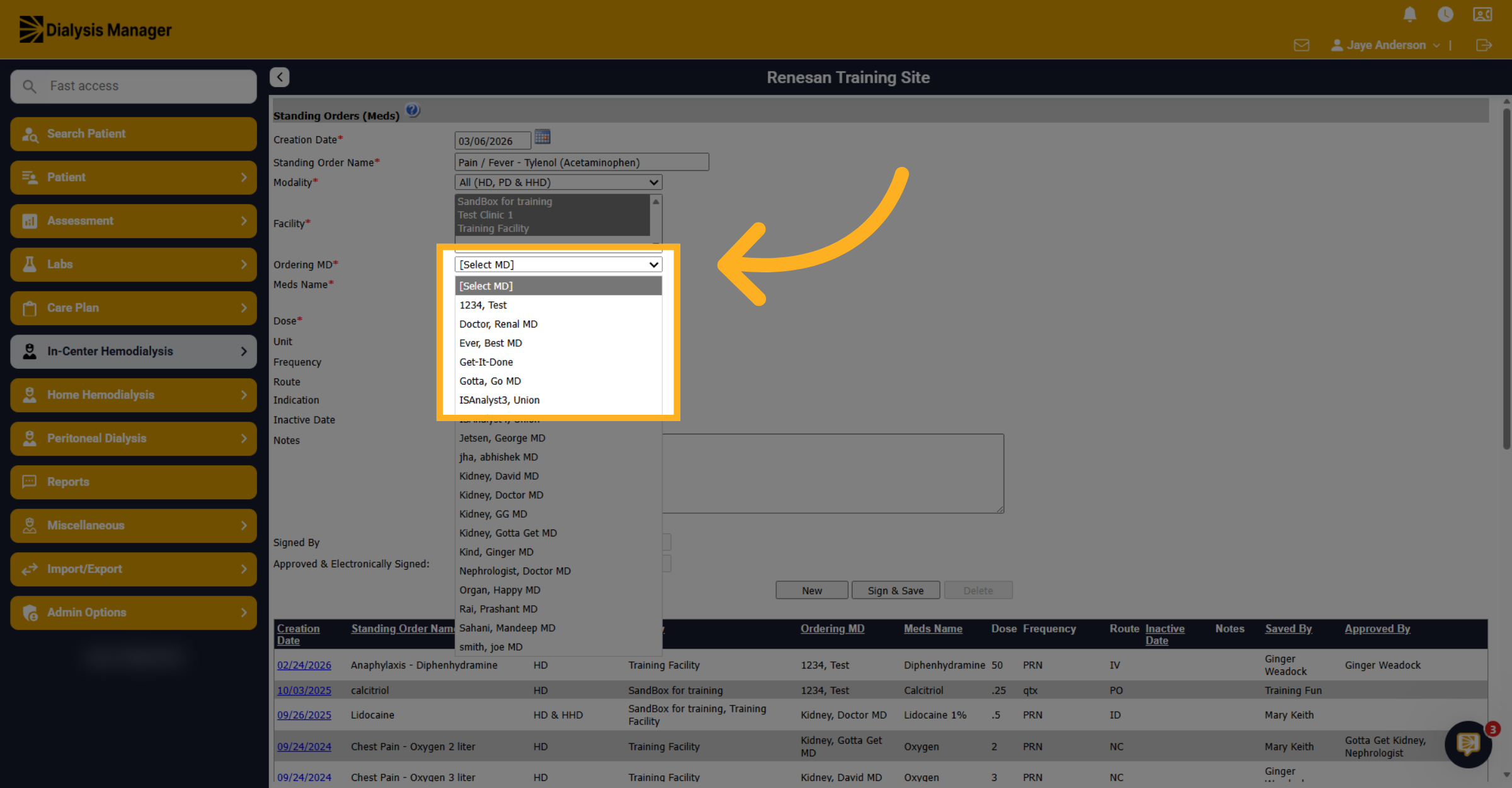
9. Identify Physician And Medication
Next choose the medication name that you want to add to the Standing Order list.
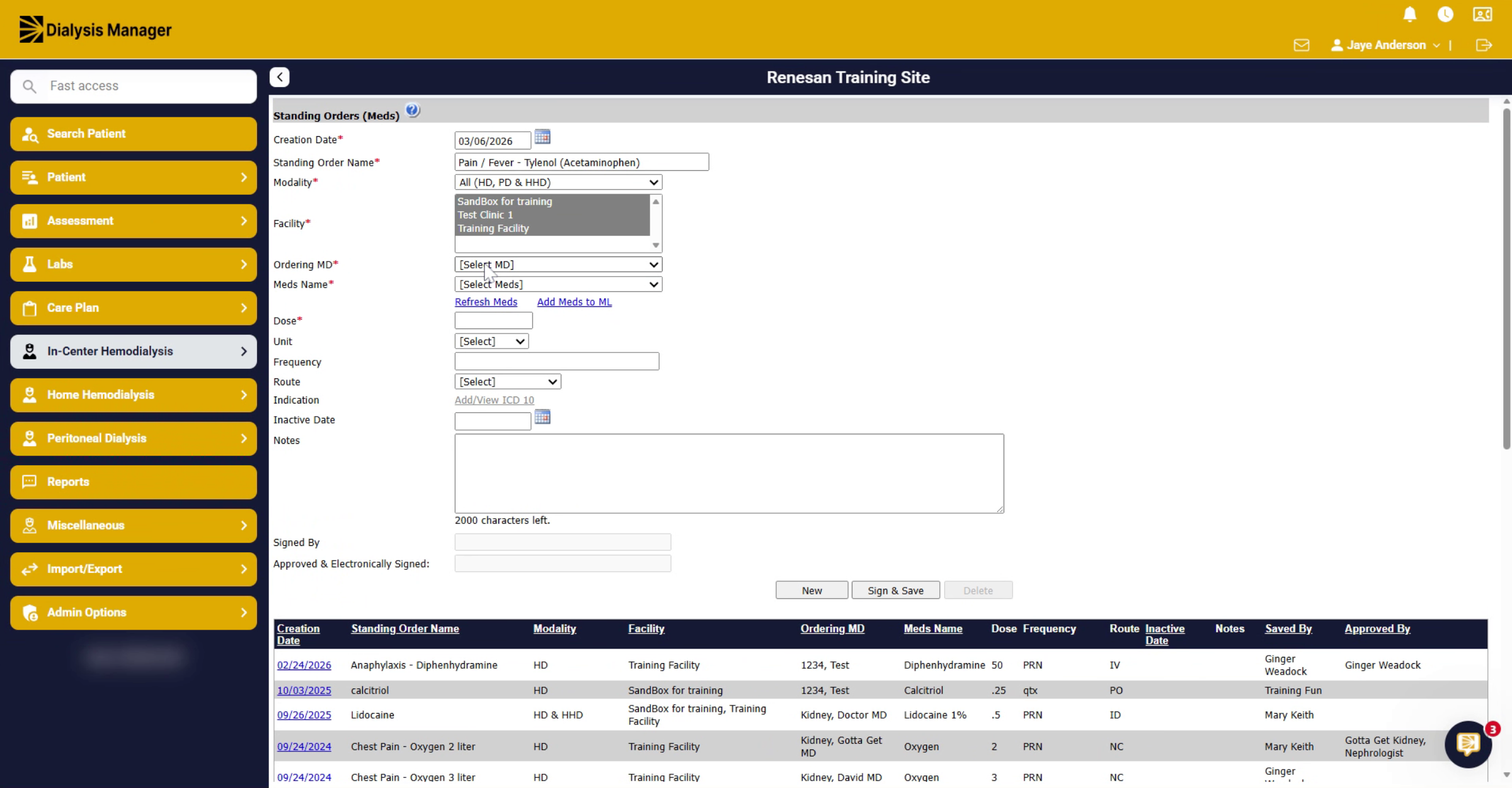
10. Search For Medication
You can start to type in the medication, and it'll bring you to that area or you can scroll through the list.
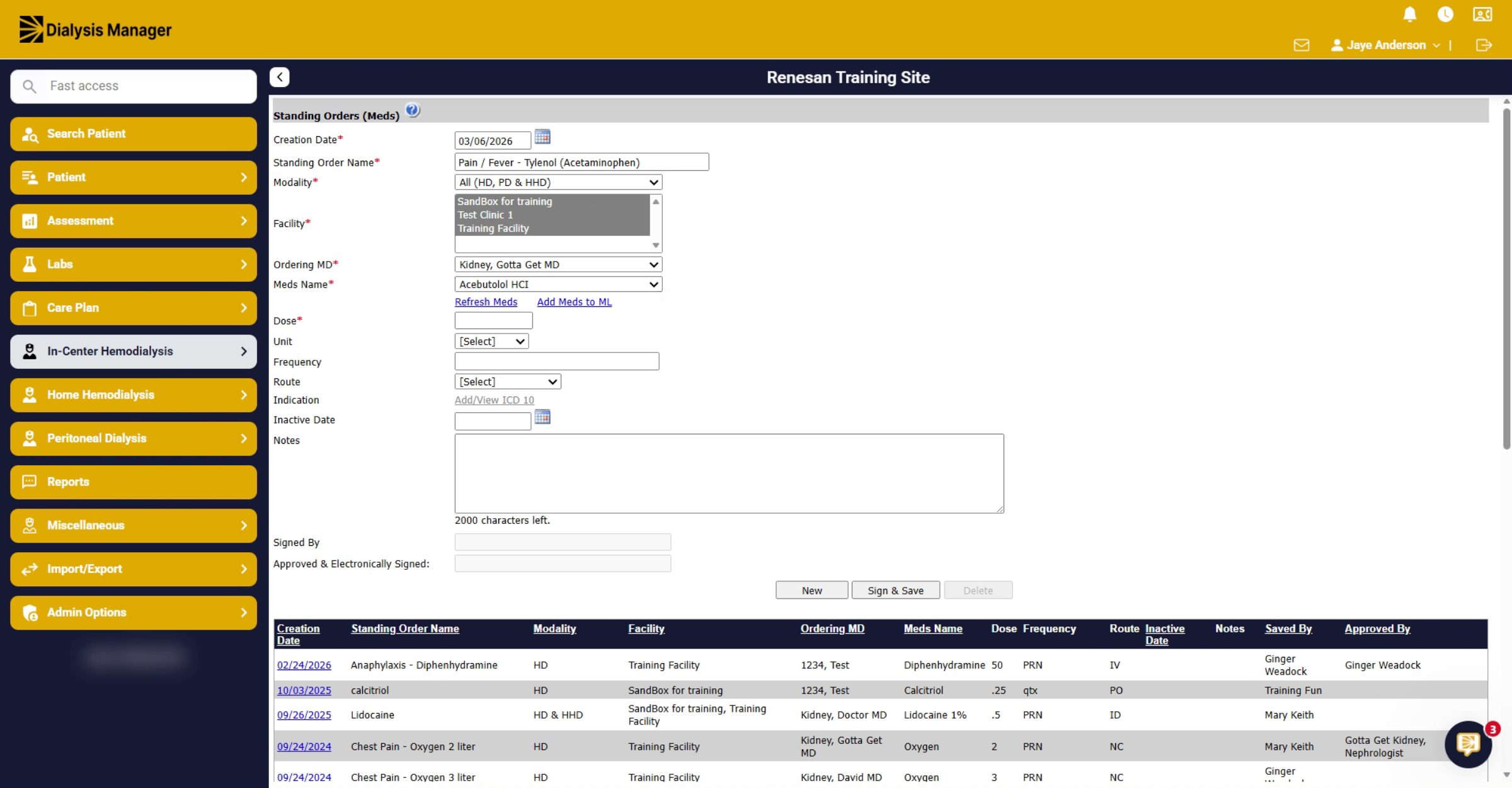
11. Enter Dose, Frequency, Route, And Notes
Enter the dose you are going to use. Enter the Units, and the frequency, your route, and any additional notes, if needed.
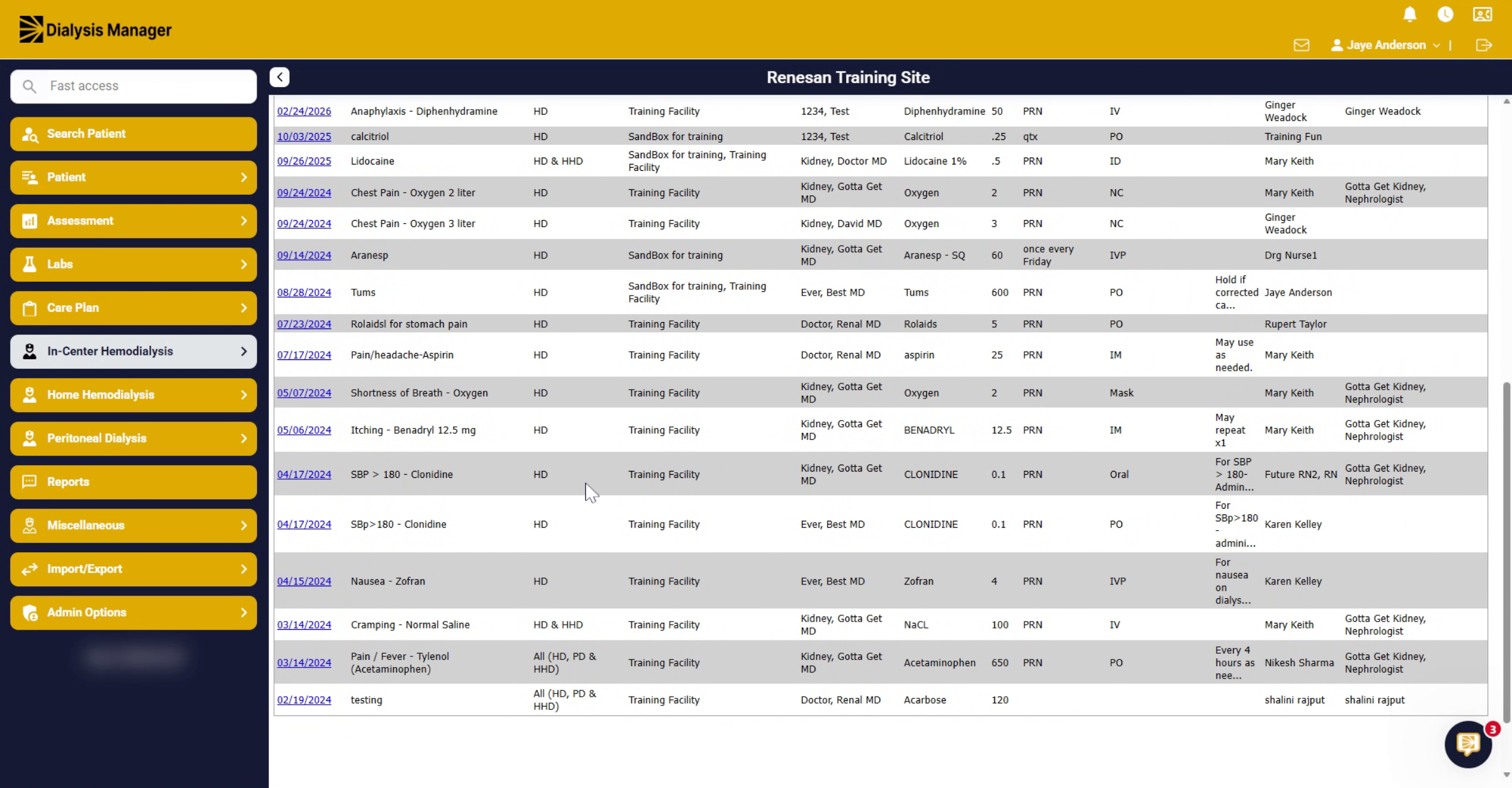
12. Finalize By Signing And Saving
Click the sign and save button to complete the entry of the standing medication order.