Create Patient Portal Account in Renvio
1. Introduction
Use this guide to make a patient portal user. This tutorial walks you through creating ausers within the Renvio platform.
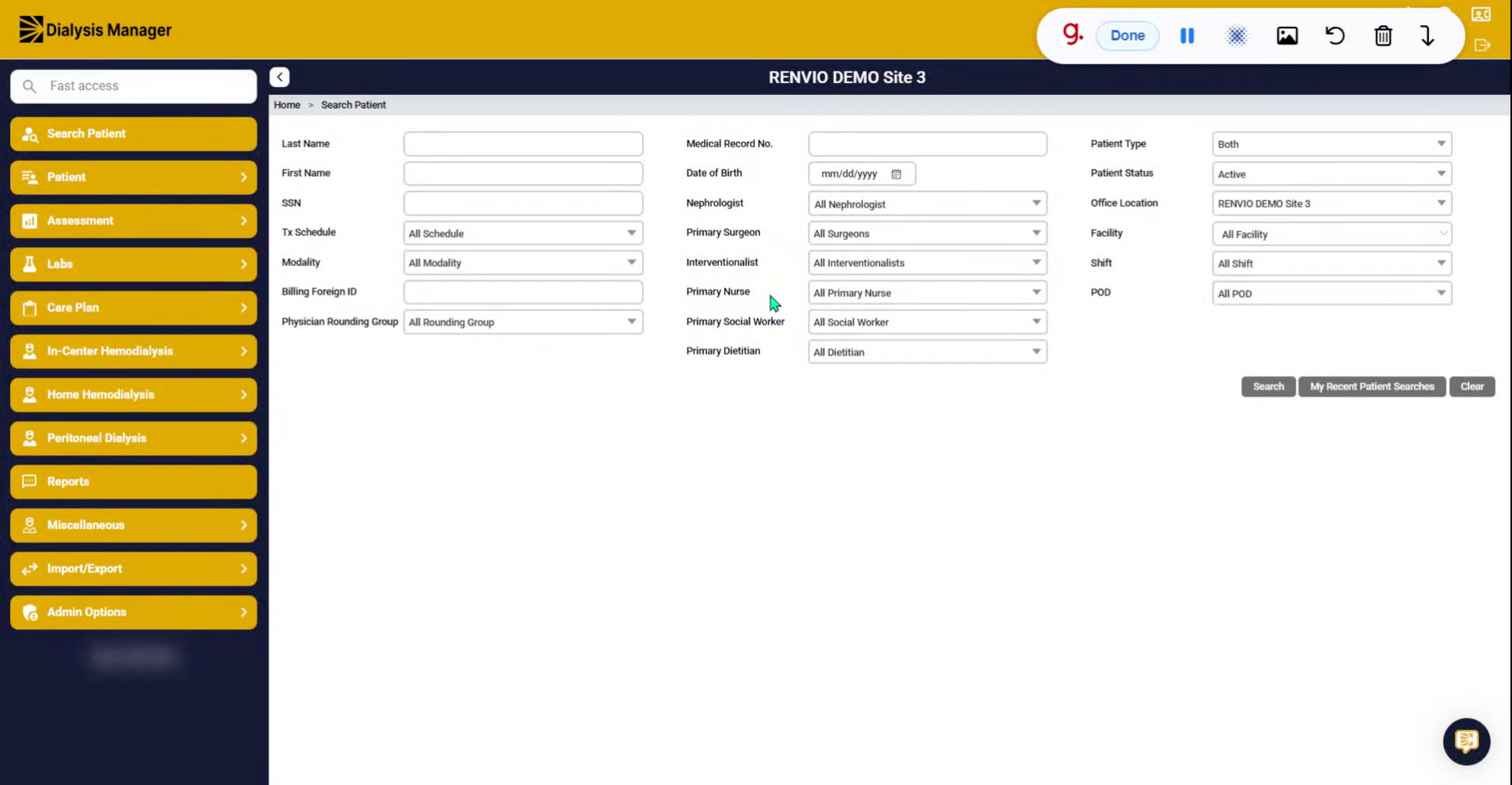
2. Access Admin Options
Click "Admin Options".
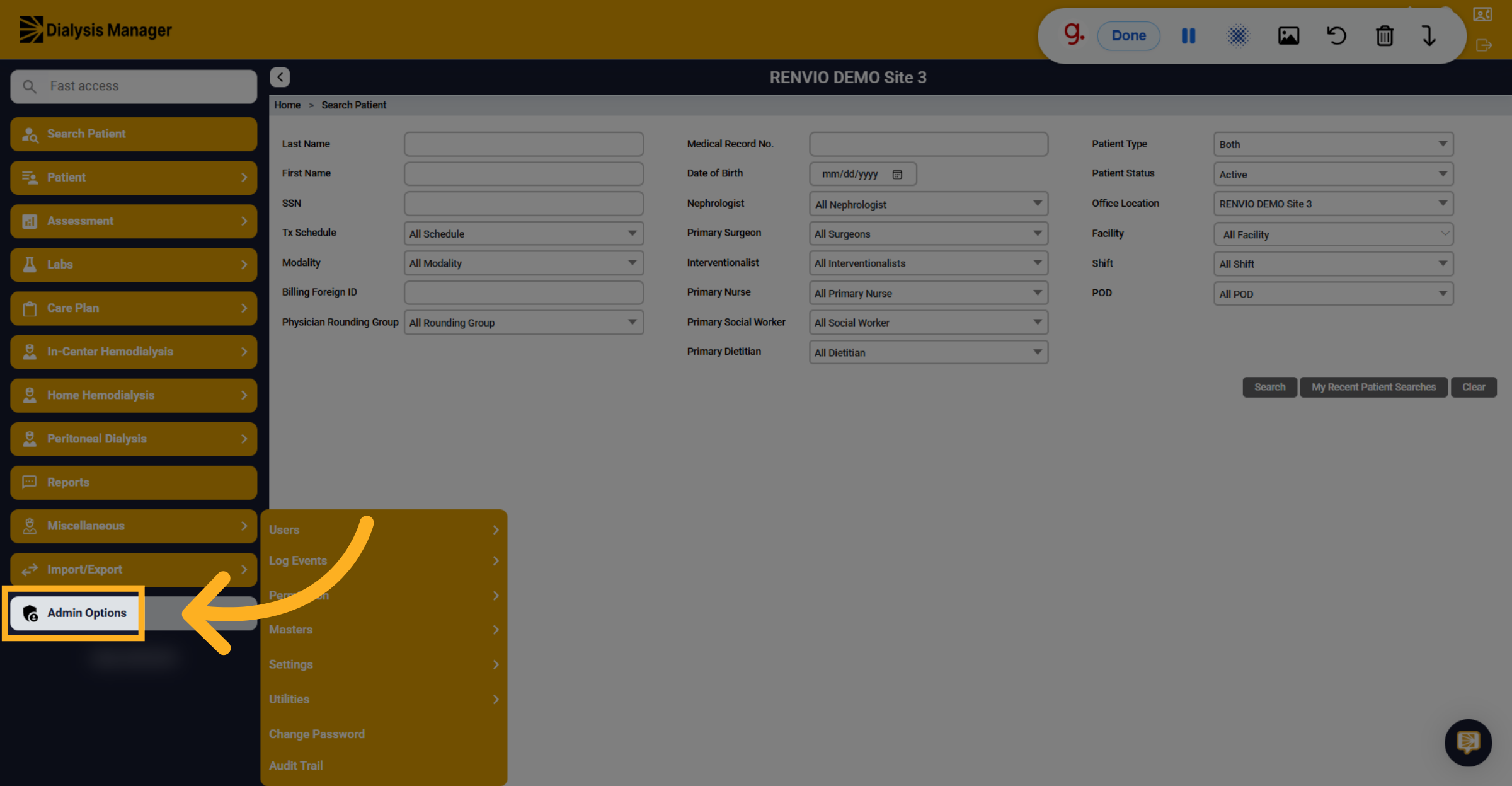
3. Open Users Section
Click "Users".
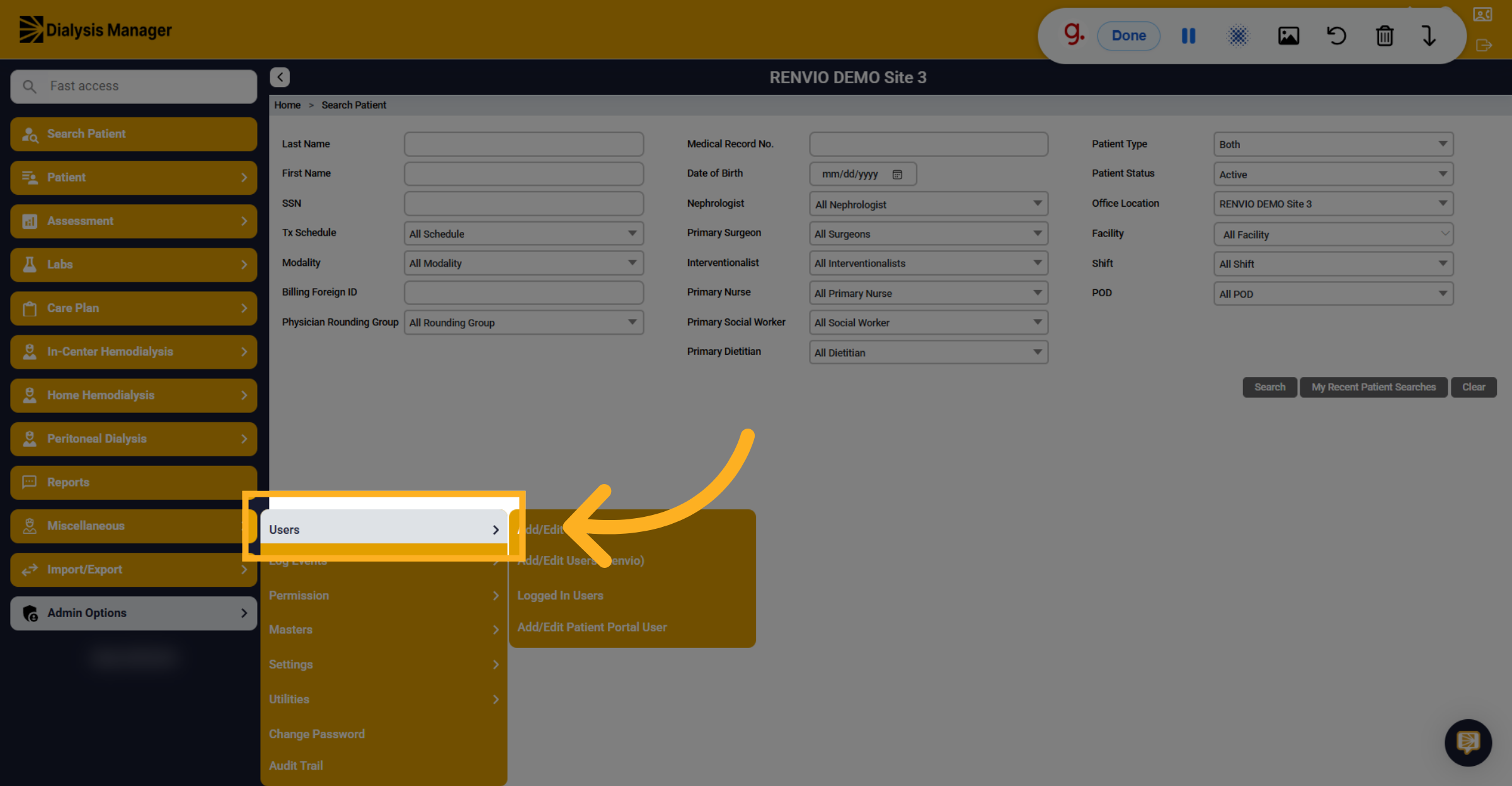
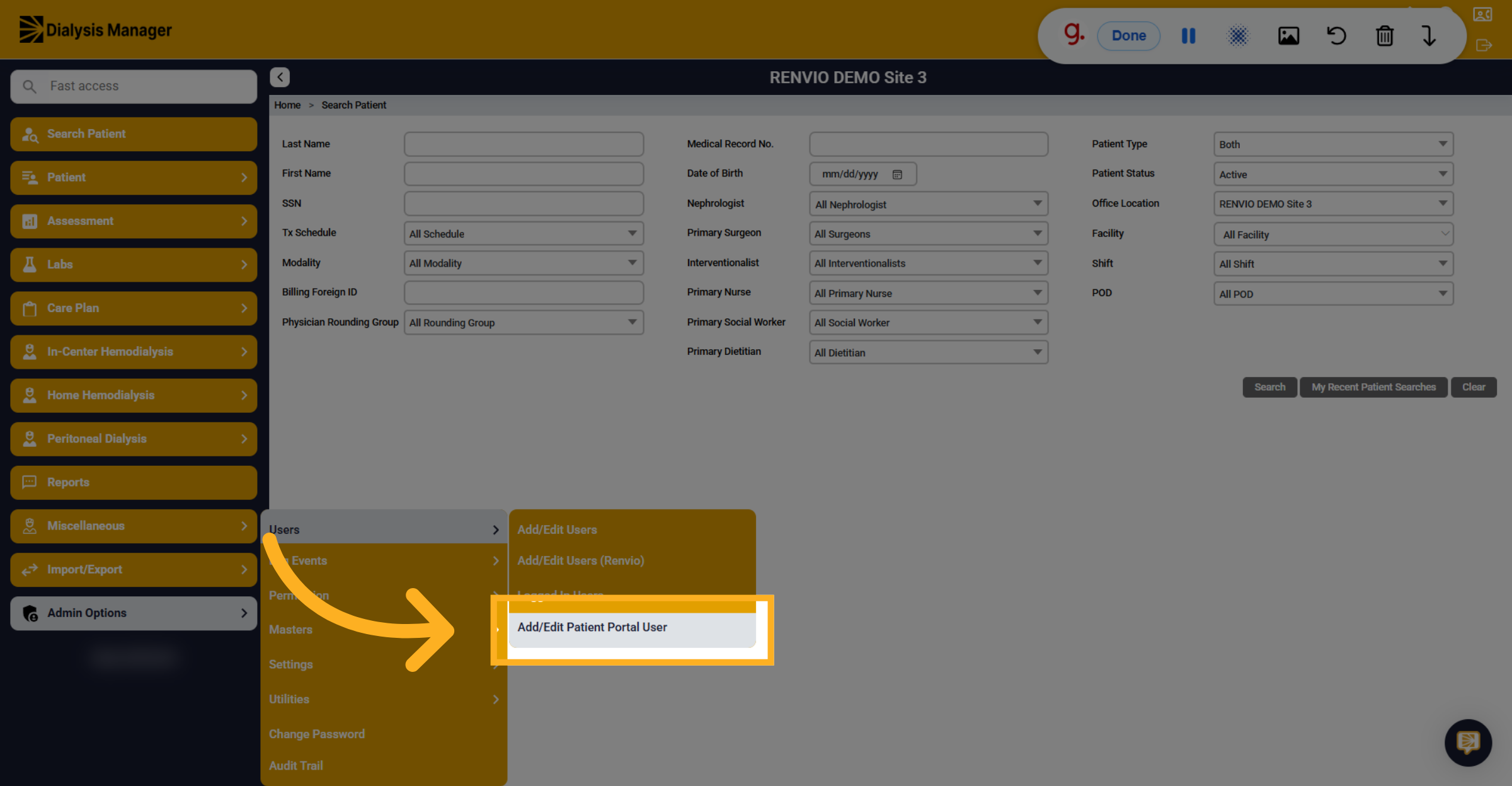
4. Add Or Edit Patient User
Click "Add/Edit Patient Portal User".
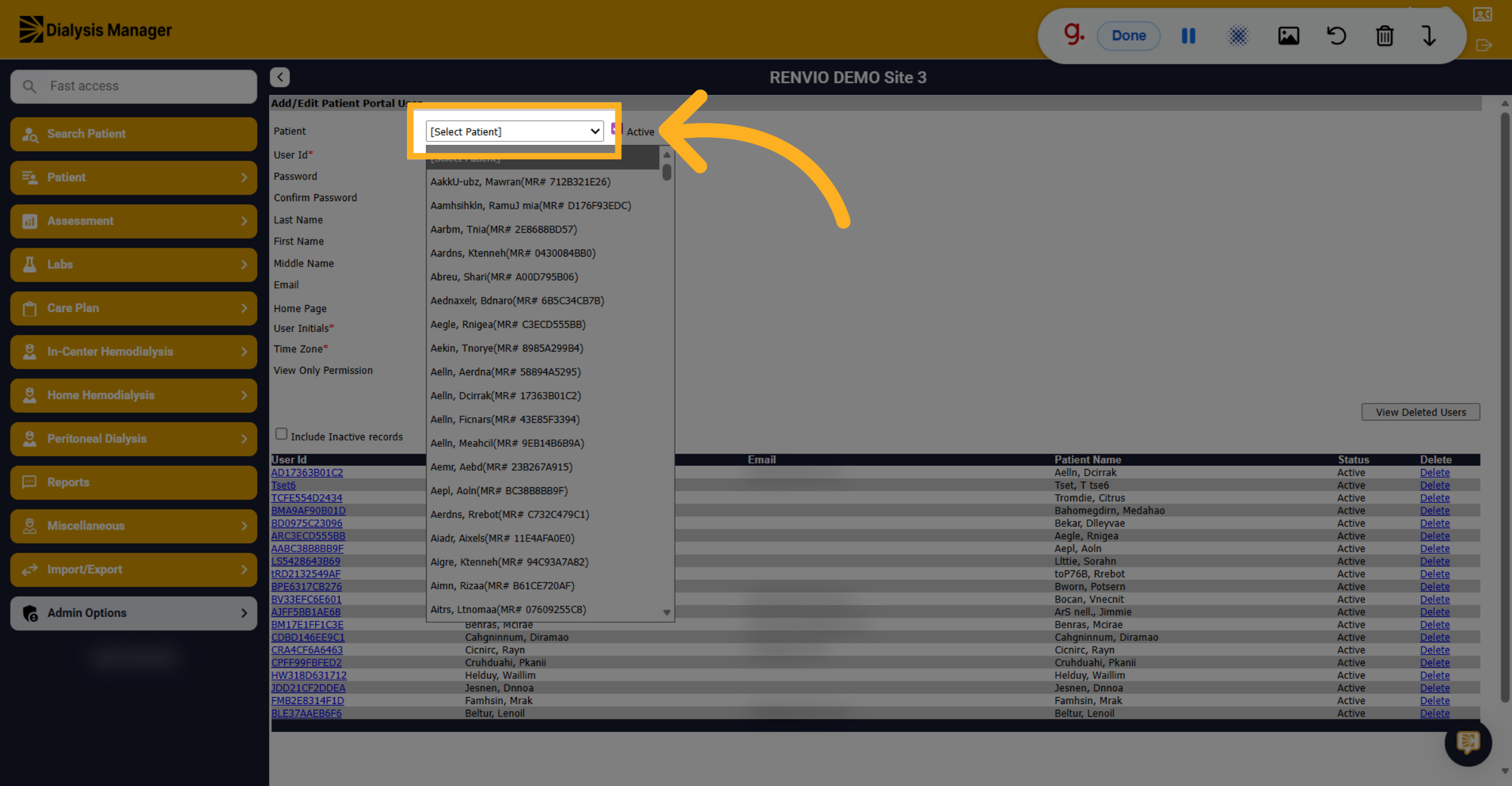
5. Select Patient Record
Click the patient selection dropdown and choose the appropriate patient record.
6. Enter User Initials
Enter the user's initials.
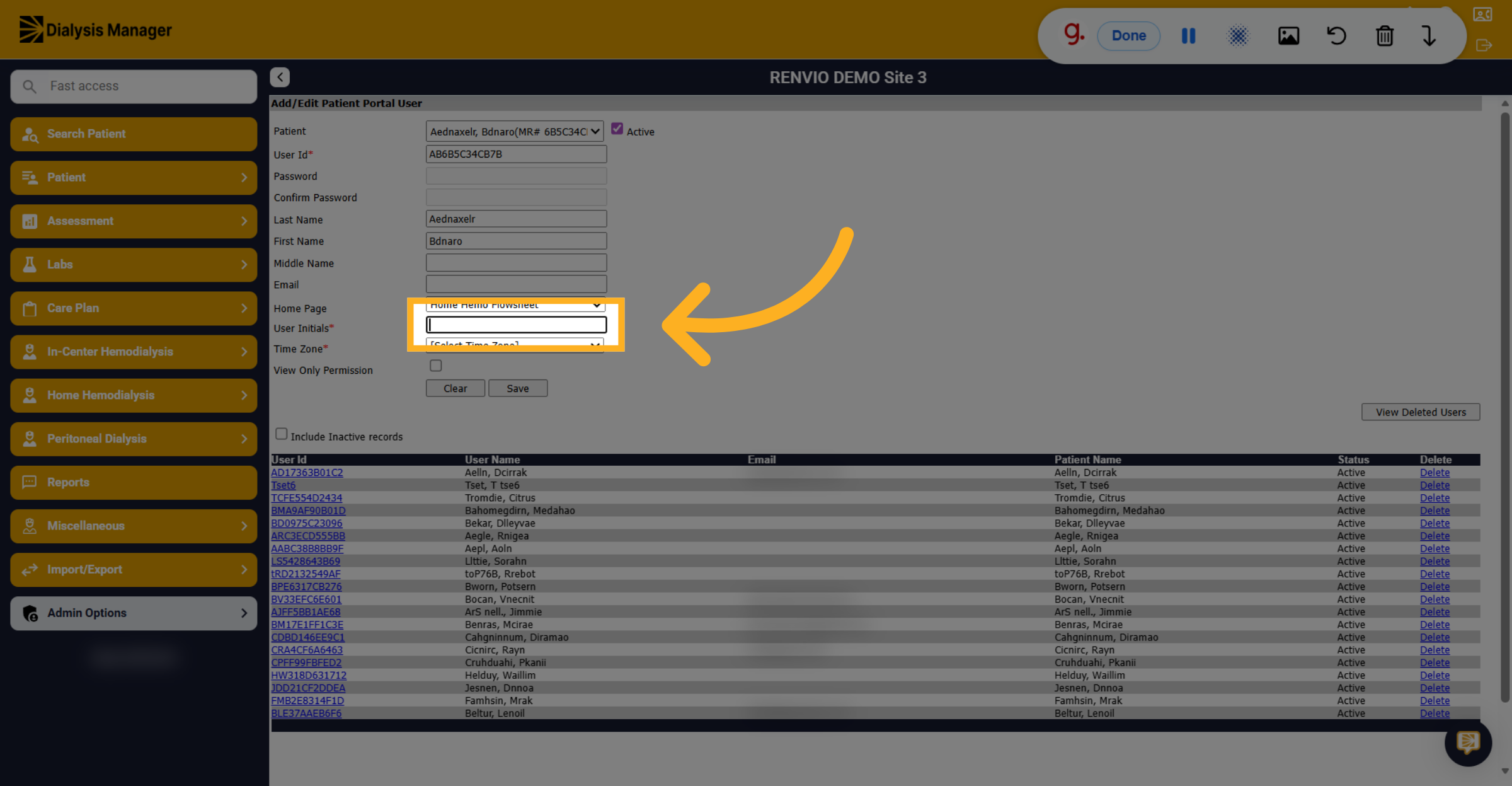
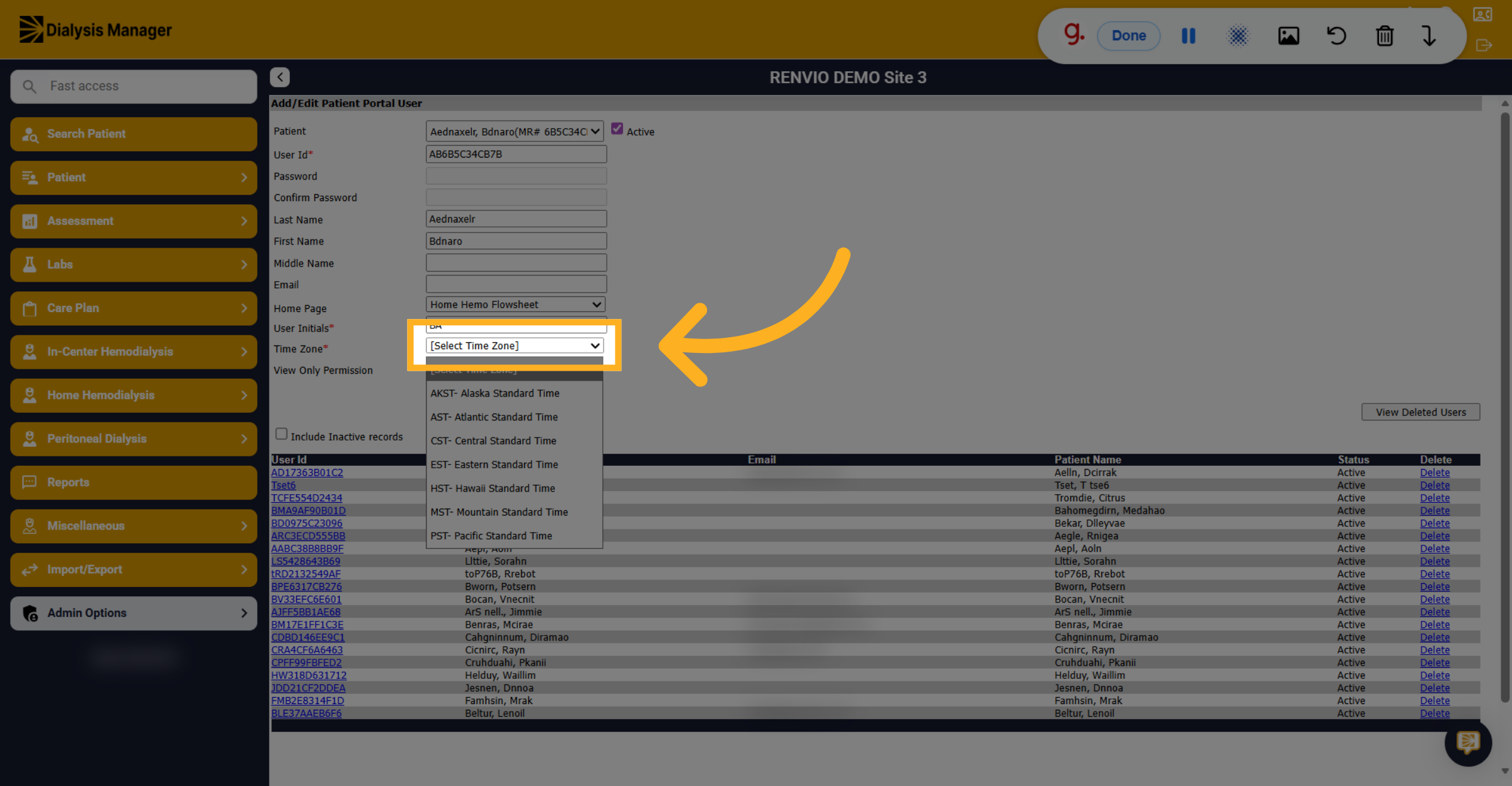
7. Open Time Zone Dropdown
Click the time zone selection dropdown to choose the patient's time zone.
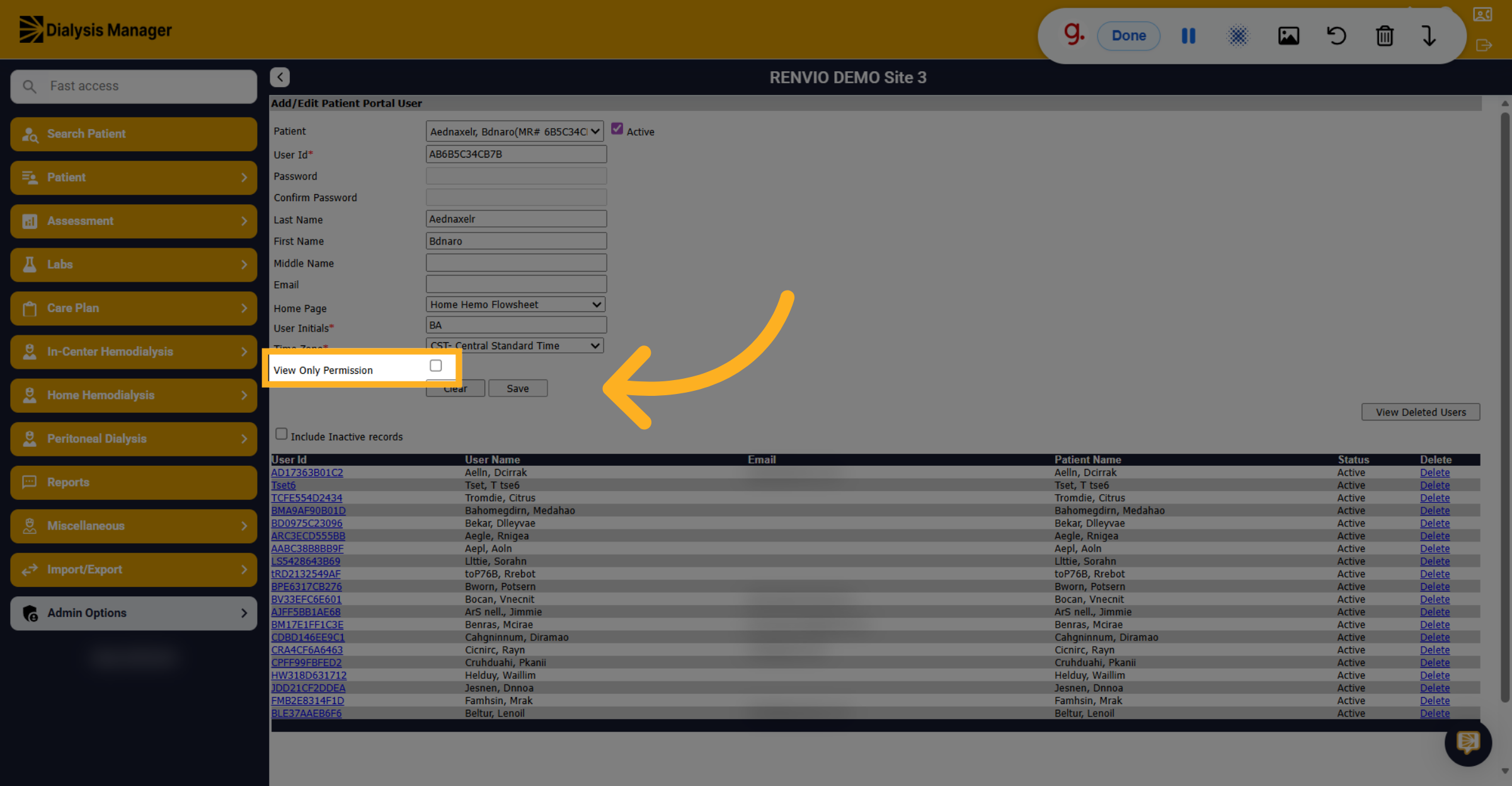
8. Optional: View Only Permission
If the patient is staff-assist or in-center, check the View Only Permission checkbox.
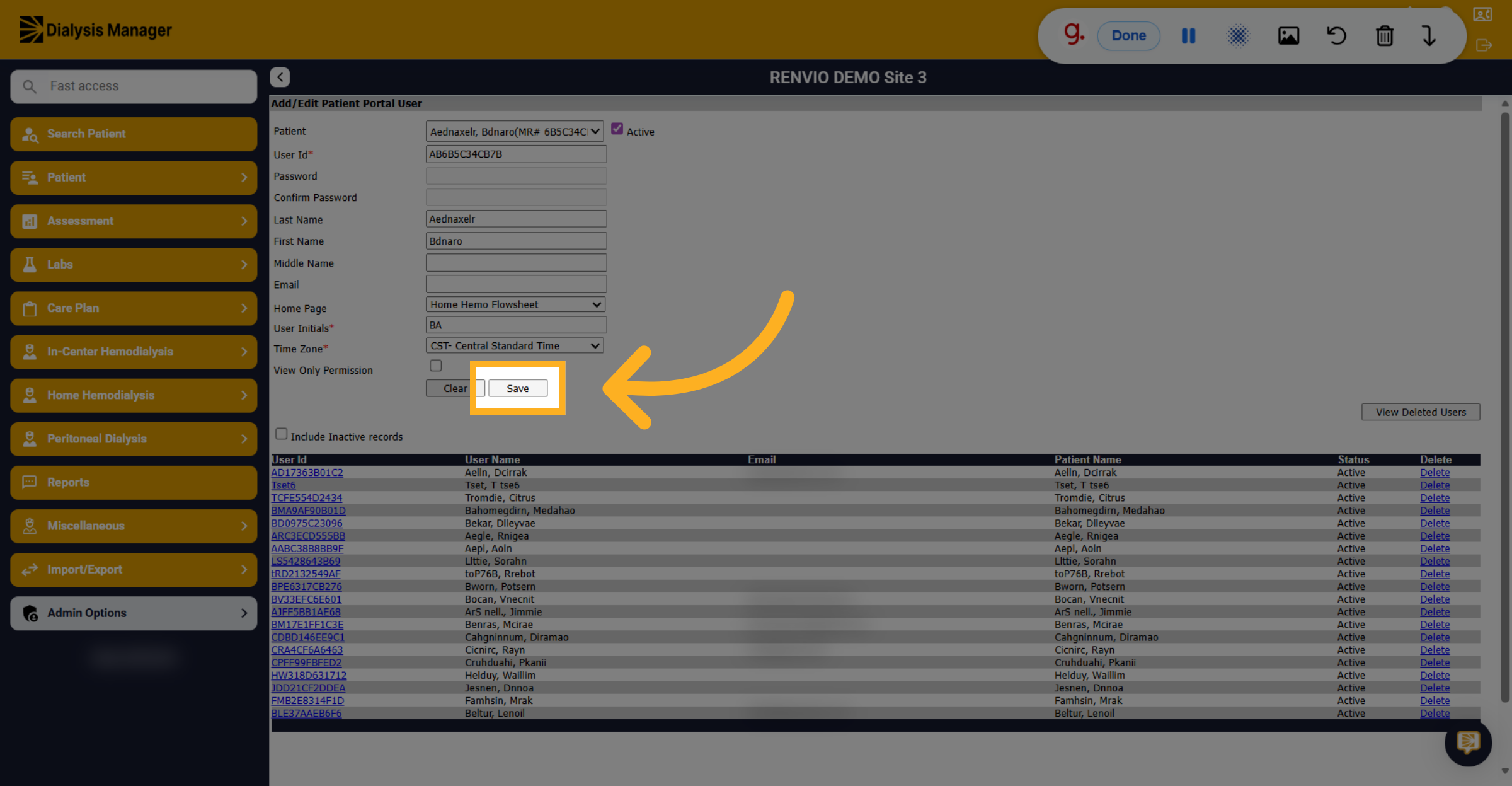
9. Save Patient User Details
Click "Save" to store the patient portal user information.
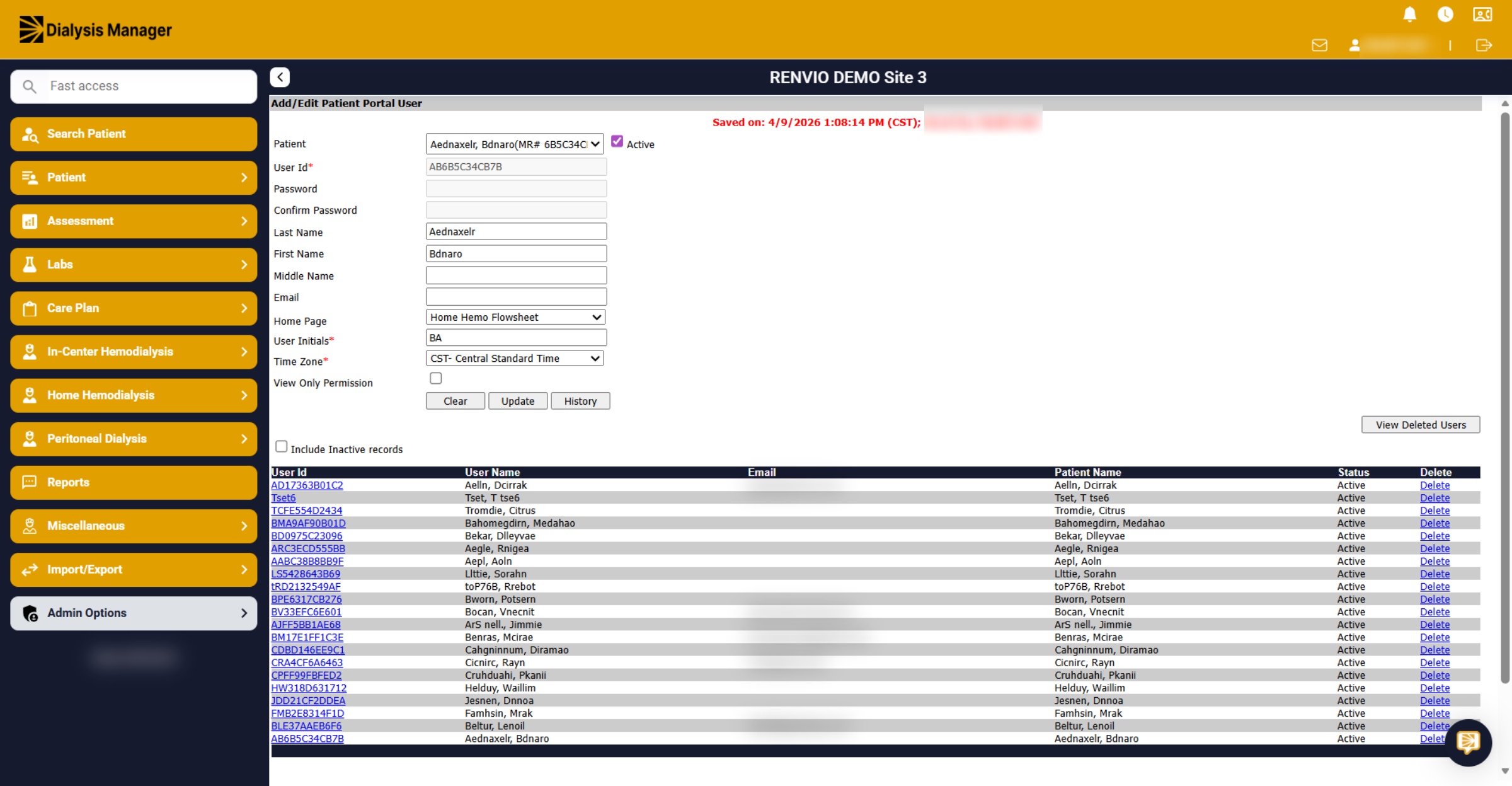
10. View Dialysis Manager
After the user is created in Dialysis Manager, go to Organization Manager.
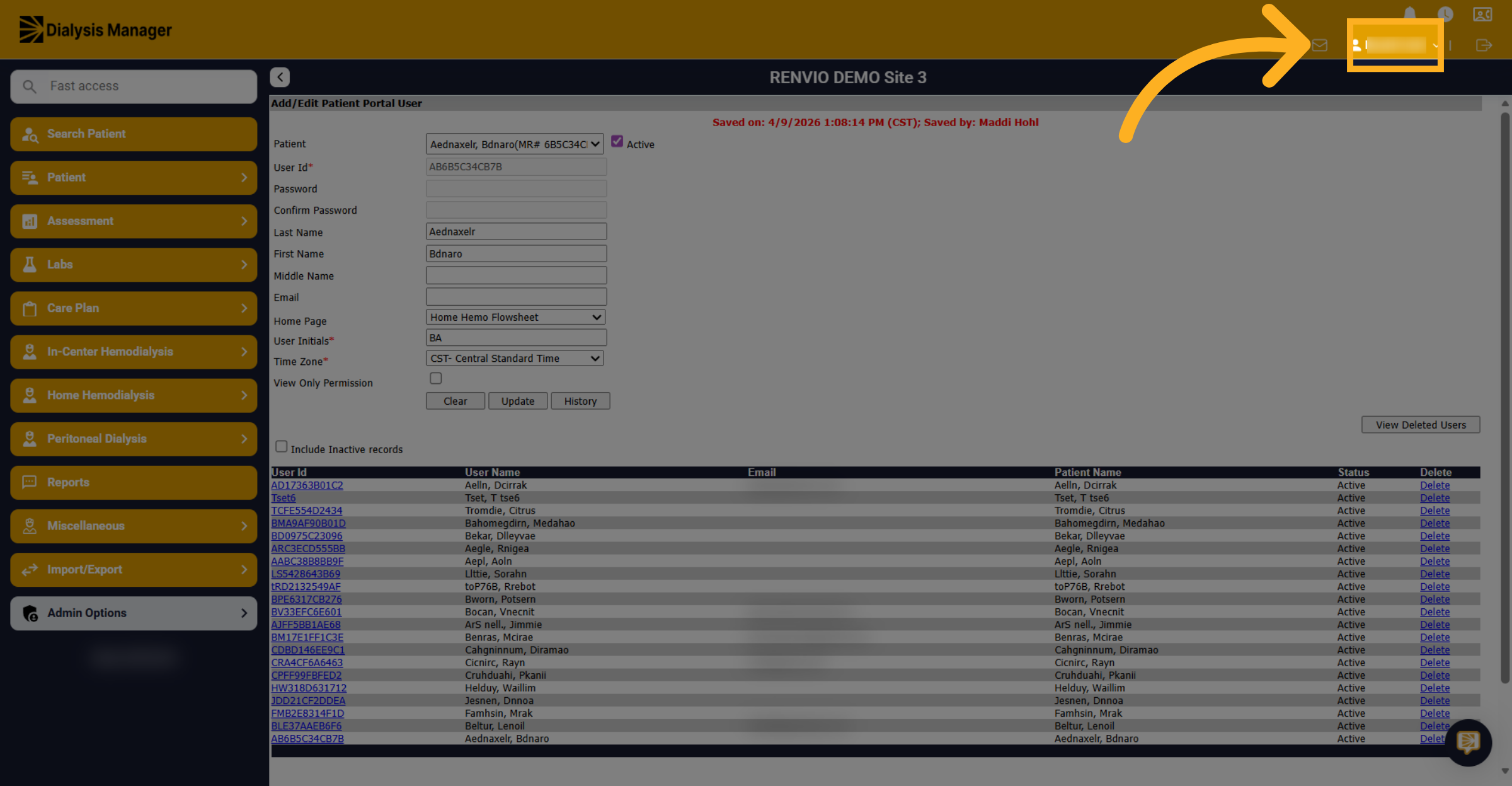
11. Select User Profile
Click your name to access the user profile.
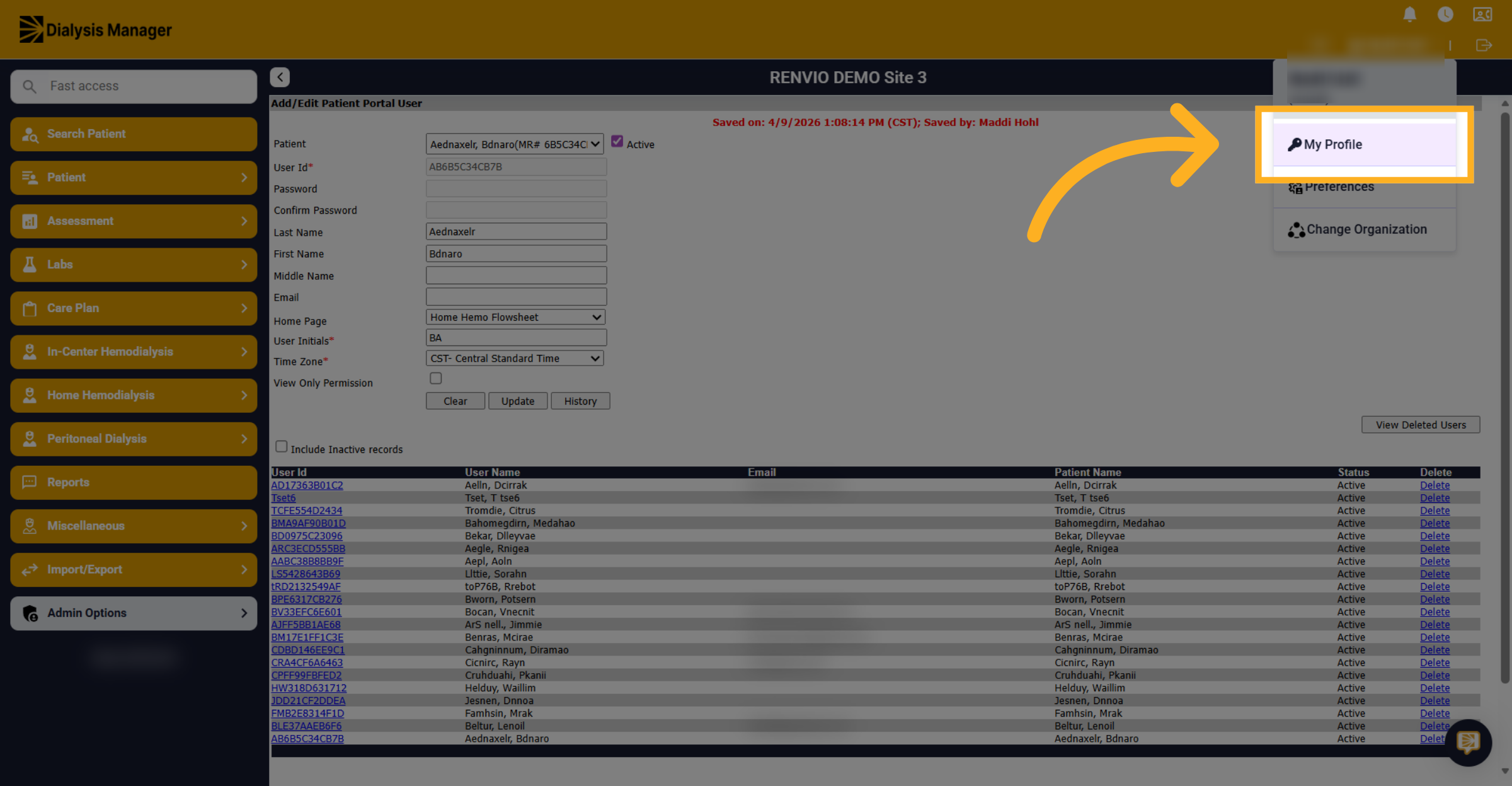
12. Open My Profile
Click "My Profile".
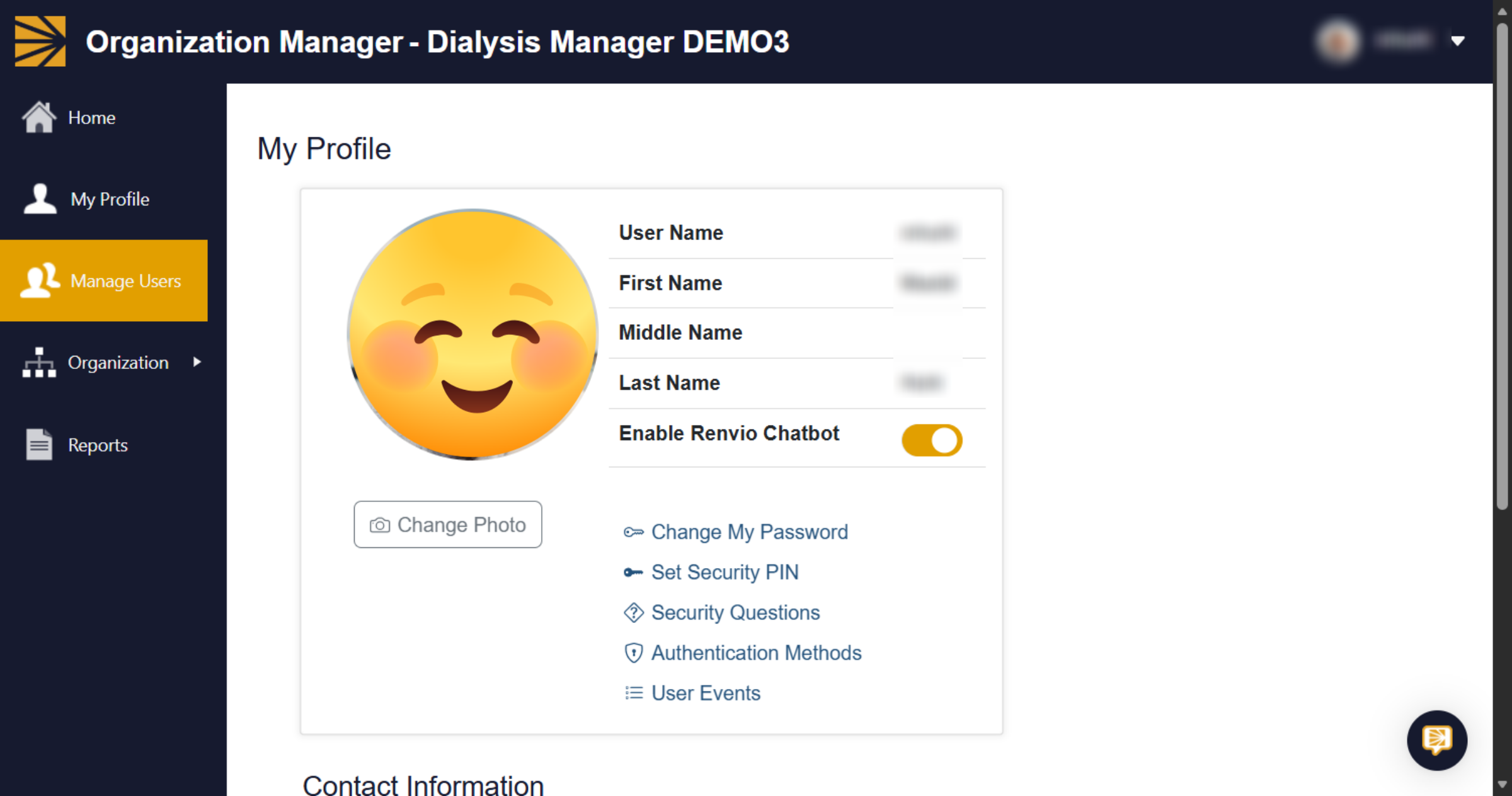
13. Switch To Organization Manager
Switch to the Organization Manager popup.
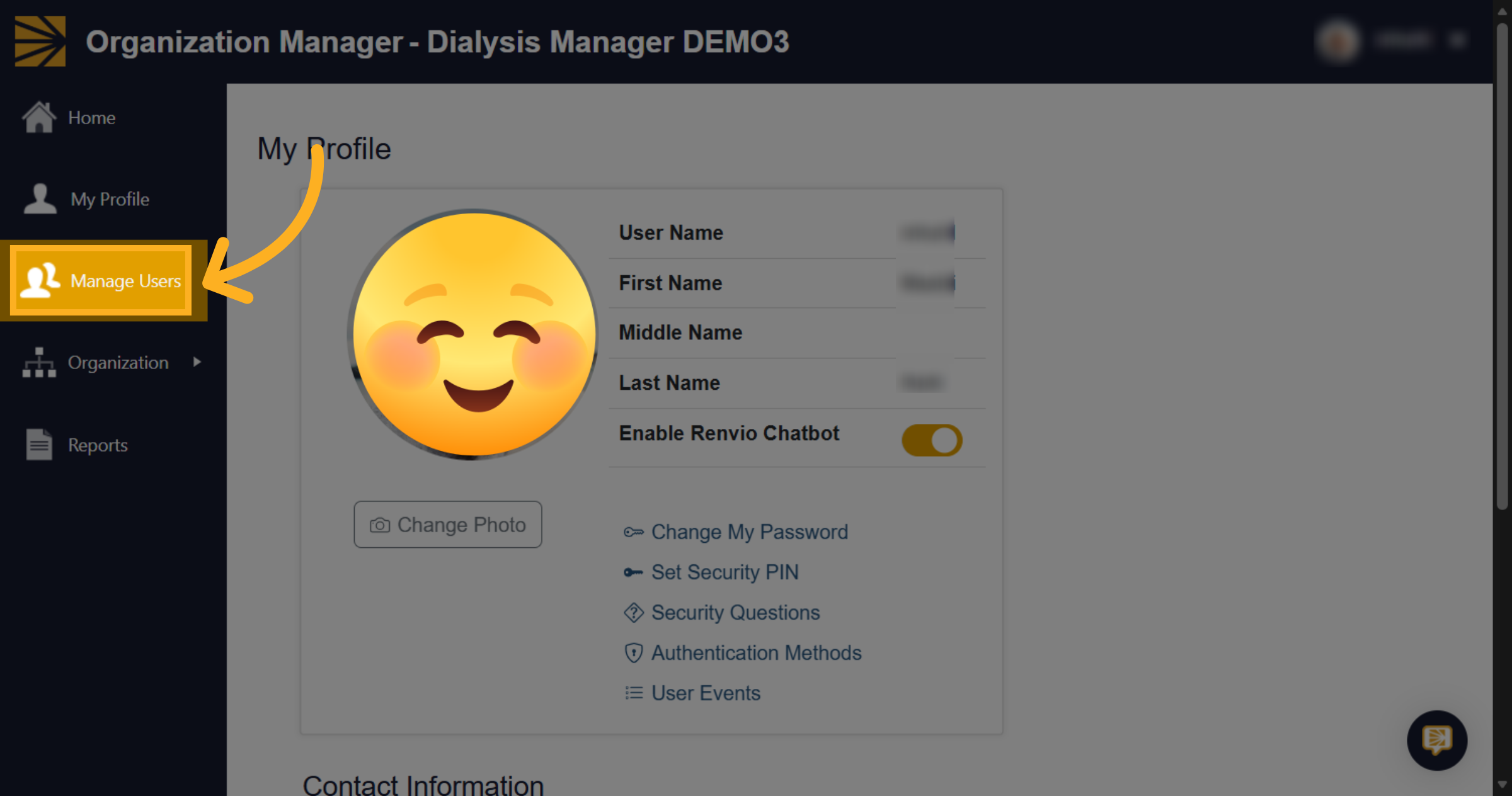
14. Access Manage Users
Go to Manage Users.
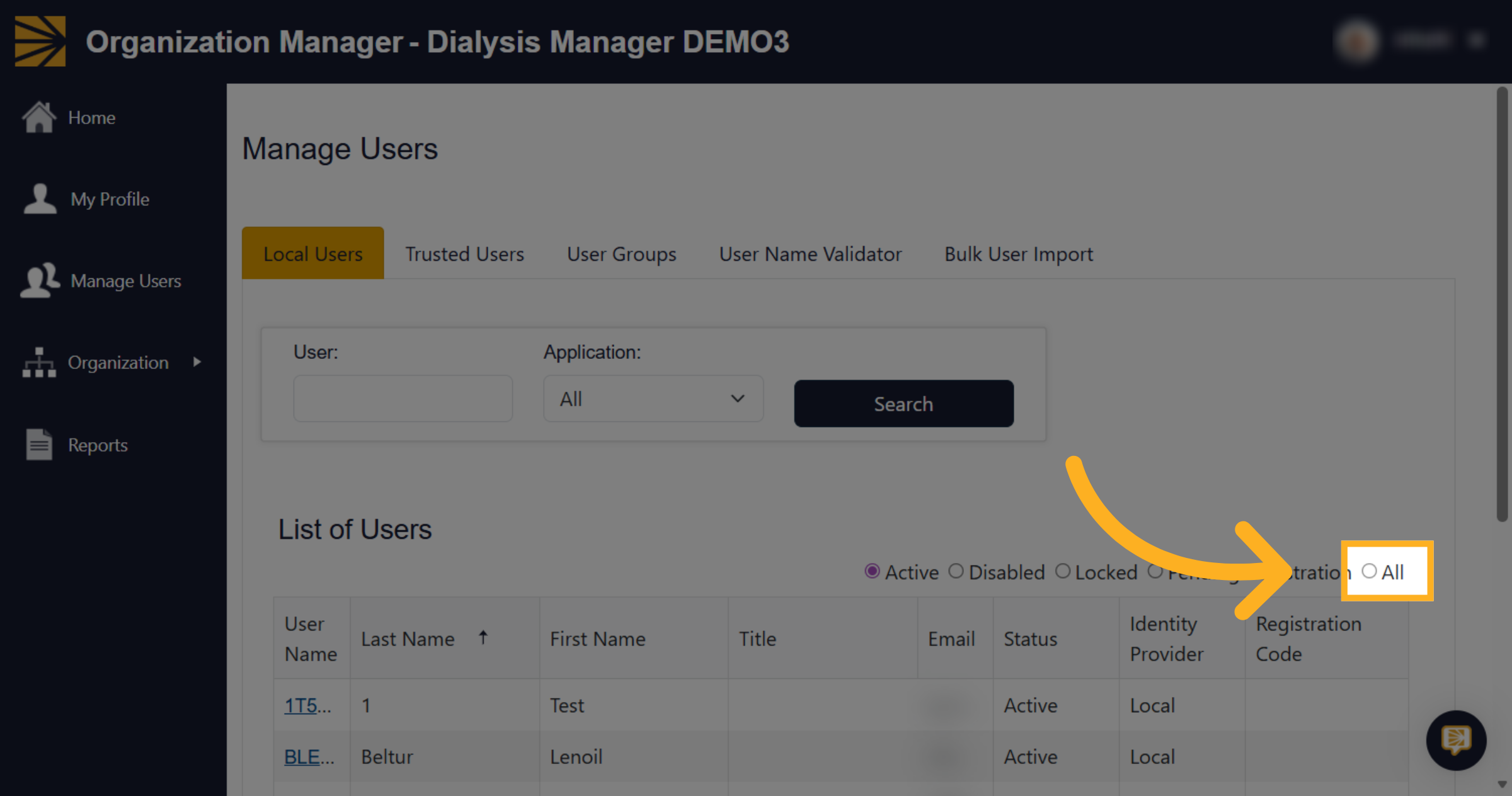
15. Select All Users
Choose "All" above the list of users.
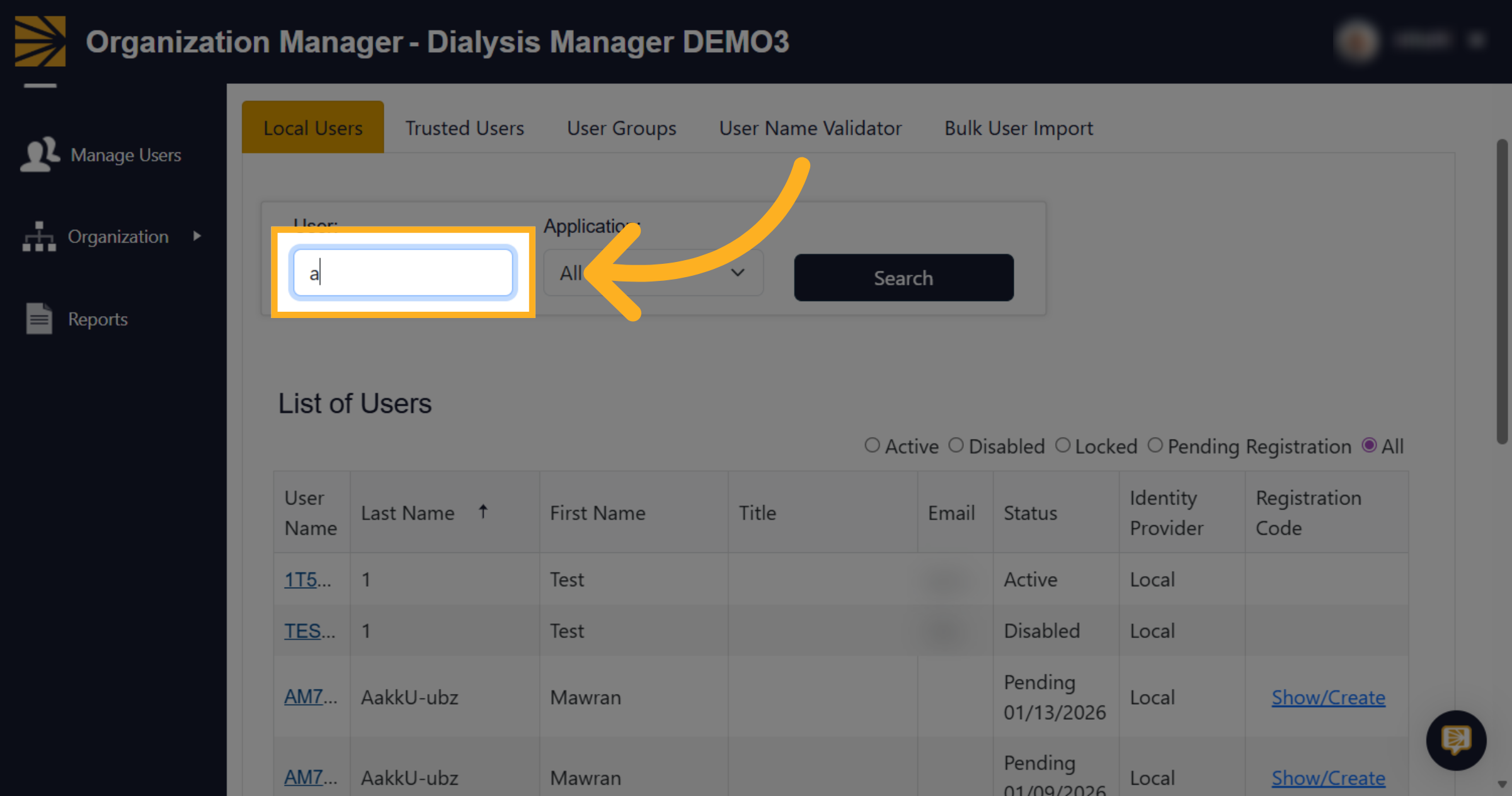
16. Enter Search Criteria
Fill the search field to find the user.
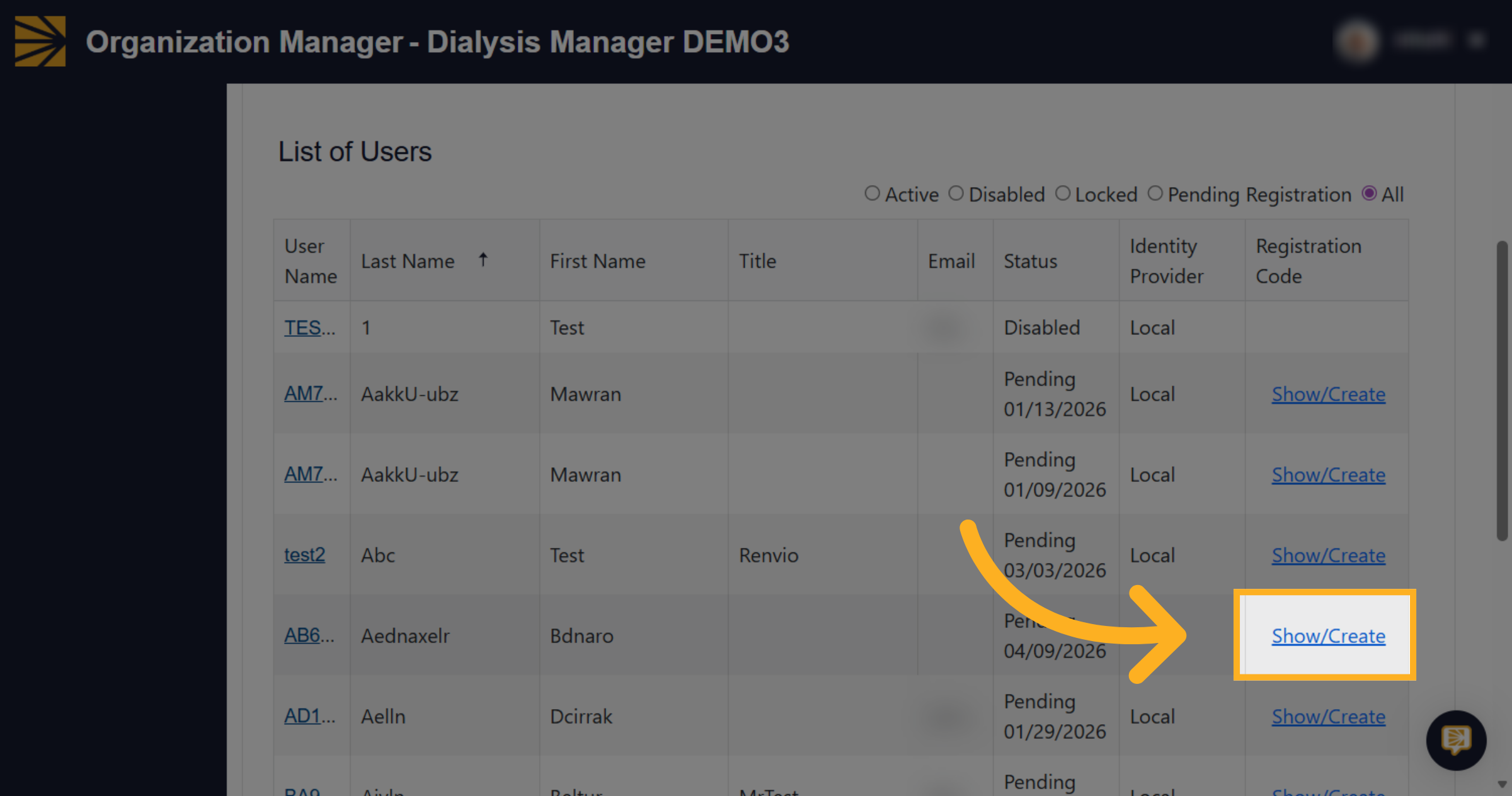
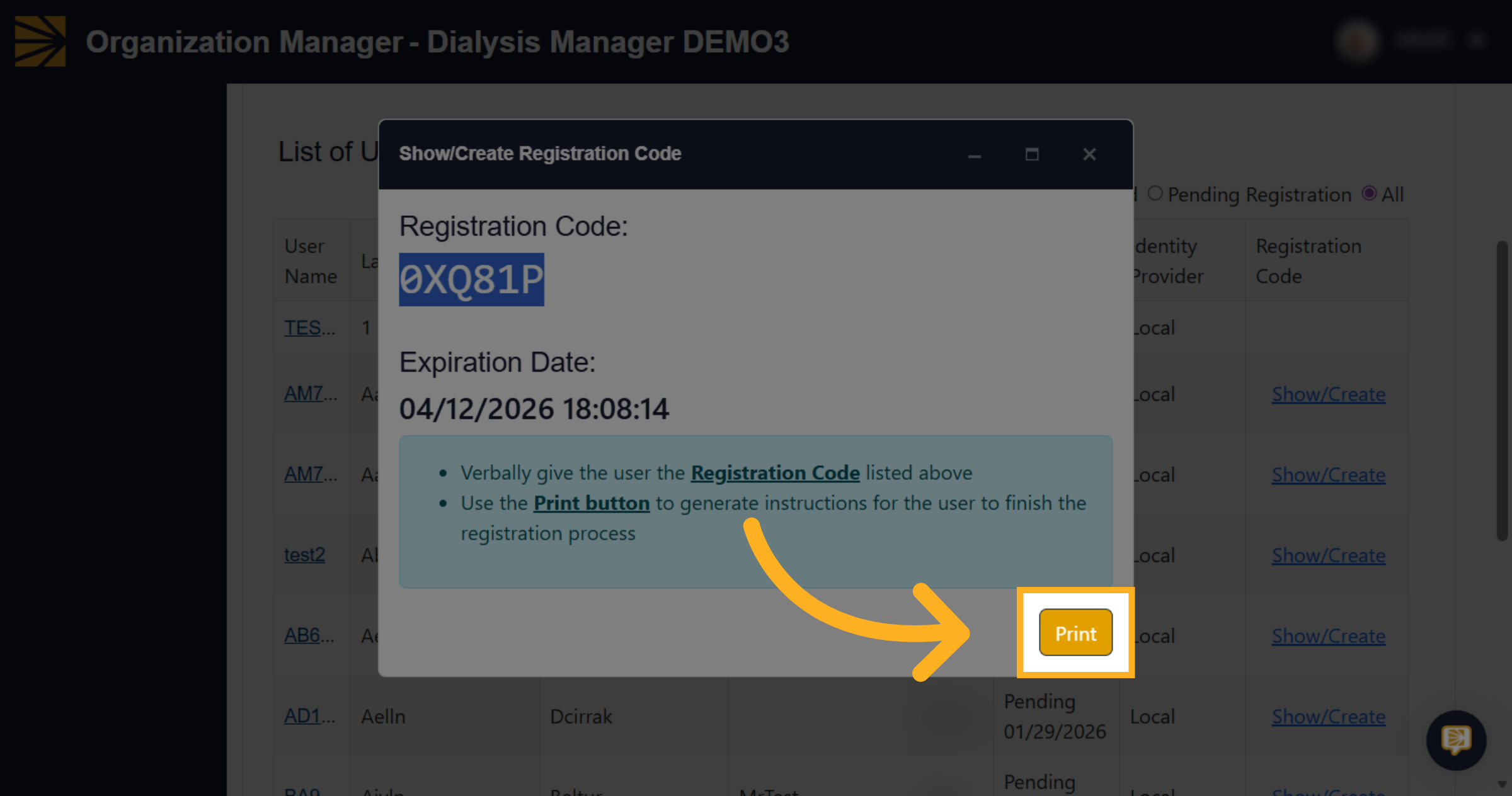
17. Open Registration Code
Click "Show/Create" under Registration Code.
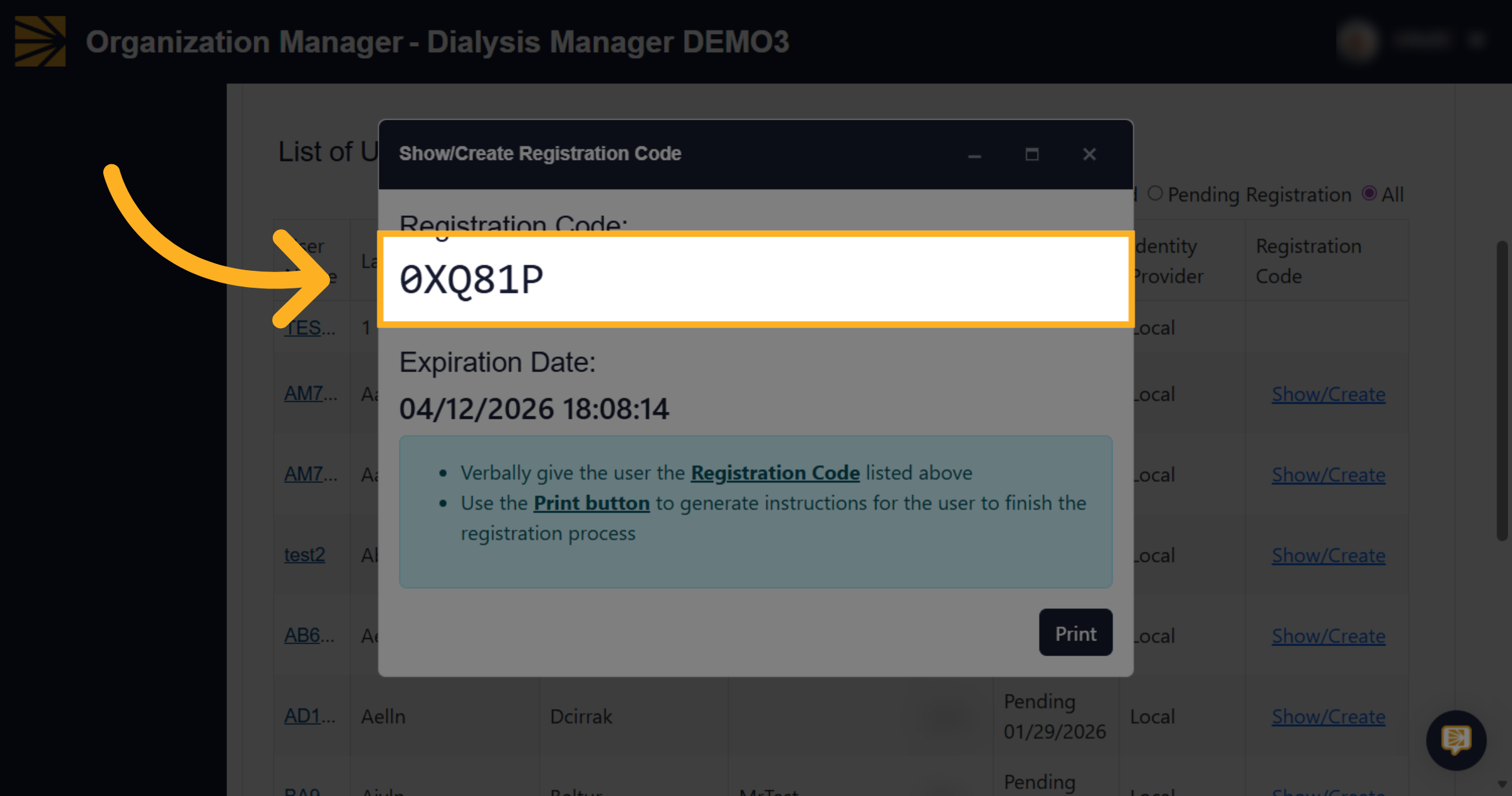
18. Copy Registration Code
Copy down this registration code.
19. Click Print
Click print to generate an instruction sheet.
20. Print Instructions
Print the Registration Code for User instruction sheet.
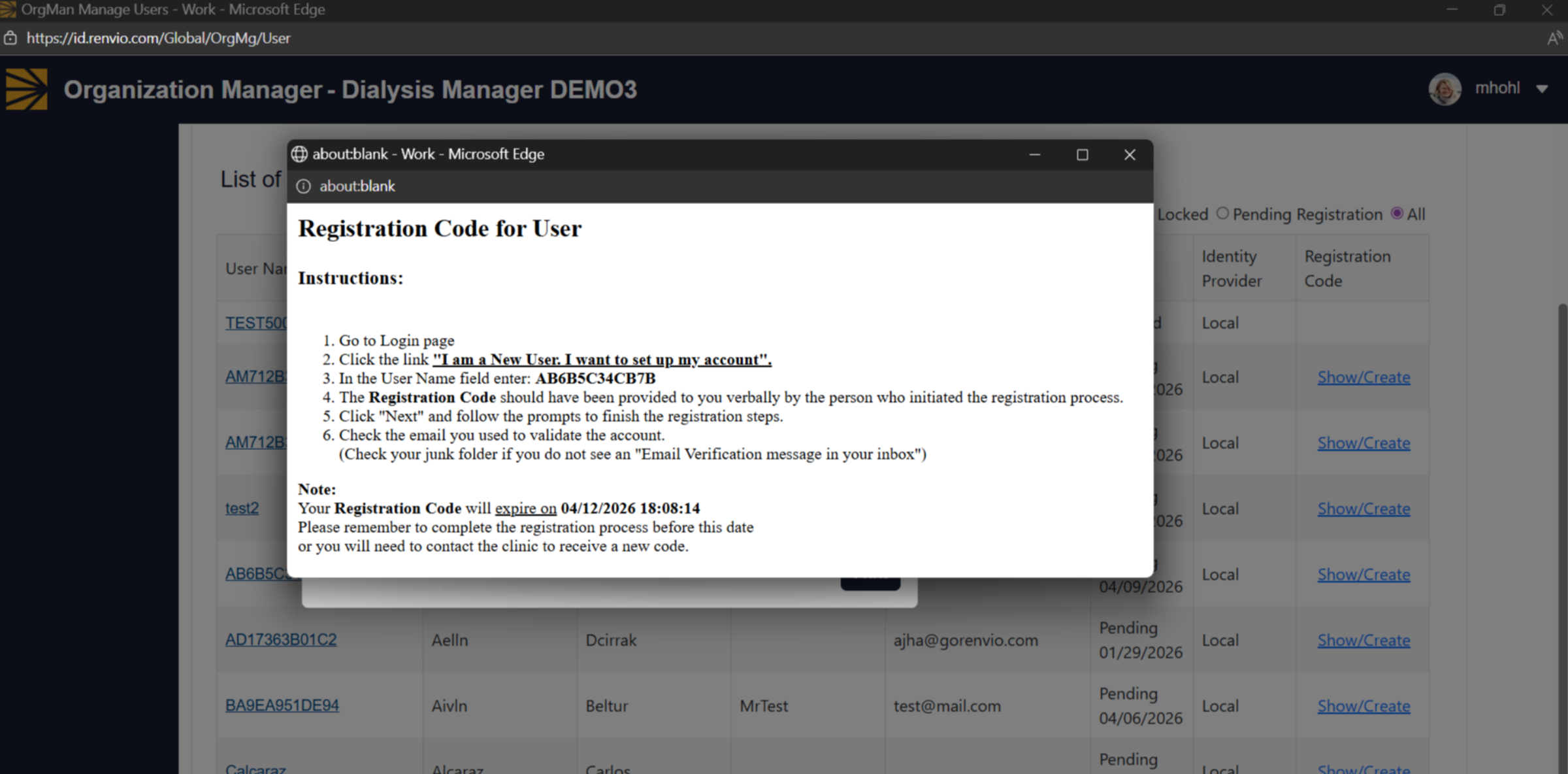
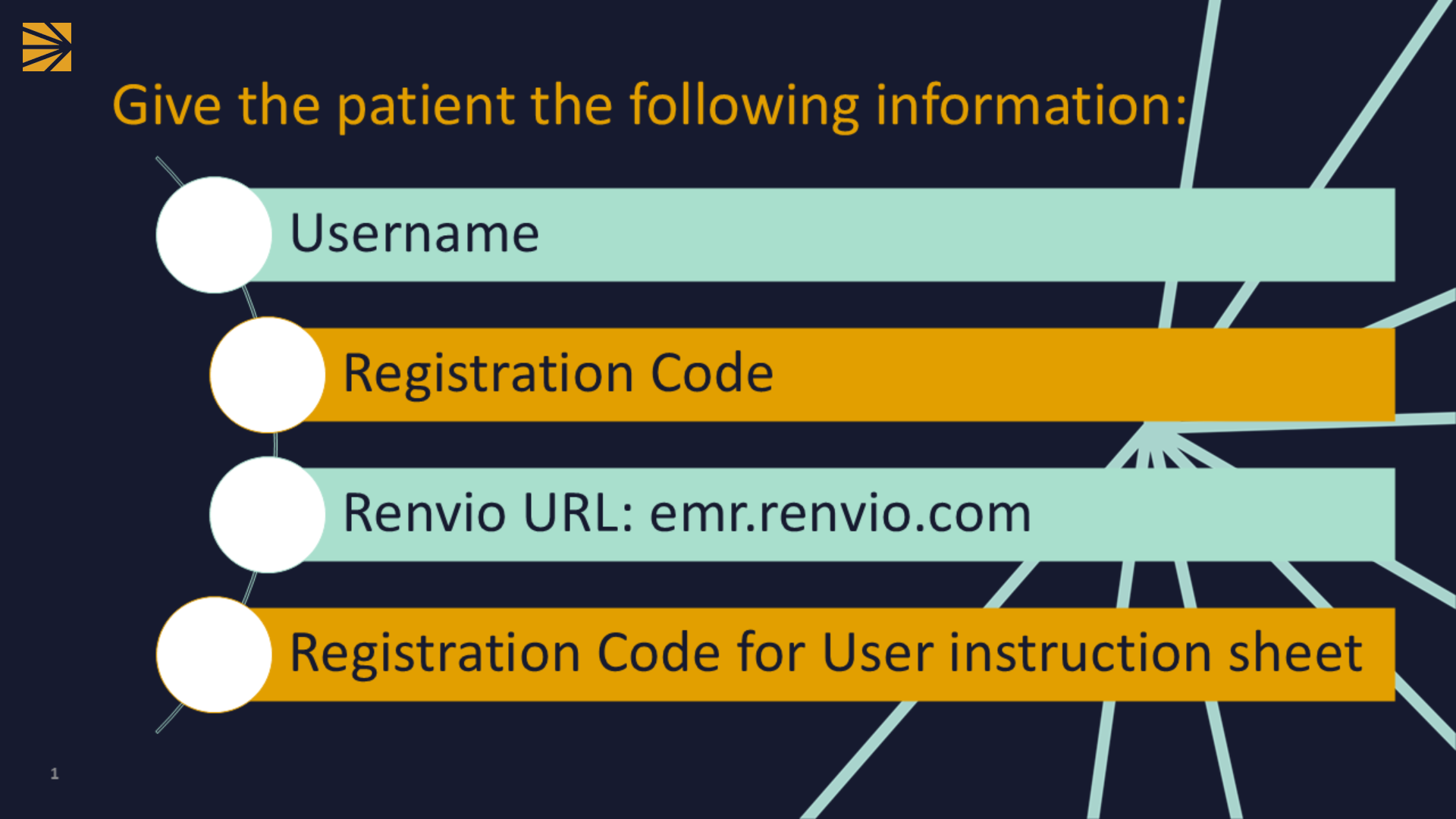
21. Give the patient the following information so they can set up their Patient Portal account:
Give the patient their username, registration code, Renvio URL, and Registration Code for User instruction sheetso they can set up their Patient Portal account.