Note: The provider must already be established in the Admin Options > Masters > Doctor/Other Personnel before adding to a new group. (See Adding Nephrologist_APP Practice Group QRG).

1. Go to Admin Options > Masters > Masters List > Doctor/Other Personnel.
2. Verify Nephrology Group does not already exist
3. In Group Name field enter name of new nephrology practice group
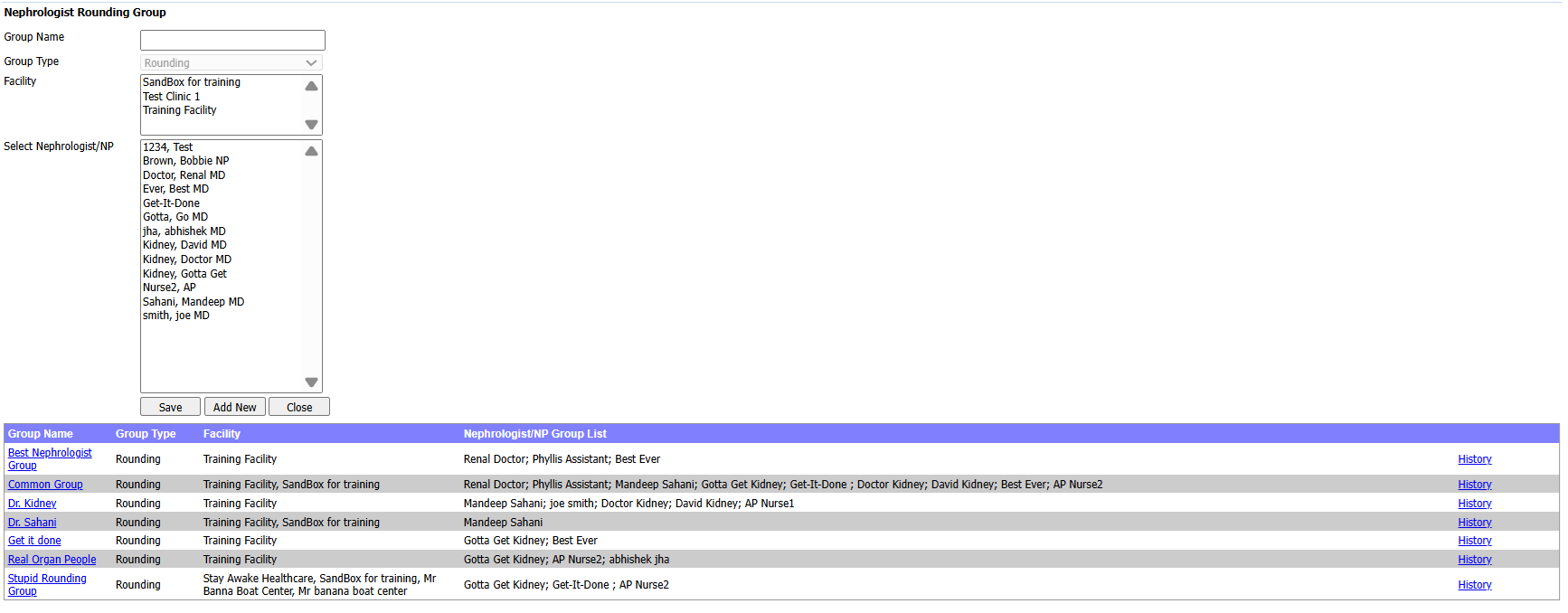
4. Select Nephrologist: Locate provider to add to new group by scrolling.
5. Click providers name to add to this Group
a. Hold Ctrl key and click to select multiple providers
b. Release the Ctrl key.
6. Click SAVE button.
7. Click Close button.
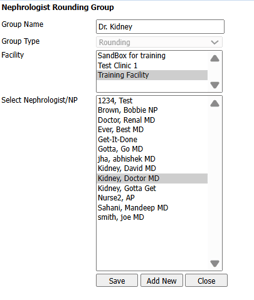
8. Group Name appears in Group Name List with associated members.
