Set your PIN in Dialysis Manager
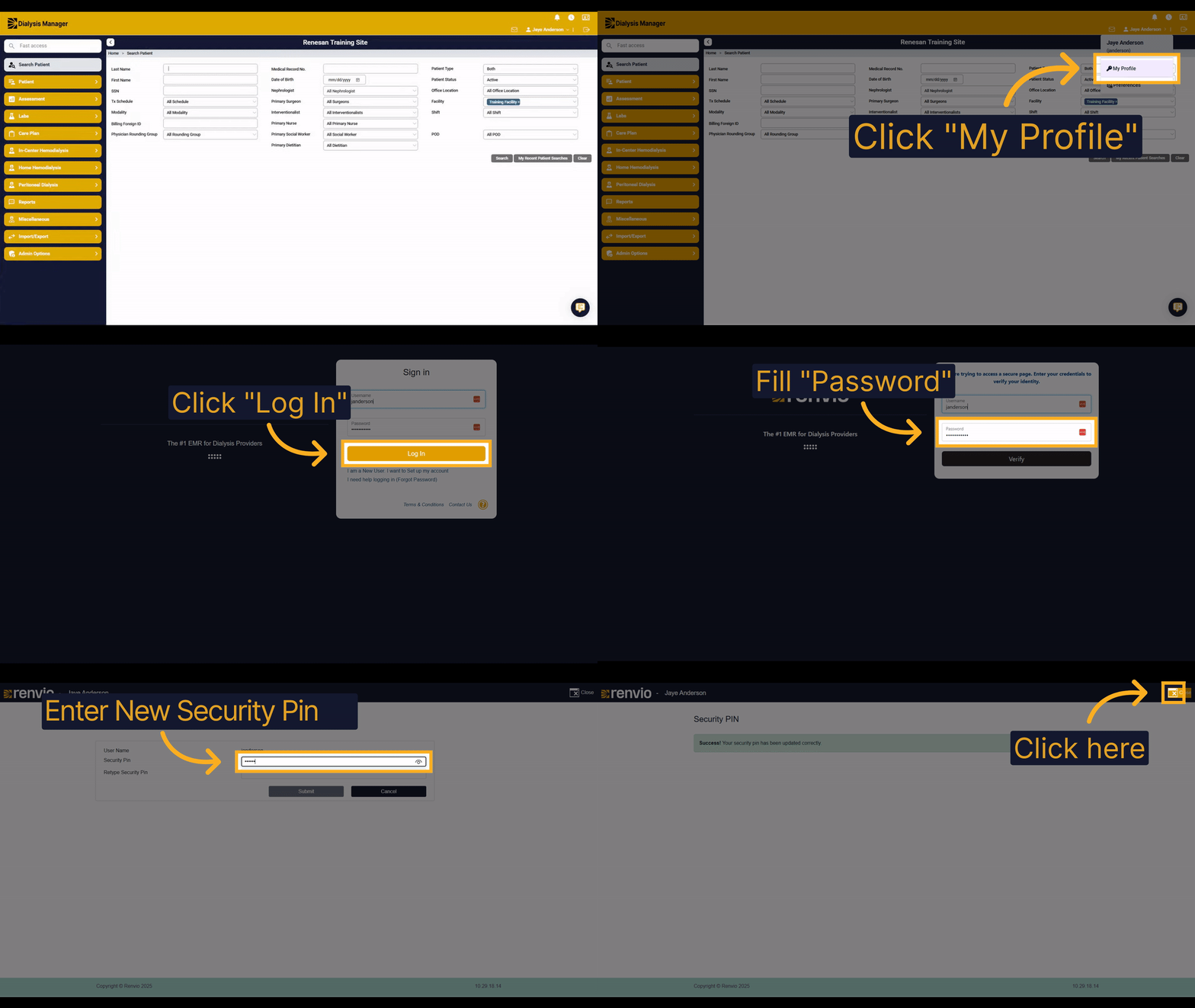
1. Introduction
In order to set your PIN and Dialysis Manager, you'll choose your name in the top right corner. Then, you will follow the steps to update your security PIN securely and efficiently.
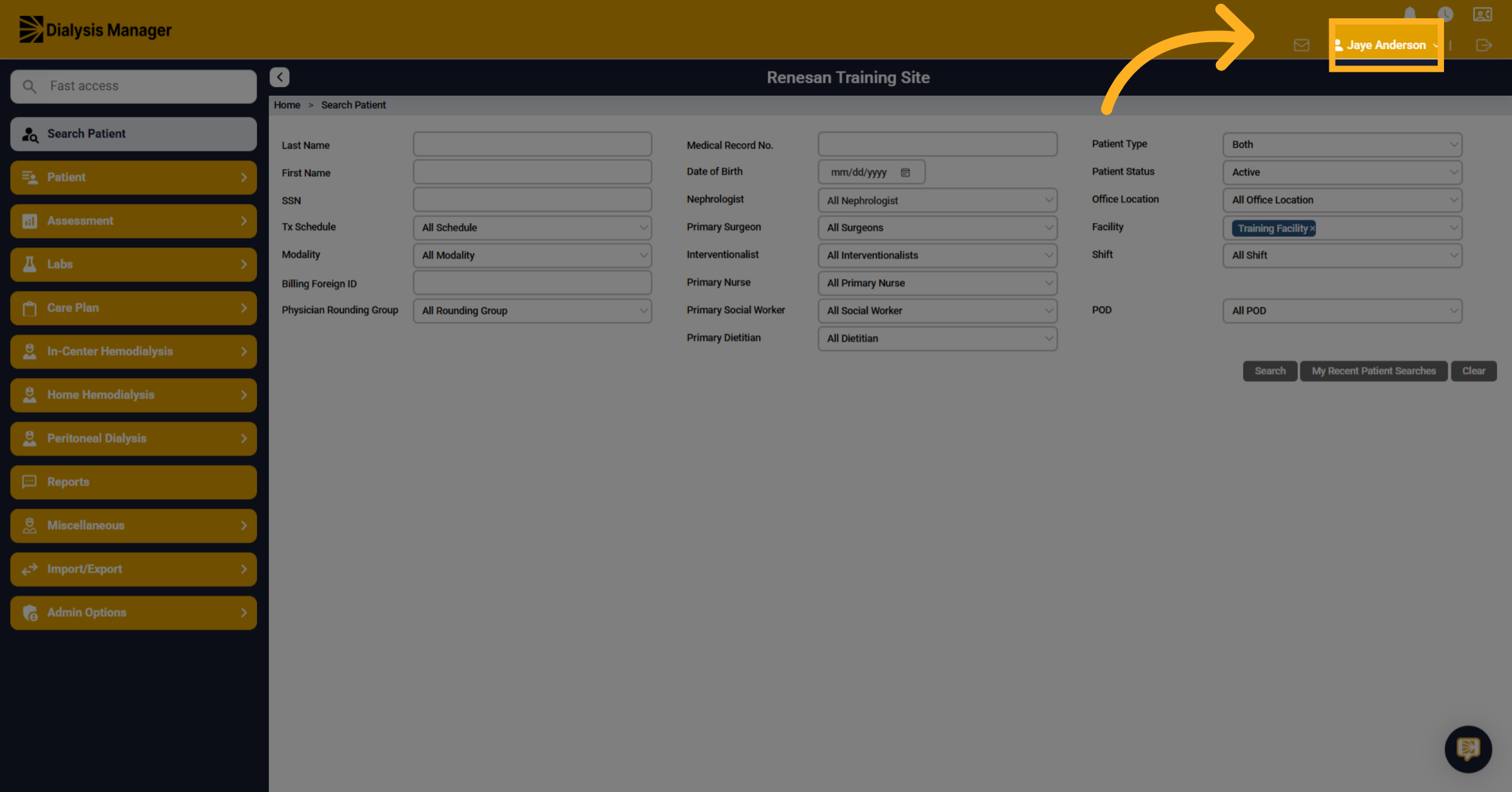
2. Click "Your Username"
Select your name located in the top right corner of the screen.
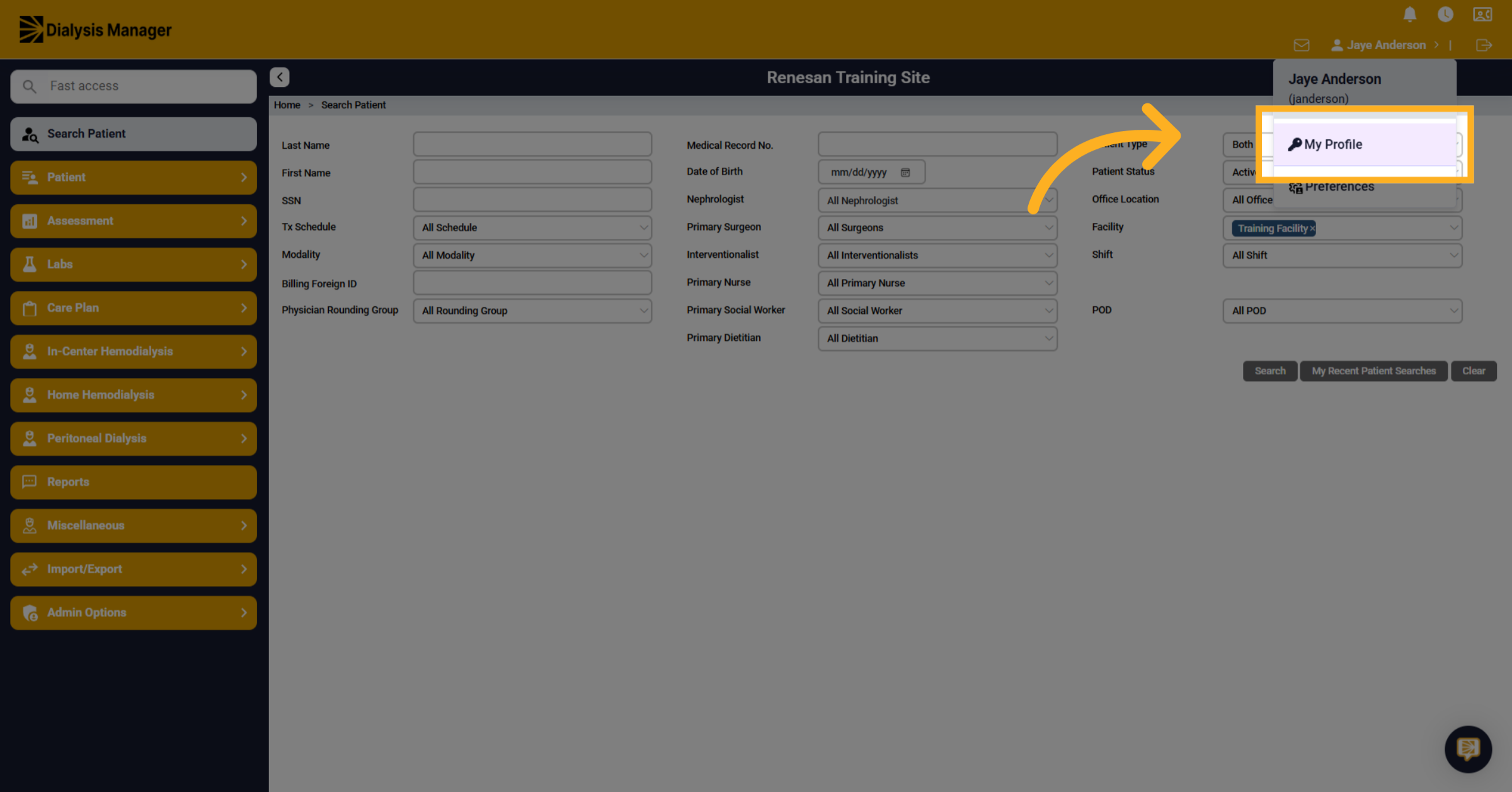
3. Click "My Profile"
Click on the 'My Profile' option from the dropdown menu.
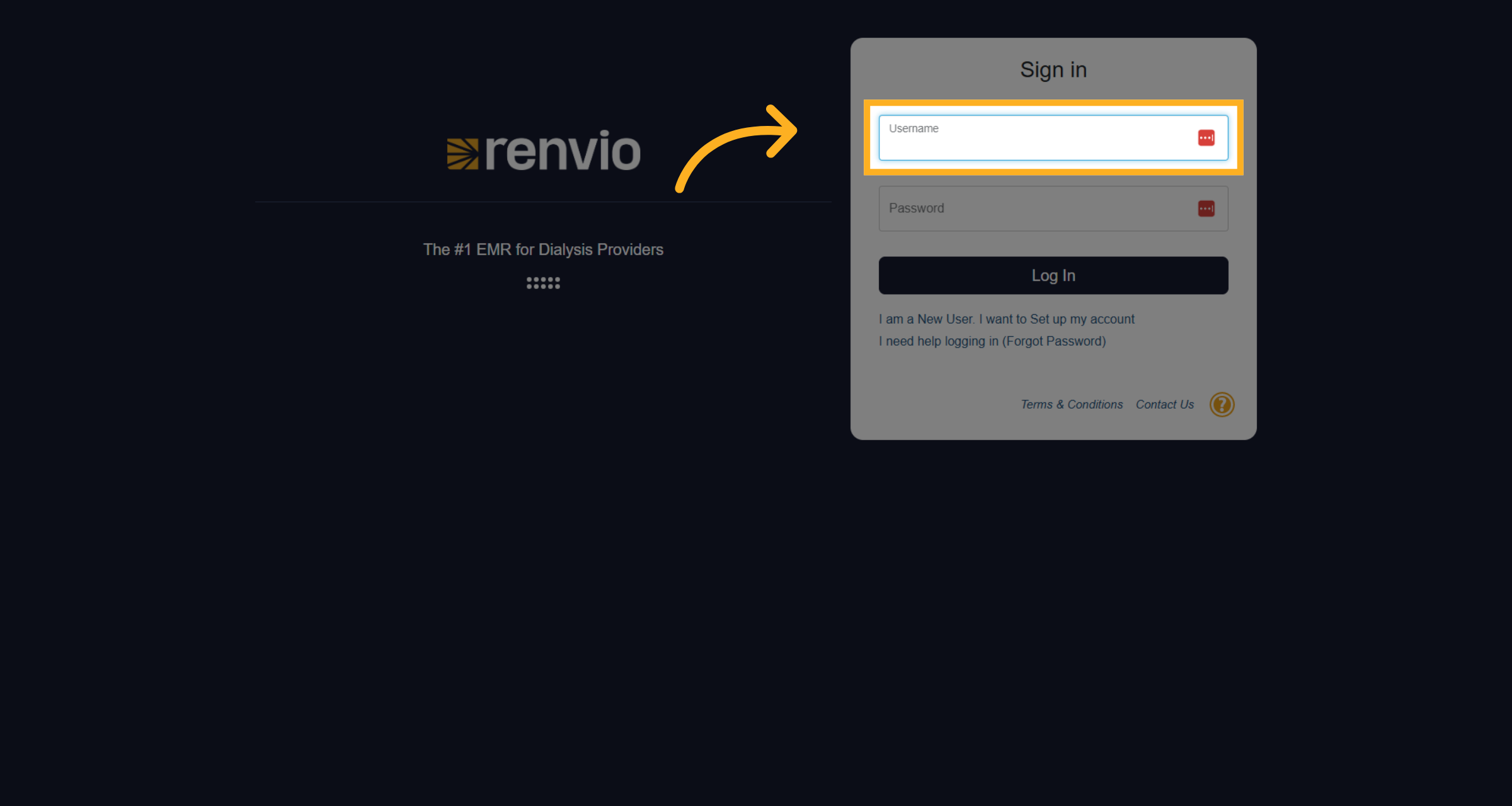
4. Click "Username"
Click on the 'Username' input field to prepare for login.
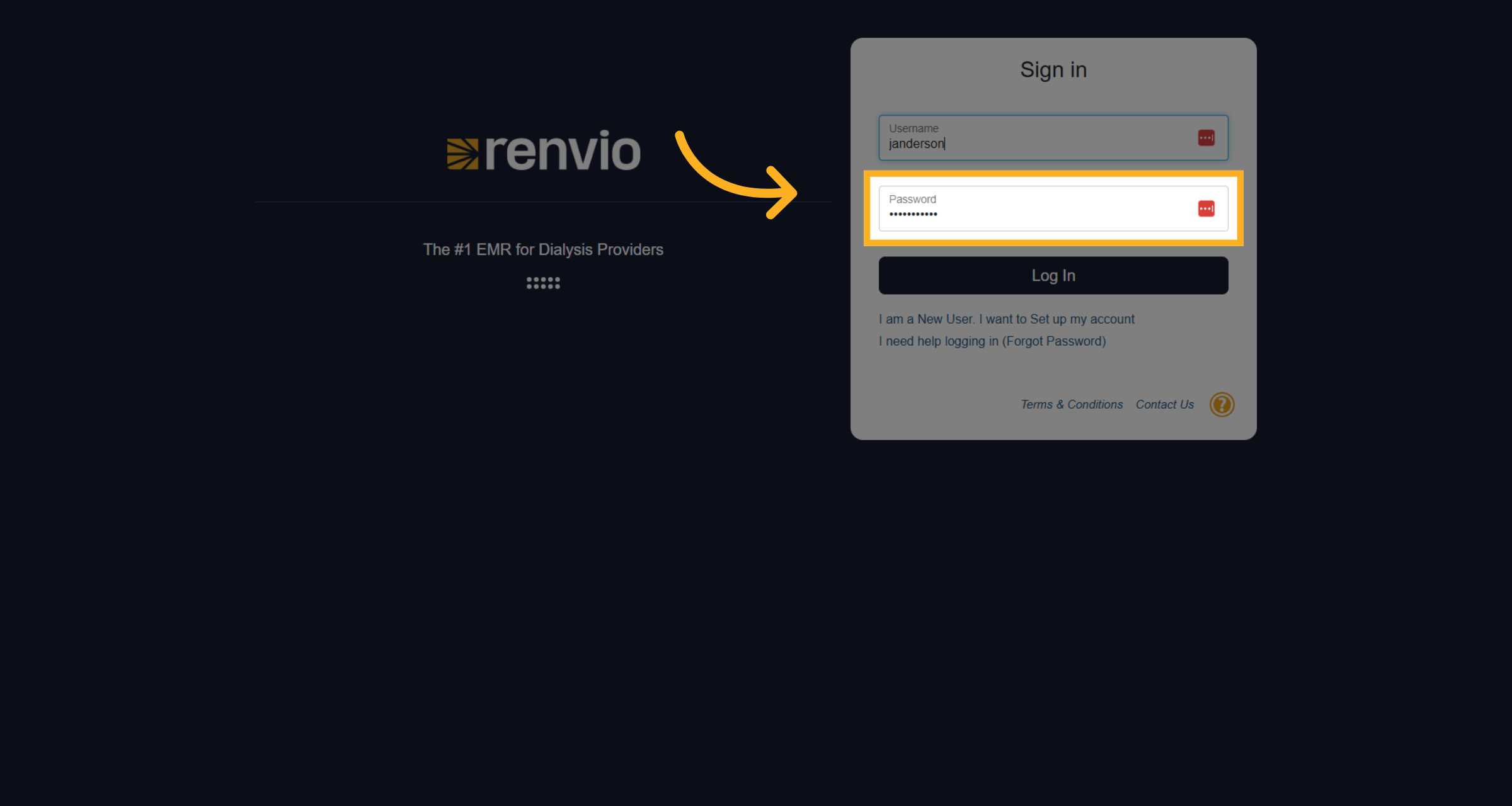
5. Fill "Password"
Enter your password in the password field.
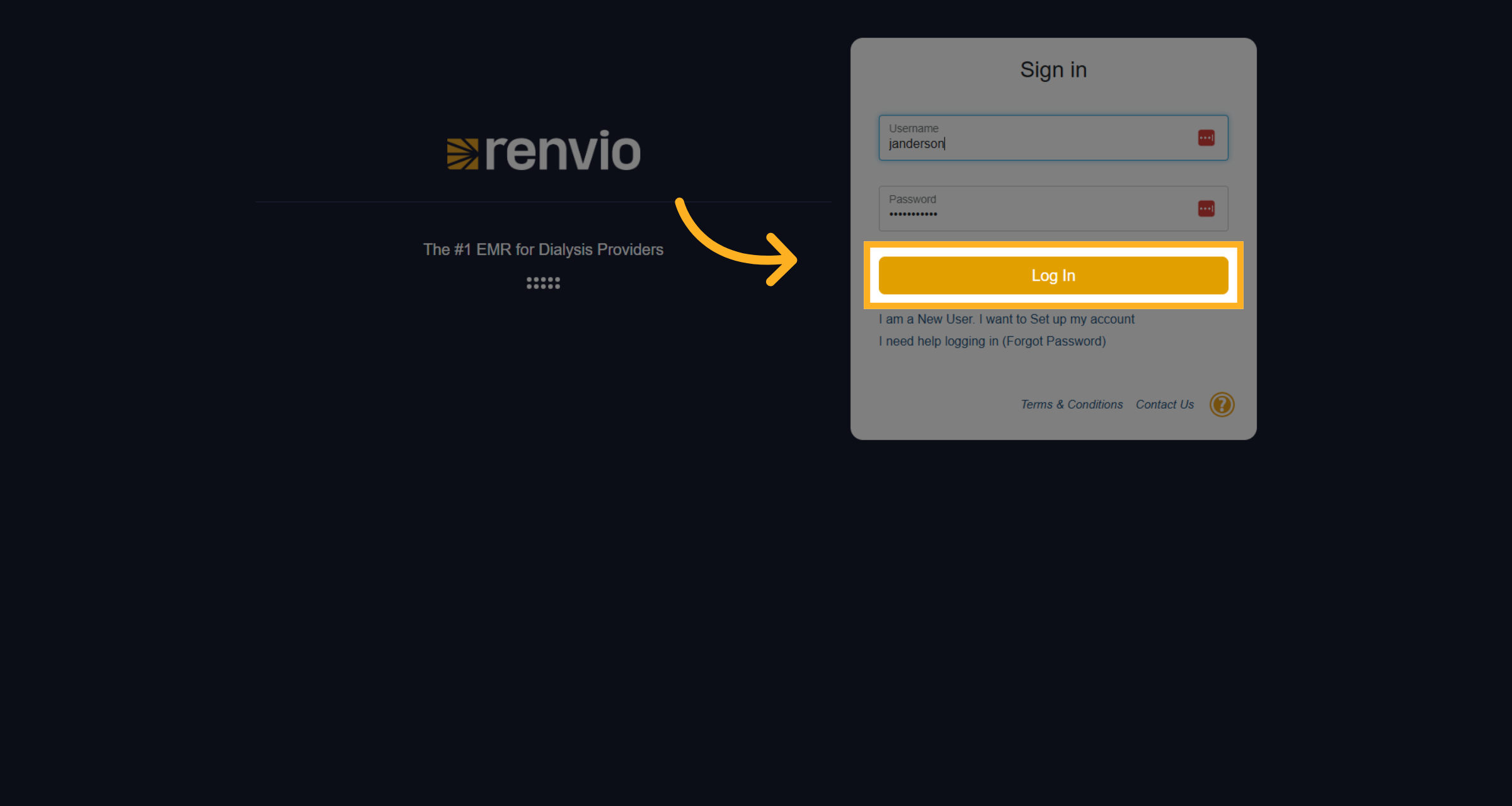
6. Click "Log In"
Click the 'Log In' button to access your account.
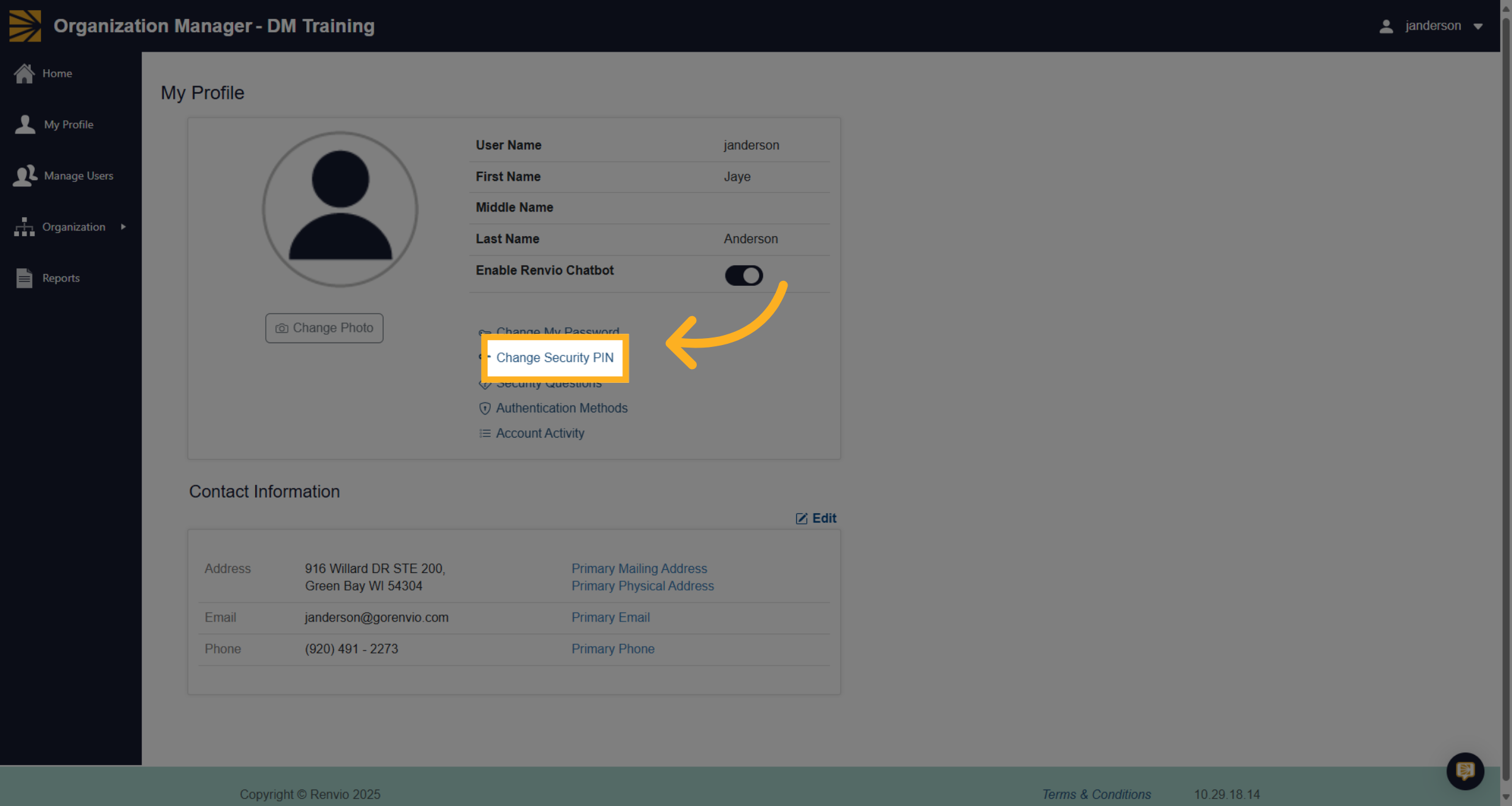
7. Click "Change Security PIN"
Select the option to 'Change Security PIN' from the menu.
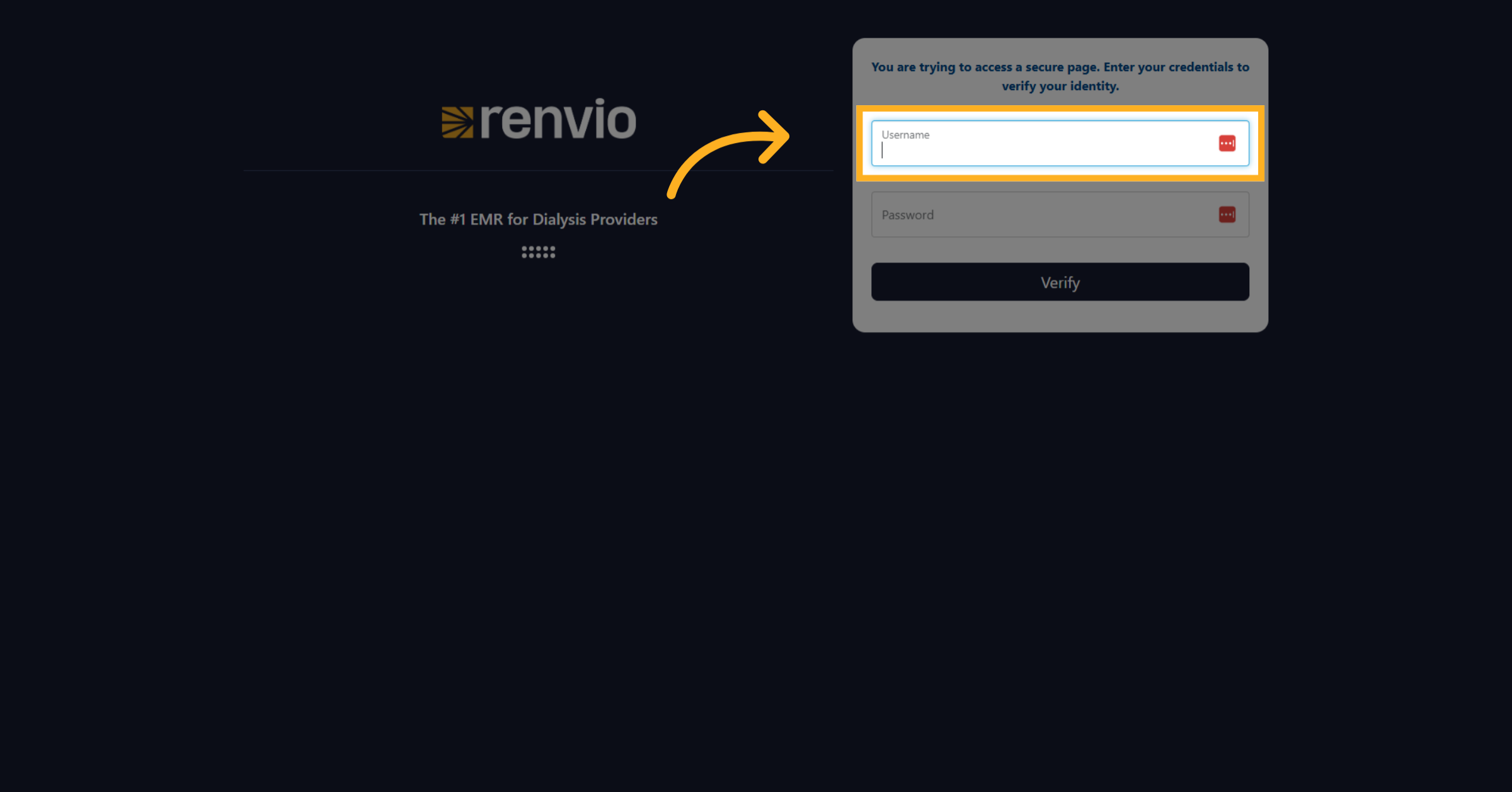
8. Click "Username"
Click on the 'Username' field again to verify your identity.
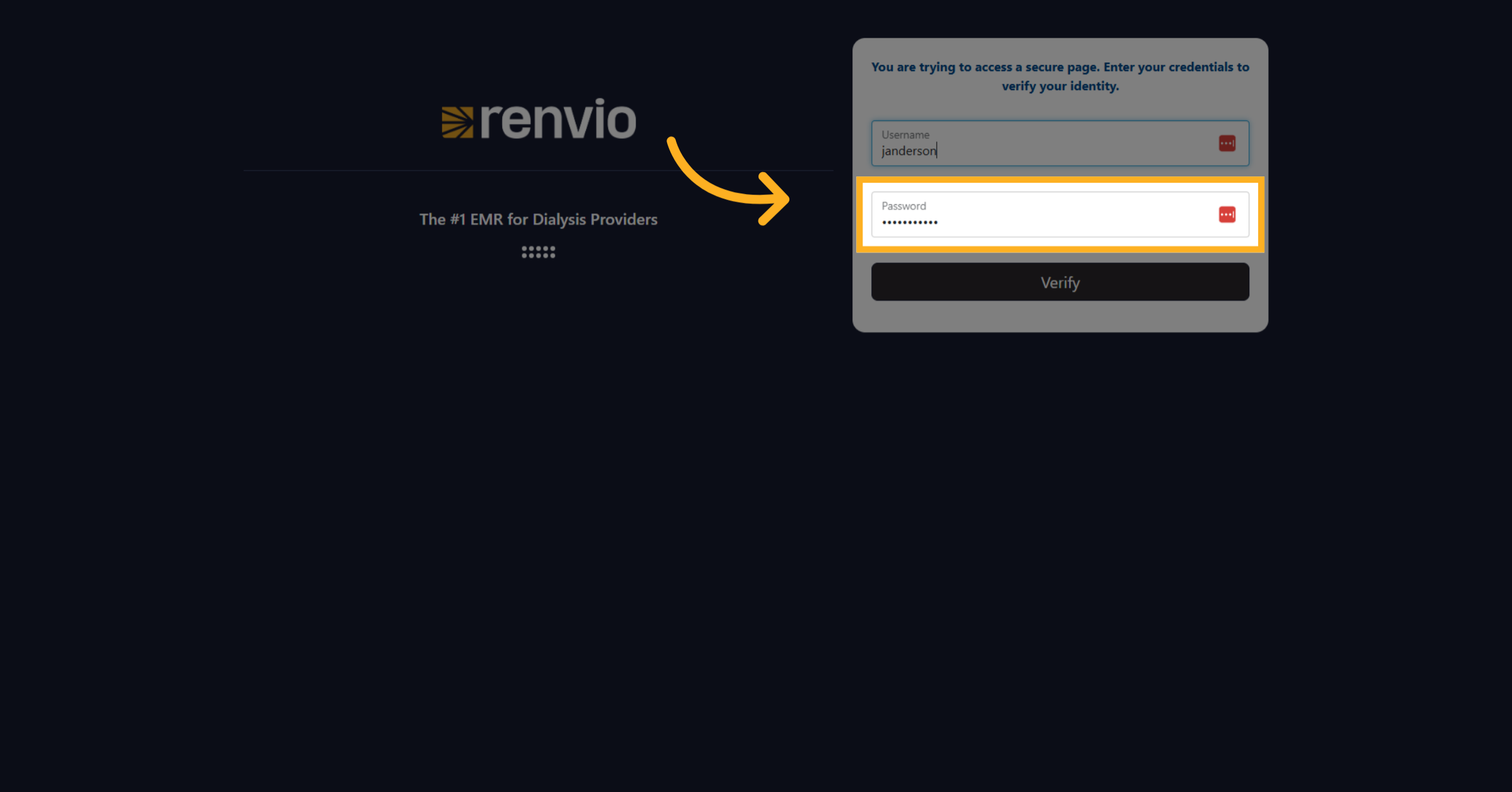
9. Fill "Password"
Enter your password once more for verification.
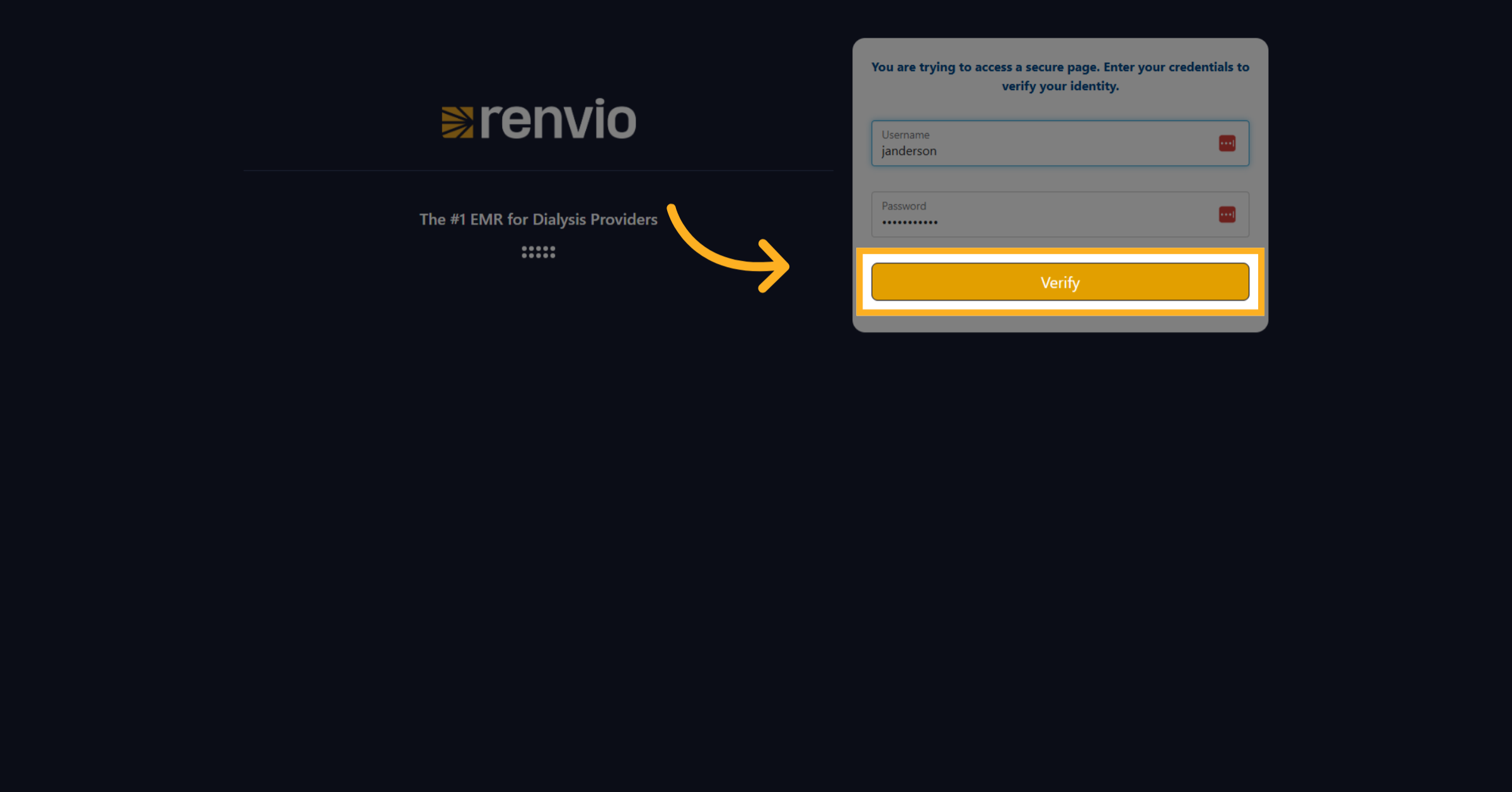
10. Click "Verify"
Click the 'Verify' button to confirm your credentials.
11. Click "Security Pin"
Click on the 'Security Pin' field to begin setting your new PIN.
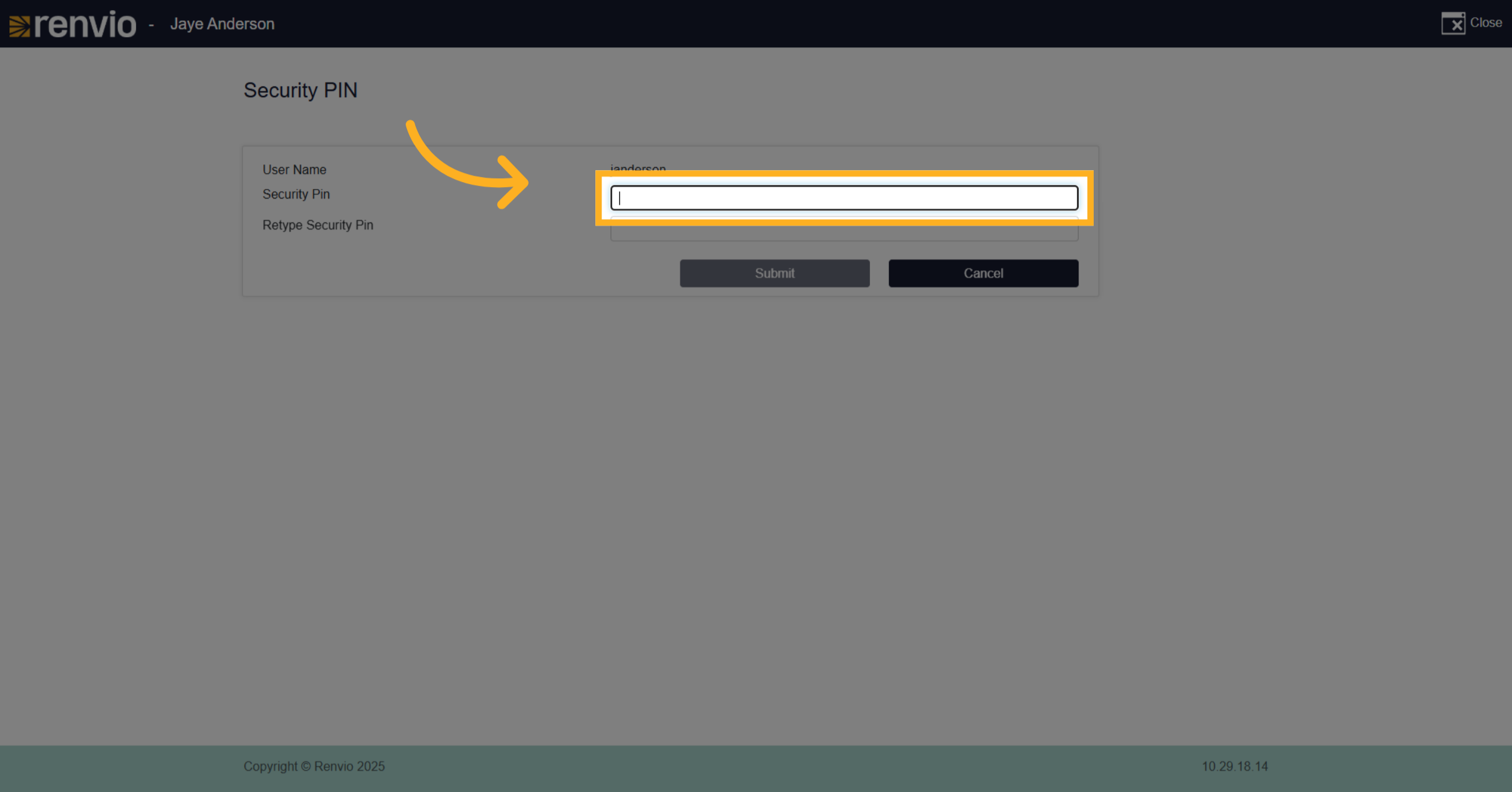
12. Enter "Security Pin"
Enter your new security PIN in the provided field.
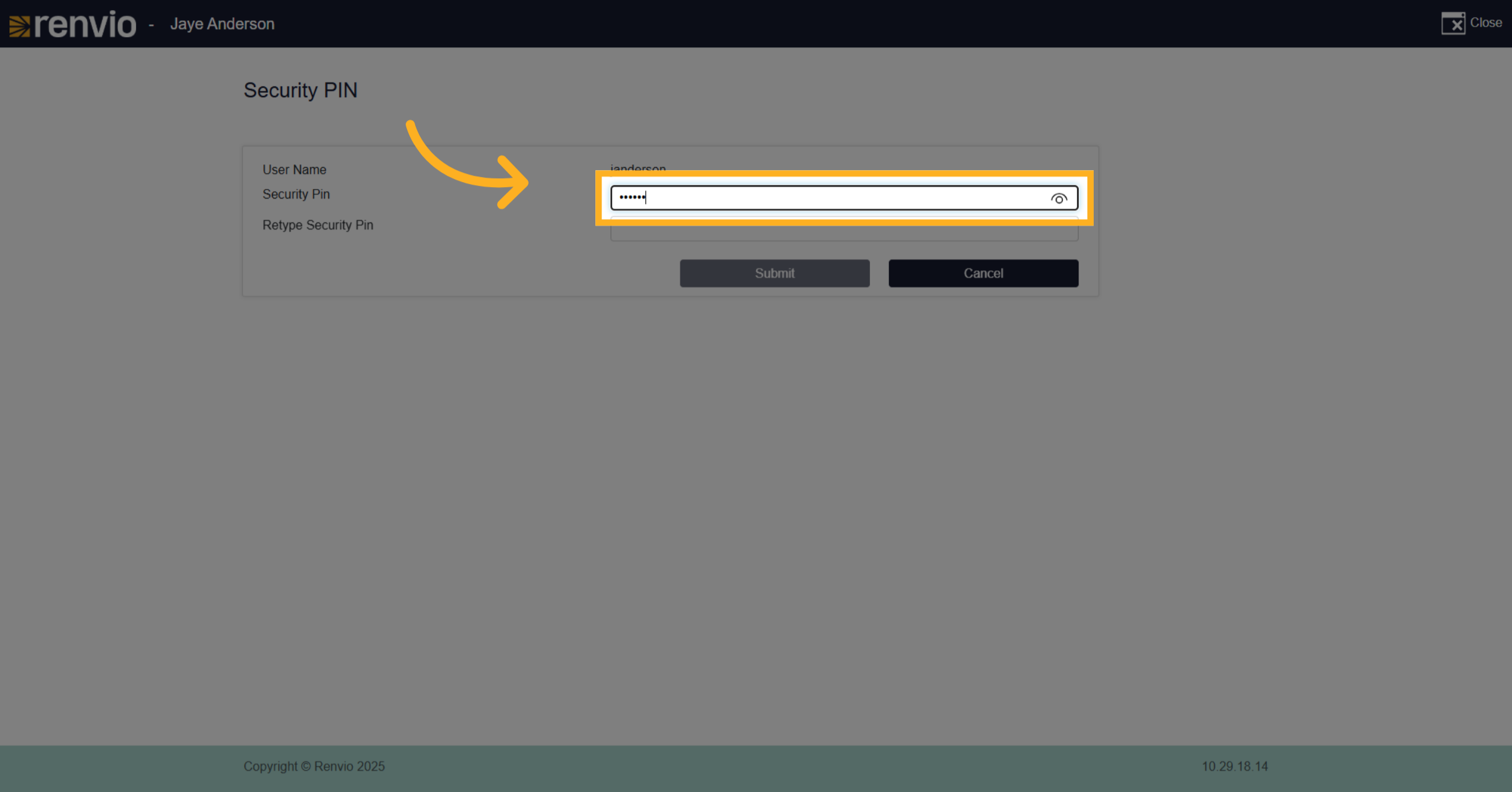
13. Reenter "Security Pin"
Re-enter your new security PIN to confirm it.
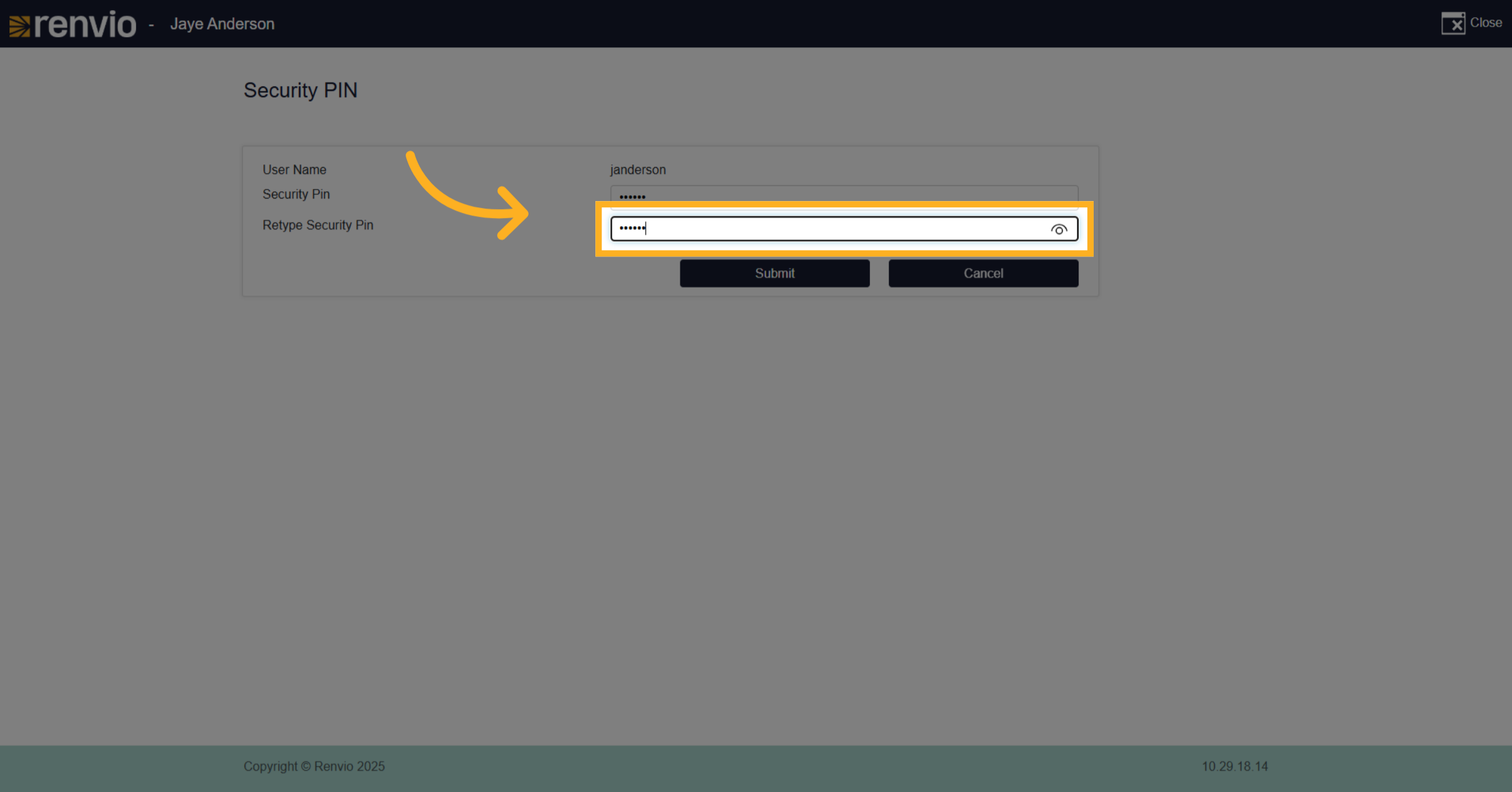
14. Click "Submit"
Click the 'Submit' button to save your new PIN.
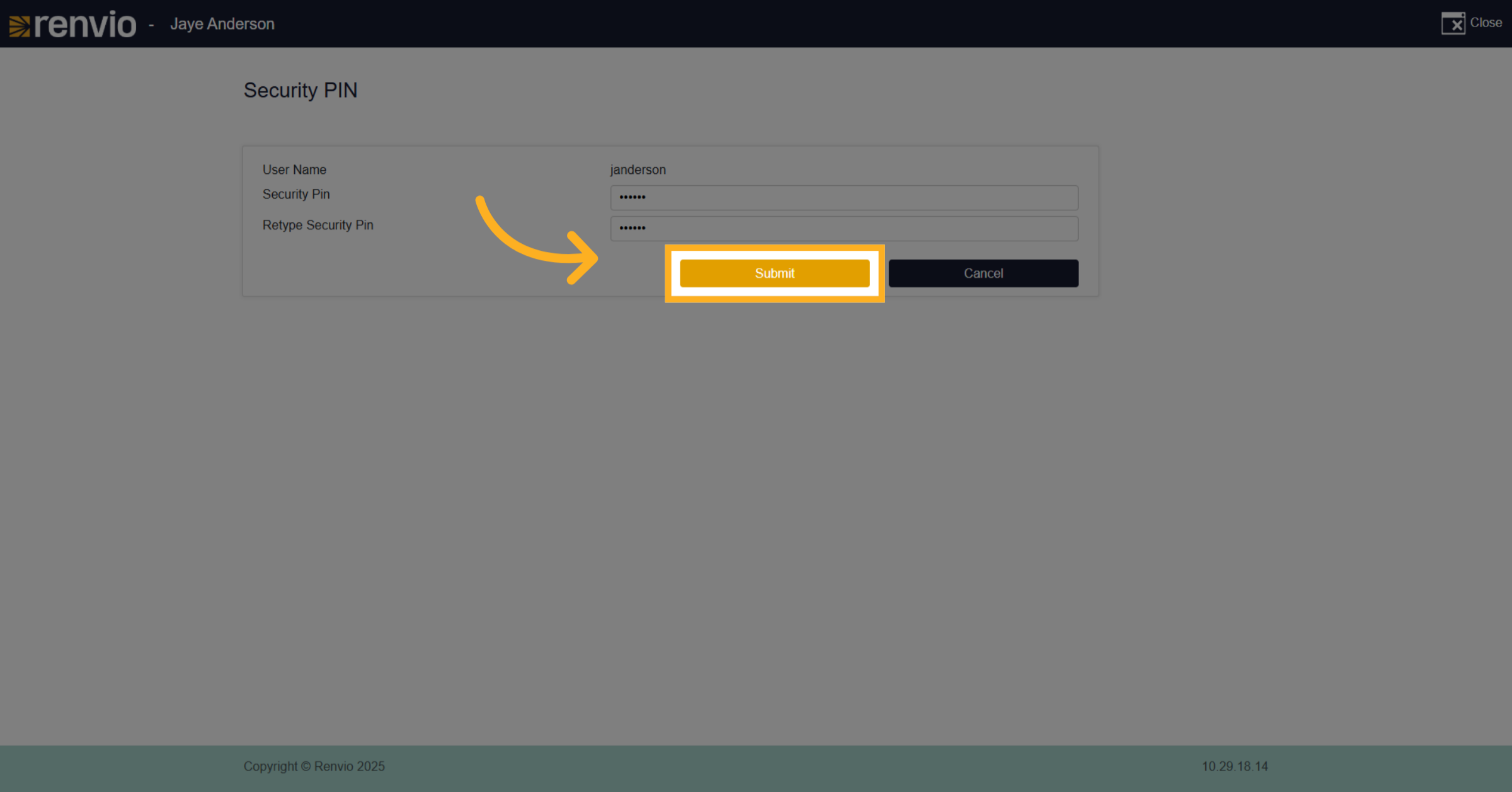
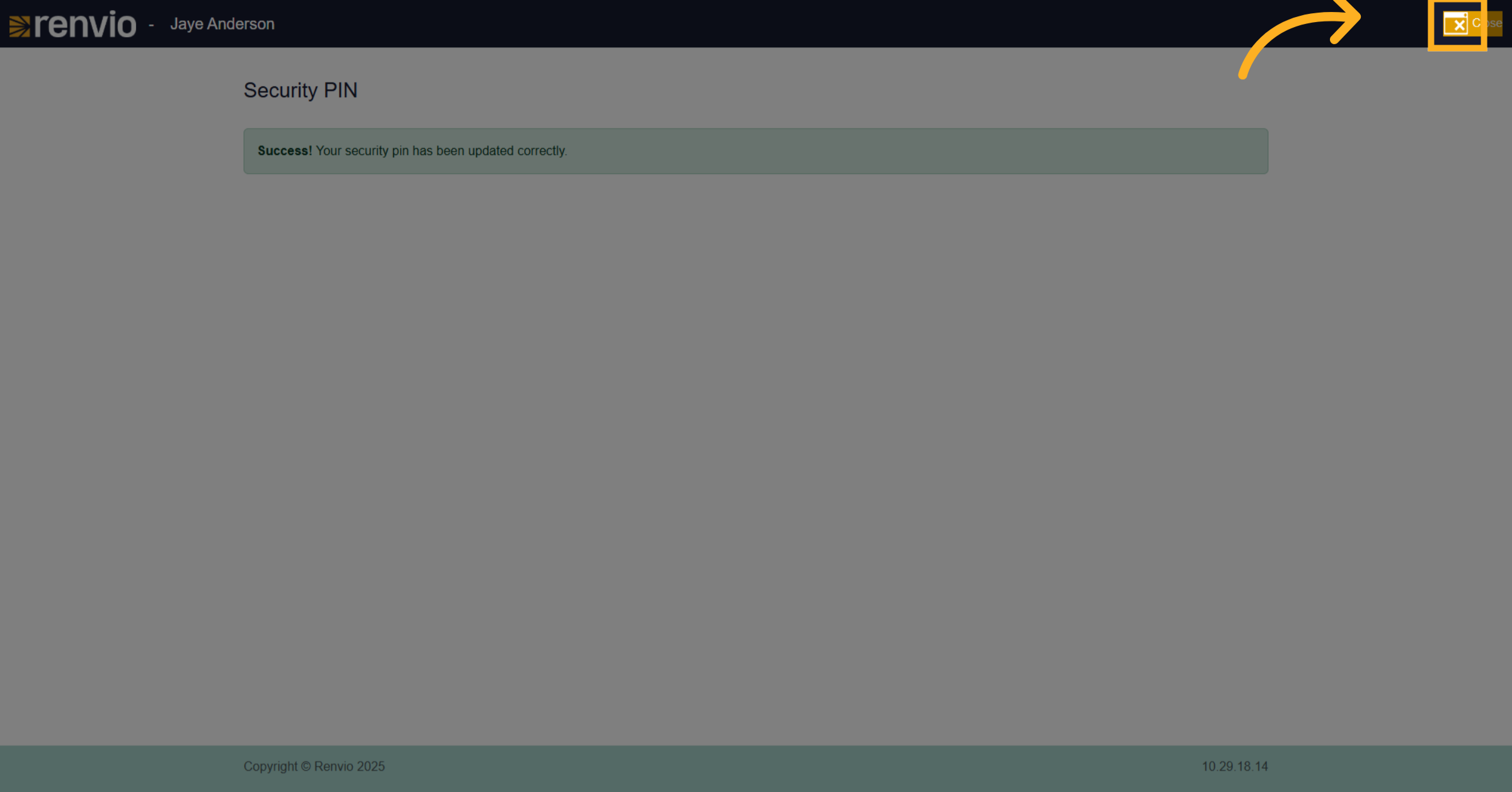
15. Click Close
Click on the 'Close' button to finish and exit the PIN change process.