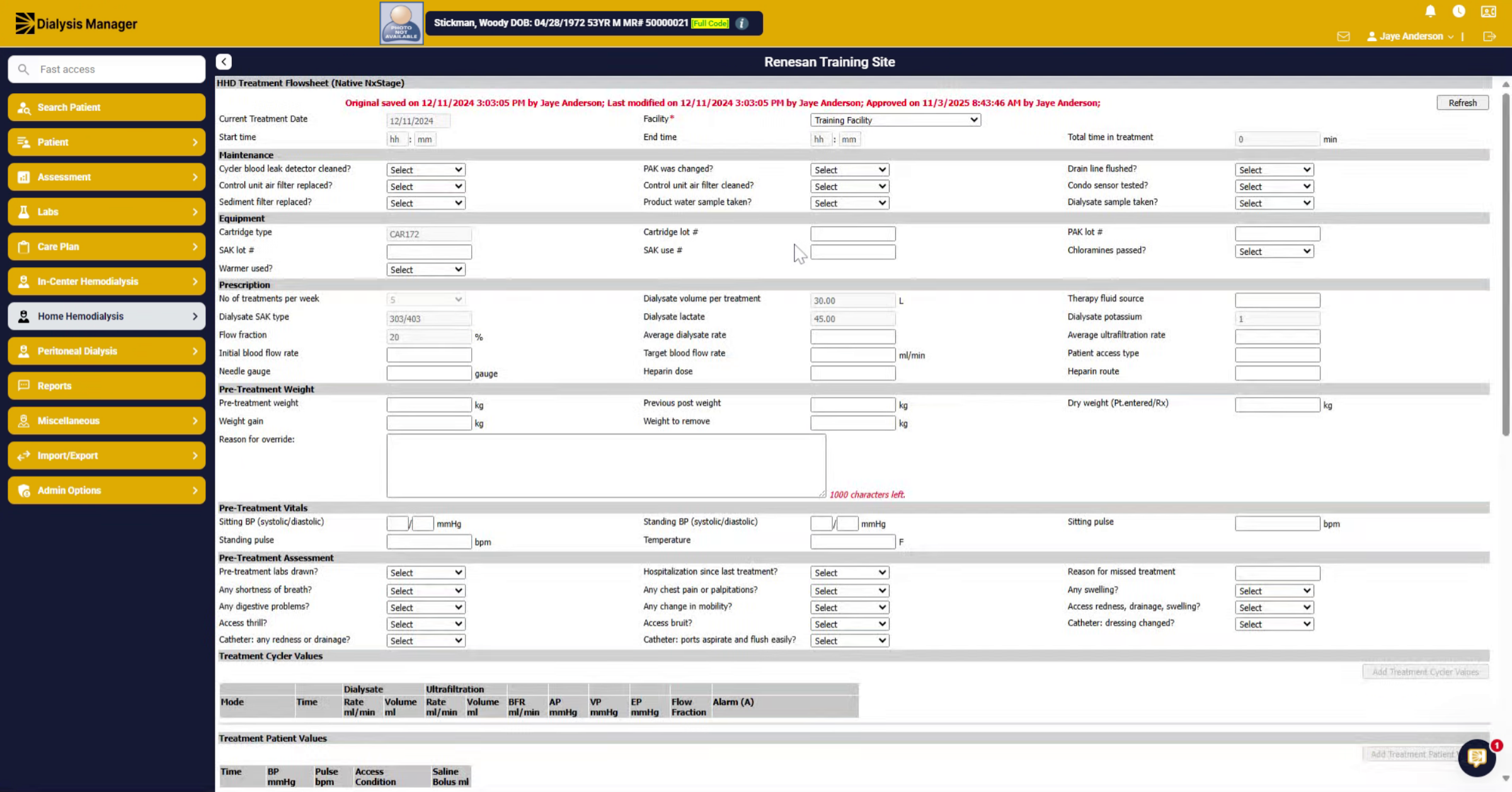
Approve NxStage Flowsheet Treatments from NxStage Interface
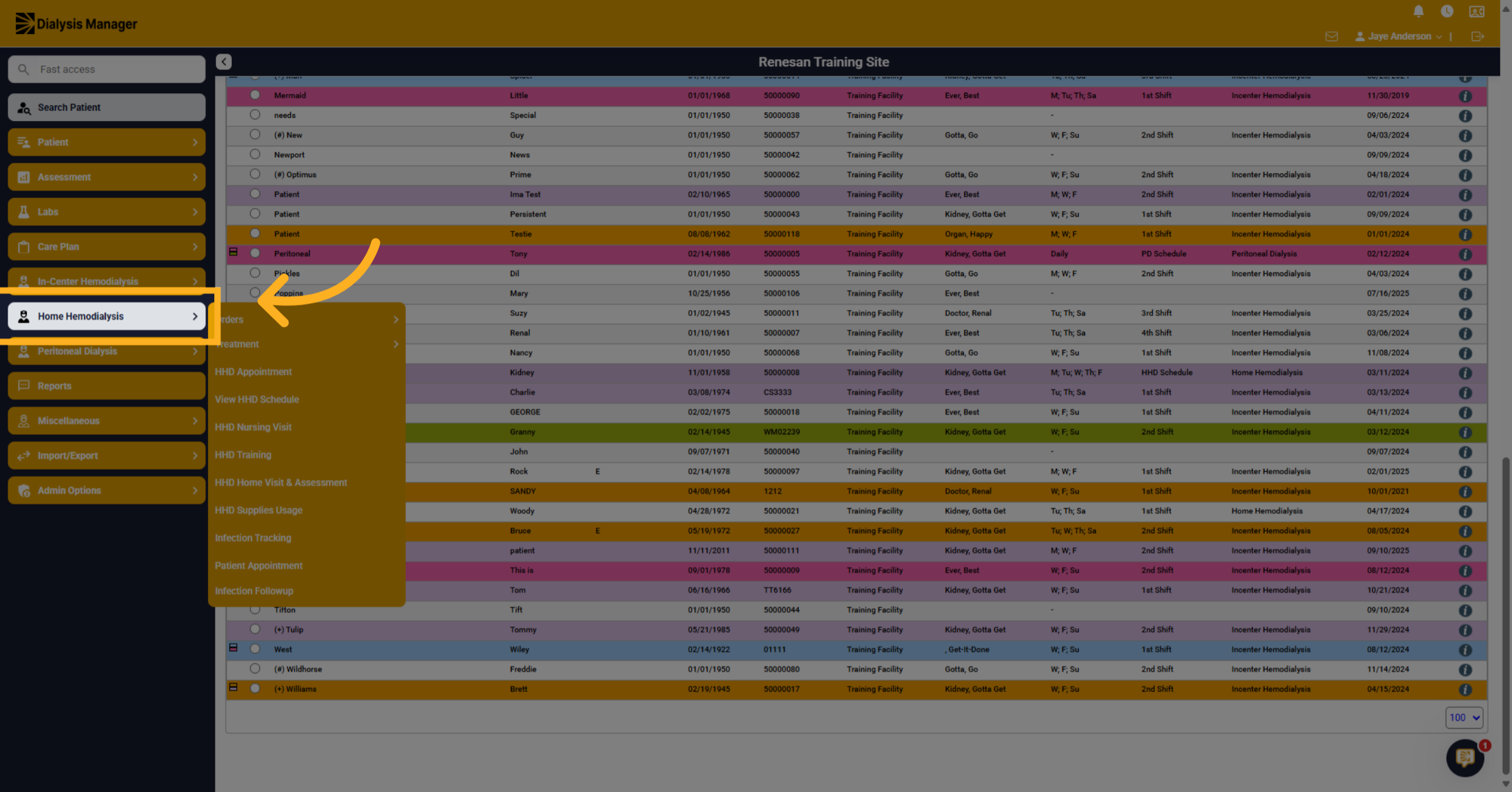
1. Navigate to Home Hemodialysis
This will show you how to approve and lock the Next Stage flowsheet after it has been submitted through the interface. Select your patient. then Click "Home Hemodialysis" to access the main dashboard for home hemodialysis treatments.
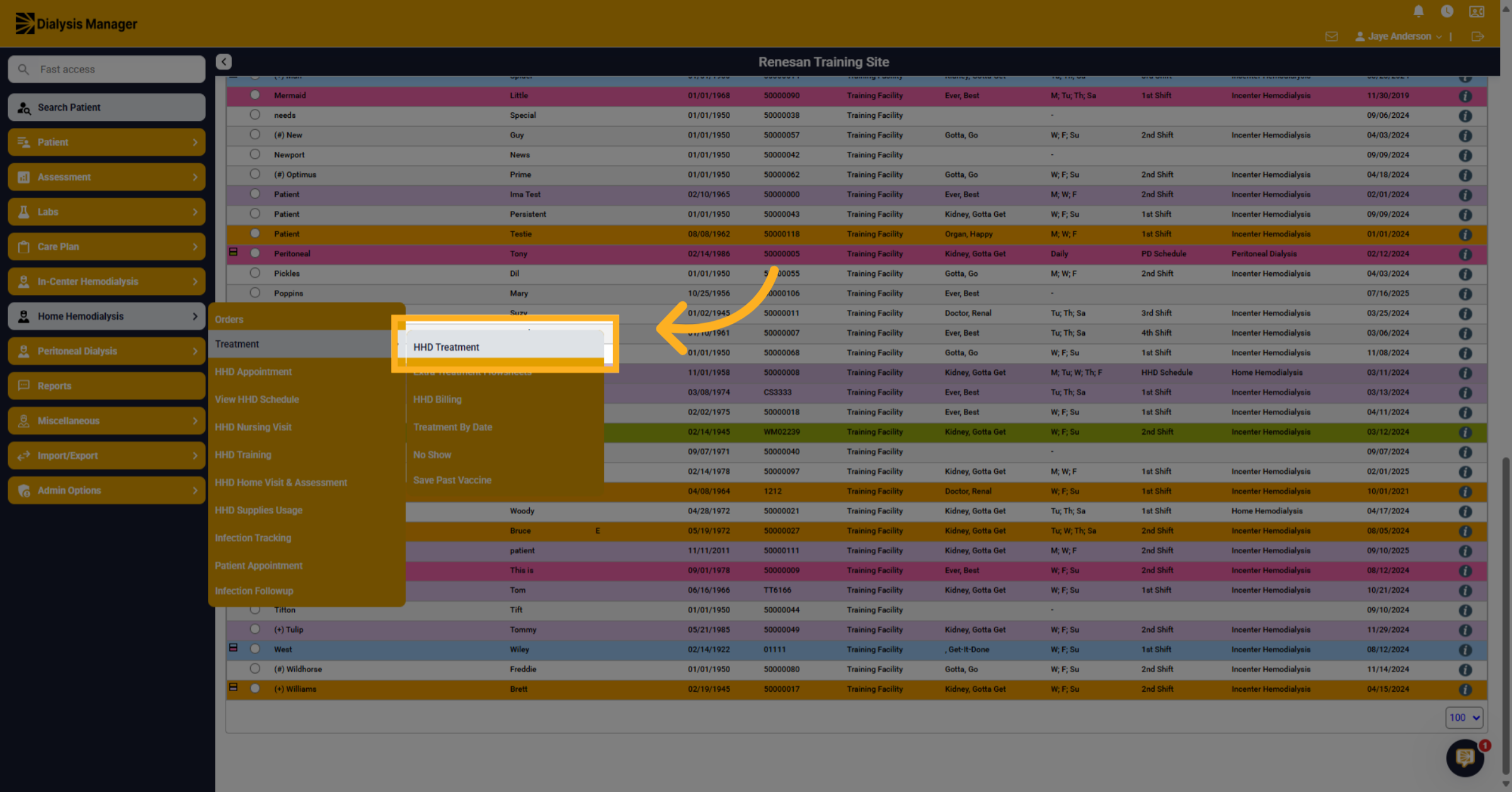
2. Select HHD Treatment
Click "Treatment" then "HHD Treatment" to view available treatment details and patient records.
3. Review Treatment Date Status
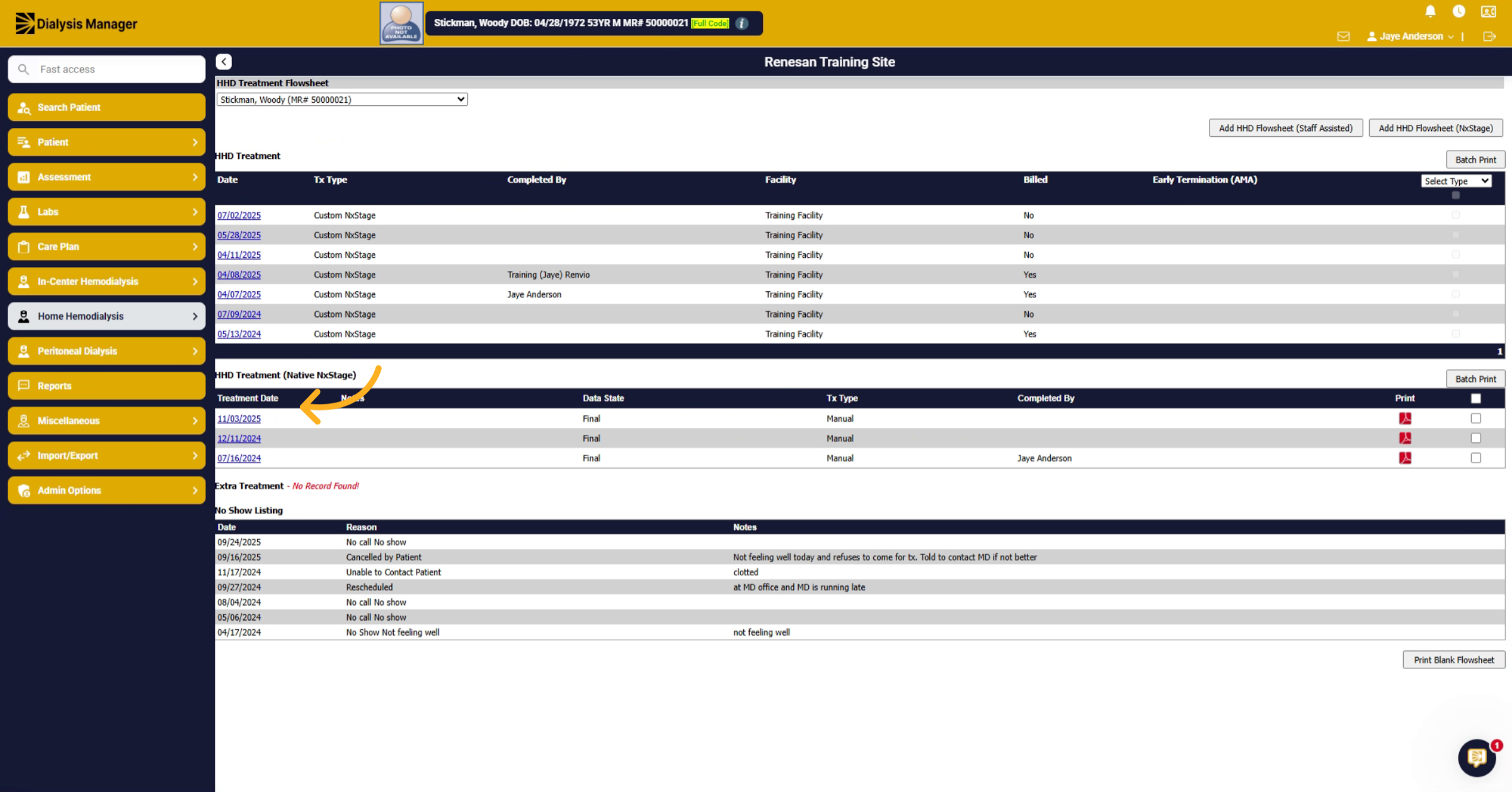
From here, you'll see the treatment date. Notice there is no name listed under the completed by section.
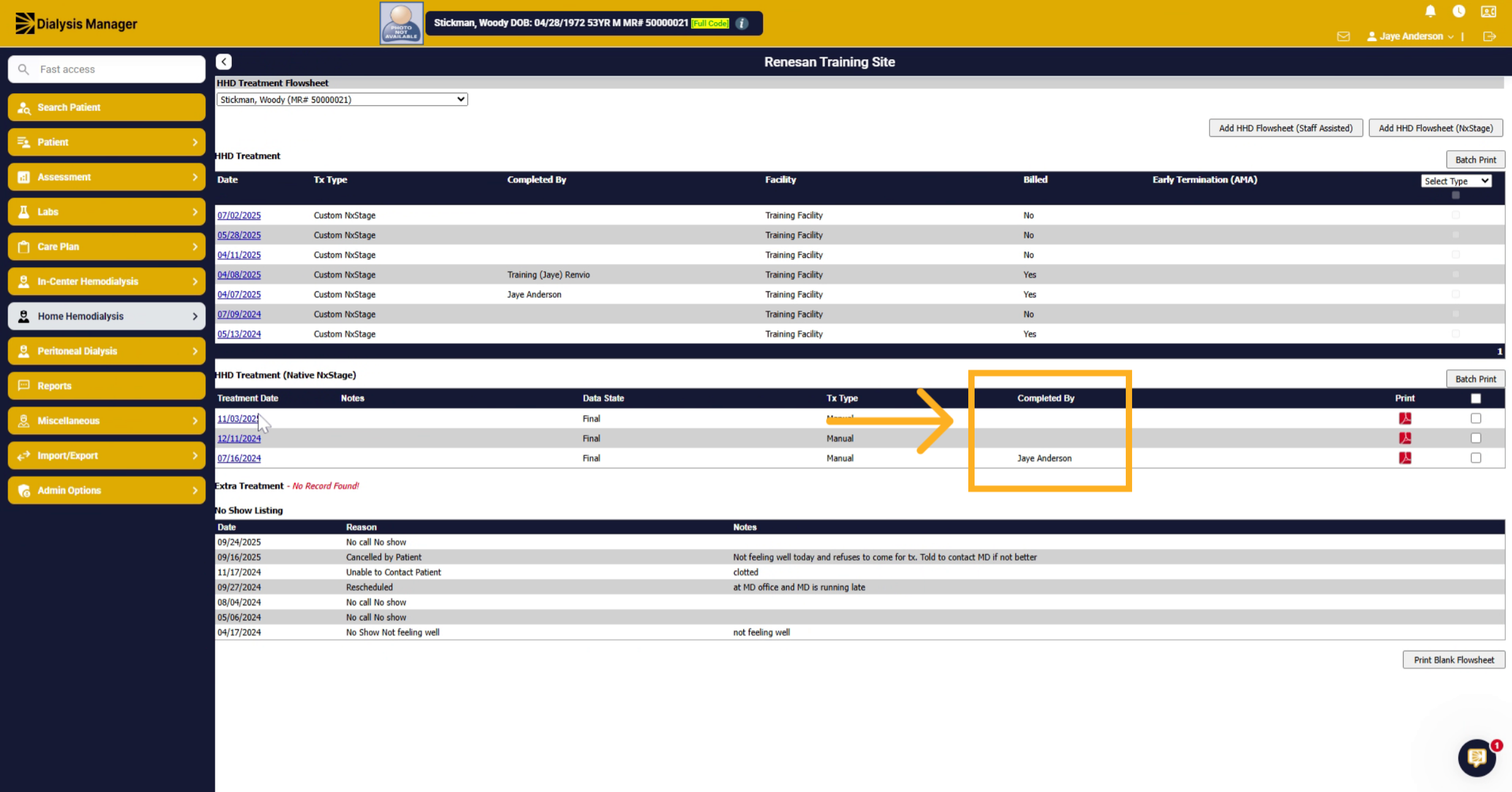
4. Select Treatment Date from Interface
The treatment type column will show the interface information. Not through manual. From here You'll click on the treatment date you want to review and approve.
5. Verify Treatment Information
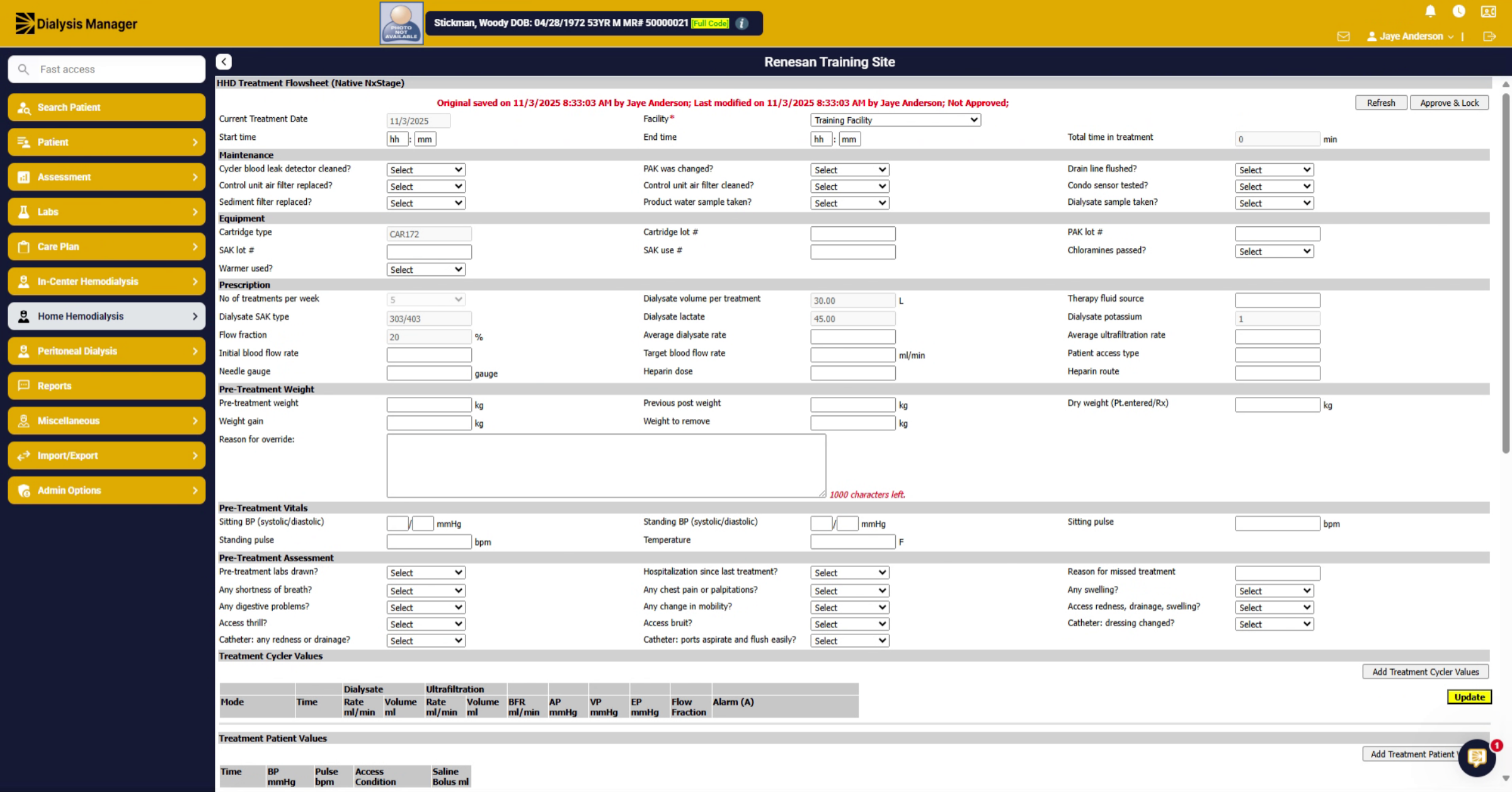
After selecting the date, the treatment flowsheet will display. You can review and verify the information is accurate. this information will cross over after it has been marked complete on the patients iPad.
6. Initiate Approve and Lock
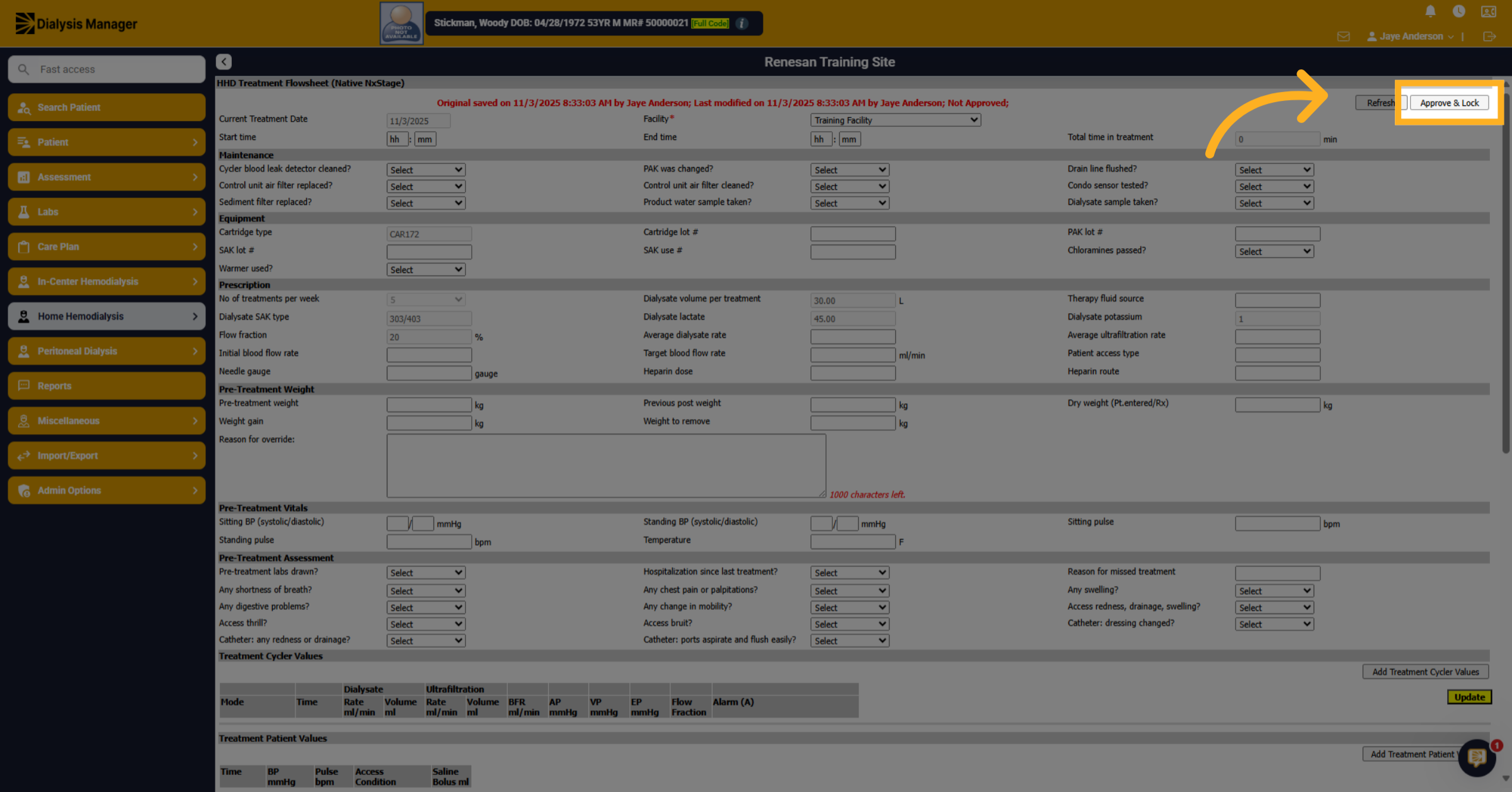
Click "Approve & Lock" to beginthe approval process for the treatment data.
7. Enter Credentials to Approve
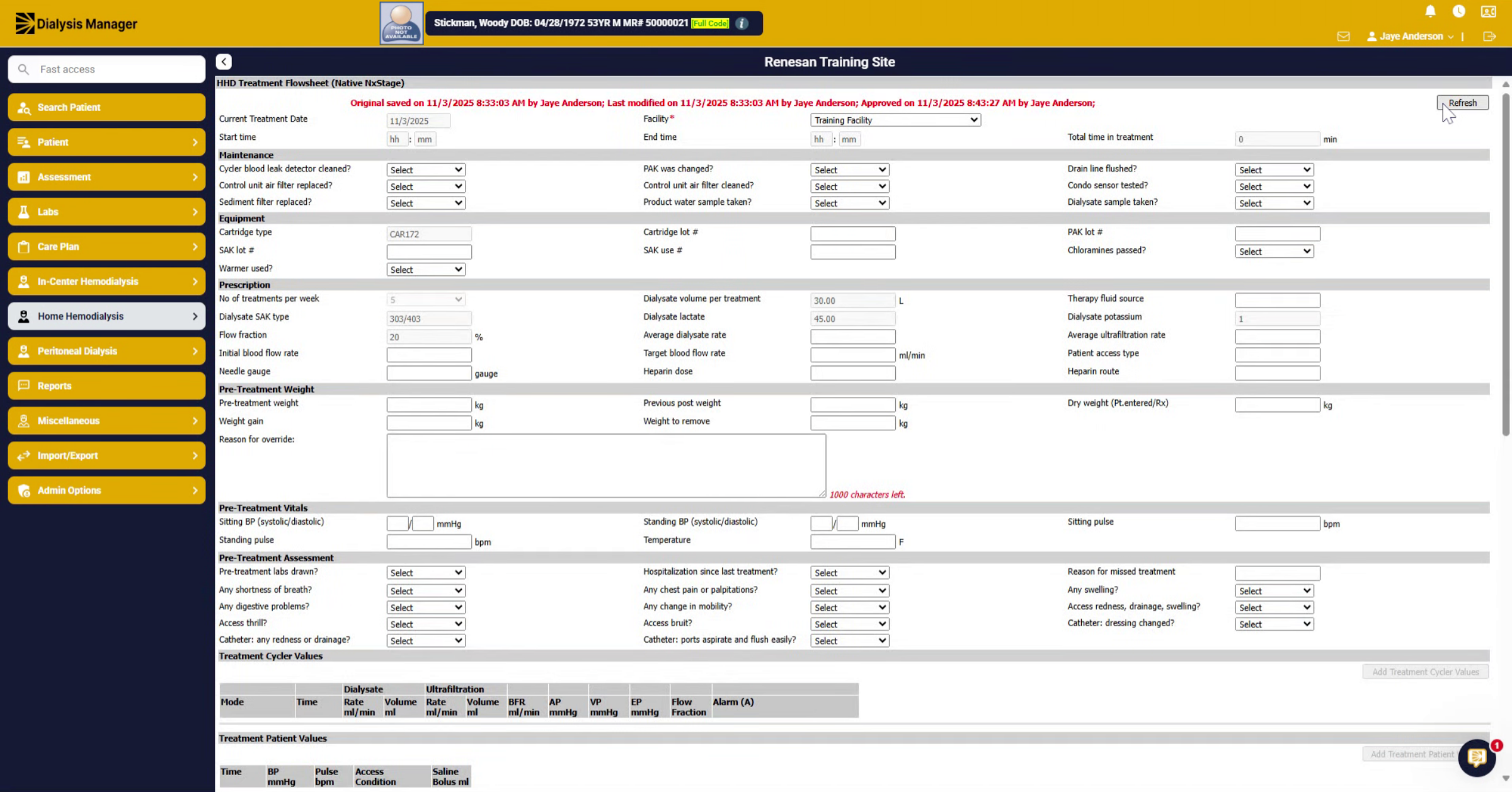
After clicking approve and lock a pop up will appear. Here you'll enter your Username and password, or your PIN and click Ok.
8. Repeat Approval Process Select Specific Treatment Date
And you'll repeat the process for the next treatment you want to approve. Click the treatment date to view detailed treatment information.
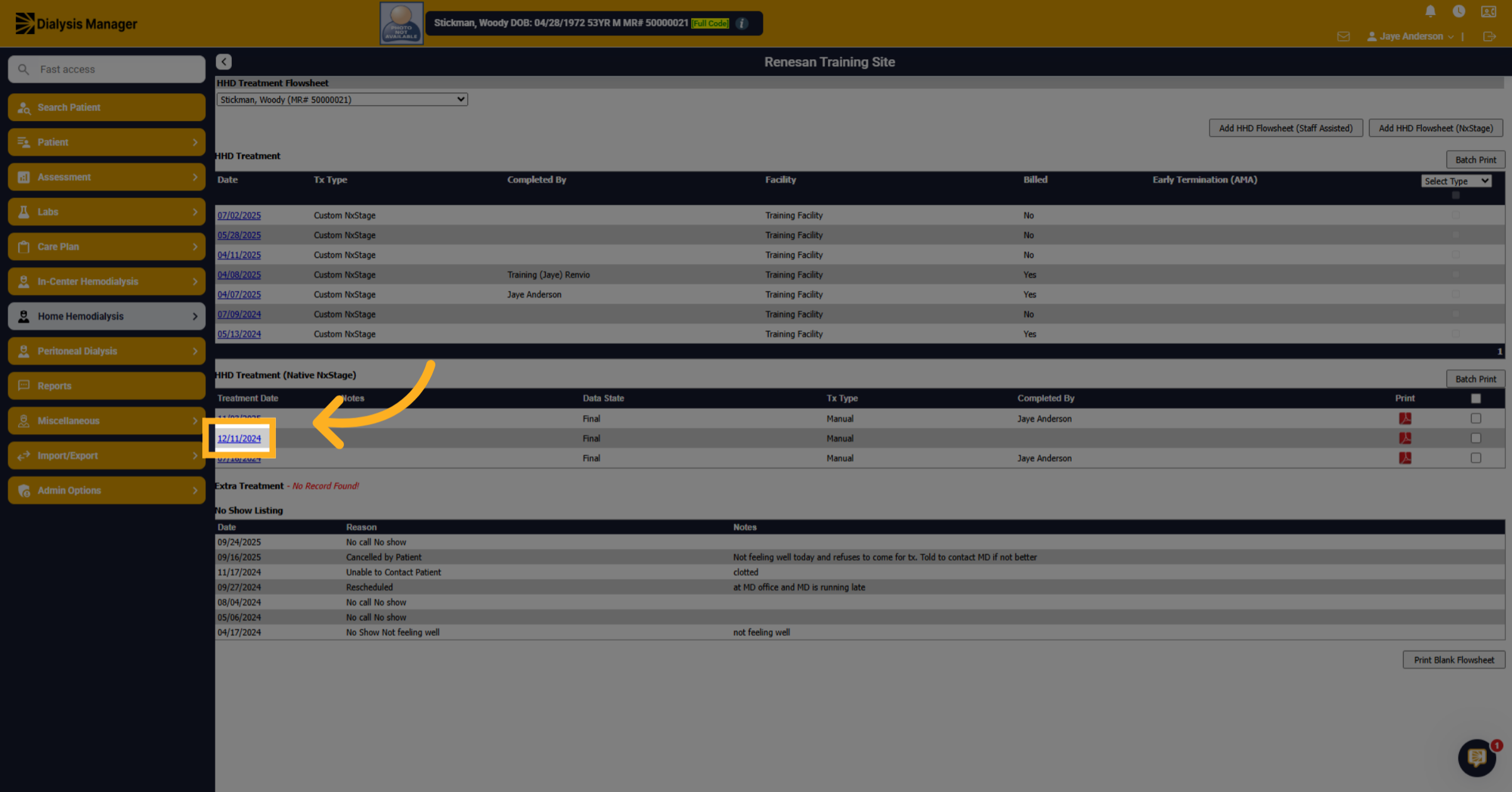
9. Approve and Lock Treatment
Review the information and Click "Approve & Lock" to finalize the treatment approval.
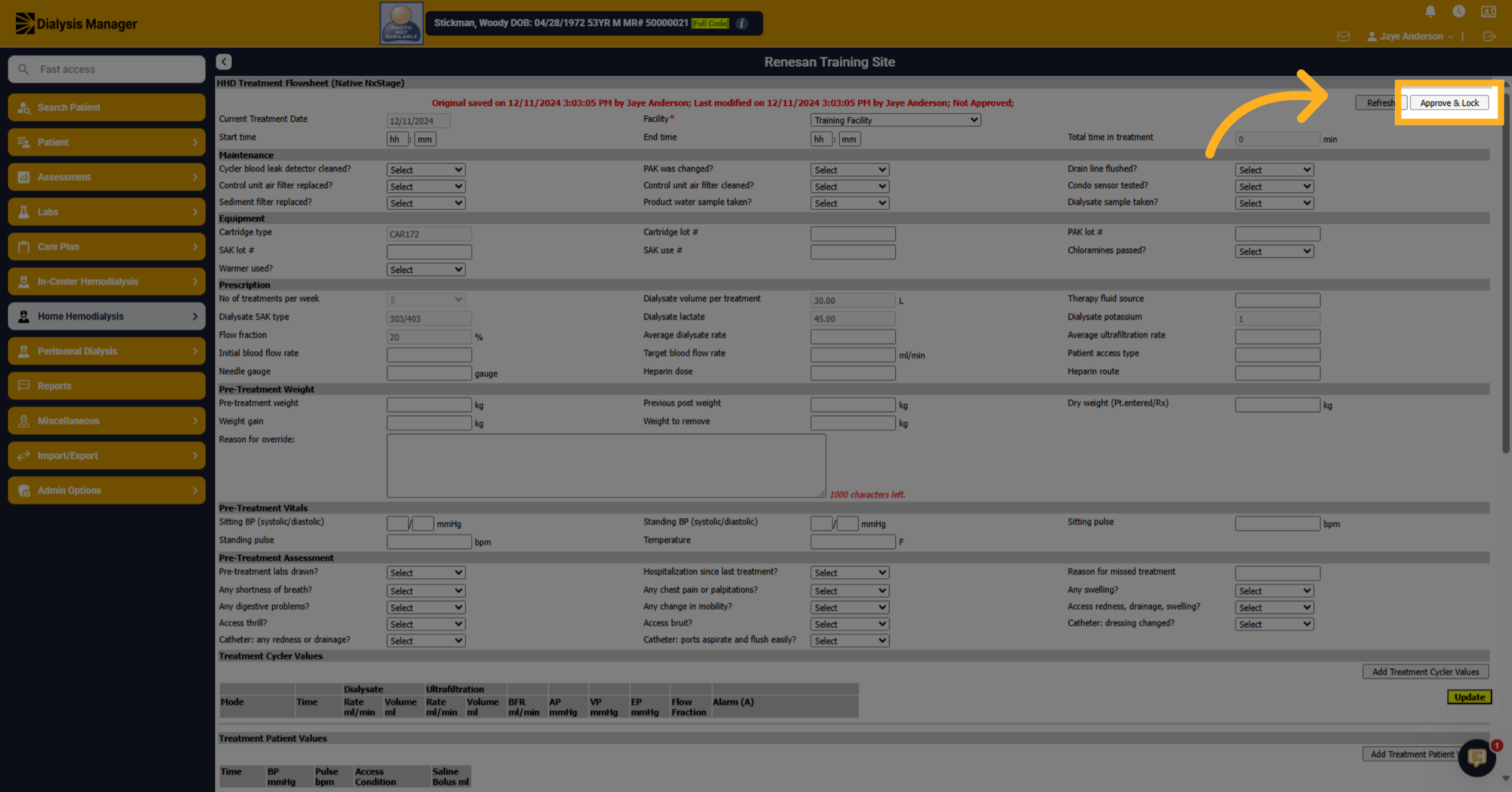
10. Complete Billing Crossover
At this point the treatment will post, and the information will be ready for billing.
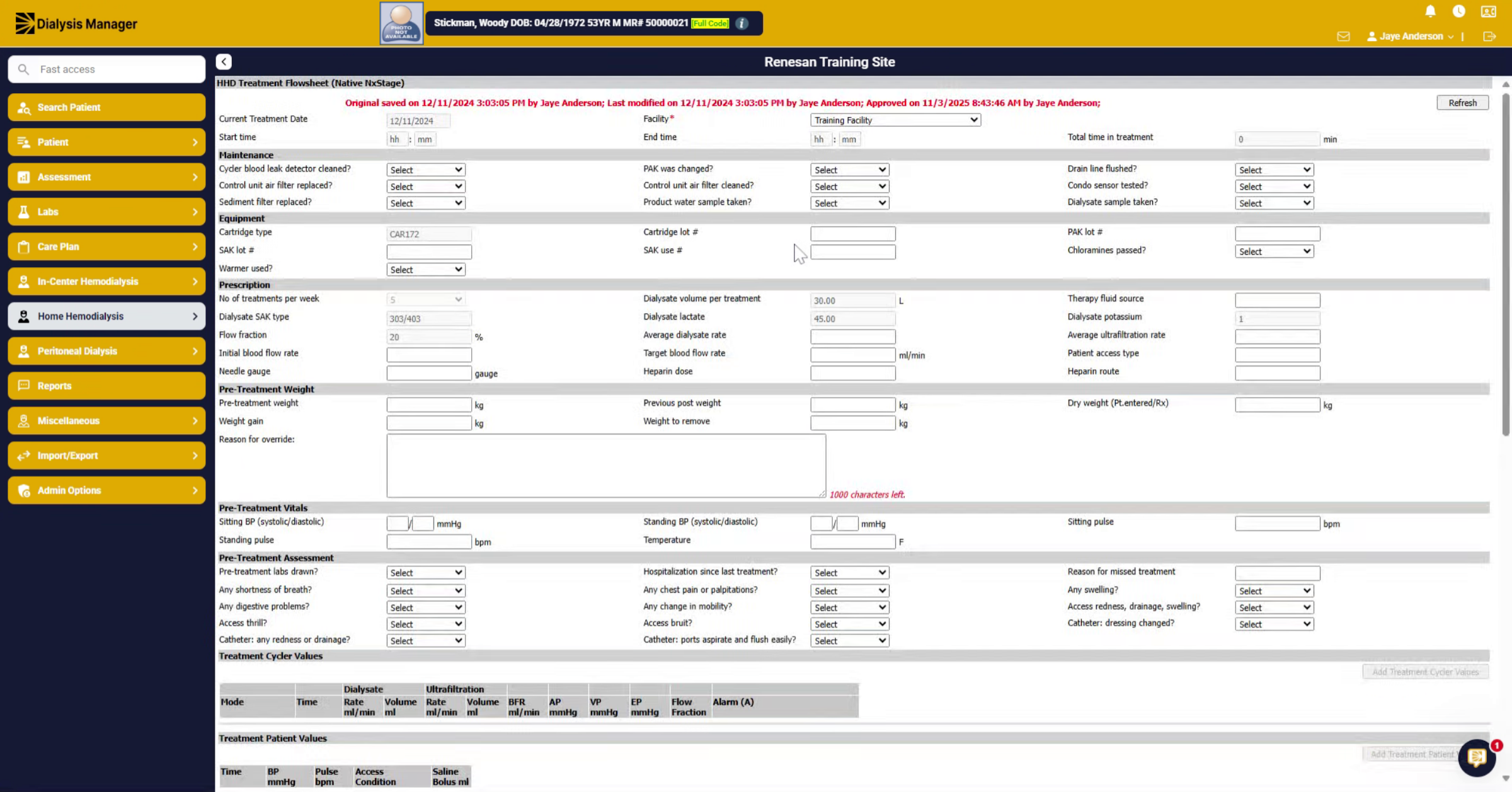
11. Troubleshooting
Troubleshooting. If you are not seeing treatment information listed, it may be the Next Stage ID is not matching. Verify this under Patient, Edit Patient and IDs. Another common issue is that the HHD order along with ordered medications are not matching within Next Stage and Dialysis manager exactly. These must match exactly. You can find additional information under Admin Options, Log Events, HHD Treatment Log Events