Adding a SNF or Nursing Home
1. Introduction
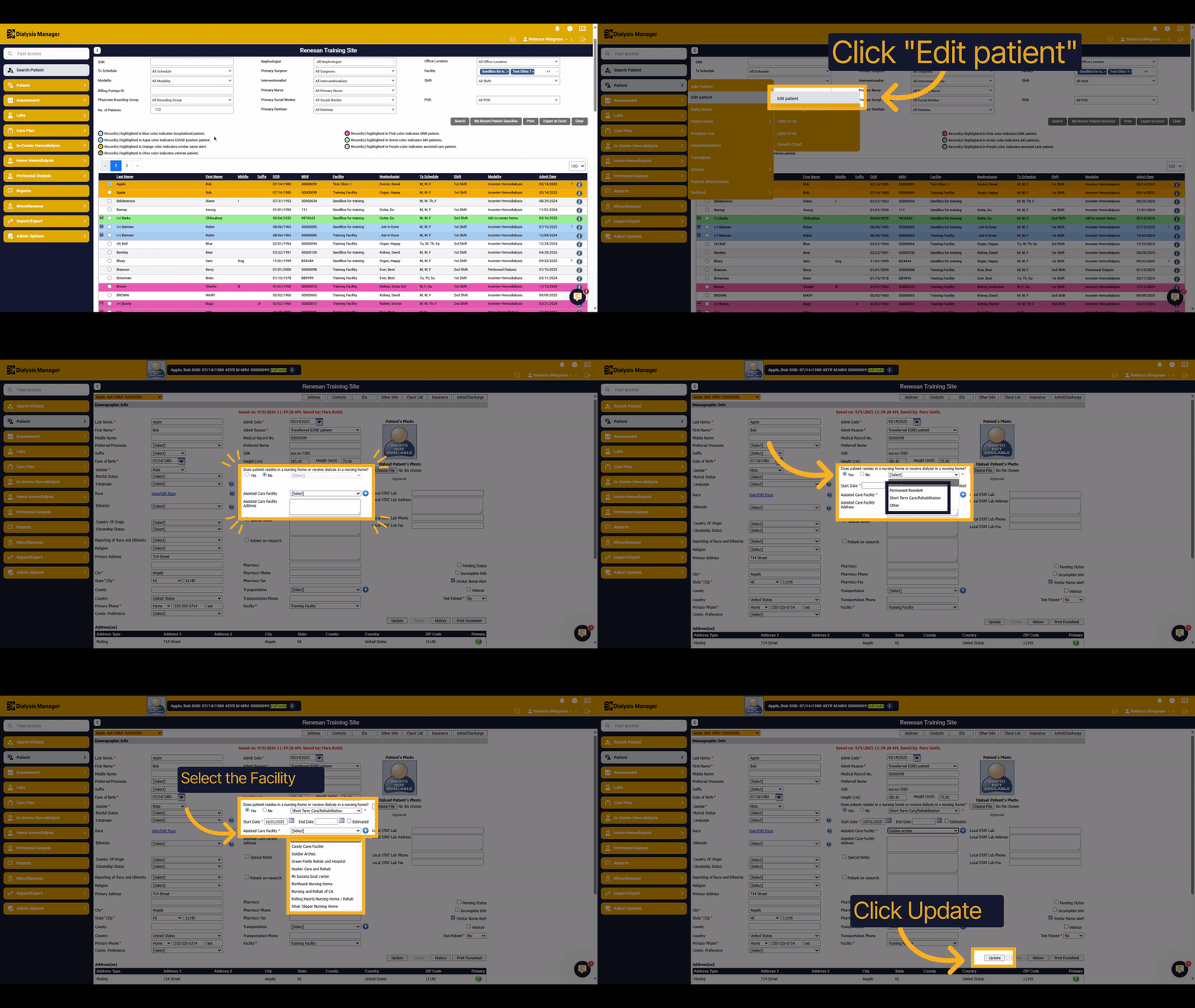
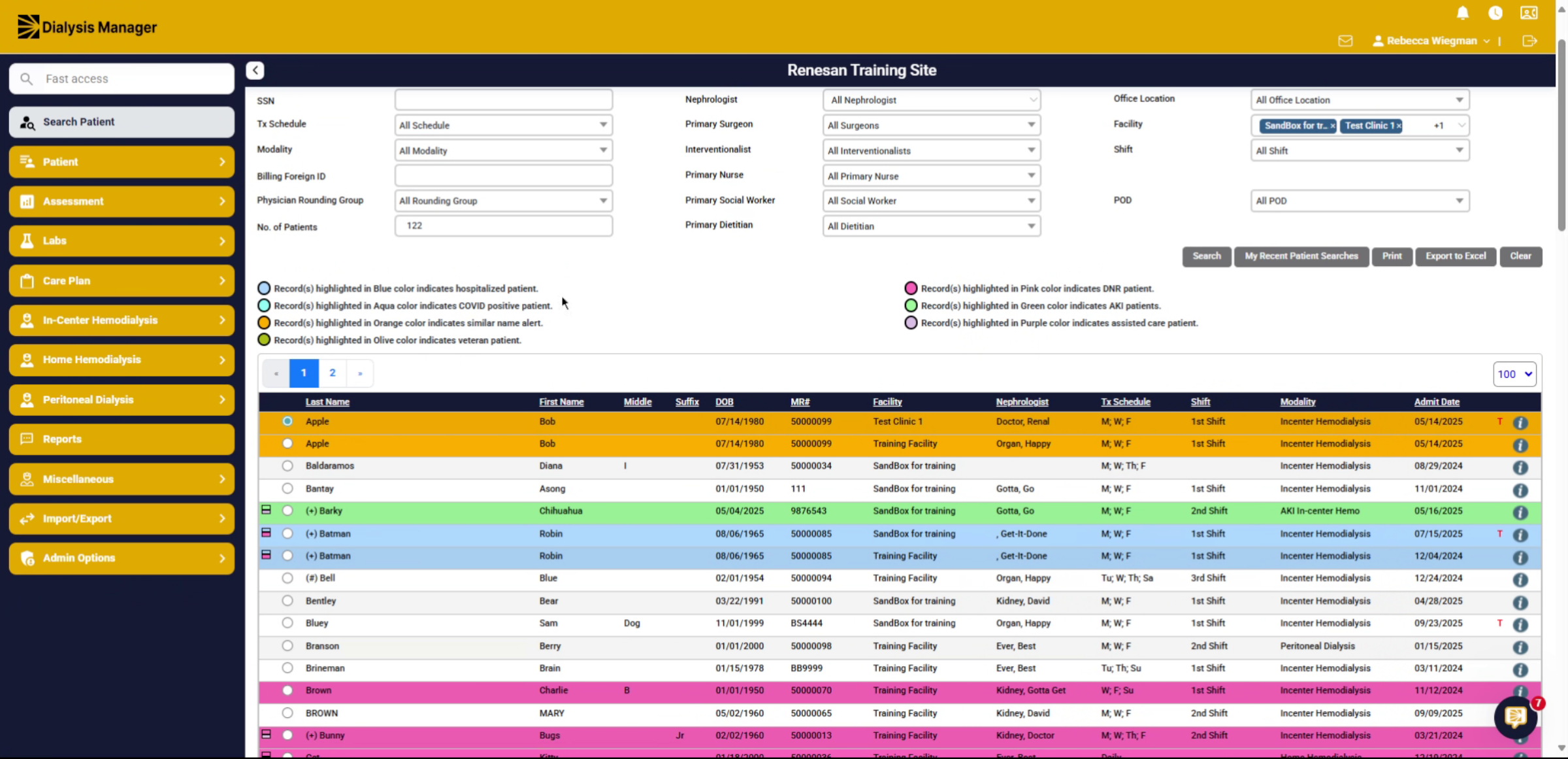
This tutorial guides you through adding a Skilled Nursing Facility or Nursing Home to a patient's Demographics!
2. Click "Edit patient"
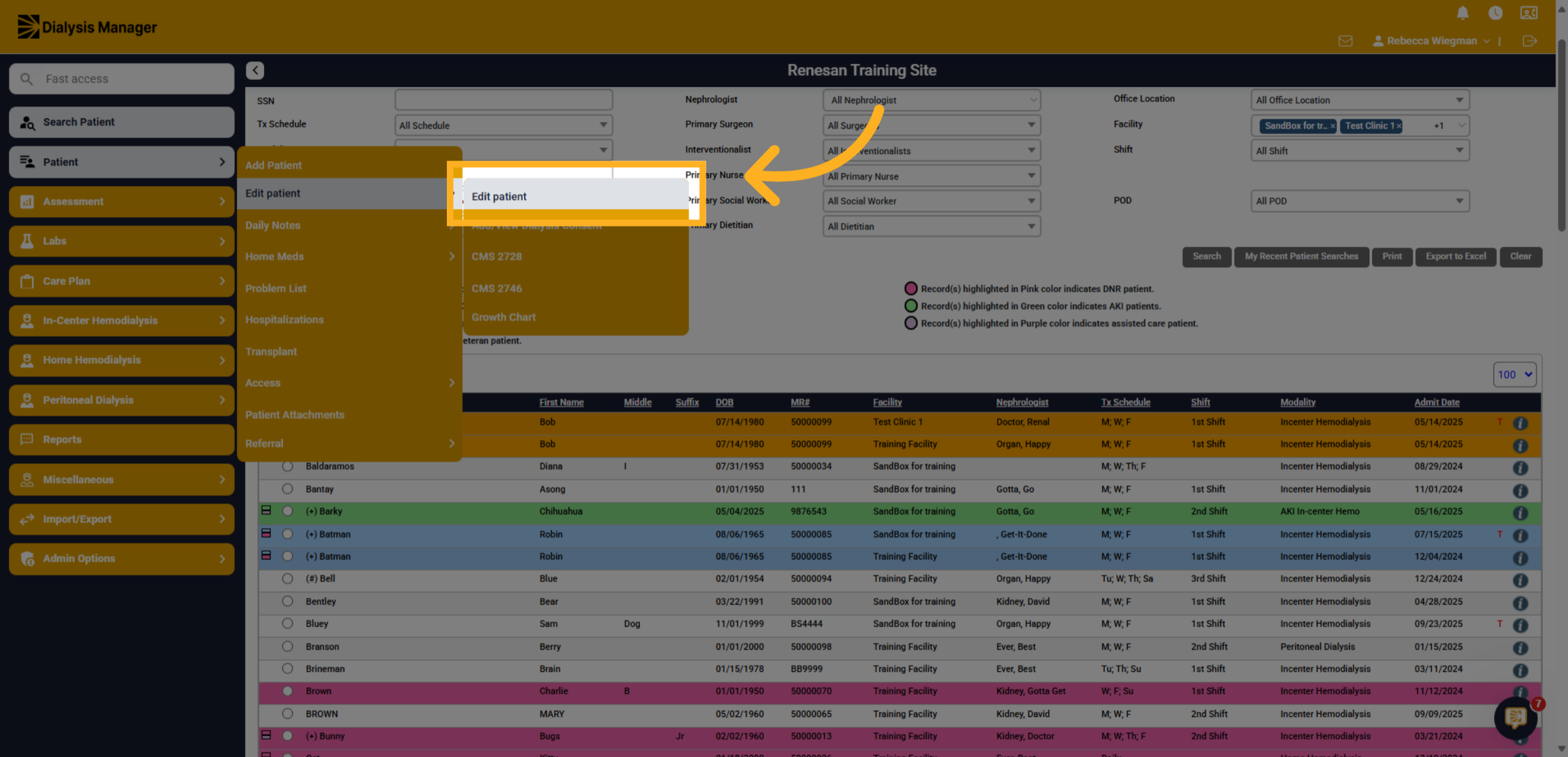
Once your patient has been selected click into the Patient Menu, Edit Patient, and Edit Patient.
3. Reside in a Nursing Home
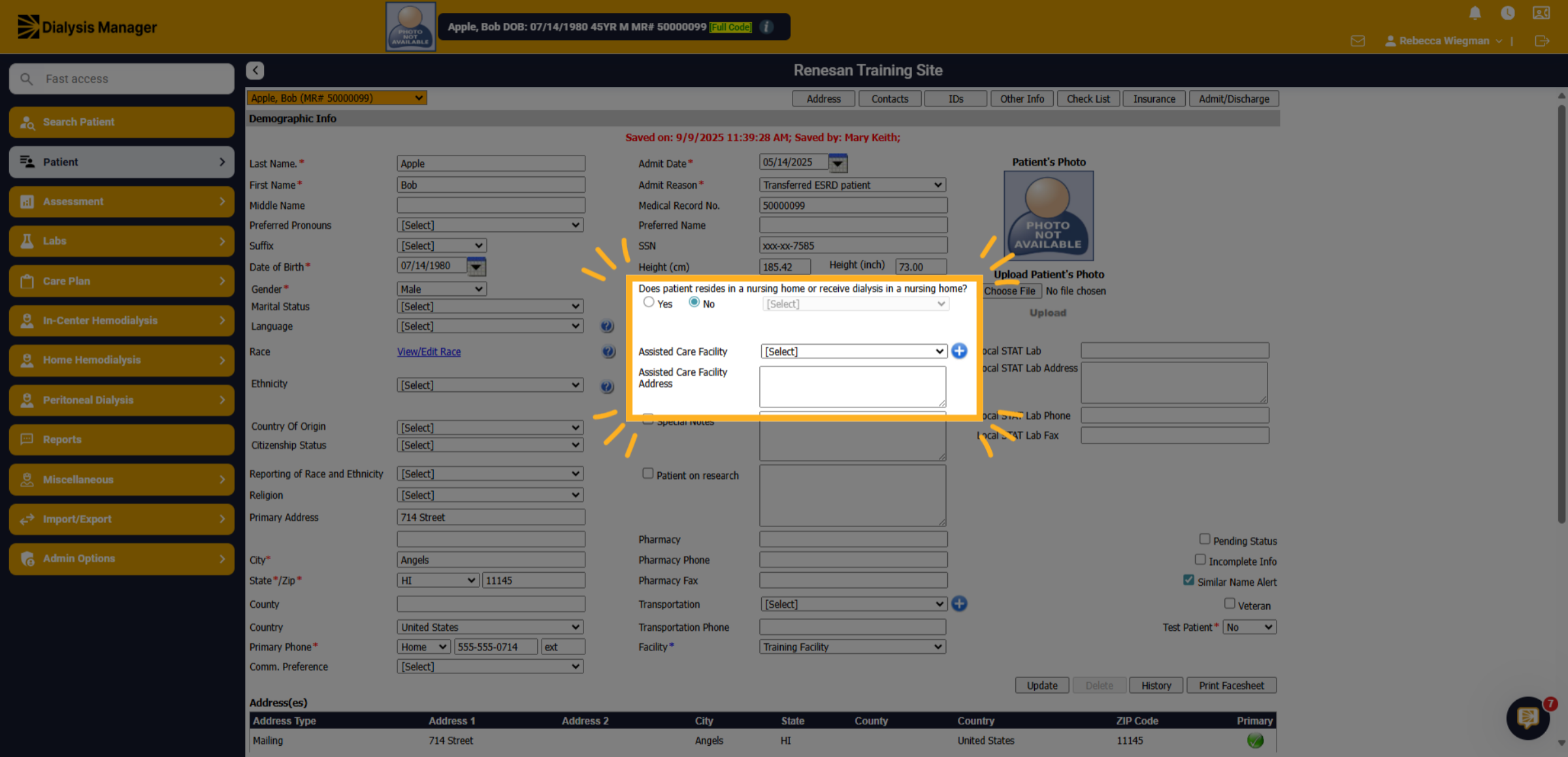
Below the Patient Height information you'll find where your able to enter if the Patient resides in a Nursing Home or receive dialysis in a nursing home.
4. Type of Stay
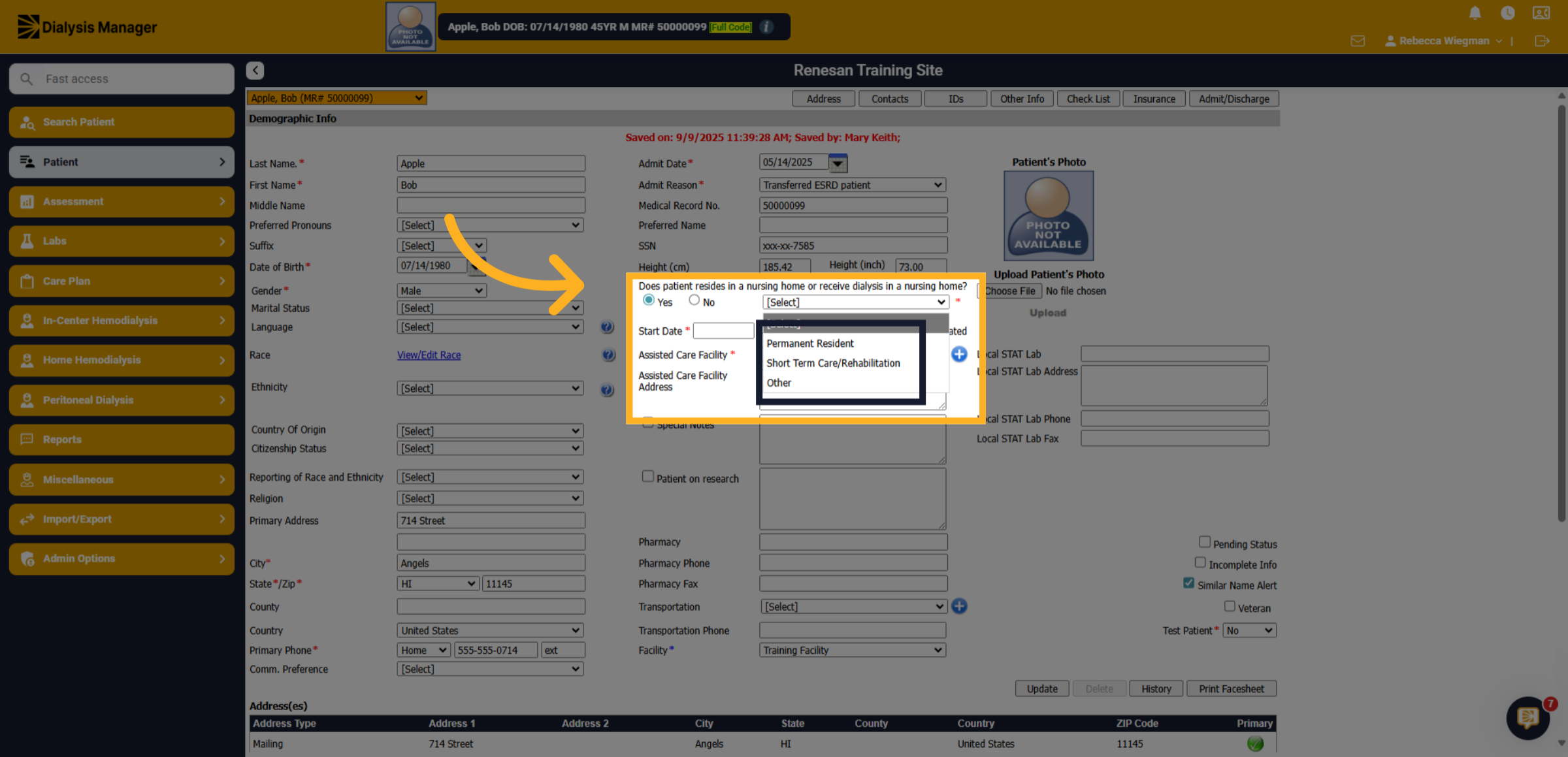
When selecting "Yes" you'll get a dropdown to specify if the patient is a Permanent Resident, Short Term Care Rehabilitation or Other.
5. Select a Facility
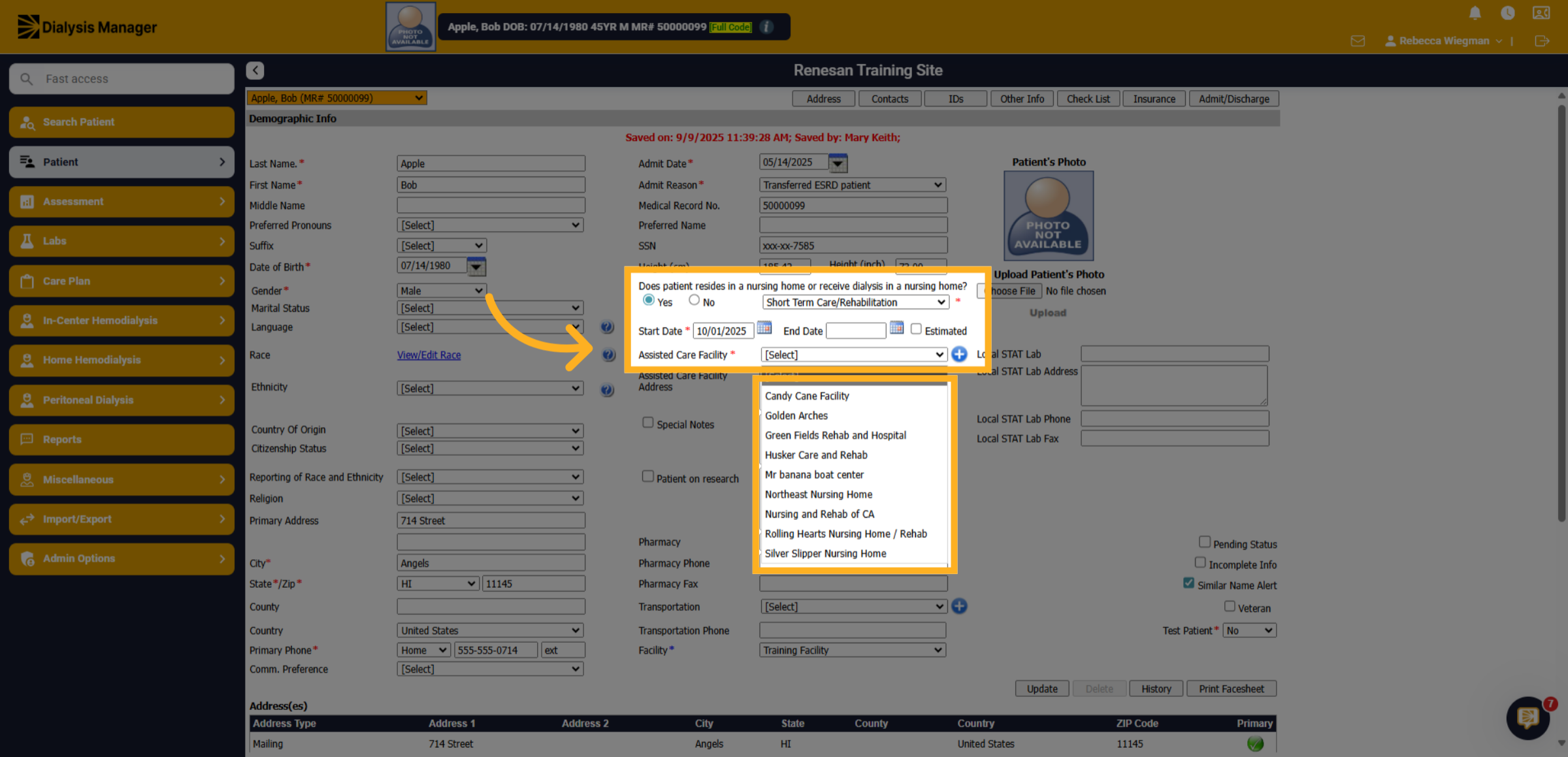
Choose the specific facility where the patient will be admitted and enter a start date. If the facility is not in the dropdown please contact an administrator or support to have it added.
6. Click here
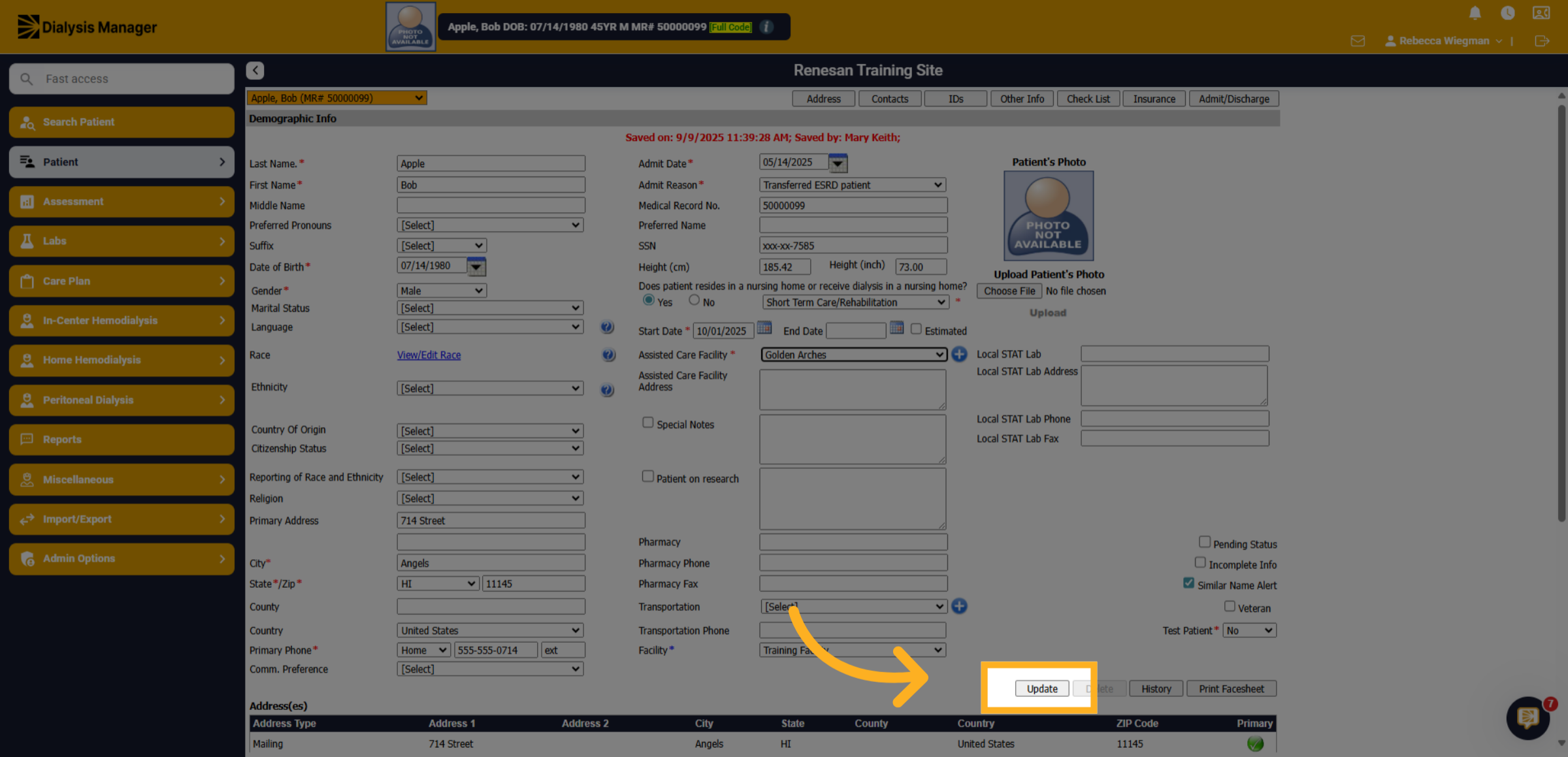
Click the Update to save all changes made to the demographic information for the patient!