Adding a Pharmacy
1. Introduction
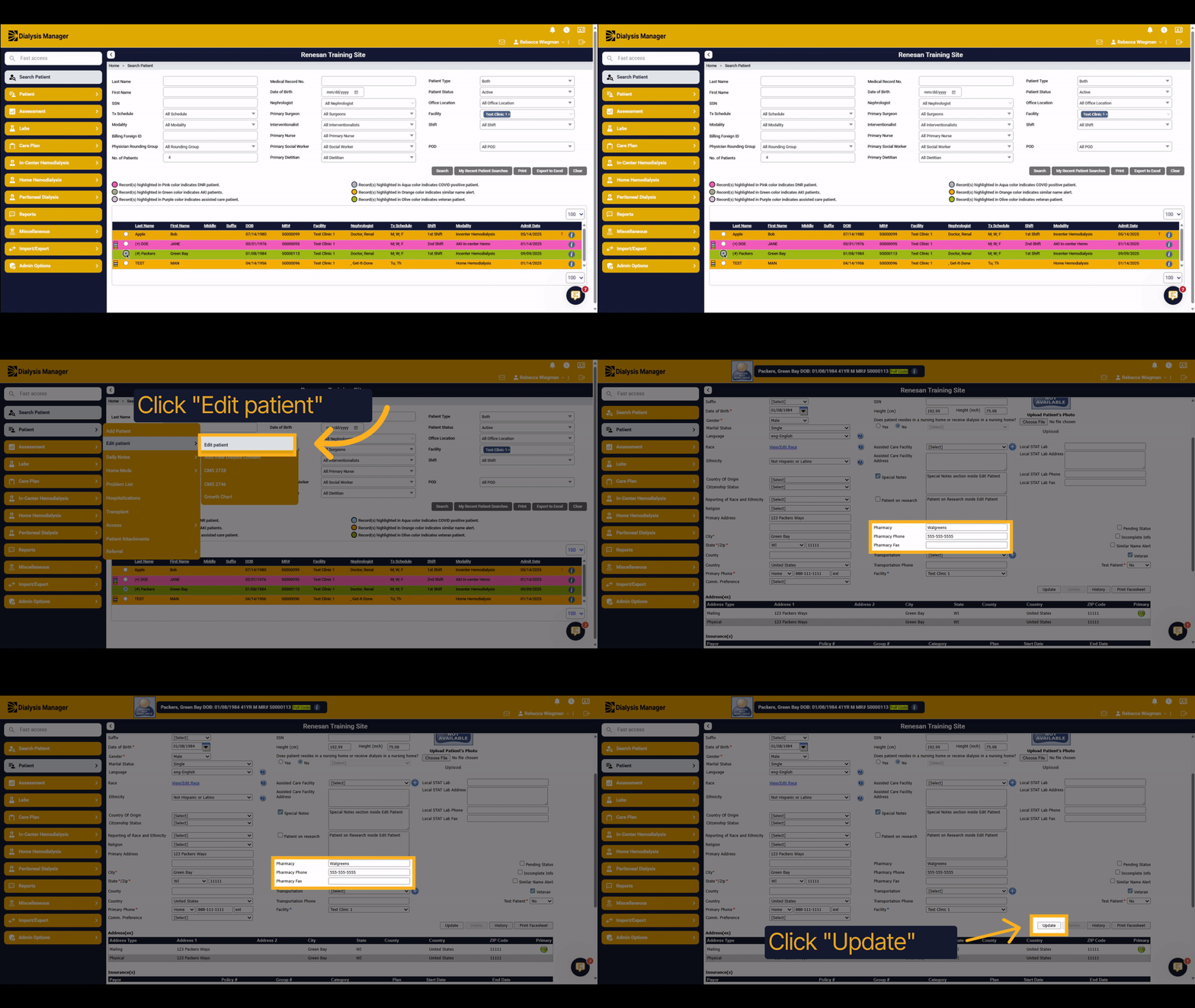
This tutorial will guide you through the process of adding a pharmacy to a patient's profile.
2. Edit Patinet
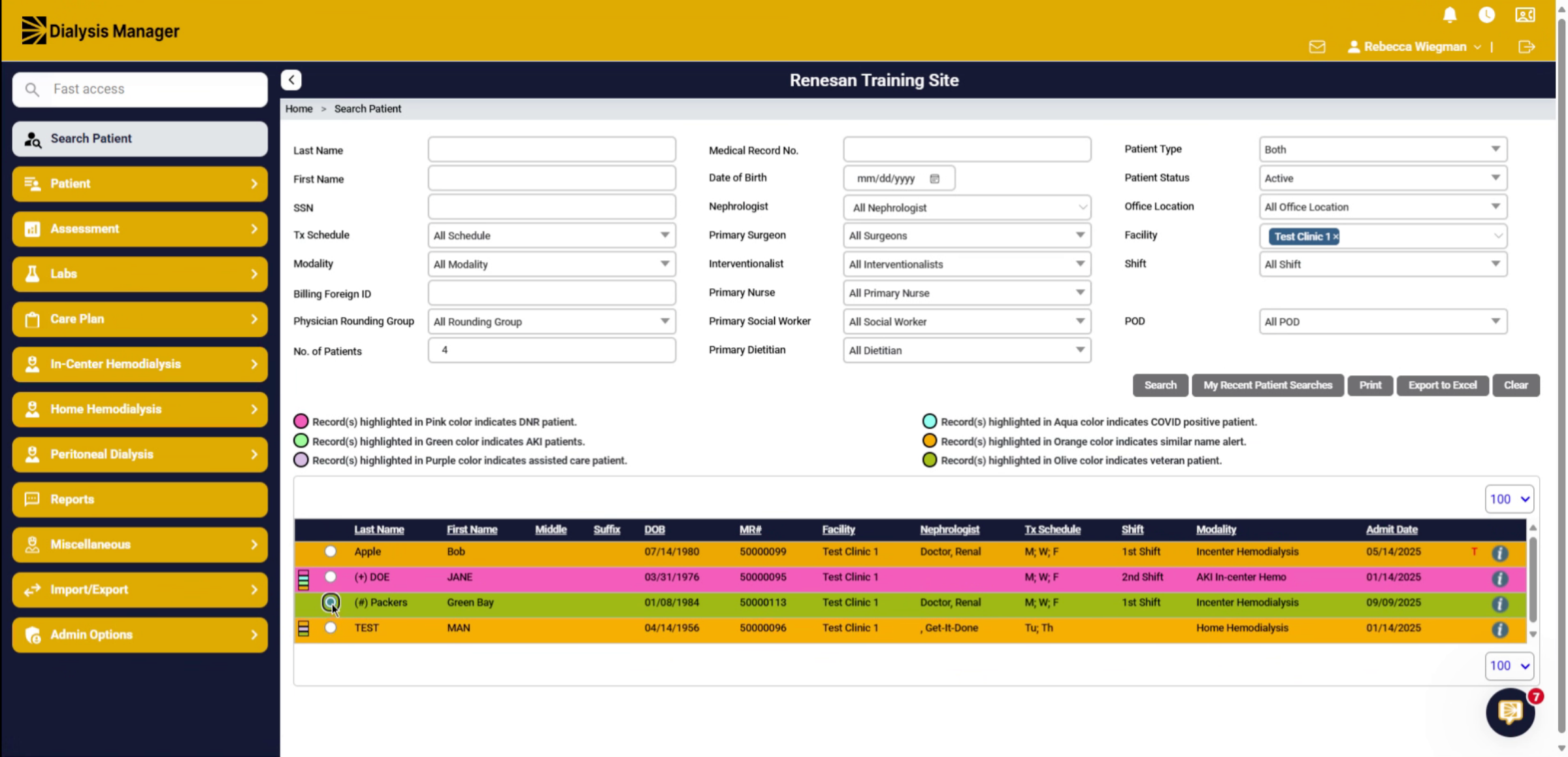
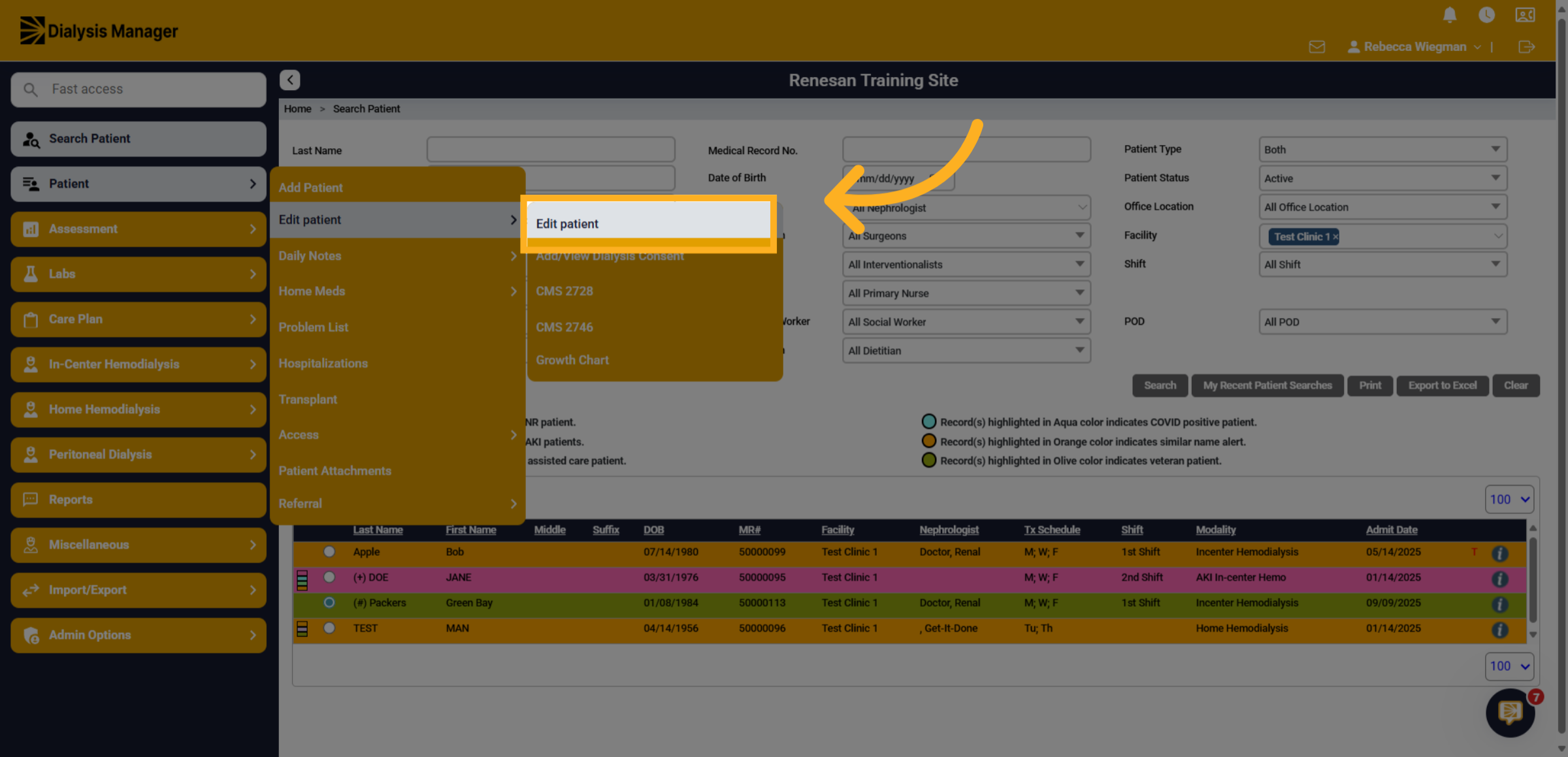
Once your patient is selected click into the Patient menu, Edit Patient and Edit Patient.
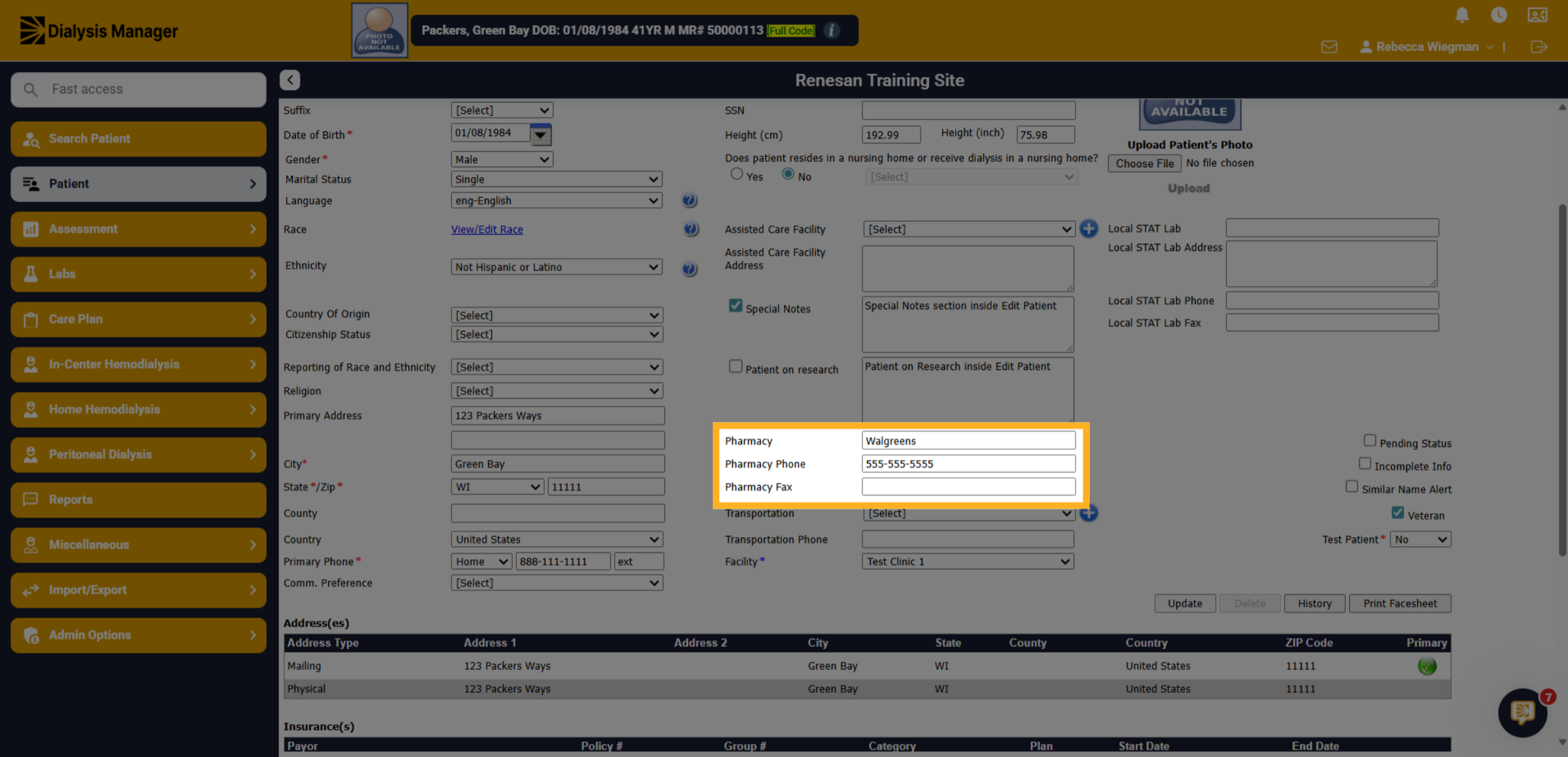
3. Pharmacy
In the middle column you'll see Pharmacy, Phone Number and Fax.
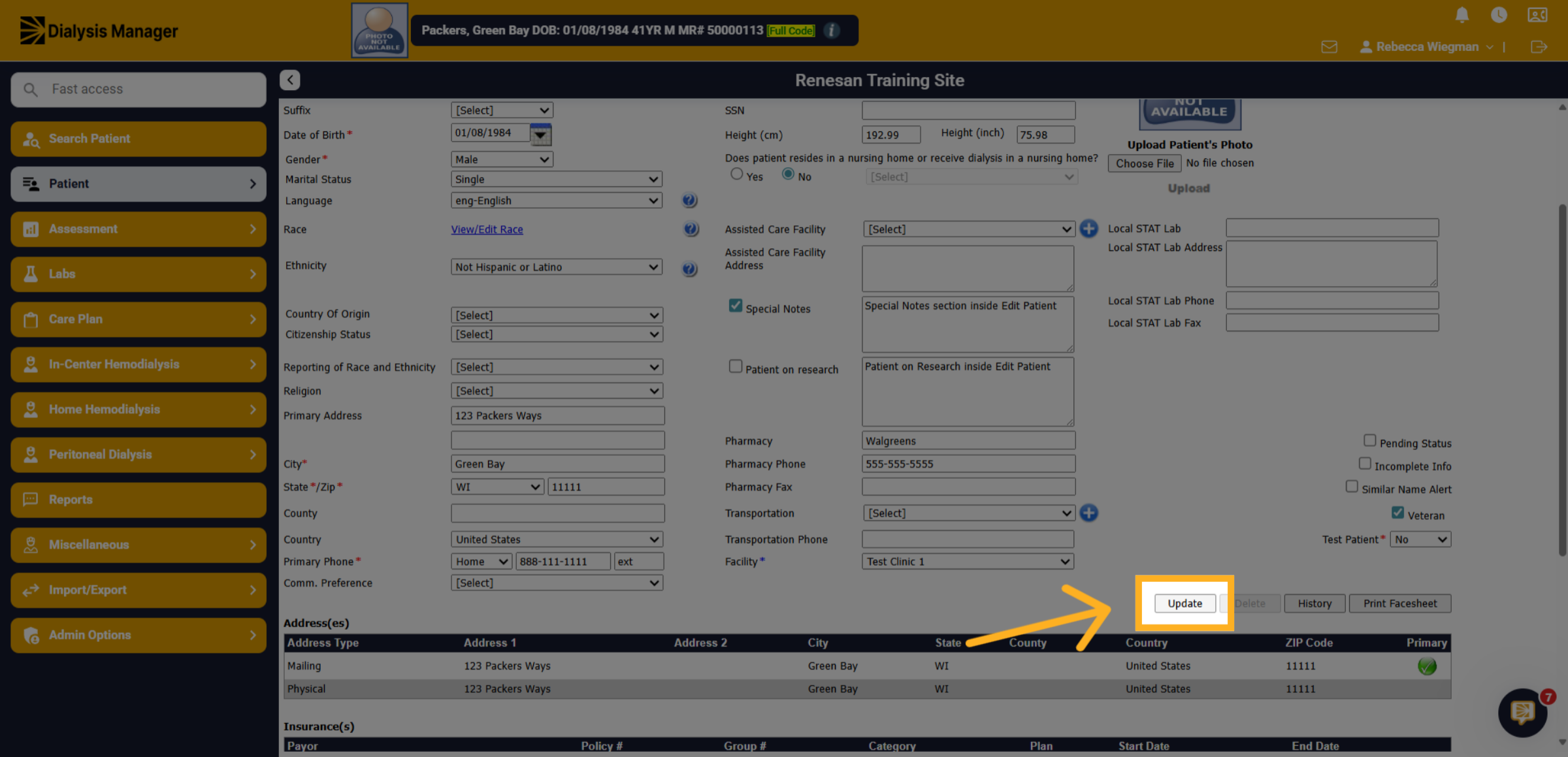
4. Click "Update"
Click the "Update" button to save the new pharmacy information.