Adding a new home medication
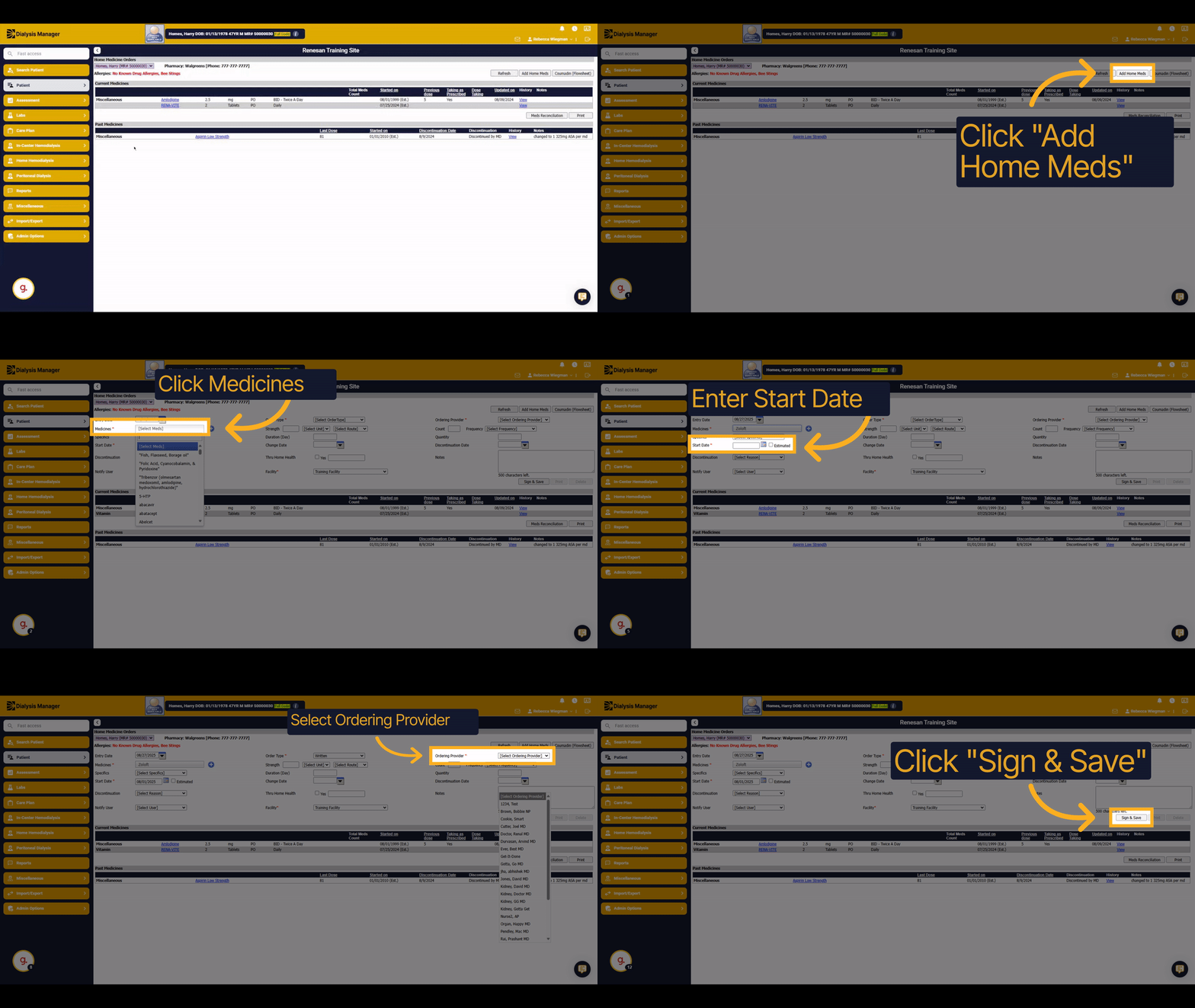
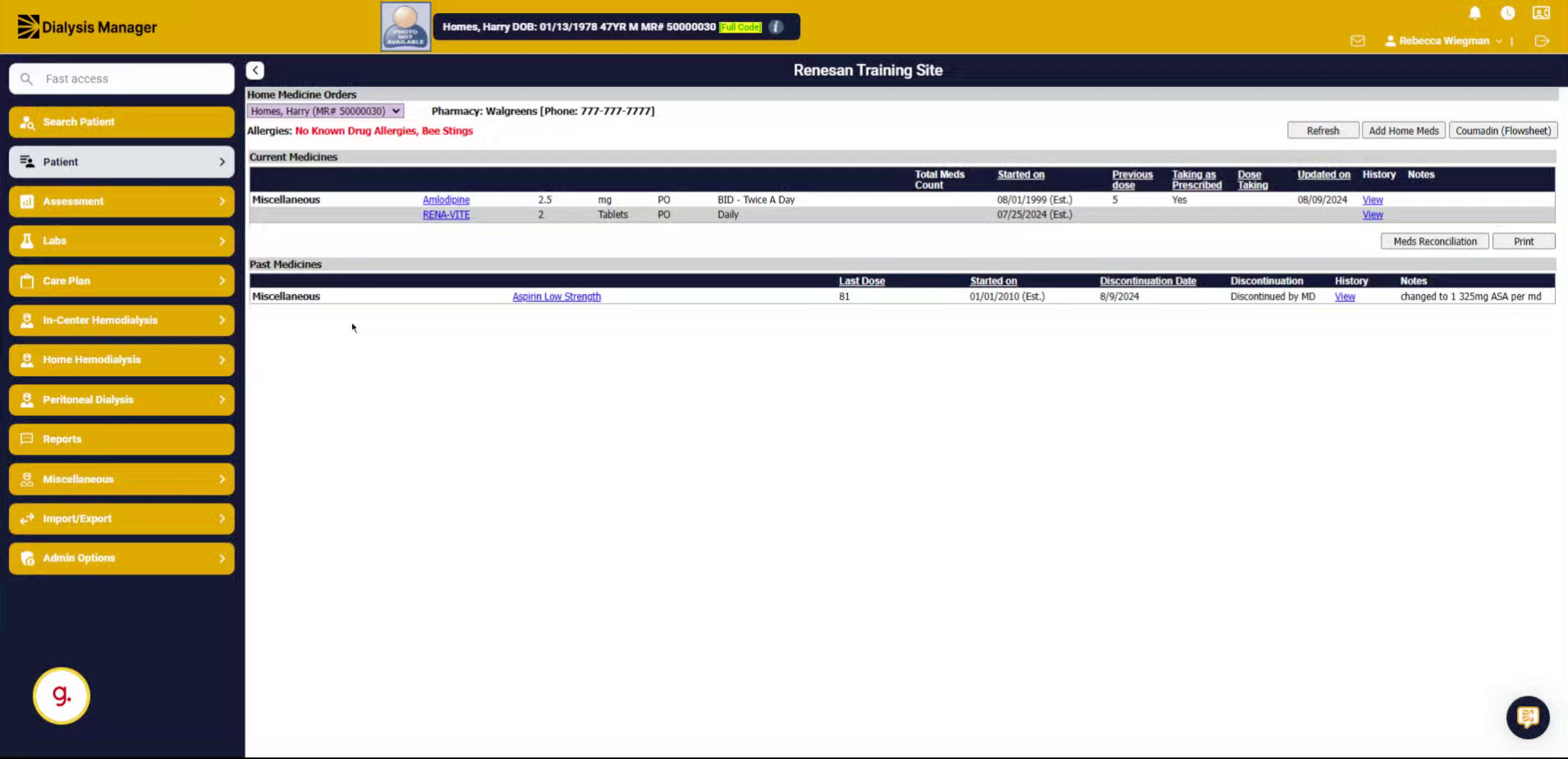
1. Introduction
Learn how to add a new home medication to a patient's record.
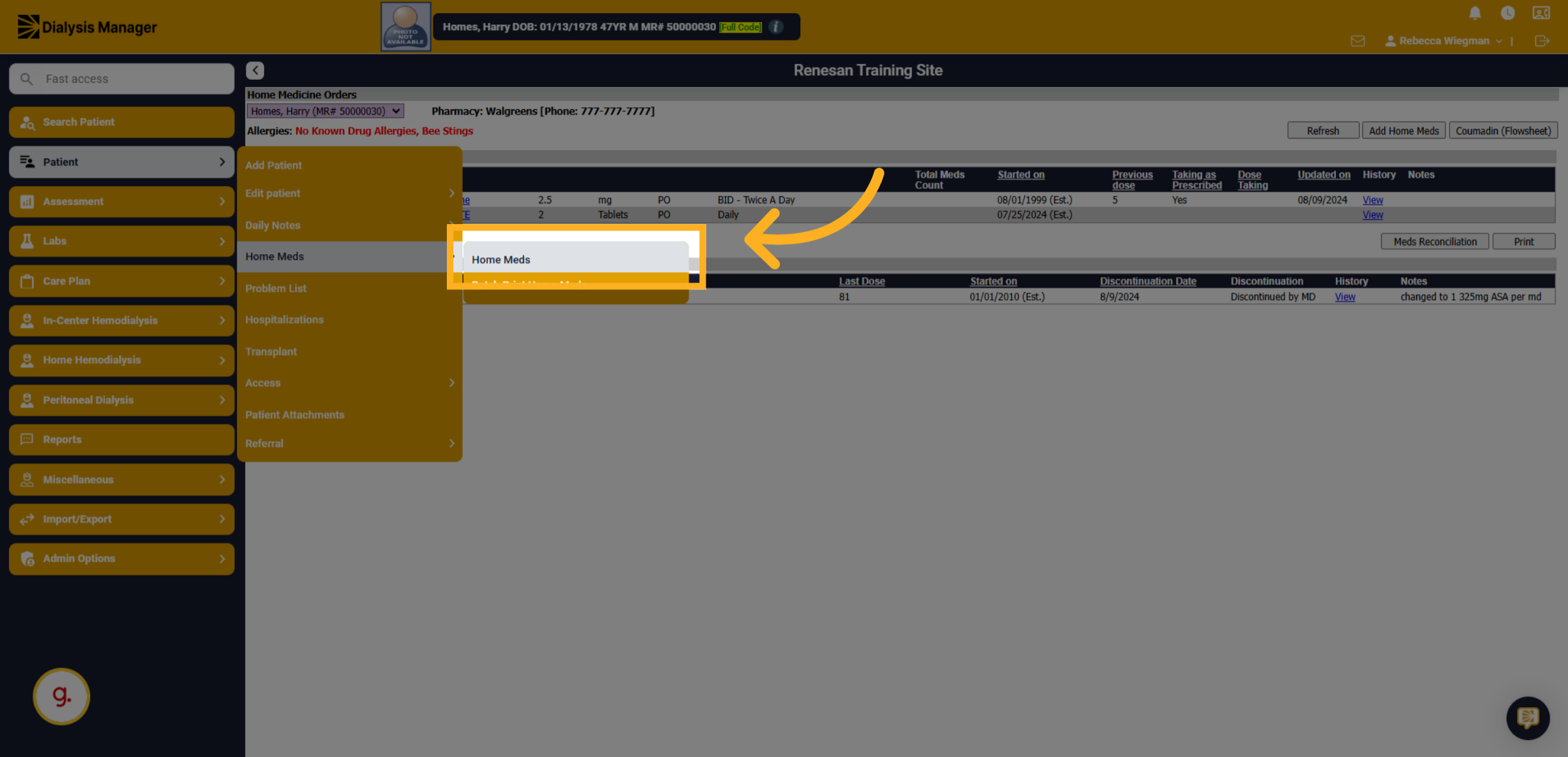
2. Click "Home Meds"
Navigate to the Home Medications section to begin adding a new medication.
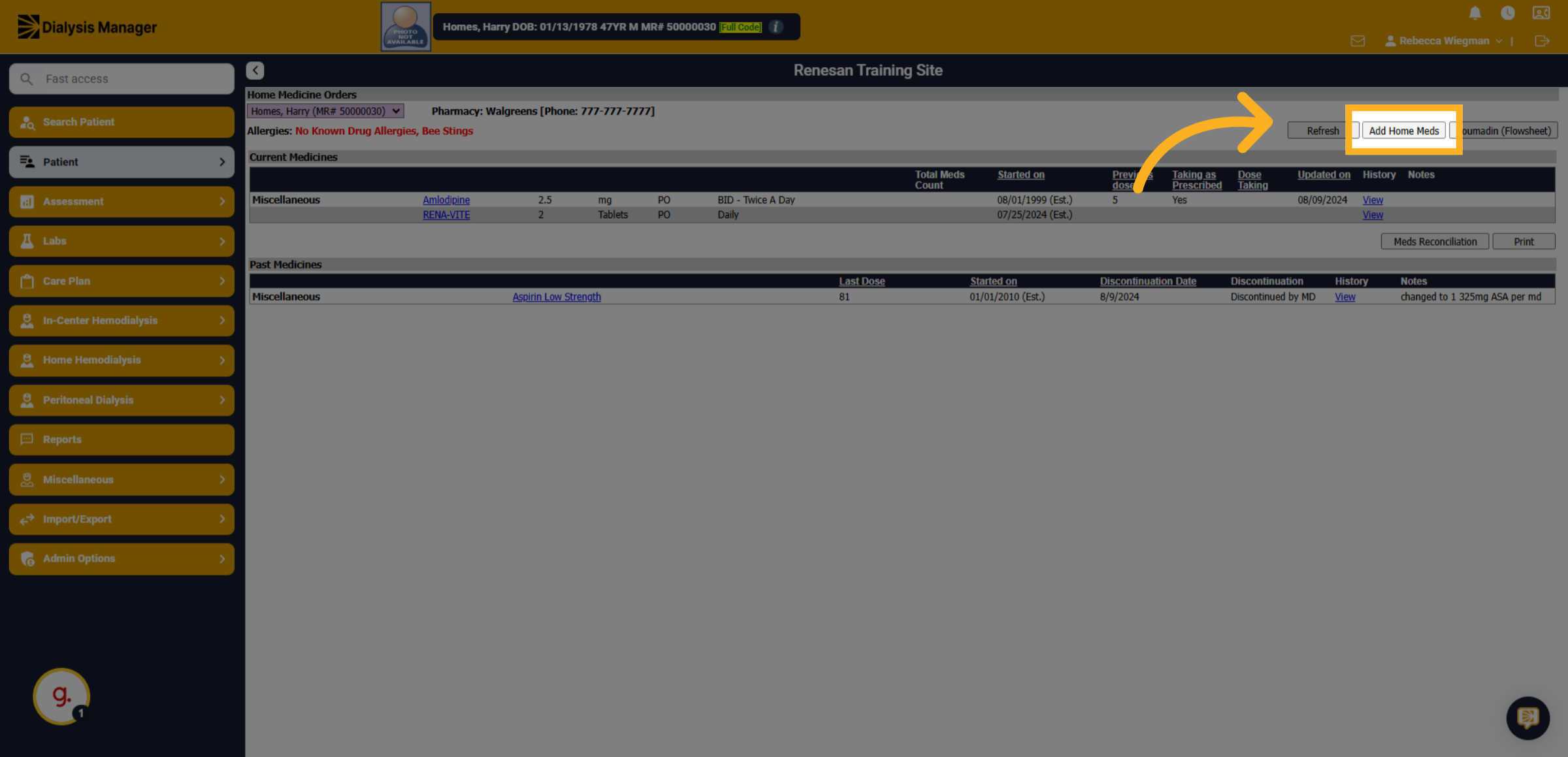
3. Click "Add Home Meds"
Select the option to add a new home medication entry.
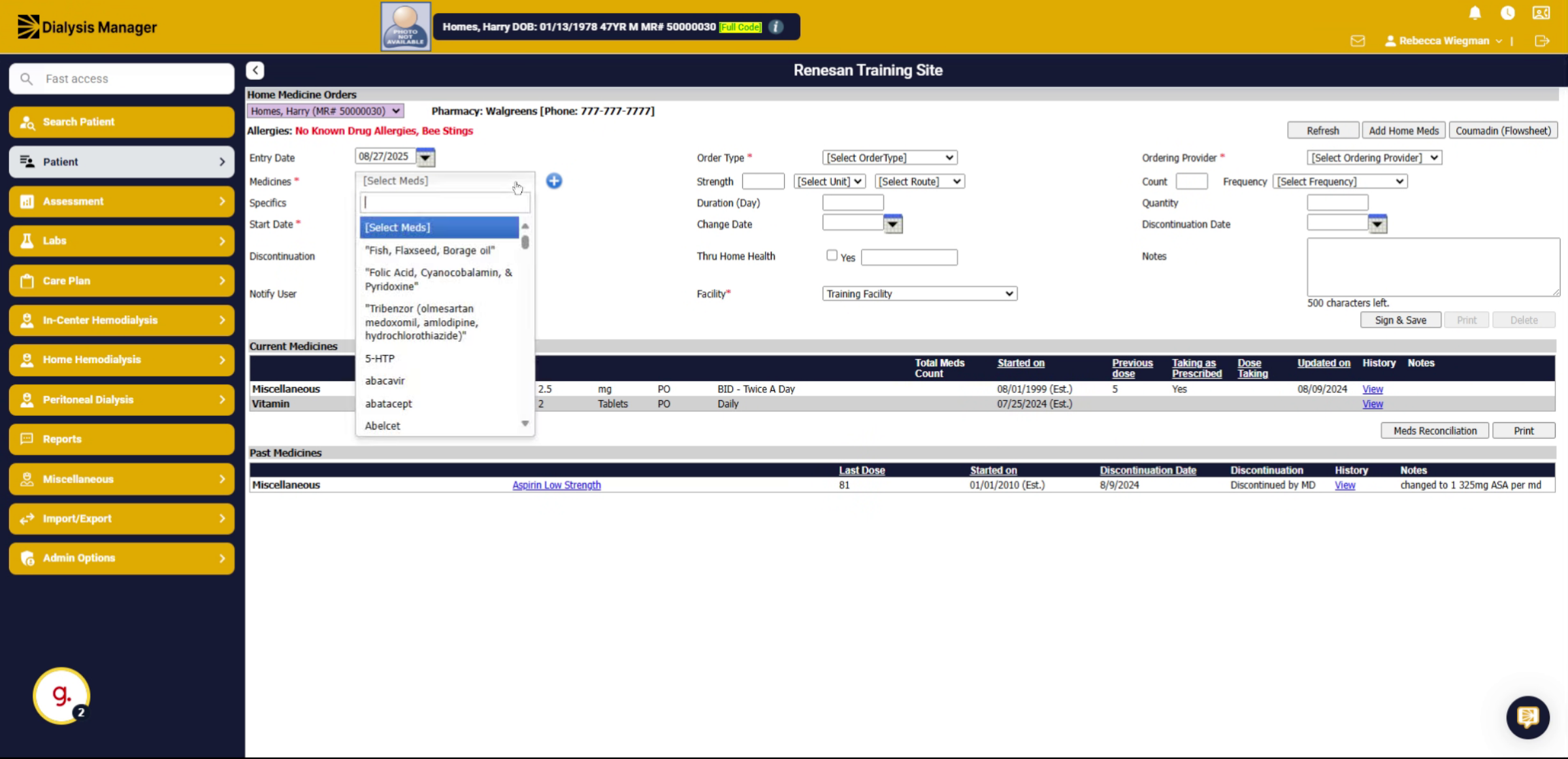
4. Click "[Select Meds]"
Open the medication selection menu to find the medication you want to add.
![Click '[Select Meds]'](https://knowledgetest.renvio.com/hubfs/Intercom%20knowledge%20base/qg-2Fu0GlpTxg3KQGmZcWU2NCVw7aI4i1-2F5DEzRjmMsfeZFgJpCZhnhZ-2F79nRrPHcgWkcLeyr2er5Vj_doc.png)
5. Fill "Zolof"
Enter the name of the medication you wish to add to your home meds list.
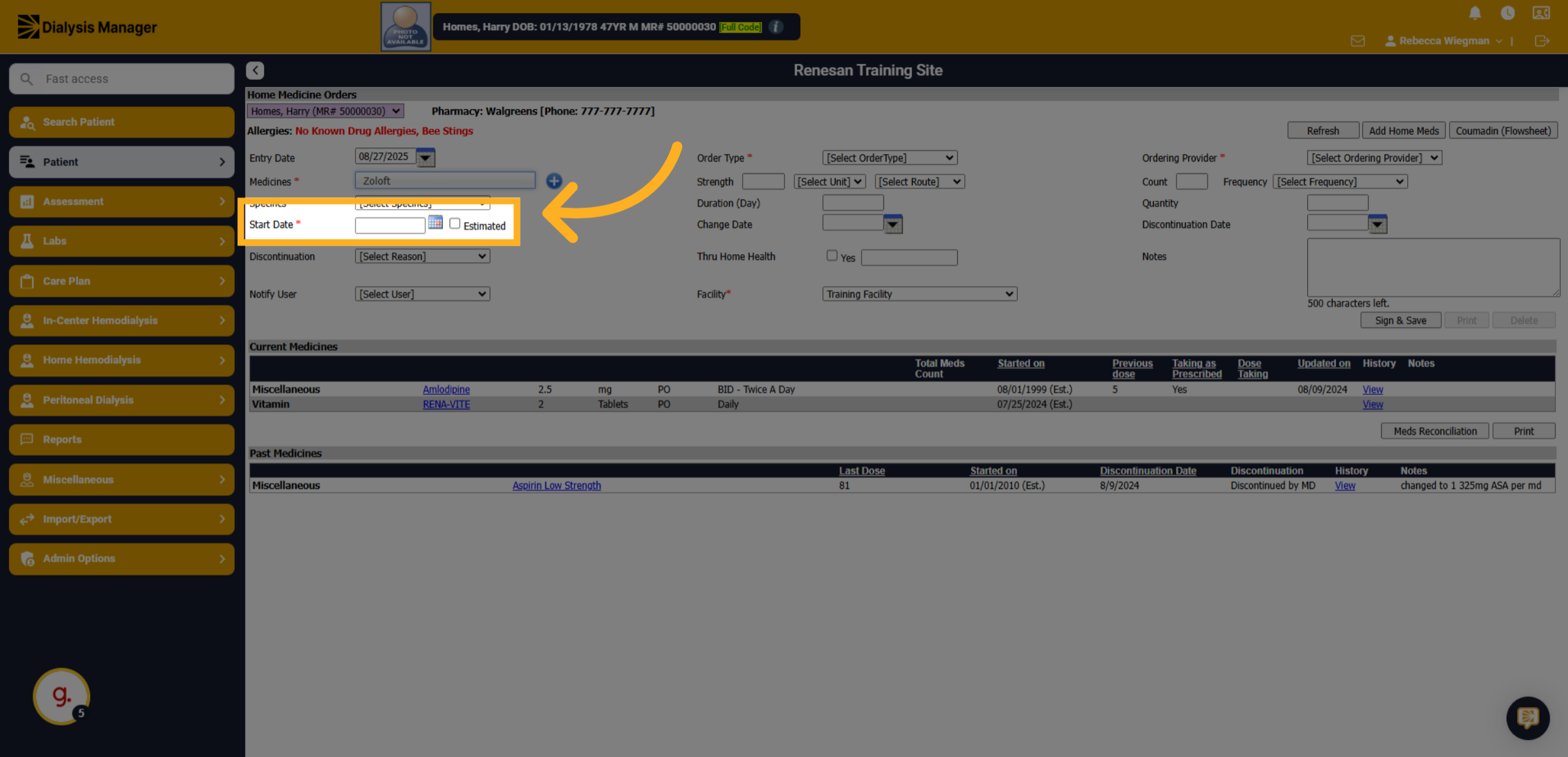
6. Start Date
Manually enter the start date OR select the calendar to pick a date.
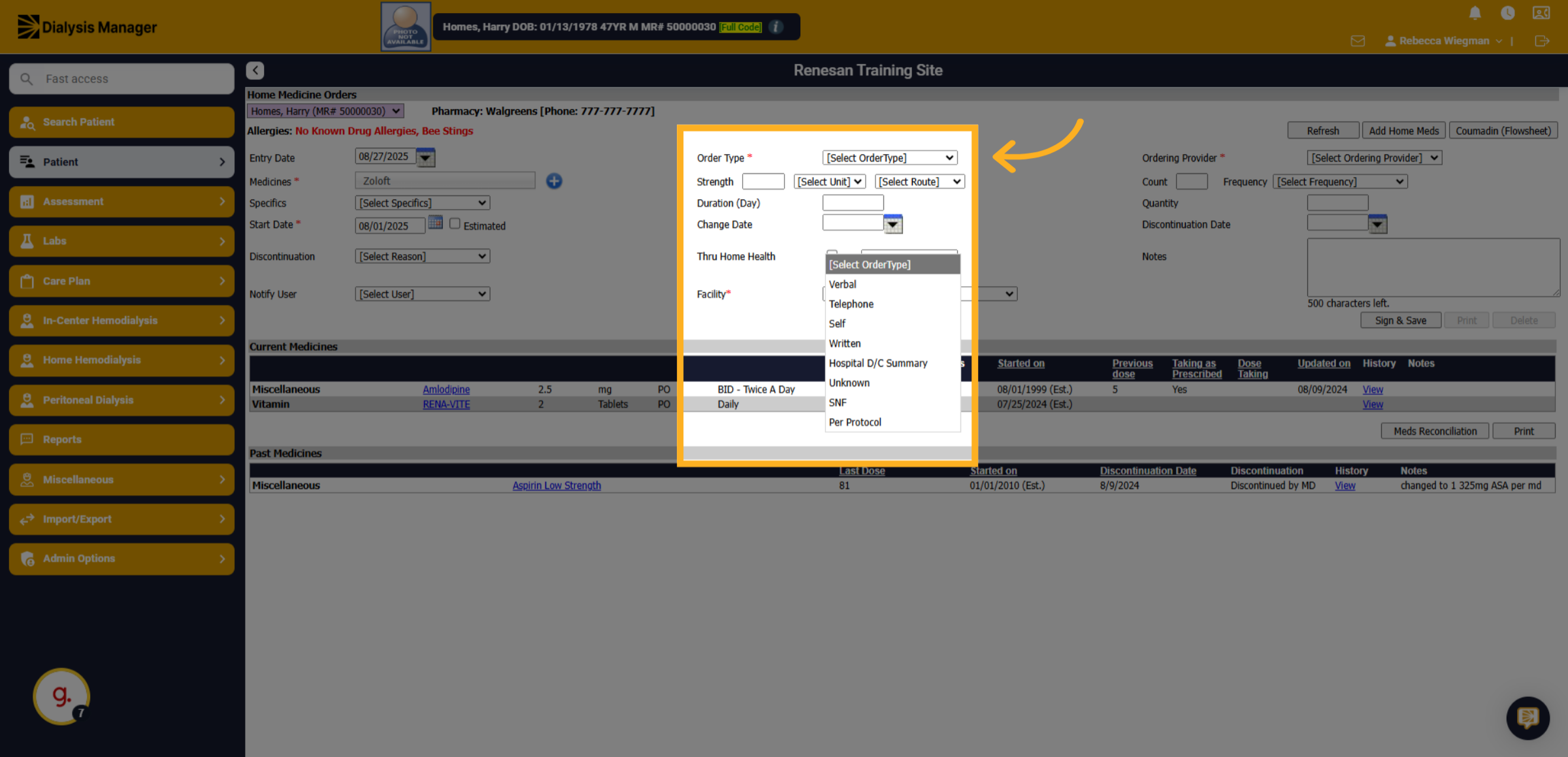
7. Click "Order Type"
Open the order type dropdown to specify how the medication was ordered.
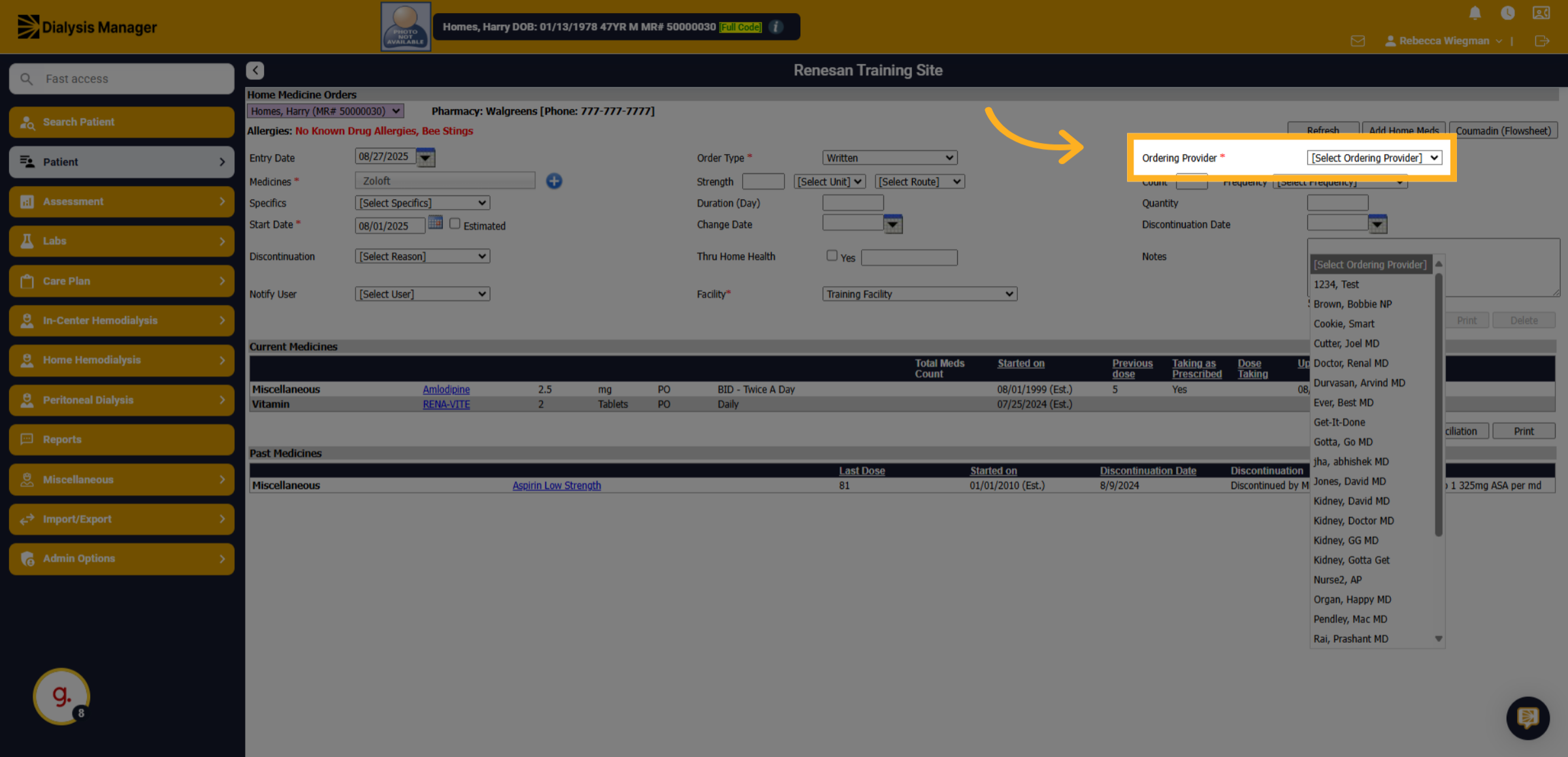
8. Select the ordering Provider
Open the ordering provider list to assign the medication to the correct prescriber.
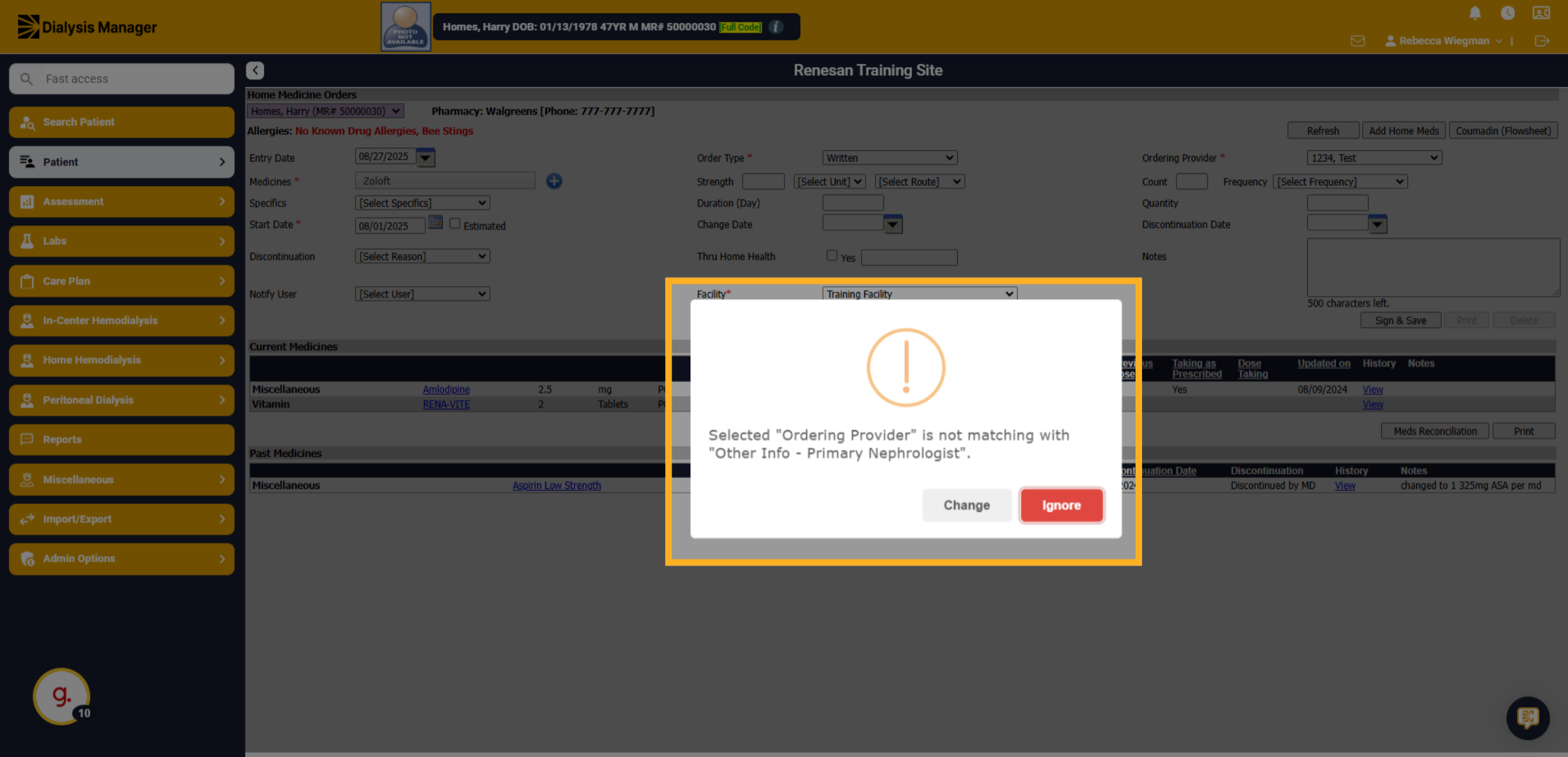
9. Click "Ignore"
If you receive this "Error" when selecting the ordering provider it is telling you that the provider selected is not the patients primary Nephrologist. Click Ignore if you use rounding groups or assigning to another physician.
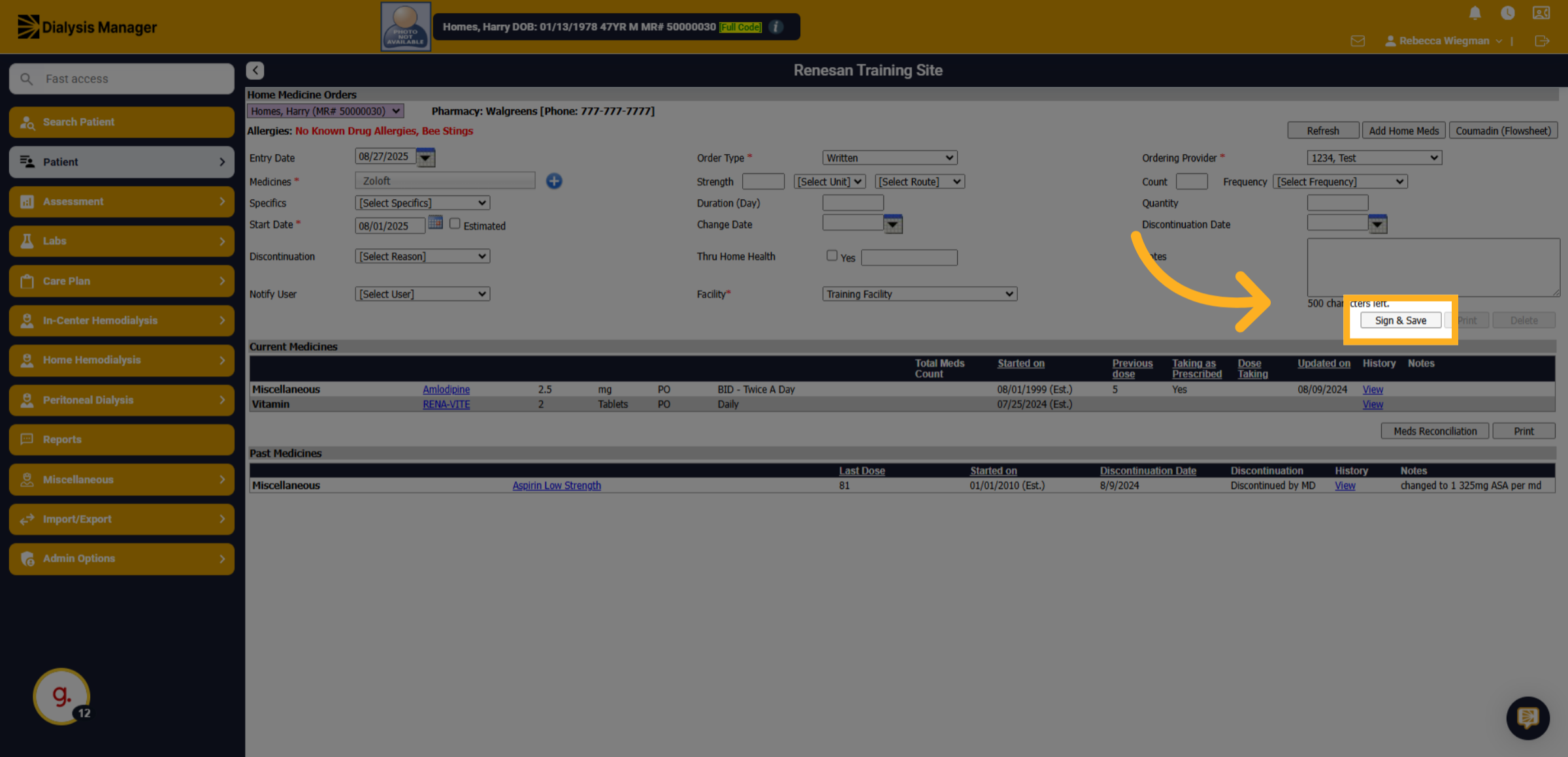
10. Click "Sign & Save"
Review the information added before clicking "Sign and Save"