Add an allergy in Dialysis Manager
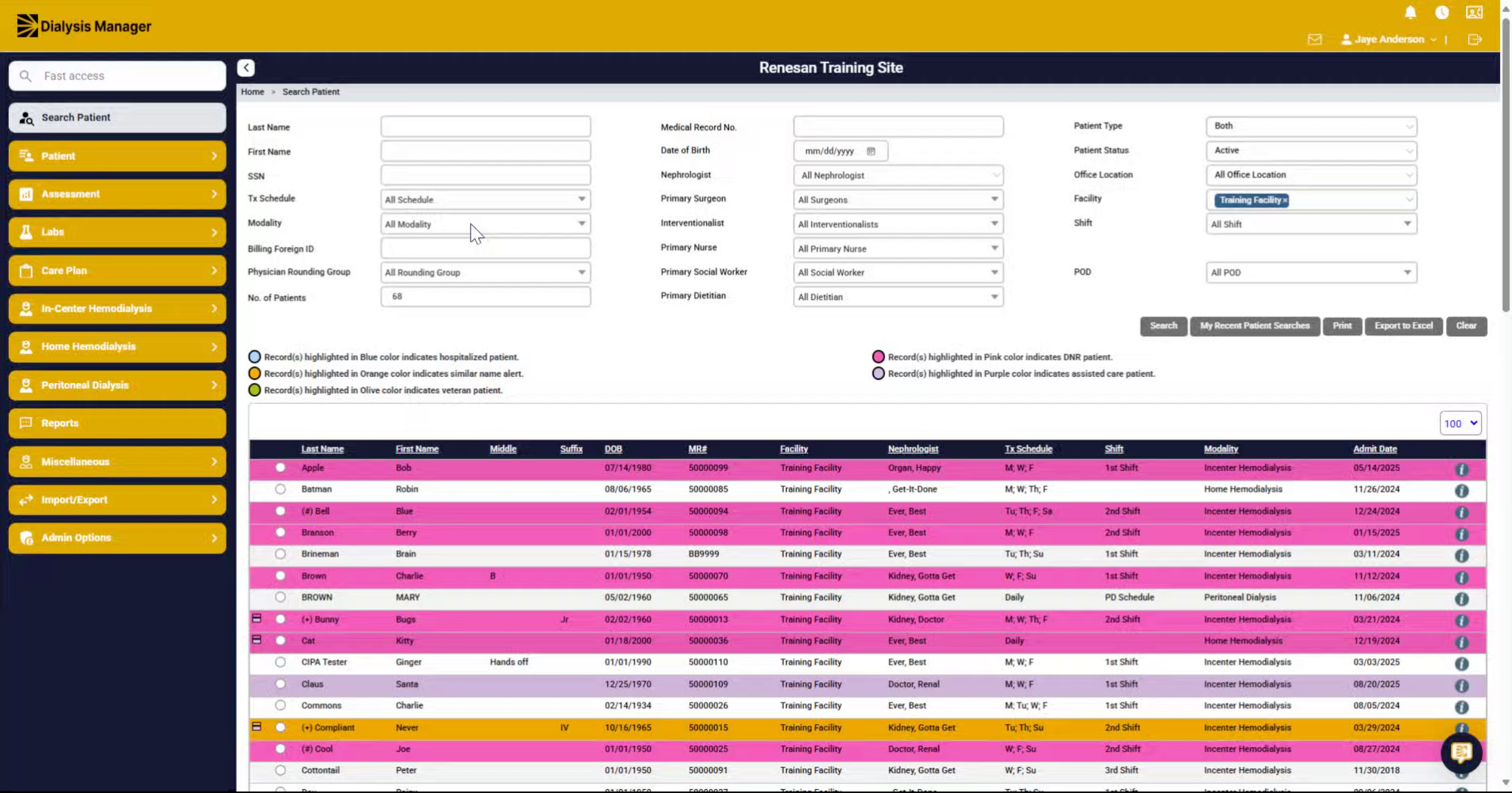
1. Introduction
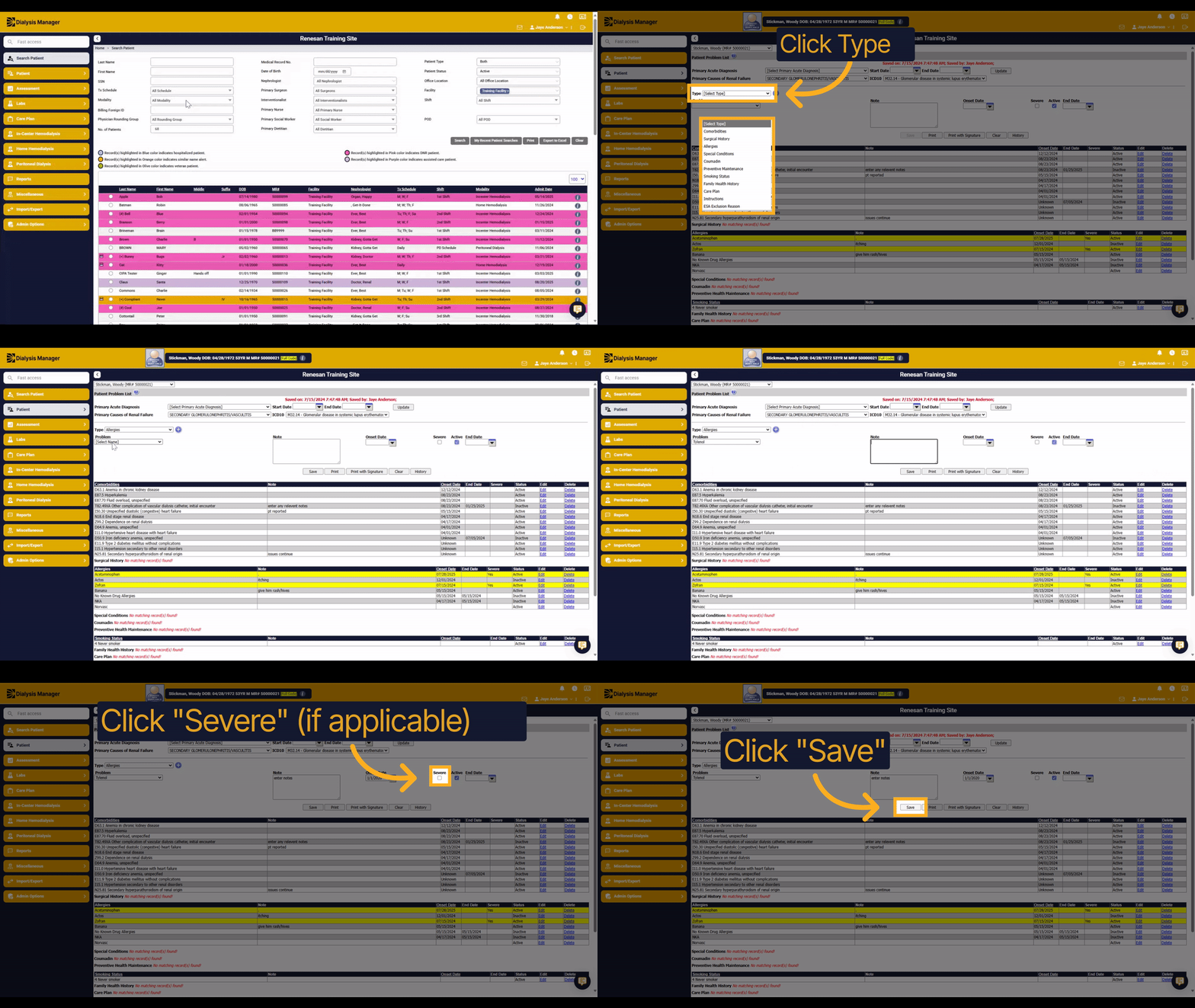
Learn how to confidently add an allergy in Dialysis Manager. This step-by-step guide walks you through selecting the allergy, entering notes, and saving the information efficiently.
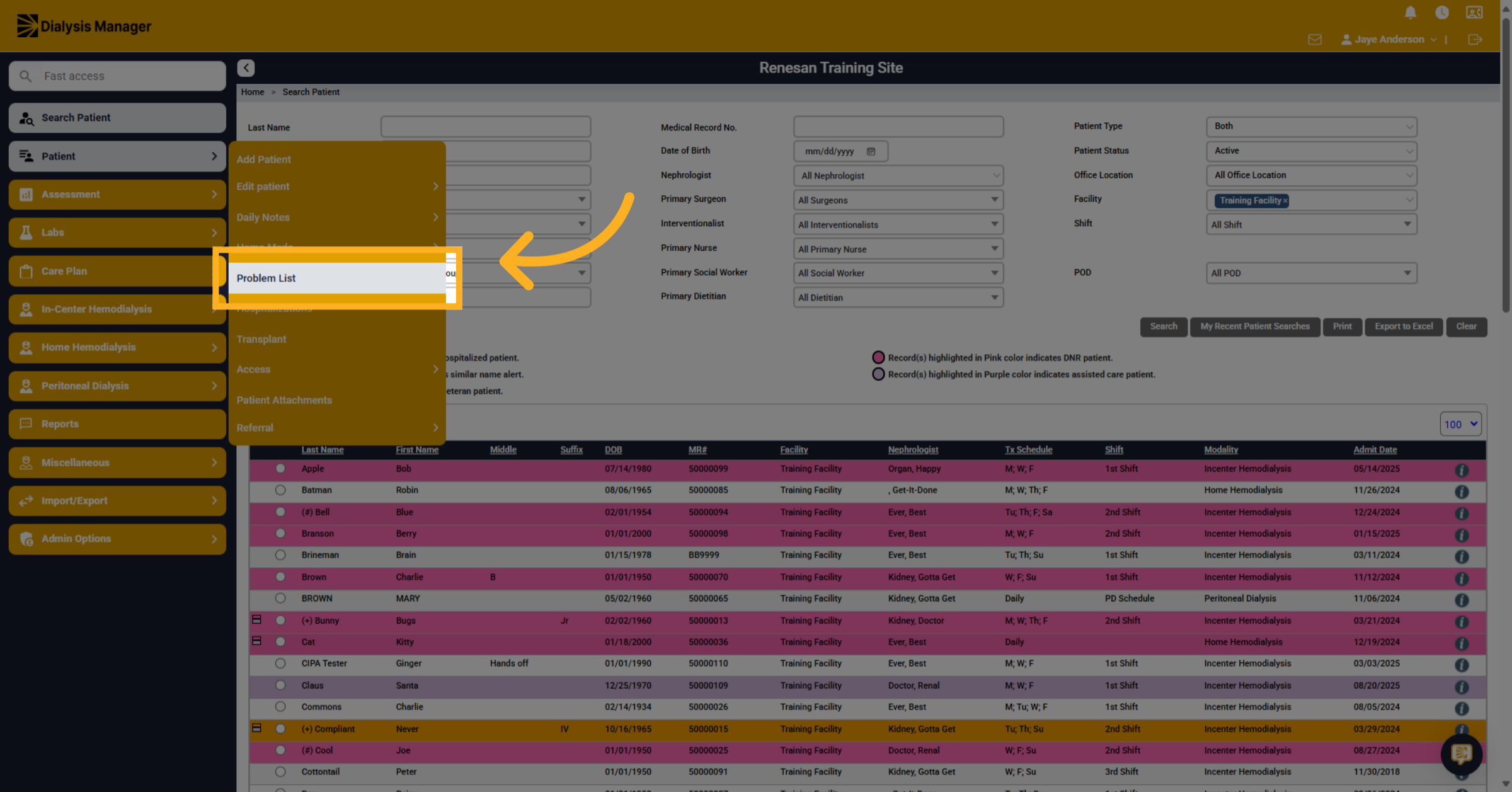
2. Click "Problem List"
Navigate to the Problem List section under the Patient menu to begin managing patient allergy details.
3. Select a Type
Select the category that best fits the information you want to add, such as Allergies.
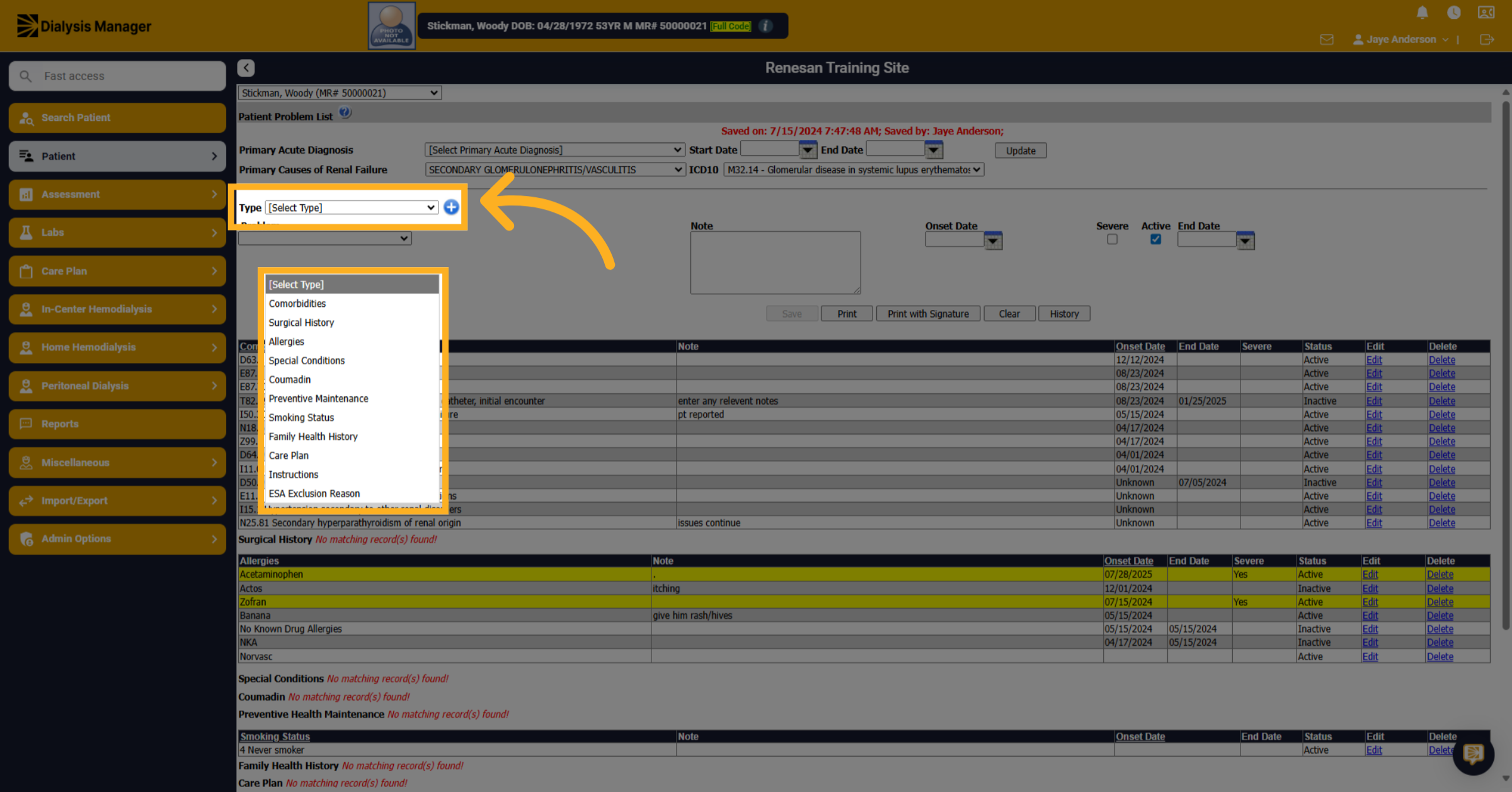
4. Select a Problem
Choose the specific medication or item name from the provided list to specify the allergy or condition.
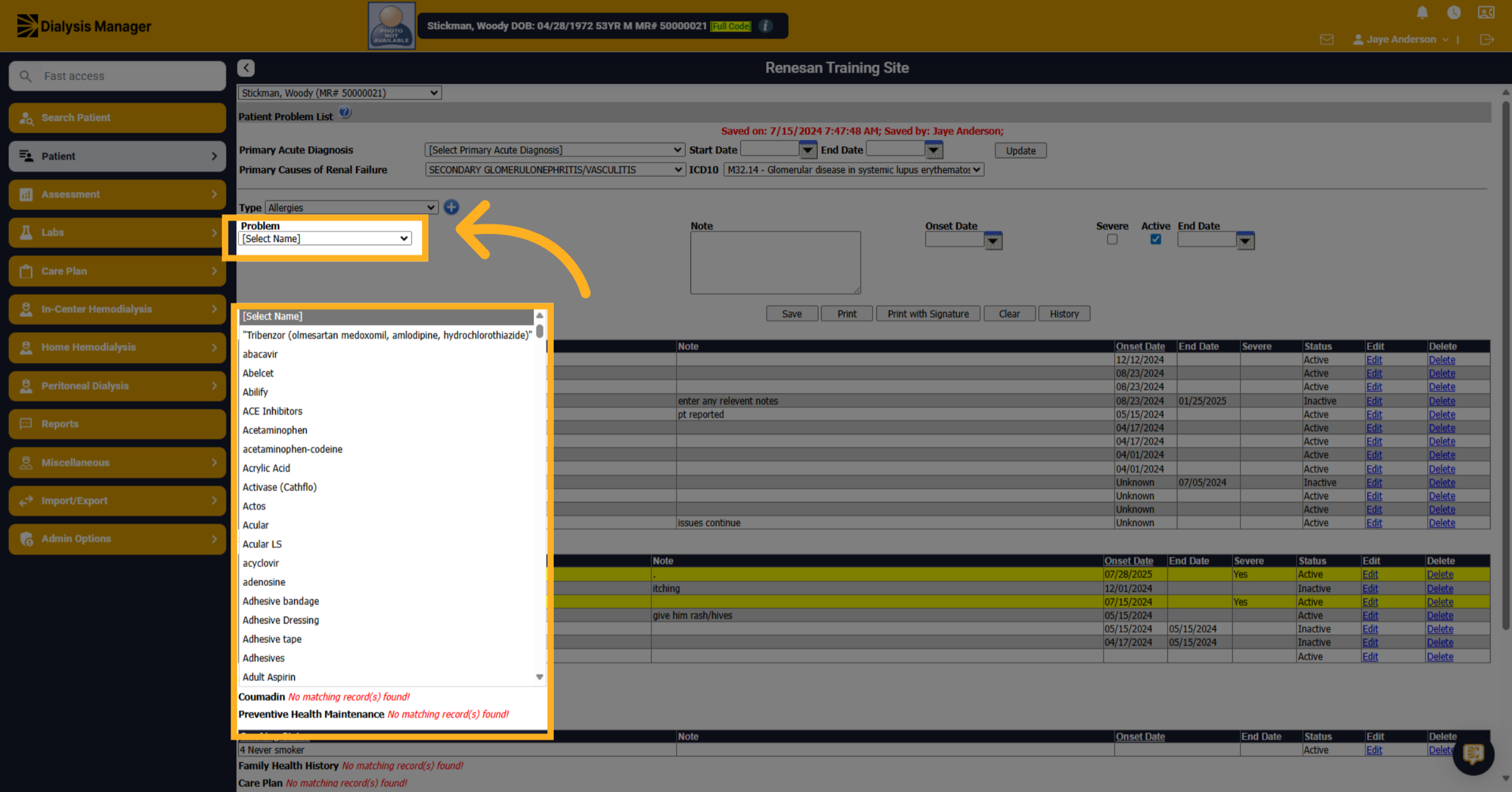
5. Details
Input additional details or select the exact name to ensure precise identification of the allergy or medication.
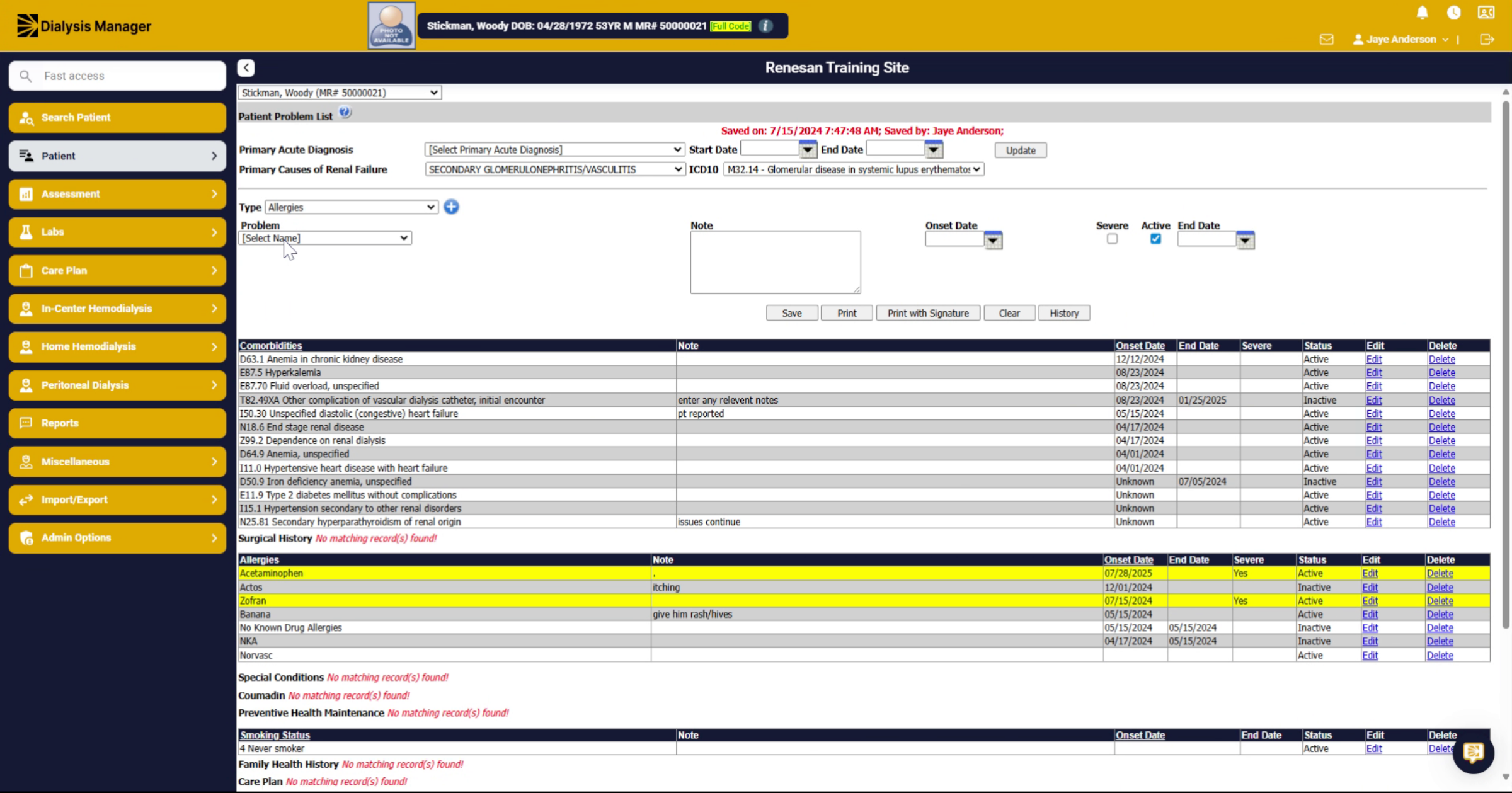
6. Enter Notes
Select the notes area to provide any supplementary information or observations related to the entry.
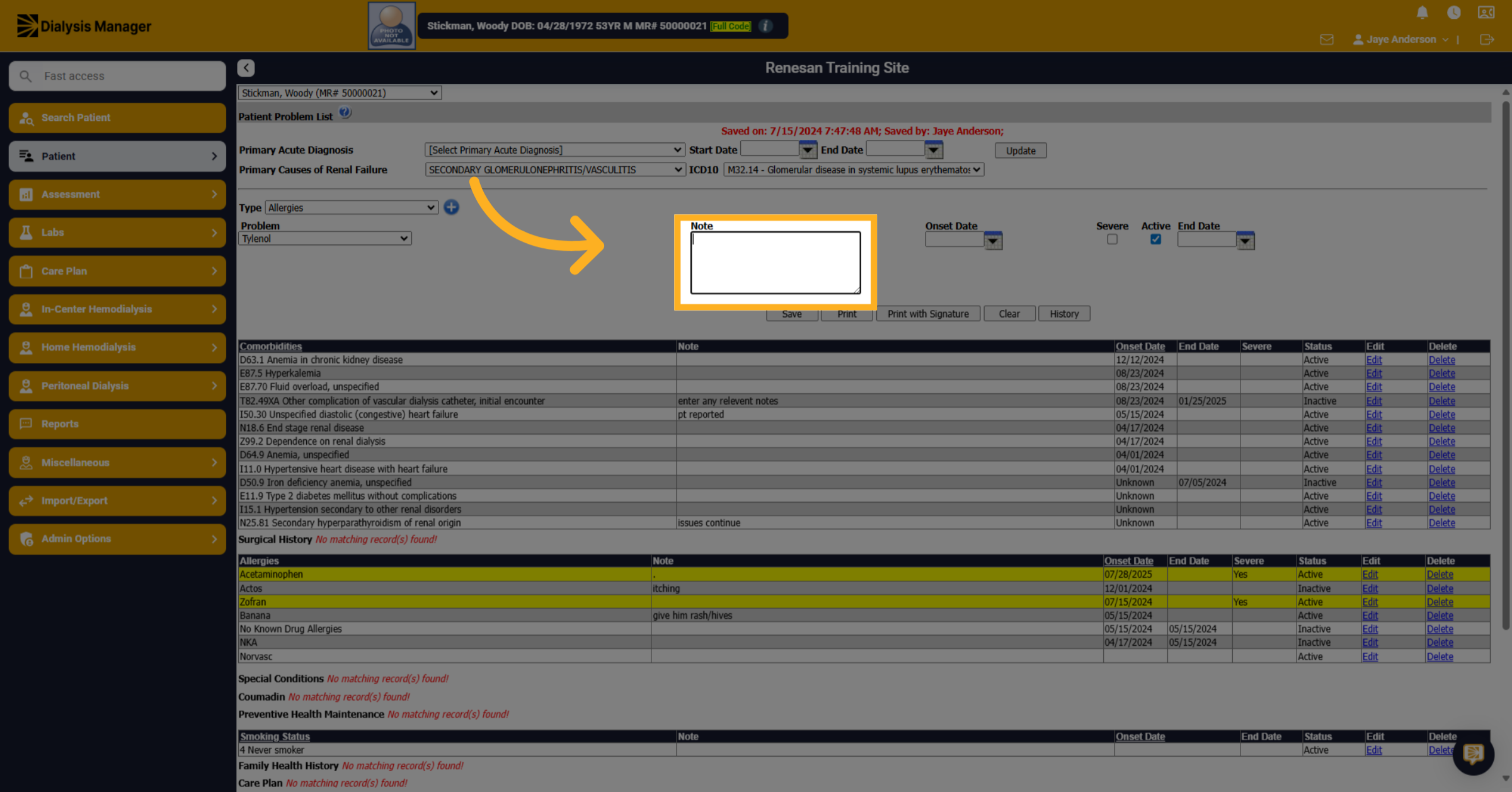
7. Notes
Type detailed notes that clarify or expand on the allergy or condition for comprehensive records.
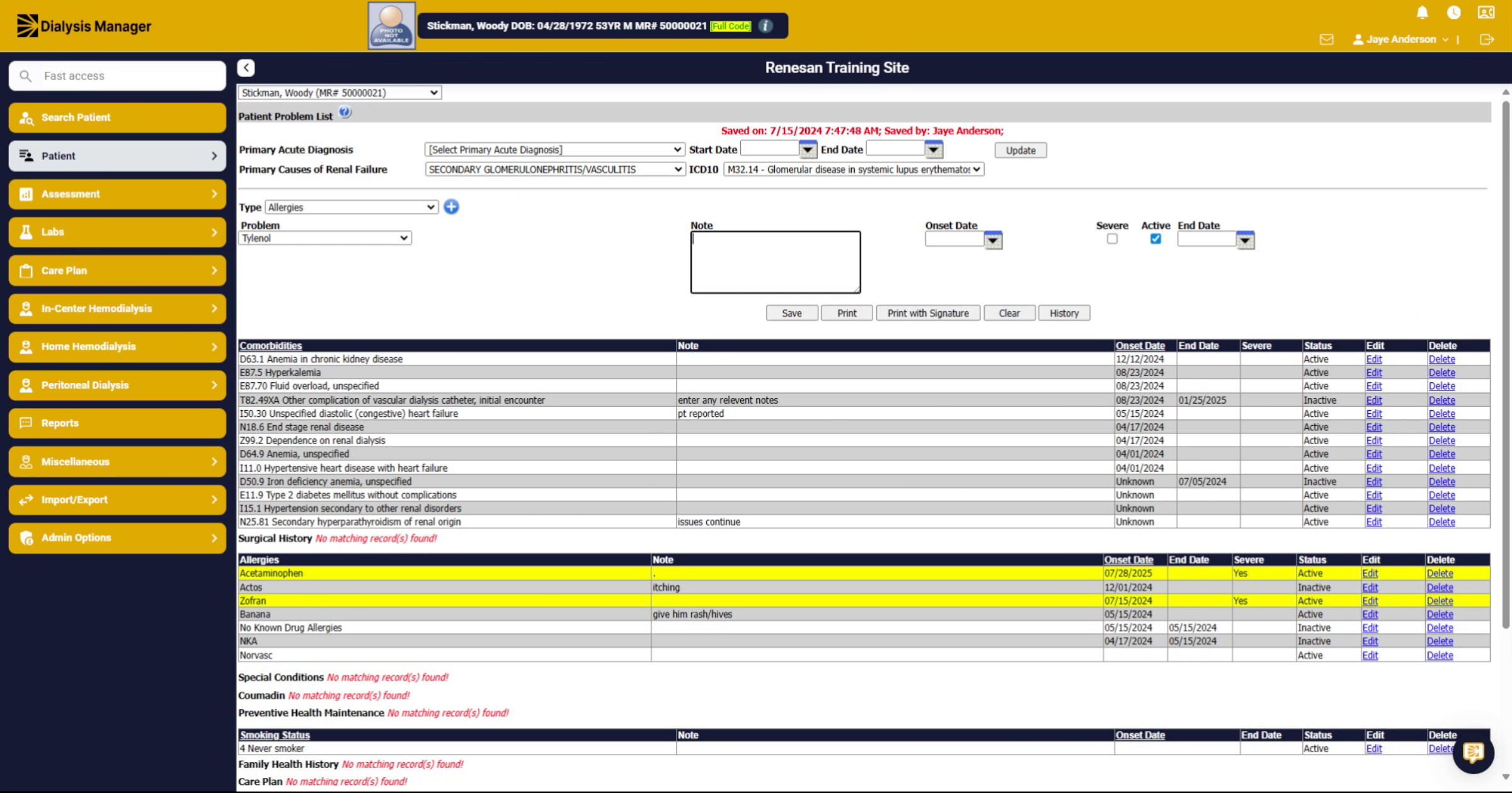
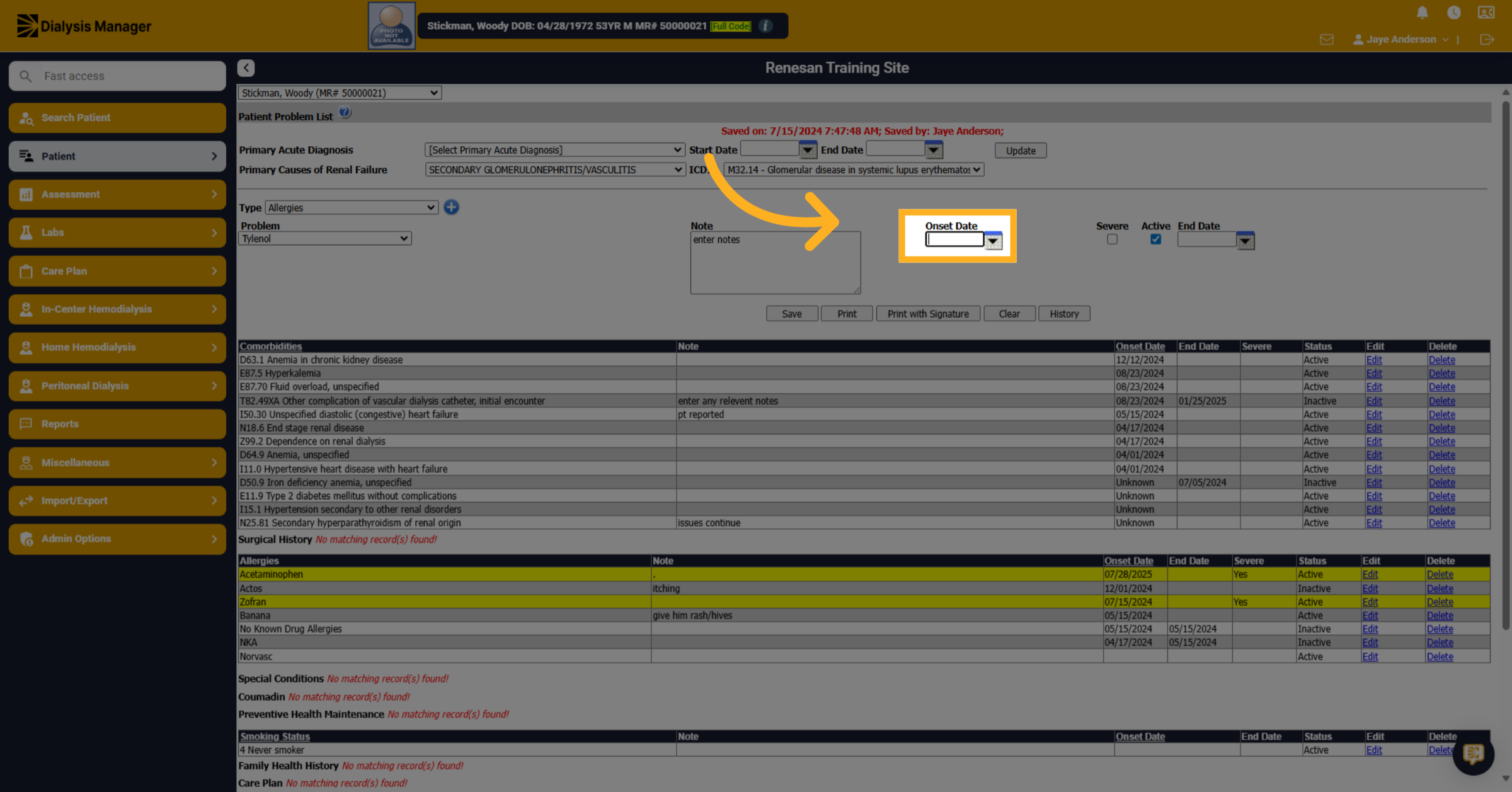
8. Onset Date
Proceed to the next section to input important dates related to the allergy or condition.
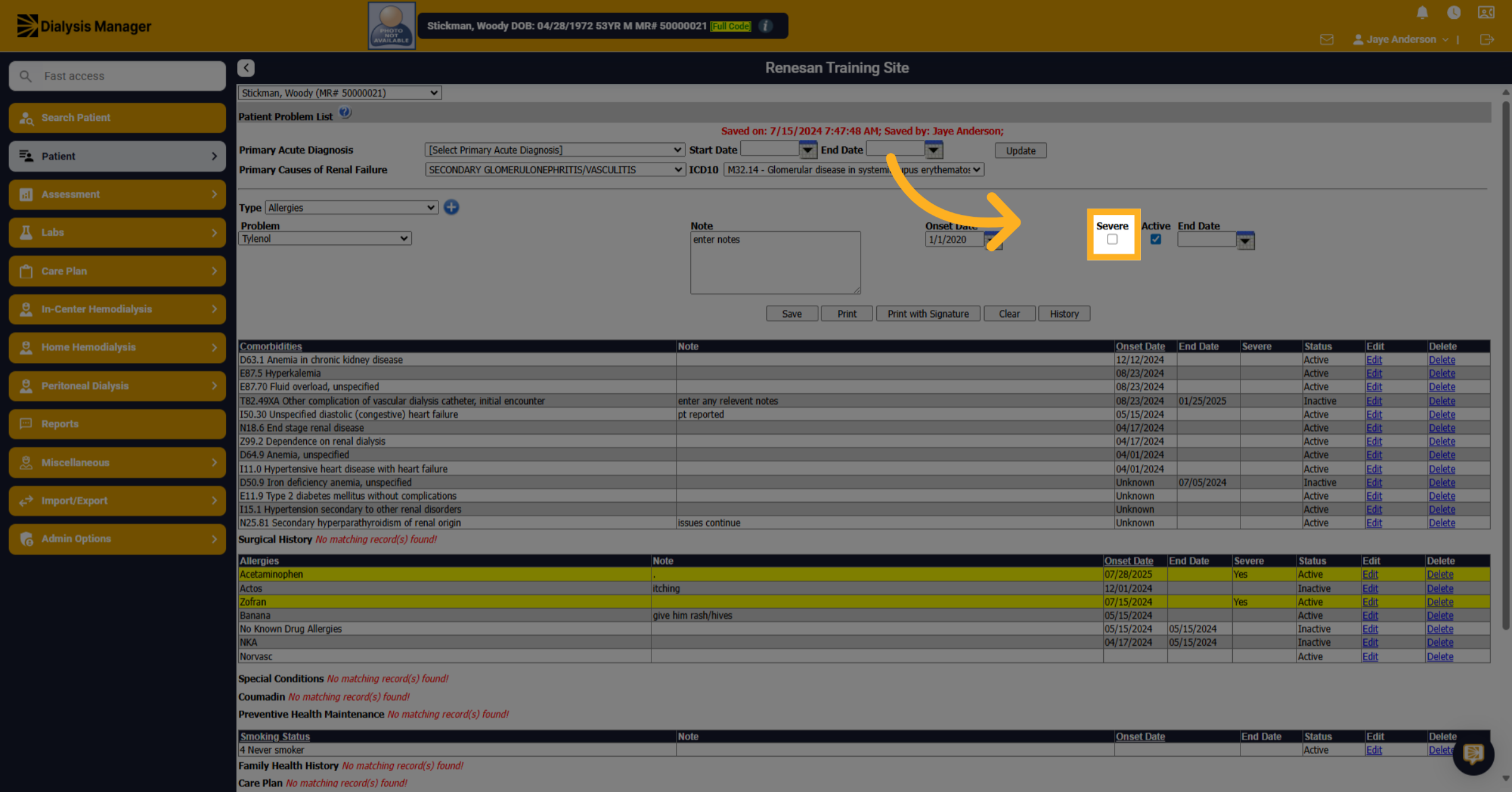
9. Severity
Enable the toggle to activate Severe condition statuses for the entry, if applicable.
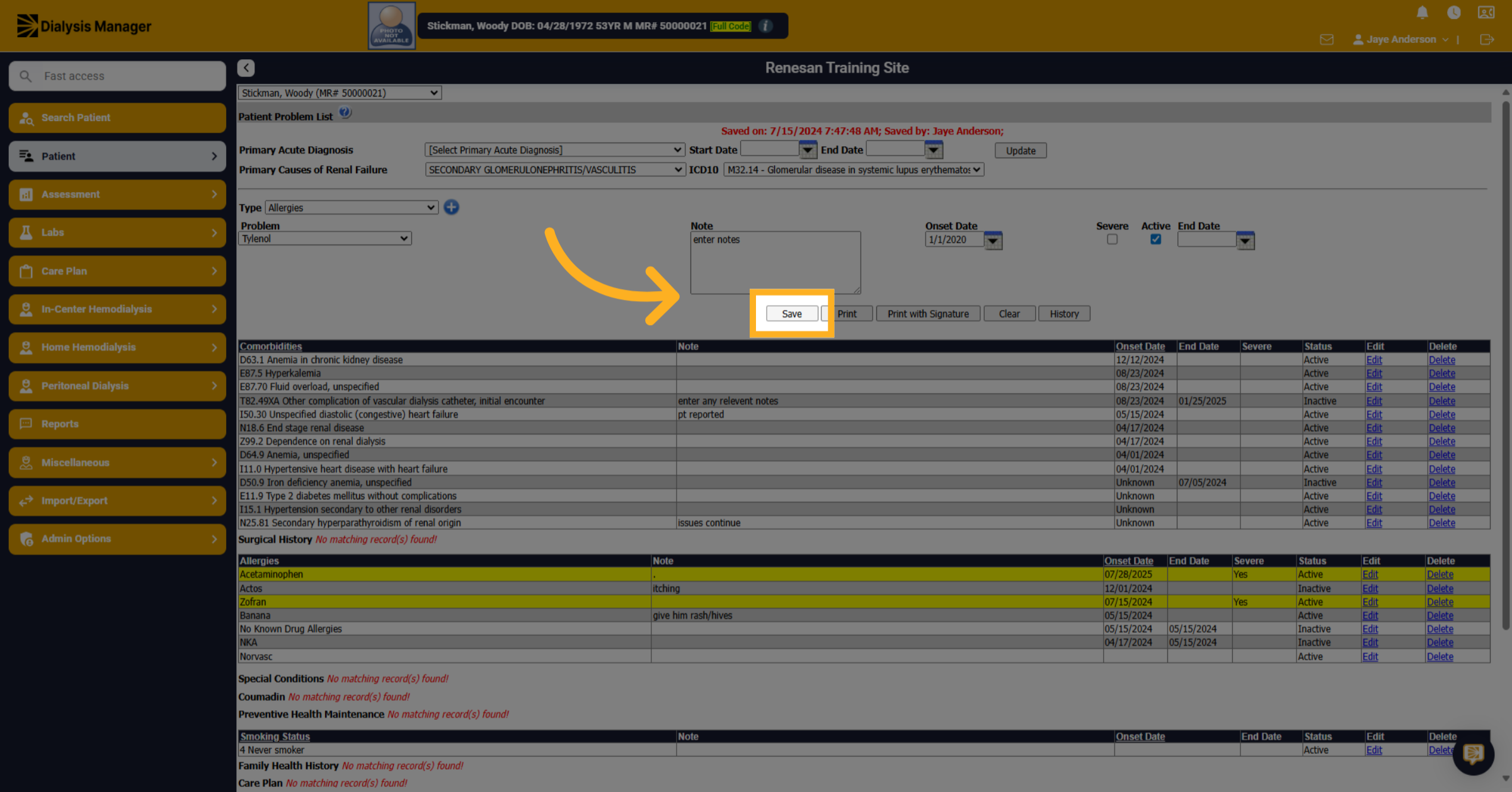
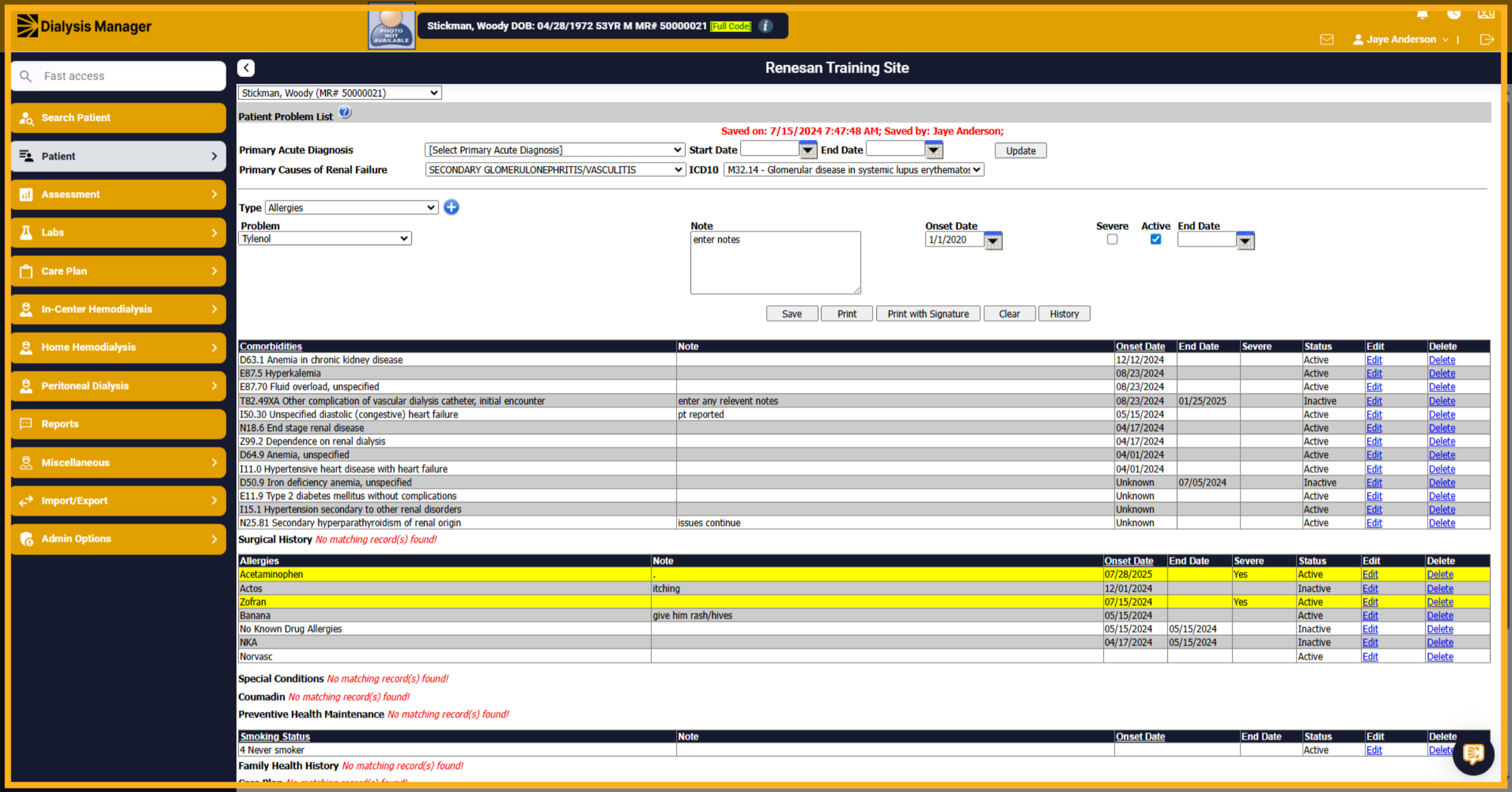
10. Review
Review all entered information to ensure accuracy and completeness before saving.
11. Click "Save"
Save the entry to update the patient's record with the new allergy or condition information.