Change My Password Quick Reference Guide
Change Password
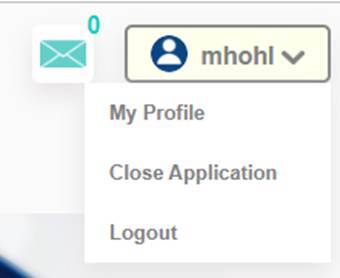
1. Click Username at the top left of the home screen.
2. Click My Profile. This will bring you to Organization Management.

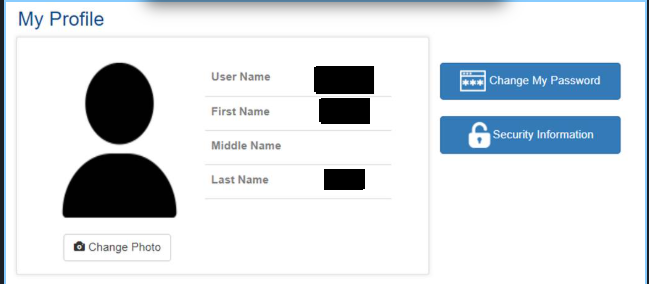
3. Click Change My Password.
4.
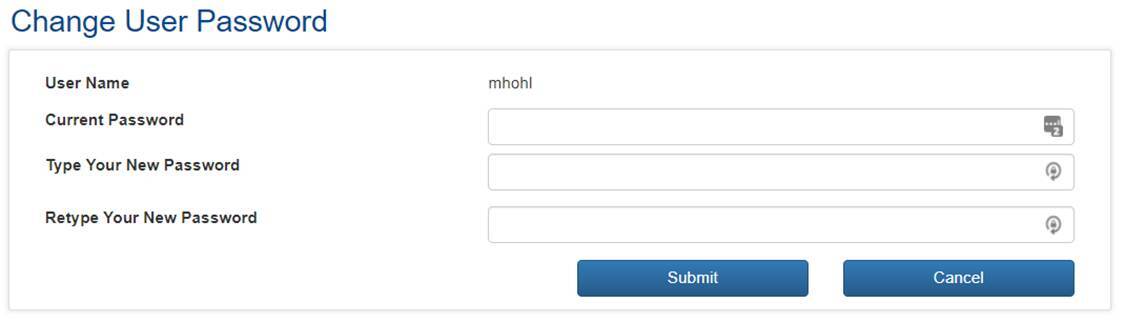
5. Type in your Current Password, type your New Password and Retype Your New Password and click Submit.