Adding a New Patient
1. Click Registration > General Information.
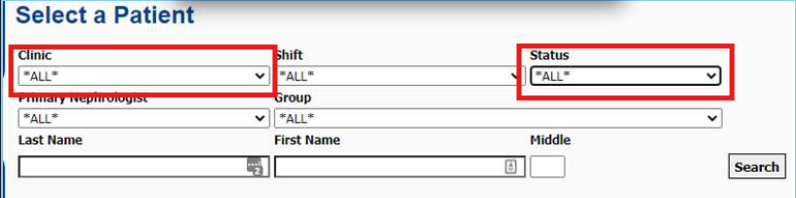
2. Searching All Clinics and All Status on the Select a Patient screen to double check the patient was not already added into the database.
3. Click Add New below the list of patients.
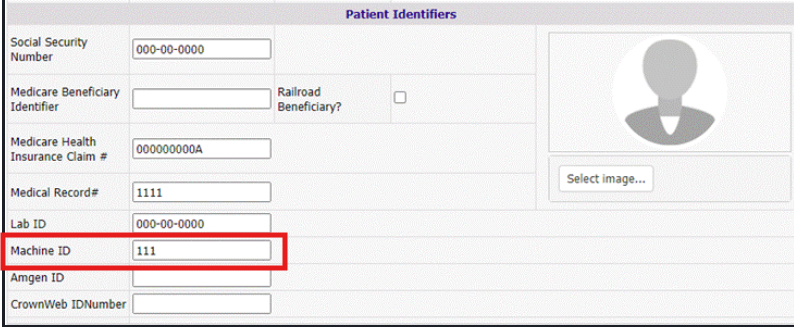
4. Complete the information on the General Information page.
Note: Leave patient group section empty.
5. Click Add. The patient has been added into Clarity.
Note: A note in red displays at the top of the page if any required fields are left blank.
Note: The Identifier Section can be set up differently for each organization. The Machine ID will auto populate after the form has been submitted.