Adding a patient Status
1. Click Registration > Patient Status History.
2. Click Add New.
3. Click the Status drop‐down list.
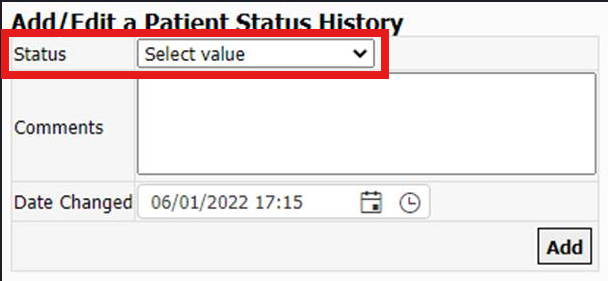
4. Select the patient's new status.
5. Click Add.
Editing a Patient's Status History
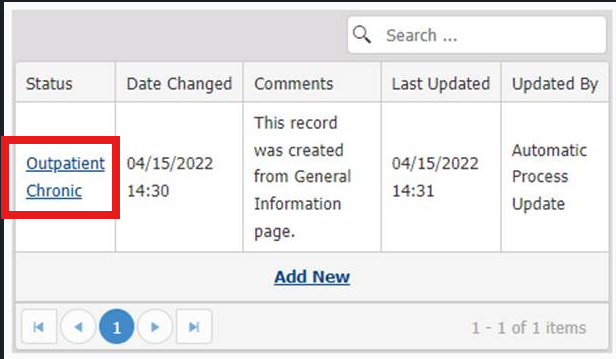
1. Click the current or a past status.
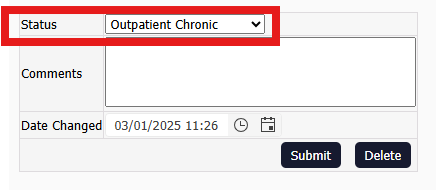
2. Click the Status drop‐down list to select the new status.
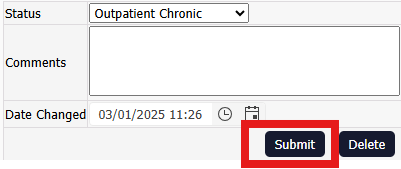
3. Click Submit.